A:AnswerHello CC,
Thank you very much for your inquiry!
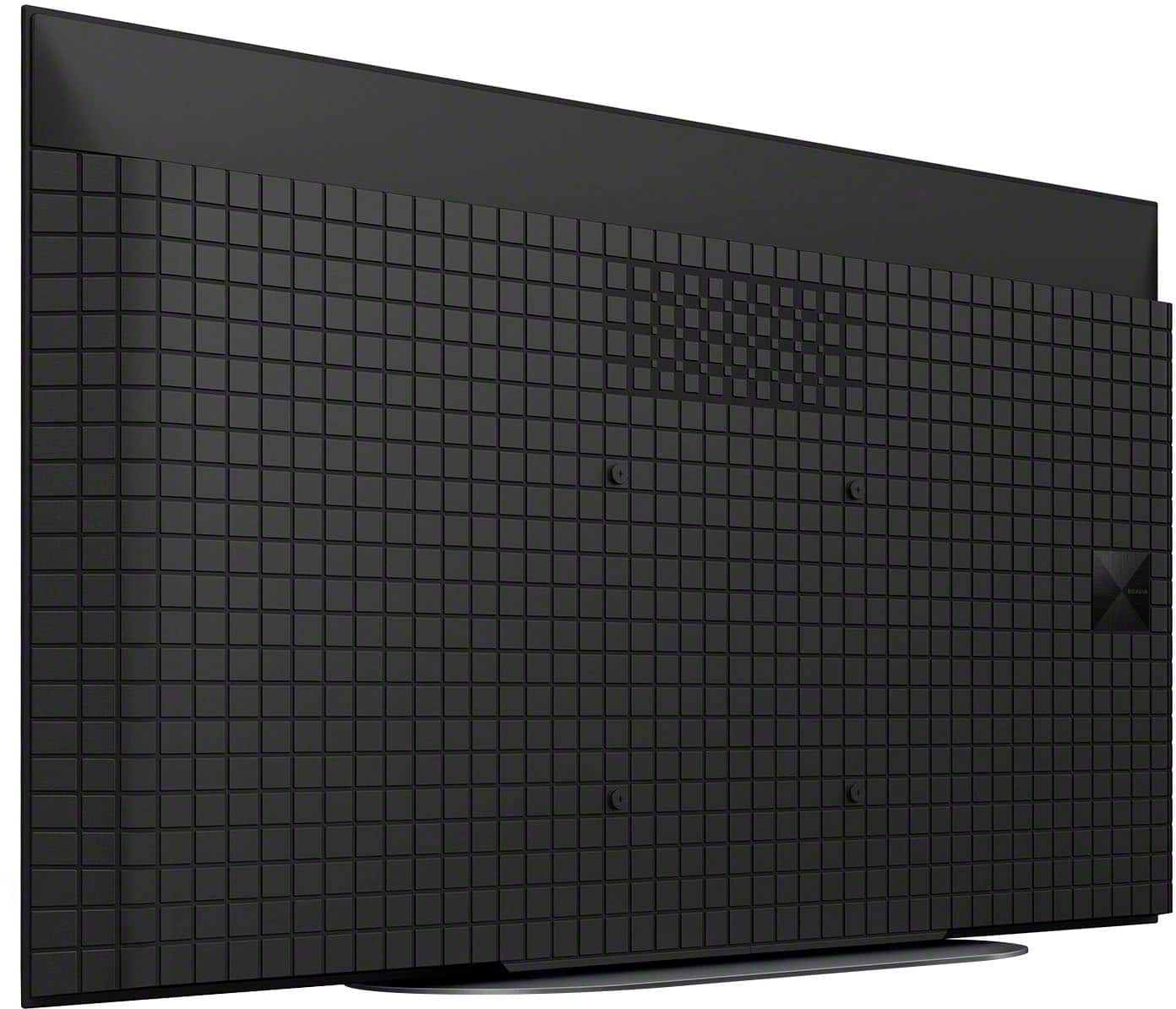
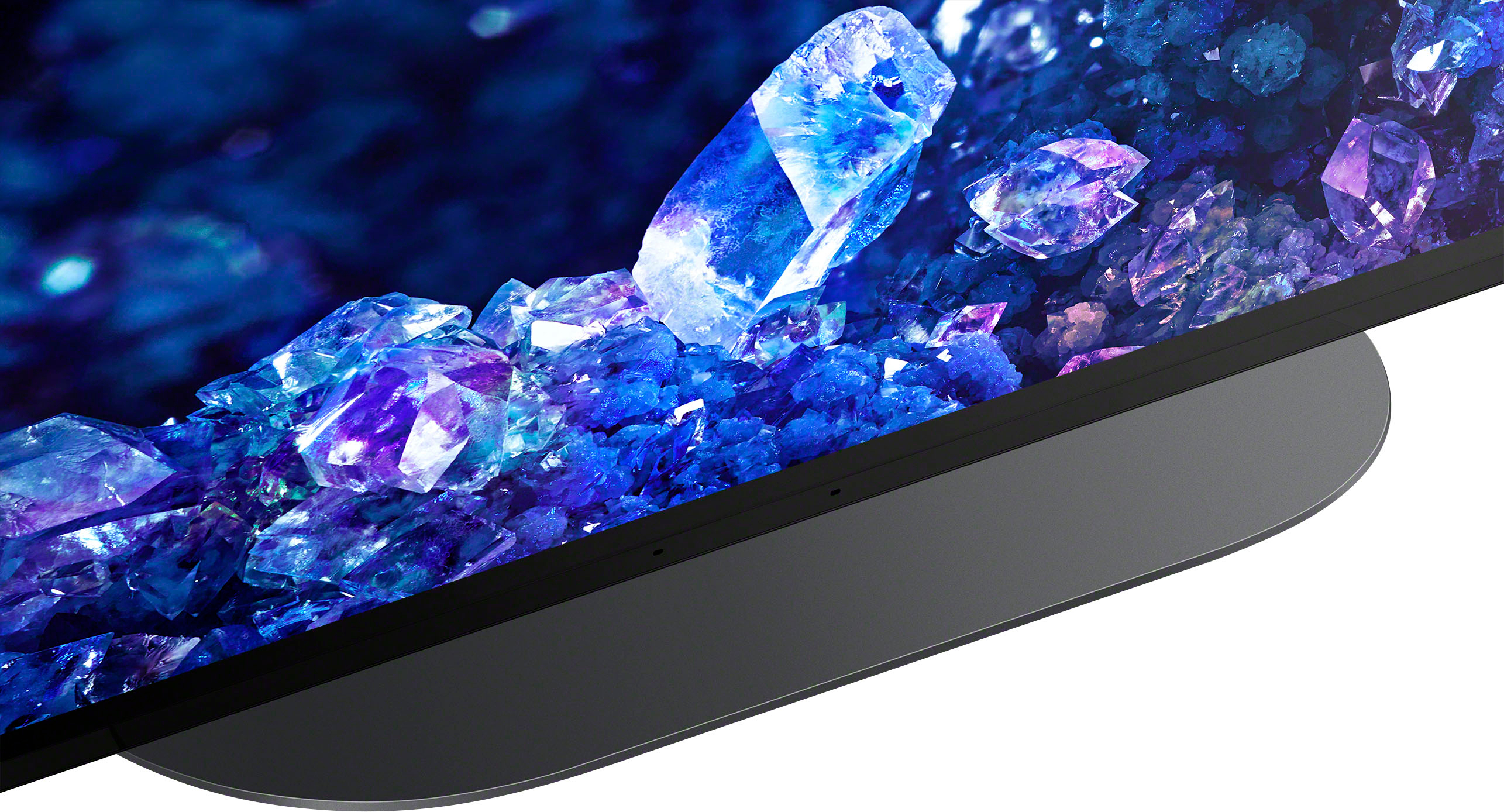
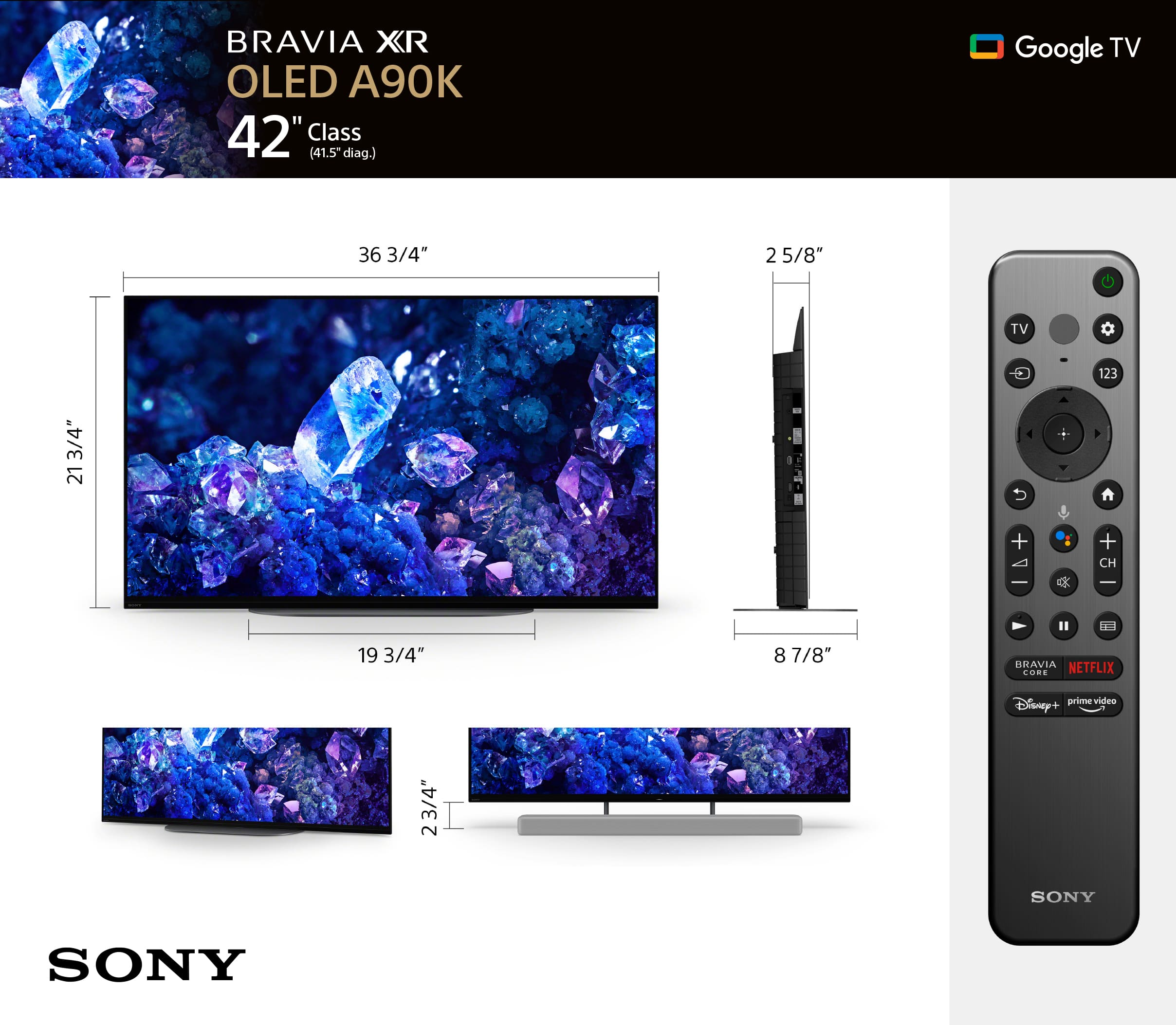
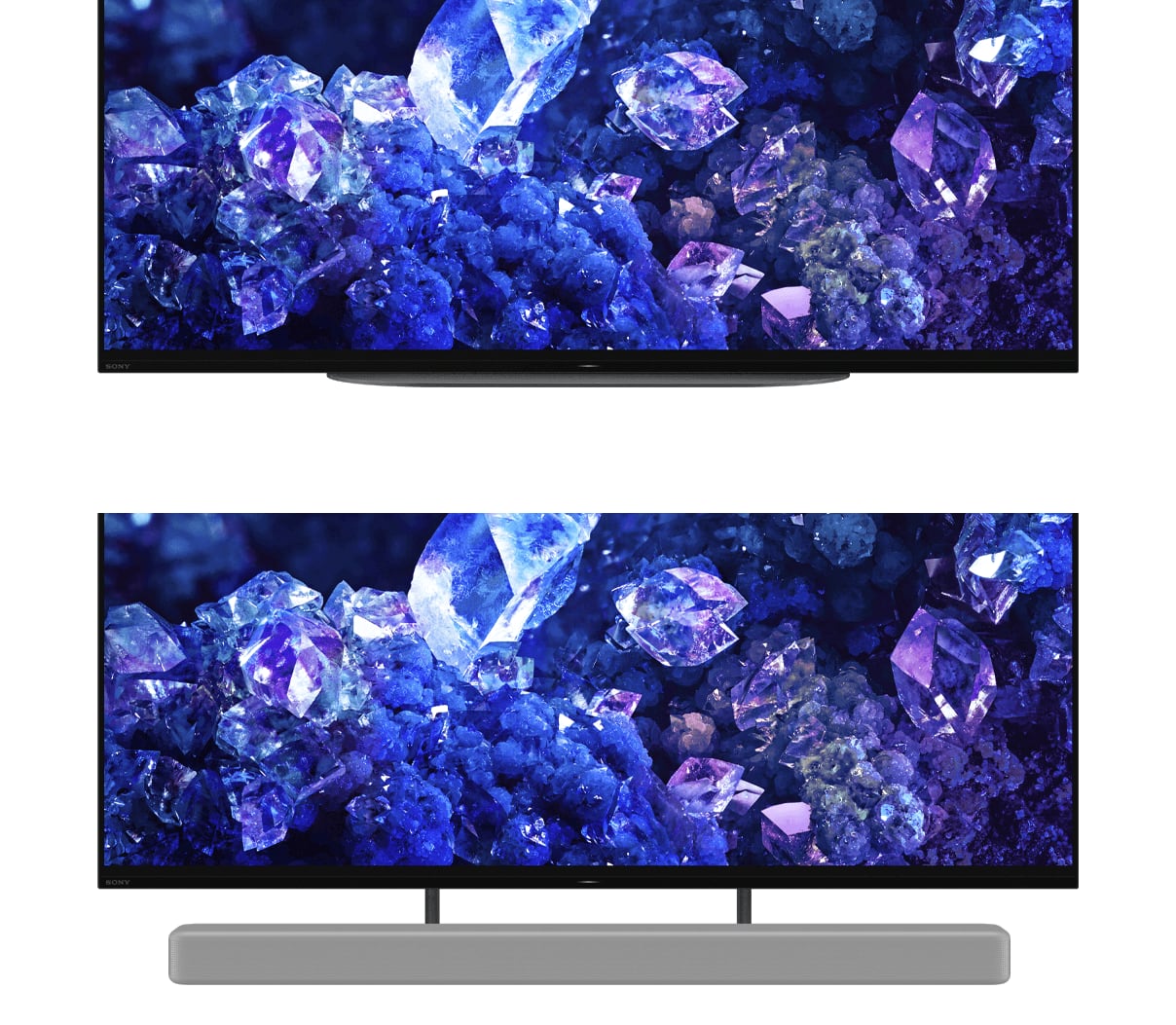
The stand legs of our XR-42A90K has an end-to-end distance of approximately 19 3/4" (500 mm) and approximately 8.86 inches (225 mm) deep. Yes, this TV will fit your cabinet, provided that it supports the depth of the TV.
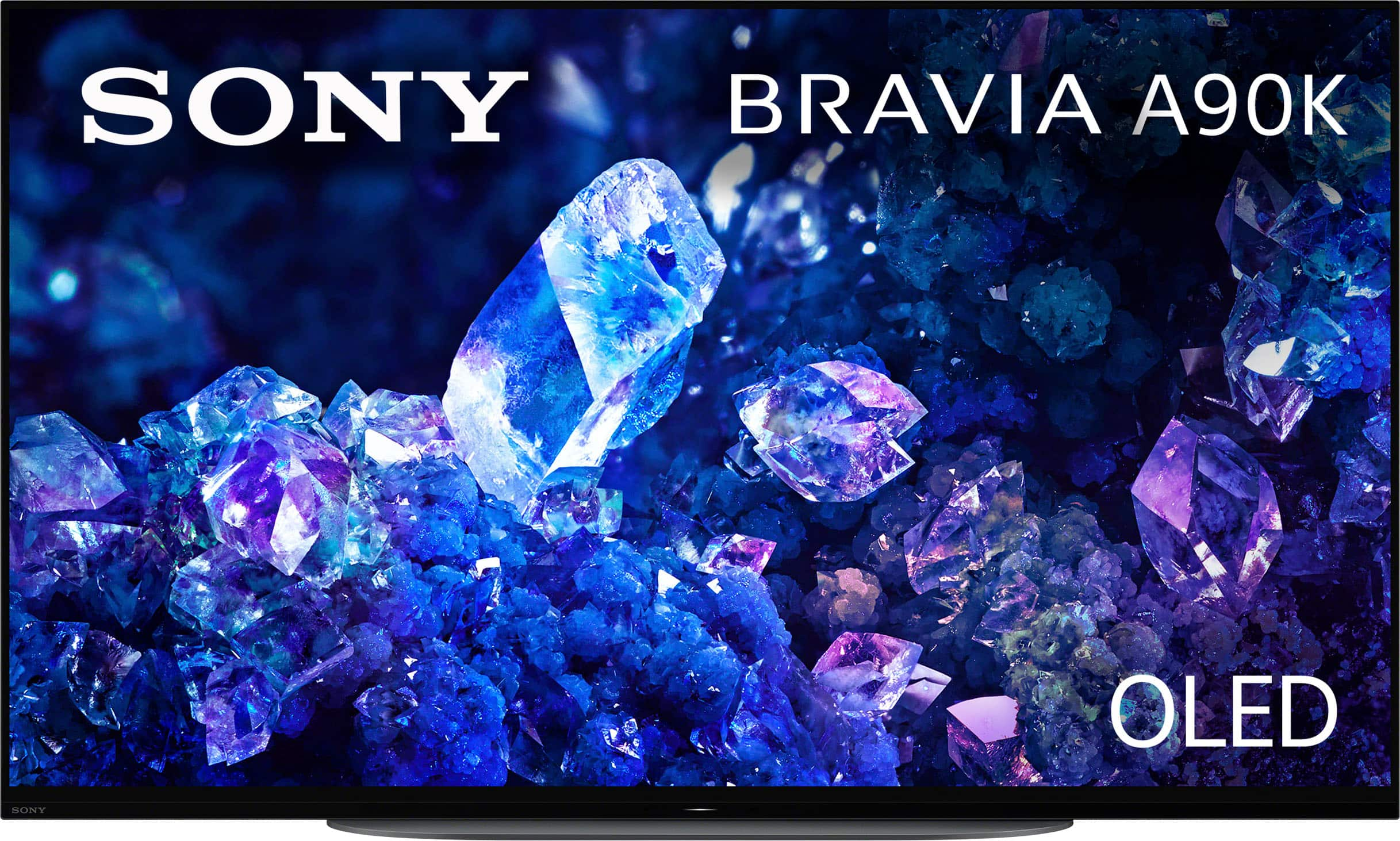
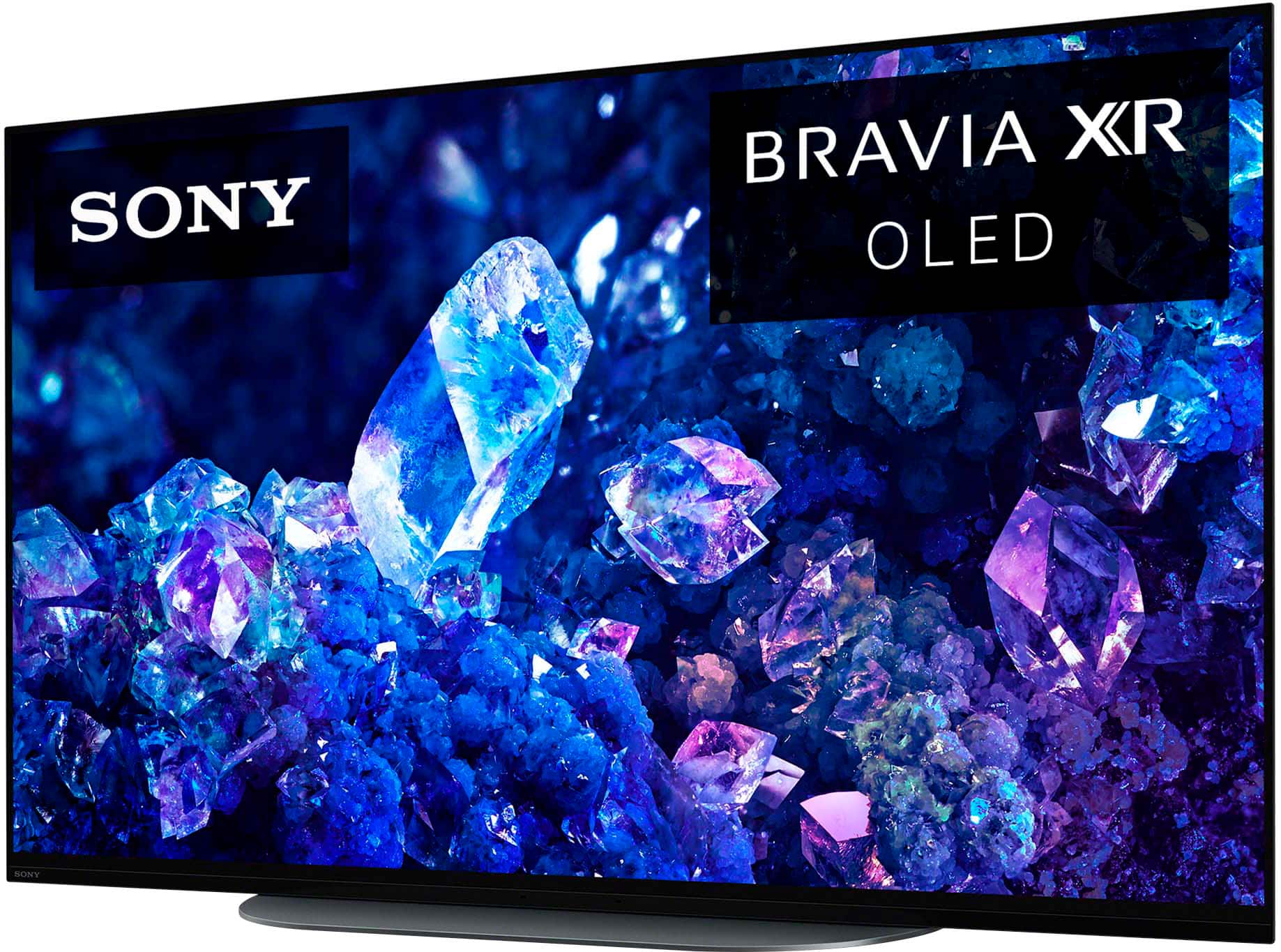
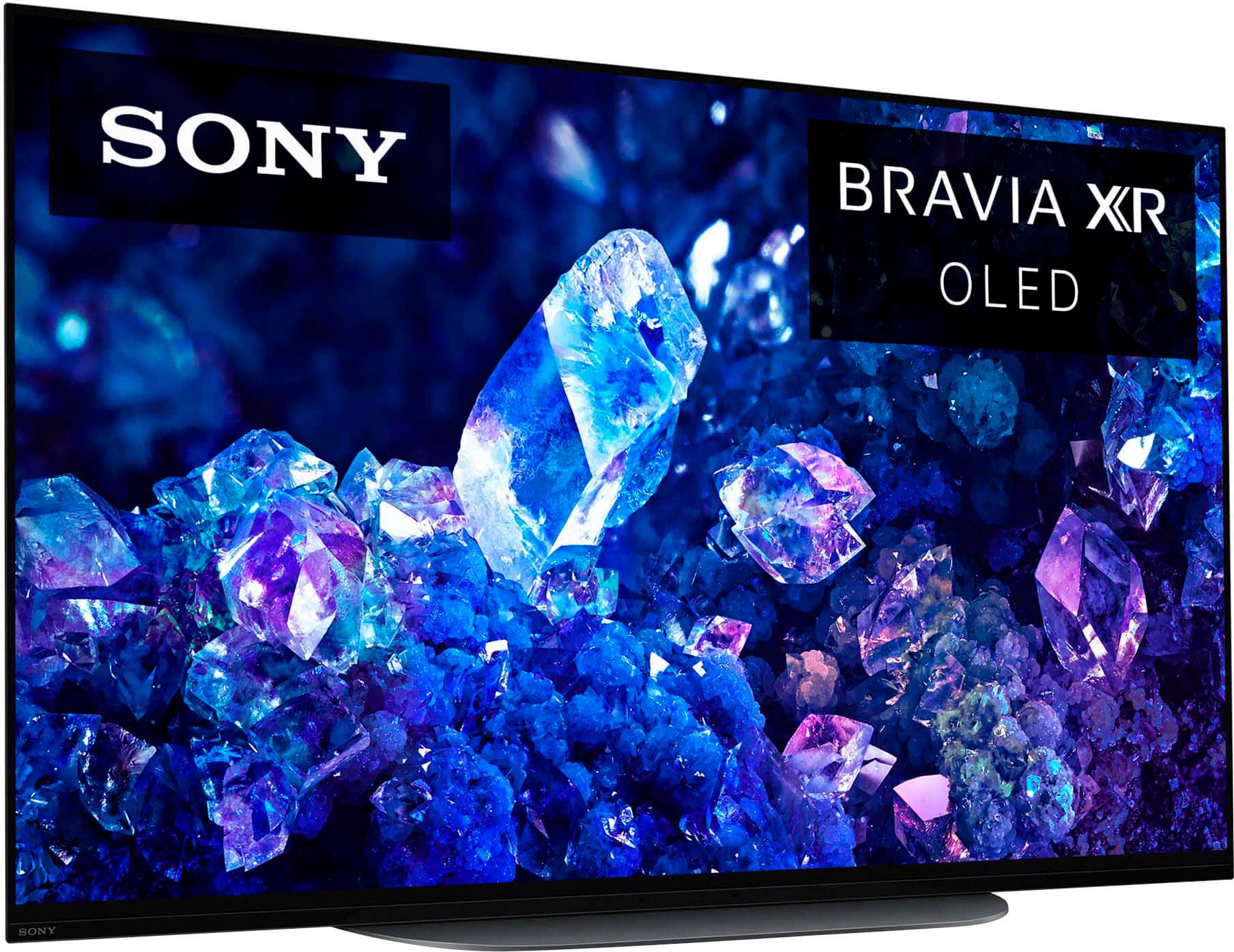
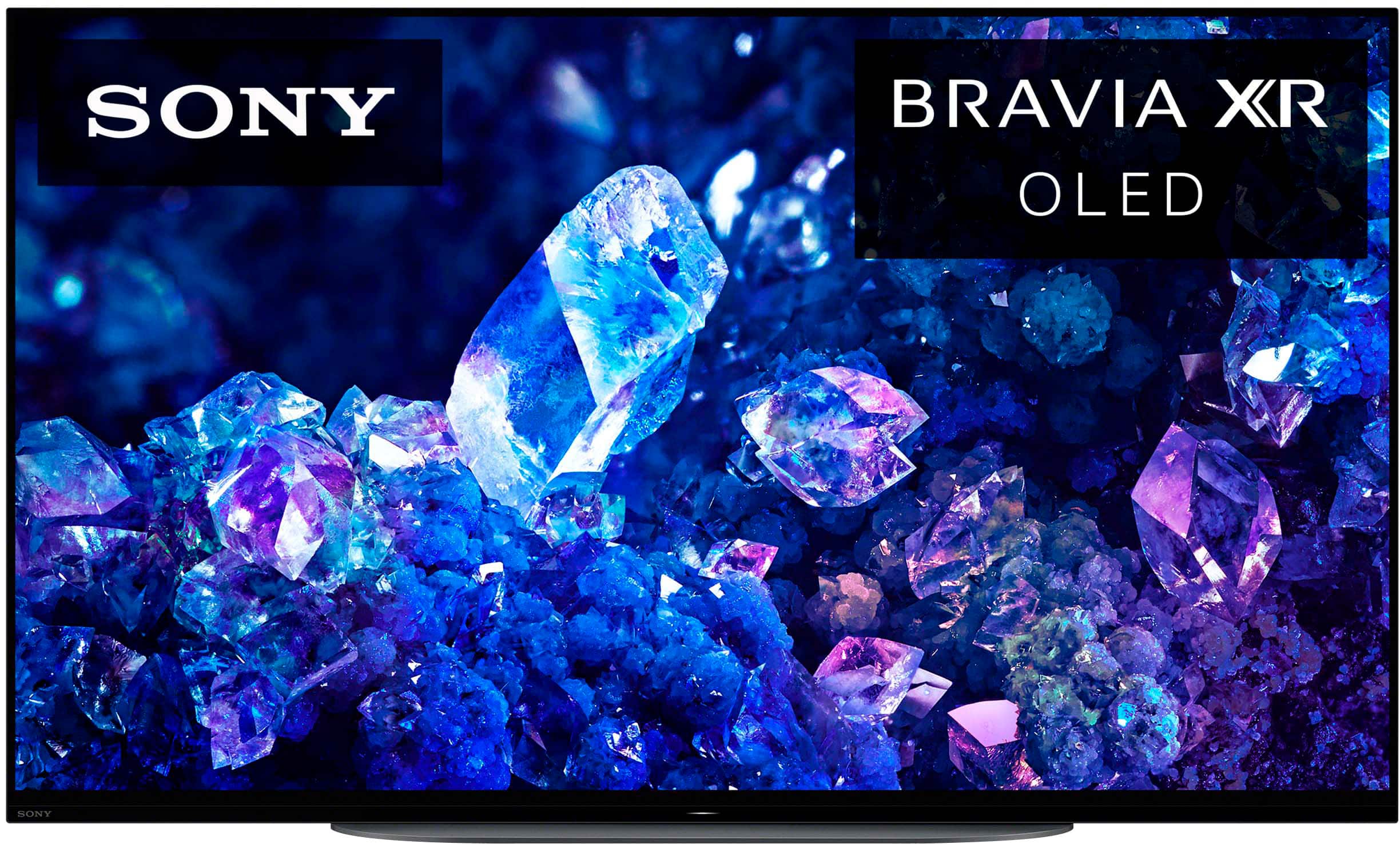
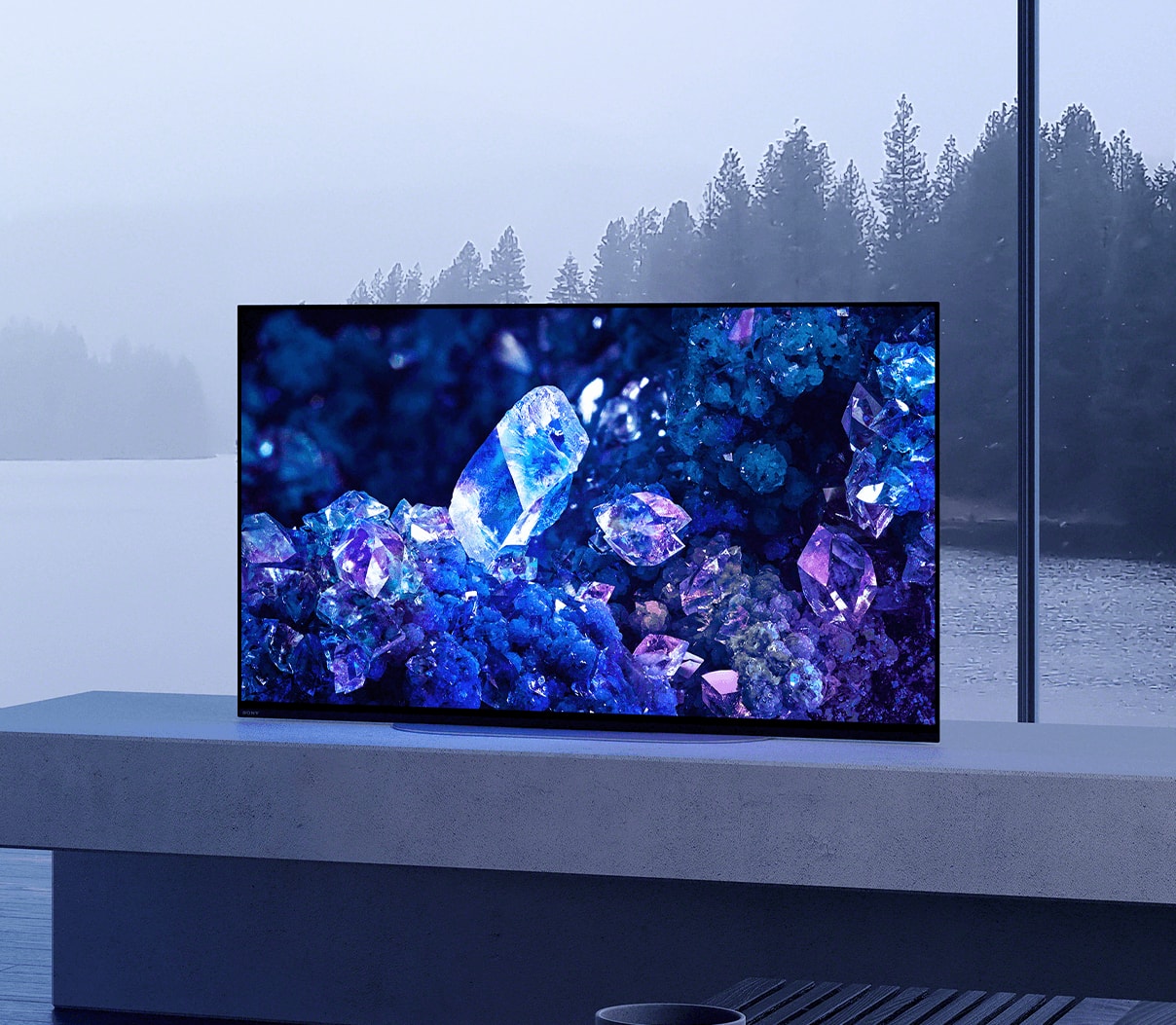
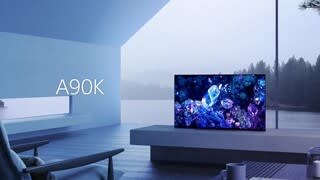
The MASTER Series BRAVIA XR A90K OLED TV is designed to fit perfectly in any sized room or office thanks to the 48-inch and first-ever 42-inch screen sizes. Whether you are gearing up for an intense gaming session or settling down to enjoy your favorite movie or show, rest assured the A90K will be sure to impress.
I hope this helps you, and thanks again for your question!
Best regards,
Romeo
A:AnswerHi Yodude,
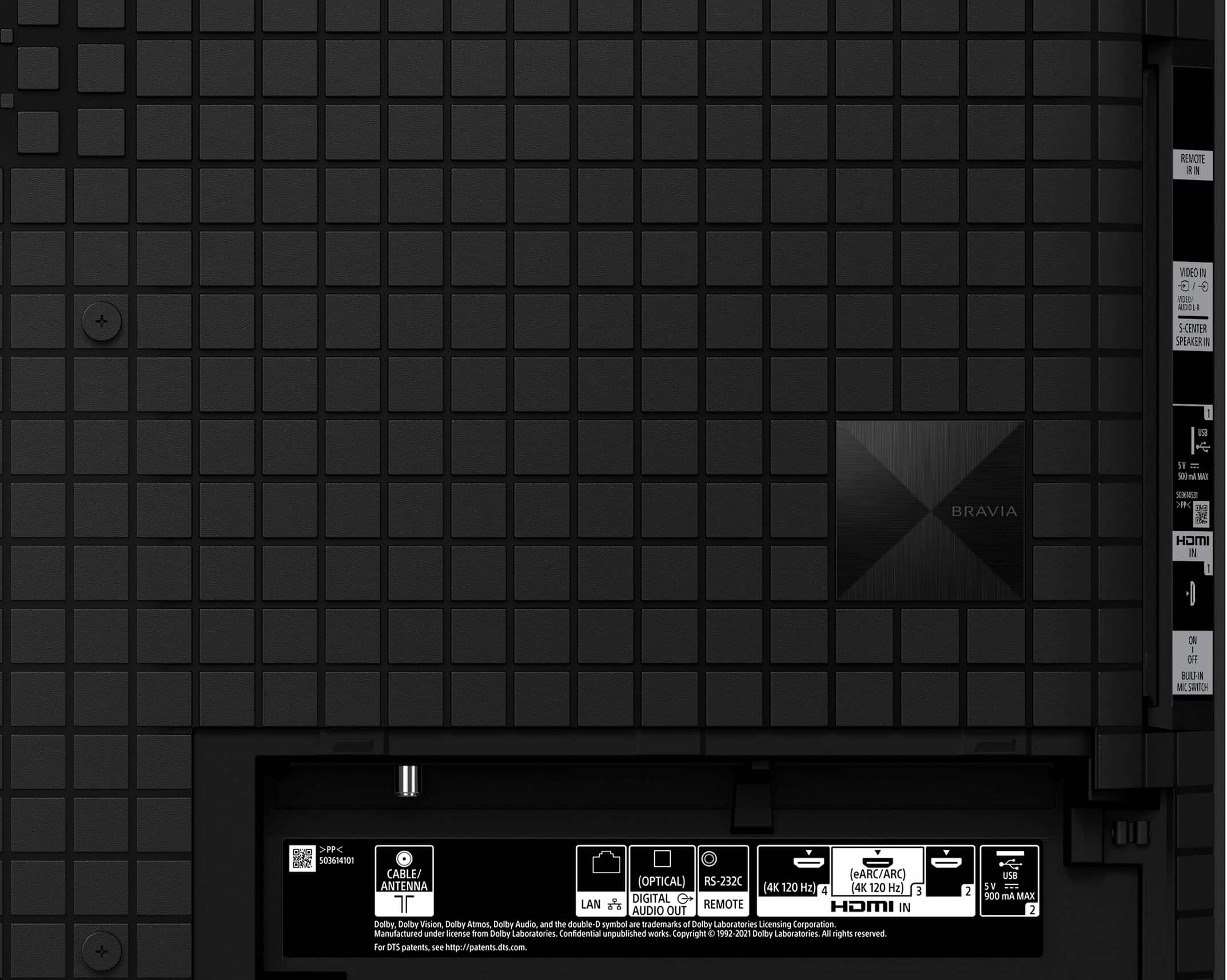
Thank you very much for your inquiry. For your first question, when using an optional Analog Extension Cable (3.5mm, 4-pole Mini jack to RCA yellow, red and white, not supplied) that can be purchase at most electronic retailers, no, the TV doesn't support composite/regular RCA connection (yellow, red, and white) a third-party adapter will be needed. As for your second question, no, when the TV is setup in "Basic mode" it does remove some functionality like installing apps, services and features that require signing into your Google Account, and Google Assistant on the TV and not on the connected external device. Just simply plug in your Roku device to the available HDMI input of the TV and you're good to go.
Regarding your third question, unfortunately, no. It doesn't support 1/8-Inch (3.5mm) headphone audio input. As an alternative, you may consider connecting a wireless headset to the TV via a Bluetooth connection. The Bluetooth function of our XR-42A90K will work with any Bluetooth headphones/headset that support Bluetooth A2DP (Advanced Audio Distribution Profile) profile for wireless music playback.
The MASTER Series BRAVIA XR A90K OLED TV is designed to fit perfectly in any sized room or office thanks to the 48-inch and first-ever 42-inch screen sizes. Whether you are gearing up for an intense gaming session or settling down to enjoy your favorite movie or show, rest assured the A90K will be sure to impress.
I hope this helps you, and thanks again for your question!
Best regards,
Romeo
A:AnswerHi Ron, thanks for your inquiry. Yes, the TV stand (legs) has a two-way stand position (standard and soundbar). The stand width (SOUNDBAR POSITION) measures 19 3/4" (500 mm). Your soundbar will not block the TV screen when placing or install in front of the TV.
With MASTER Series BRAVIA XR A90K OLED TV, you will experience immersive cinematic content with support for Dolby Vision, IMAX Enhanced, and Netflix Adaptive Calibrated Mode.
Hope this helps.
Erin
A:AnswerHi JJ, Thank you for your interest in Sony A90K! Unfortunately, Spectrum TV app is not currently available to download on Google Play Store on this TV. But you can use your mobile device to cast Spectrum TV content from your smartphone to this TV.
The MASTER Series BRAVIA XR A90K OLED TV is designed to fit perfectly in any sized room or office thanks to the 48-inch and first-ever 42-inch screen sizes. Whether you are gearing up for an intense gaming session or settling down to enjoy your favorite movie or show, rest assured the A90K will be sure to impress.
Regards,
Sam
A:AnswerThank you for your question, DonpJenn. Yes. You can connect the A90K to your receiver. You can hook it up using the following connections:
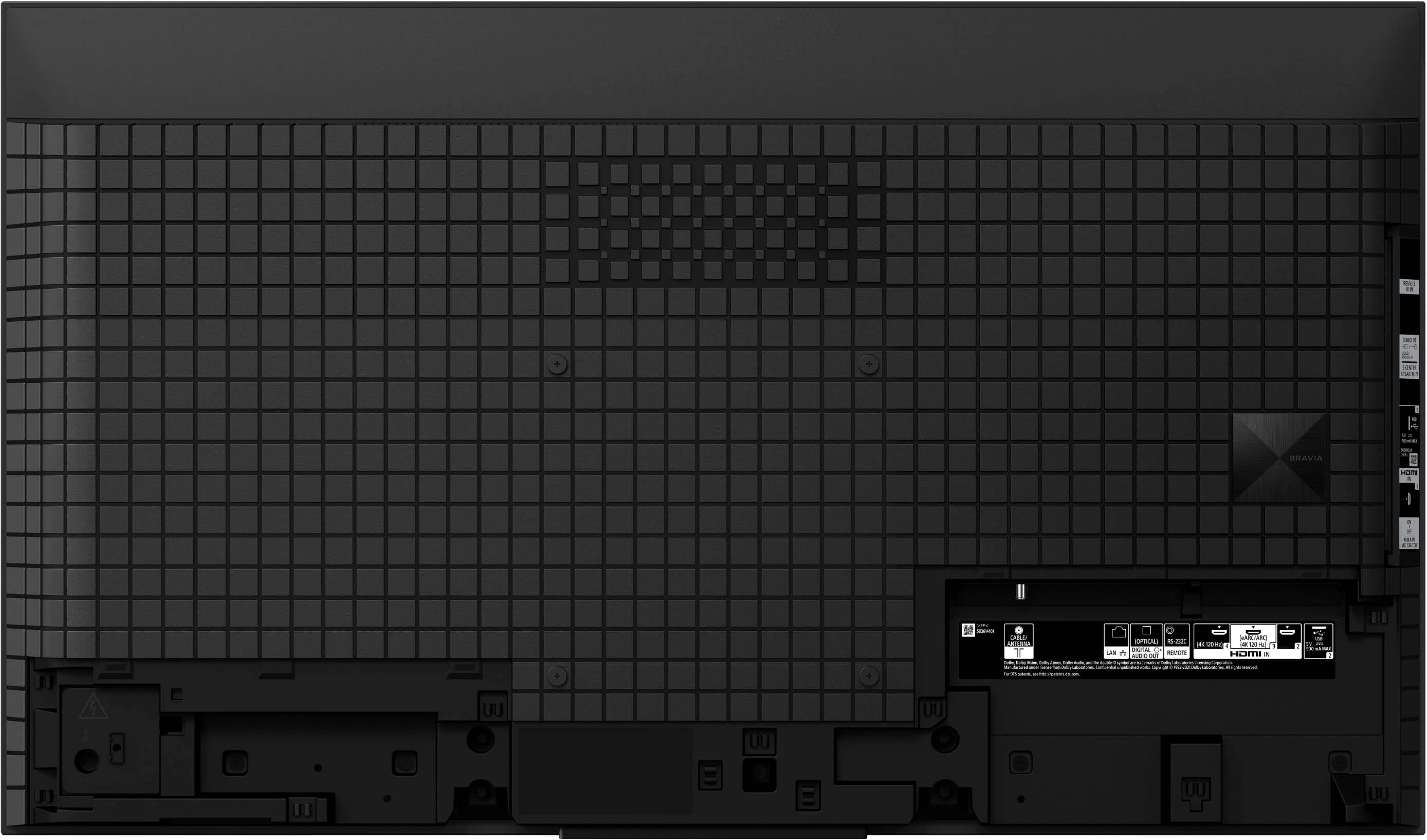
HDMI ARC/eARC
Digital optical cable connection
Ref: https://helpguide.sony.net/tv/jusltn1/v1/en-003/04-04_01.html
The MASTER Series BRAVIA XR A90K OLED TV is designed to fit perfectly in any sized room or office thanks to the 48-inch and first-ever 42-inch screen sizes. Whether you are gearing up for an intense gaming session or settling down to enjoy your favorite movie or show, rest assured the A90K will be sure to impress.
Regards,
Erin
A:AnswerHI Rich, thanks for your inquiry. We currently support all HDR formats at 4K @ 60Hz, not 120Hz. Please ensure to turn on Enhanced mode for the HDMIs in Settings -> Channels & Inputs -> External Inputs. For future support of Dolby Vision, we recommend to check the Sony Support website for future updates.
I hope this helps.
Erin
A:AnswerHi Phil, thanks for your question. Our A90K supports ATSC 3.0(NEXTGEN TV).
The MASTER Series BRAVIA XR A90K OLED TV is designed to fit perfectly in any sized room or office thanks to the 48-inch and first-ever 42-inch screen sizes. Whether you are gearing up for an intense gaming session or settling down to enjoy your favorite movie or show, rest assured the A90K will be sure to impress.
Regards,
Erin
A:AnswerHi AG, thanks for your inquiry. We're sorry but the A90K doesn't have a headphone output. You can use Bluetooth connection instead. Our A90K can be paired with A2DP Bluetooth headphones. Hope this helps. Erin
A:AnswerThank you for contacting Sony.
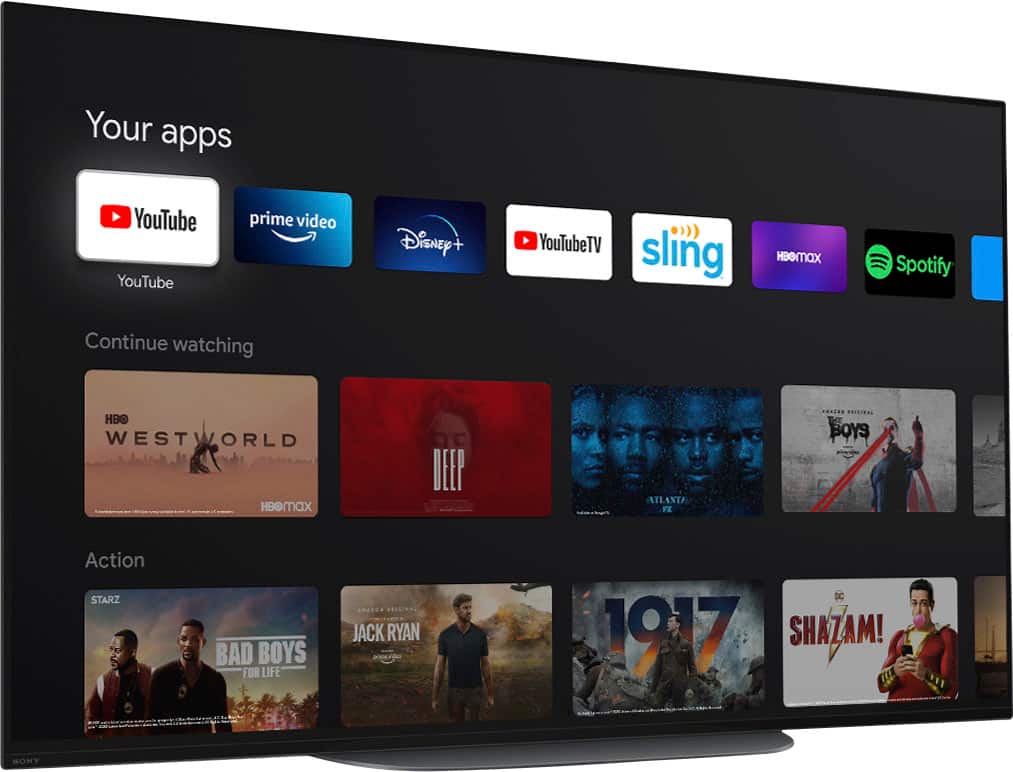
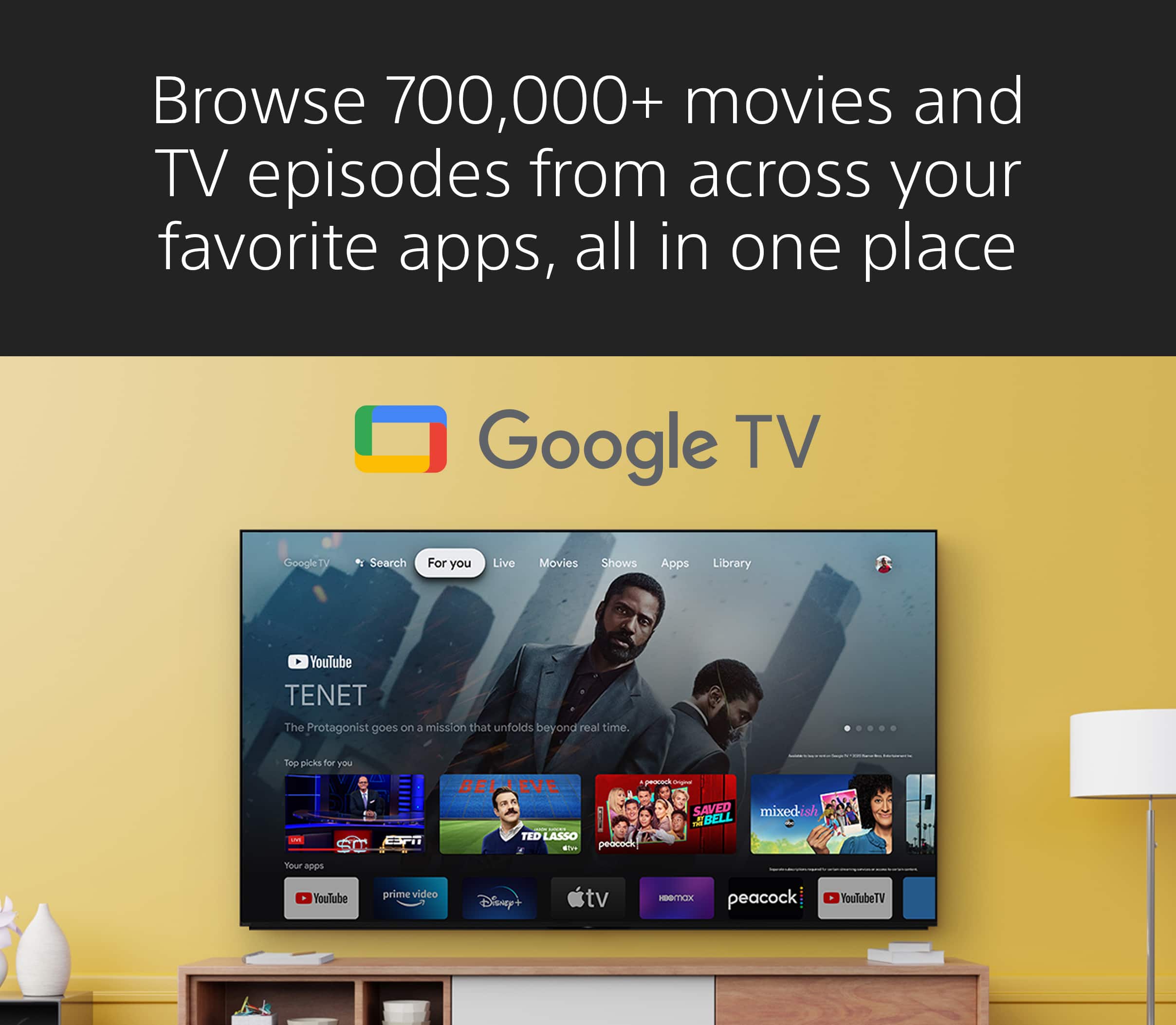
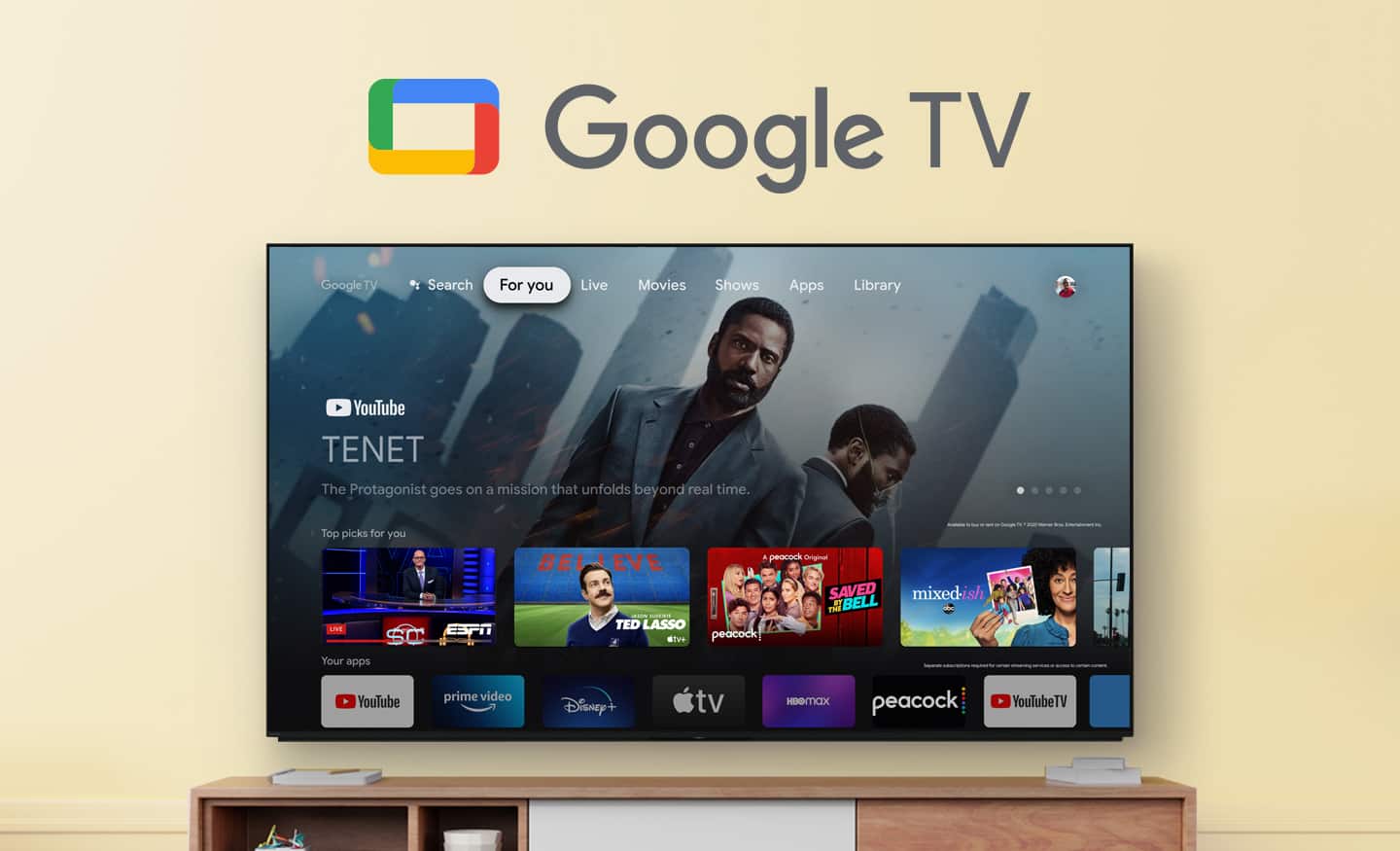
Yes, the XR-42A90K is a Google TV, which means it has Google Play Protect built-in.
We appreciate your interest in Sony products. Should you require any further assistance, please don't hesitate to reach out for support here:
https://us.esupport.sony.com/support/s/support-contact?language=en_US&category=tv
Best regards,
Gus, Sony North America Customer Support
A:AnswerHi there!
Thank you for reaching out with your question. We're happy to assist you.
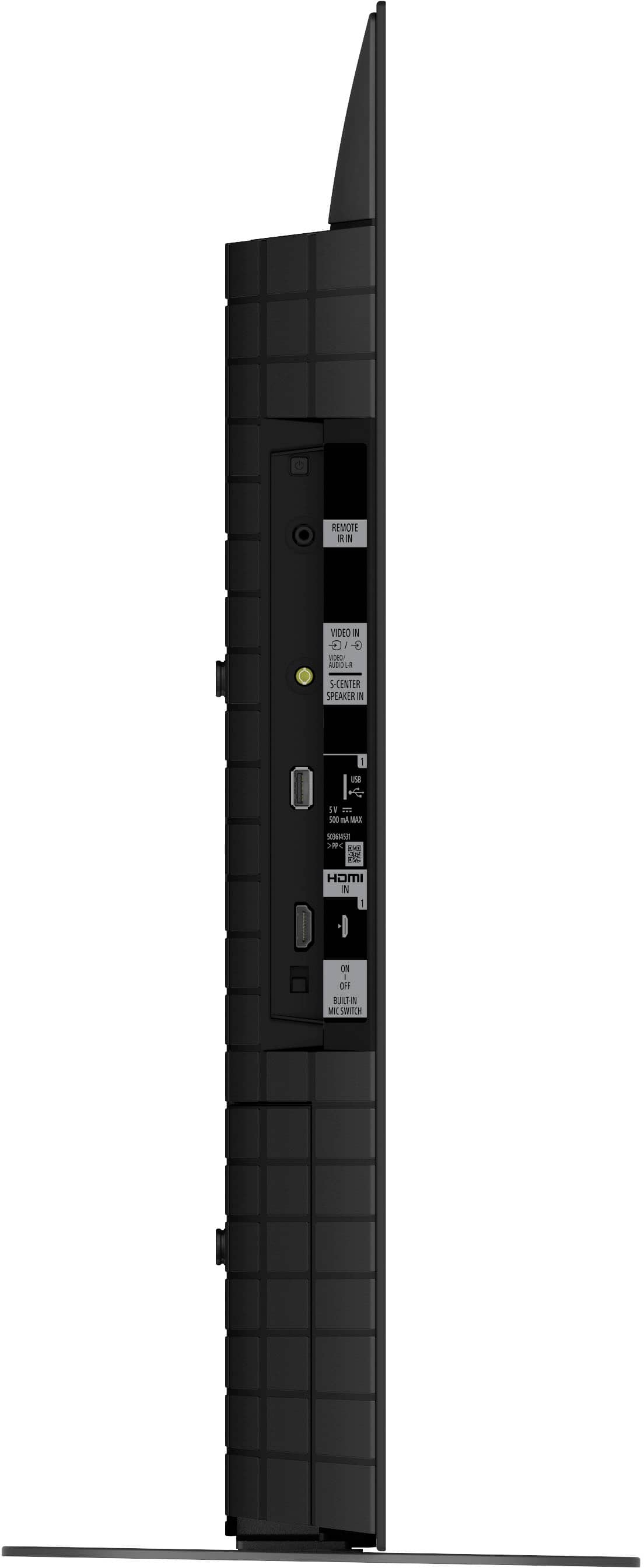
On the Sony BRAVIA XR-48A90K TV, the power button is located on the left side of the TV. Specifically, it's at the top of the panel where you can connect HDMI and USB devices. This button is quite small and may be easy to overlook.
If you're facing the front of the TV, look to the left side, and you'll find the power button at the top of that panel.
You can check it here: https://www.sony.com/electronics/support/res/manuals/5037/967be23b4ac3a7221d668862f041c610/50373321M.pdf
Thanks for considering Sony!
Best regards,
Estefany
A:AnswerThank you for contacting Sony, Bar.
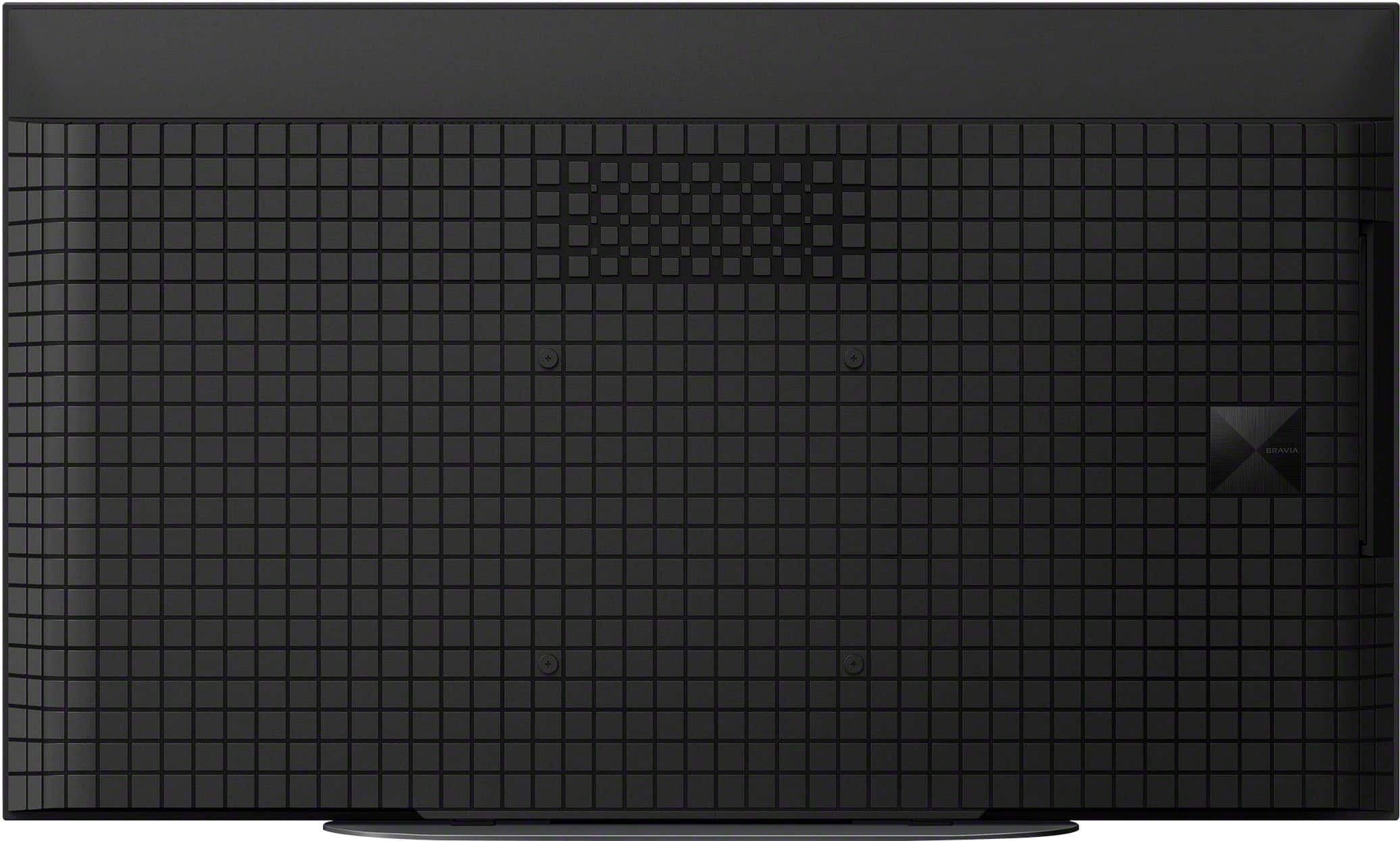
Yes, the XR-42A90K comes with a high-quality built-in tuner. It features a NextGen TV (ATSC 3.0) tuner, which allows you to receive free, over-the-air 4K broadcasts where available. You can access your local channels (like ABC, CBS, NBC, and FOX) by simply connecting an antenna to the RF input on the back of the TV.
We appreciate your interest in Sony products. Should you require any further assistance, please don't hesitate to reach out for support here:
https://us.esupport.sony.com/support/s/support-contact?language=en_US&category=tv
Best regards,
Gus, Sony North America Customer Support
A:AnswerHi MCampillojr,
Yes, the BRAVIA XR A90K features a built-in tuner for live TV, supporting ATSC/ATSC 3.0 (NextGen TV) and Clear QAM. You can enjoy live broadcasts by connecting an antenna to the RF input or using live TV streaming apps available through the Google TV interface. Thanks for choosing Sony.
Best regards,
Eliab