A:AnswerHi Monica, You can use the supplied remote even without an internet connection. Unfortunately, we cannot guarantee the full functionality of using a universal remote control. -Sam
A:AnswerHi there, yes you can use an Analog Extension cable (not provided) to connect your Nintendo Wii to the TV. Please check this link for reference: https://helpguide.sony.net/tv/husltn1/v1/en-003/04-02_01.html -Sam
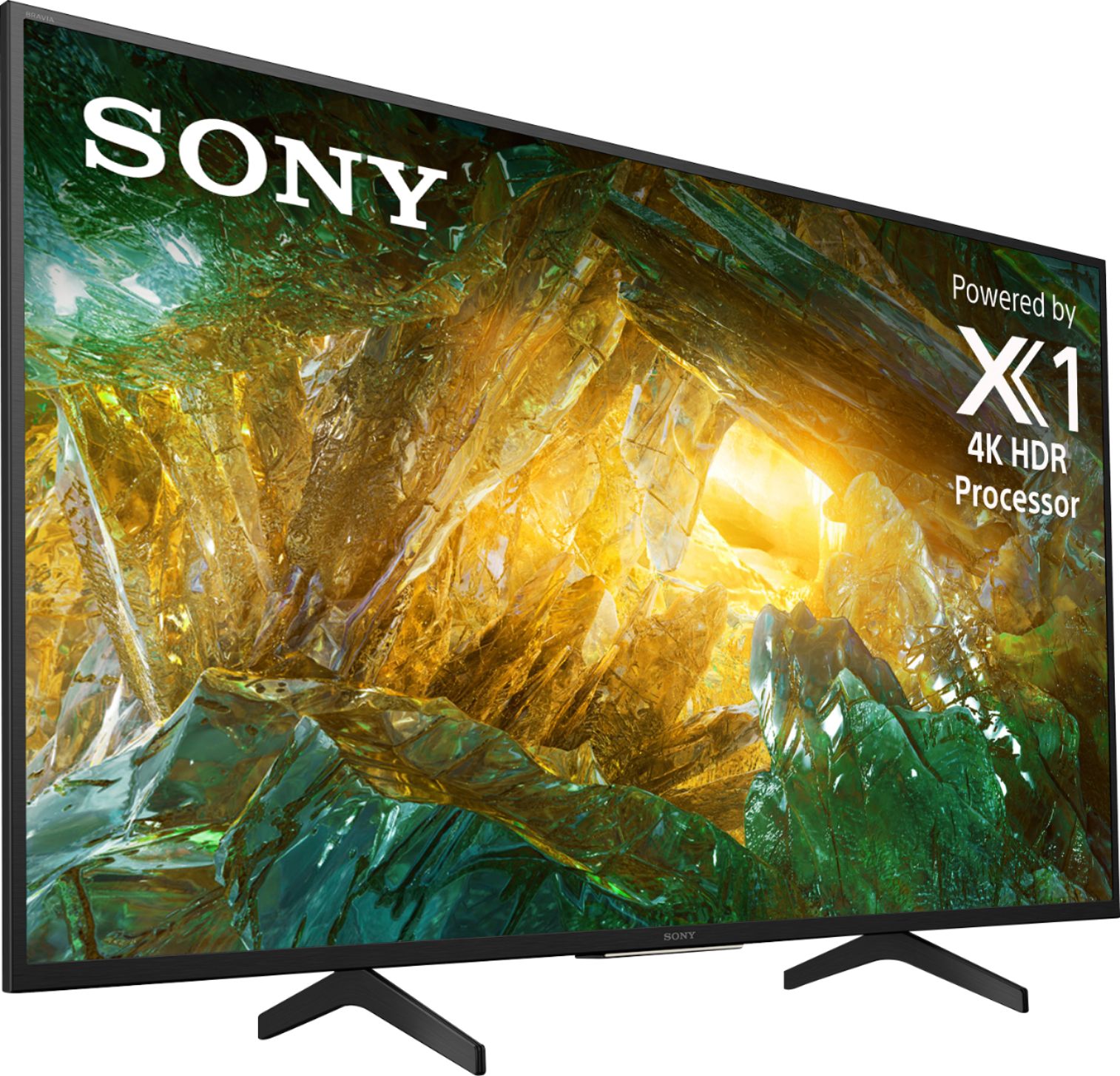
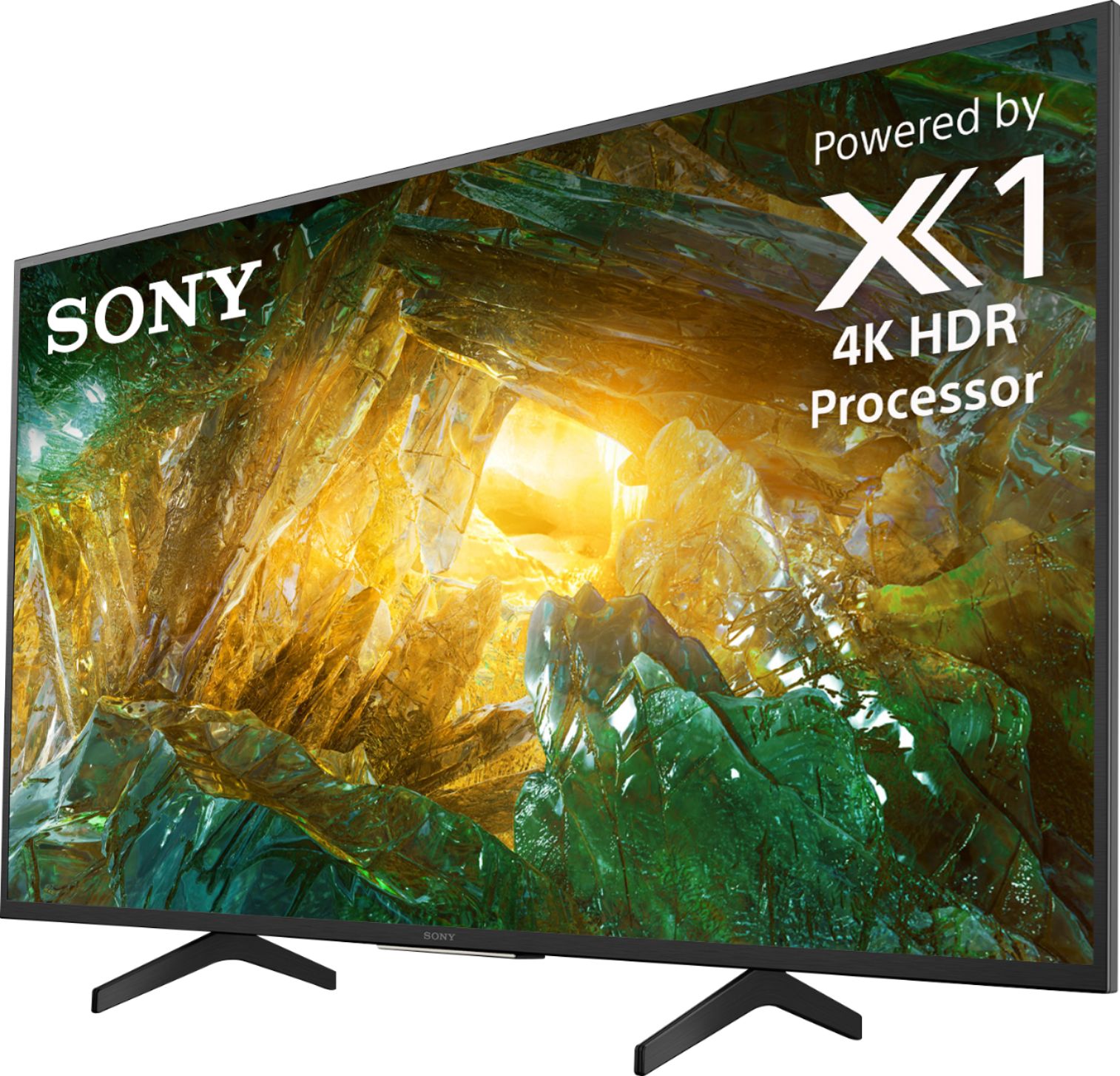
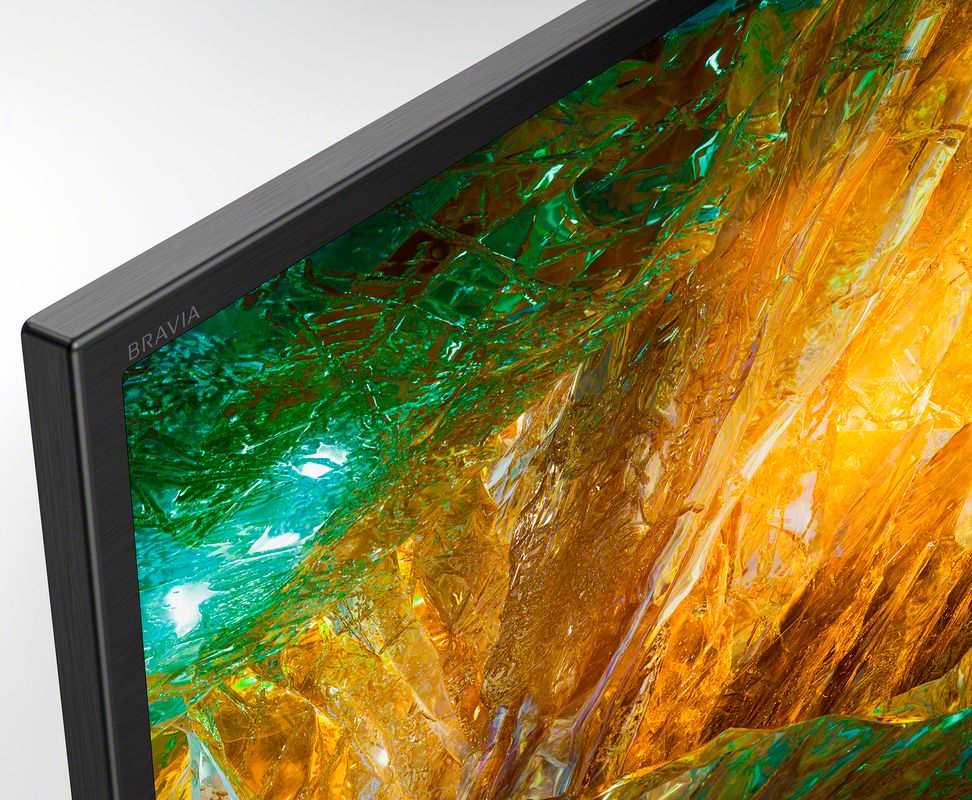
A:AnswerHi QuestionMAAAAAAAAAAN, Thanks for your inquiry. The X800H is an IPS panel type which are designed for wide viewing angles so you should expect a great viewing angle on this TV from left to right. If you are mounting the TV high and you are looking up at it I would recommend a tilt mount to allow the best picture from below.-Sam
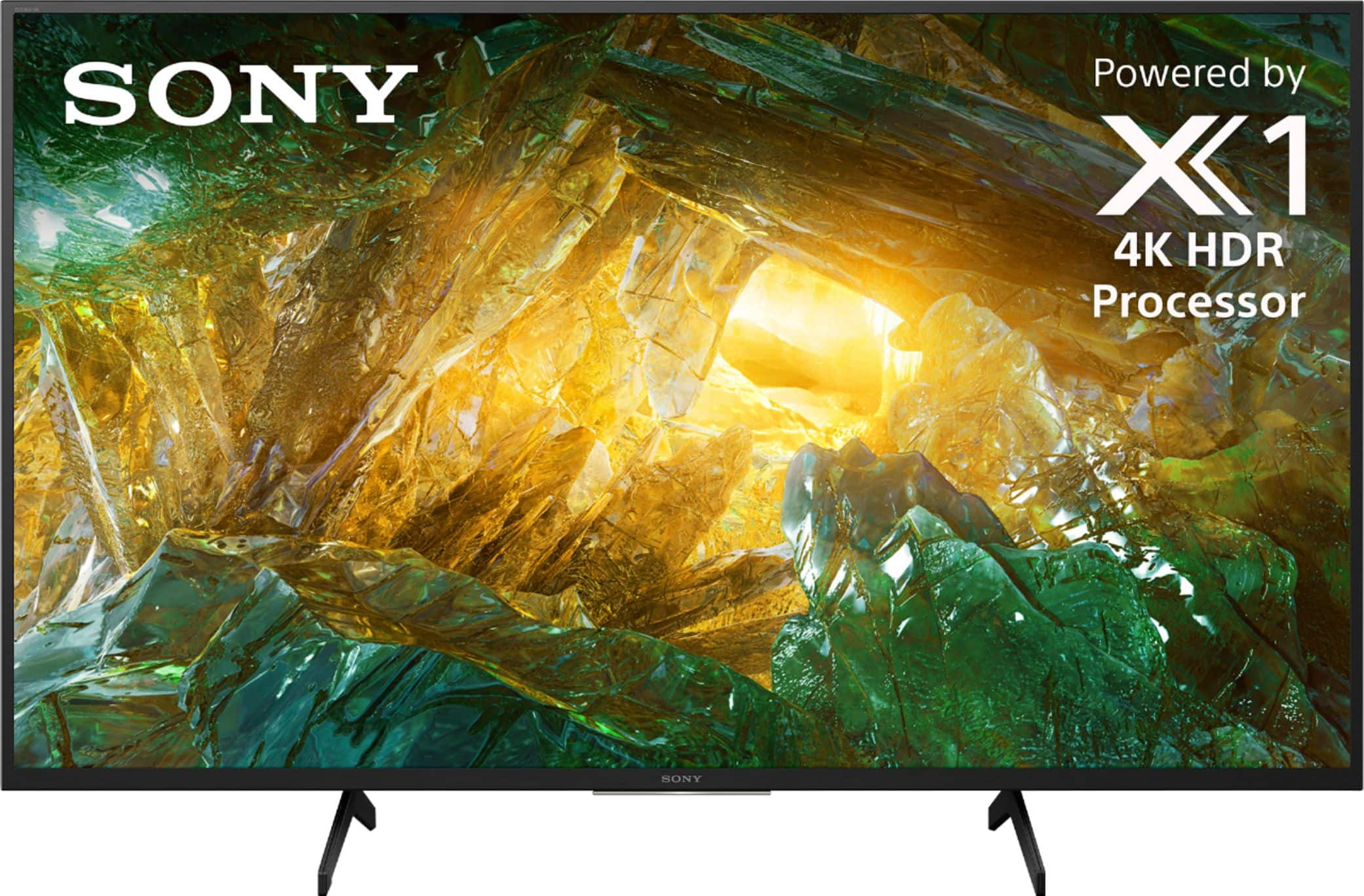
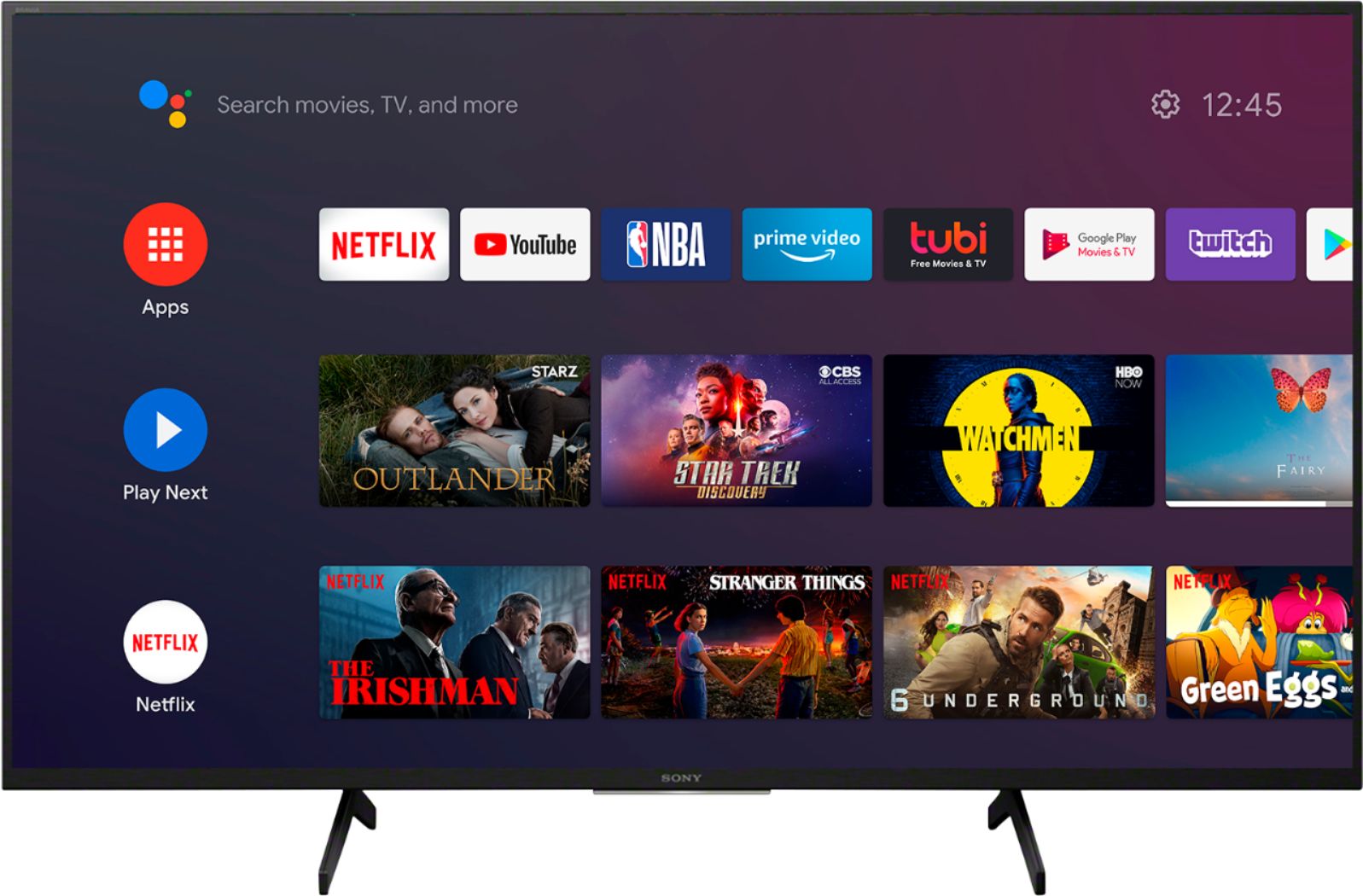
A:AnswerHi Seumas, thank you for inquiring about our X800H 4K Ultra HD smart TV. Sony’s Android TV with the Google Assistant provides a smarter viewing experience. Easily search and watch your favorite movies, get answers on screen like sports scores or weather updates, control your TV and even your home. In addition, cast your favorite apps with Chromecast built-in, or enjoy a huge range of apps from Google Play™, including YouTube™, Netflix, Prime Video, Spotify, and more. Roku can be added using an external Roku smart device.
Erin
A:AnswerHi GENT, Yes, you can skip the initial setup and connect your coaxial cable to scan for channels so you can watch your favorite TV programs. Please refer to this link for instructions: https://www.sony.com/electronics/support/televisions-projectors-lcd-tvs-android-/xbr-43x800h/articles/00158454 -Sam
A:AnswerHi, Dynamo, For more details about what Sony TVs support Bluetooth headphones, please visit this link: https://www.sony.com/electronics/support/articles/00159290. -Vincent
A:AnswerHi Garden, Yes, you can. You will need an HDMI cable to connect your computer to the TV. Please refer to this link for instructions on how to connect your computer to the TV: https://helpguide.sony.net/tv/husltn1/v1/en-003/04-03_02.html -Sam
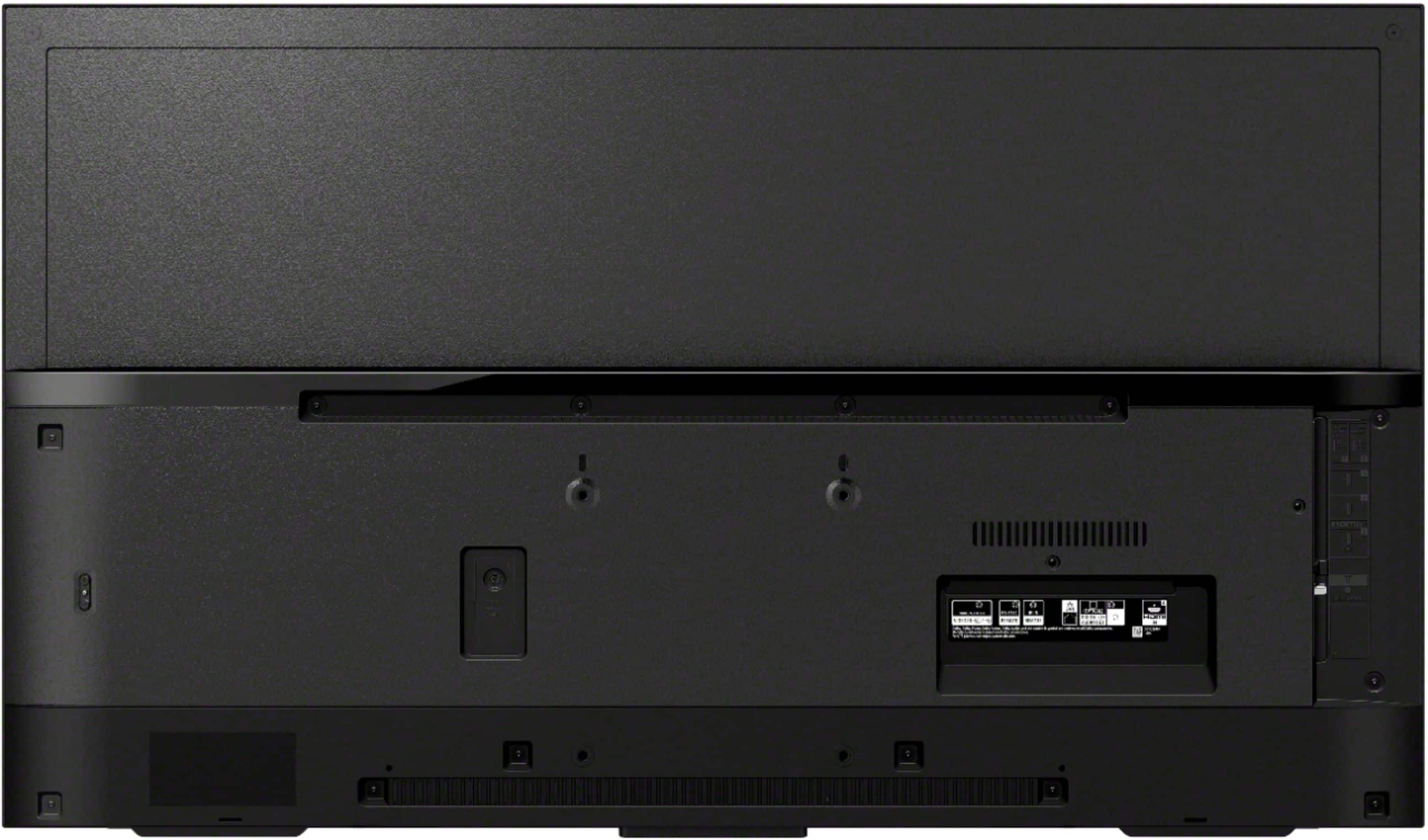
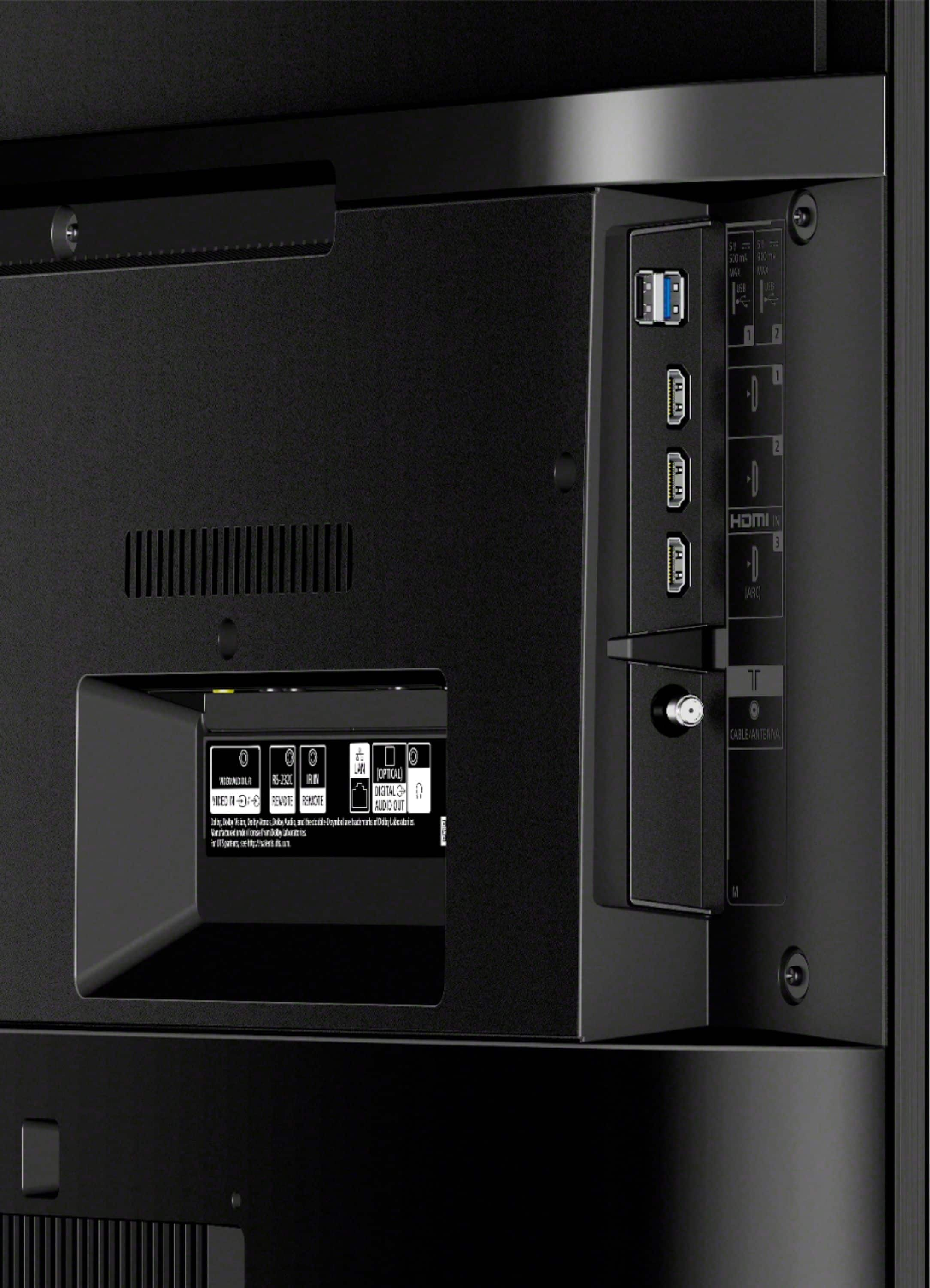
A:AnswerFor this monitor, all HDMI inputs are 2.0.
Be careful when buying TVs that claim they support HDMI 2.1. There are many parts to the 2.1 spec and manufacturers choose to support some of the full feature set, but not all. They still sell the TV as a HDMI 2.1 capable set. This is generally ok as some features of 2.1 are needed for gaming but not for watching video. Another thing they do is one HDMI input supports 2.1 but the others are 2.0. It is up to you to research and find out. www.rtings.com is a great review site and gives a ton of technical information.