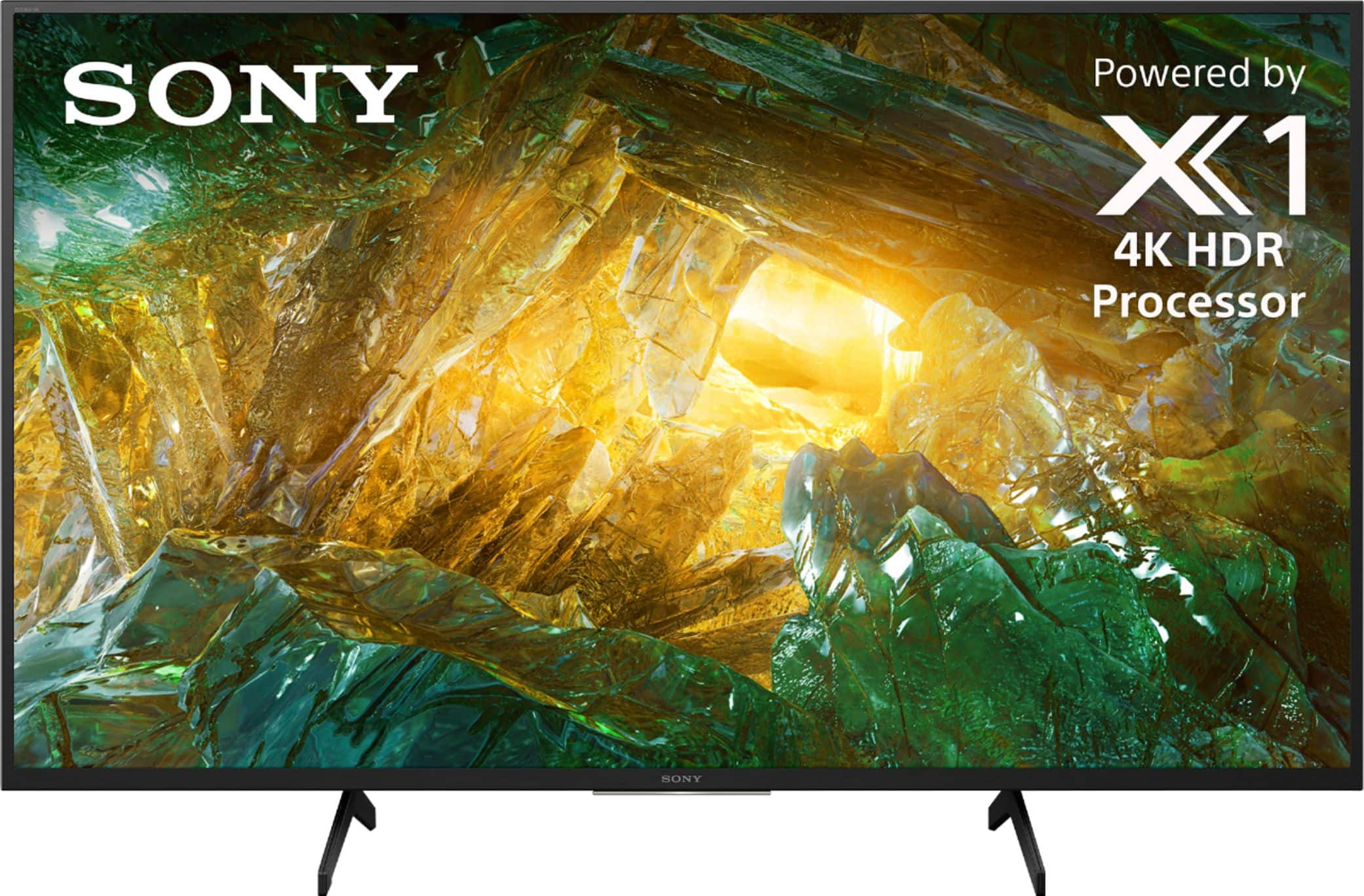
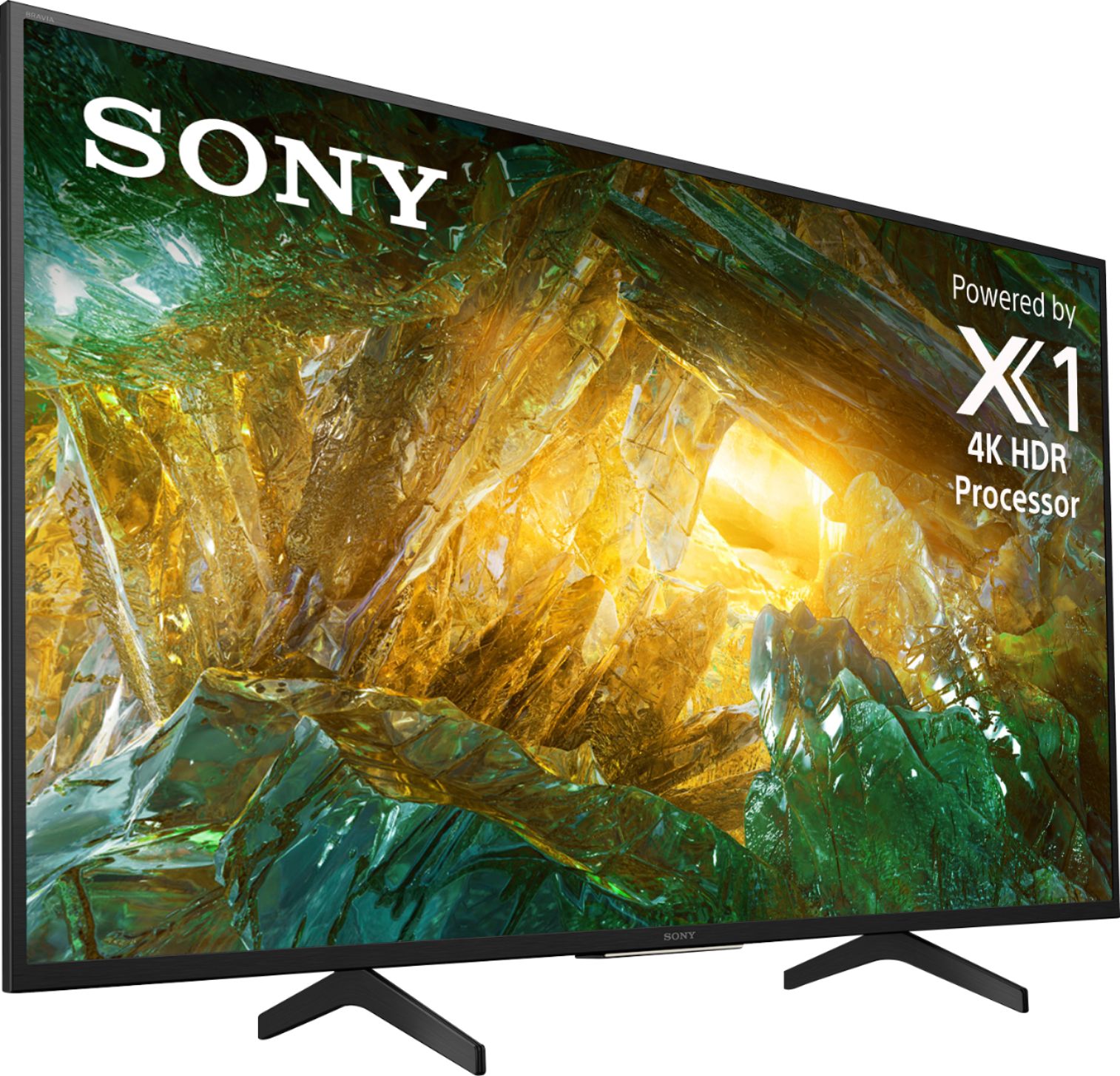
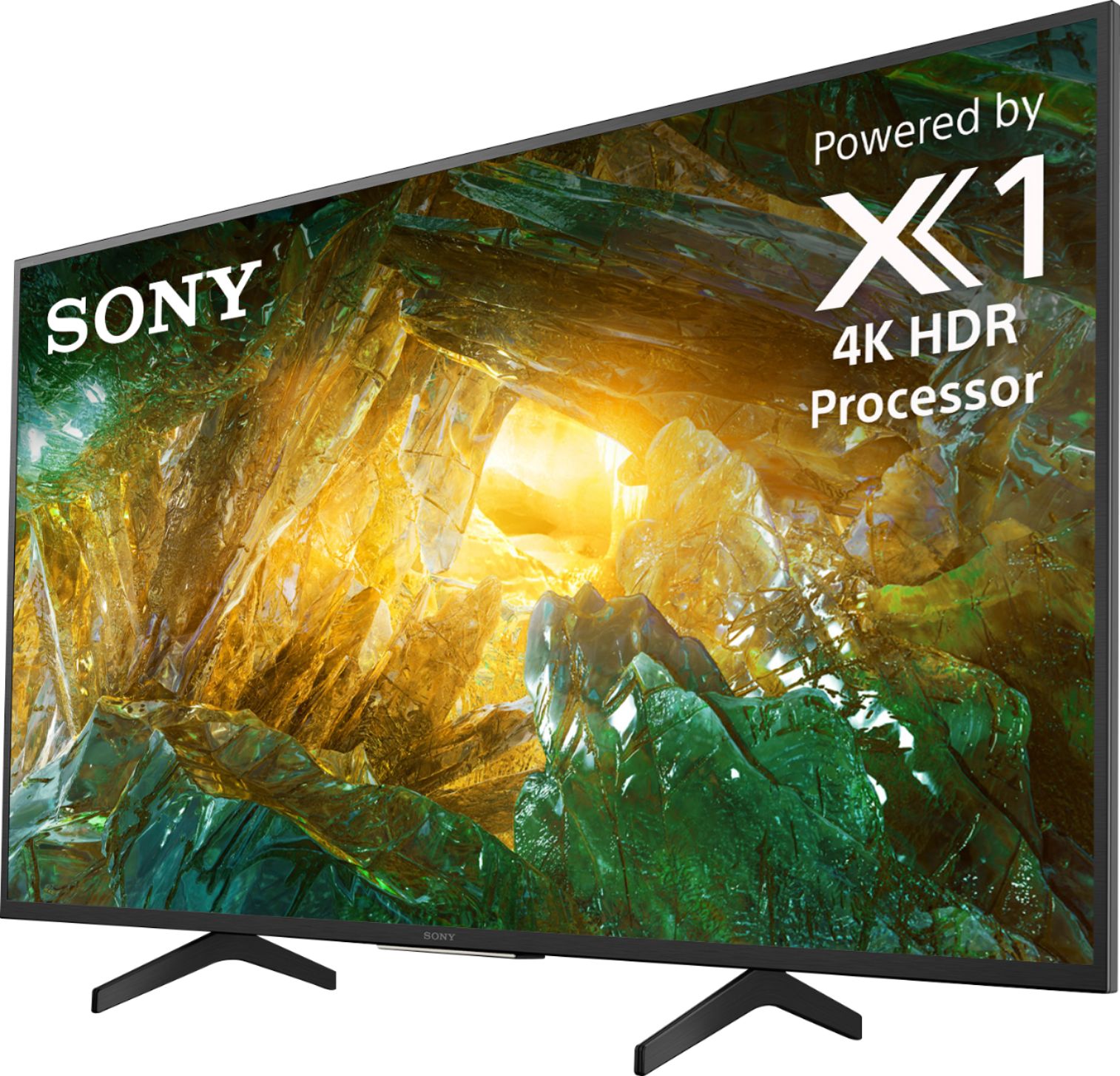
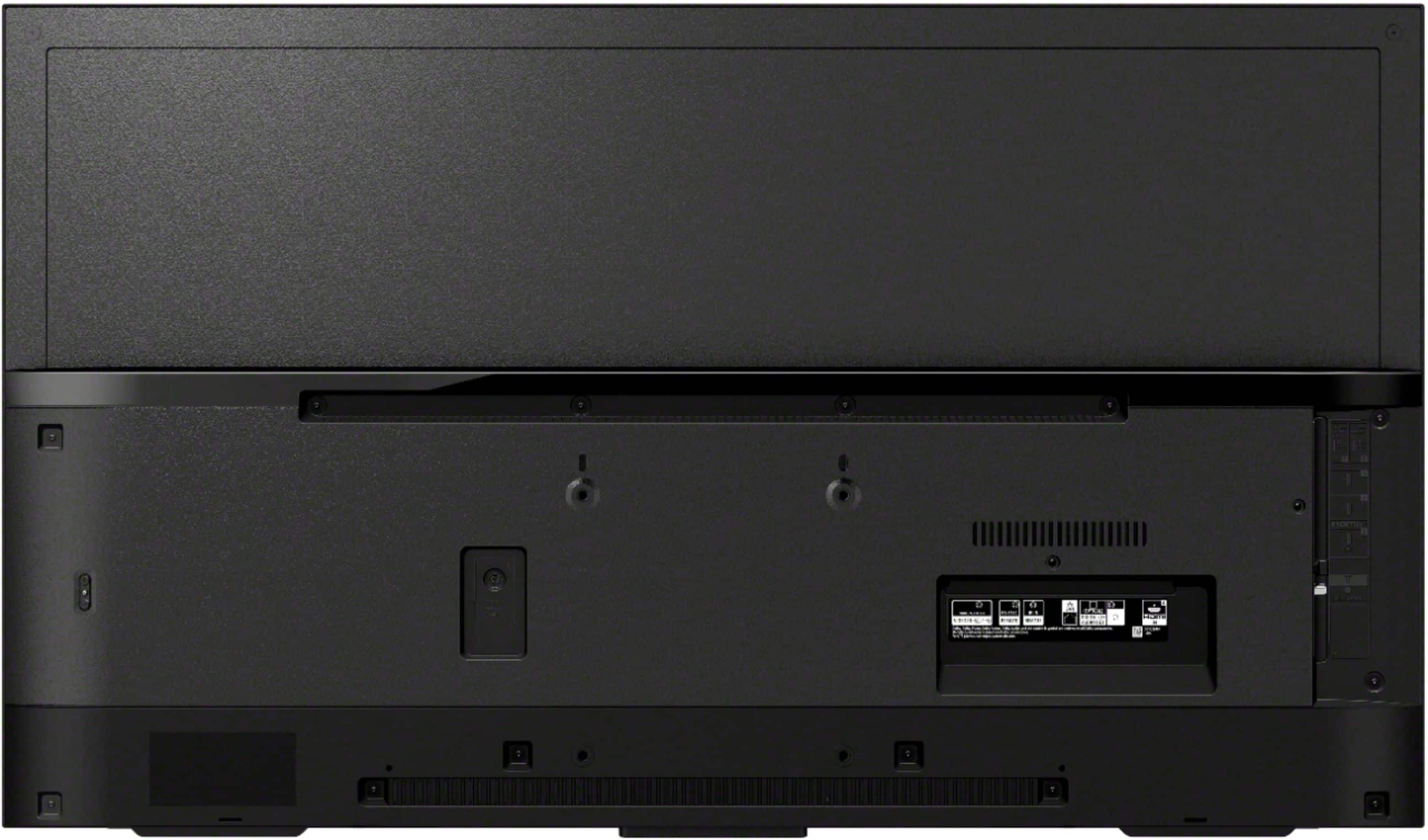
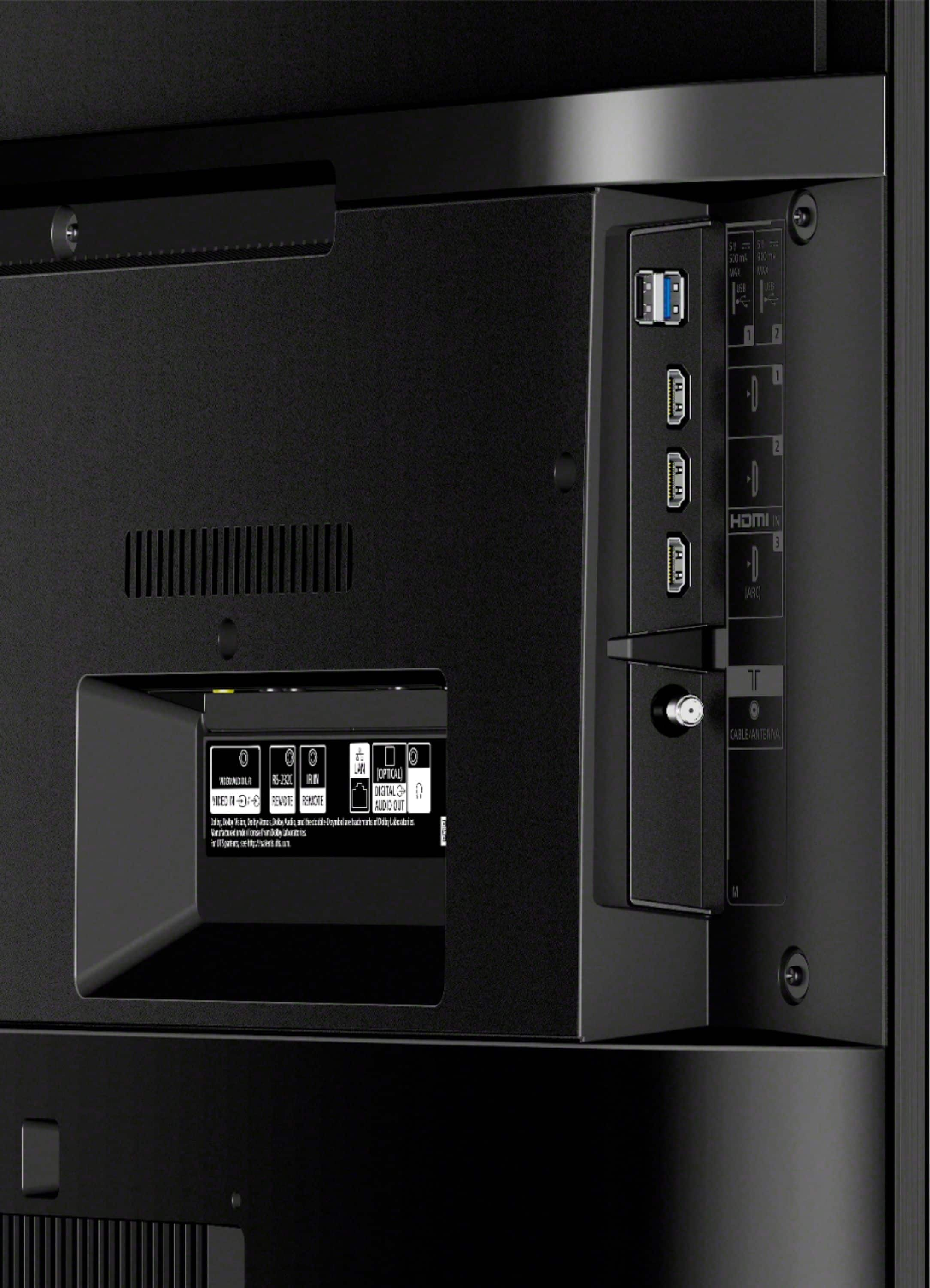
A:AnswerHi, thank you for inquiring about the TV. To setup the TV, you'll be needing your connect cables to connect your cable/antenna for regular TV shows. If you'll be using the TV to stream apps, please connect the TV to your active network. Erin
A:AnswerI turn my TV thru Xfinity box. I do not have these other devices. If you are concerned about privacy, get rid of your cell phone. I don't own one.
A:AnswerHi Ani, thank you for inquiring about the TV. They differ in the picture processor used. The X800H X1™ 4K HDR Processor. Please check the link below for more details: https://www.sony.com/electronics/televisions/xbr-x800h-series/specifications
Regards,
Erin
A:AnswerHi, susie, The X800H comes with a one-year manufacturer's warranty. Visit this link for more details: https://www.sony.com/electronics/support/res/manuals/4595/c93100a1fe624cd97594959ae4e8b271/45953330M.pdf. Thanks! -Vincent
A:AnswerIf you don’t have newer (2 yr old) hdmi cables buy some “Amazon Basic” cables (from...well..Amazon.com), and you’re all set. It’s cheap...less than $15 for 3.
A:AnswerNot certain because my sounds goes thru my receiver. You can use some Bluetooth devices ( like a keyboard) but I had to go thru my receiver for my headset. Again, that’s where my tv sound always comes from and I couldn’t test it directly from the tv.
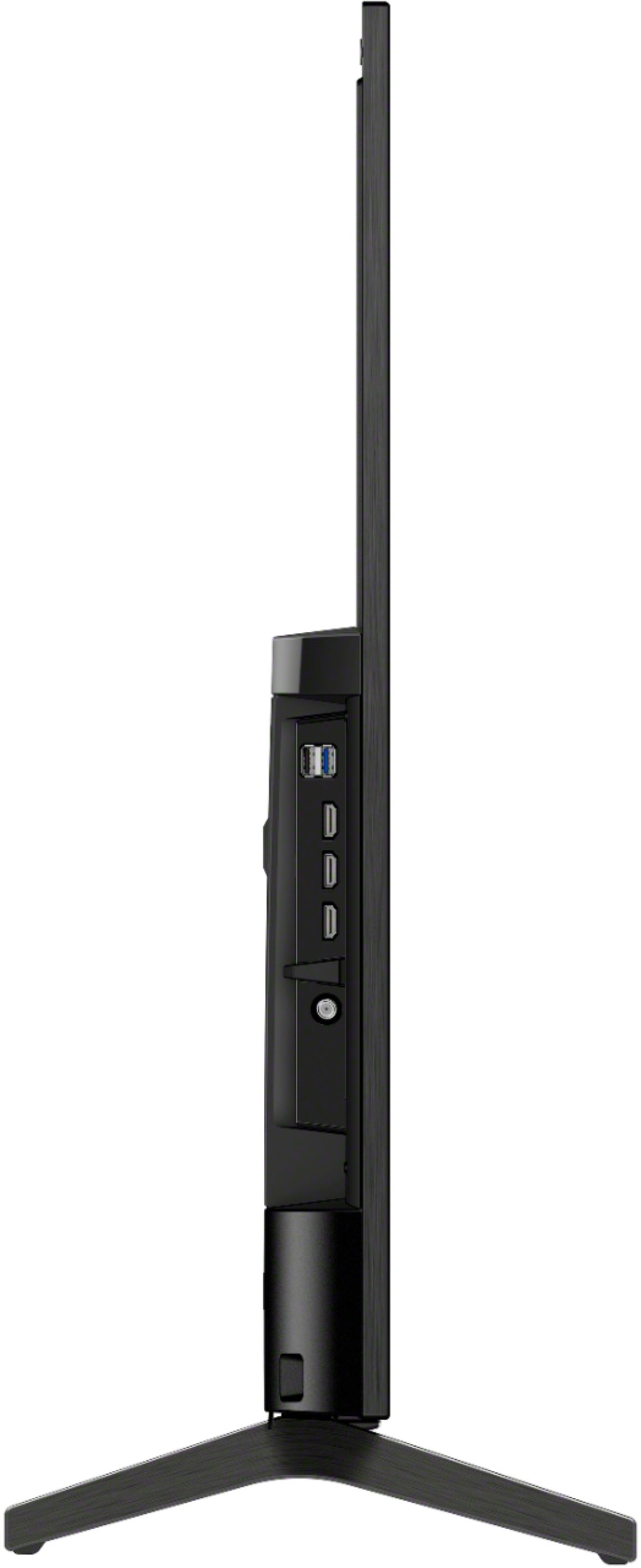
A:AnswerHi DRZ68, Thanks for the inquiry. We cannot guarantee the stability or fit when attaching a universal TV stand on our unit. It will work with any vesa compliant stand with mount attachment. We recommend using the supplied TV stand for the X800H TV. -Sam
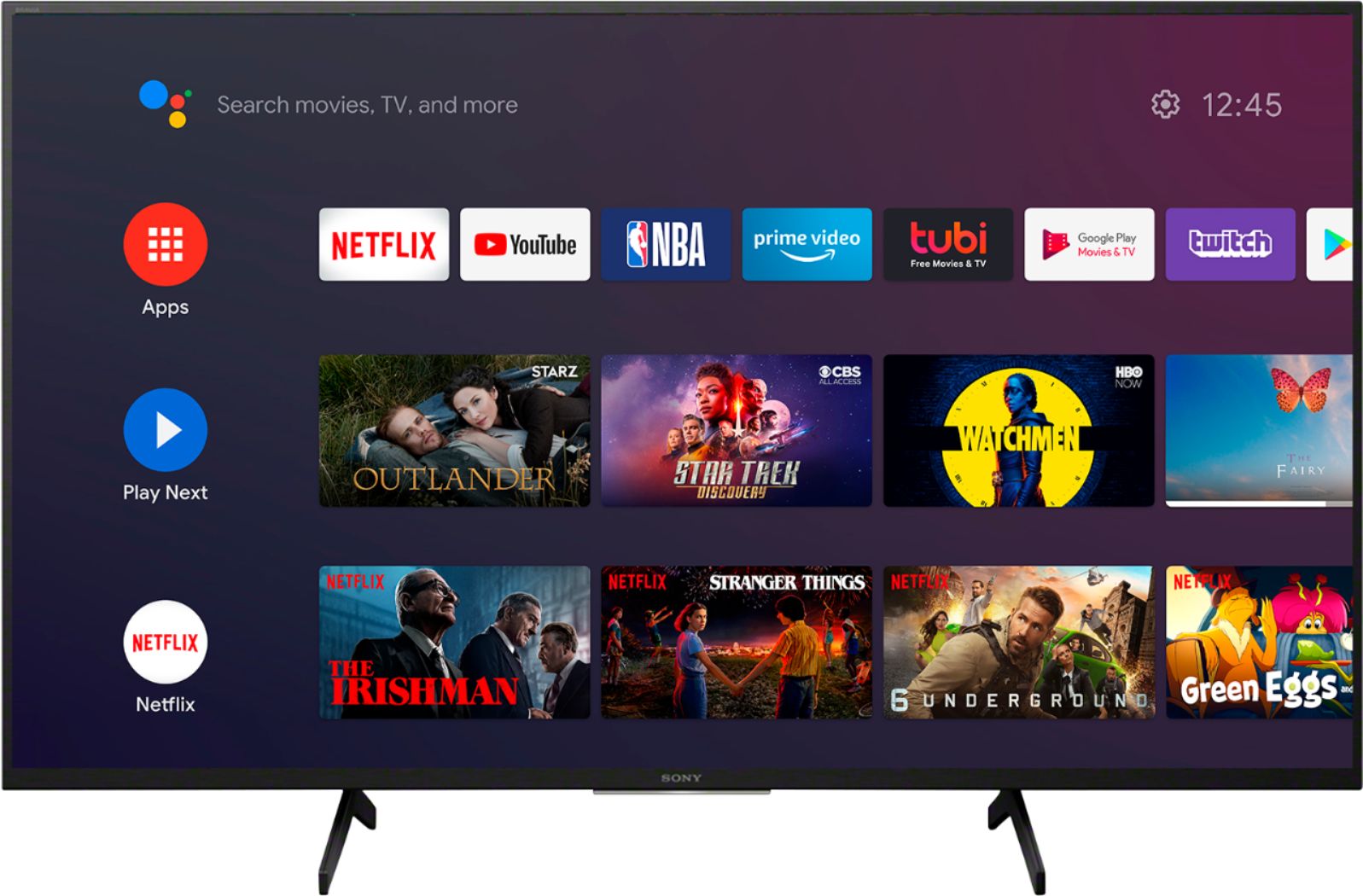
A:AnswerHi ShopperTV, I am pleased to let you know that the Sony X800H has all the features that you are looking for in a Sony TV. The X800H supports Apple Airplay as well as Apple Home Kit. It also supports composite video (adapter not included). This model works with both Amazon Alexa and Google. Please refer to the user guide for assistance using any of these features. Thank you for your Questions and looking for a Sony!
A:AnswerHi, shar, Yes. This TV comes with Warranty from Sony. Visit this link for more details: https://www.sony.com/electronics/support/res/manuals/4595/c93100a1fe624cd97594959ae4e8b271/45953330M.pdf. -Vincent
A:AnswerHi Lynn, The X800H TV supports Bluetooth. However, you cannot connect a wireless Bluetooth headphones to it. I would suggest getting the X850H, X900H, or X950H Series instead. Please refer to this link for more info: https://www.sony.com/electronics/support/articles/00159290 -Sam
A:AnswerHi Badger, If you are referring to Bluetooth headphones, the X800H TV does not natively support Bluetooth audio out (mainly used for headphones). This feature may work with a compatible external USB Bluetooth Adapter (via headphone jack) or third-party Bluetooth applications that can be downloaded from the Google Play Store. Thank you. -Vincent
A:AnswerThis android TV can be used as a monitor. Just select input on remote and plug in a dvd or use the computer interface to use for a computer. Yes technology is advanced these days. Have family or friend help you set it up or call Best Buy Geek Squad.
A:AnswerNot sure what magic dust Milo sprinkled on his Apple AirPods, buy they definitely WILL NOT connect. Sony made the (wrong) decision to not enable audio Bluetooth for this TV. Something so common in thousands of other products, including kids toys. I tried Sony earbuds (which you would think WOULD work) and seven other BT audio devices, including my daughter's AirPods. Poor decision by Sony.