A:AnswerHi Prop65,
Thank you for your inquiry! Sony products shipped from factories do not require CA Prop 65 warning, including TVs. Rest assured, your safety and wellness while enjoying watching your Sony TV is of utmost importance to us.
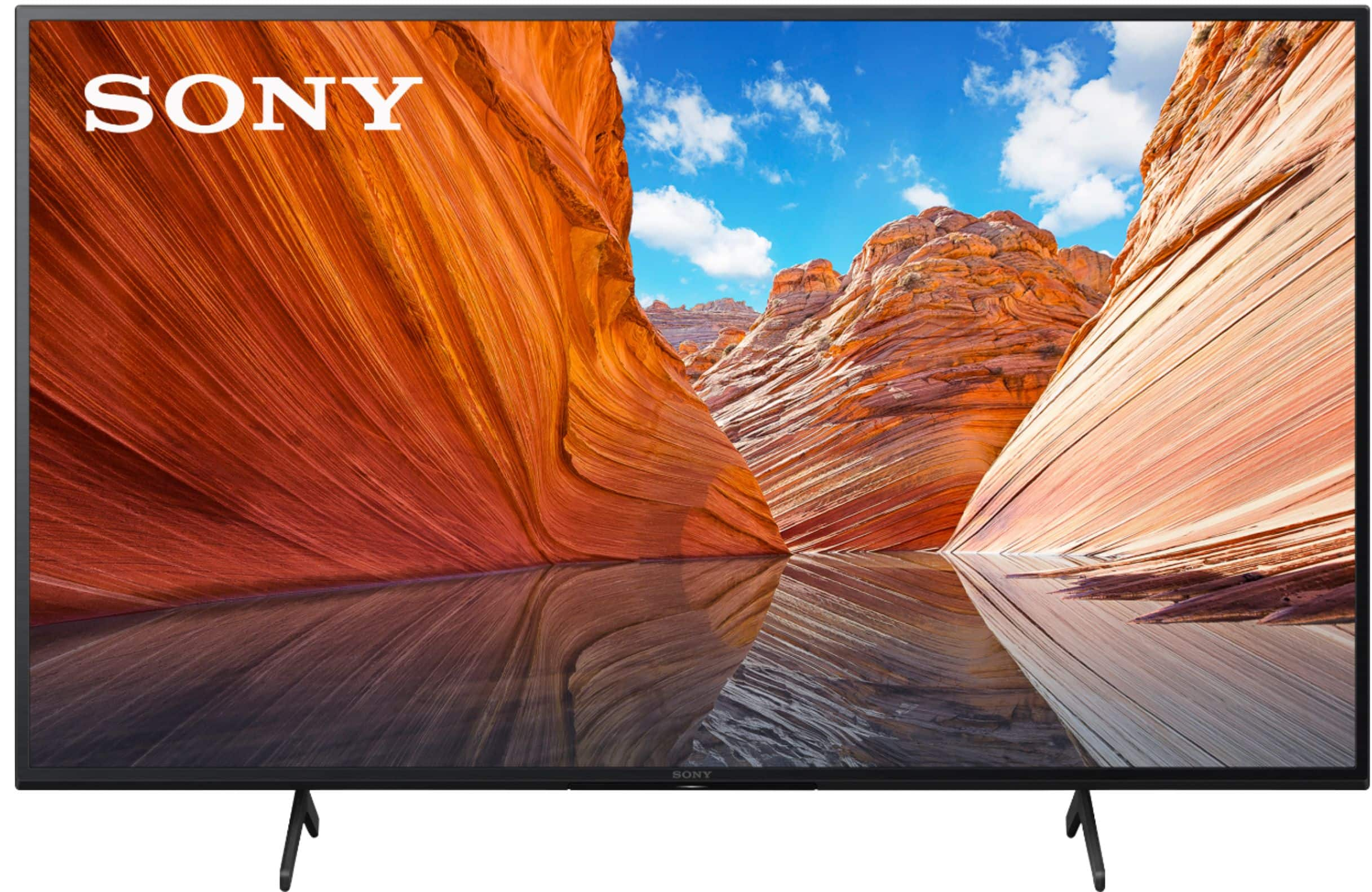
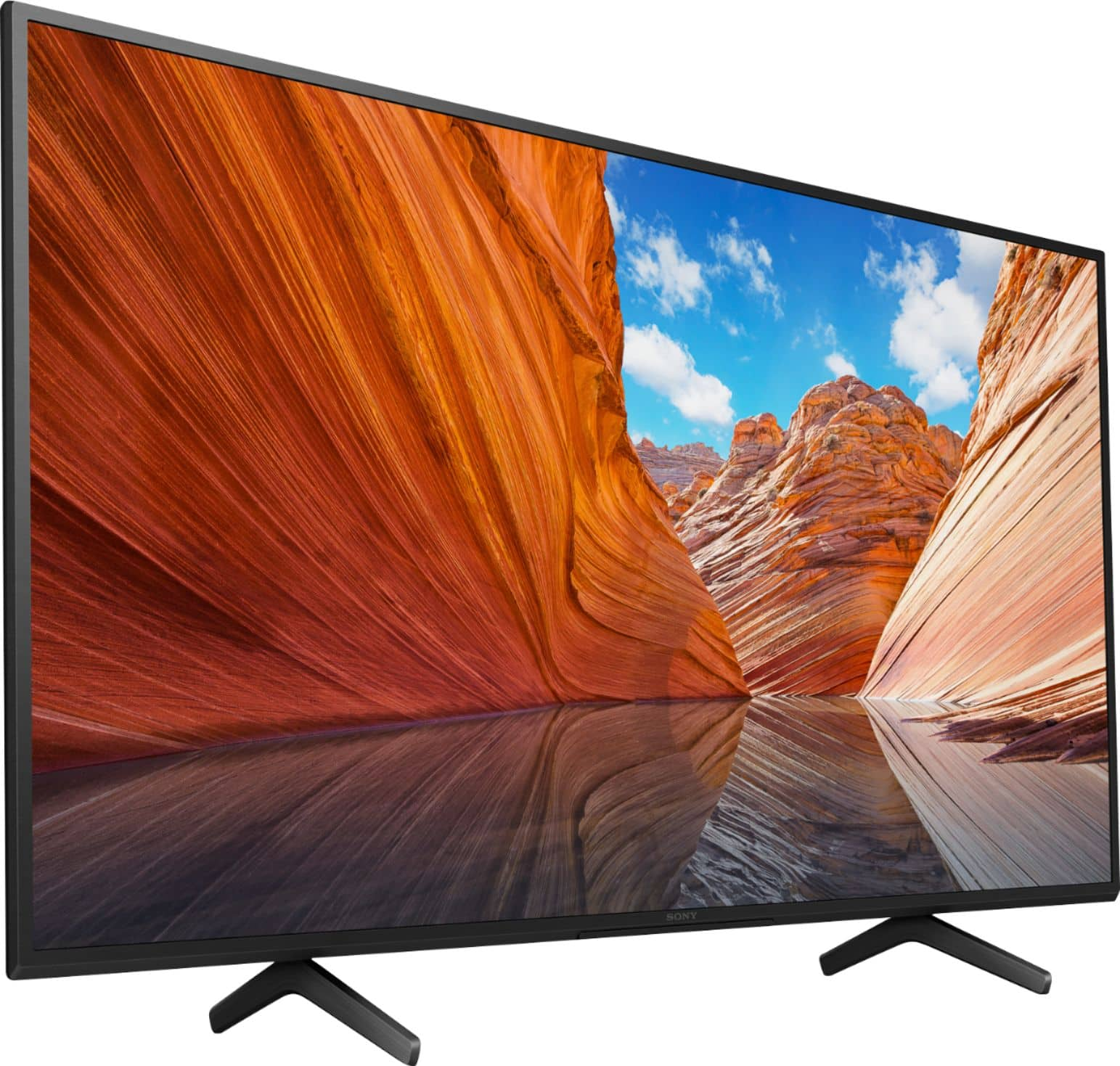
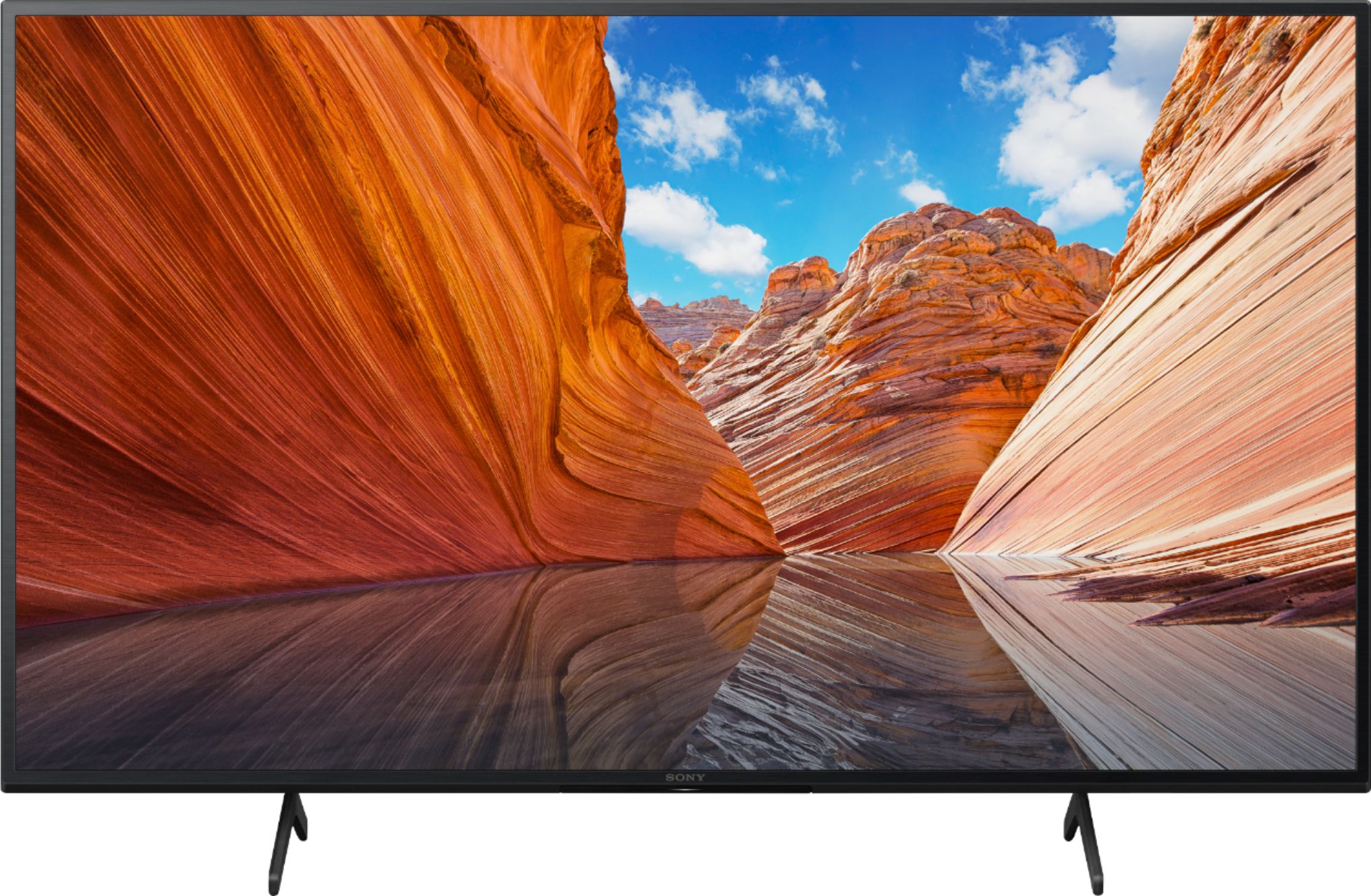
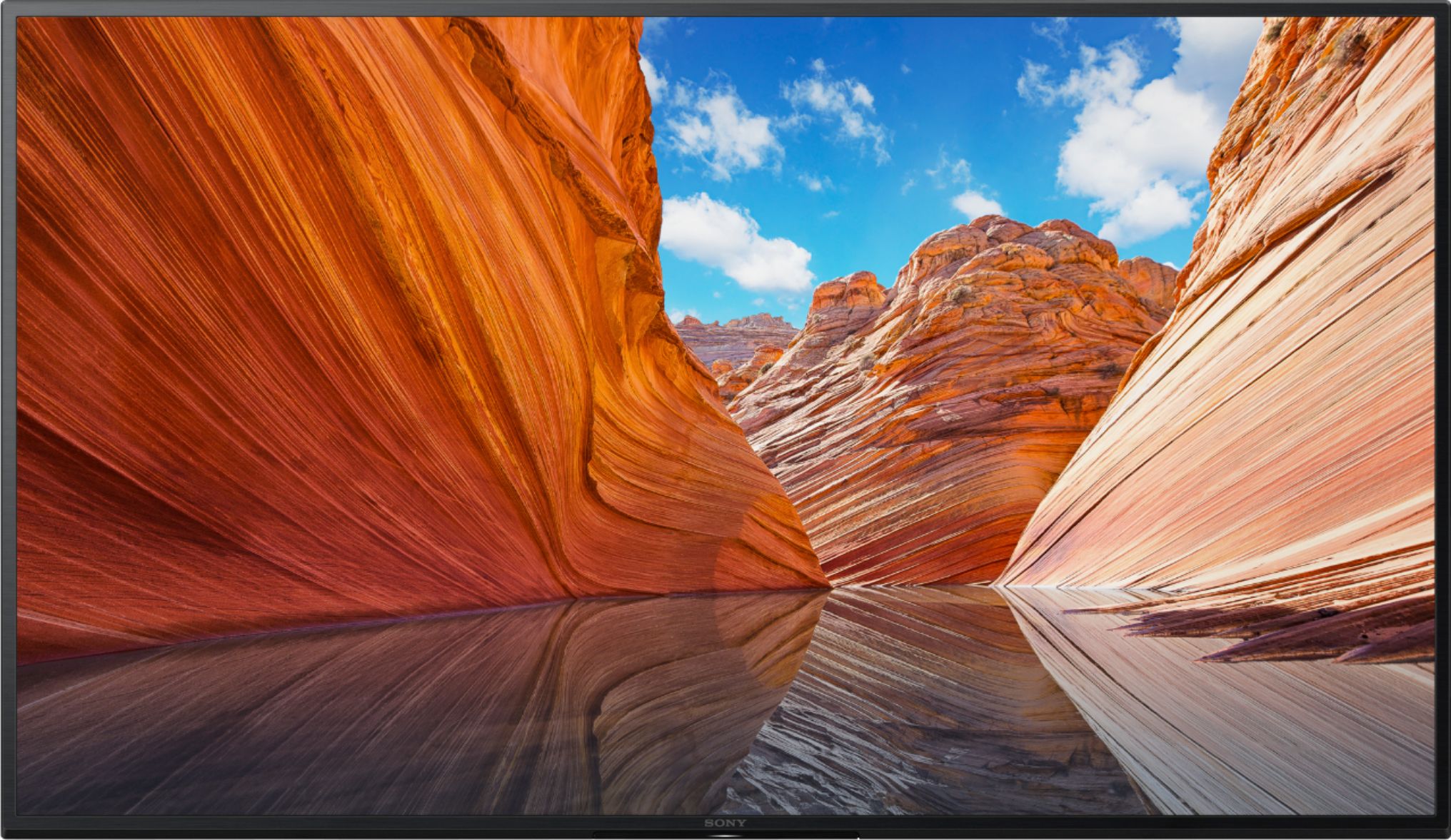
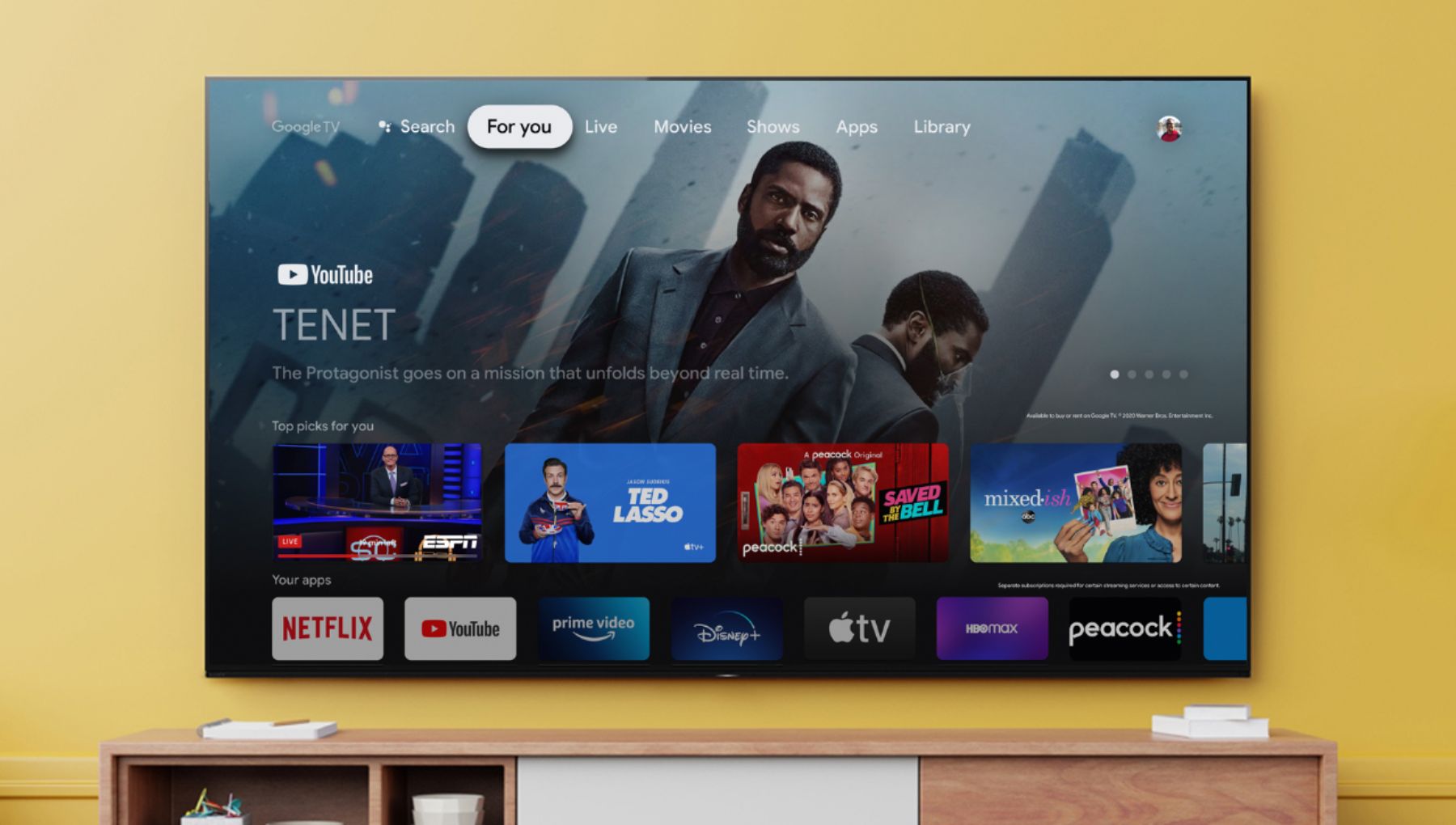
Enjoy an intuitive smart TV experience with natural color and clear sound with the BRAVIA X80J LED TV. The powerful 4K HDR Processor X1 reduces digital noise and boosts details for lifelike picture quality. Google TV gives you access to all your favorite streaming apps, while Google Assistant easily searches for content and controls your smart home simply by using your voice. Hope this helps! - Kris
A:AnswerHi fireman,
Thank you for your inquiry! Yes, it does. The X80J TV has a standard remote with Google Assistant built-in and advanced voice control to easily find your favorite movies, shows, and music. Get answers on screen, control smart home devices, and many more.
Enjoy an intuitive smart TV experience with natural color and clear sound with the BRAVIA X80J LED TV. The powerful 4K HDR Processor X1 reduces digital noise and boosts details for lifelike picture quality. Google TV gives you access to all your favorite streaming apps, while Google Assistant easily searches for content and controls your smart home simply by using your voice. Hope this helps! - Kris
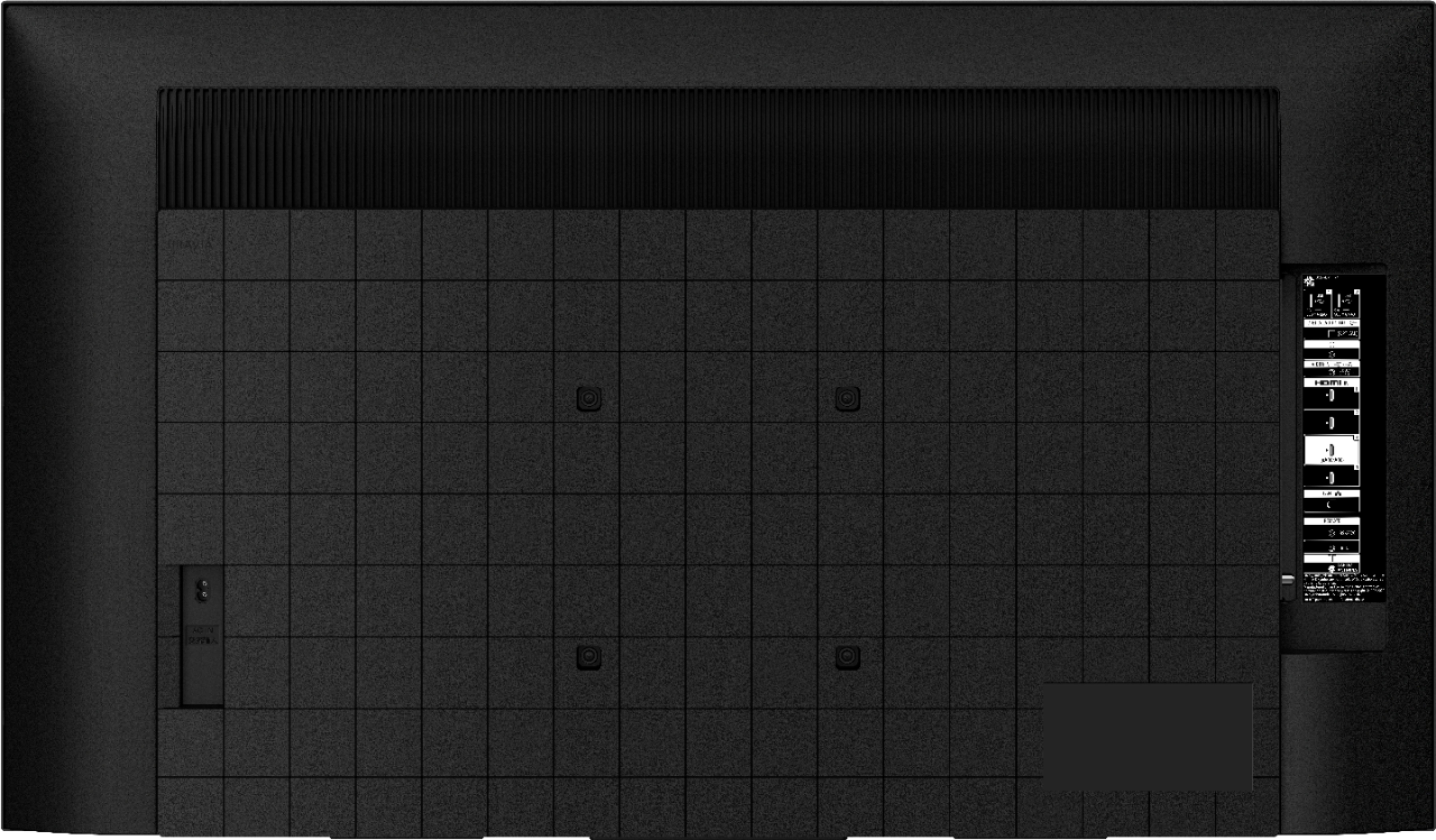
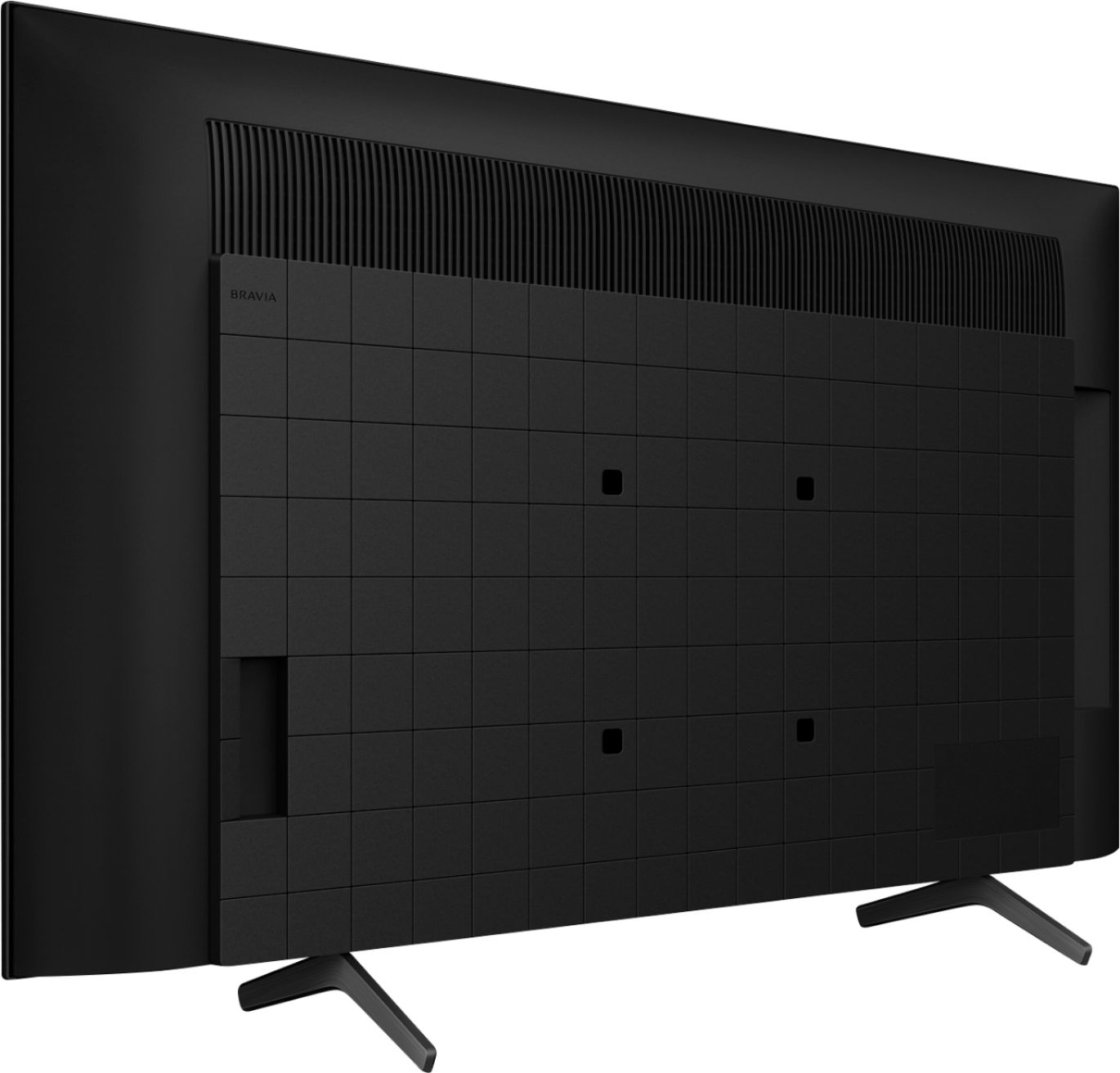
A:AnswerThe 43" does not take M6 screws. I finally figured it out. It takes M5-.08 x 35mm. For some reason Sony went with a smaller screw for this model. One would think they would stick with the same size as the other models.
A:AnswerHi, thanks for your inquiry. The biggest difference between this two is, the X80CJ is a club model sold at membership-only clubs and the warranty offered. The X80J has standard warranty while the X80CJ has extended warranty (varies by retailer).
If you would like to know more, please visit your local retailer for comparison.
I hope this helps.
Erin
A:AnswerThe TV purchased at Best Buy is model KD43X80J and the wall mount is Sanus BLT3-B1, recommended both on the Best Buy webpage attached and in the Towson MD store. The wall mount will not work with this TV. The mounting bolts in the Sony TV are too small for the mounting brackets. Best Buy employee and manager told me that I should go to Home Depot and try to find bigger screws and washers or pay $200 for BB to install the wall mount and TV.
A:AnswerHi ACBB, Thank you for the inquiry! Developer options are available on the Google TV platform, however, we only recommend qualified professionals to use Developer Mode, as it can void the manufacturer warranty and cause performance issues. I hope this helps! Jay
A:AnswerHi ACBB, Good question! Yes, this TV has a Text Magnification function. To enable this function, please follow the steps on this link: https://www.sony.com/electronics/support/televisions-projectors-lcd-tvs-android-/kd-43x80j/articles/00254821
Regards,
Sam
A:AnswerAll newer TVs (20 years or so) are required to have CC under ADA requirements. The programing may not have a transmission but I have not seen a TV without CC in many years.
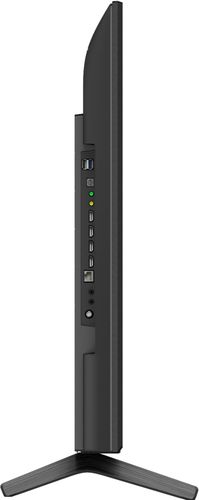
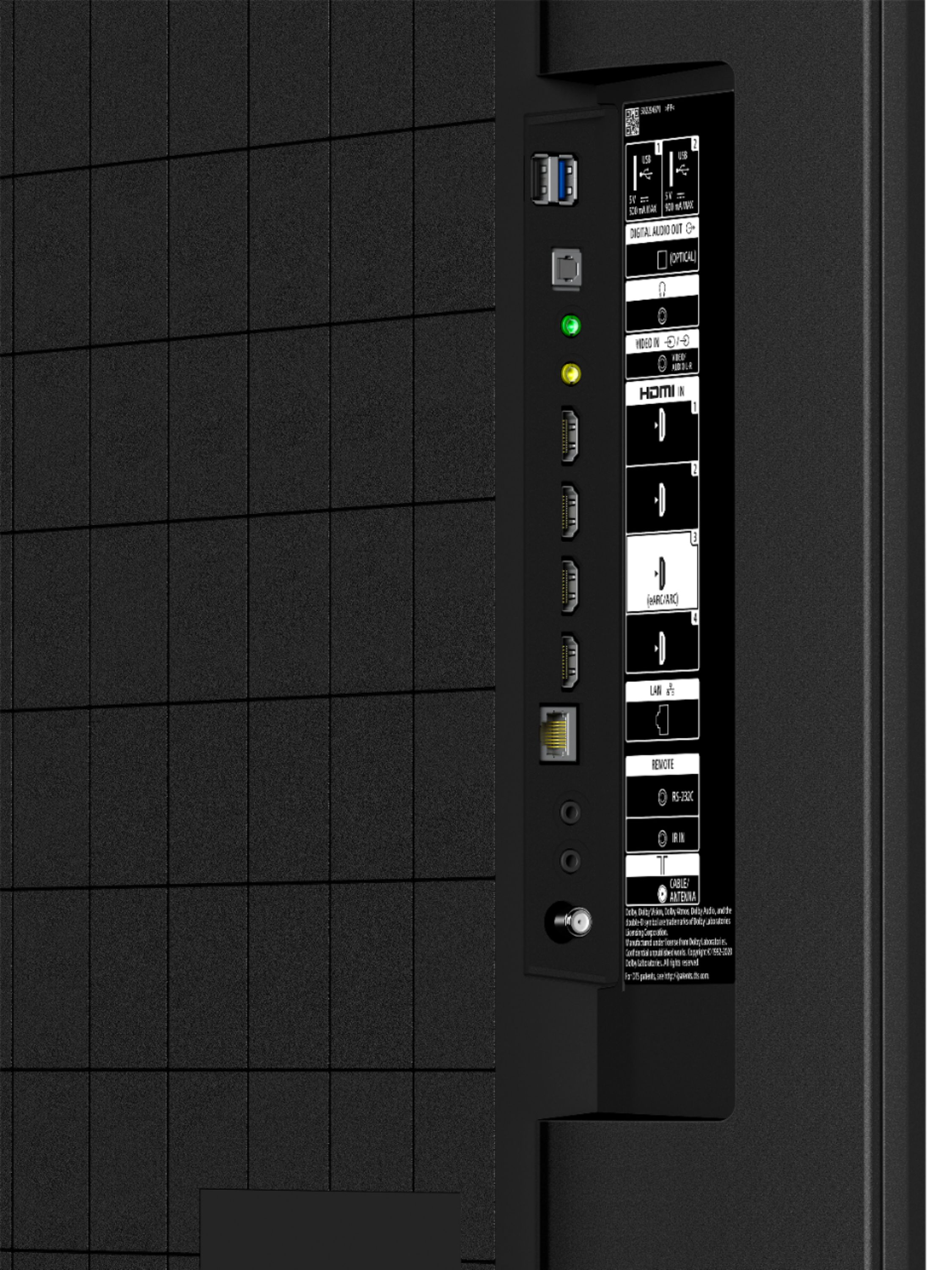
A:AnswerHi shortstop, thank you for your inquiry. Yes. You can connect a USB storage device to the USB port of the TV to enjoy photo, music, and video files stored on the device. You can check the supported file here: https://helpguide.sony.net/tv/iusltn1/v1/en-003/04-01-03.html
In addition, our X80J has a powerful 4K HDR Processor X1 reduces digital noise and boosts details for lifelike picture quality. Google TV gives you access to all your favorite streaming apps, while Google Assistant easily searches for content and controls your smart home simply by using your voice.
I hope this helps.
Erin