A:AnswerHi Airborne,
Thank you for your inquiry. The TV can be carried by one person. However, for safety precautions, we recommend carrying the TV with at least 2 people. One on each side of the TV; larger size TVs require two or more people.
You may use this link as a guideline on how to safely install and set up your TV.
https://support.am.sony.com/release/QSG_5025060111.pdf
I hope this helps!
Regards,
Carl
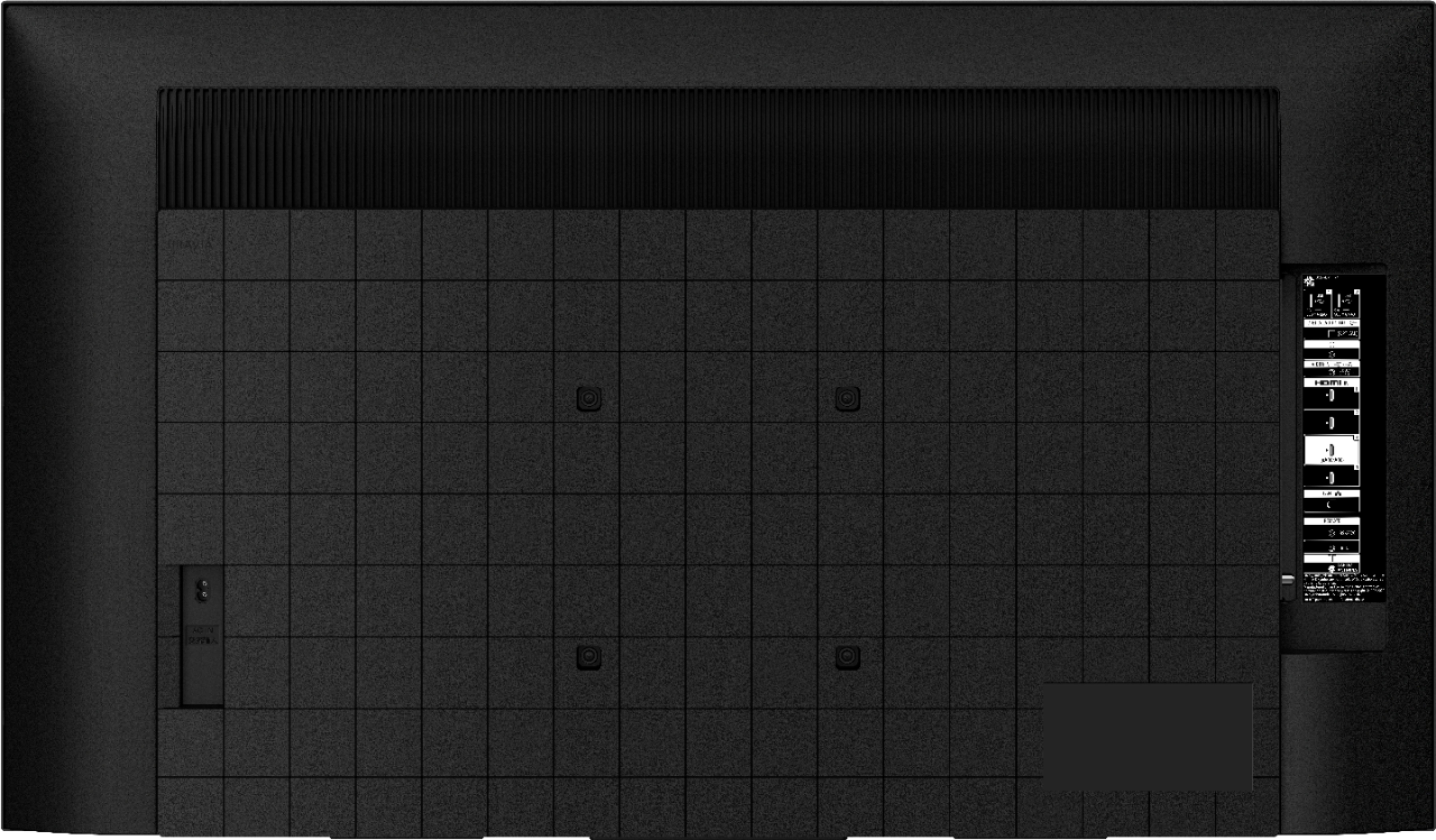
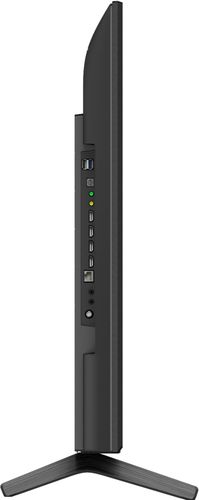
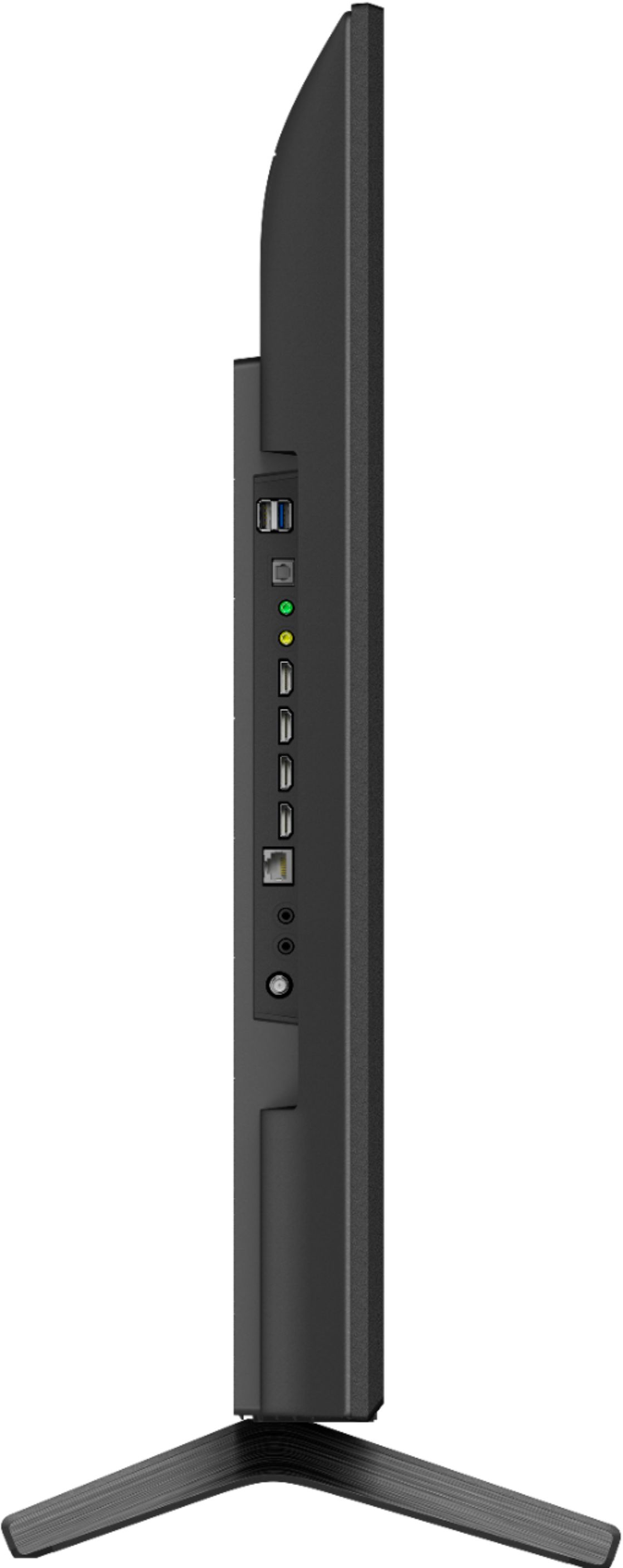
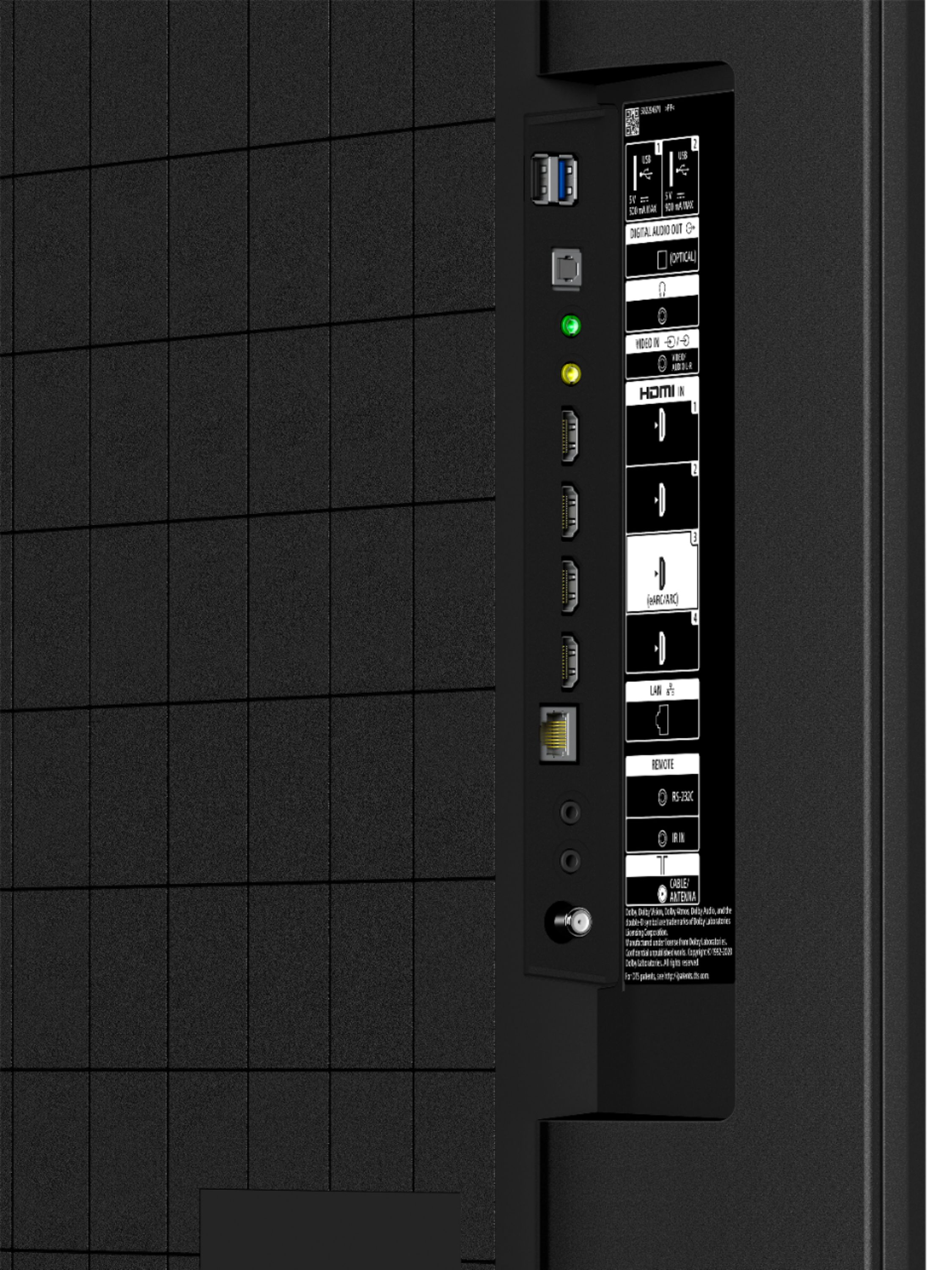
A:AnswerThere are four (4) HDMI ports on this 2021 model Sony 4K Smart Television. One (1) of which is for the HDMI ARC connection. There is also an Ethernet connection in case you prefer a direct connection versus the Wi-Fi option. Two (2) USB ports, and Optical port, along with headphone port.
A:AnswerHi lambo, Thank you for your inquiry! Yes! This TV has a Chromecast built-in™️ that allows you to display (cast) your favorite websites and app screens directly to the TV.
For more information, please check our help guide link: https://helpguide.sony.net/tv/iusltn1/v1/en-003/05_04.html?hl=cast
Regards,
Carl
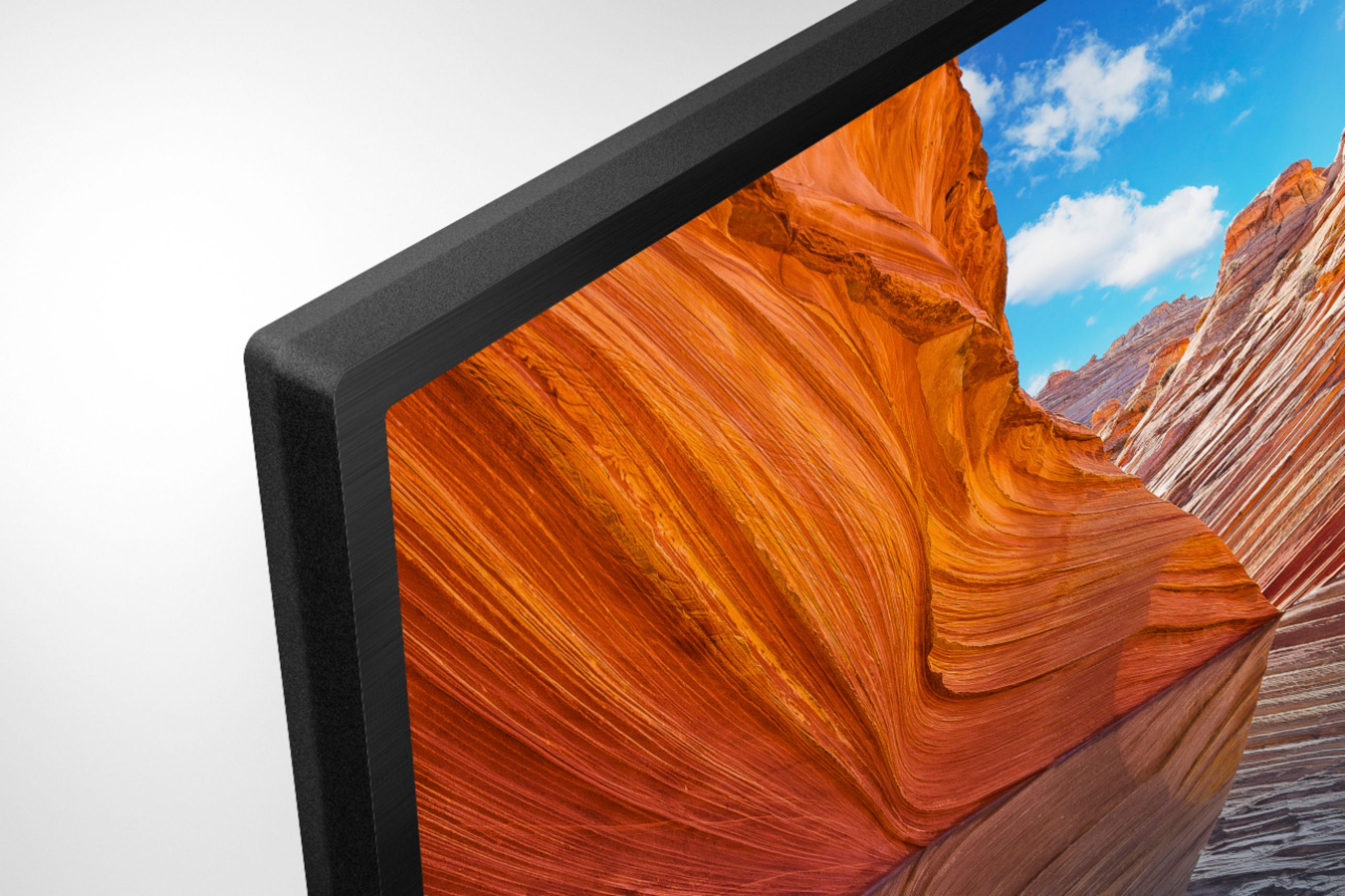
A:AnswerHi texascat2, Good question! Clean the LCD screen with a soft, dry cloth. For more stubborn stains, you can use a soft cloth slightly dampened with a solution of mild soap and warm water. When you clean the screen, wipe it in small circular motions from top to bottom. Immediately afterward, use a soft cloth to dry the screen.
For more information, please refer to this link: https://www.sony.com/electronics/support/televisions-projectors-lcd-tvs-android-/kd-43x80j/articles/00167099
Regards,
Sam
A:AnswerThere is no adaptor included in the box to convert RGB to HDMI. You would probably need to purchase one separately, though I don't think you should necessarily expect to get a high-resolution picture using RGB technology. There may be a better choice for your needs out there, but I think most TV manufacturers are doing away with RGB connectors, currently. Good luck with your purchase decision.
A:AnswerHi noBigBro, Thank you for your interests in Sony products. Yes. You can disable Google Assistant or Alexa if you don't want to use these features without disconnecting the TV to your wi-fi so you can still enjoy other features of the TV. I hope this helps. Erin
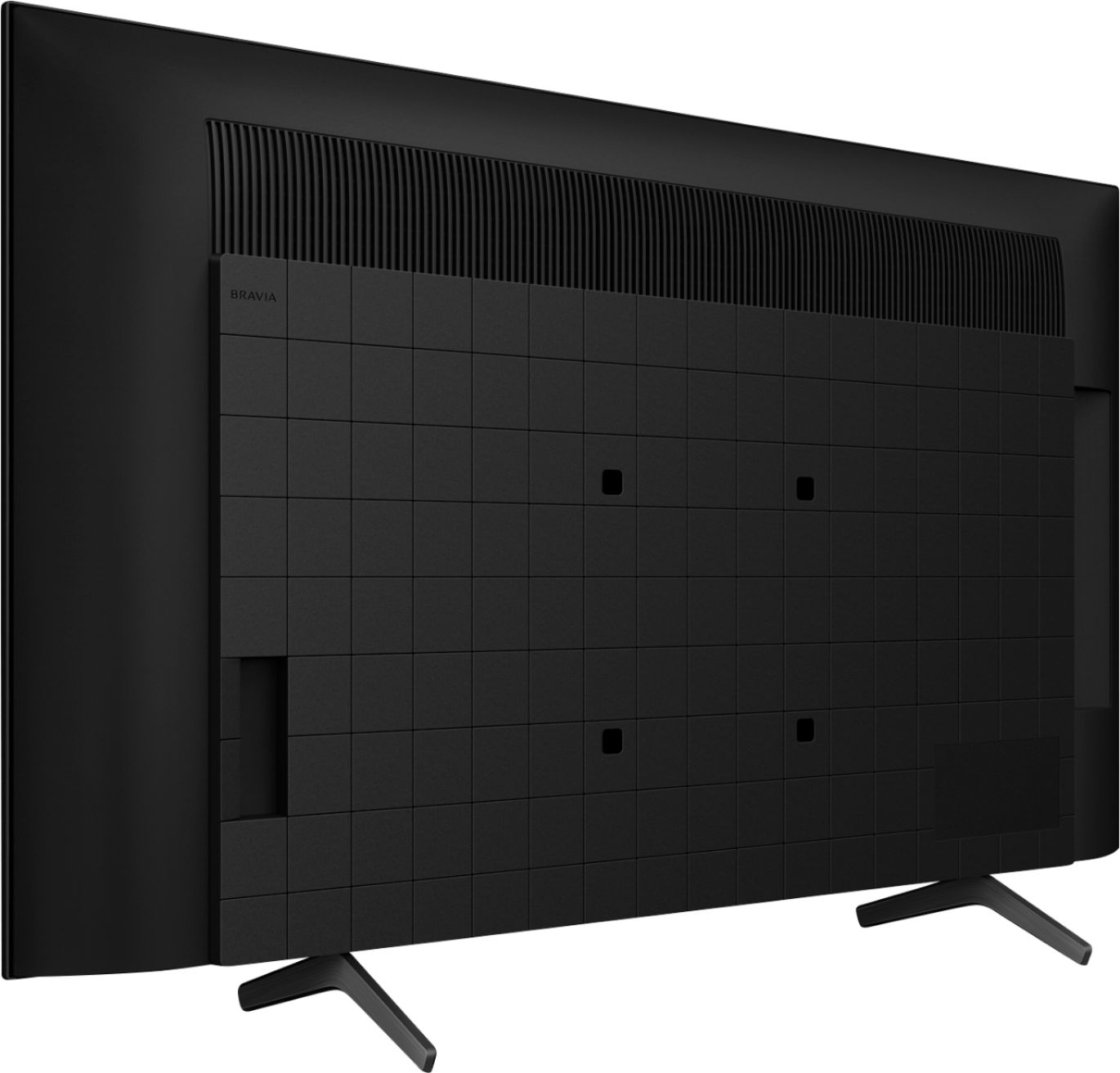
A:AnswerHi HighlanderGirl, Thanks for your inquiry. We recommend using a VESA compliant wall mount with 7 7/8 x 7 7/8 inch (200 x 200 mm) hole pitch pattern. Please note that there is also a weight limit with any mount and the bracket that you'll be using needs to be able to support the TV weight which is 22.1 lb (10 kg). Regards, Erin
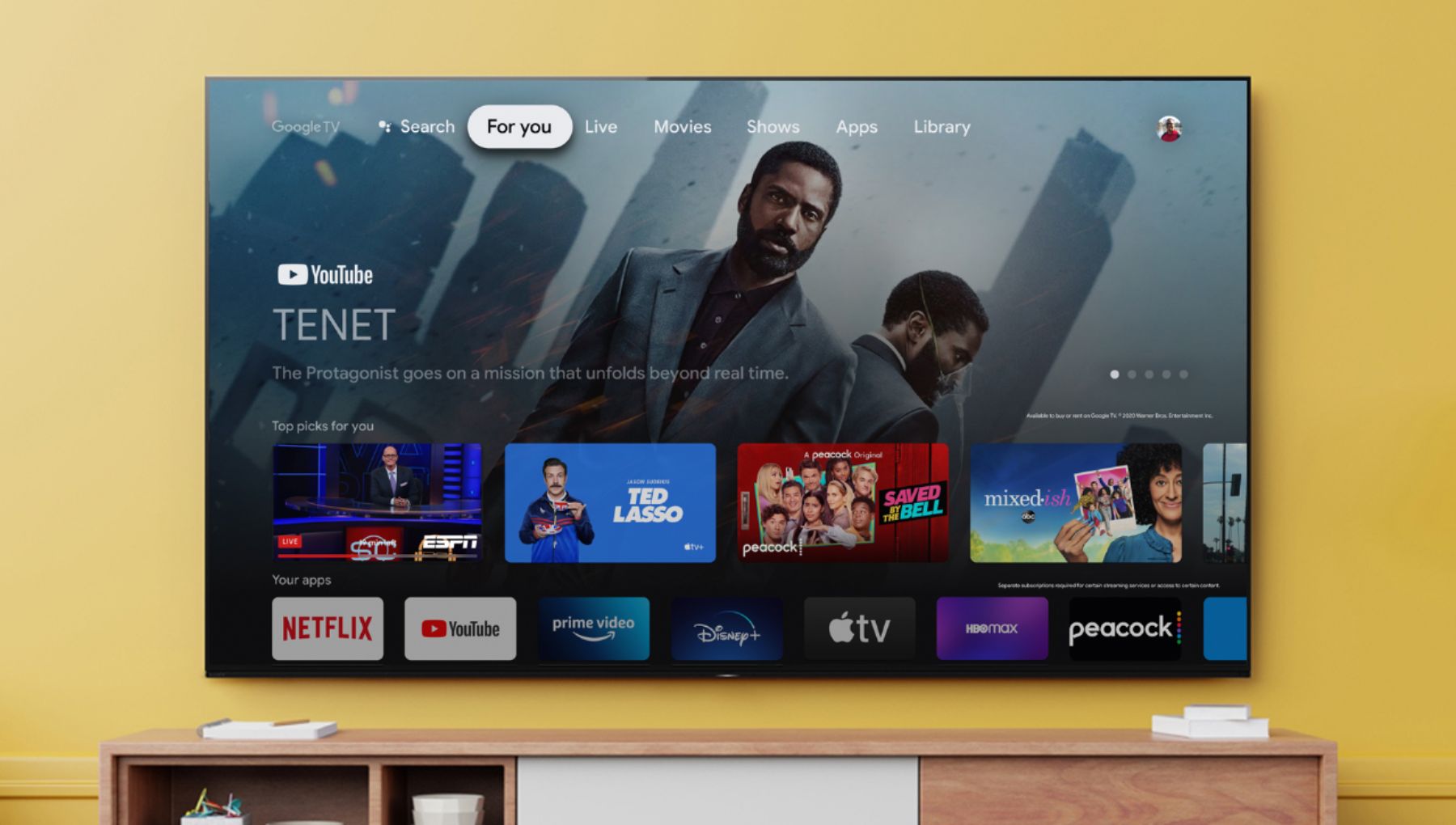
A:AnswerHi, thank you for your inquiry. Yes. You can use a Roku with this TV. However, our BRAVIA X80J LED TV already does a lot of what Roku does. With our Google TV, you can browse 700,000+ movies and TV episodes from across your streaming services, all in one place and organized into topics and genres based on what interests you. You can still hook a Roku stick to the TV. I hope this helps. Regards, Erin
A:AnswerHi lonnie, Thank you for your inquiry! Yes, the TV has SUBTITLES/CC. You can connect your DVR to the TV using a Mini plug to RCA/Composite audio cable. Please check this link to follow the instructions on which type of connection you want to use. https://www.sony.com/electronics/support/articles/00231150. The TV is also compatible with A2DP Bluetooth Profile which is used for Bluetooth wireless connection for your Sennheiser wireless headphones. I hope this helps!
Regards,
Carl
A:AnswerHi Smoothoperator, Thank you so much for your inquiry! Yes, the TV has a sleep timer that you can enable/disable. In Timers & Clock, you can set the timer, Sleep timer, Alarm, and Auto clock display.
For more information you may check our help guide link: https://helpguide.sony.net/tv/iusltn1/v1/en-003/07_14.html?hl=sleep
I hope this helps!
Regards,
Carl
A:AnswerHi there, we are sorry to hear that you are experiencing issues connecting your TV to your google hub. We'd love to troubleshoot the issue and make this a better experience for you. In the meantime, please make sure that your google hub is connected to the internet, if other devices are working and if there are any error messages while connecting your devices to your google hub.
For further assistance, you may visit this link: https://support.google.com/googlenest/topic/7196419?hl=en&ref_topic=7562677
Regards,
Carl
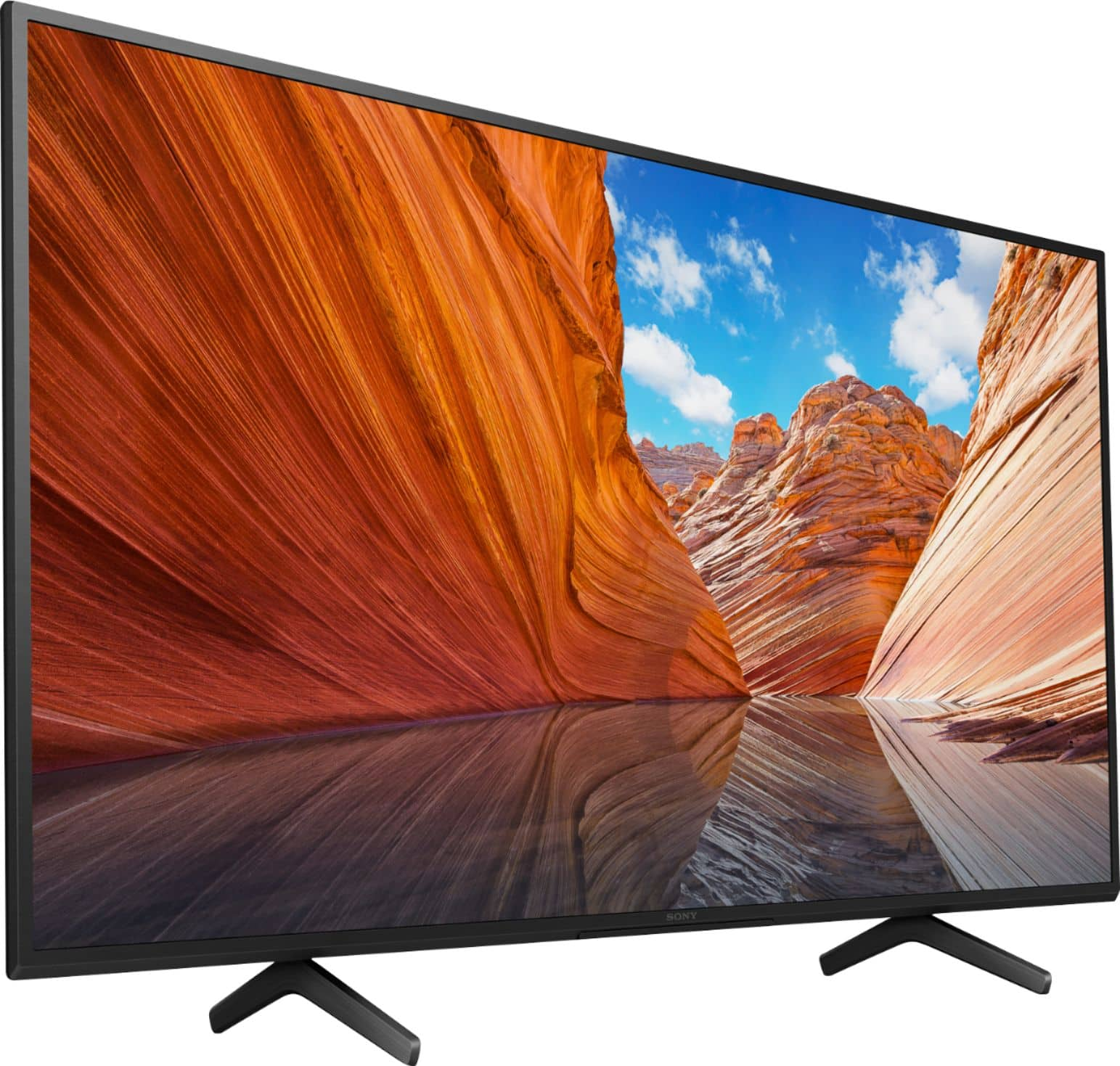
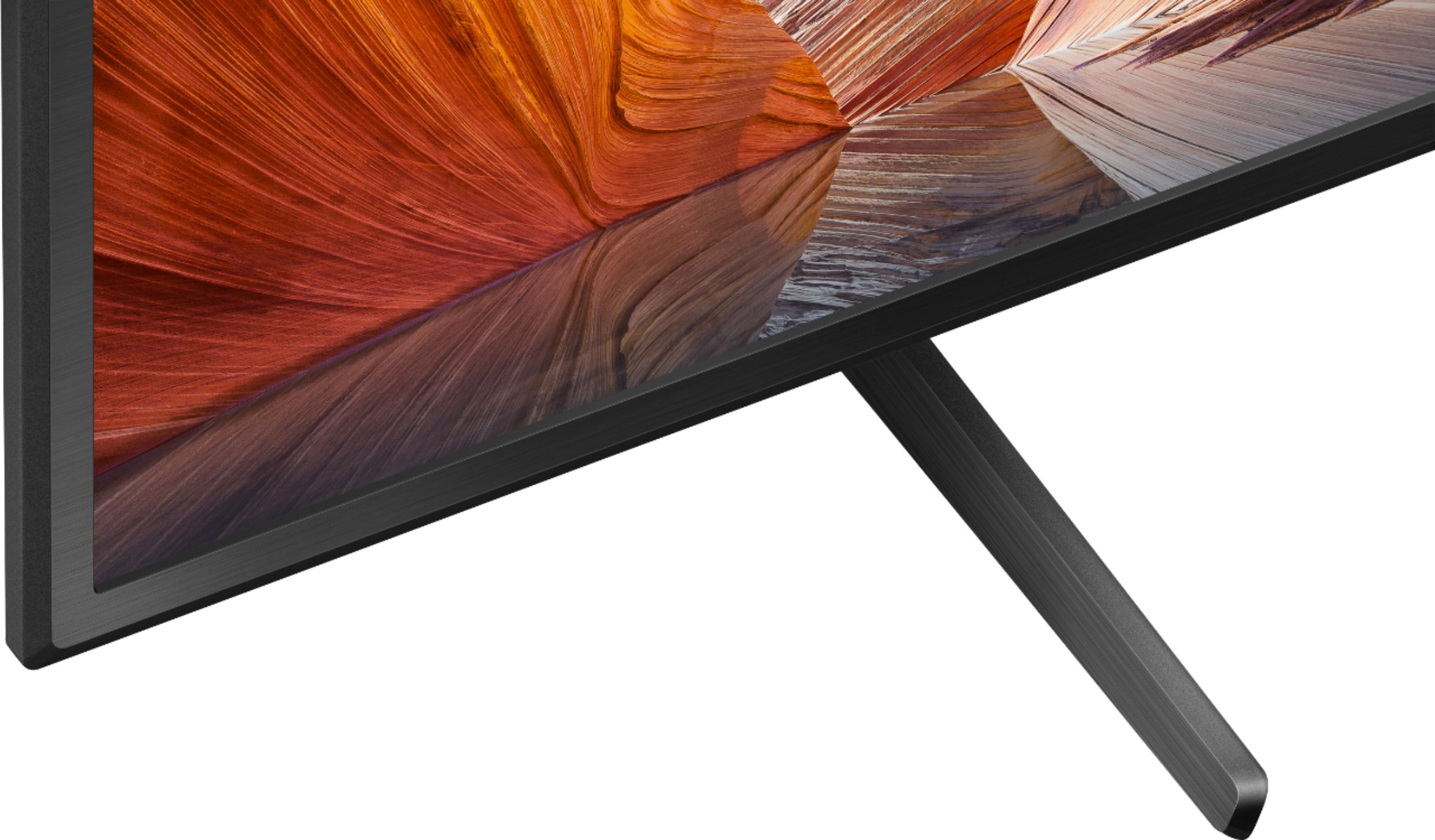
A:AnswerThis particular 2021 model Sony 4K Smart television legs (stand) are approximately 23 inches in width, which allows more flexibility of placing this model on TV stand.
A:AnswerHi Ali,
Thank you for your inquiry! If you are looking for a wall spacer or wall mount, you will need to consider the VESA mounting pattern supported by this TV. The KD43X80J works with VESA compatible wall-mount bracket with a screw hole pattern of 7 7/8 x 7 7/8 in (200 × 200 mm). For product protection and safety reasons, Sony strongly recommends that the installation of your TV on a wall be performed by qualified professionals. You may visit your local retailer/dealer or contact Best Buy to find the correct wall spacer and best VESA-compliant wall mount bracket that meets the size of our TV, your wall or environmental requirements, and your stylistic preferences.
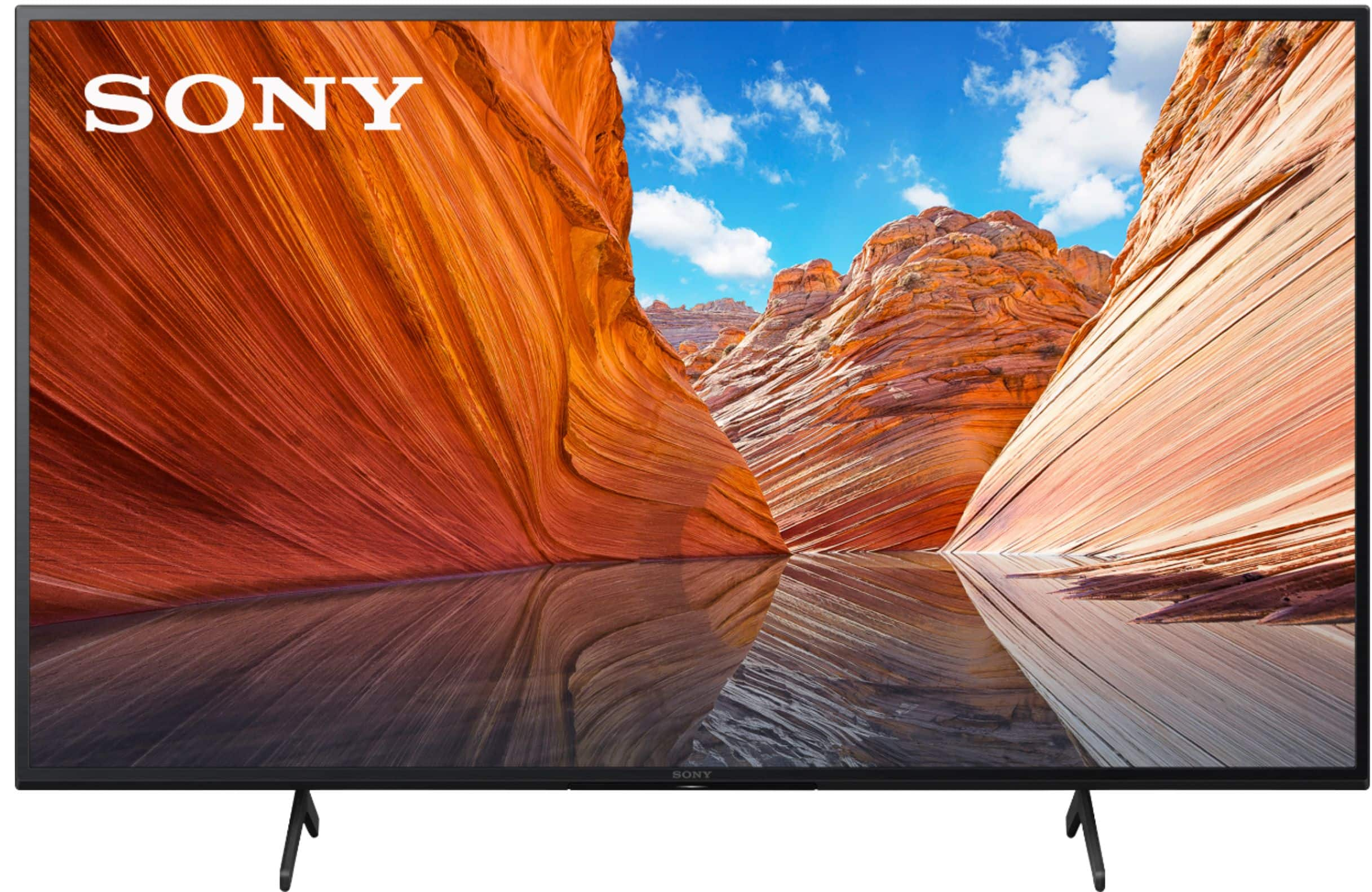
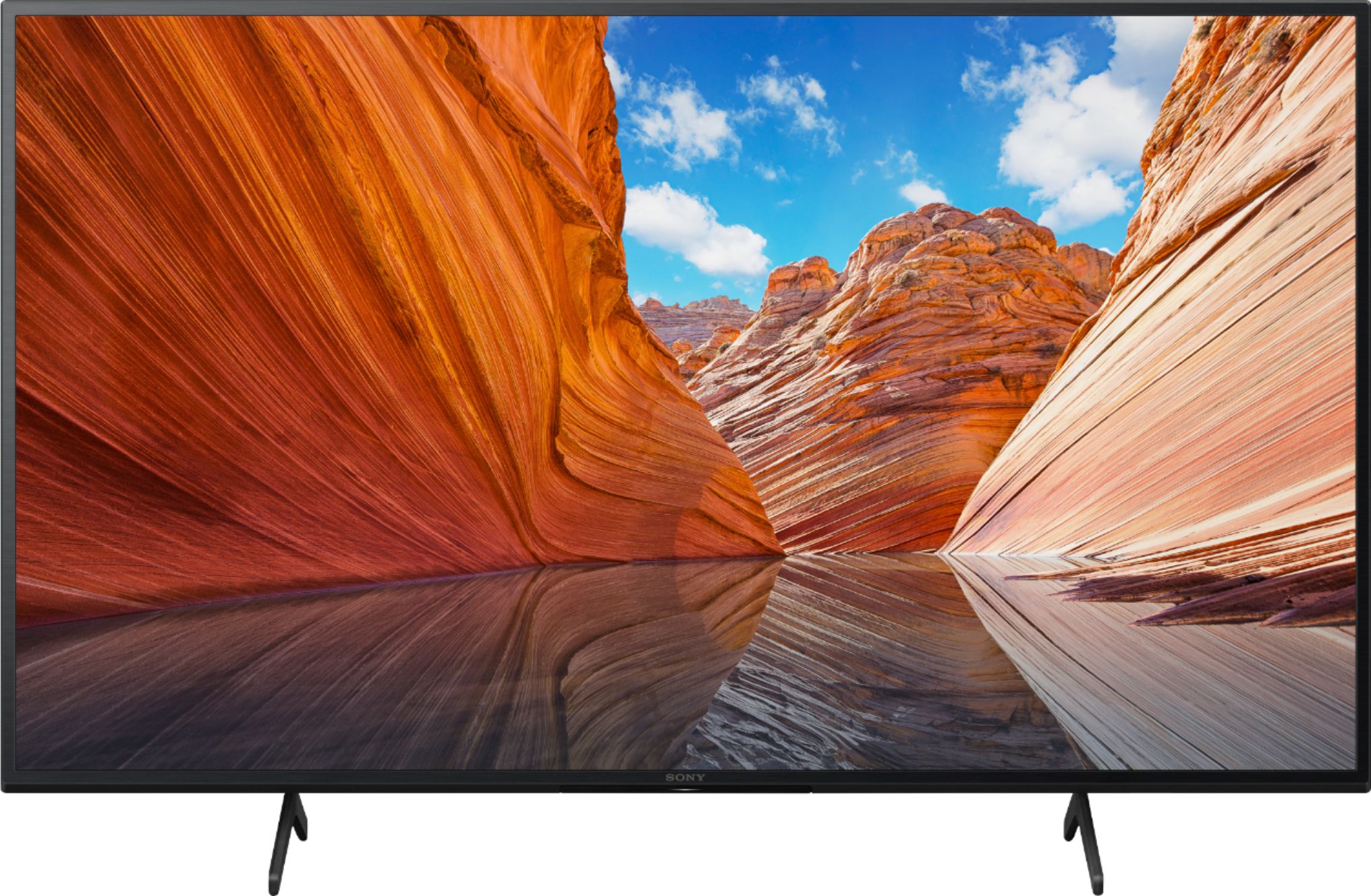
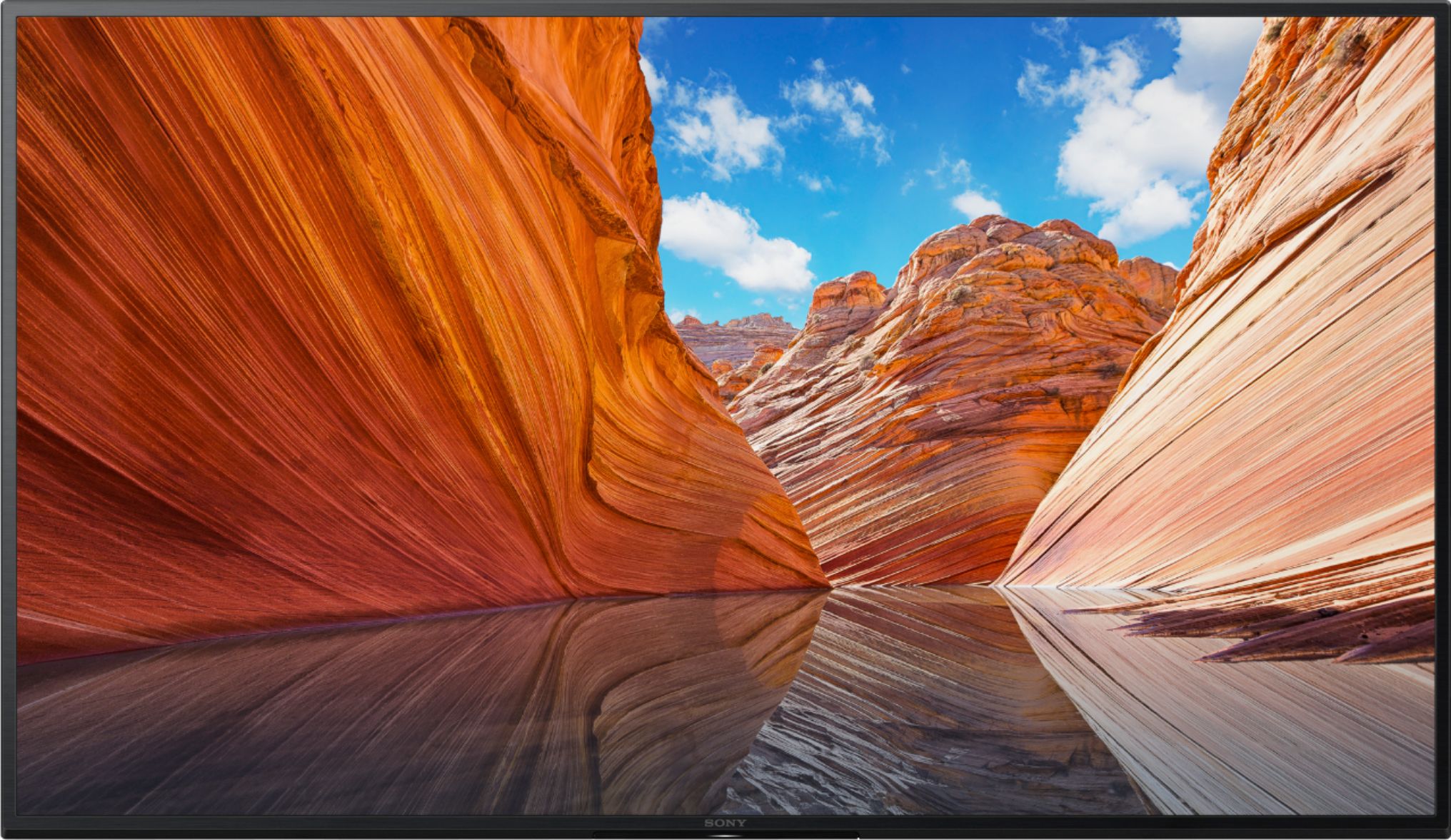
With our BRAVIA X80J LED TV, you'll enjoy an intuitive smart TV experience with natural color and clear sound. The powerful 4K HDR Processor X1 reduces digital noise and boosts details for lifelike picture quality. Google TV gives you access to all your favorite streaming apps, while Google Assistant easily searches for content and controls your smart home simply by using your voice. Hope this helps! - Kris
A:AnswerHi Indianapolis,
Thanks for the question. We are sorry but Sony does not publish panel type other than LCD or OLED. You may be able find this information online from 3rd party reviewers and forums.
Additional information:
With our BRAVIA X80J LED TV, you'll enjoy an intuitive smart TV experience with natural color and clear sound. The powerful 4K HDR Processor X1 reduces digital noise and boosts details for lifelike picture quality. Google TV gives you access to all your favorite streaming apps, while Google Assistant easily searches for content and controls your smart home simply by using your voice. Hope this helps! - Kris