A:AnswerHi Annie,
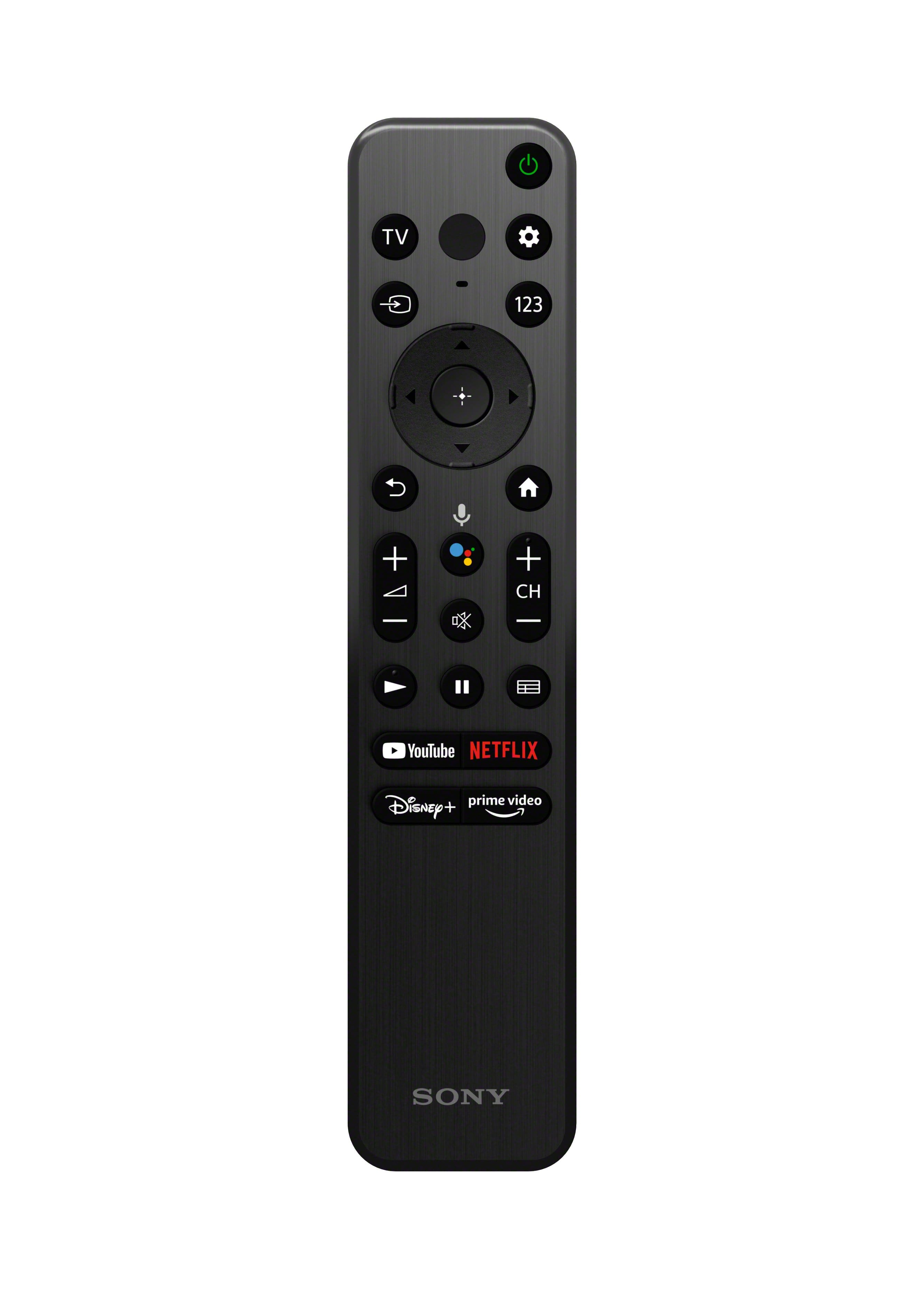
Thank you for inquiring about the TV. Performing [Cable/Satellite box control setup] in [Cable/Satellite box setup] allows you to control a cable/satellite box using the TV’s remote control. The supplied TV remote also has CH +/- (Channel) button and 123 (Control menu) button to display a menu on the TV to use button functions that are not on the remote control on the screen.
Press the (Quick Settings) button or "gear" icon on the remote control, then select [Settings] — [Channels & Inputs] — [External inputs] — [Cable/Satellite box setup] — [Cable/Satellite box control setup]. Follow the on-screen instructions.
Depending on the model or device specifications, all or several of the remote control functions may not work. So you may need to use the cable box remote for changing channels and TV remote to navigate through built-in TV apps and inputs. Hope this helps!
Regards,
Jess
A:AnswerHi Driftwaygirl,
Thank you for your question. Good news! The YouTube app is supported on this model. The video content depends on your subscriptions to the streaming apps. Also, content or subscriptions purchased via the website and/or another supported device will continue to be playable in the YouTube app on your device.
For advertisement/ads, there are certain applications like YouTube and others that will run ads depending on your viewing habits. To access a web browser, like the Vewd Browser, please check the Google Play Store or Search for apps under the Apps tab on the Home menu. There is not one pre-installed.
Our X80K will also allow you to browse 700,000+ movies and TV episodes, plus live TV, all in one place. Google TV™ brings your favorite content from across your apps and subscriptions and organizes them just for you.
Regards,
Jess
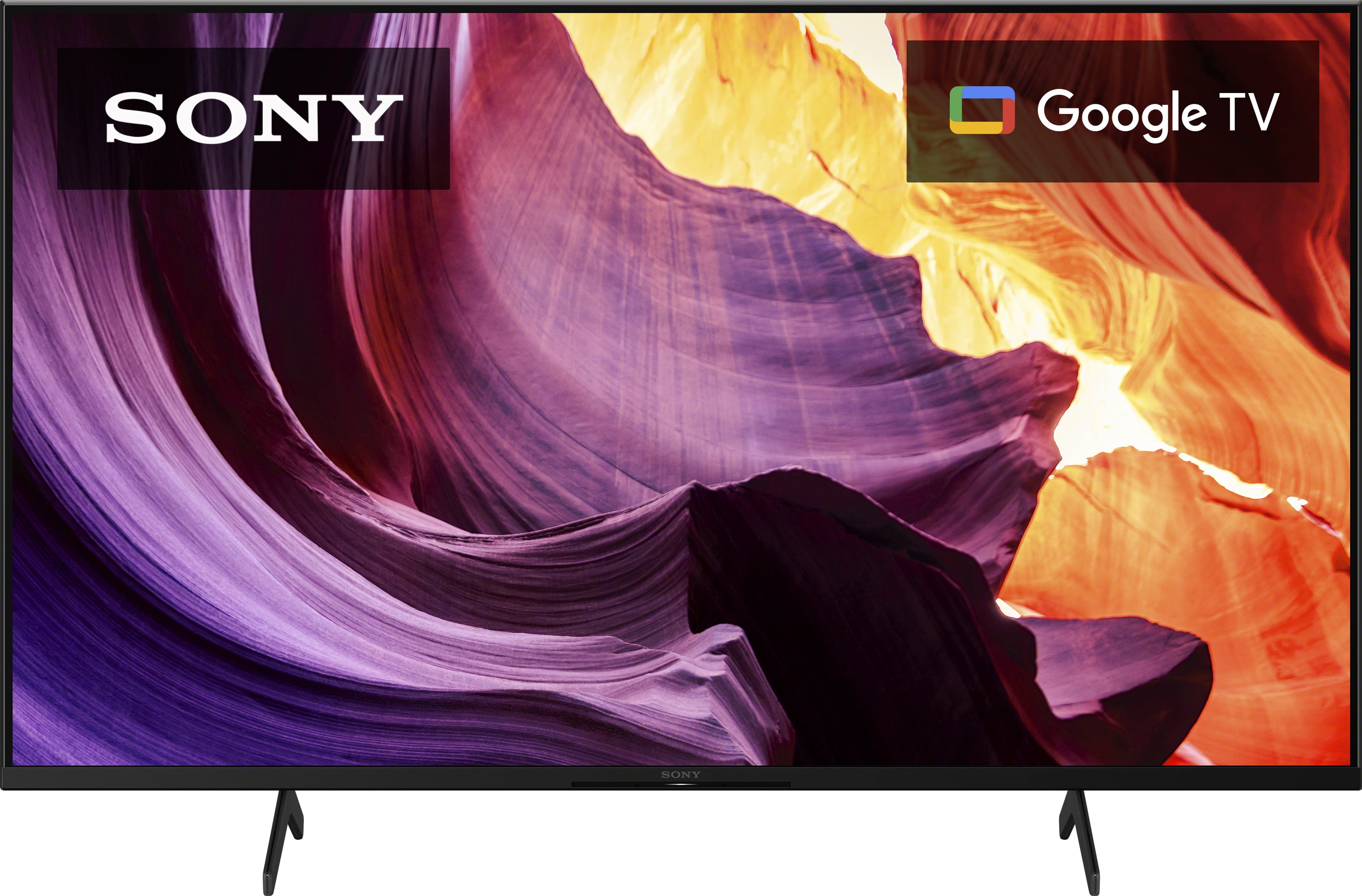
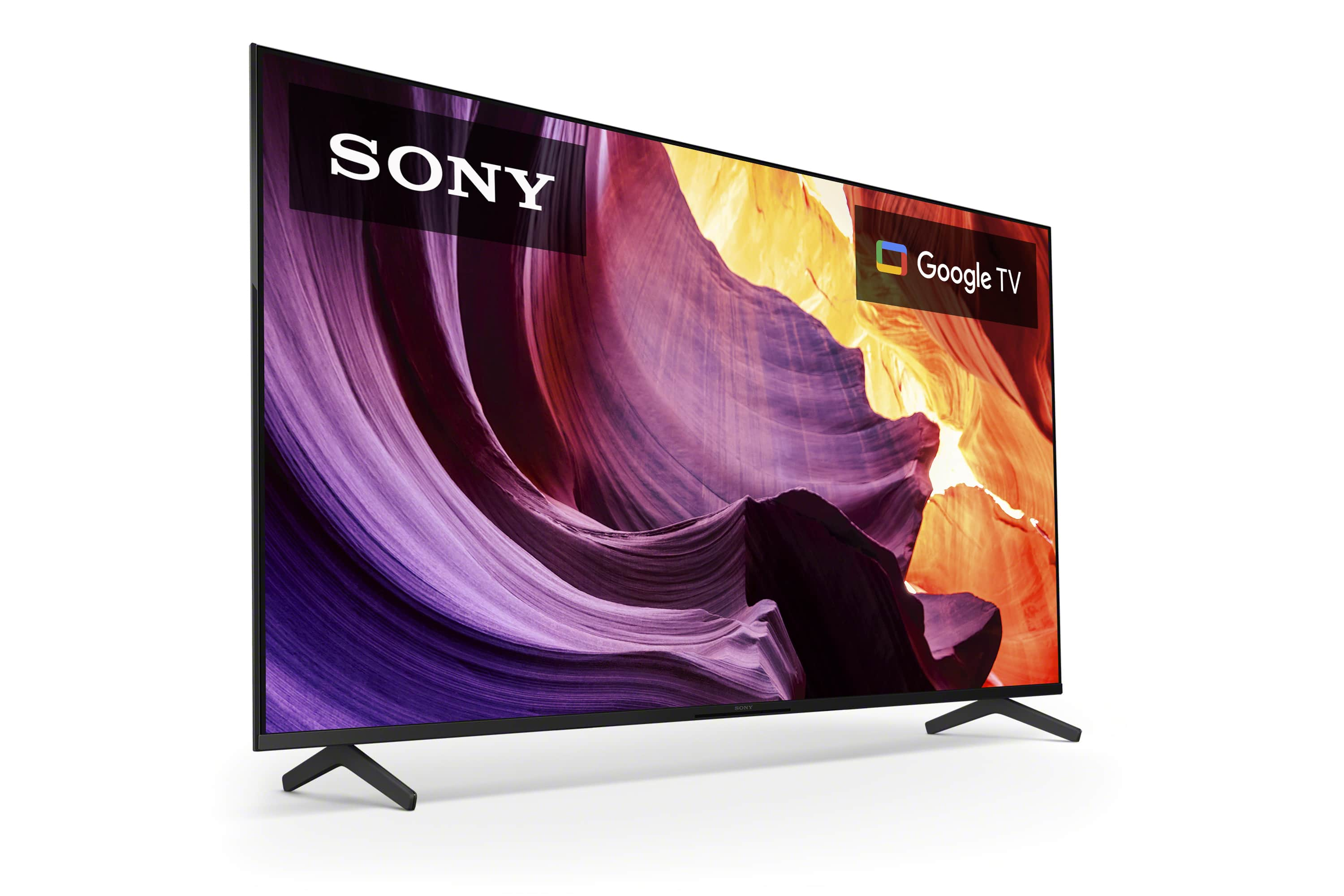
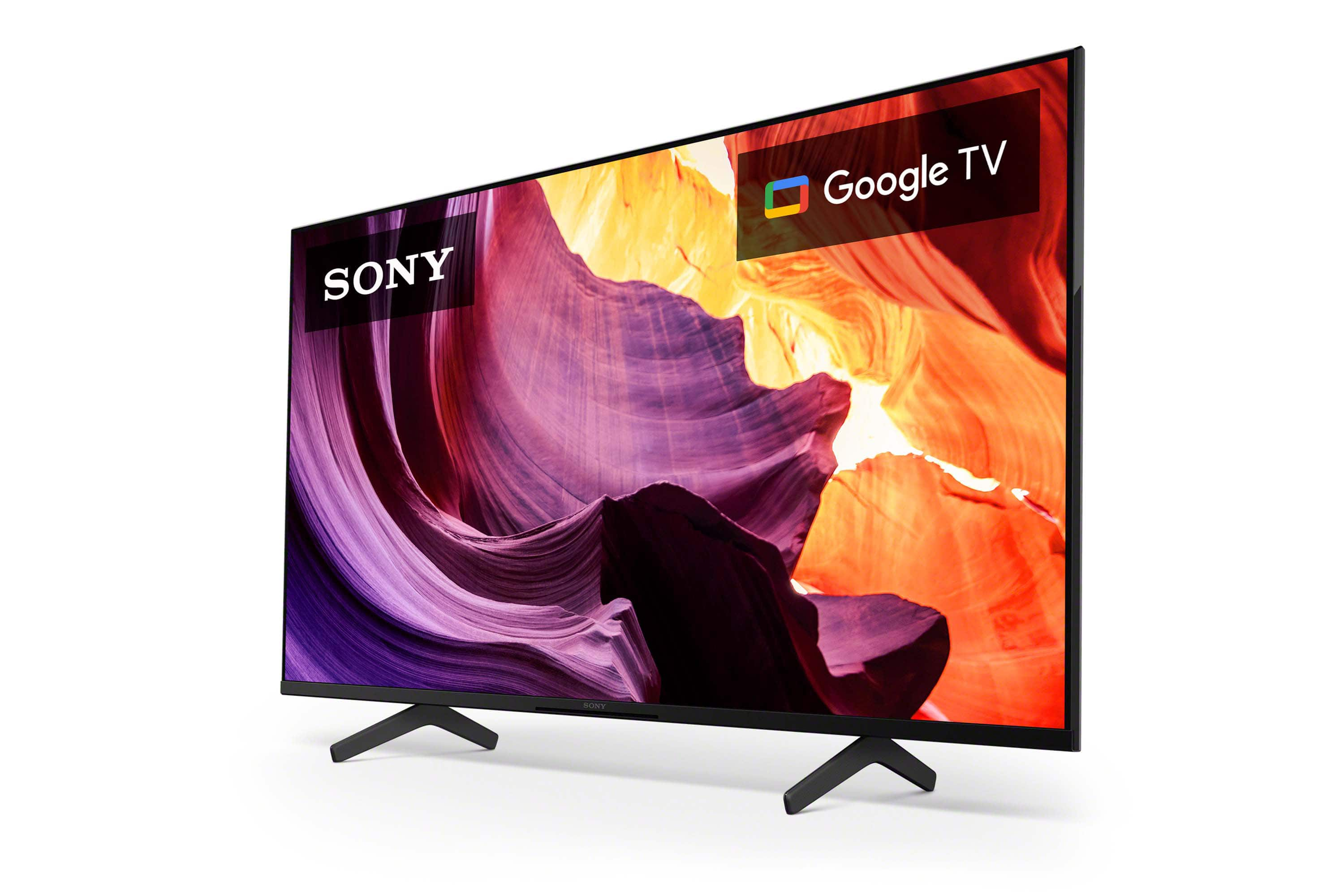
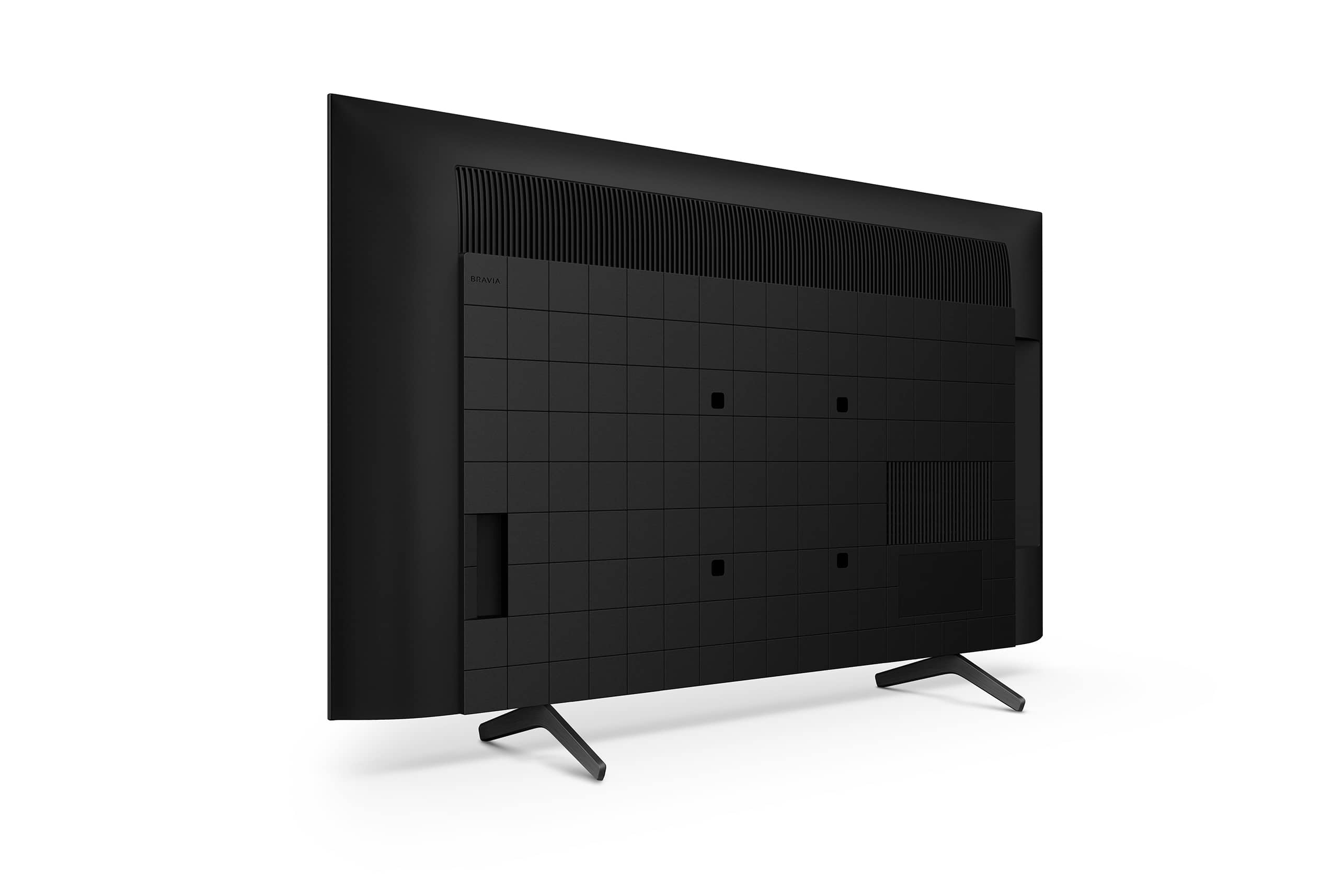
A:AnswerThank you for your question, Shawn! Absolutely, yes. The KD-43X80K is a BRAVIA 4K HDR LED Google TV.
Enjoy an intuitive smart TV experience with natural color and clear sound with the BRAVIA X80K LED TV. The powerful 4K HDR Processor X1 reduces digital noise and boosts details for lifelike picture quality. Google TV gives you access to all your favorite streaming apps, while Google Assistant easily searches for content and controls your smart home simply by using your voice.
Regards,
Jess
A:AnswerHi,
The answer to your question and according to what you provided: “Yes!” It should feed. You should have around 2” extra inches.
The measures are in the Specs from Best Buy.
And have a Happy Thanksgiving and Marry Christmas.
A:AnswerHi BillyD,
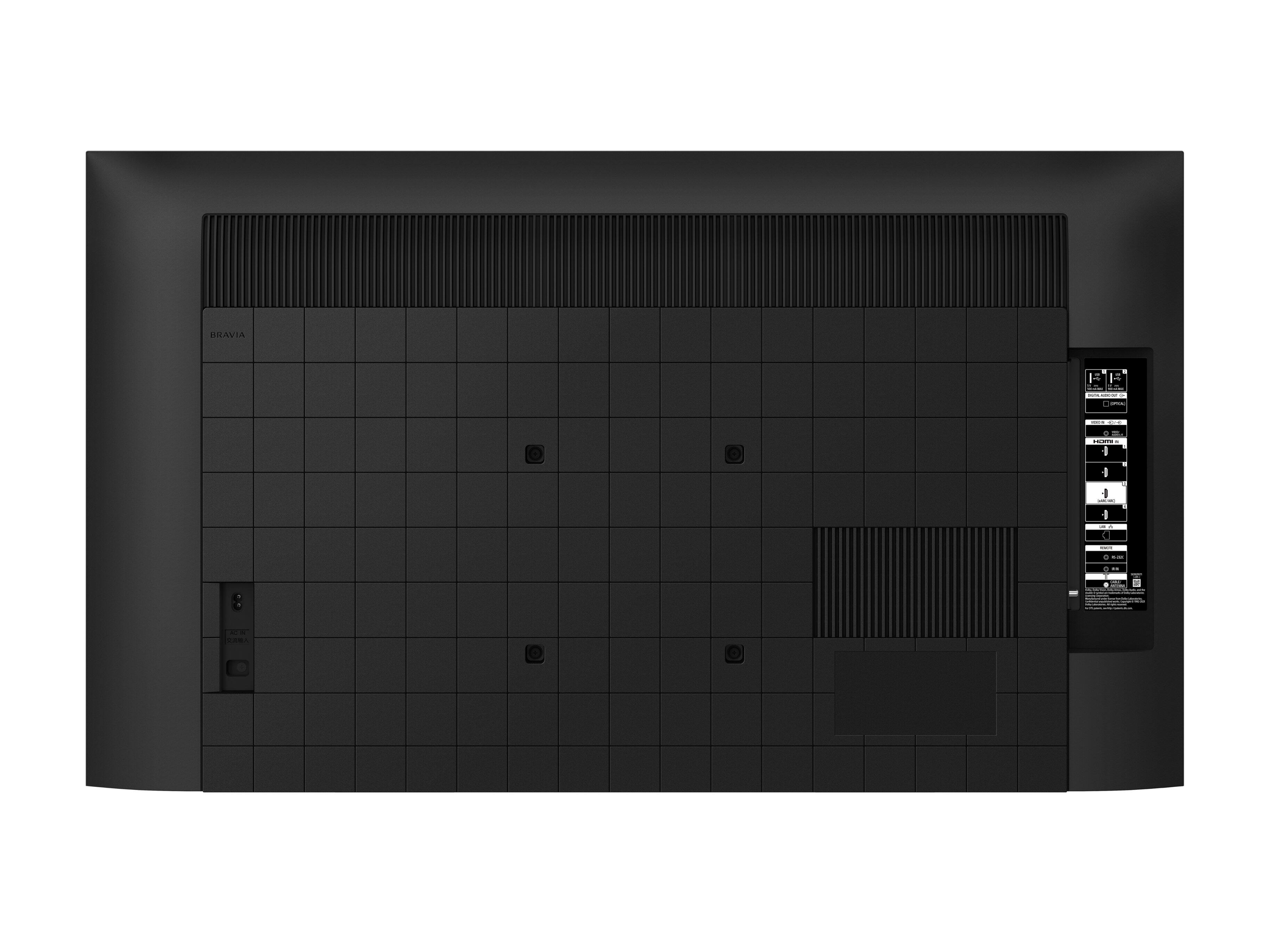
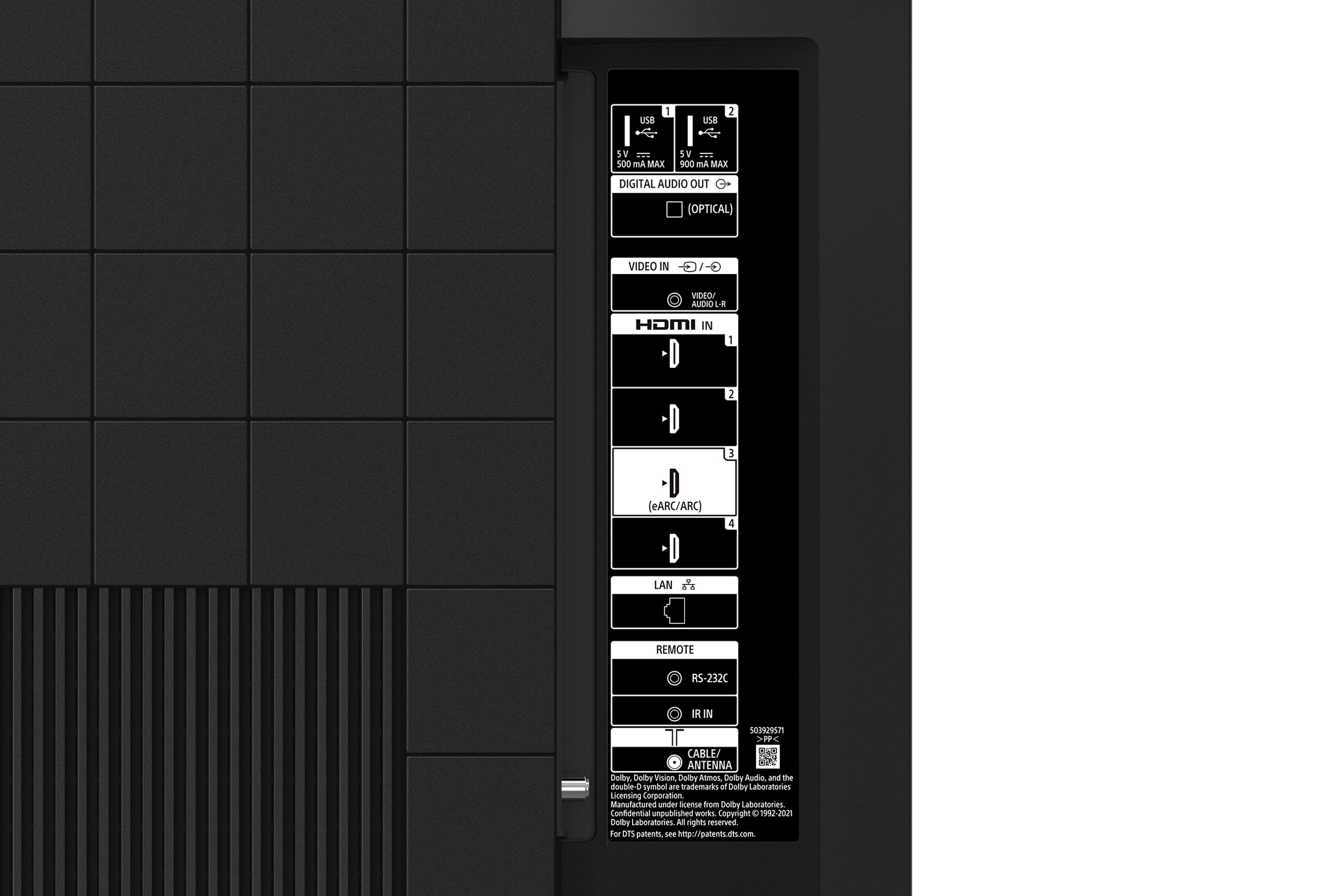
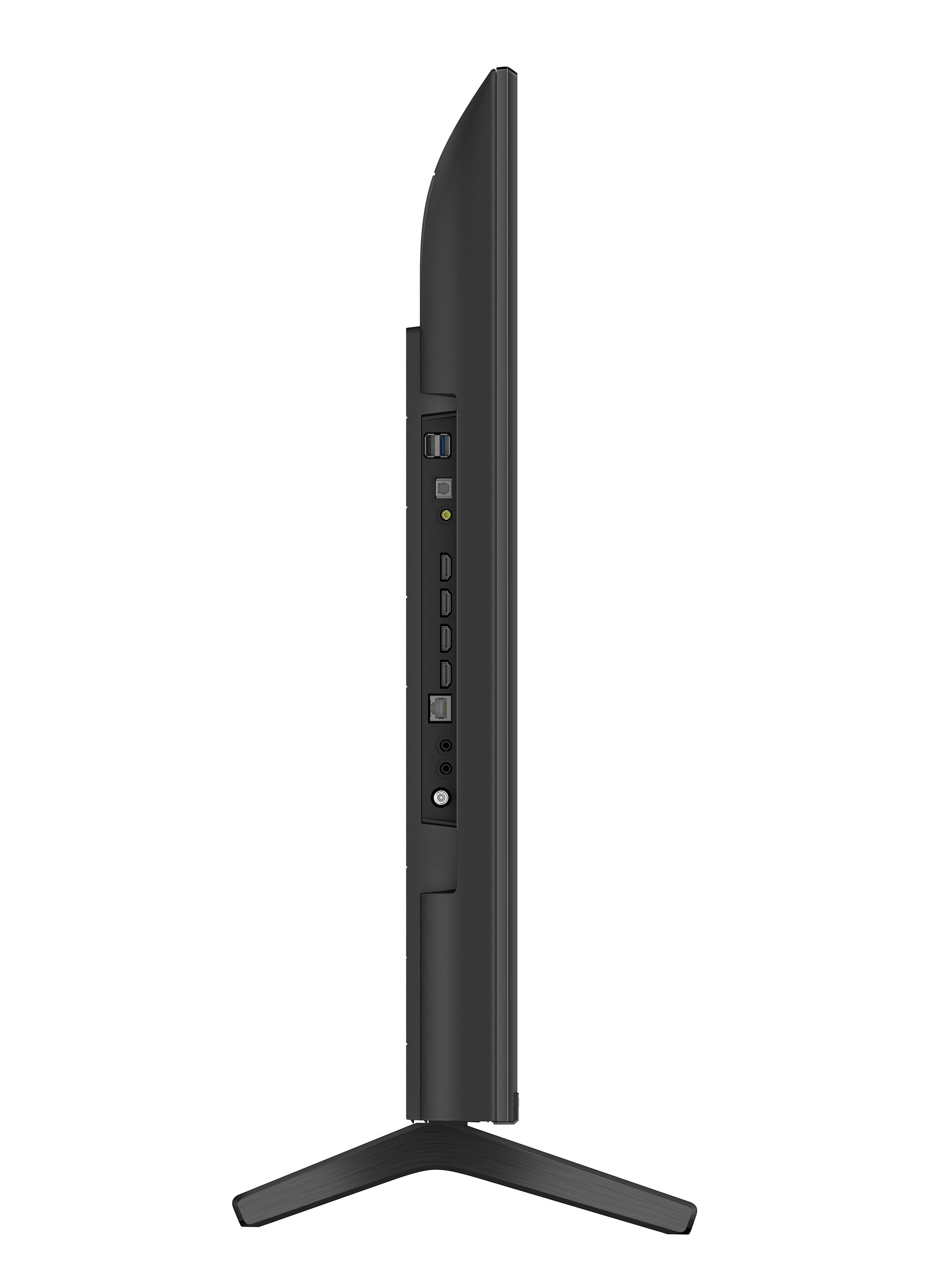
Thanks for your inquiry. Yes. You can connect audio systems such as soundbars or AV receivers to the TV. How to connect your TV and Soundbar will depend on the connection ports they have available. Select a connection method on the link below according to the specifications of the audio system you want to connect.
https://www.sony.com/electronics/support/televisions-projectors-lcd-tvs-android-/kd-43x80k/articles/00014997
The X80K model have eARC for enhanced audio which is a step up from ARC for higher bandwidth audio such as Dolby Atmos and DTS:X. You can pass-through audio formats supported with eARC including 7.1 channel linear PCM: 32/44.1/48 kHz 16 bits, Dolby Digital, Dolby Digital Plus, DTS, Dolby TrueHD, DTS-HD MA, Dolby Atmos, DTS:X Master Audio, and MPEG2 - AAC/MPEG4 - AAC. In addition, you can also output the high quality sound by connecting an AV device to the HDMI IN jack on the TV. In this case, enable the eARC function of the TV.
Regards,
Jess
A:AnswerHi,
Virtual remote should work, however; Control Remote from previous Sony TVs should always work.
My older Sony Bravia from 2010 Remote Control works with my new one.
A:AnswerHi there,
Thanks for your inquiry. The X80K TV series is a 2022 year model. The new X80K offers you a better viewing experience thanks to its 4K HDR Processor X1 and Direct Lit LED lighting system. Expect improved brightness and contrast on the 2022 X80K.
For more details, please check the specifications of this TV on our Sony website below.
https://www.sony.com/electronics/support/televisions-projectors-lcd-tvs-android-/kd-43x80k/specifications
Regards,
Jess
A:AnswerHi Gary,
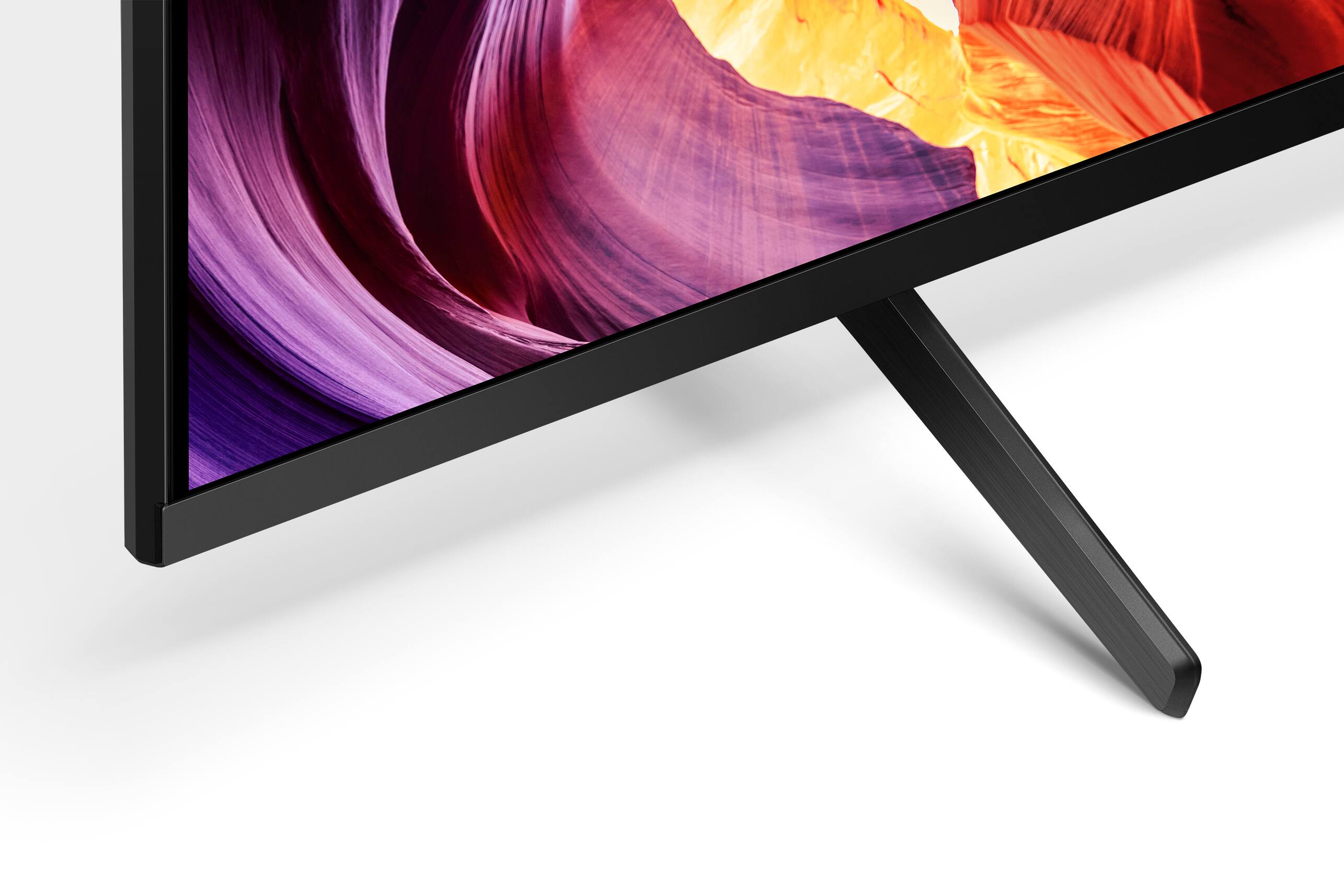
Thanks for inquiring about the KD-43X80K. The height of the TV with the stand is approximately 24.72 inch (628 mm). If you are looking to figure out the height of the TV stand when on a standard position, it is approximately 2 5/8 inch (66.6 mm). For your reference, please check the approximate dimensions of this TV below:
Dimension of TV without Stand (W x H x D): 37.95 x 22.17 x 2.72 inches (964 x 563 x 69 mm)
Dimension of TV with Stand (Standard position) (W x H x D): 37.95 x 24.72 x 11.26 inches (964 x 628 x 286 mm)
Regards,
Jess