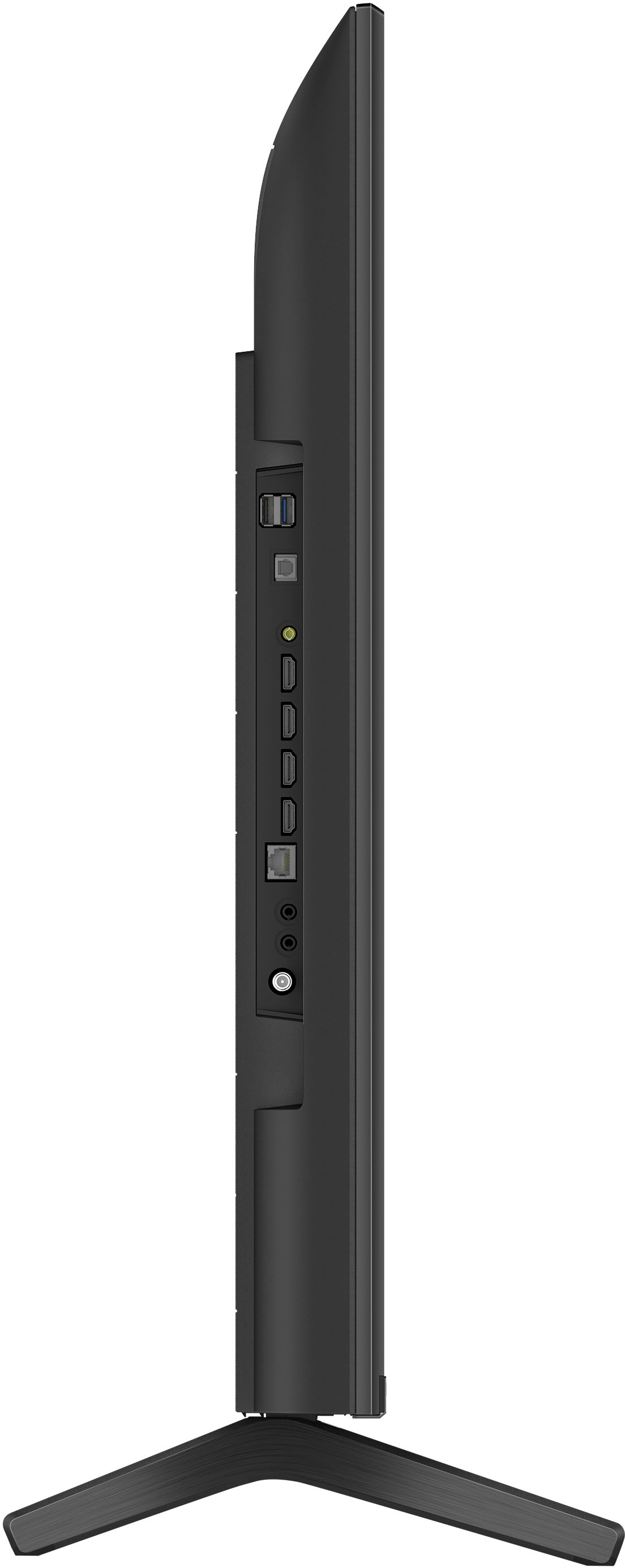
A:AnswerHi Halc, thanks for your question. Yes, you can hook up a DVD player to this TV. Depending on the available connection your player has, you can hook it up using:
HDMI connection
Composite connection
Cable that connects to the video input jack (not supplied)
Ref: https://helpguide.sony.net/tv/jusltn1/v1/en-003/04-02_01.html
Hope this helps.
Regards,
Erin
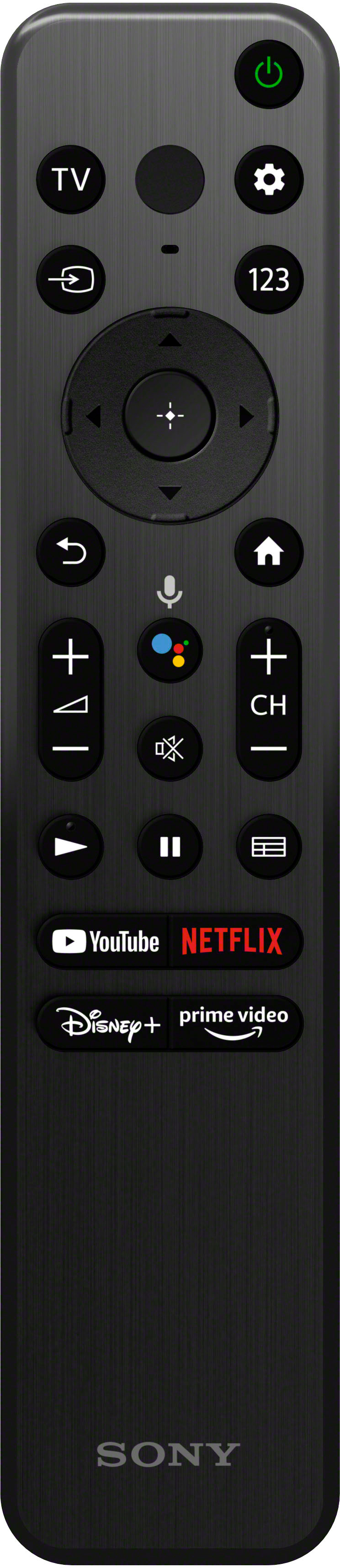
A:AnswerHold the smooth bottom of the back of the remote with your thumb and slide the bumpy part of the remote with your other thumb away from the other thumb and it should slide out and slightly up. There’s also molded in the back of the remote near the bottom a little arrow to show what direction to slide the back.
A:AnswerCheck with your closest Best Buy store either in person or online. I do both as you’ll find stuff that hasn’t been listed yet as open box online and it’ll be in the store. Ask questions as to why something came back.
A:AnswerHi Ajc1,
Thank you for the inquiry! If you're talking about wall mount.We strongly recommend that a qualified professional install your TV on the wall for product protection and safety reasons. Contact your local retailer or local custom installer to assist with this installation.
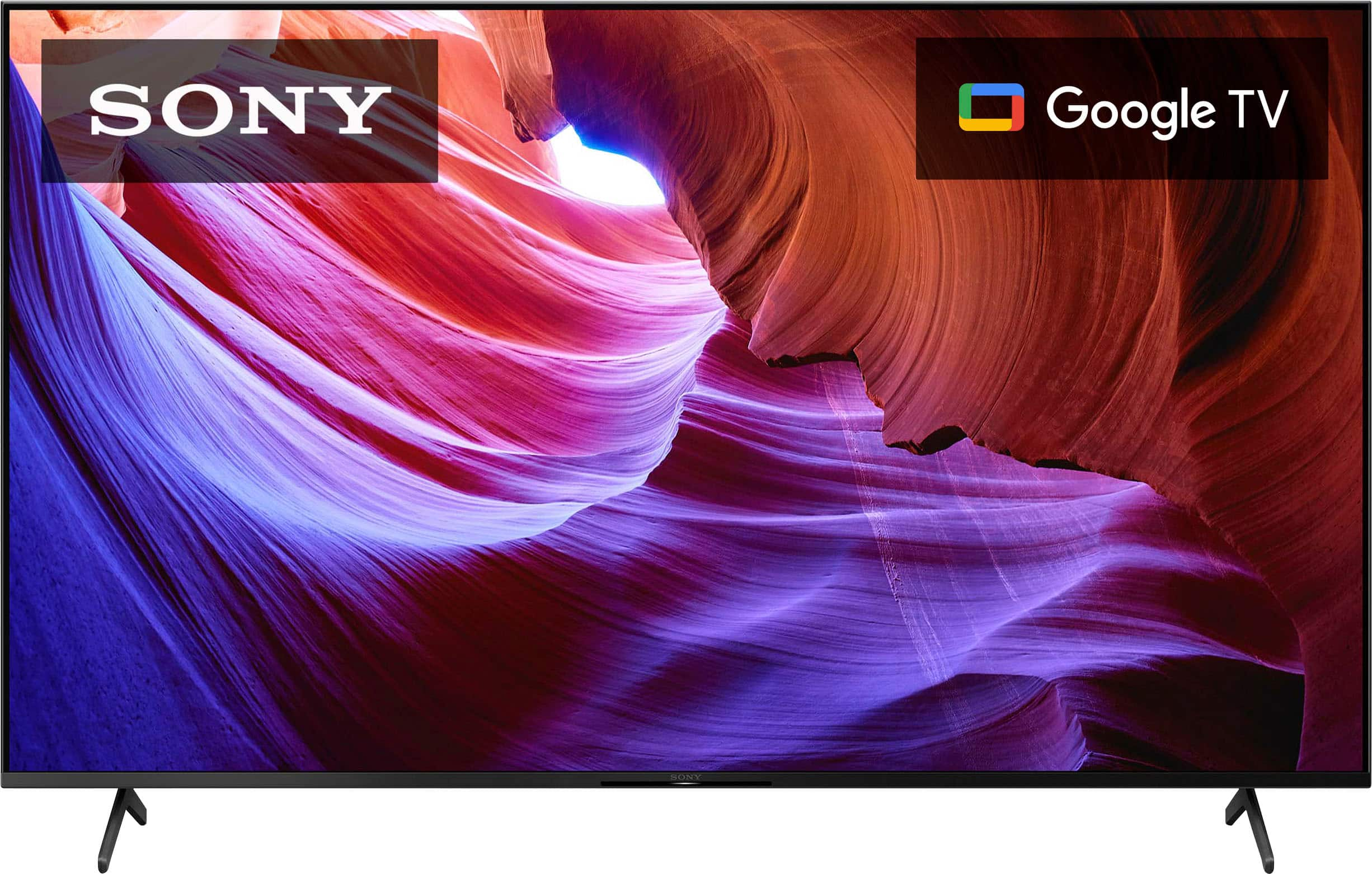
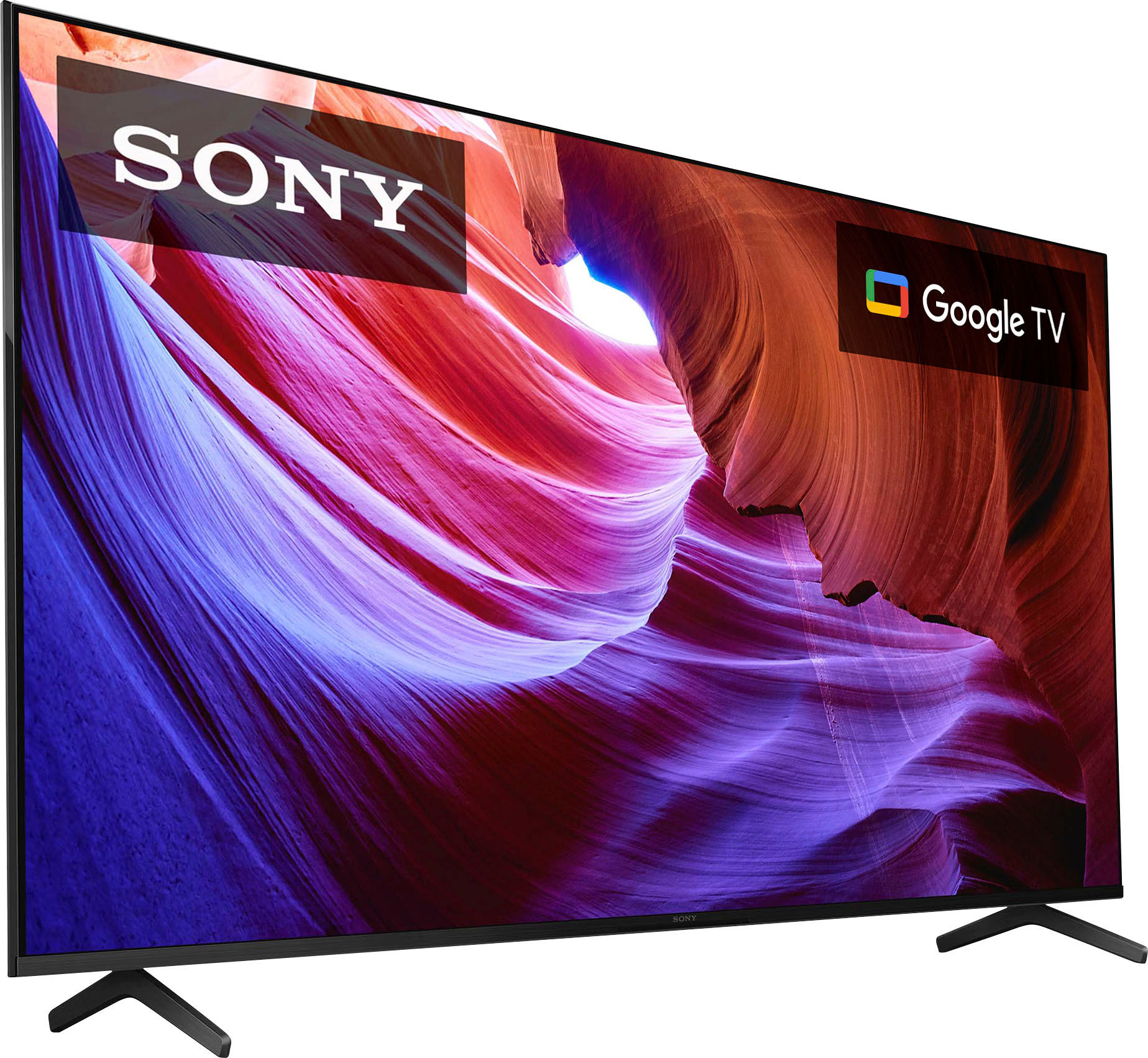
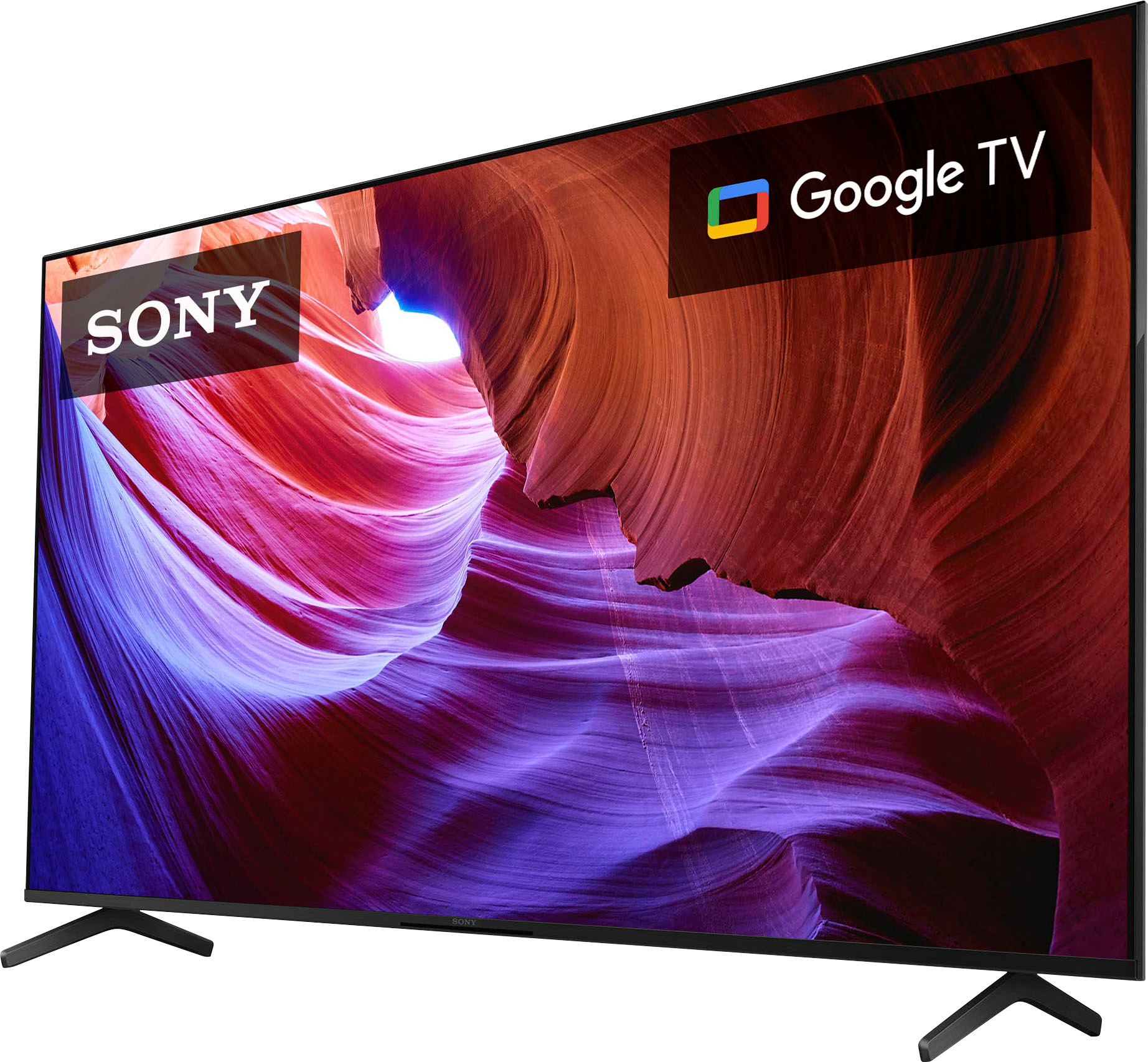
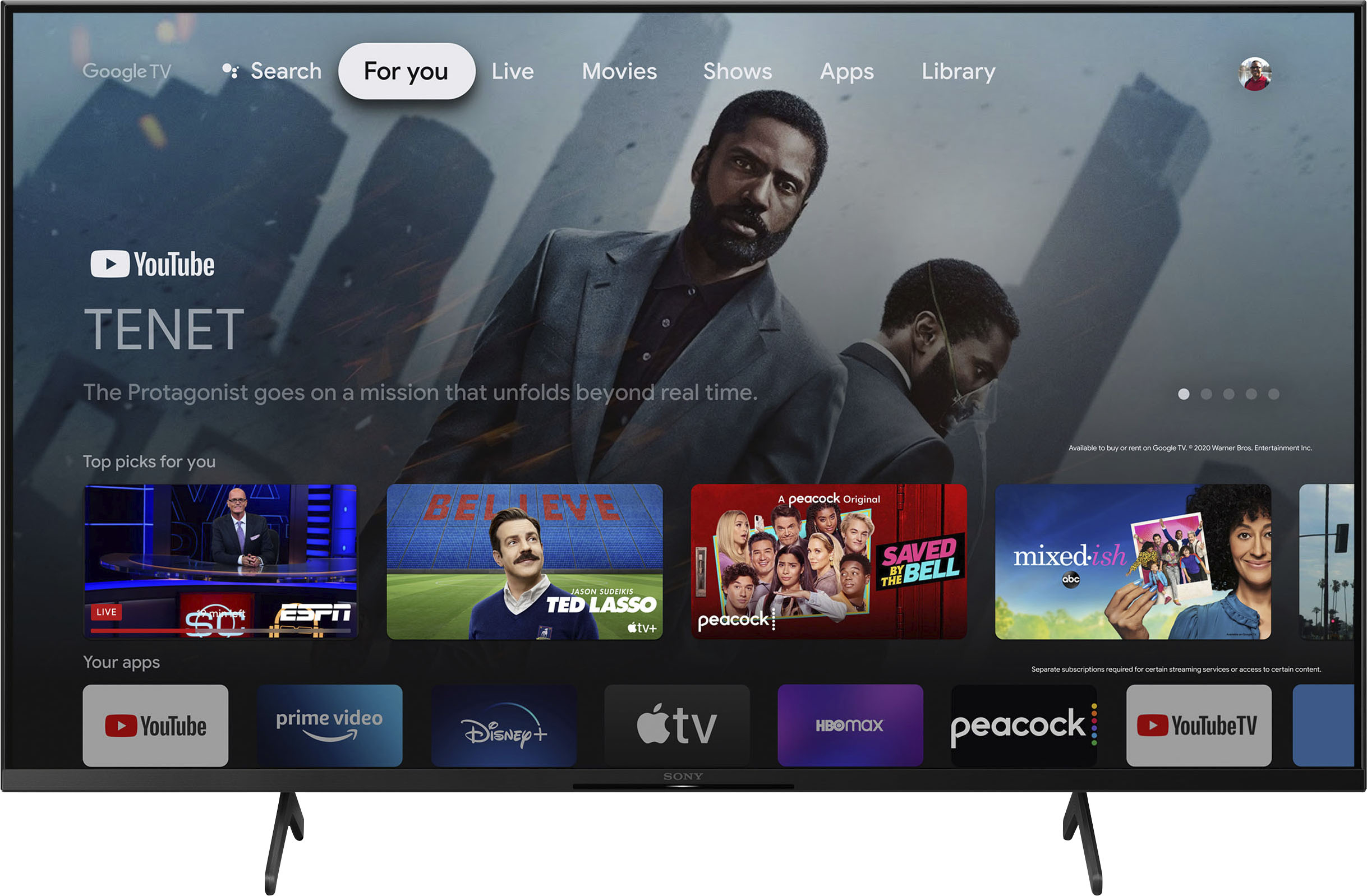
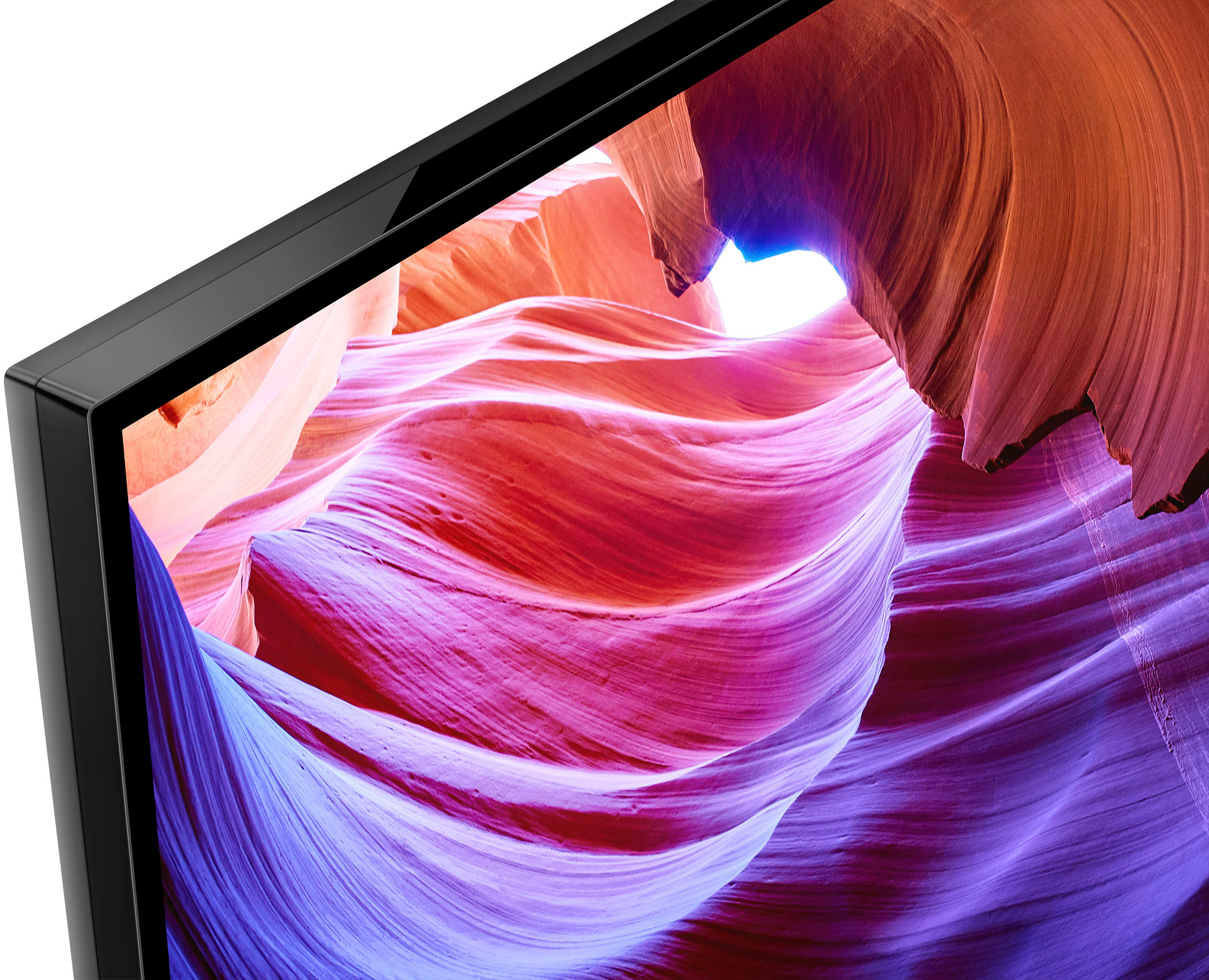
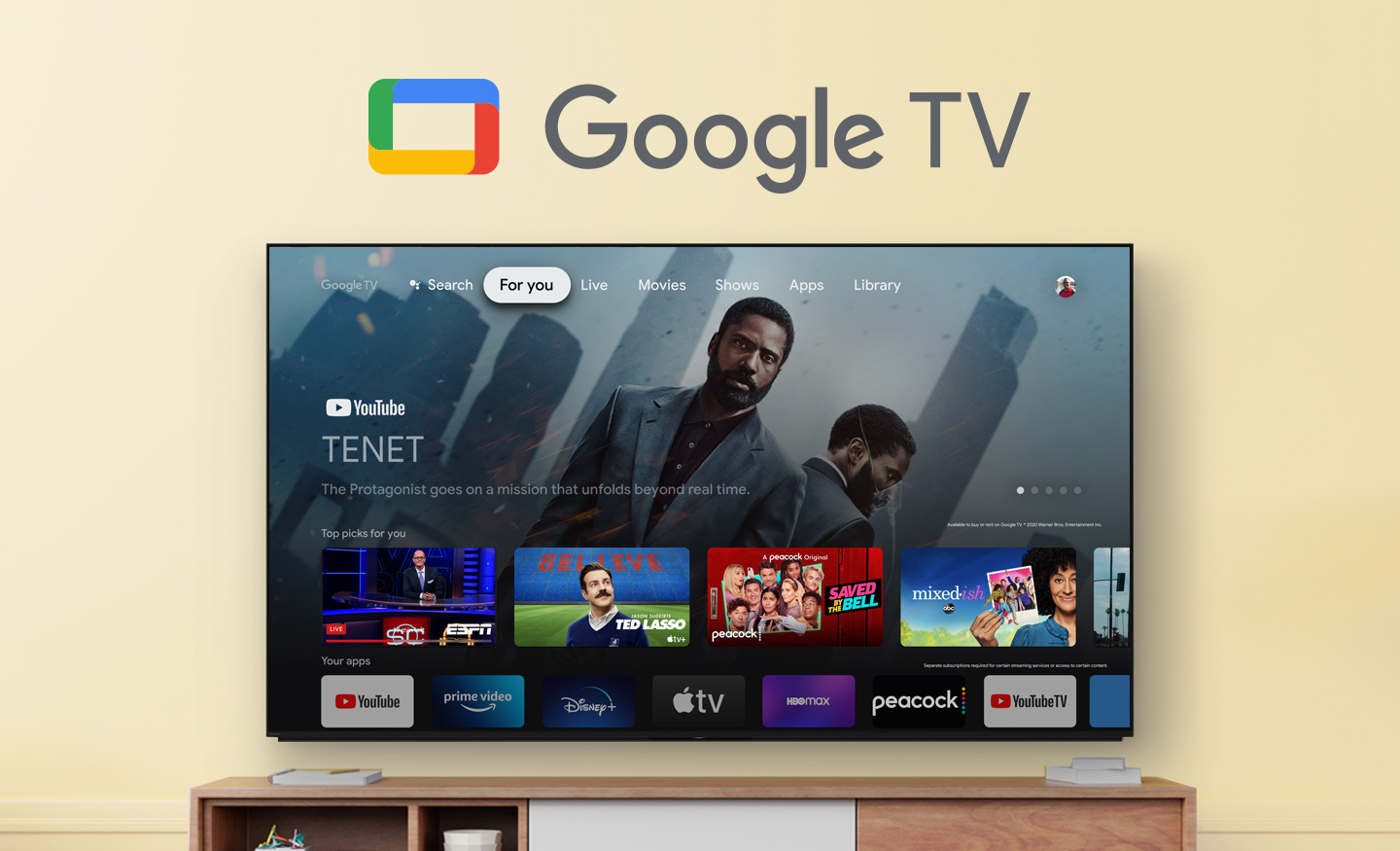
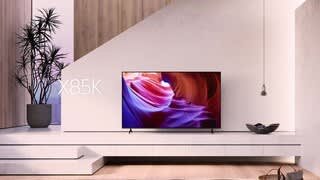
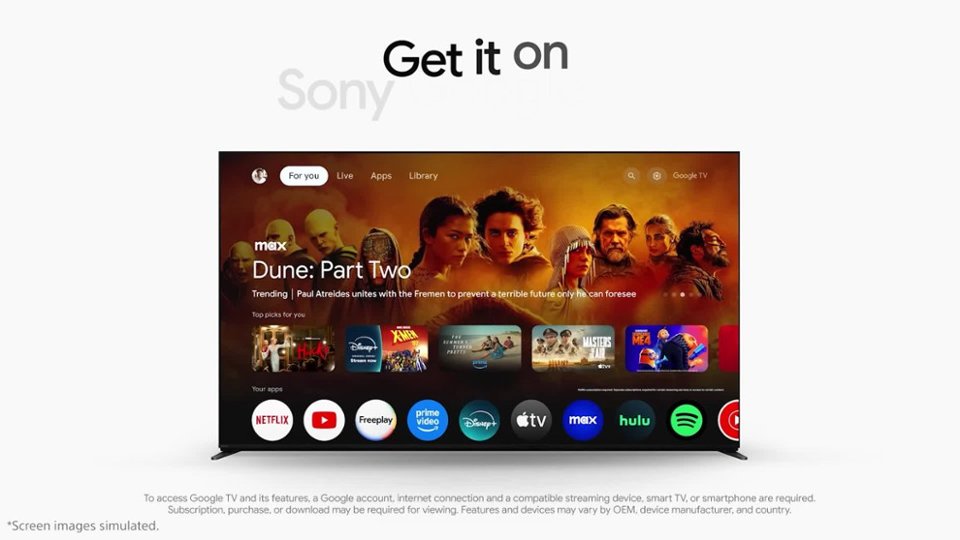
Smart, powerful, and sleek, the BRAVIA X85K 4K HDR LED TV is designed for all your favorite content. Powered by the 4K HDR Processor X1 and TRILUMINOS PRO, picture quality comes to life with billions of colors and realistic contrast. With Google TV and enhanced Motionflow XR refresh rate technology, your favorite content is easy to find and looks clear and blur-free.
-David
A:AnswerLook for a gear symbol in upper right hand corner and click on it and do some trolling. Or you can click on the gear symbol on the remote.
You’ll come to the settings menu. The bottom three on the settings menu is where you want to go: System, Remotes & Accessories and Help & Feedback; especially the last one. I’m just pointing you in the right direction. I’m not sure how to set up. Sorry. Wish I could.
A:AnswerHi Baggy,
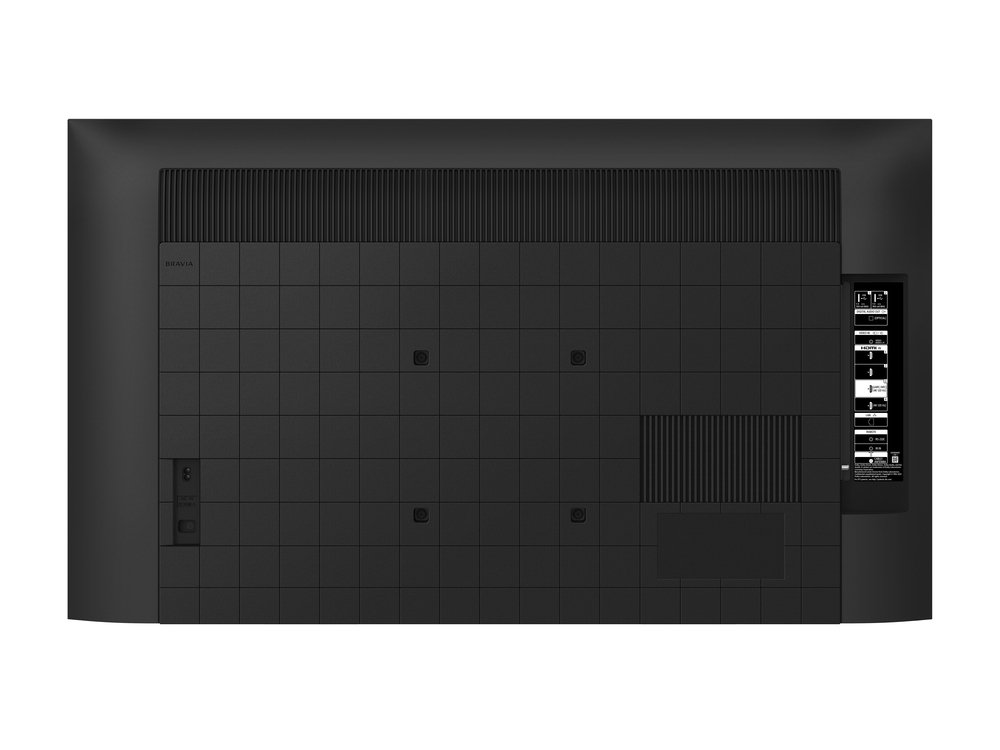
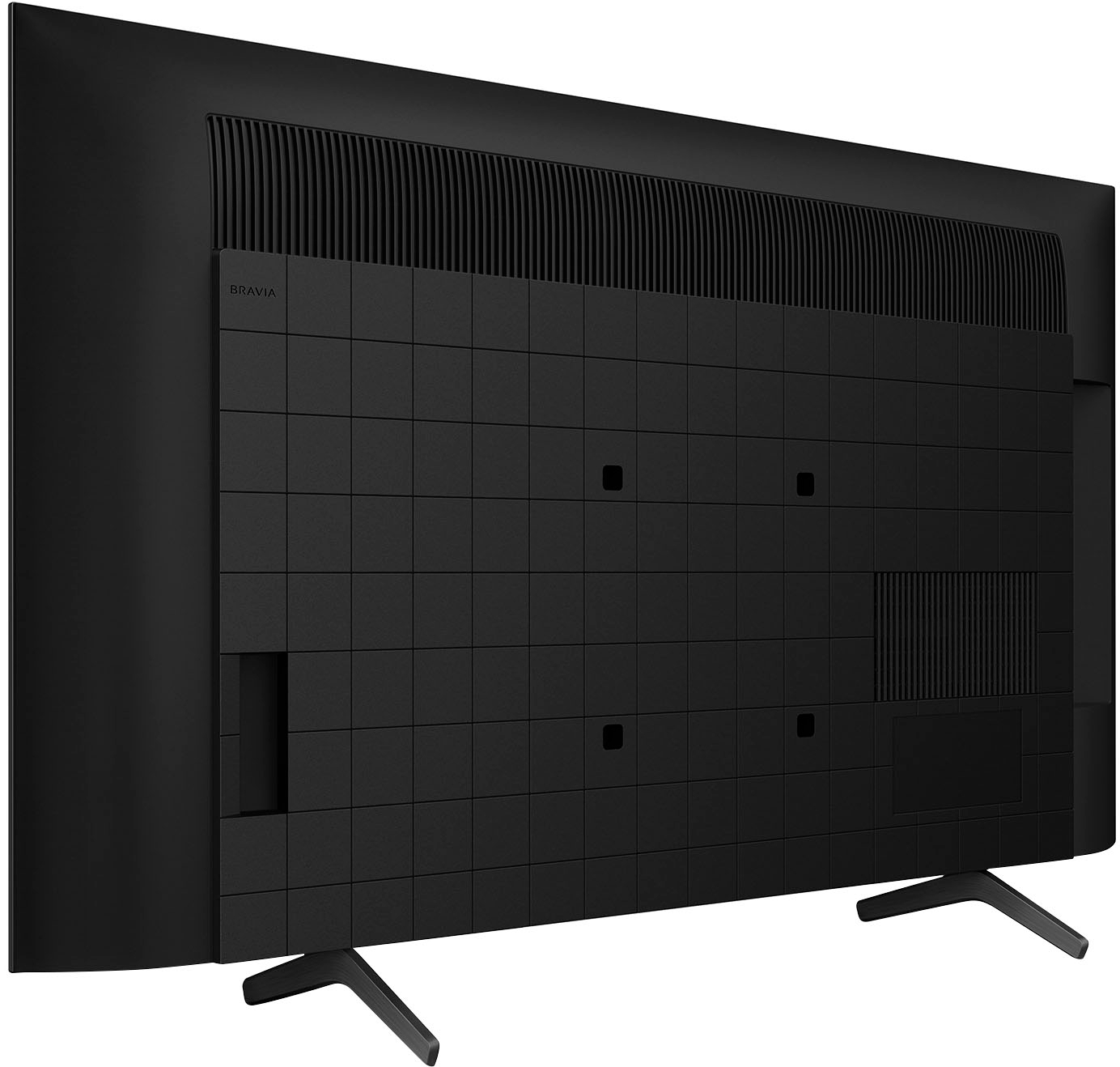
Thank you for the inquiry! For wall mount bracket, unfortunately, Sony doesn't have a recommended Wall-Mount Bracket model for the KD-43X85K. However, when wall mounting the TV, we always recommend using a Vesa compliant wall mount bracket with a VESA hole pattern of 7.87 x 7.87 inch (200 x 200 mm). The wall mount bracket should also be able to hold the TV weight (10.2 kg (22.5 lbs)) to avoid any issues . You may also visit your local retailer to find the best Vesa-compliant wall mount bracket that meets the size of the TV, your wall or environmental requirements, and your stylistic preferences.
Upgrade all your entertainment. With a native 120Hz refresh rate and 4K HDR resolution, your favorite shows, movies, sports, and games look smoother and clearer than ever. And with the advanced 4K HDR Processor X1™ powering realistic contrast, vivid color, and accurate picture quality, you’ll feel like you’re right there in the action.
-David
A:AnswerHi Best Buy Customer,
Thank you for reaching out to us! We're sorry to hear what happened. For us to better assist you, please email us at socialsupport@am.sony.com with the following details:
Name:
Best Buy Username:
Model Number:
Issue:
Telephone Number:
-David
A:AnswerHi Mary,
Thank you for the inquiry! The TV supports two full range (Bass Reflex) X-Balanced Speakers. Designed to complement the sound quality and slimness of the TV with its unique new shape, our X-Balanced Speaker drives movies and music with clear sound.
Upgrade all your entertainment. With a native 120Hz refresh rate and 4K HDR resolution, your favorite shows, movies, sports, and games look smoother and clearer than ever. And with the advanced 4K HDR Processor X1 powering realistic contrast, vivid color, and accurate picture quality, you’ll feel like you’re right there in the action.
-David
A:AnswerHi Susan,
Thank you for the inquiry! The dimension of the TV with stand (Standard position) 37.95 x 24.72 x 11.26 inches (964 x 628 x 286 mm).
With a native 120Hz refresh rate and 4K HDR resolution, your favorite shows, movies, sports, and games look smoother and clearer than ever. And with the advanced 4K HDR Processor X1™ powering realistic contrast, vivid color, and accurate picture quality, you’ll feel like you’re right there in the action.
-David
A:AnswerHi warranty,
Thank you for the inquiry! This TV has a 1-year limited warranty.
Upgrade all your entertainment. With a native 120Hz refresh rate and 4K HDR resolution, your favorite shows, movies, sports, and games look smoother and clearer than ever. And with the advanced 4K HDR Processor X1™ powering realistic contrast, vivid color, and accurate picture quality, you’ll feel like you’re right there in the action.
-David
A:AnswerHi Matt,
Thank you for the inquiry! Yes, the TV natively supports 120hz refresh rate on HDMI 3&4, for this we recommend using a Ultra High Speed HDMI Cable and enable enhanced format 4K 120.
To maximize the performance of your TV and your console, set the [HDMI signal format]. To change the HDMI signal format setting, press the (Quick Settings) button on the remote control, then select [Settings] — [Channels & Inputs] — [External inputs] — [HDMI signal format] — [HDMI 3/4].
NOTE: If available, turn on VRR and enable 120Hz output on your laptop as well.
Upgrade all your entertainment. With a native 120Hz refresh rate and 4K HDR resolution, your favorite shows, movies, sports, and games look smoother and clearer than ever. And with the advanced 4K HDR Processor X1™ powering realistic contrast, vivid color, and accurate picture quality, you’ll feel like you’re right there in the action.
-David