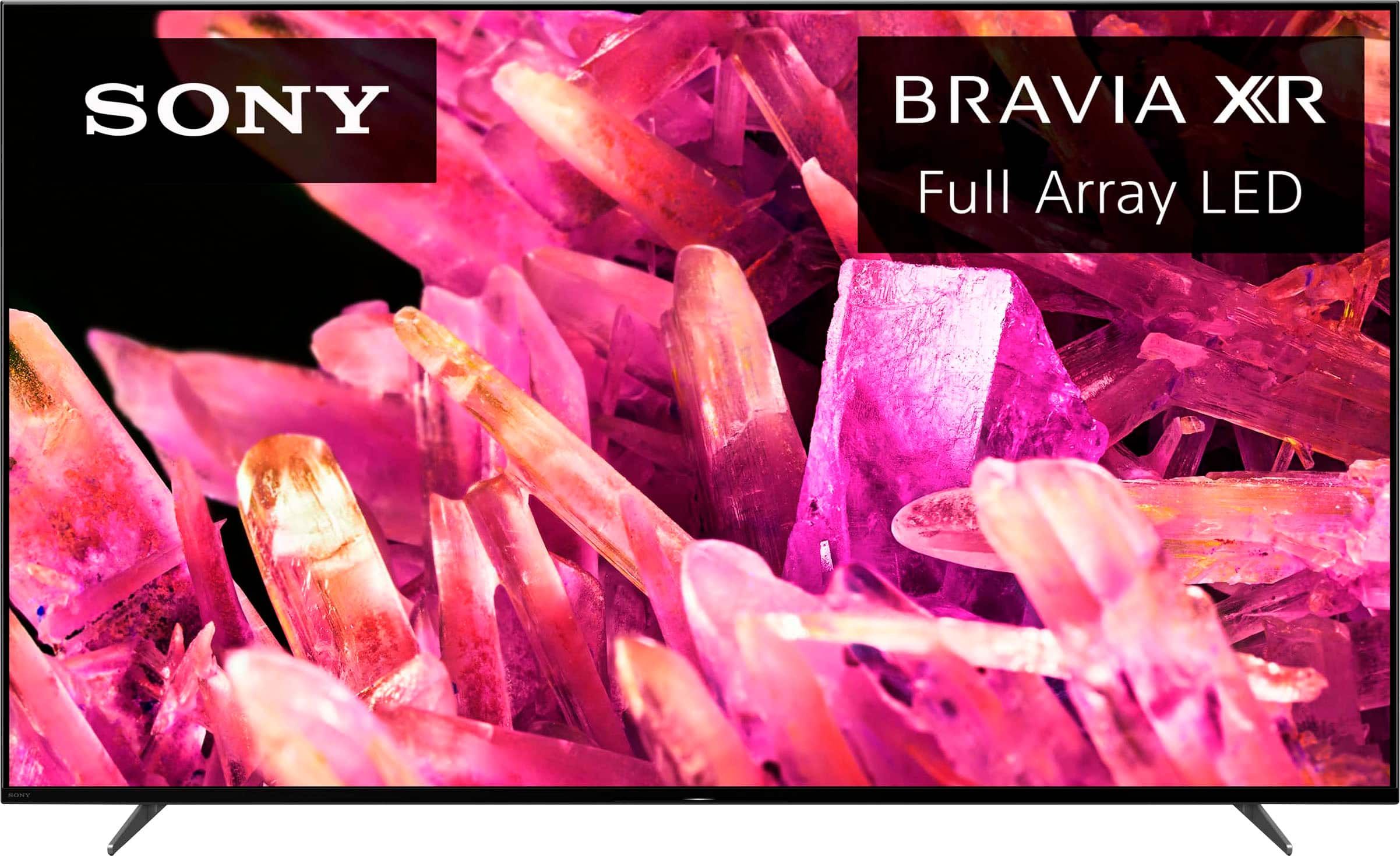
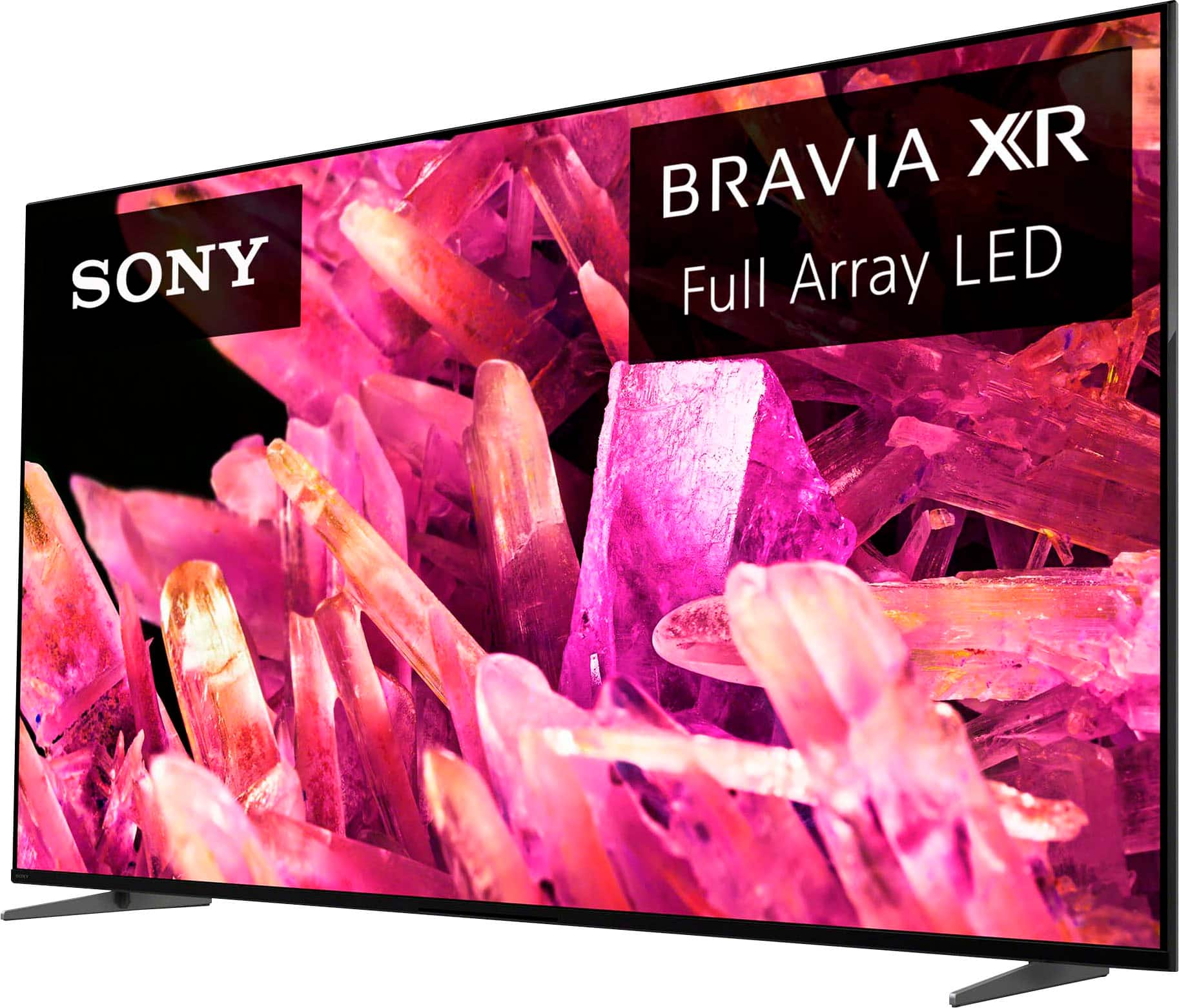
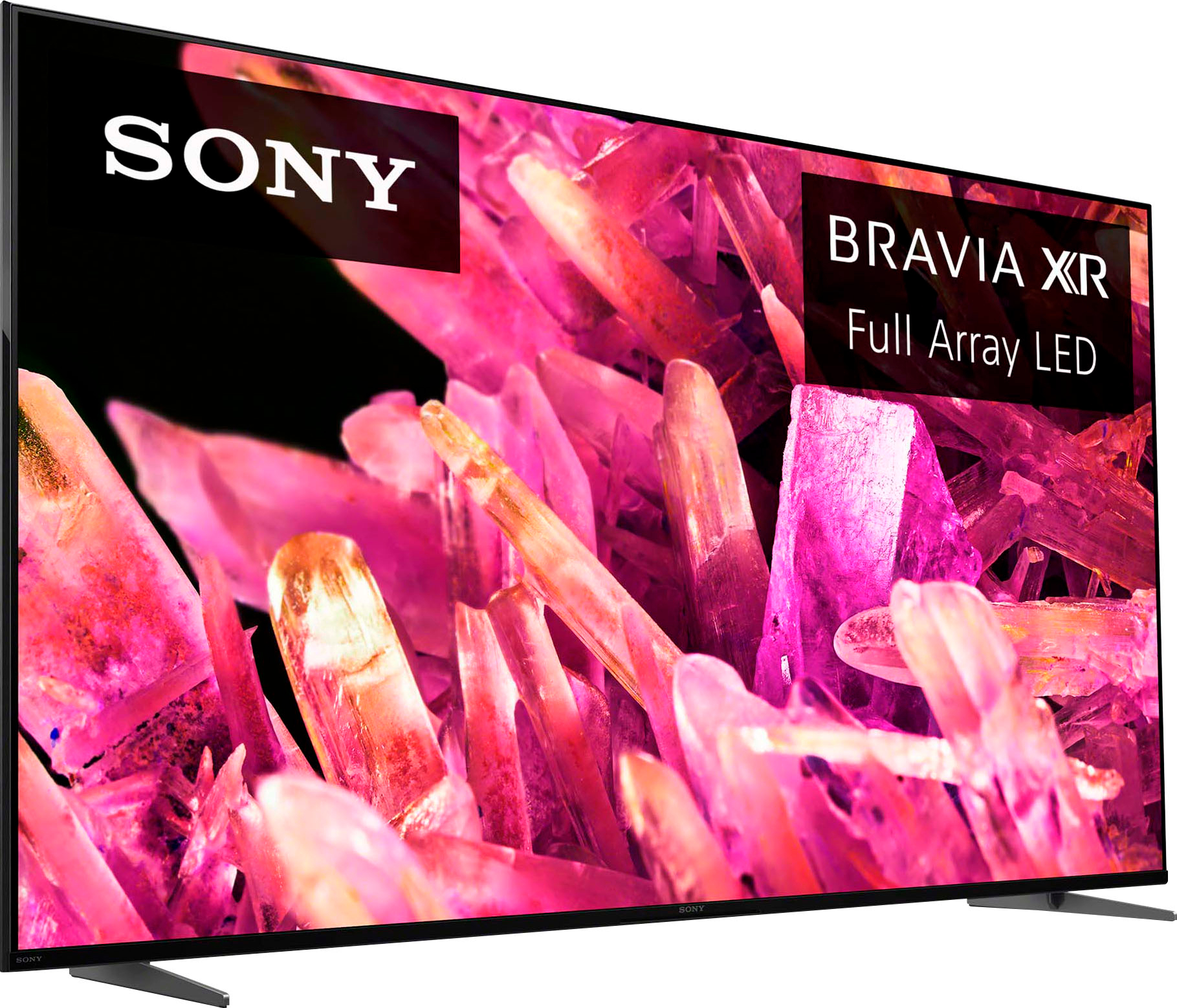
A:AnswerHi NoSpaces, Thank you for your inquiry! We cannot guarantee the full compatibility of the PlayStation headphones connected to this TV via the USB dongle. The USB dongle of PlayStation Gold headphones is designed to be connected with the PlayStation console. With X90K, you will enjoy the deep black, high peak brightness, and real-life detail with Full Array LED and XR Contrast Booster 10. It also supports Google TV with Google Assistant which organizes your content all in one place. Hope this helps! Vincent
A:AnswerHi Irby,
Thank you for your inquiry! Most likely, your Sony receiver and those Sony devices will work perfectly with this TV. But if the receiver is part of the Sony ES line such as the STRAN1000ES model or higher and the soundbar systems is at least the HTA7000, HTA5000, HTA3000, or HTS2000 the compatible wireless subwoofers that would work for all of these systems would be the SASW3 and SASW5. You can also further check by contacting us and providing us the model number of your Sony devices. Unfortunately, due to the current Best Buy phishing protocol for your protection, we cannot provide a direct email or phone number for customer support as of now. Please find Sony Electronics' Support information: Go to our support website > click on “Support” > scroll down click on “Contact Support” > click on "TV & Projectors" and from there you'll see different ways to contact us.
With X90K, you will enjoy the deep black, high peak brightness, and real-life detail with Full Array LED and XR Contrast Booster 10. It also supports Google TV with Google Assistant which organizes your content all in one place.
Hope this helps!
Vincent
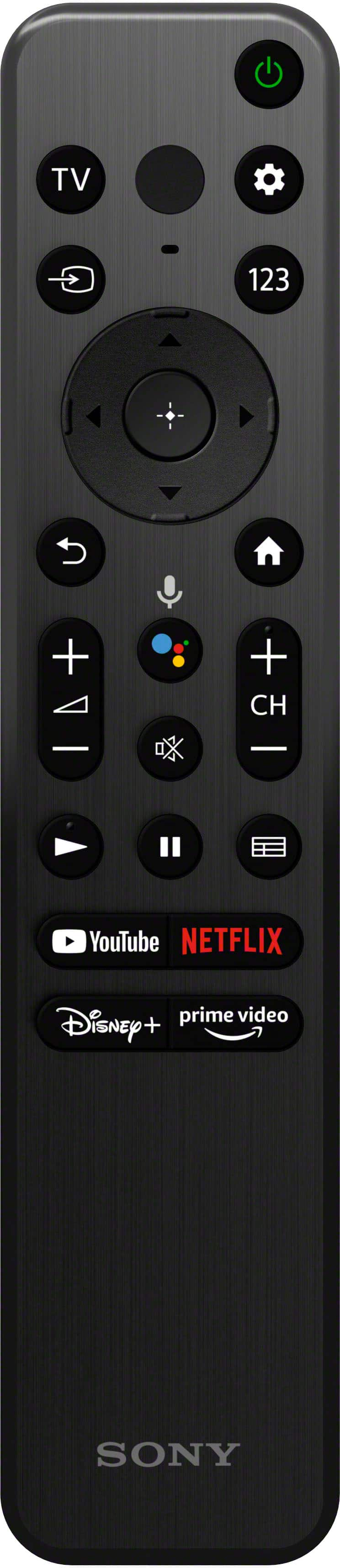
A:AnswerYes.Push the settings button located under the power button on the remote.Now in settings, stroll to the right on the pop-up (quick settings)menu.Highlight the PICTURE OFF setting.Click,you are now hearing but the screen is blank.The setting is located 16 choices from the extreme right or 6 choices from the extreme left.I say this because the settings button will take you to where you last clicked on settings,so if you start at the extreme right or left the PICTURE OFF choice should be in these locations.
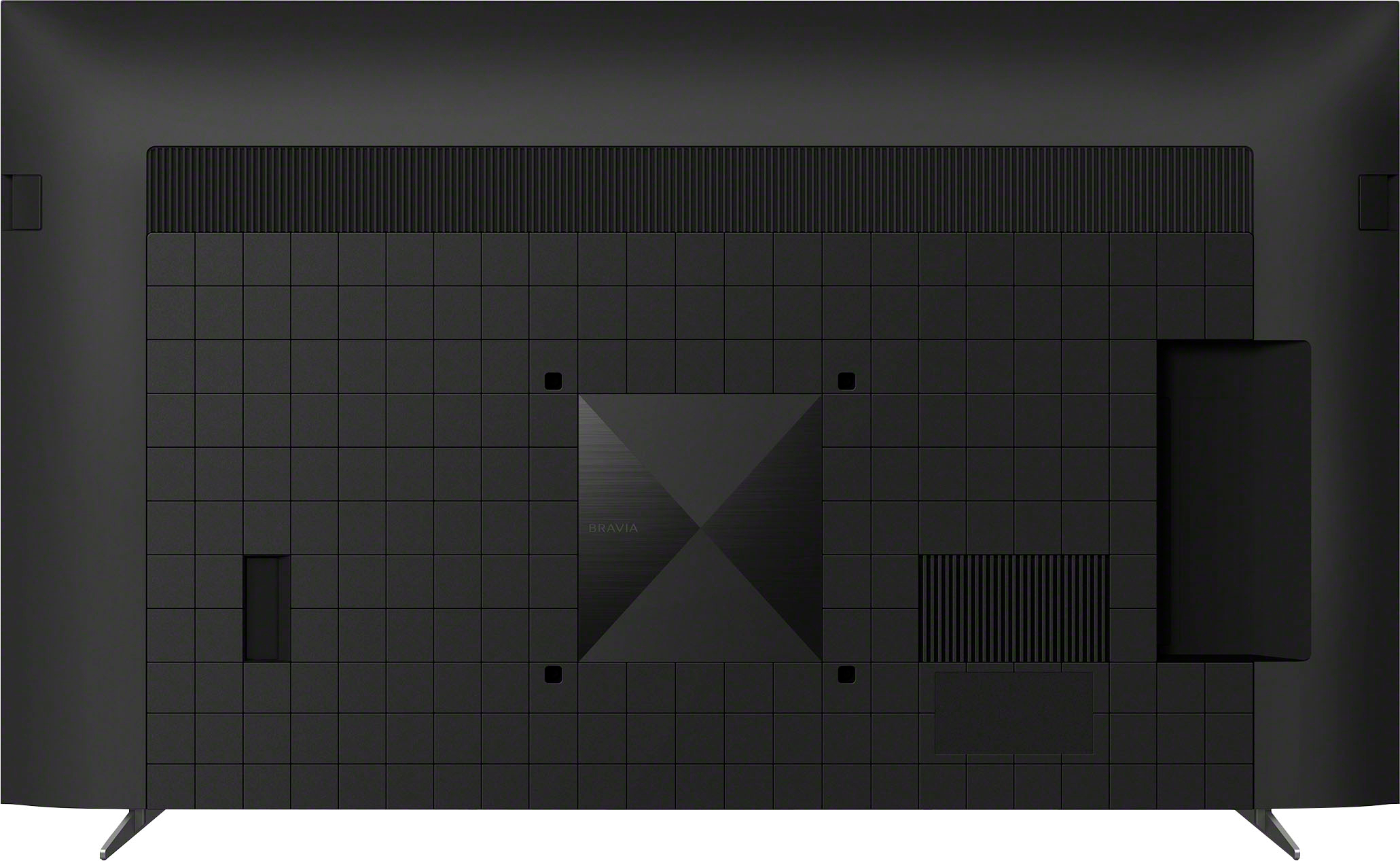
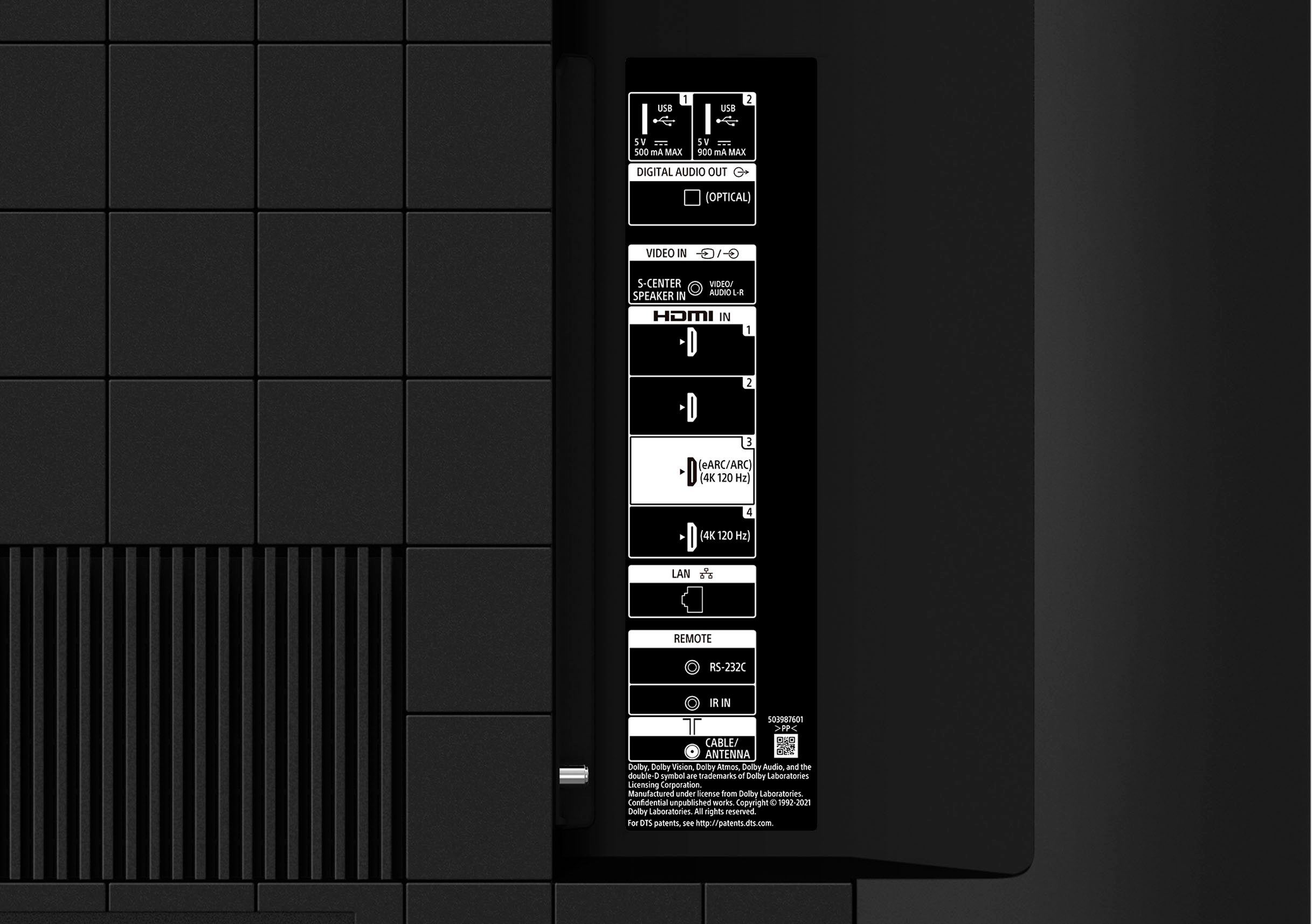
A:AnswerHi AgentHeracles, Thank you for the inquiry. The XR55X90K has 4 (4 side) HDMI Inputs. The HDMI IN 3 and 4 supports the features that are specified in the HDMI 2.1 standard. Use the Ultra High-Speed HDMI Cable to connect. Connect your audio system to the HDMI IN 3 to route TV audio to your audio system. For more details, please check the TV model at our support website for product specifications and features. I hope this helps! Jay
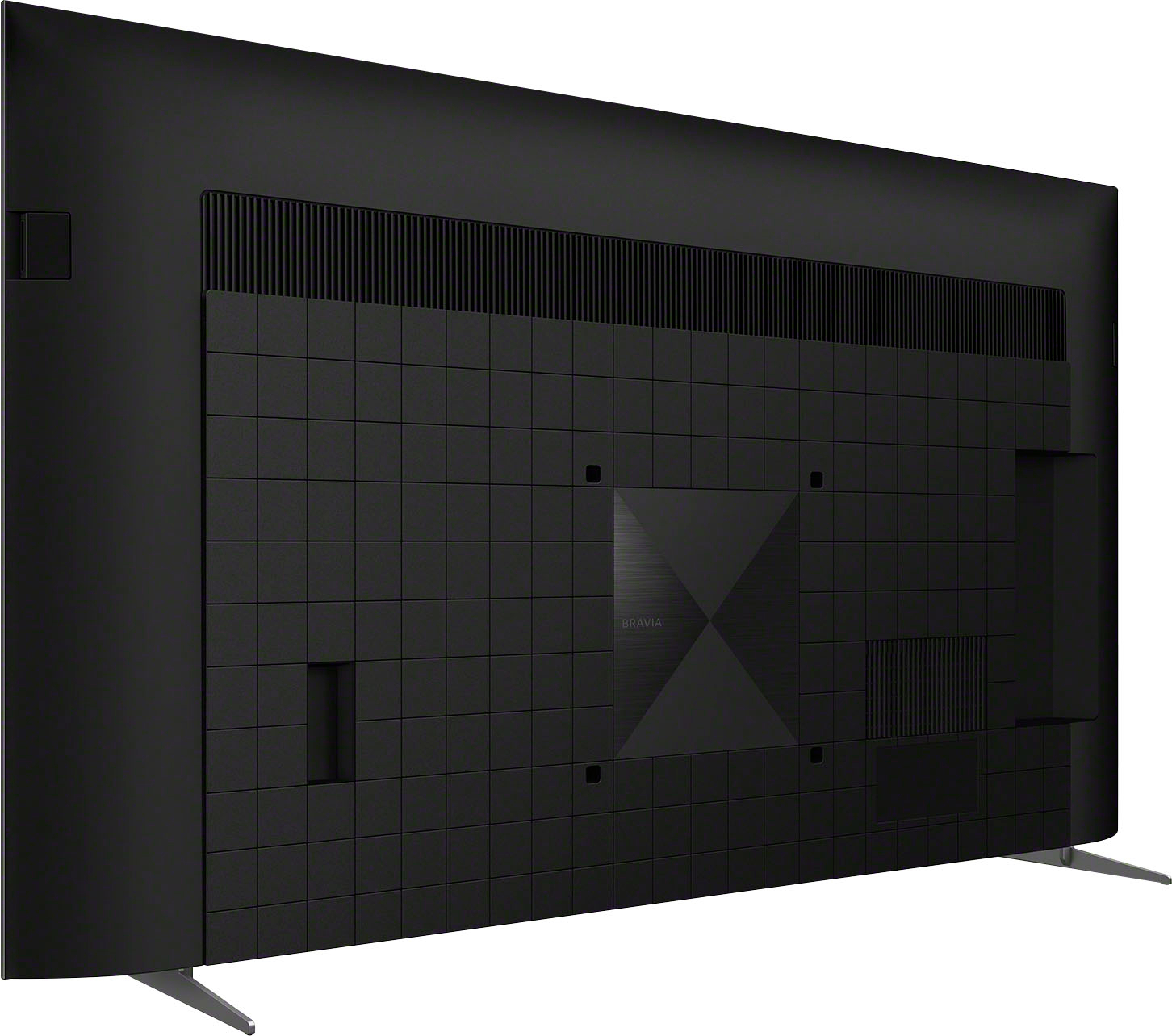
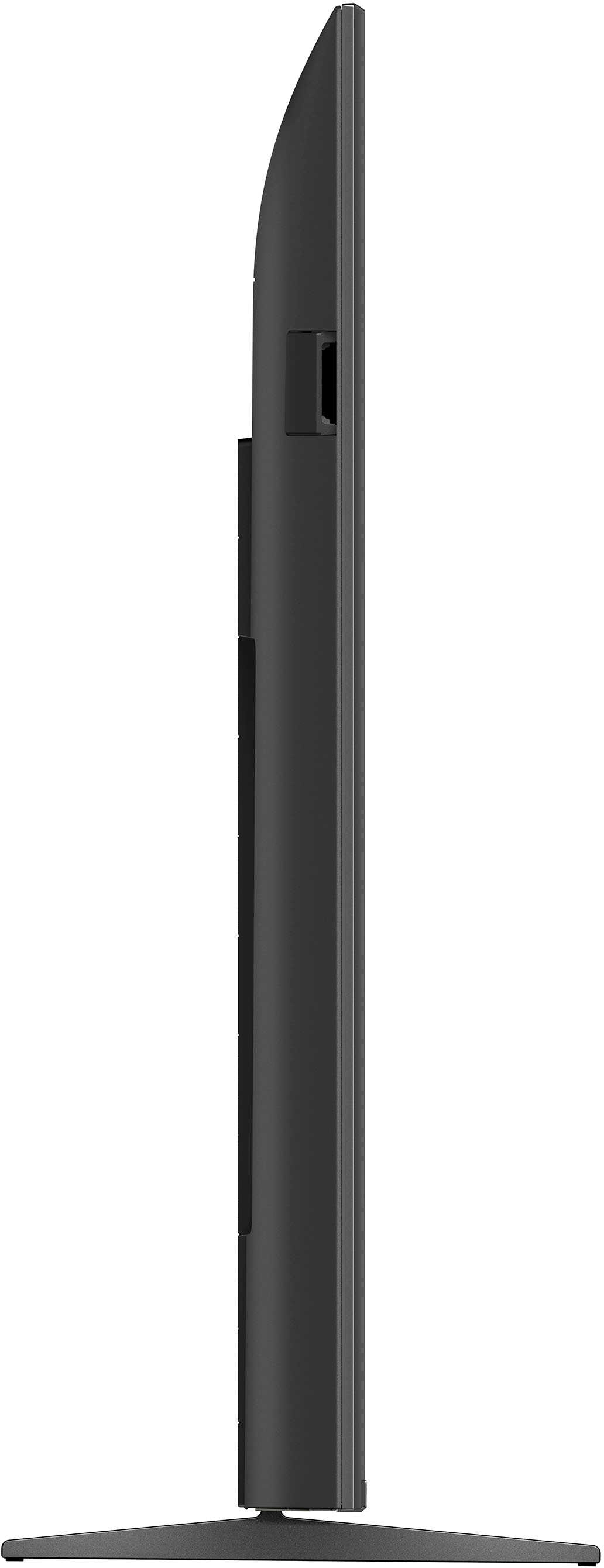
A:AnswerHi Men, Great News! The BRAVIA XR55X90K Full Array LED TV has Two-way TV stand positions. It is the Standard position and Soundbar position. For the standard and soundbar position approximate dimension of the TV stand is 40 inches wide and 13 1/8 inches deep. With the soundbar position the height of the TV added 2 ¾ inches( 30 ¾ inches ). The height of the TV with standard TV stand position is 29 ¼ inches. For more details, please check the TV model at our support website for product specifications and features. I hope this helps! Jay
A:AnswerHi John, To connect your TV to the internet, you need a modem and network router setup with an active internet connection. You then connect your TV to the network router using a wireless or wired connection. Your TV has a built-in wireless adapter that enables it to use Wi-Fi® technology to connect to your network. If, however, you prefer a wired connection, a network cable (not supplied) is needed.
You can only download apps compatible with your TV, which may differ from mobile device apps. Google Play on the Google TV™ or Search for apps on the Google TV™ only display apps that are supported by the TV.
I hope this helps! Jay
A:AnswerHi Jack, thanks for your question. Yes, this X90K works with Hulu TV.
With the BRAVIA XR X90K Full Array LED TV, everything you watch becomes more detailed and immersive with true-to-life 4K picture, powered by the Cognitive Processor XR™. With immersive picture and sound, and sleek flush bezel design, be prepared to level up your favorite movies, TV shows, and games. Hope this helps. ~Earl
A:AnswerI actually have no issues with the 123 button.Have you tried the HIDDEN INPUT selection located to the extreme right of the numbers selections.It opens up to a pop up look of a numbered remote on screen.But if that won't suffice I have a Sony RM-EZ4 IR remote that I use as a backup.It works great and has a back button to go back and forth to your most recent 2 channels.Brought this remote as an universal years ago.May still be available.