Questions & Answers
- Model:
- XR55X90K
- |
- SKU:
- 6499804
Highly rated by customers for: Picture Quality, Color, Ease of use
Page Showing 61-66 of 66 questions
Q: QuestionAre there settings to adjust the full array backlighting. I don’t want to much blooming. If so, how many settings or what type of adjustment is there?
Asked by KwQues.
- A:Answer You can tweak your picture Reduce the Back light Level in the Picture Settings Menu.There you'll find the Light Sensor setting. There is also a Brightness setting there. A Clarity setting which contains Sharpness. There is a Power Saving setting to Low or High in the Setup Menu which of course will dim the TV accordingly.There is a color temperature setting also.And finally there is the Picture Mode setting . you can customize your viewing style .Cinema is usually darker and Vivid would be as expected brighter and you can tweak viewing in the titled Custom setting.
Answered by SimpleTruthes
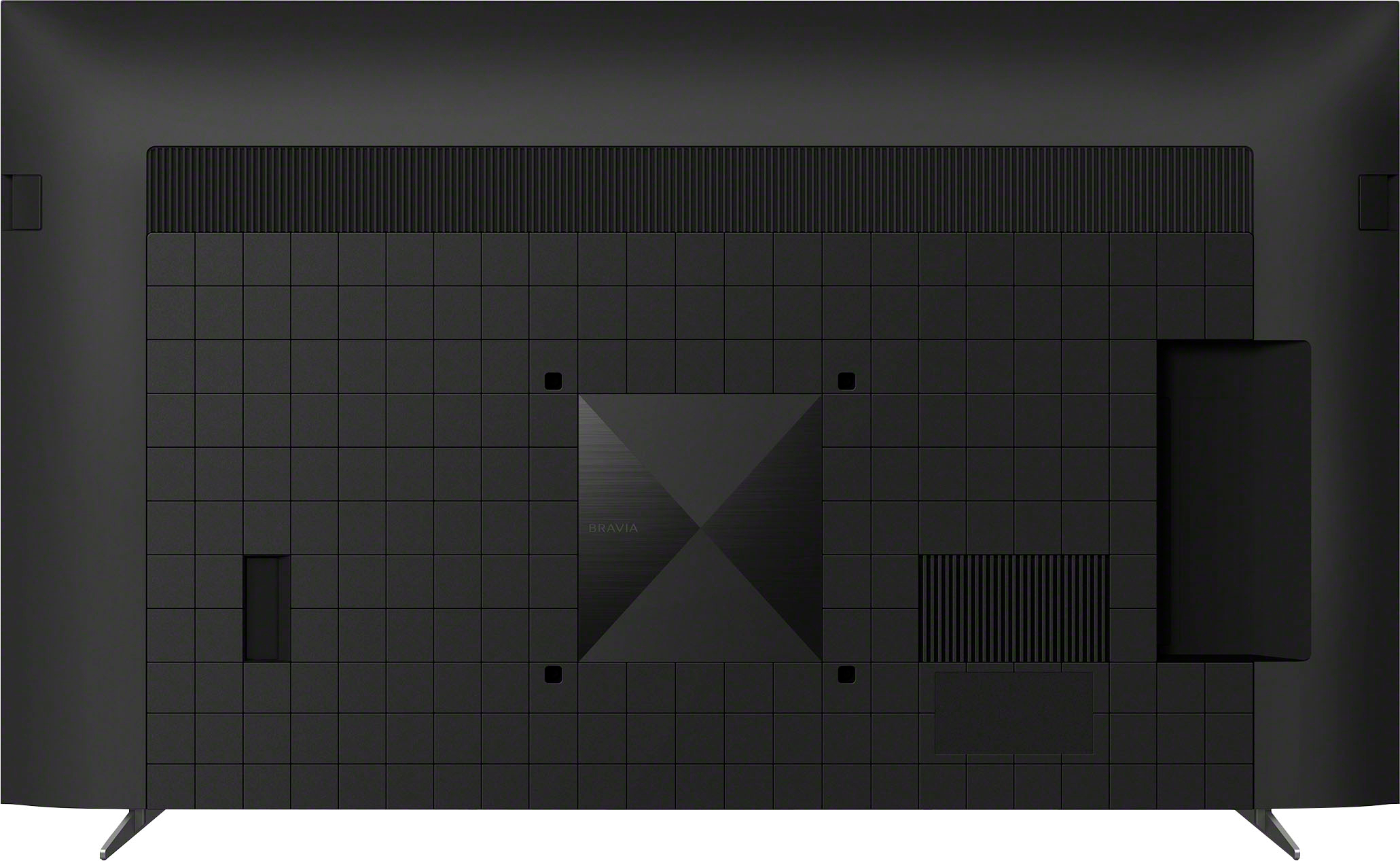
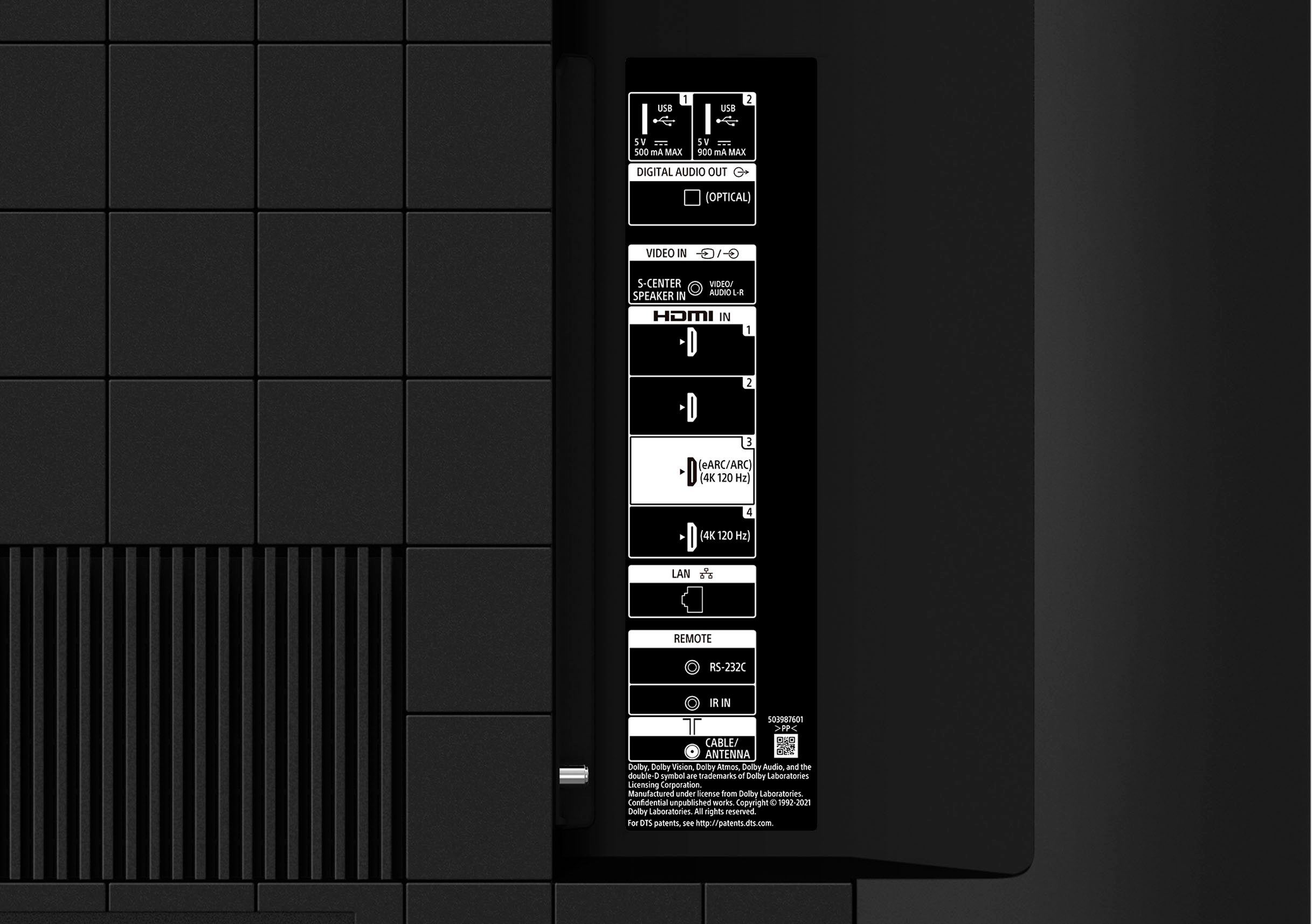
Q: QuestionI need 5 HDMI ports. I have a Verizon hdmi cable box, Sony 4k blue ray player with a second hdmi for sound, Apple TV, & PS5. I want to add a Sony soundbar hopefully on earc. Besides an hdmi splitter are there any options available to me?
Asked by ComicFuel.
- A:Answer Yes, I've plugged the HDMI from the Blu Ray player into the soundbar in.
Answered by ComicFuel
Q: QuestionCan wireless headphone be used with this unit? Is the headphone base connected to the back of the TV in a special port?
Asked by Sunshine.
- A:Answer No
Answered by NAonthisforpersonalreason
Q: QuestionWill my sony bluetooth headphones work with this stand alone tv or do I have to purchase an additional adaptor or soundbar?
Asked by mike.
- A:Answer Yeah your Bluetooth headphones should connect to the tv
Answered by DevinK
Q: QuestionWhy are Sony TVs so incredibly way too complicated to set up and use? There are too may settings. Why can't TVs just be to operate?
Asked by TechSpoob.
- A:Answer The newer Sony Tvs do give you an option of set up or basic(no smart features).
Answered by AaronG
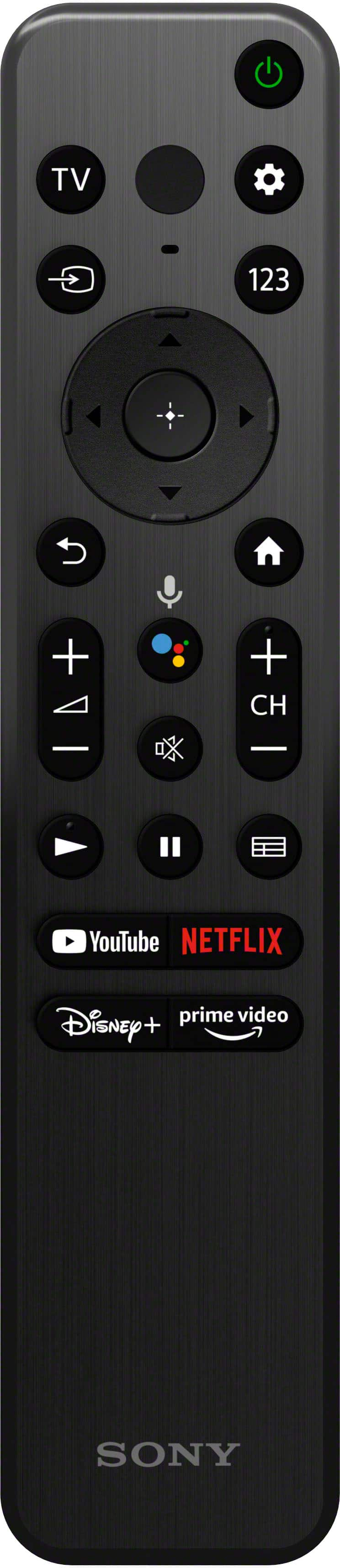
Q: QuestionWhy are there no numbers on the remote for changing channels? We have this tv, mediacom cable with a hd box add on, mediacom internet, no wi-fi or router connections or no smart phone. Want to add amazon video to tv. What do we need, if anything, to do?
Asked by Nascar.
- A:Answer Below the power and settings buttons is a button labeled “123”. This will take you to numbers you can select. At the bottom are four buttons that will take you straight to: YouTube, Netflix, Disney+, or Prime Video.
Answered by Anonymous
Top Rated
- Tech Fest Deal$99.99