



Skip to contentGo to Product Search
Gift Ideas
Main Content

Questions & Answers

$1,099.99
Save $400
The comparable value is $1,499.99
Page Showing 1-20 of 50 questions
  • QuestionDoes this TV have a digital tuner?

    • Answer Yes, this TV has a digital TV tuner.
    This question and answer was generated by AI based on customer and product data.

  • QuestionDoes this TV support high dynamic range?

    • Answer Yes, this TV supports high dynamic range (HDR).
    This question and answer was generated by AI based on customer and product data.
  • QuestionWhat is the refresh rate of this TV?

    • Answer The refresh rate of this TV is 120Hz.
    This question and answer was generated by AI based on customer and product data.
  • QuestionIs the screen mirroring available on this TV?

    • Answer Yes, screen mirroring is available on this TV.
    This question and answer was generated by AI based on customer and product data.
  • QuestionDoes this TV have built-in speakers?

    • Answer Yes, this TV has built-in speakers.
    This question and answer was generated by AI based on customer and product data.
  • QuestionCan I stream content from my mobile to the TV?

    • Answer Yes, you can share content from mobile to this TV.
    This question and answer was generated by AI based on customer and product data.
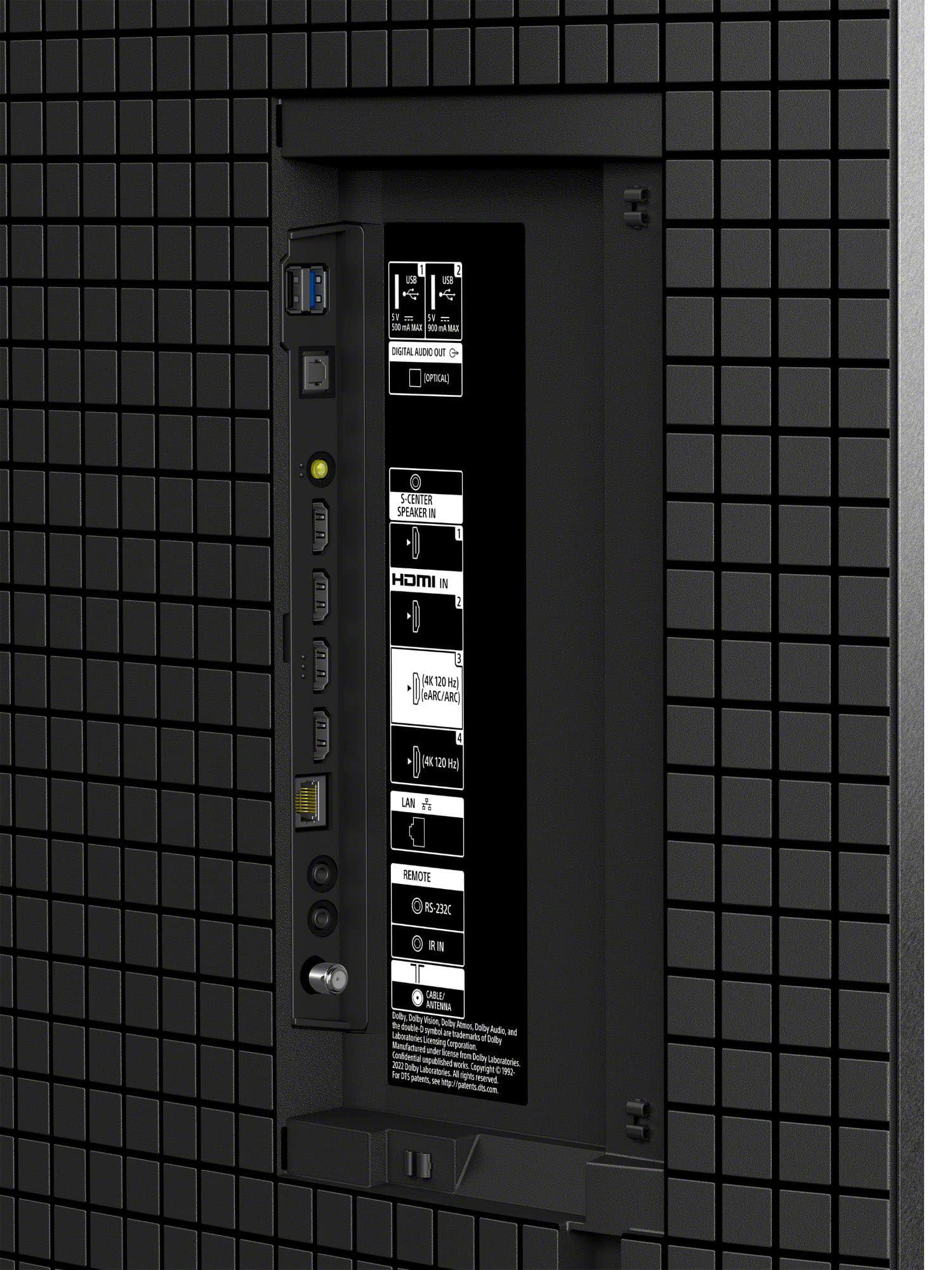
  • QuestionAre there any USB ports on this TV?

    • Answer Yes, there is one USB port on this TV.
    This question and answer was generated by AI based on customer and product data.
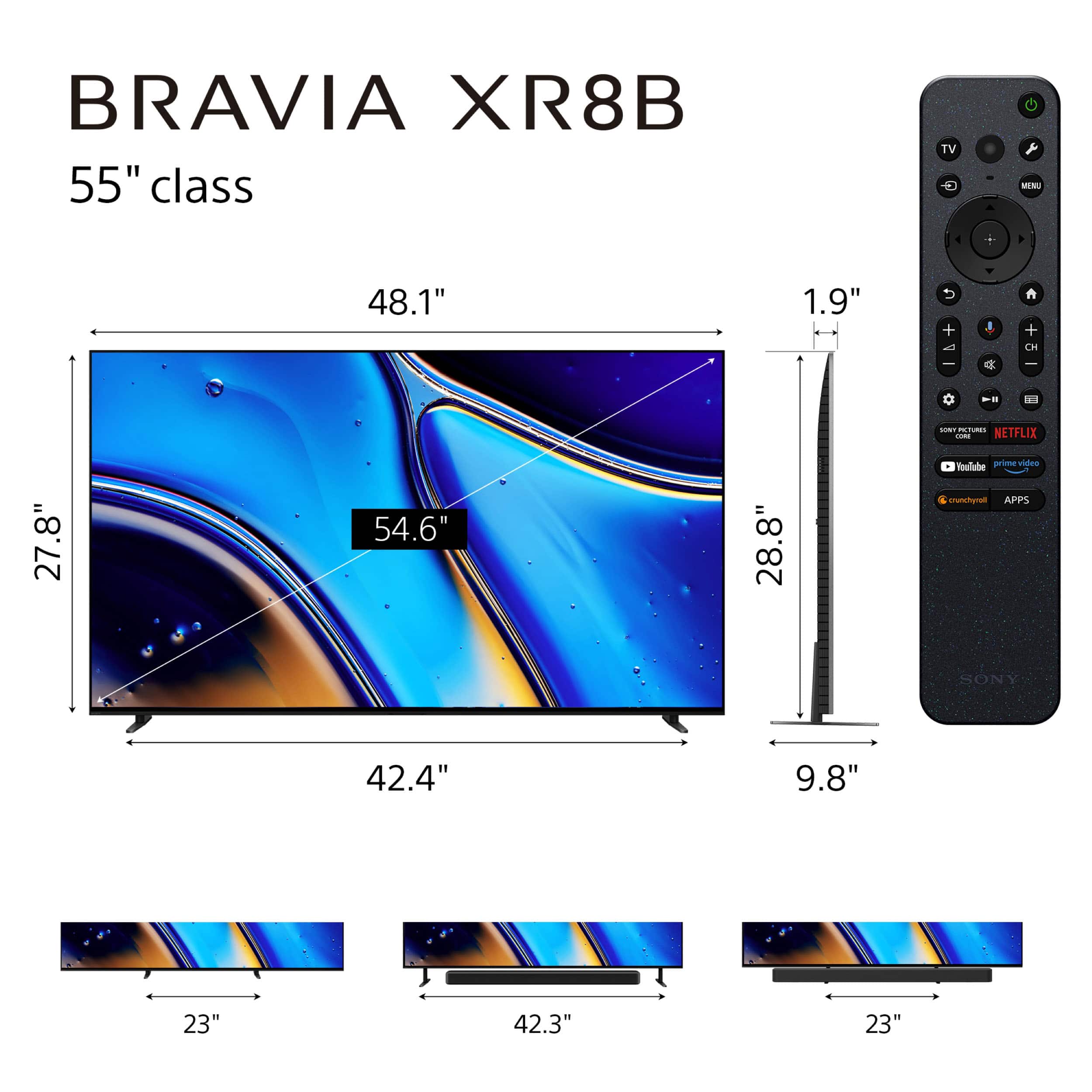
  • QuestionDoes Sony 55" BRAVIA XR8B OLED has a rotating base, instead of a fixed base?

    Asked by SbHixson.

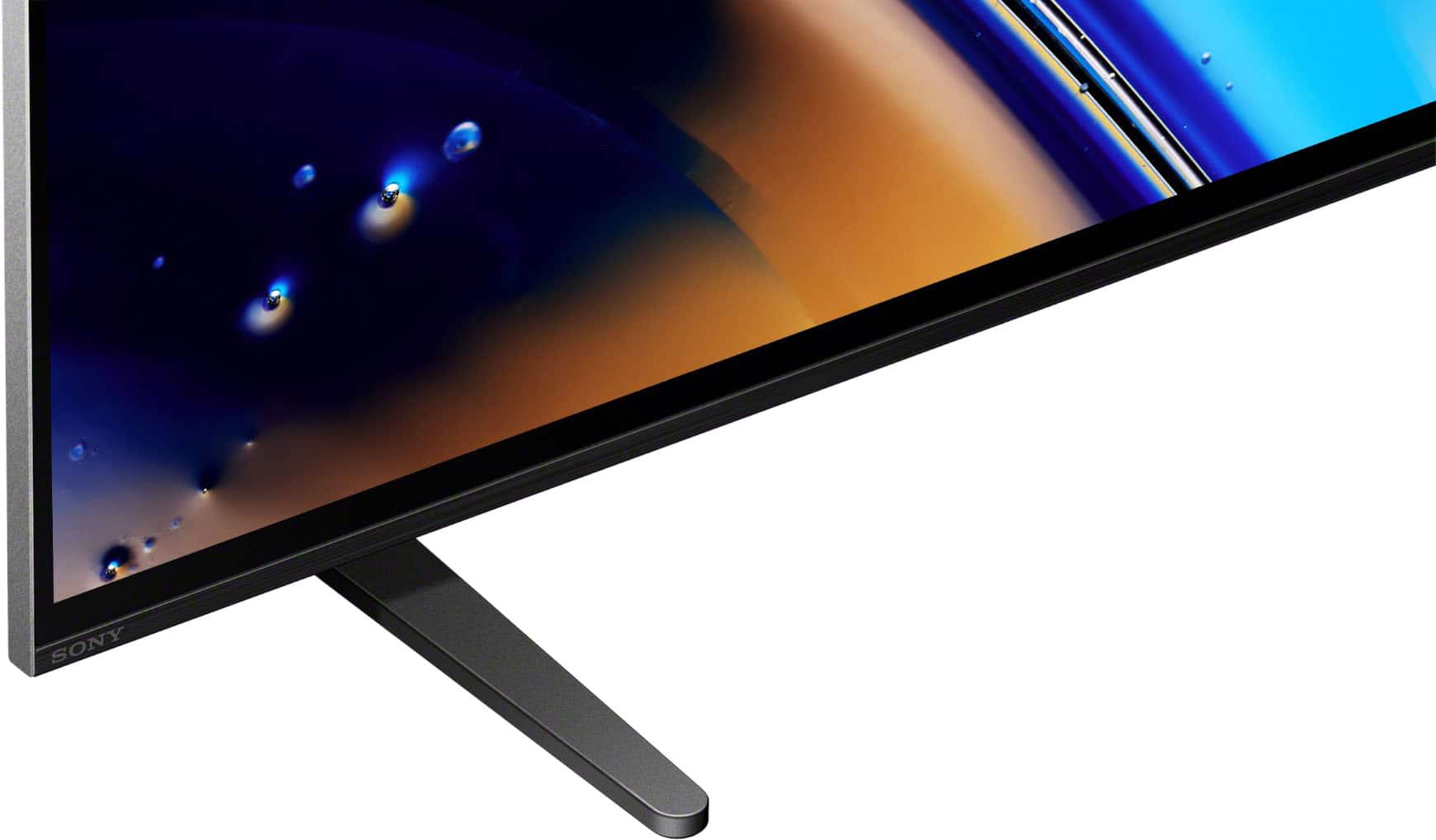
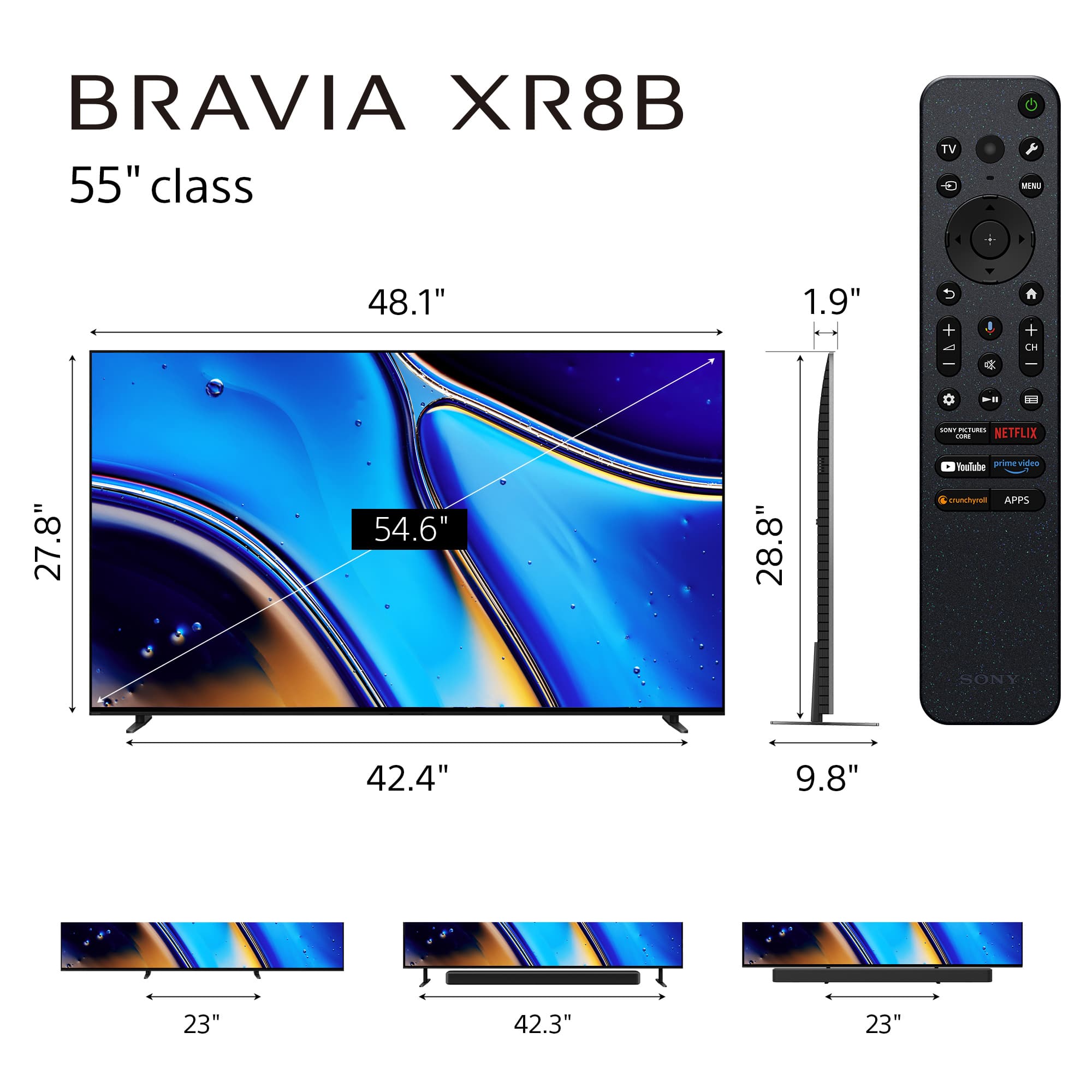
    • Answer Hi SbHixson, Thank you for your question! No. The Sony BRAVIA XR8B (model K55XR8B) features a 4-way "Underlay" stand, but it does not swivel or rotate. Instead of rotation, Sony focused on "Multi-way" flexibility for height and width: Outside position: Legs at the very ends of the TV. Inside position: Legs moved toward the center (for narrow furniture). Soundbar position (Outside): Raises the TV to fit a soundbar underneath. Soundbar position (Inside): Raises the TV with legs toward the center. If a rotating view is a priority for your setup, many customers choose to pair this TV with a universal swivel tabletop stand or a full-motion wall mount, both of which would allow you to adjust the viewing angle as needed. We hope you find this information helpful! Thanks for considering Sony. Regards, Dominick

      Answered by SonyListens

  • QuestionDoes the Sony - 55" Class BRAVIA XR8B OLED 4K reduce screen glare?

    Asked by joetv.

    • Answer Yes. That was an issue I had with my old tv. I no longer need to close the blinds to stop the glare.

      Answered by chelsea1

  • QuestionIs this a anti glare tv?

    Asked by Carol.

    • Answer Hi Carol, The BRAVIA XR8B OLED features a high-performance panel that naturally reduces reflections; however, it does not utilize a matte anti-glare finish. For the best experience, we recommend placing the TV away from direct sunlight or heavy lamp glare to preserve the deep black levels of the OLED. If you are looking for a TV specifically designed for bright rooms with significant glare, we recommend the BRAVIA 9. It features our X-Anti Reflection and X-Wide Angle technologies, combined with the extreme brightness of Mini LED, to ensure a clear and vibrant picture even in well-lit environments. Thanks for choosing Sony. Best regards, Eliab

      Answered by SonyListens

  • QuestionWhich WIFI version does it have?

    Asked by JD.

    • Answer Hi JD, The Sony BRAVIA XR8B OLED features Wi-Fi 6E (802.11ax), supporting the 2.4 GHz, 5 GHz, and the new 6 GHz bands. This ensures a faster, more stable connection with significantly less interference for 4K streaming and gaming. Thanks for choosing Sony. Best regards, Eliab

      Answered by SonyListens

  • QuestionDoes the Bravia K-55XR8B have an optical connecdtion as it's not listed in the specifications on the web.

    Asked by Buck.

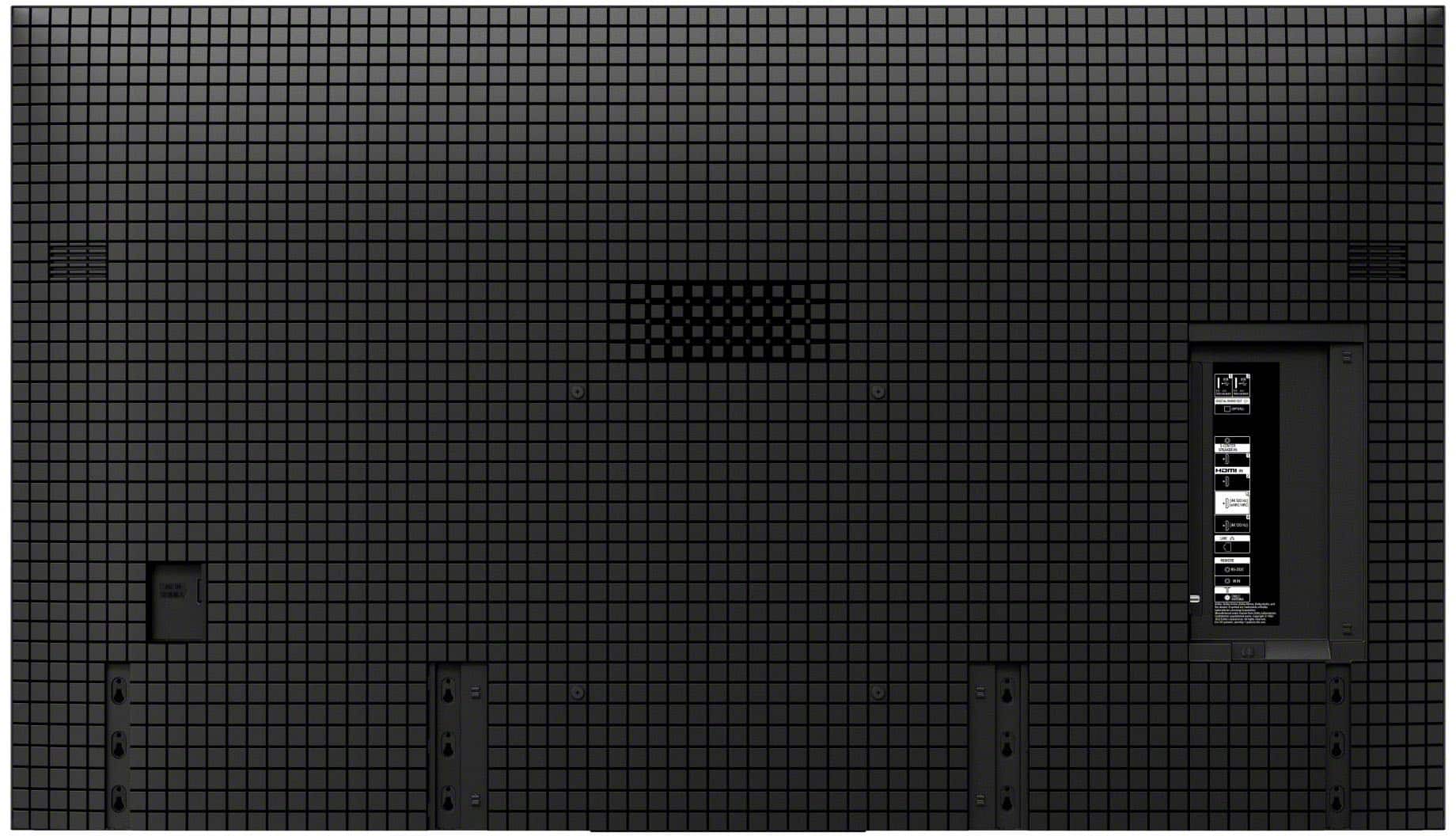
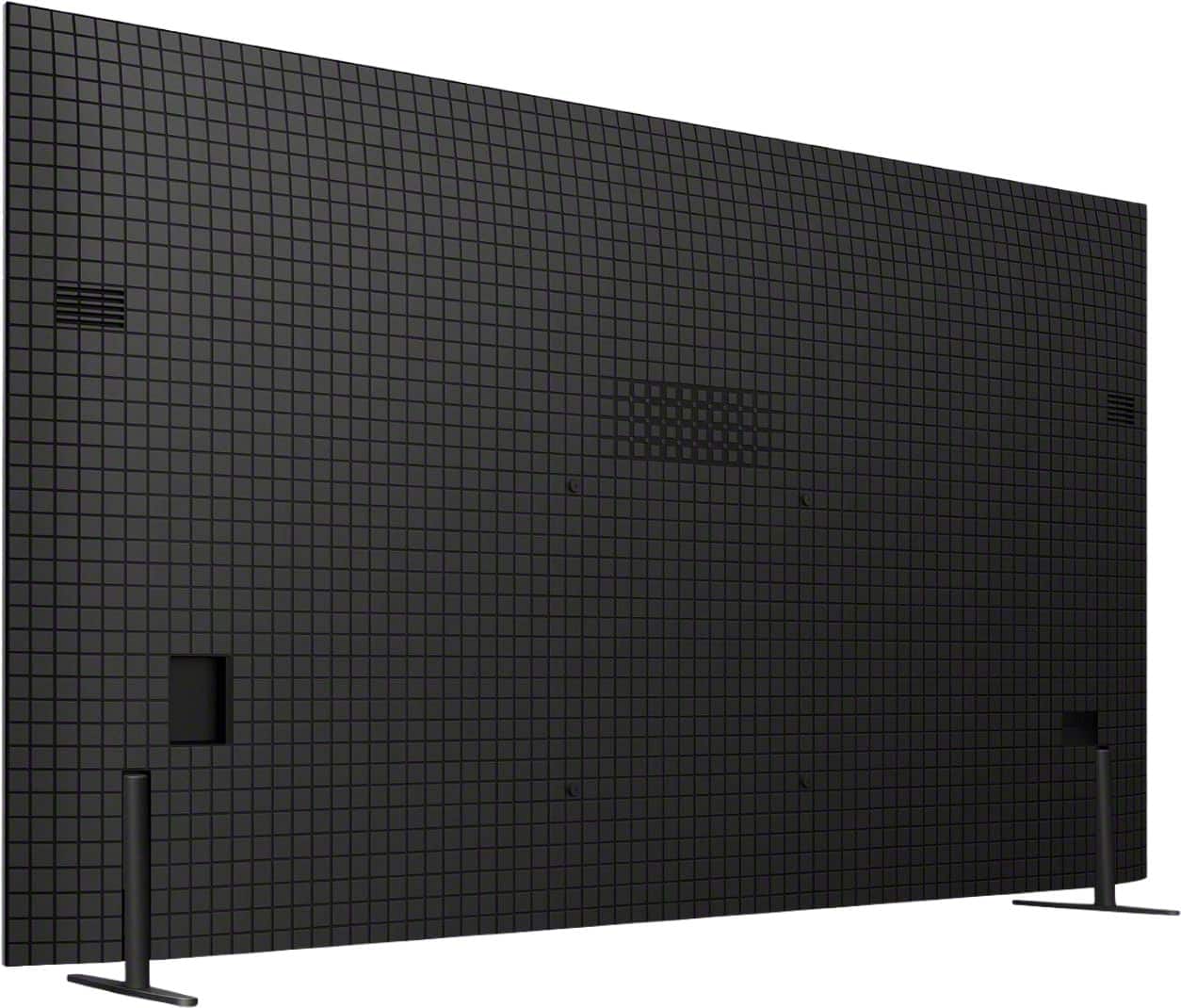
    • Answer Hi Buck, This model does feature an optical connection. On the back connection panel of the television, you will find this port labeled as "Digital Audio Out." This is the port used for optical cables to connect your TV's sound to a soundbar or home theater receiver. For a visual representation of exactly where this and other ports are located on the back of the TV, please visit: https://www.sony.com/electronics/support/res/manuals/5057/960c600c7c15b6dd3c57b5691d97df7d/50577381M.pdf We hope this clears things up! Thank you for considering Sony. Best regards, Dominick

      Answered by SonyListens

  • QuestionWhat is the differnce between. The 8 and the 8b

    Asked by Stg.

    • Answer Hi Stg, Thank you for your question! The BRAVIA XR8B is the same as the XR80 model but with two specific omissions. The XR8B does not include the XR Contrast Booster feature, which is used in the standard BRAVIA 8 to further enhance peak brightness and dynamic range. Additionally, the XR8B does not come with the Sony Pictures Core (formerly BRAVIA CORE) streaming package or the movie credits typically bundled with the XR80. Aside from these two points, the core OLED technology remains the same. We hope you find this information helpful! Thanks for considering Sony! Regards, Dominick

      Answered by SonyListens

  • QuestionCAn I use this TV with Comcast remote and comcast features

    Asked by Frances.

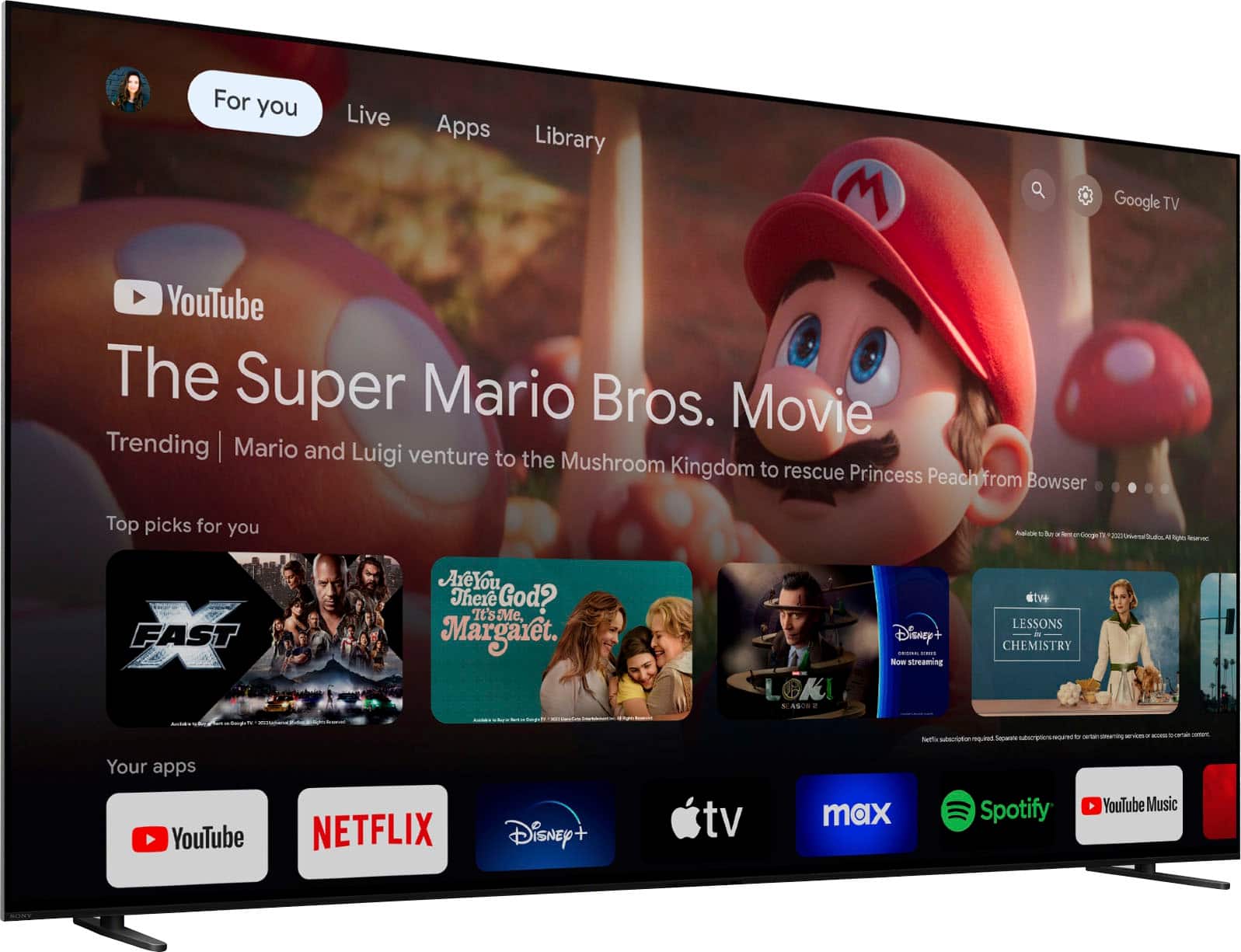
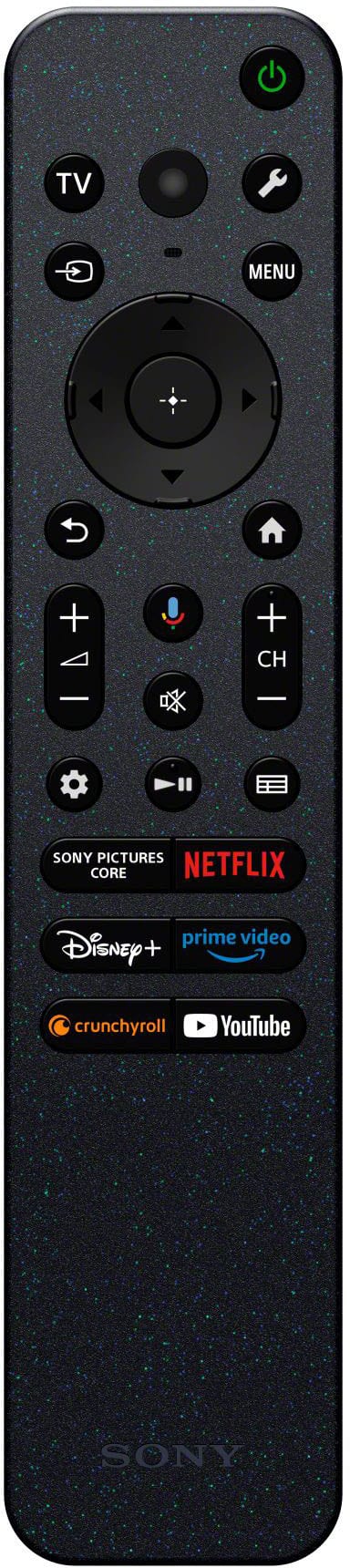
    • Answer Hi Frances, Yes, you can use your Comcast (Xfinity) remote to control basic functions like power, volume, and channel switching on this Sony BRAVIA XR8B TV. For full access to Google TV features and advanced settings, we recommend using the included Sony voice remote. Thanks for choosing Sony. Best regards, Eliab

      Answered by SonyListens

  • QuestionIs this TV compatible with COX cable

    Asked by Redhead73.

    • Answer Hi Redhead73, That is a great question. Yes, the Sony BRAVIA XR8B is fully compatible with Cox cable. The TV comes equipped with 4 HDMI ports, allowing you to easily connect the physical hardware provided by your cable provider. Once you have connected your Cox cable box via an HDMI cable, all you have to do is use the Sony remote to switch the input to the corresponding HDMI port where the box is connected. Thank you for considering Sony! Regards, Dominick

      Answered by SonyListens

  • Questionhow do i turn off talk back function

    Asked by joeoshie.

    • Answer Hi joeoshie, To turn off the TalkBack (screen reader) function on your BRAVIA XR8B, you can use the following steps: Press the Quick Settings (gear icon) or Home button on your remote. Navigate to Settings — System — Accessibility. Select TalkBack and set it to Off. Pro Tip: You can also toggle this feature on or off quickly by pressing and holding the Mute button on your remote for about 5 seconds. Thanks for choosing Sony. Best regards, Eliab

      Answered by SonyListens

  • QuestionWhich processor does this tv use?

    Asked by Anonymous.

    • Answer Hi there, Thank you for your interest in the Sony BRAVIA XR8B! This model features our advanced XR Processor™, which intelligently enhances every scene in real-time by boosting color, contrast, and clarity. This processing power ensures that all your content is optimized to deliver a truly lifelike and immersive viewing experience. Thank you for considering Sony. Best regards. Dominick

      Answered by SonyListens

  • QuestionWhat does the tv weight

    Asked by Anonymous.

    • Answer Hi there! Thank you for your question! We're happy to assist. The Sony K-55XR8B TV weighs approximately 39.7 pounds (18 kilograms) with the stand and about 37.7 pounds (17.1 kilograms) without the stand. For an easy look at all the specs on this TV, just check out this link: https://www.sony.com/electronics/support/televisions-projectors-oled-tvs-android-/k-55xr8b/specifications We appreciate you considering Sony for your next purchase! Best regards, Estefany

      Answered by SonyListens

  • QuestionCan an bluetooth receiver be used with this TV?

    Asked by JackDC.

    • Answer Thank you for contacting Sony, JackDC. Yes, you can use a Bluetooth receiver with your K-55XR8B. Since this model supports the A2DP Bluetooth profile, it can send audio wirelessly to Bluetooth headphones, speakers, or receivers. Just put your receiver into pairing mode and head to Settings > Remotes & Accessories > Pair accessory on your TV to connect. We appreciate your interest in Sony products. Should you require any further assistance, please don't hesitate to reach out for support here: https://us.esupport.sony.com/support/s/support-contact?category=tv Best regards, Gus, Sony North America Customer Support

      Answered by SonyListens

  • QuestionHow do I add spectrum to my app options

    Asked by Keith.

    • Answer Hi Keith, Currently, the Spectrum TV app is not natively available for direct download on Sony BRAVIA TVs with Google TV due to Spectrum's current platform compatibility. To enjoy your Spectrum content on your XR8B OLED, you can cast the app directly from your smartphone or tablet to the TV, or connect an external streaming device (such as a Roku, Apple TV, or Xumo Stream Box) to one of the HDMI ports. This ensures you can still access your full channel lineup while taking advantage of the XR8B’s premium picture quality. Thanks for choosing Sony. Best regards, Eliab

      Answered by SonyListens