A:AnswerHi, there!
We would like you to send us more details regarding this setup so we can better assist you. Also, provide us with the model number of the Bluray player. Please email us at [email protected] with the following details:
Name:
Bestbuy Username:
Model Number:
Issue:
Telephone Number:
Sincerely,
Sam
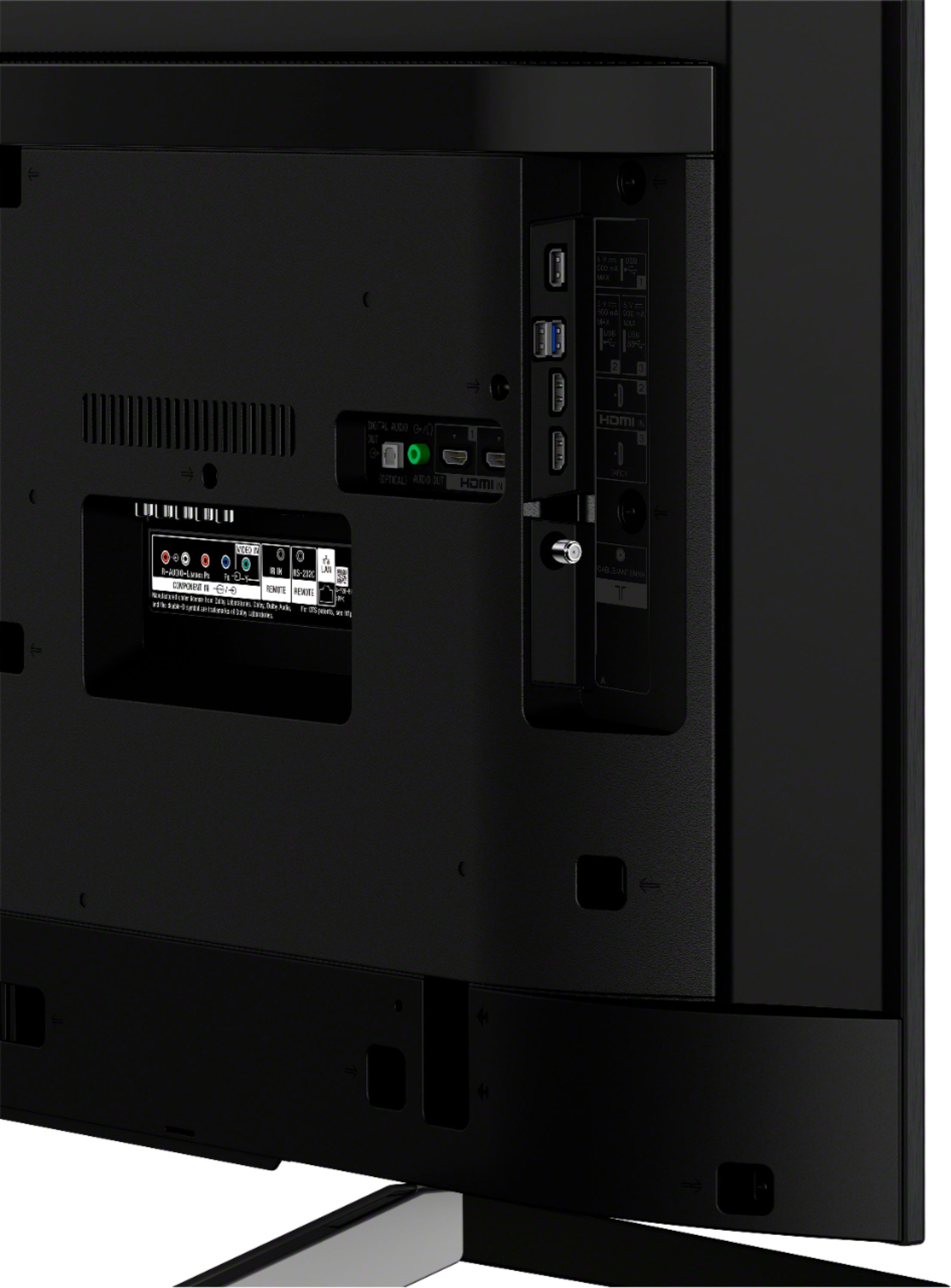
A:AnswerIf your pc has an hdmi out and the tv has an hdmi in, shouldn't be a problem, I have 2 computers hooked up to smaller 32" hd tvs and it works great.
A:AnswerHi, David!
The TV comes with a year manufacturers warranty. If you're having an issue with the TV, please email us at [email protected] with the following details:
Name:
Best Buy Username:
Model Number:
Issue:
Telephone Number:
Erin
A:AnswerHi, Applegirl!
Apple TV plus (Apple's streaming service) release date is set for November, so currently, we don't have any information about the app. However, you can visit our webpage https://www.sony.com/electronics/support for upcoming news and updates. Hope this helps! -Sam
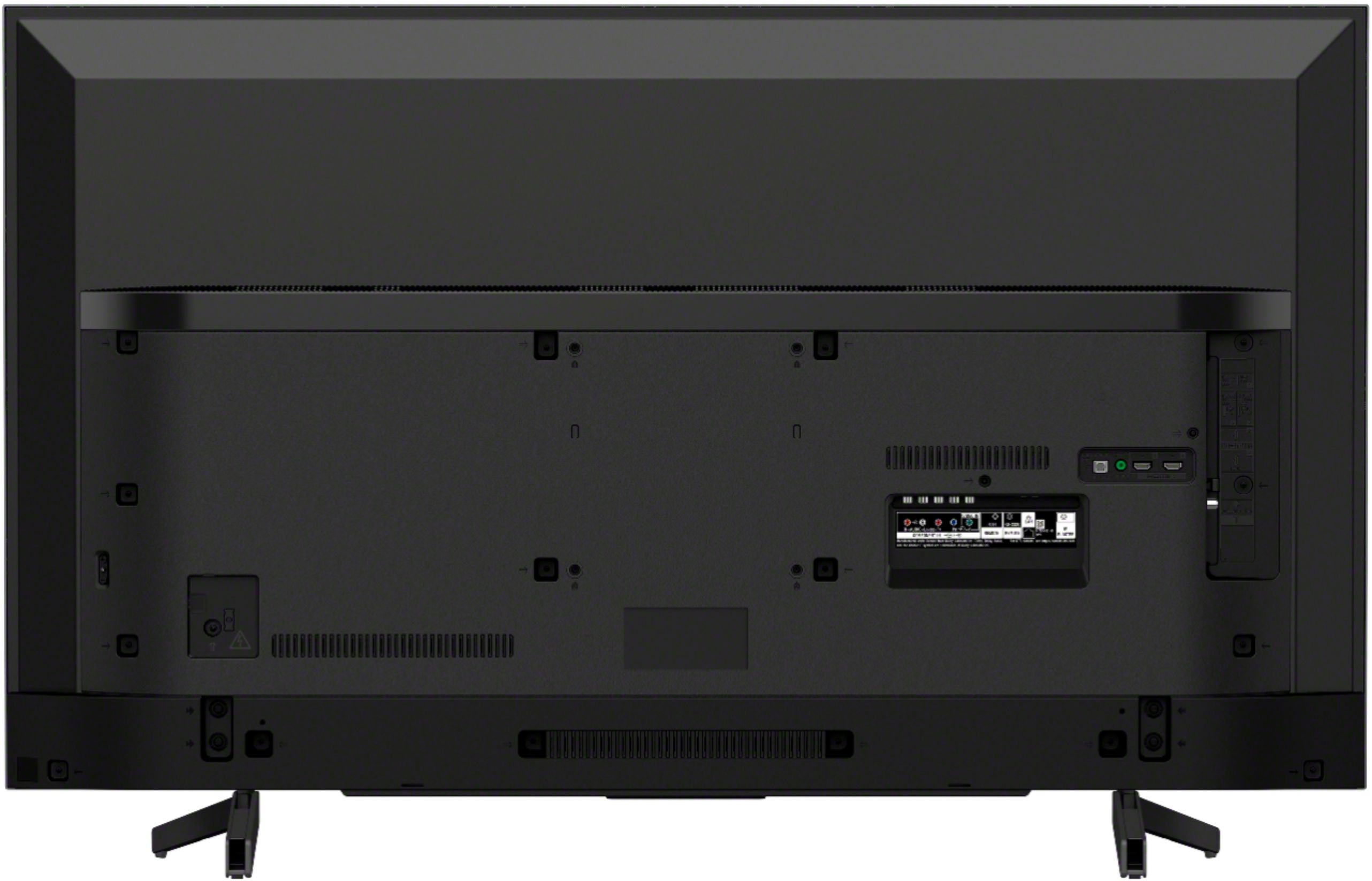
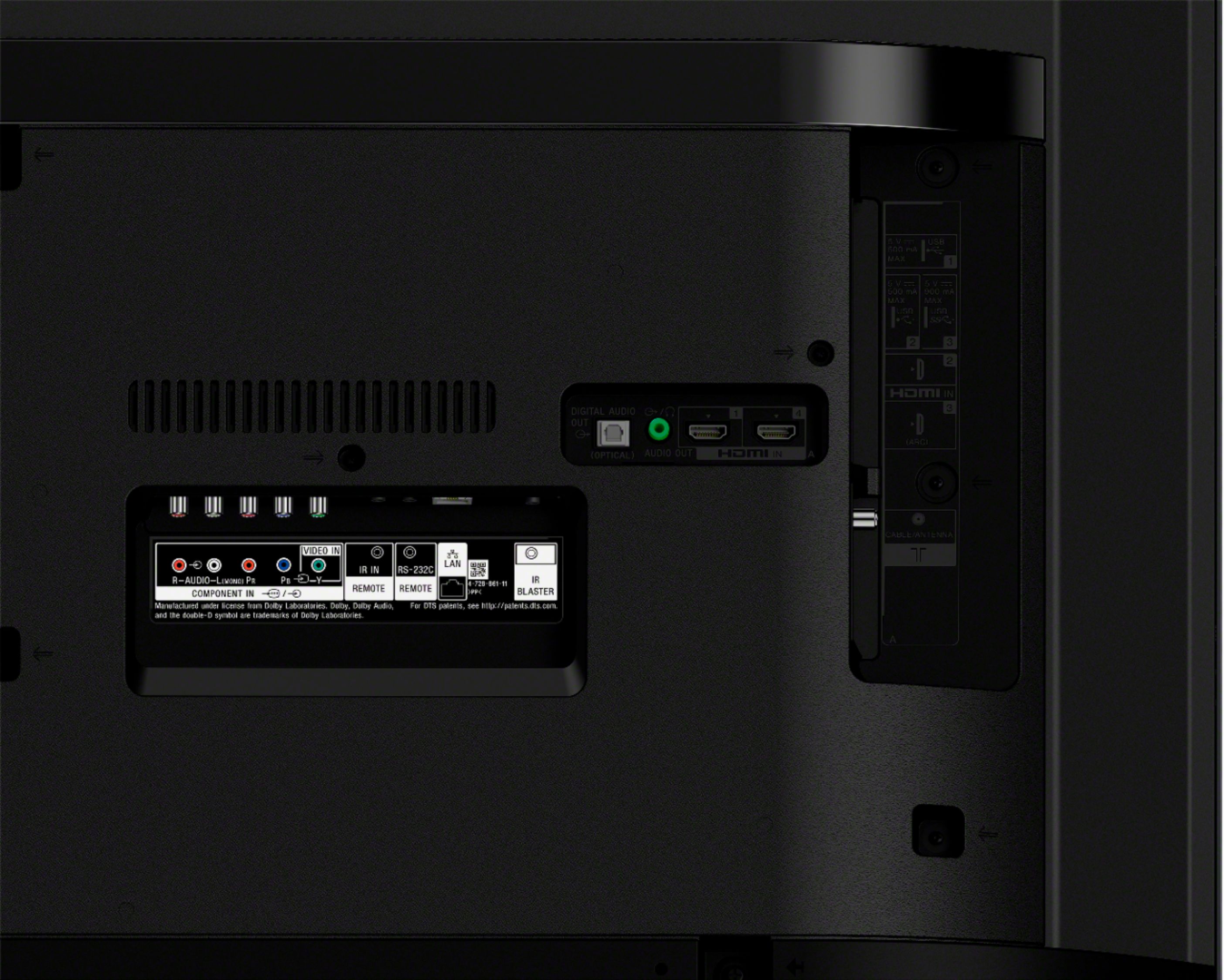
A:AnswerThe power button is on the back, right side of the tv about halfway up from the bottom(when facing the screen). You push the button and options come on the screen. Just hold it for 3 seconds and it will turn off