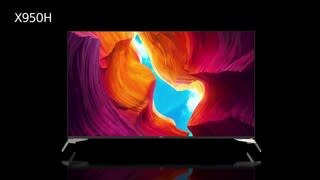
A:AnswerHi Roseville, The X950H TV System supports the ATSC and HDMI Audio Return Channel (eARC/ARC) while the X900H supports ATSC 3.0 NextGen TV. The X900H supports 4K/120, eARC, VRR, and ALLM which features specified in the HDMI 2.1 standard. Thanks, Jay
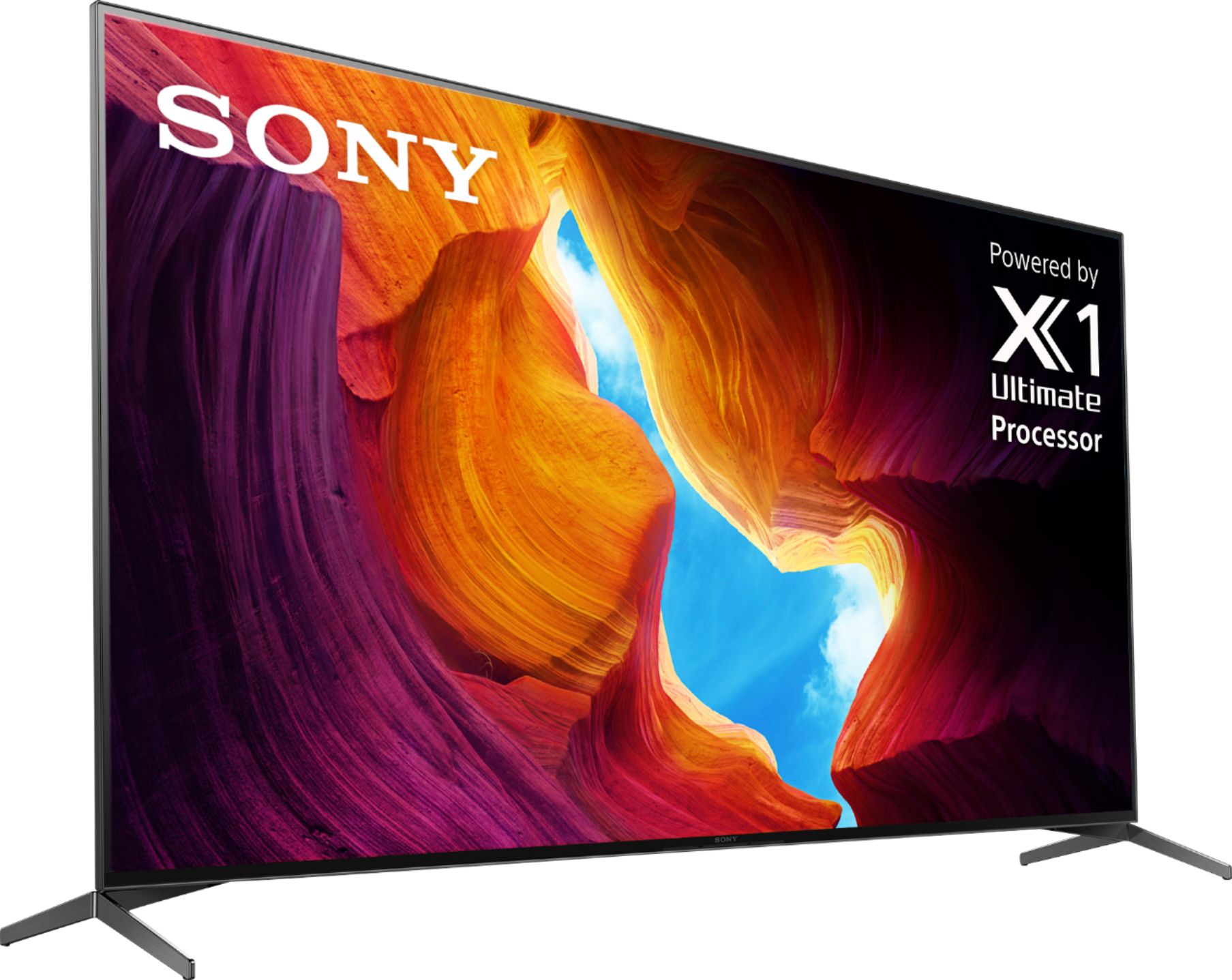
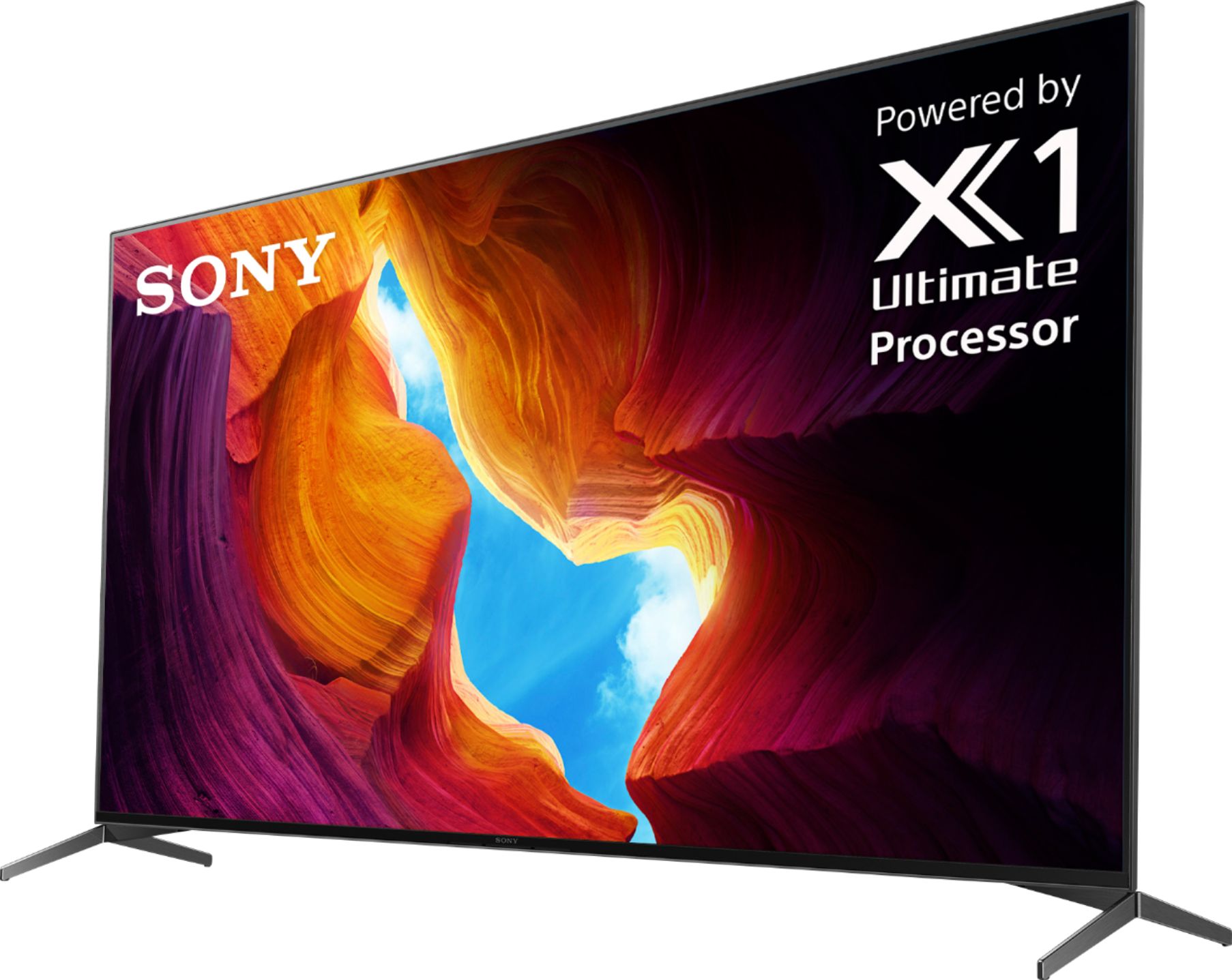
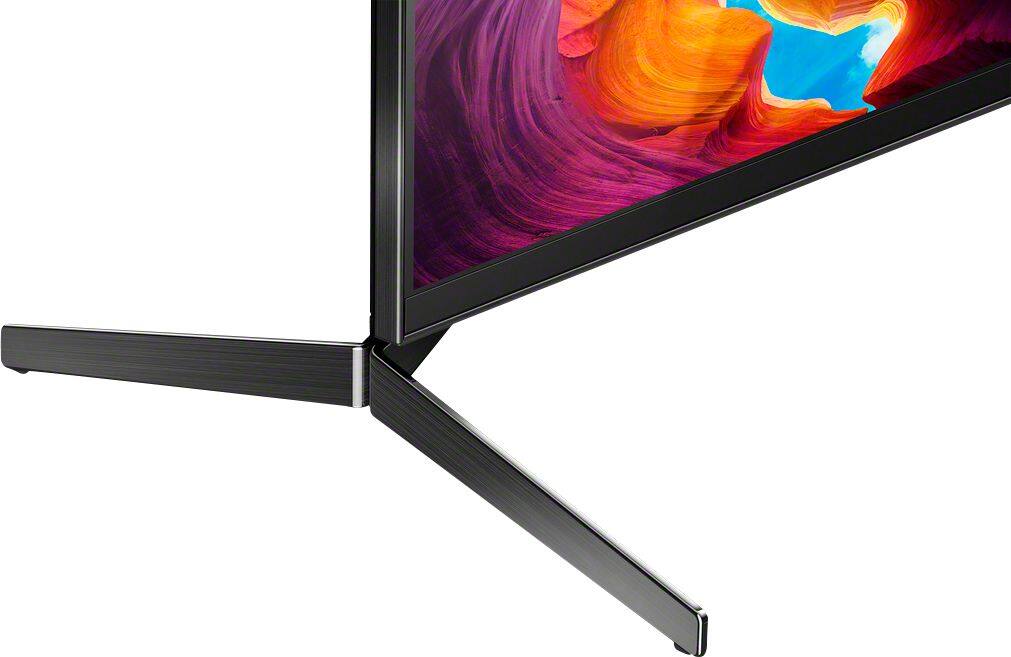
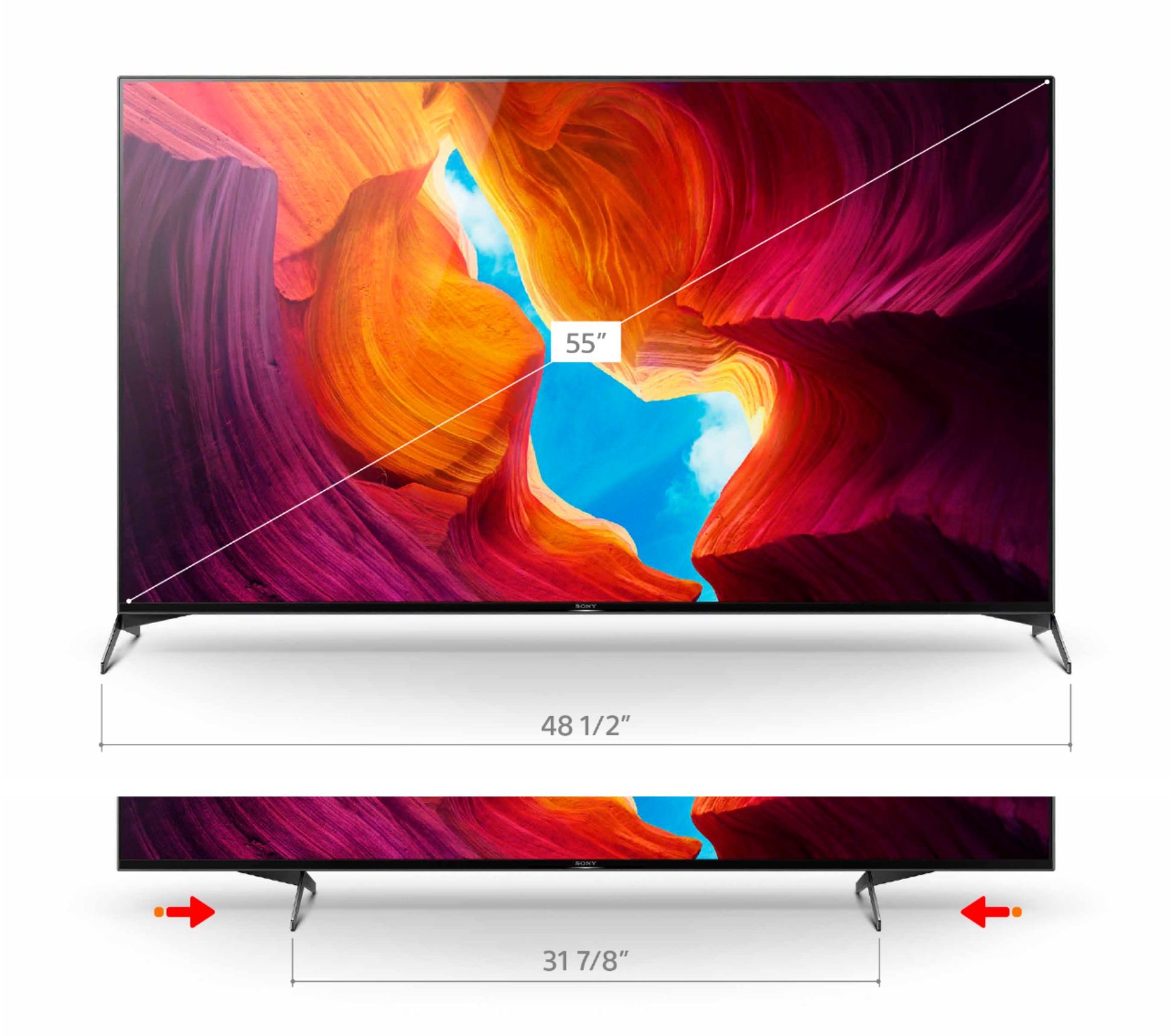
A:AnswerThis was a concern of mine as well due to the size of my TV stand which is 46". The TV can be adjusted to 32" not 31". The stands can be installed in two different positions. Fully to the outside edges of the TV at 48 1/2" and toward the inside of the TV at 31 3/4".
Hope this helps!
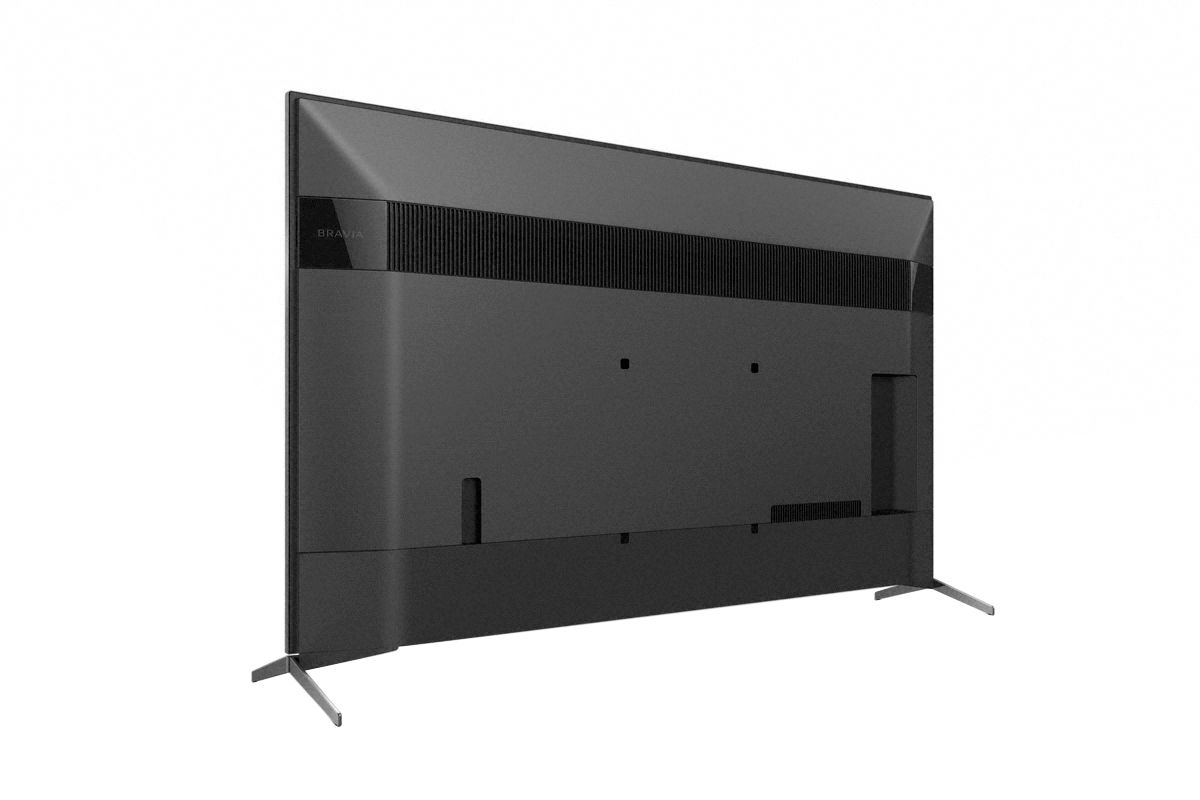
A:AnswerYes, there are two positions for the stand on 55 inch model (the one I have). one is the wide position i.e. the legs at the end. However, if you swap the legs then they are inwards. there is a video on Sony Europe's website showing the 2 positions.
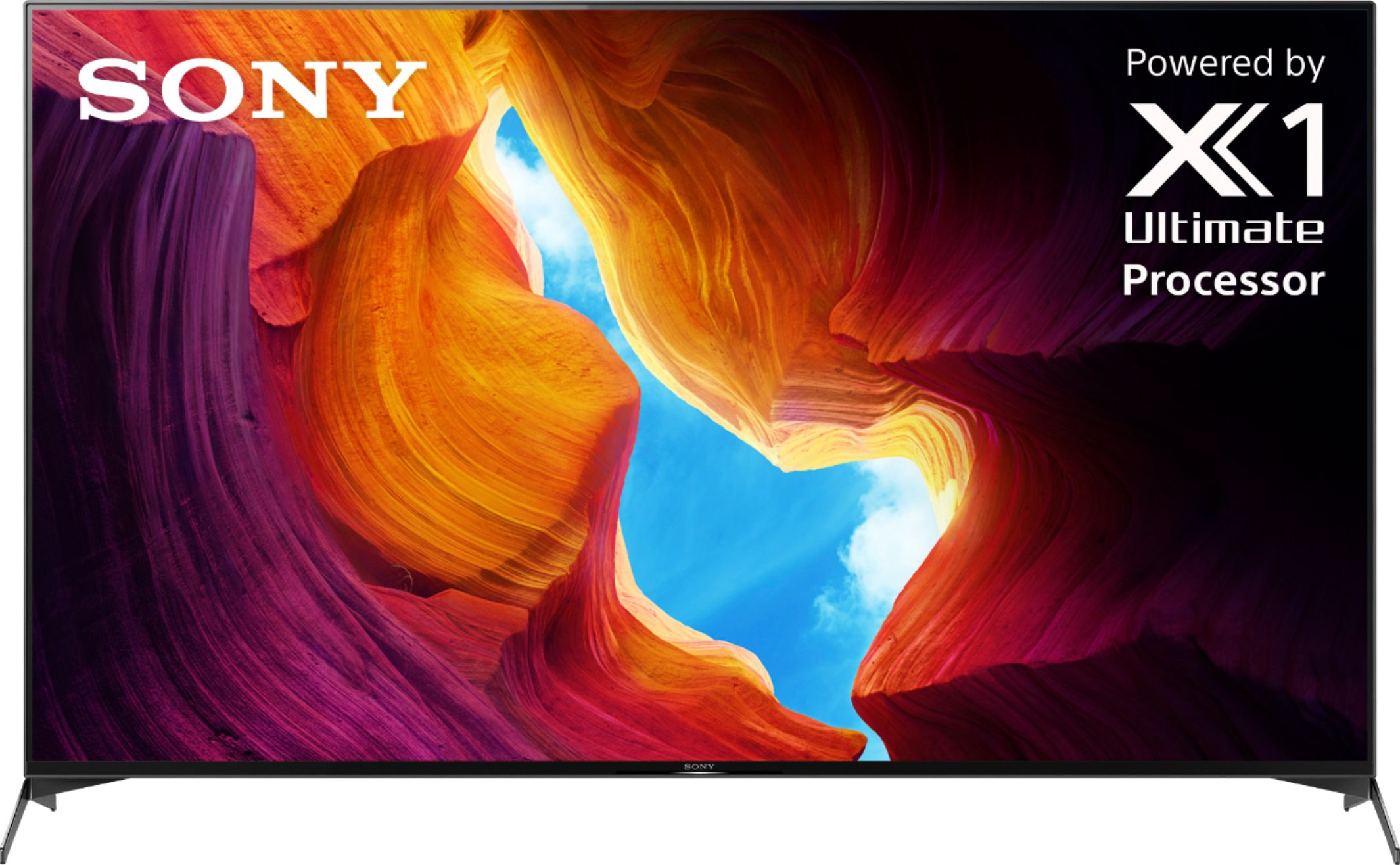
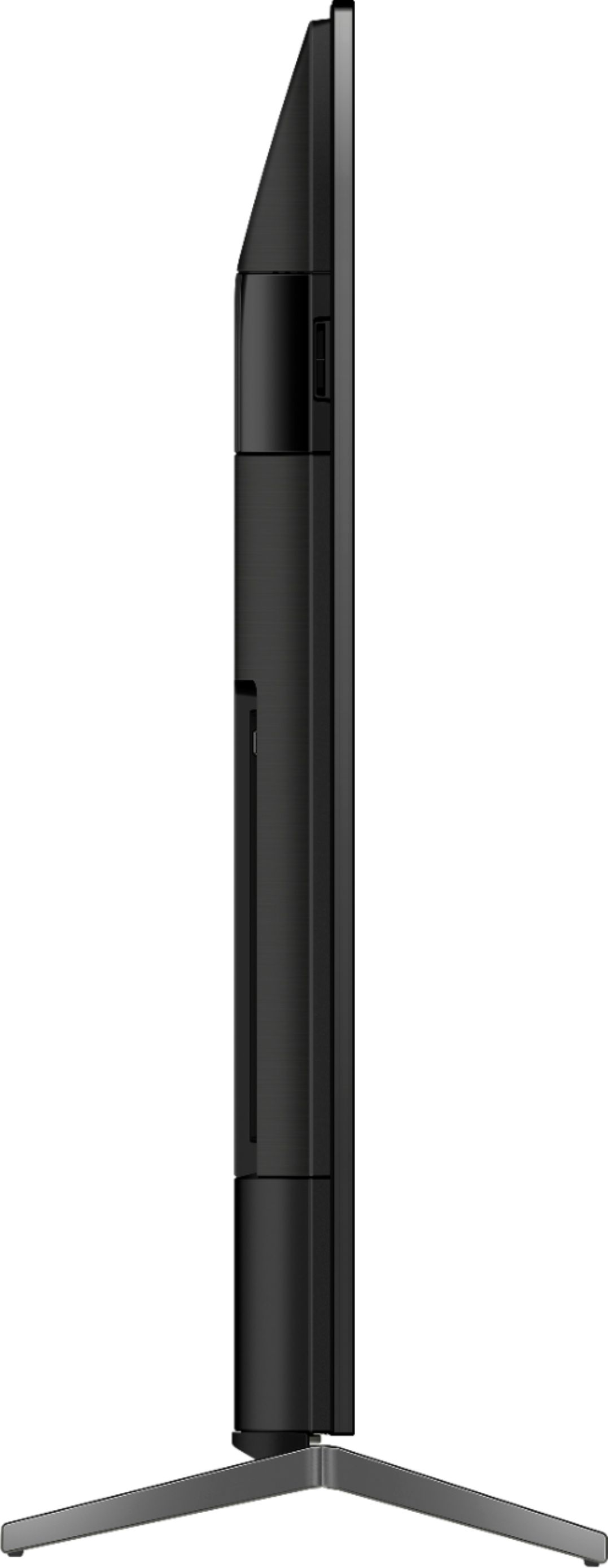
A:AnswerMy box reads the same.Quickest way to tel if it is the 950 is two way positioning on the feet.There is a difference,the 950 being improved 900.950 has better picture and light contrast.It seems 900 is better for gaming.
A:AnswerThe built-in sound is remarkably good. I suggest start using the TV without a sound bar and evaluate your desires after some experience with the TV ‘as is.’ I will not be buying a sound bar.
A:AnswerHi Freckles7767, The approximate weight of this TV with the stand is 39.9 lb (18.1 kg). Without the stand, it weighs approximately 37.1 lb (16.8 kg). Thanks! -Vincent
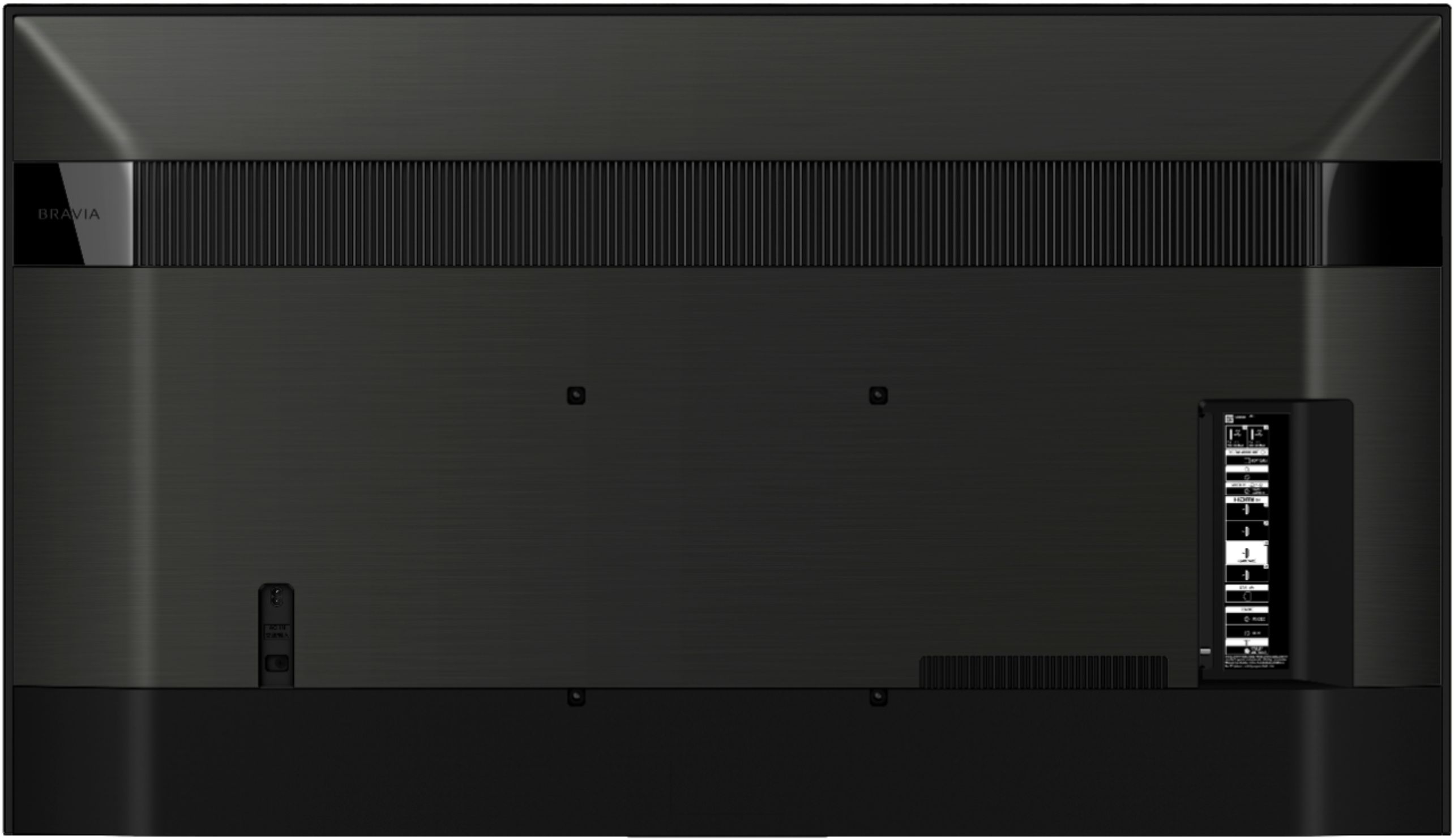
A:AnswerHi, We'd like to help by knowing the connection of the Digital TV ears to the TV. For wireless audio device, you can use RF wireless headphones with its own transmitter connected to the AUDIO OUT port on the TV. For your second inquiry, the TV has a feature to output or hear sound from both the TV speakers and an audio device by connecting your audio device to the DIGITAL AUDIO OUT port. I hope this helps. Thanks! Kris
A:AnswerHi Kevin, Thank you for your inquiry. This feature is not supported on the XBR55X950H. We recommend purchasing the X900H or Z8H TV that supports 4k/120fps gaming. I hope this helps. – Chris
A:AnswerHi Zaq, Thank you so much for your interest in our X950H 4K HDR Android TV! We're so sorry to hear you're having issues purchasing this model. We recommend contacting Best Buy as they're best equipped to respond to your inquiry. Should you need more assistance or information, please email us at [email protected]. Thanks again for considering Sony! - Romeo
A:AnswerThis is odd. I will probably never use those features, but they would be nice to have in case. I did read that the X900H does not have these features right now and they will be coming in a firmware update. Since the X950H has a better processor and other internals, I guess it might be possible for a firmware update on the step up model, but as far as I know Sony has not promised it.
A:AnswerI think it's a software issues. If you go to Settings > Preferences > Date and Time, then toggle on/off between the 24 hour time format, the amber light at the bottom will turn off. It will come back so you have to repeat the process every so often.
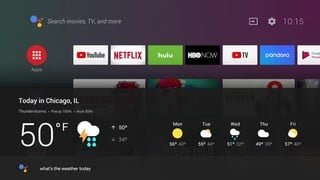
A:AnswerHi Hudson, Thanks for your inquiry. Yes, you can connect a Roku stick on one of the HDMI ports of the TV. The X950H TV also comes with preinstalled apps such as YouTube, Netflix, Amazon Prime, Hulu, etc. and many of the existing apps from the Google Play store can be downloaded to this Android TV after connecting TV to the internet. There are over 5000+ apps already available with a consistent flow of new apps being released for the Android/Google TV platform. For more information on how to enjoy apps and internet content on the TV, please refer to these links: https://www.sony.com/electronics/support/televisions-projectors/articles/00201124 https://www.sony.com/electronics/support/televisions-projectors/articles/00150371 Regards, Kris