A:AnswerHi RobertR,
These suggestions are to ensure that you don’t get image retention on the screen and maintain the best possible picture quality. Watching programs with the black bars on the side for extended period of time can increase the chance of image retention. We apologize for the inconvenience. -Ralph
A:AnswerHi txscarface, Thanks for reaching out.
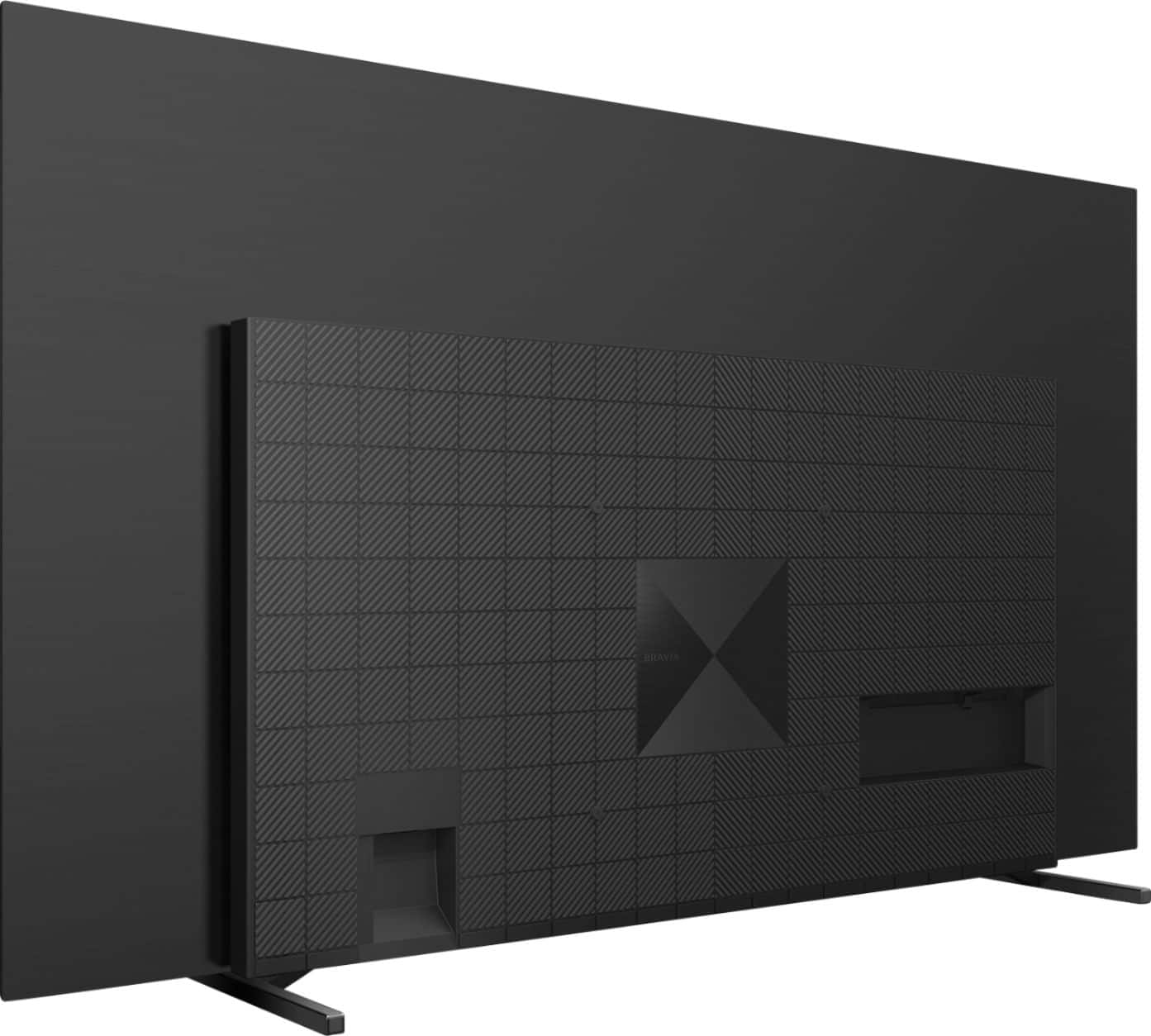
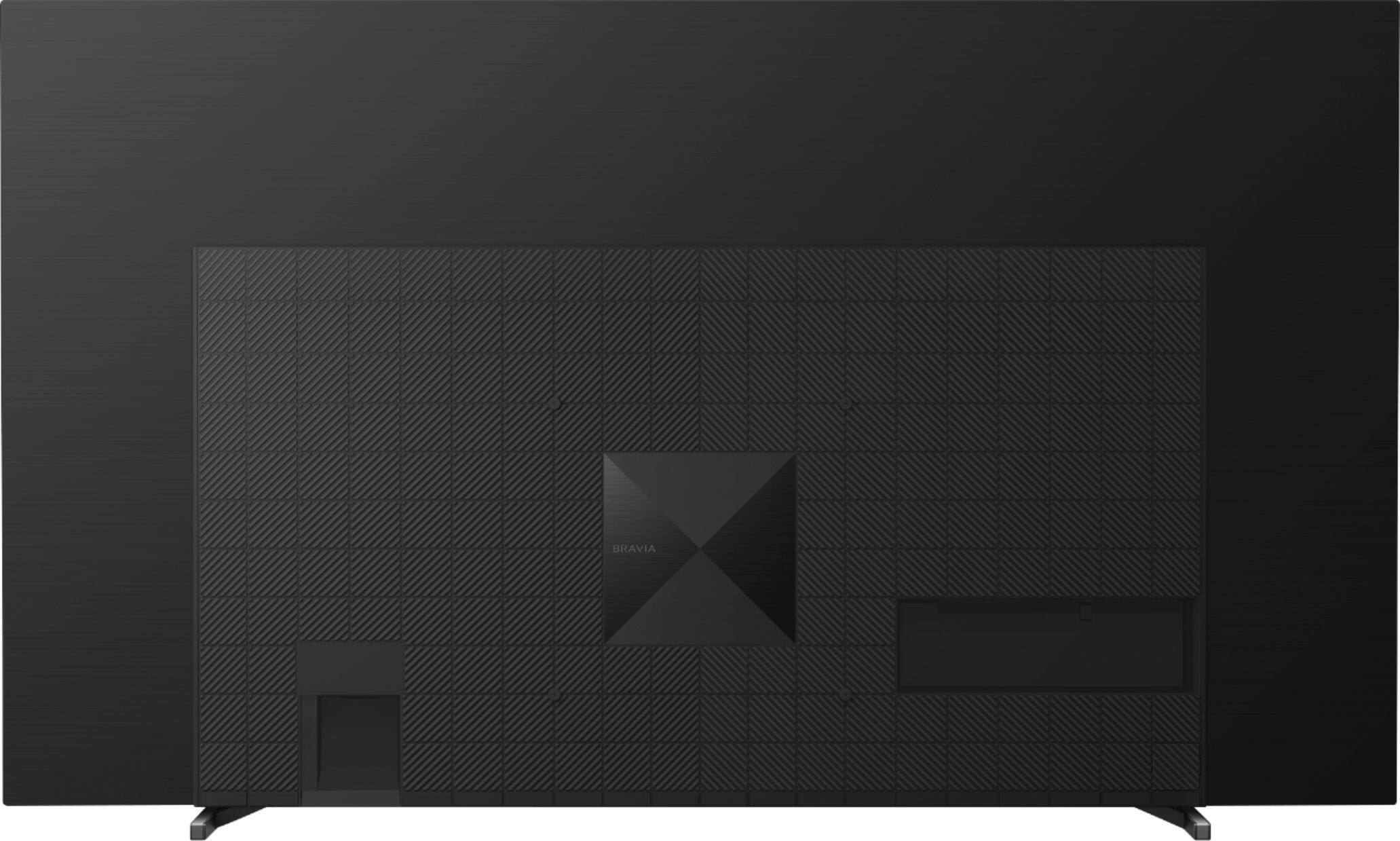
You can use a third party tilt mount that supports the 300mm x 300mm Vesa mount configuration. Regards, Ralph
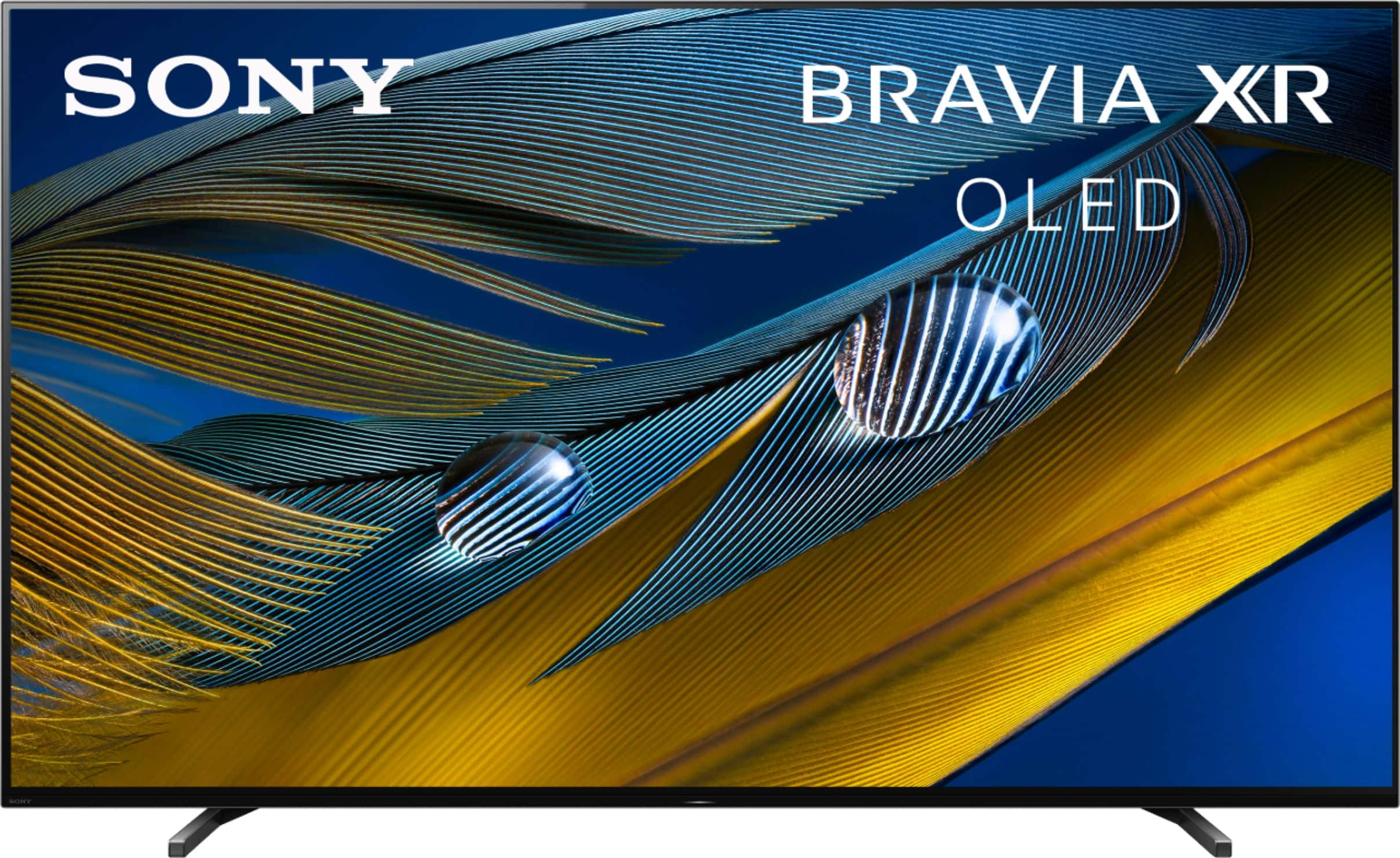
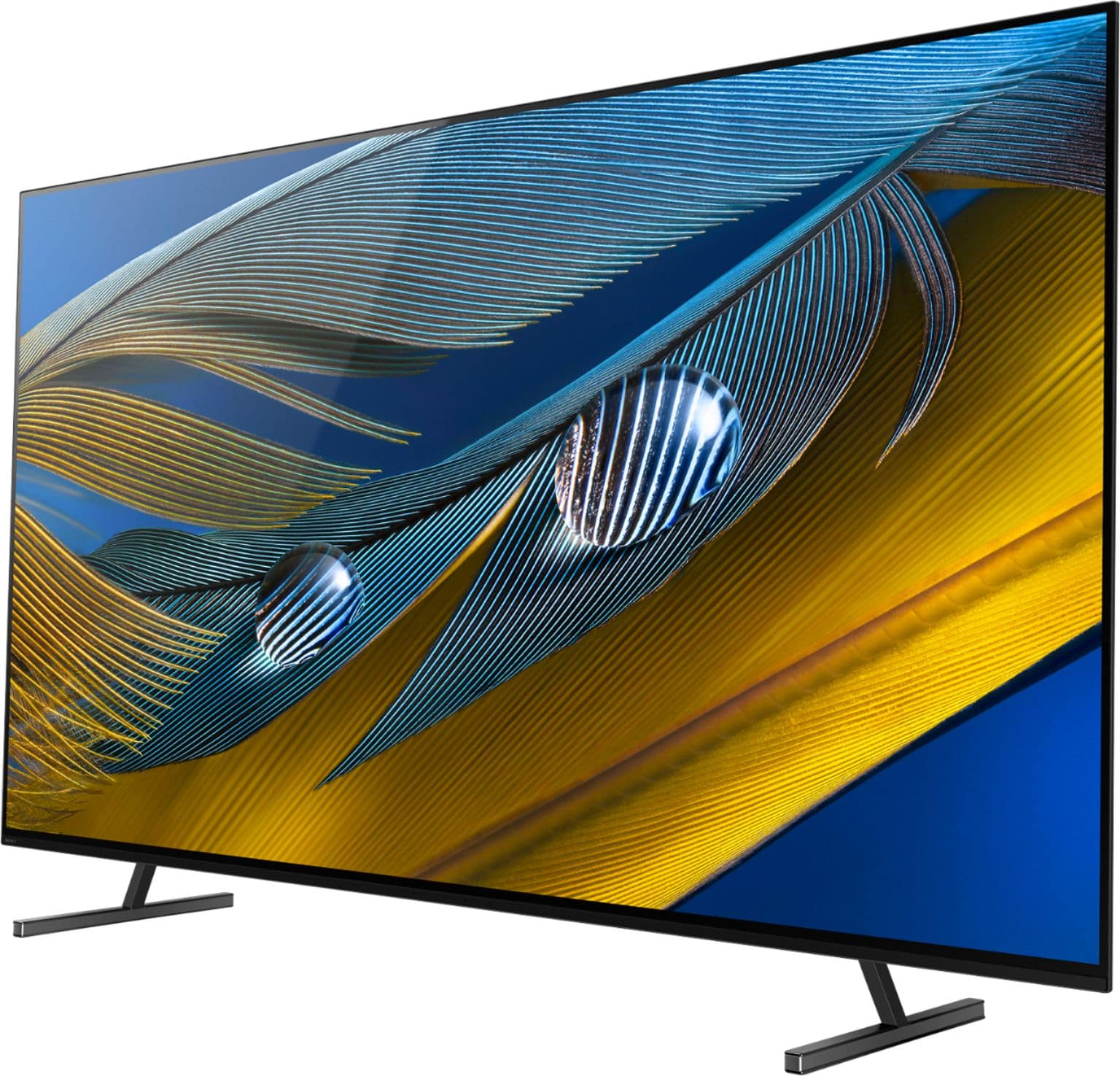
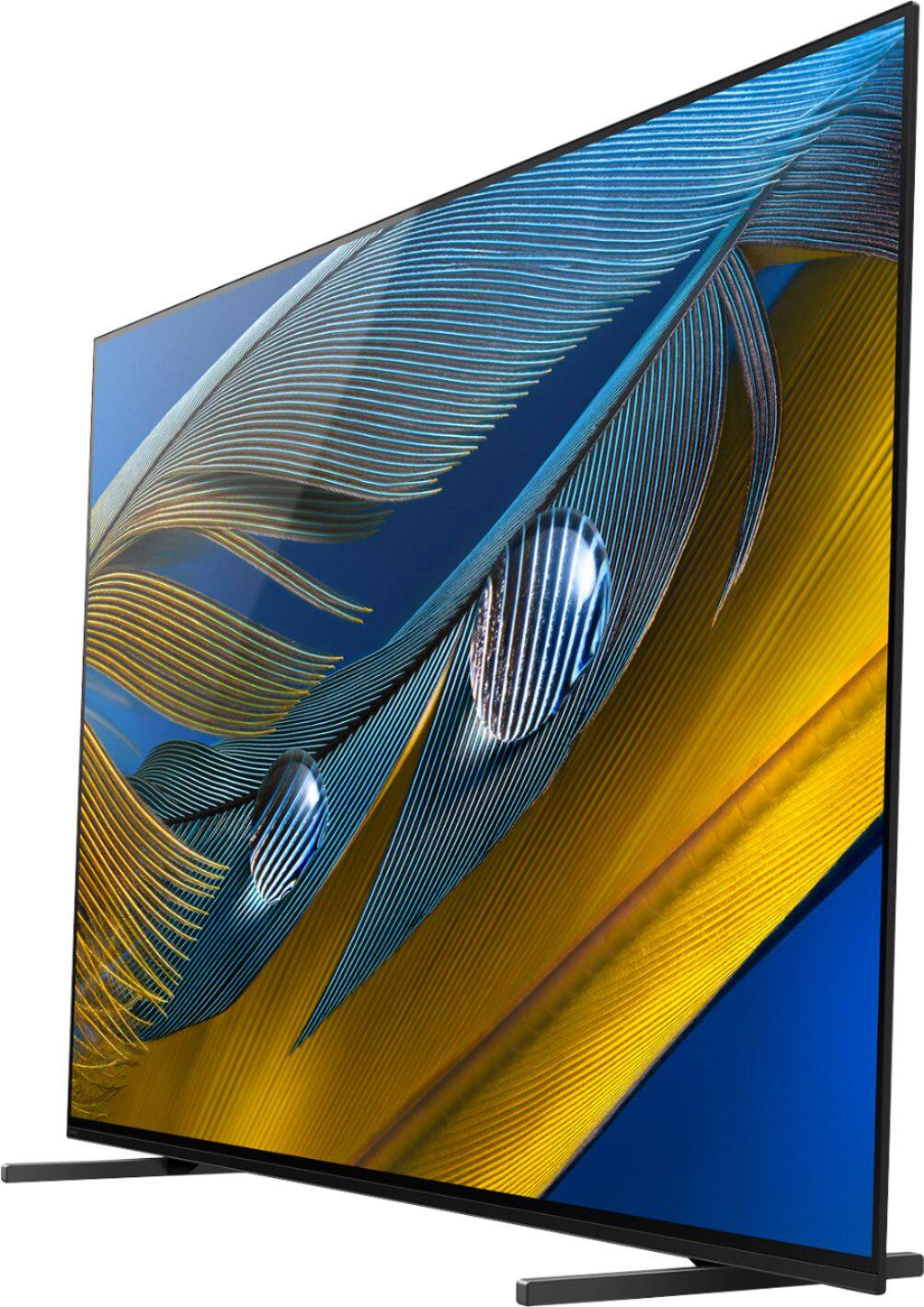
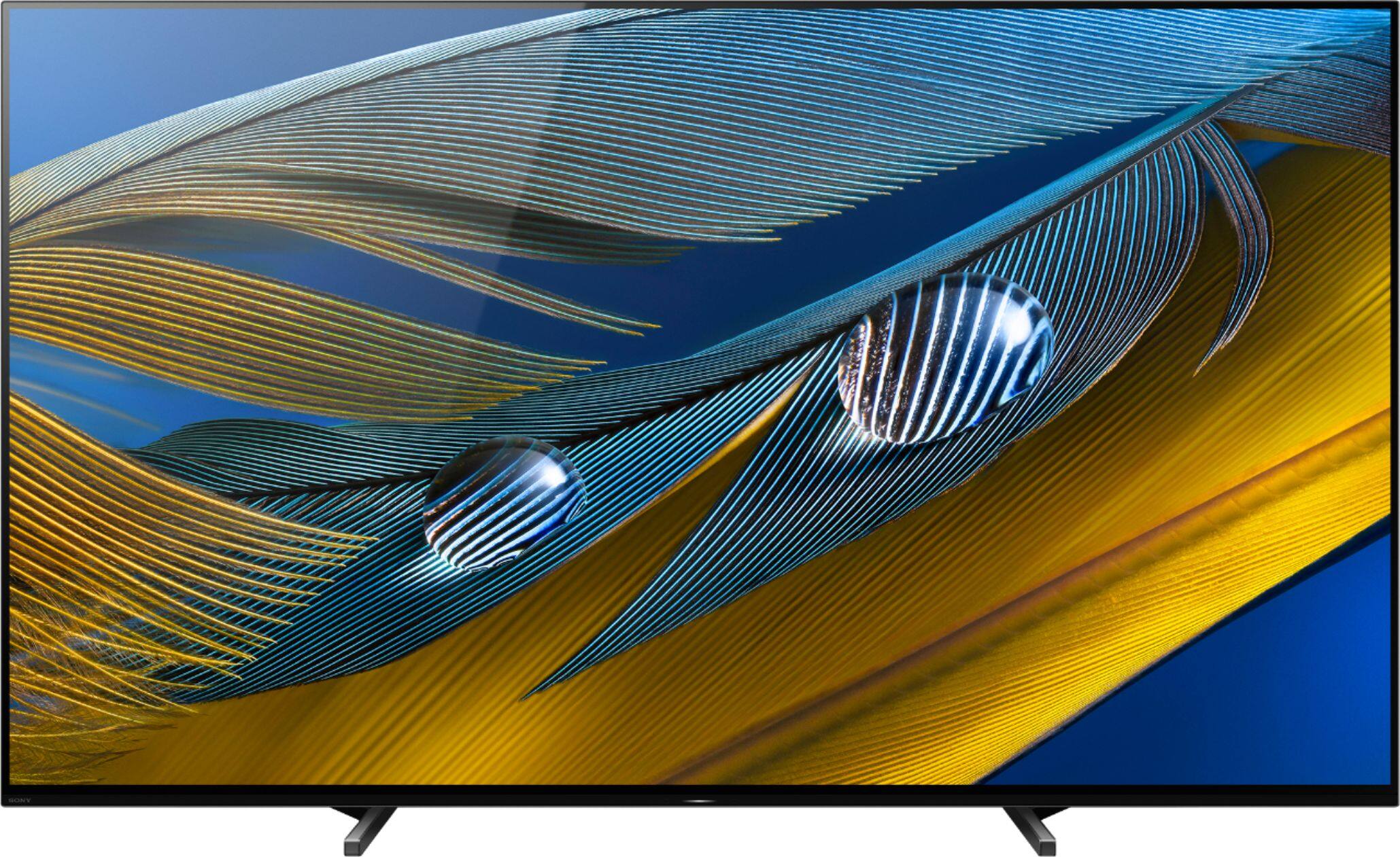
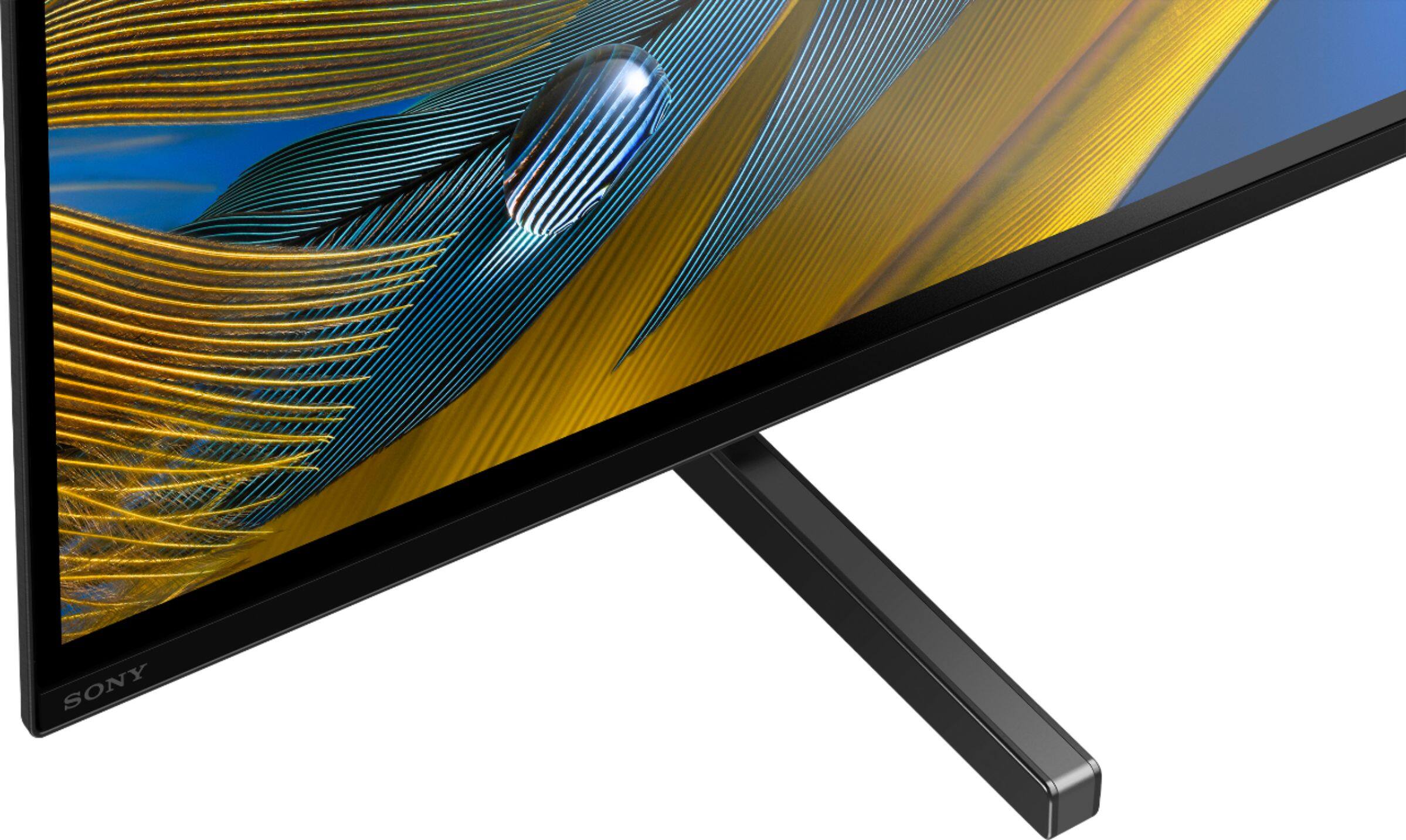
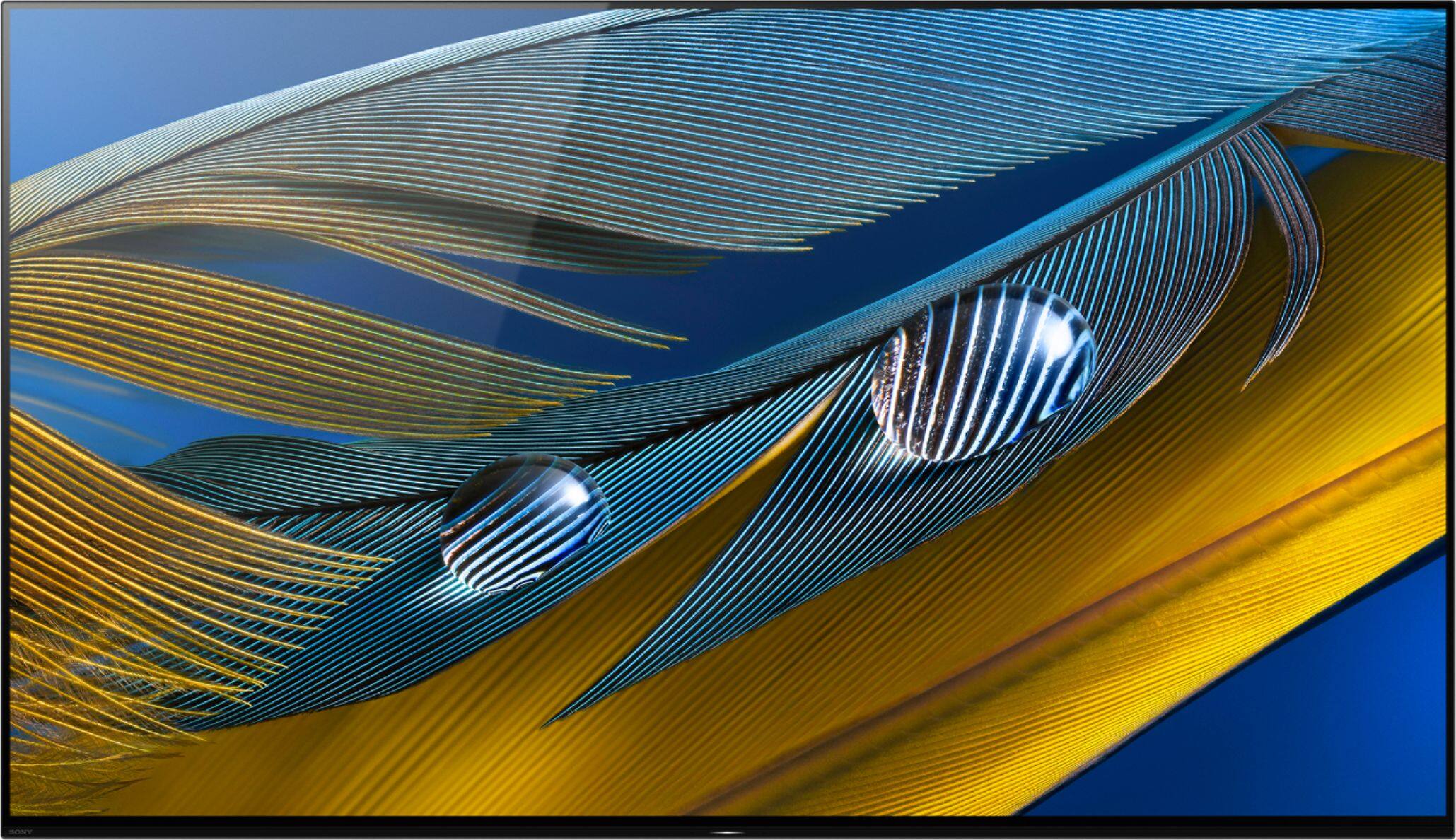
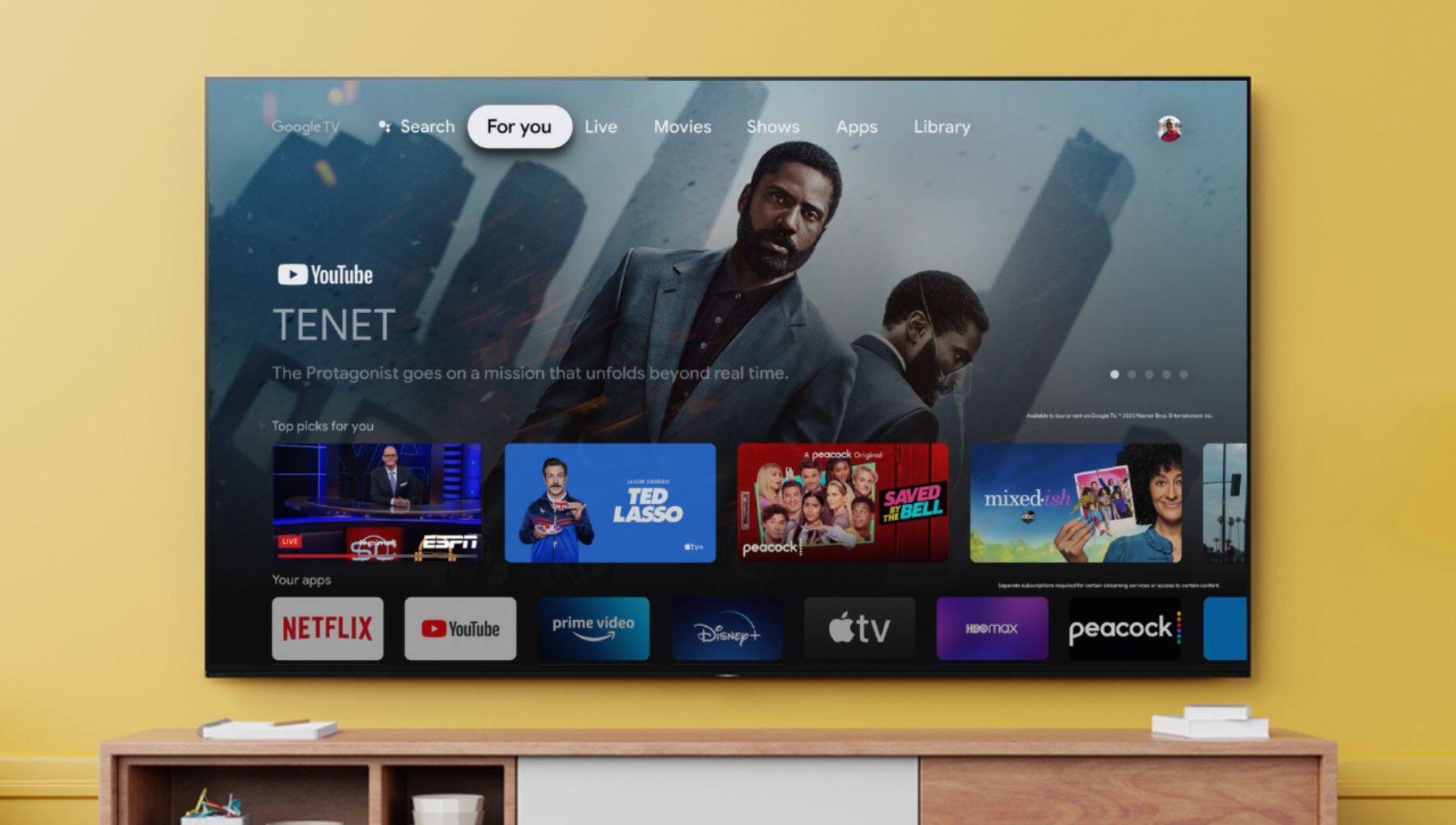
A:AnswerHi there, Great news! The XR65A80J is perfect for you as there are no known issues with the TV. With the BRAVIA XR A80J, you will enjoy a premium OLED picture with contrast and color that feels deep, natural, and real. The revolutionary Cognitive Processor XR™ optimizes thousands of on-screen elements simultaneously for a lifelike picture. Feel the action with Acoustic Surface Audio+ and experience truly immersive sound that perfectly matches the picture on the screen. Regards, -Ralph
A:AnswerHi there,
When the TV remote is connected to a compatible set-top box, the REC button will start to record the desired show through the digital video recorder (DVR) built into the set-top box.
Regards,
-Ralph
A:AnswerHi Bilin, thanks for your inquiry. The A80J is not compatible with Center speaker mode. For compatibility, you will need to step up to the A90J and Z9J series. I hope this helps. Erin
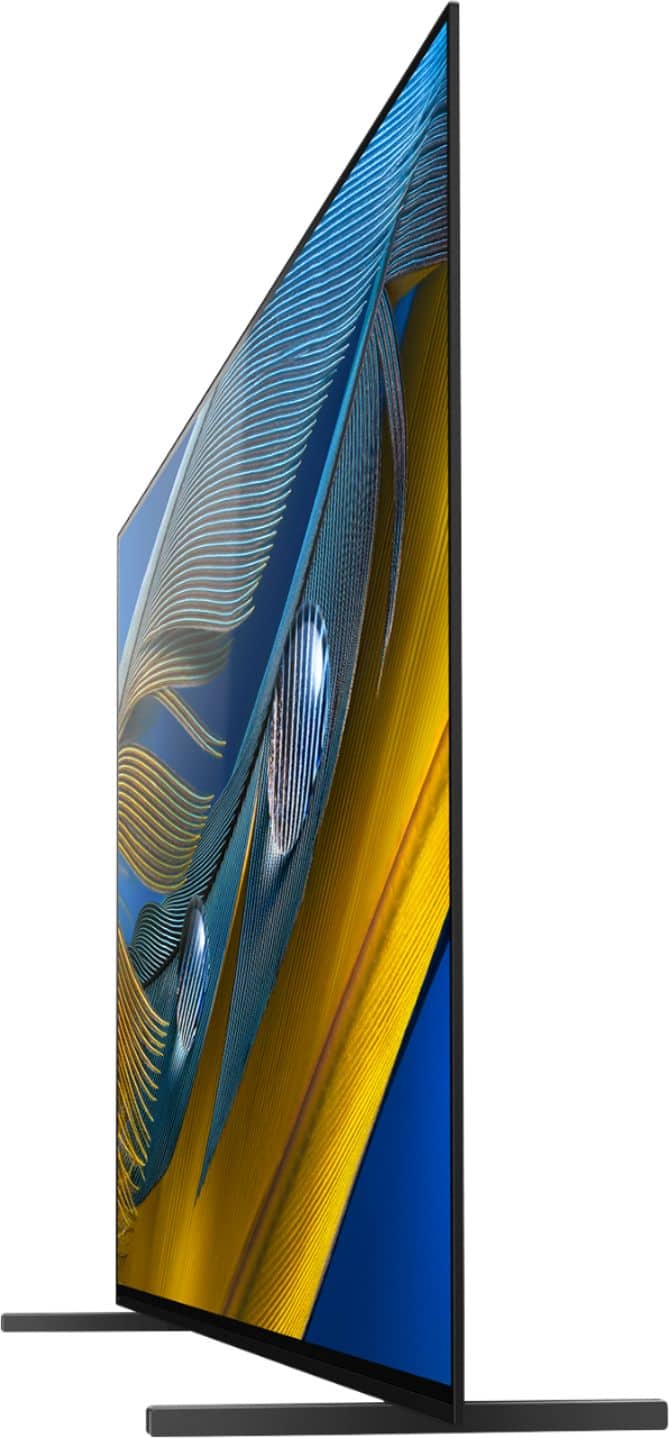
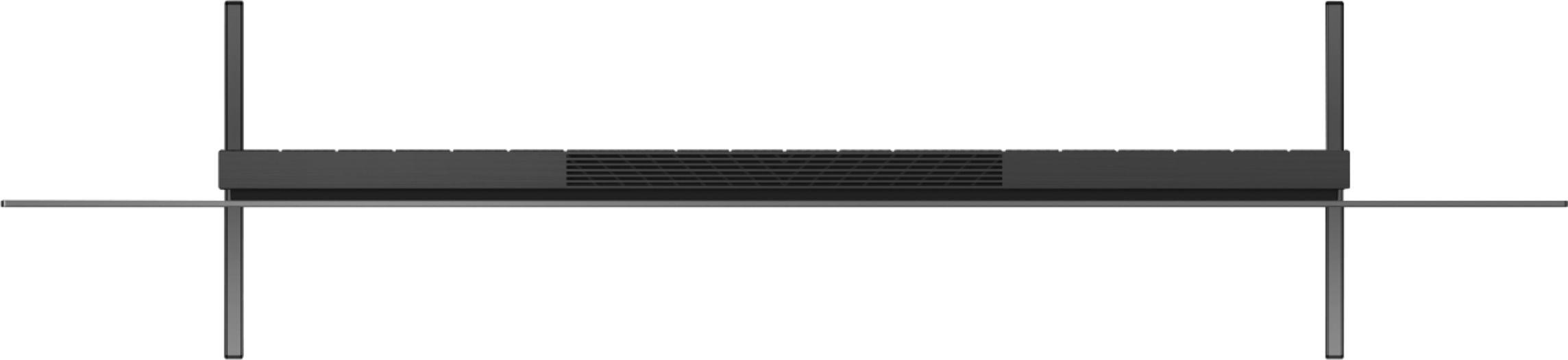
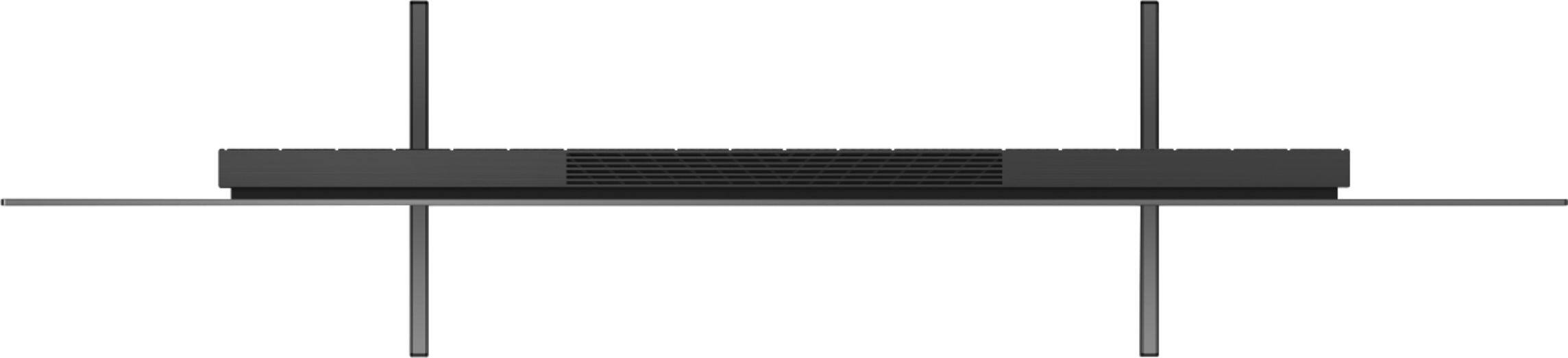
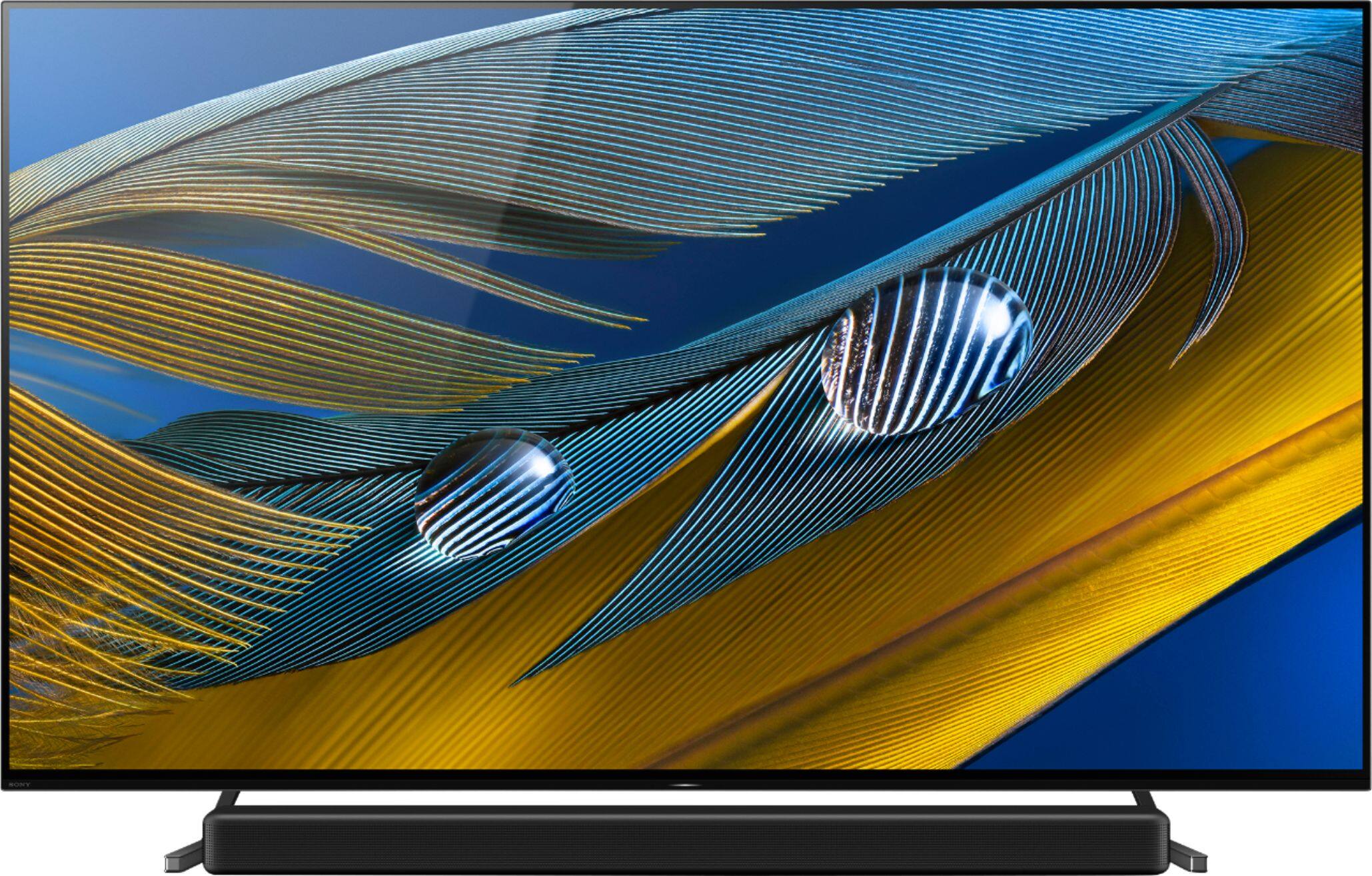
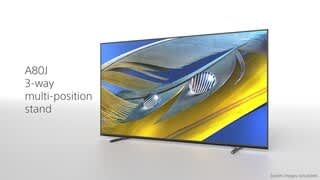
A:AnswerHi Yodaman, Thanks for your inquiry. Unfortunately, the TV stand doesn't swivel. It can be installed in 3 positions: -Standard -Narrow -Soundbar You may refer to this link for more information: https://www.sony.com/electronics/support/res/manuals/5026/5036c0f4d24069ecbea94dceca1d4fb4/50263501M.pdf Regards, -Ralph
A:AnswerI can only speak to the A80J, but the 65" has a coating and the 77" does not. I will say with my 65, I'm in a room that I keep the shades drawn directly behind the TV, but I can see the glare on the screen for the bottom slat of my shades where light still comes in. It's only distracting to me because I'm a nut with glare, but if it was a fairly bright room or lots of windows, it would probably be pretty distracting.
A:AnswerReview the specifications. Would not recommend installing it recessed without proper air flow. This is an electronic device that generates heat. Heat is a killer of electronics.
A:AnswerHi RobertR, thank you for your question. For placement, it is important to consider the lighting conditions. Light from windows and lamps may cause glare on the TV screen of this unit. ~Earl
A:AnswerUse a microfiber cloth and gently dust the screen. Do not use anything like Windex as that is abrasive and will scrape off the coating. I got the information from here https://www.youtube.com/watch?v=VNlF7NLce7k
A:AnswerHi FranzS, Great News! Yes, the XR65A80J supports Dolby Atmos®. Please check your TV model at our Sony eSupport website for product specifications and features. Thank you for the inquiry! Jay