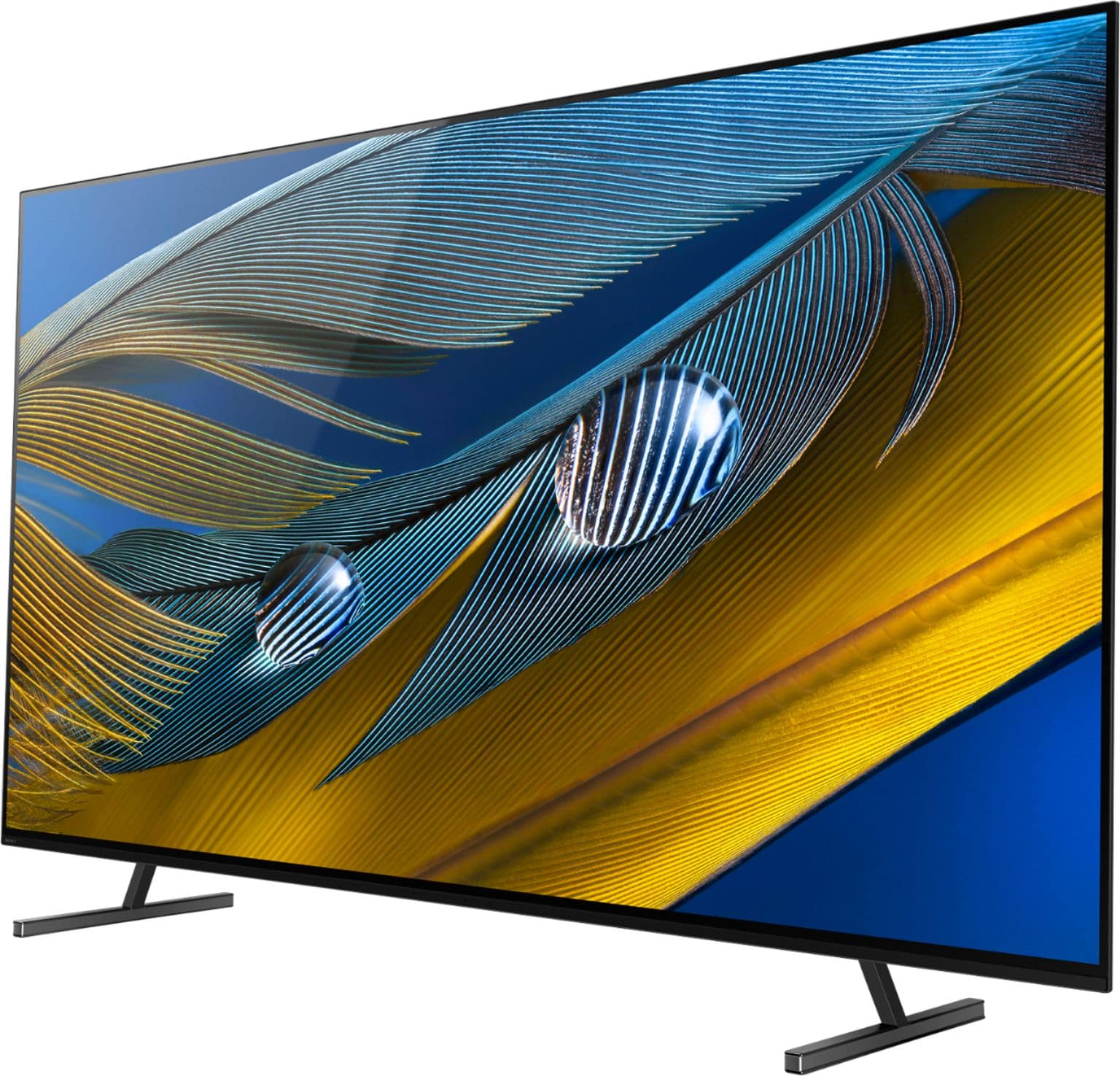
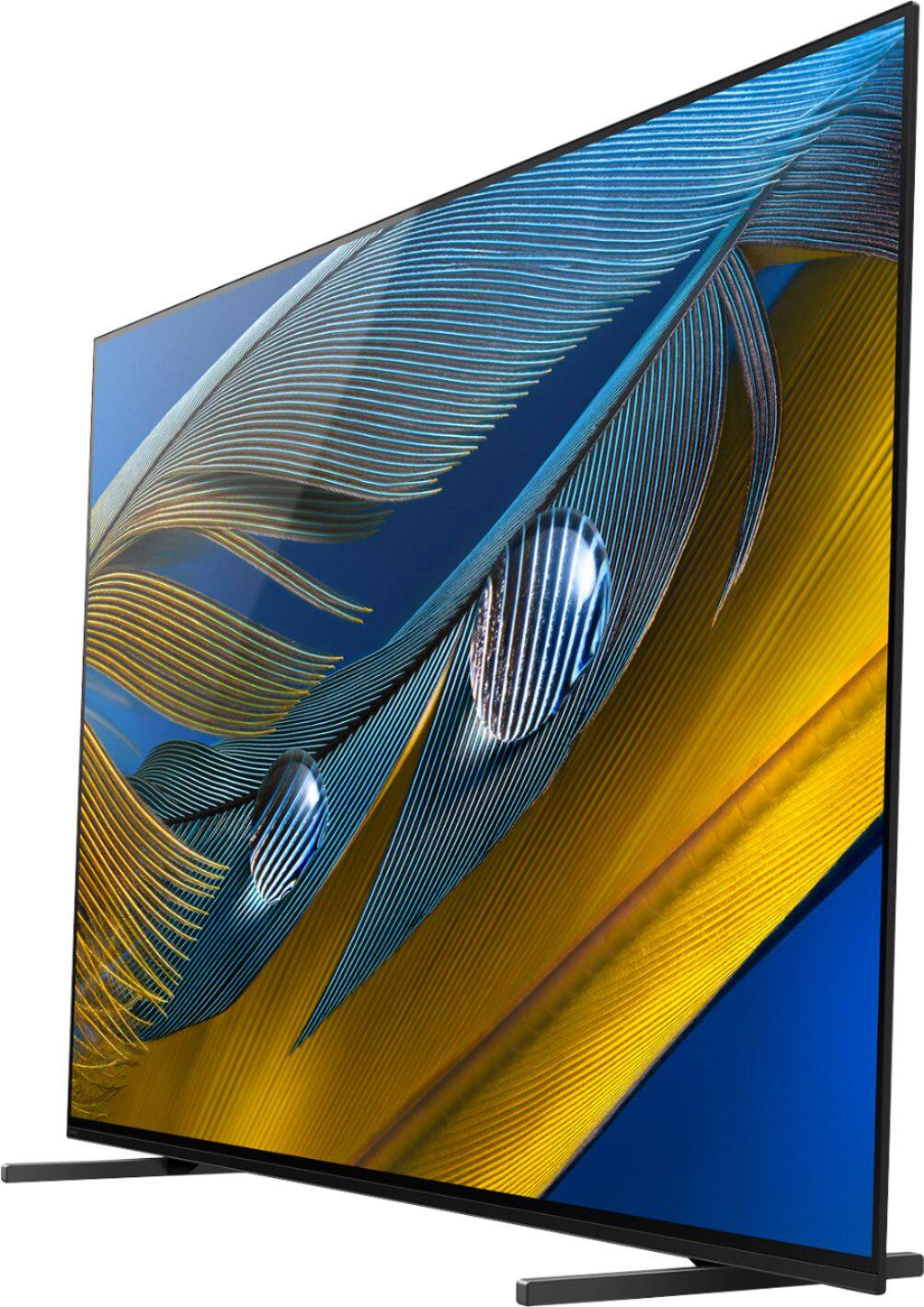
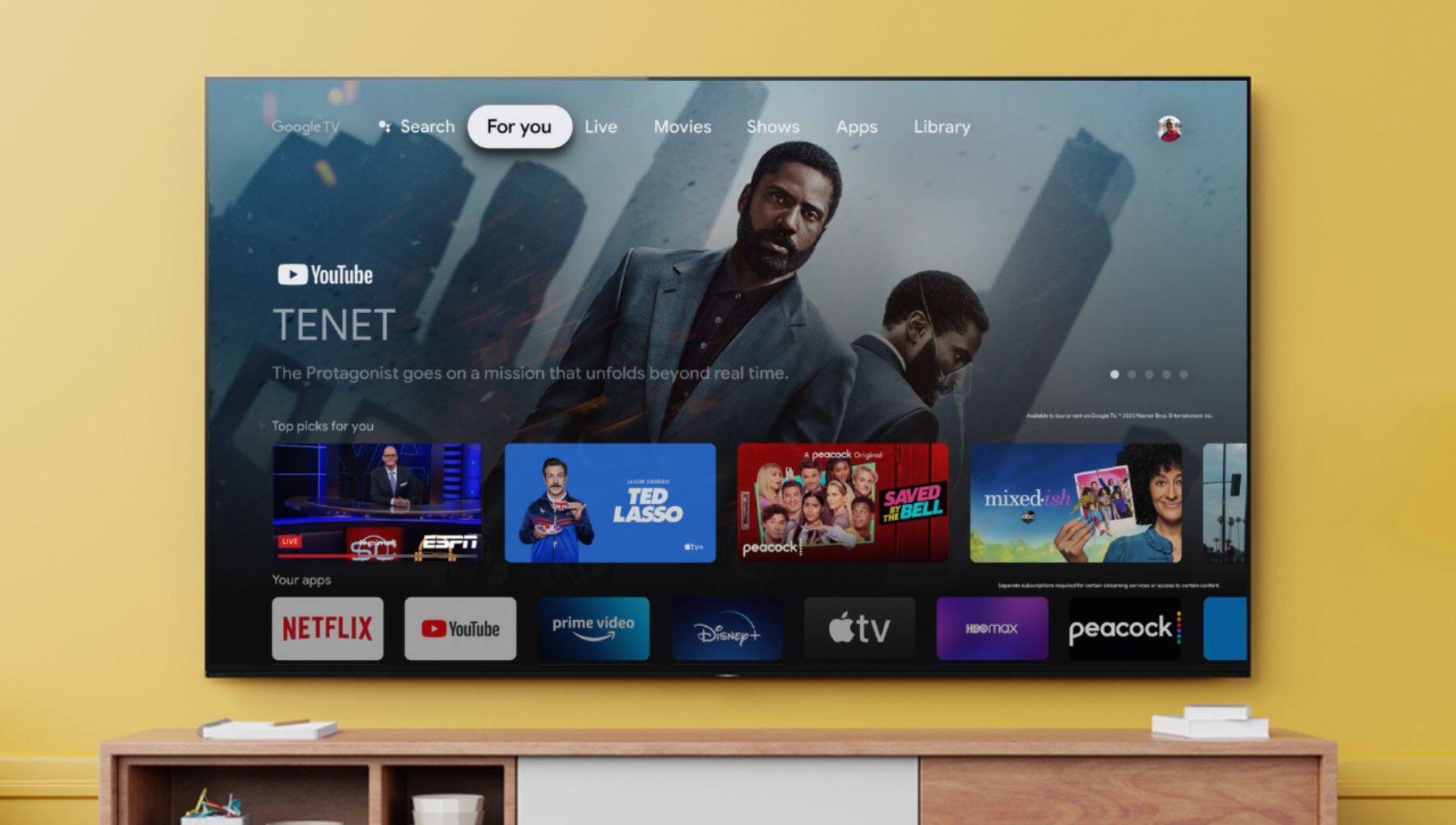
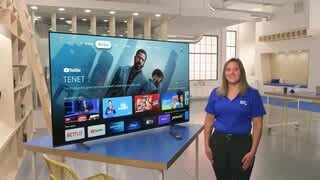
A:AnswerHi Kris, Thank you for the inquiry! You can enjoy watching pre-installed streaming services with this TV. Also, you can only download compatible apps with the TV, and they may differ from apps for mobile devices. The Google Play on this Google TV™, only display apps that are supported by the TV. This TV line-up supports voice recognition functionality. This feature is called voice search and it allows you to send commands to the TV using your voice.
This TV works with Apple AirPlay / Apple HomeKit. With Apple AirPlay, you can stream video and audio to your television right from your iPhone, iPad, or Mac. Watch movies and shows from Apple TV app, your favorite apps, or even Safari. Share your photos with everyone in the room. This TV has Chromecast built-in. Chromecast lets you cast your favourite videos, games and apps from your mobile device, in full quality, to your Chromecast built in TV. Just one tap of the Cast button on your Android or iOS screen is all you need to supersize the things you love. Cast your content then continue browsing on your phone or tablet. For more details, please check the link below.
How do I use the voice search function on the remote control?:
https://www.sony.com/electronics/support/televisions-projectors-oled-tvs-android-/xr-65a80j/articles/00127005
BRAVIA Sync (HDMI-CEC) overview:
https://www.sony.com/electronics/support/televisions-projectors-oled-tvs-android-/xr-65a80j/articles/00161073
I hope this helps! Jay
A:AnswerIf possible I'd suggest HARD WIRE....It is not possible with my set up and I can NOT get wireless working - but all other wireless units (printer, computer, etc) are working in the same room as the TV
get amazon fire stick
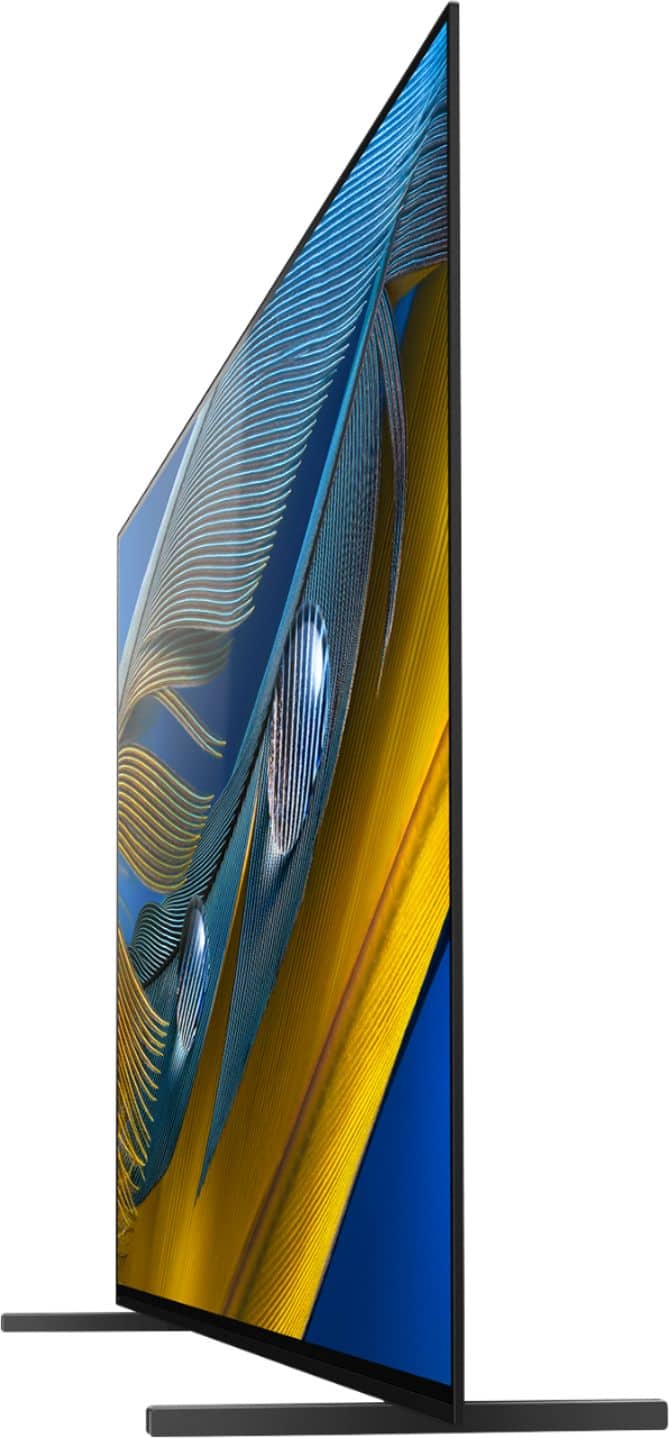
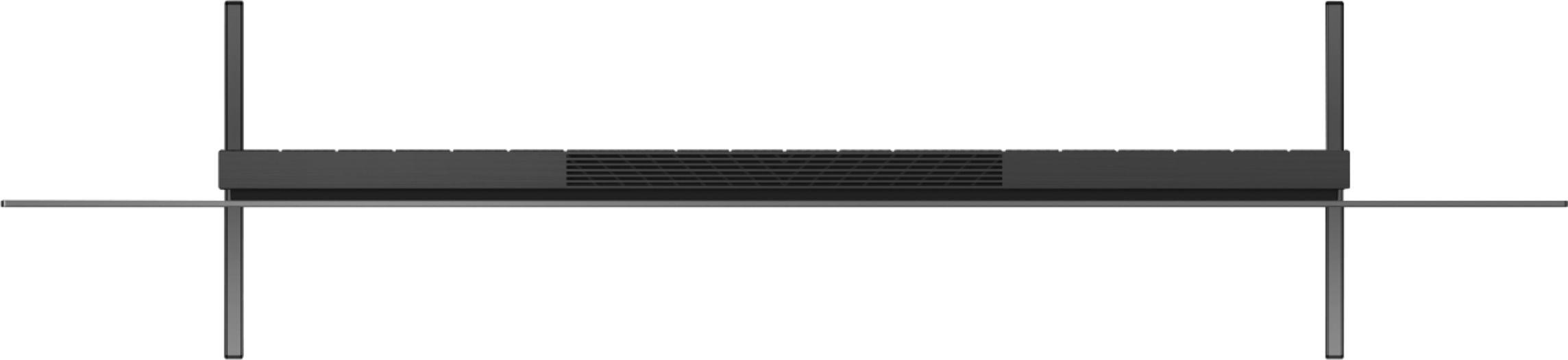
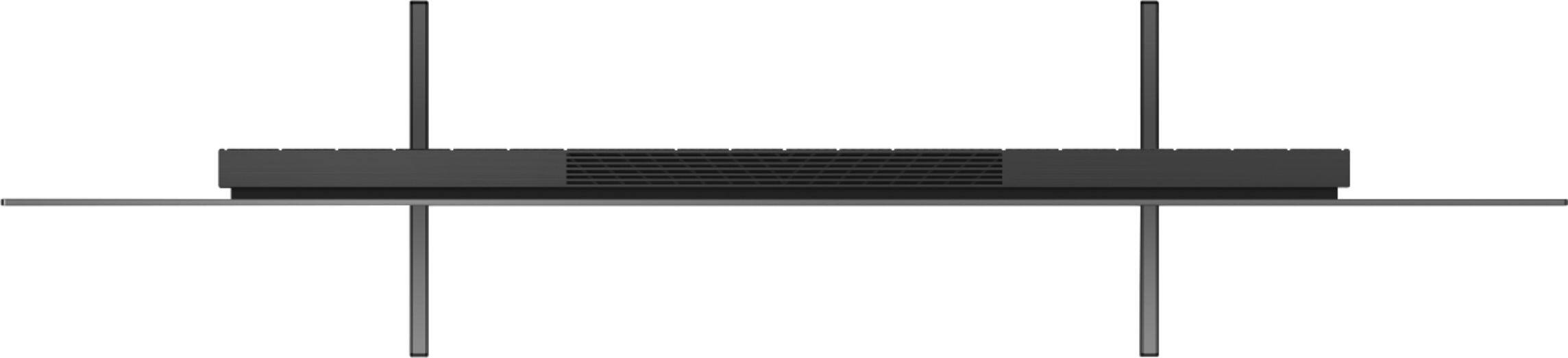
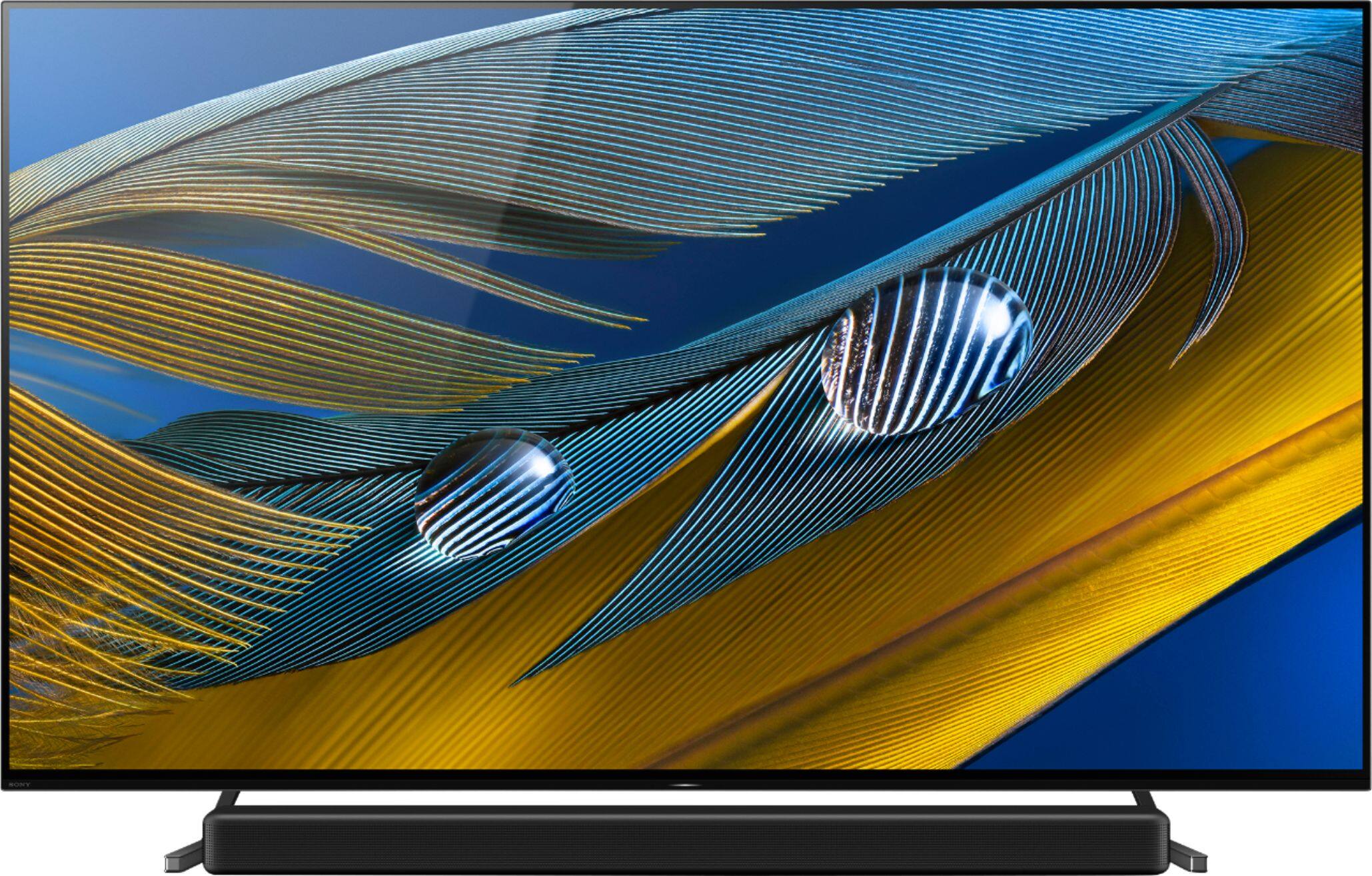
A:AnswerNo. It will not fit under the TV. It would have to be under 2.75 inches. You would have to have the sound bar just in front of the TV with a little of the sound bar next to the bottom edge of the screen.
A:AnswerHi Fabio,
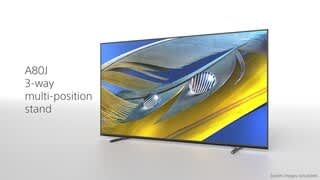
Thanks for your inquiry. Yes, the HTZ9F (64 mm/2 5/8 inches - height) will fit when the stand of the TV is in soundbar position (72.3mm/2 7/8 inches - clearance space).
-Ralph
A:AnswerHi Frank. Thanks for the inquiry. HDMI 2.0 and 2.1 do differ on specific features for certain external hardware like a PS5. When it comes to picture quality you would need to change HDMI 3 or 4 to enhanced from standard if you are using a PS5 on the TV. This will enable certain features like 4k/120 also HDR content when available. Most content HDMI 2.0 is plenty bandwidth for most movie/sports and television content from other external devices. Regards, -Jay
A:AnswerHi A80Jowner,
If the audio system has HDMI 2.1 inputs like our HT-A7000, HT-A5000 SoundBars you can run one of those next-gen consoles passing thru the SB and free up the HDMI 3 port on the tv to pass the audio to the SB. If the audio system is a receiver the same will apply above. Please use High Speed HDMI cables.
Hope this helps,
-Ralph
A:AnswerWe connected our Bose bar using an optical cable and it works perfectly. If using an optical cable u will need a separate remote. Our bar did not have an hdmi link otherwise it would have been controlled by the Sony remote.
A:AnswerHi there,
With auto picture mode and sound once you set the desired settings, the TV should remember those settings for the next time for that HDMI input but if the TV is adjusting for the best settings depending on the content it may adjust for the best experience. Using an app like Netflix should be the same results. Auto picture and sound mode should be off by default. You can also use the custom settings for your personal settings for picture and sound.
Hope this helps,
-Ralph
A:AnswerHi sookie,
Thanks for your inquiry. Great news! There are no known issues with the A80J using the Spectrum TV service (cable box).
If you are referring to the Spectrum app, currently, this is not available on the Google Play Store app. However, you can use the built-in Chromecast feature to cast the content from the Spectrum TV app to your Sony TV. Chromecast lets you cast your favorite videos, games, and apps from your mobile device in full quality to your Chromecast built-in TV. Just one tap of the Cast button on your Android or iOS screen is all you need to supersize the things you love. Cast your content, then continue browsing on your phone or tablet.
Hope this helps,
-Ralph
A:AnswerHi Tom,
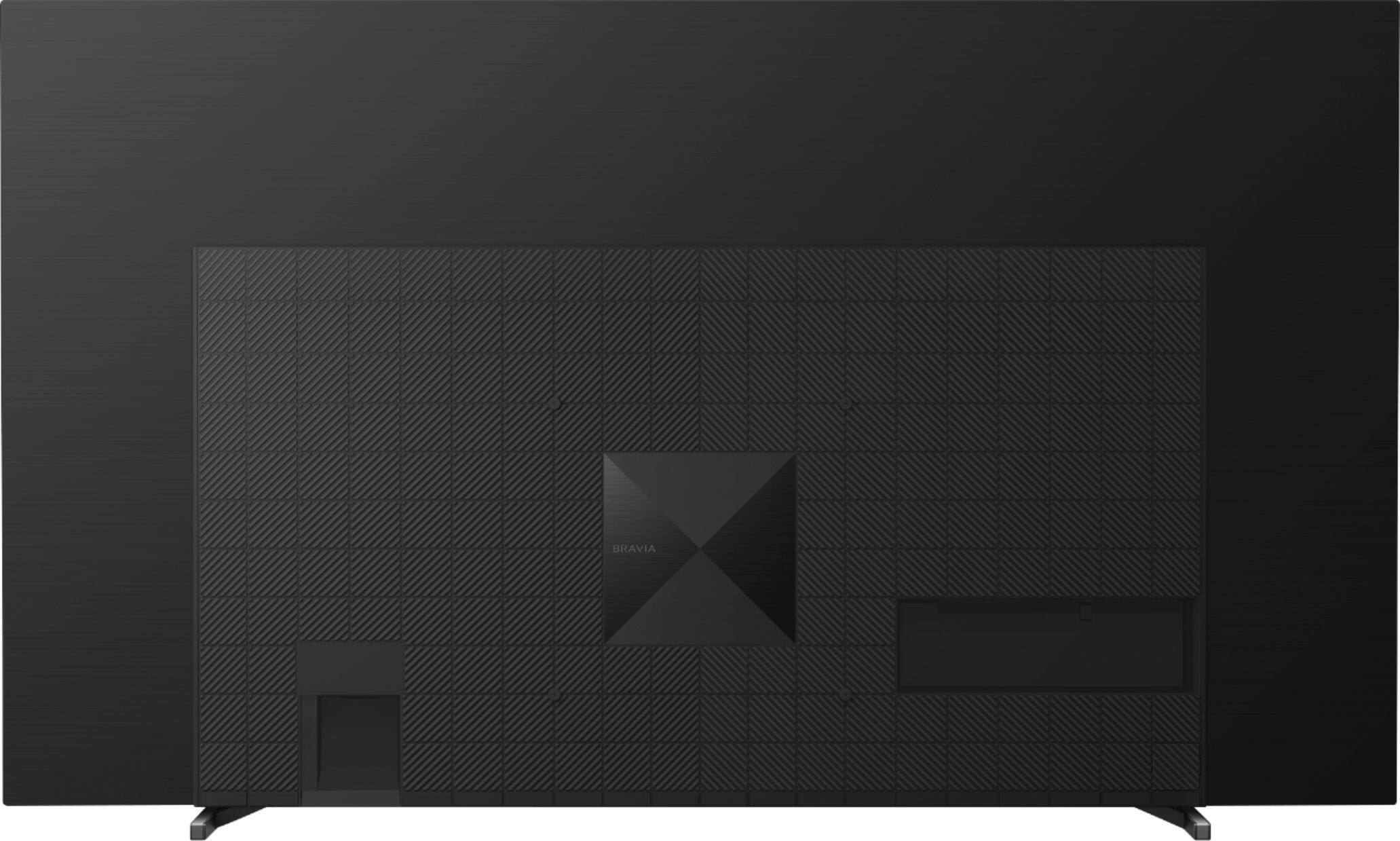
Thanks for your inquiry. Yes, this TV is designed to be wall-mounted. We recommend the Sony SU-WL855 wall mount bracket. The TV will also support a VESA-compatible wall mount bracket (Screw hole pattern - 11.81 x 11.81 inches/300 x 300 mm).
IMPORTANT: For product protection and safety reasons, Sony strongly recommends that the installation of your TV on a wall be performed by qualified professionals. Do not attempt to install it yourself.
Regards,
-Ralph
A:AnswerThe difference between the two Sony tvs is the A90J has a better speakers (moot point if you have a soundbar) and a cooling system to increase the brightness and help prevent 'burning' on the screen. I hope that helps.
A:AnswerI recently had my tv mounted on a Sanus Advanced Tilt 4D TV wall mount and absolutely love it . No problems at all. I am able to adjust it any way I need it , down or side ways. The only way to go if mounting over something so you can have better viewing angles. I would absolutely recommend it.