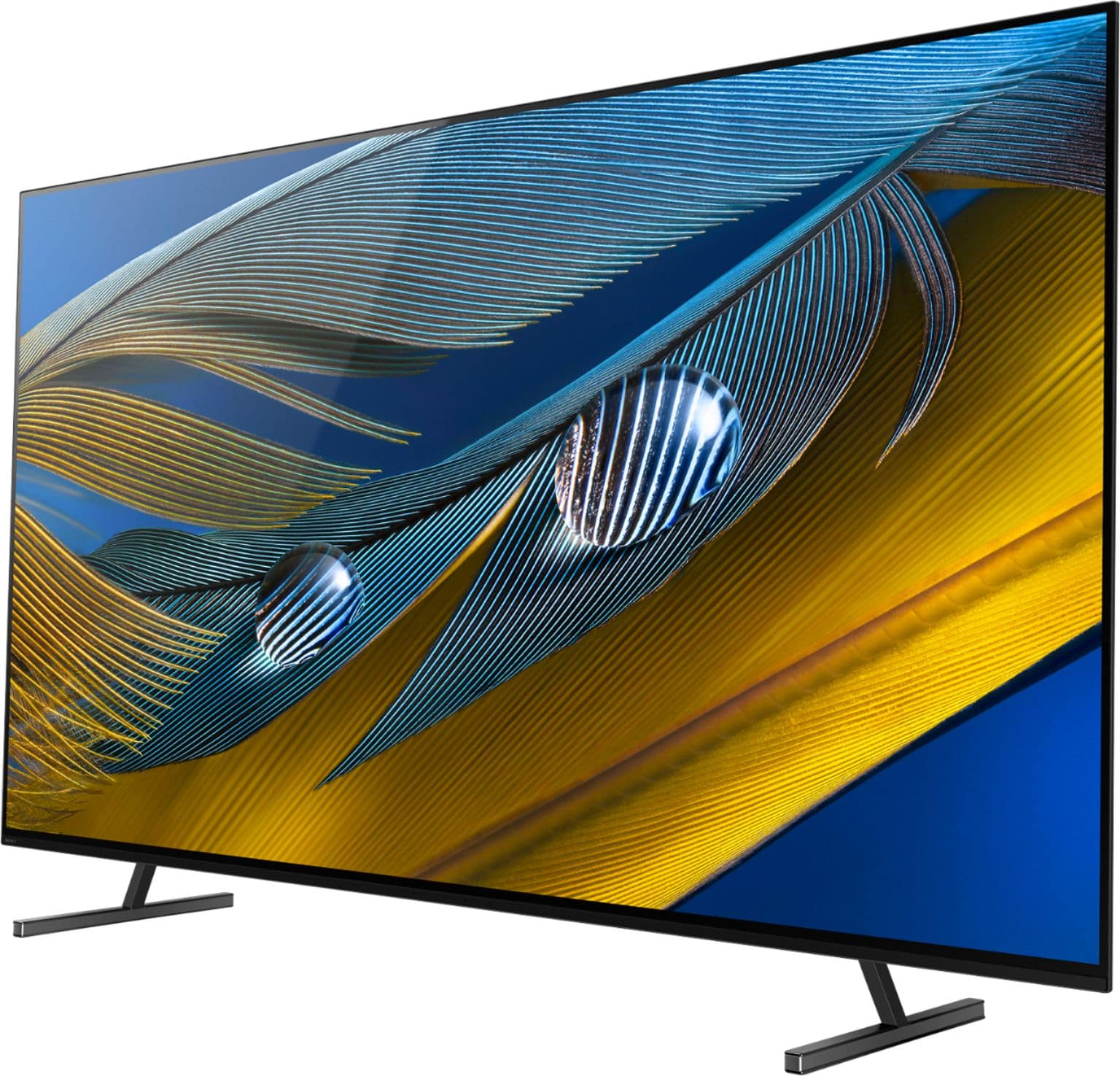
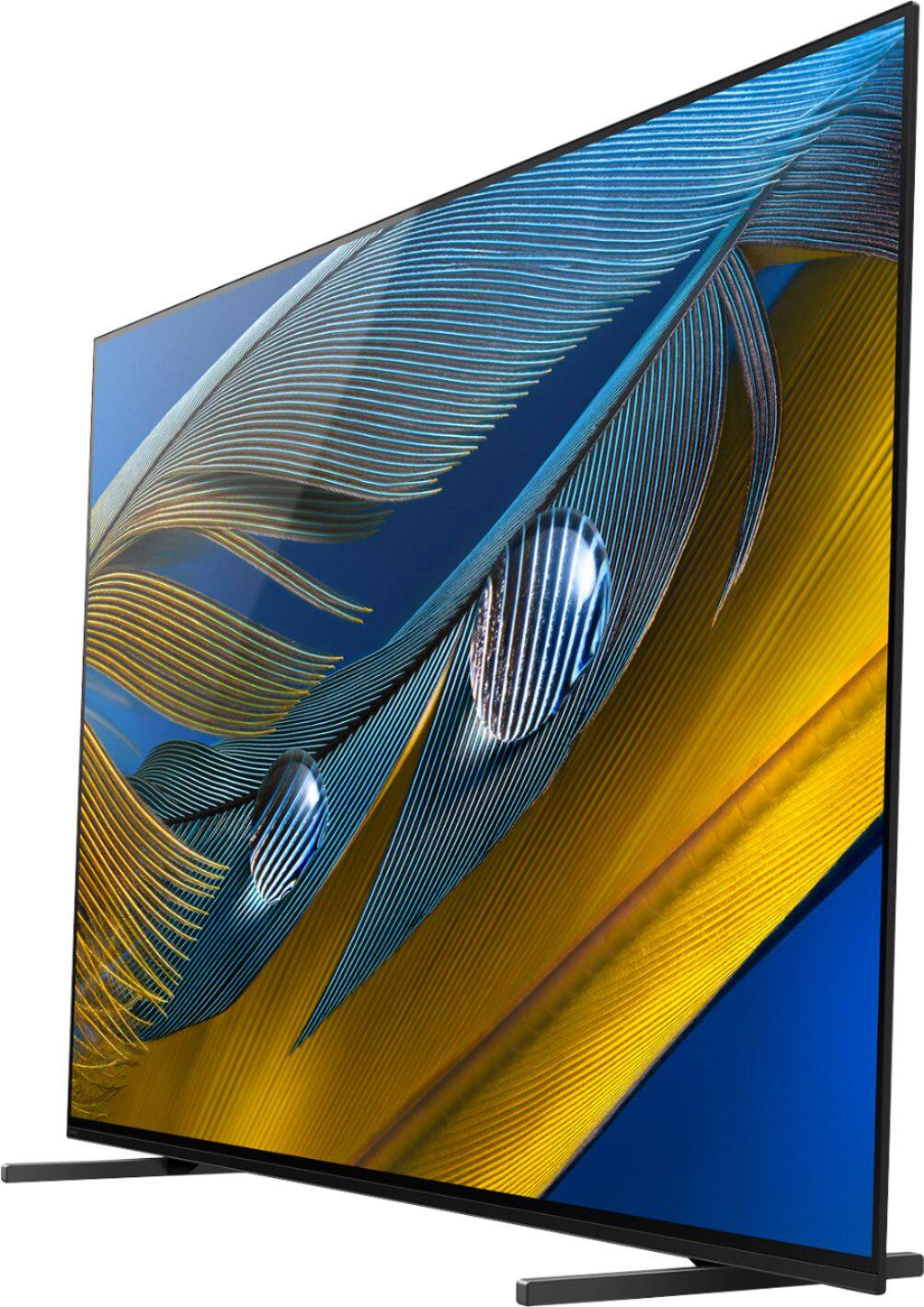
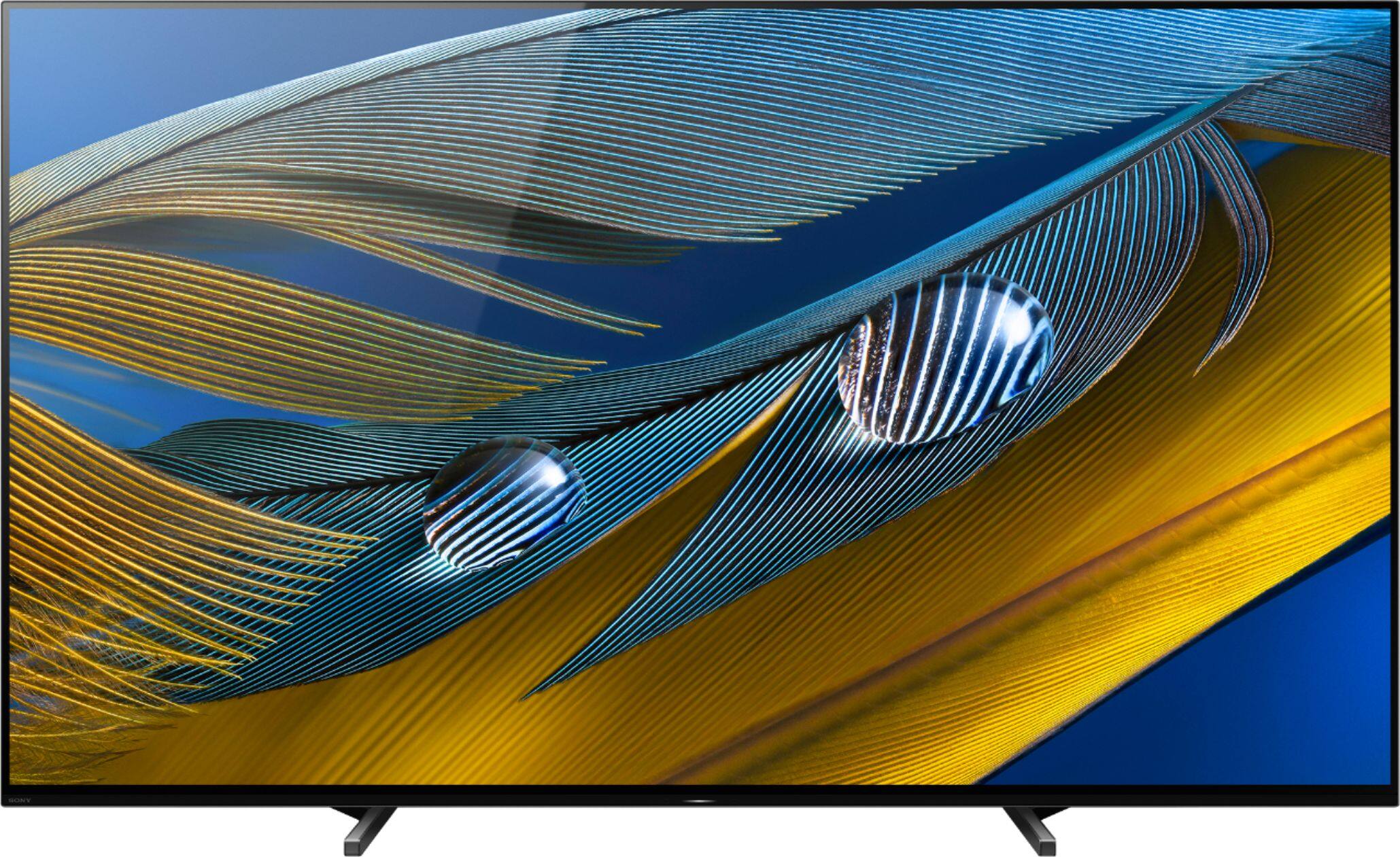
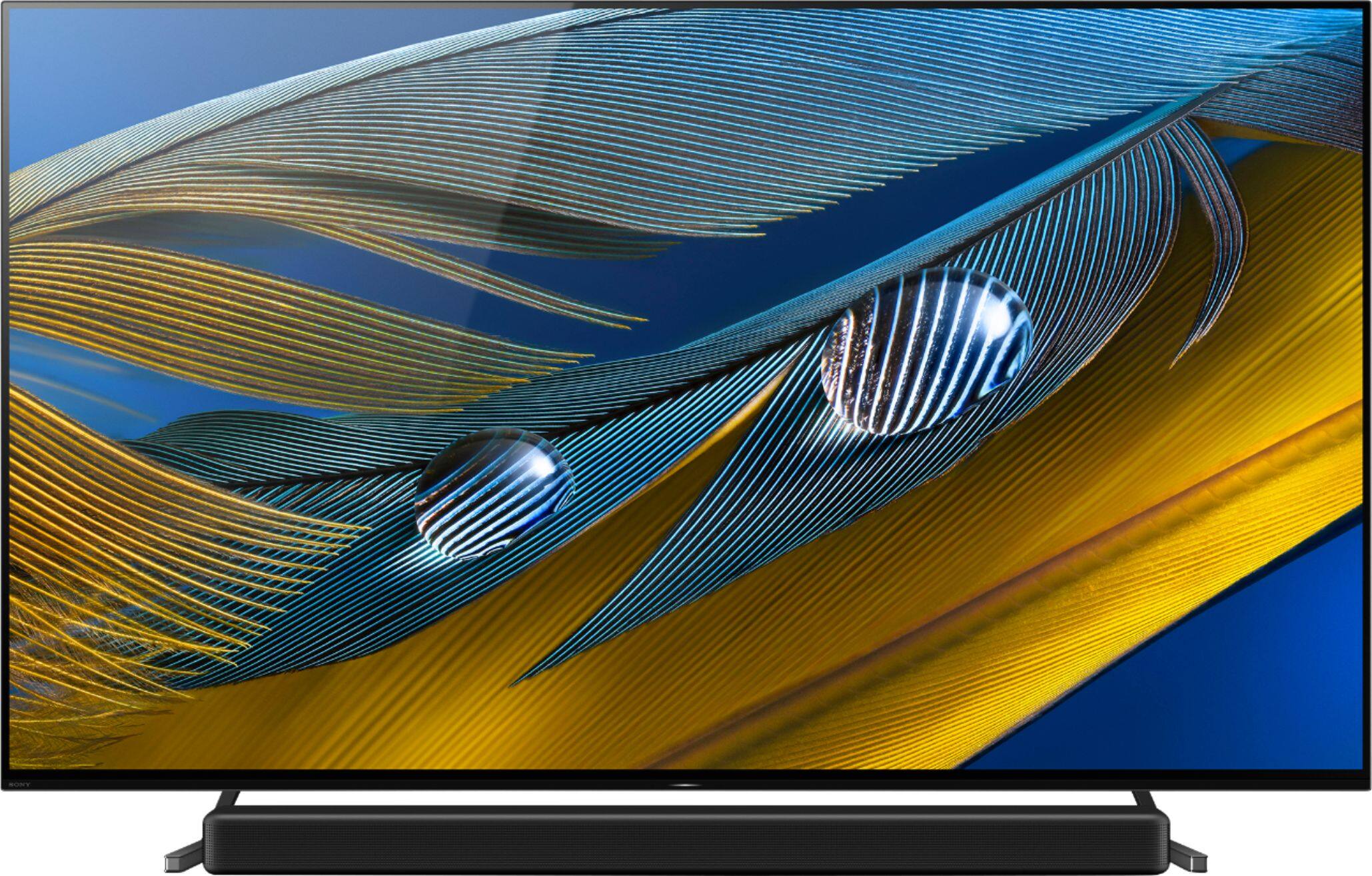
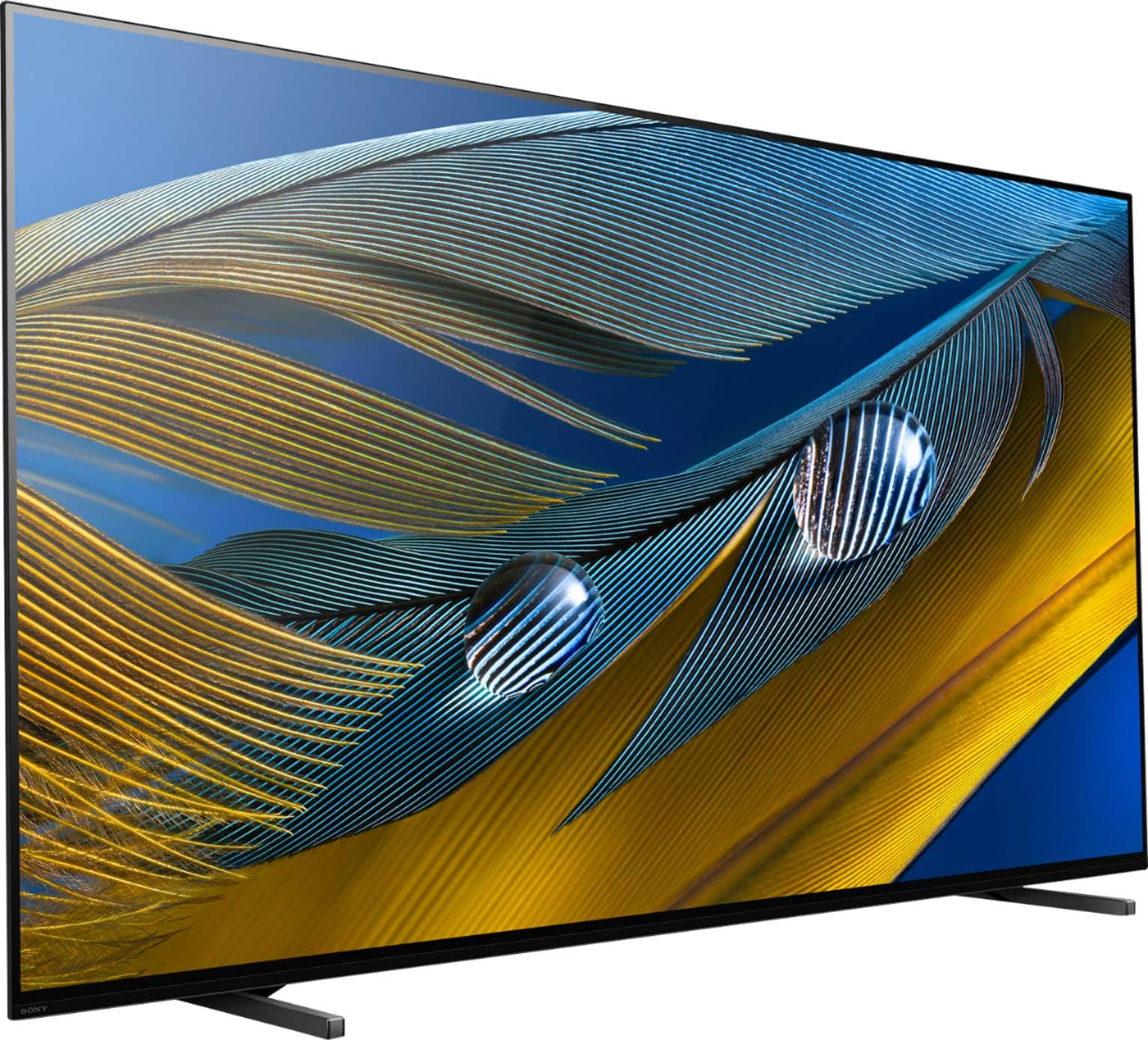
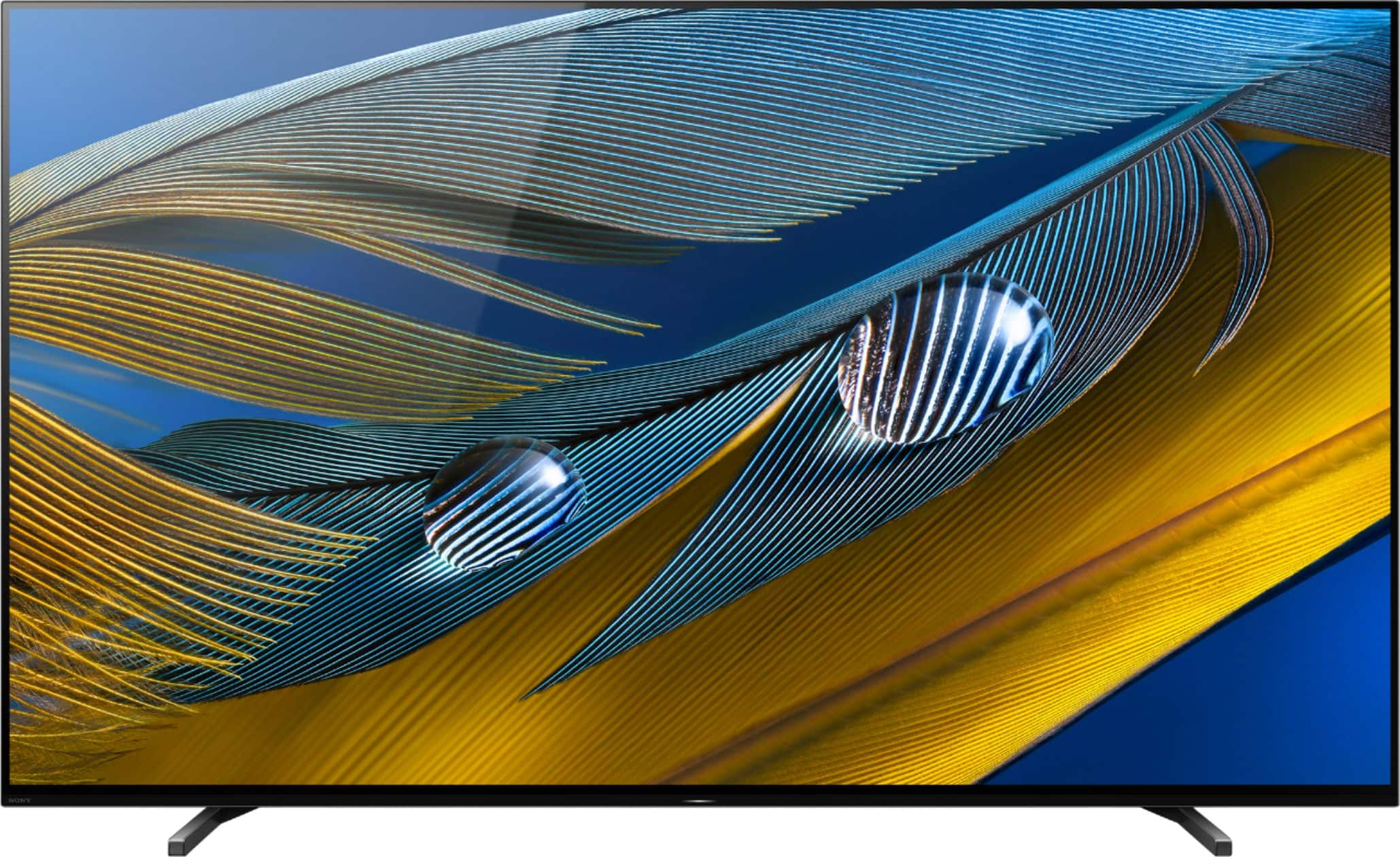
A:AnswerHi mike, Some additional differences include A90J has a Built-in mic for Google Assistant, Center Speaker Mode for surround sound integration, and MASTER Series badging to name a few. With the A90J’s XR OLED Contrast Pro feature, the TV will be Sony’s brightest OLED TV to date. Thank you for choosing Sony! Jay
A:AnswerMost any modern bluetooth head sets can be connected. In my experience, Sony Headset option TV's shut off the speakers when headphones are detected. Ironically, their UHD disc players give you an HDMI/and/or/headset option. Go figure.
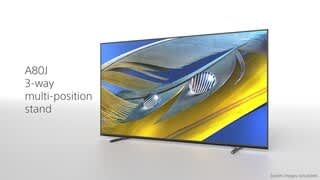
A:AnswerHi mike, Thank you for inquiring about the differences between A80J & A90J! The picture processor of the A80J and A90J is our new Bravia XR. A few key differences between the A90J & the A80J are that the A90J can be used as a center channel in a surround sound system, the A90J has a backlit remote, and XR OLED Contrast Pro vs XR OLED Contrast (non-pro) for A80J. A90J is also MASTER Series. With A90J XR OLED CONTRAST PRO, you can feel immersive depth and realism with ultimate blacks and our brightest-ever OLED picture while you can feel the beauty of OLED contrast with pure blacks and lifelike brightness for A80J XR OLED CONTRAST. For more details about the specifications and features, we recommend checking our Sony website. Thanks! Jay
A:AnswerHi SteveO, Thank you for inquiring about the differences in the picture quality between the A80J and A8G! The picture processor of the A80J is Cognitive Processor XR while the A8G is 4K HDR Processor X1™ Extreme. The A80J Cognitive Processor XR cross-analyzes data, enhancing picture quality in the same way that the human eye focuses for more realistic color and depth and with XR OLED Contrast, brightness is adjusted for higher peaks in glare and deeper blacks in shadow—no more details overwhelmed by shadow or lost in blown-out highlights while the A8G 4K HDR Processor X1 Extreme™ includes powerful real-time image processing for ultra-detailed pictures. It takes everything you watch and upscales it to near 4K HDR quality. Also, the A80J supports 4K XR Super Resolution that detects individual objects in a picture and reproduces virtually real-world textures on screen. Our BRAVIA XR processor precisely analyzes and processes data to power 4K pictures with four times the resolution of Full HD to enrich scenes with real-world detail and texture.
For more details, please check the comparison of the specification ane features of this TV from the link below:
https://www.sony.com/electronics/tv/t/televisions?view=compare
I hope this helps! Jay
A:AnswerHi nawno,
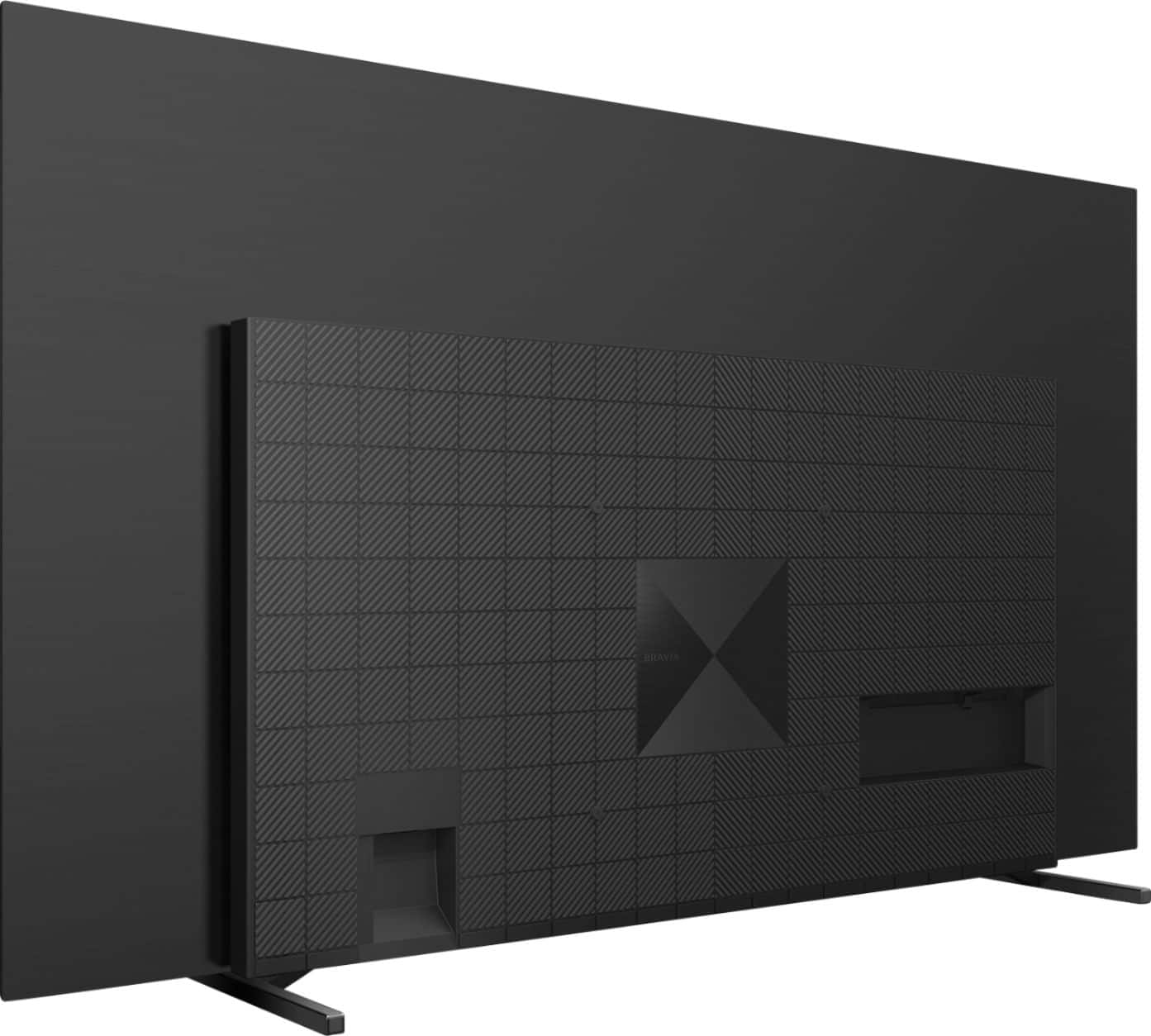
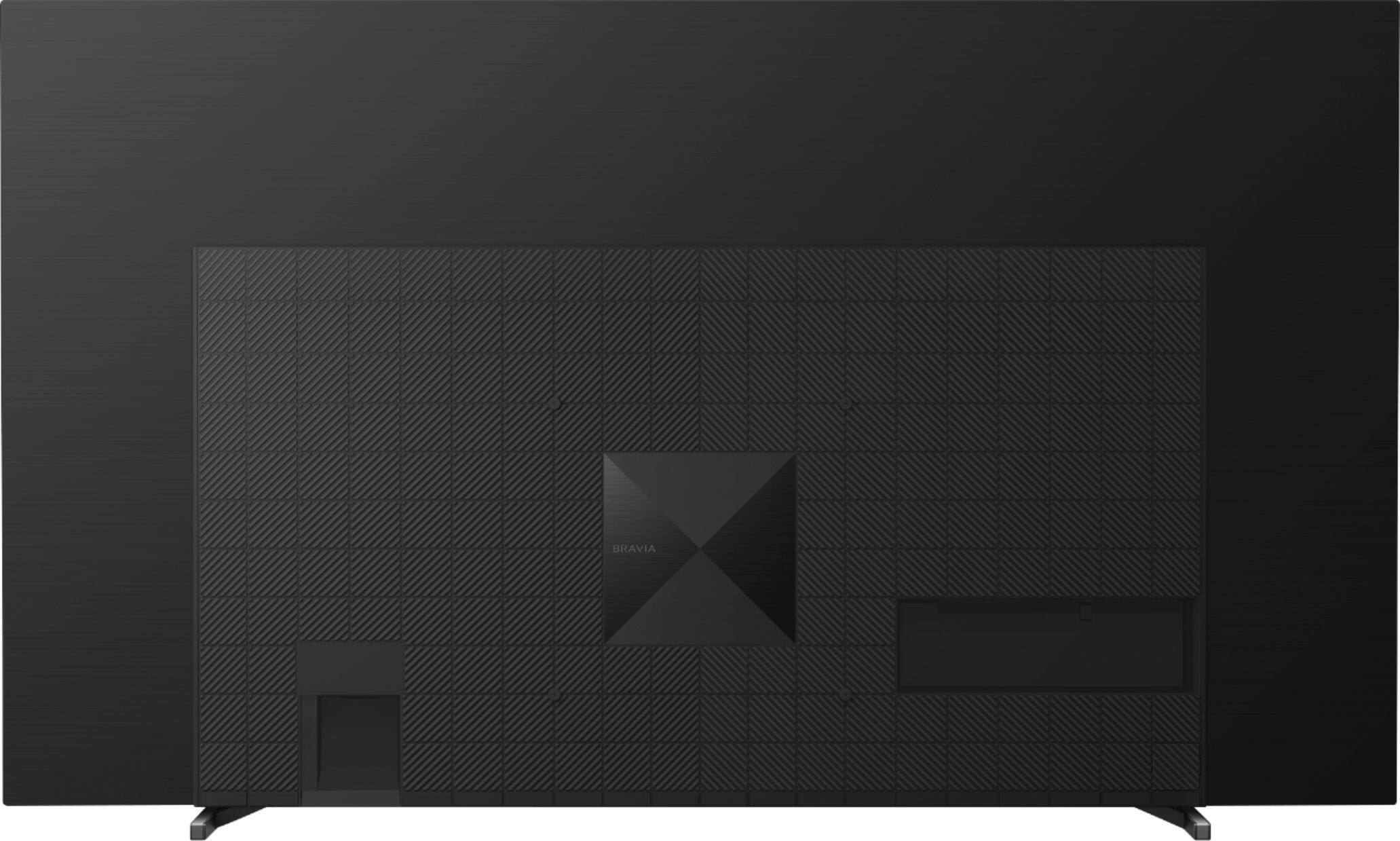
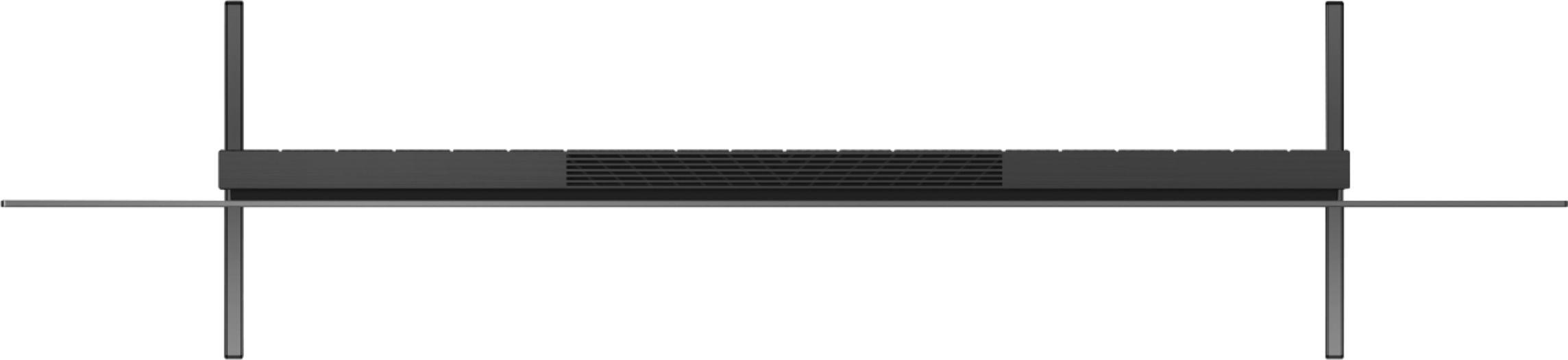
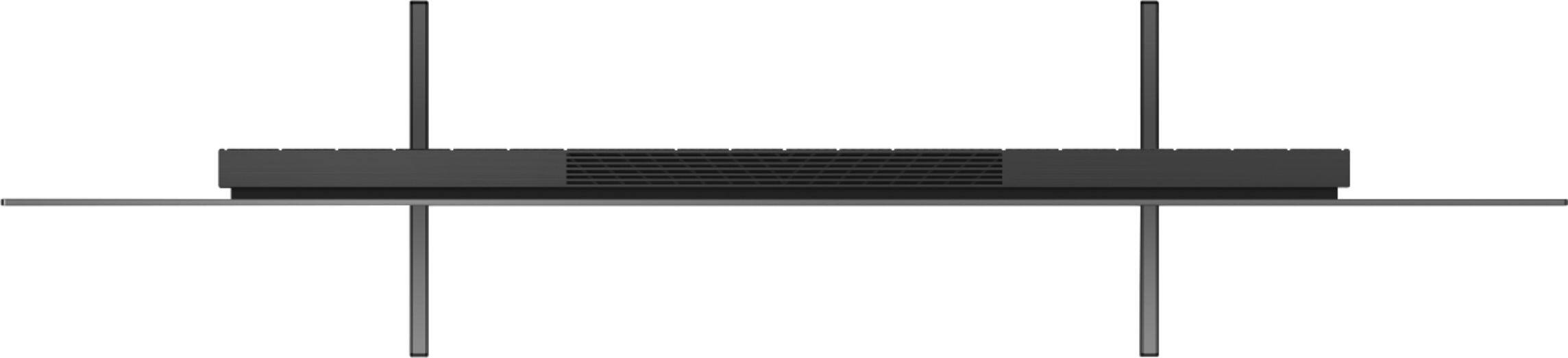
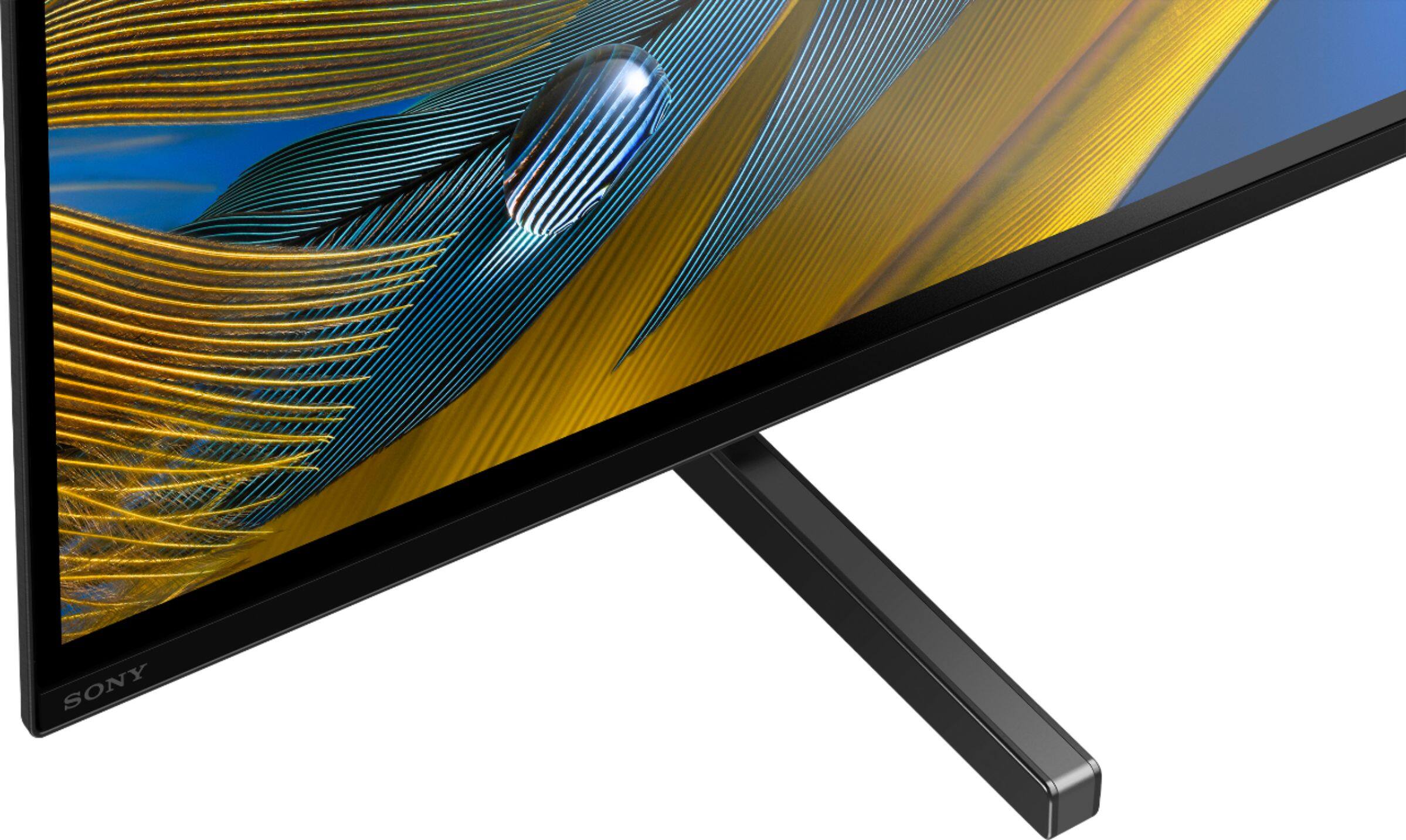
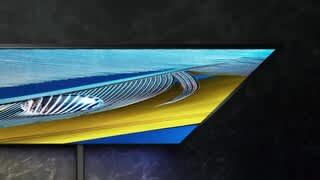
Thanks for your inquiry. Here are the steps to remove the TV stand:
1. Remove one side of the Table-Top Stand at a time. Firmly hold the Table-Top Stand securely with both hands while the other people lift up the TV.
2. Repeat the previous step and remove the other side of the Table-Top Stand.
Note:
• Three or more people are required to detach the Table-Top Stand.
• Be careful not to use excessive force while detaching the Table-Top Stand from the TV as it may cause the TV set to fall resulting in personal injury or physical damage to the TV.
• Take care when handling the Table-Top Stand to prevent damage to the TV.
• Be careful when lifting the TV as the Table-Top Stand is detached, the Table-Top Stand may topple over and cause personal injury.
• Take care when removing the Table-Top Stand from the TV to prevent it from falling over and damaging the surface that the TV is sitting on.
• Do not remove the Table-Top Stand for any reason other than to install corresponding accessories on the TV.
• Be sure the TV is vertical before turning on. To avoid uneven picture uniformity do not power on the TV with the panel facing down.
You may refer to page 10 of this link for more information:
https://www.sony.com/electronics/support/res/manuals/5026/1f532036e2639cc870c360e506e3065e/50263481M.pdf
Hope this helps,
-Ralph
A:AnswerHi AlexS, Thank you for the inquiry. The A80J supports the Dolby Vision like A90J. The Dolby Vision brings scenes to life with striking highlights, deeper blacks, and vibrant colors. Dolby Vision content compatible with streaming services or compatible content devices connected via HDMI input.
To confirm Dolby Vision content reception, check the Picture Mode setting on the TV:
Select Home → Settings and then, depending on your TV
Select Display & Sound → Picture → Picture Mode
Select Picture & Display → Picture Adjustments → Picture Mode
To change the HDMI signal format setting, press the (Quick Settings) button on the remote control, then select [Settings] — [Channels & Inputs] — [External inputs] — [HDMI signal format] — [Enhanced format (Dolby Vision)].
I hope this helps! Jay
A:AnswerYes, you just pull them down with a little force. They are pretty snug in there, and I was worried when I had to take mine out. But, they should come straight out by pulling down.