A:AnswerHello, thank you for your question. Yes, you can get sound from the TV speakers and headphones at the same time. You can check this link for more information:
https://www.sony.com/electronics/support/televisions-projectors-lcd-tvs-android-/xr-65x90j/articles/00049501
Hope this helps. ~Earl
A:AnswerHi Eddie, thank you for your question. The Xfinity streaming app is currently not available on X90J. You will likely need to use a set-top box to watch the Xfinity live TV. Hope this helps. ~Earl
A:AnswerHi Patsy, we appreciate your interest in our newest TV. We apologize that we can't give you a comparison of both models as we only focus on our own products. But, we can tell you what's great about this TV:
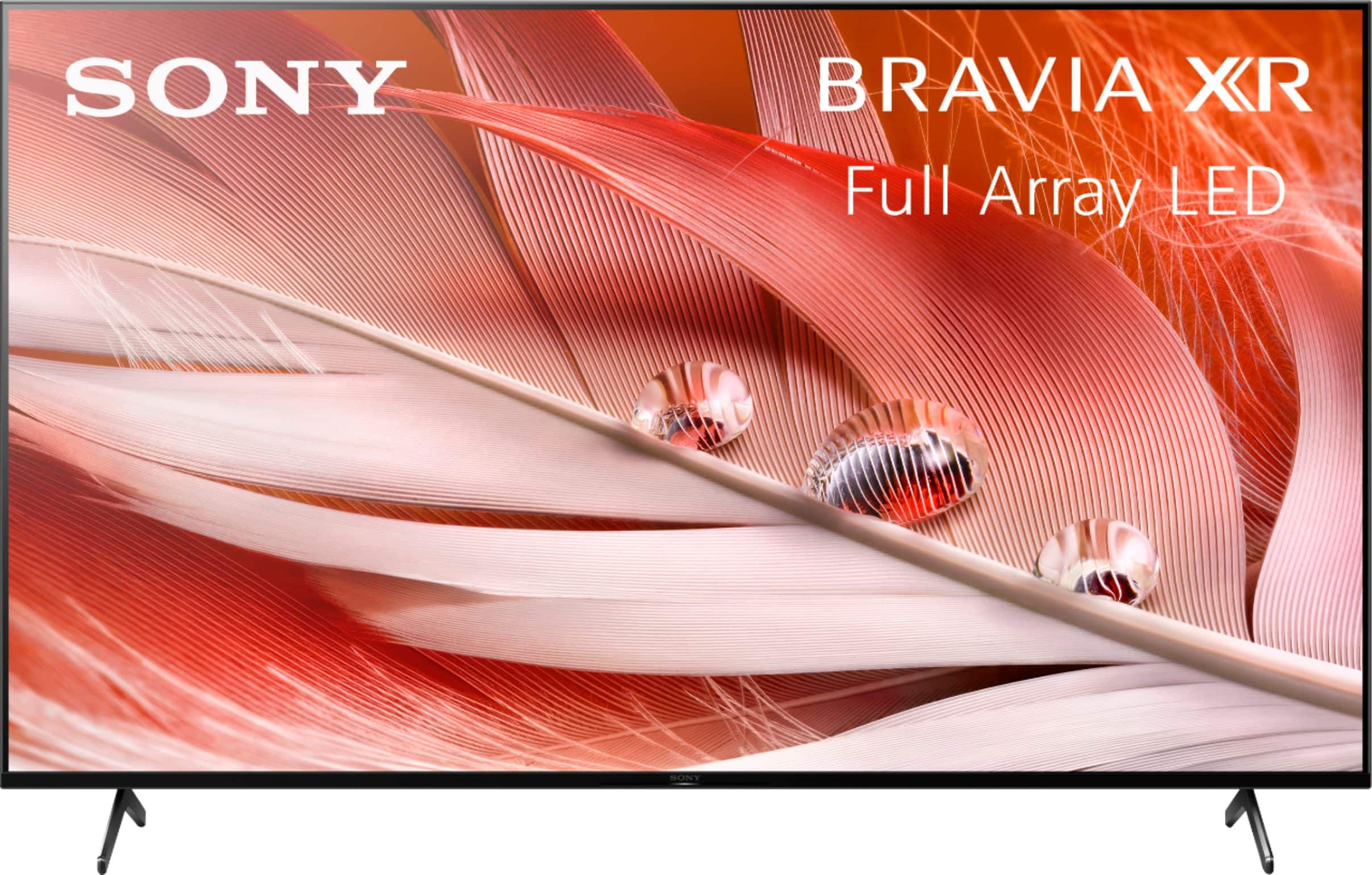
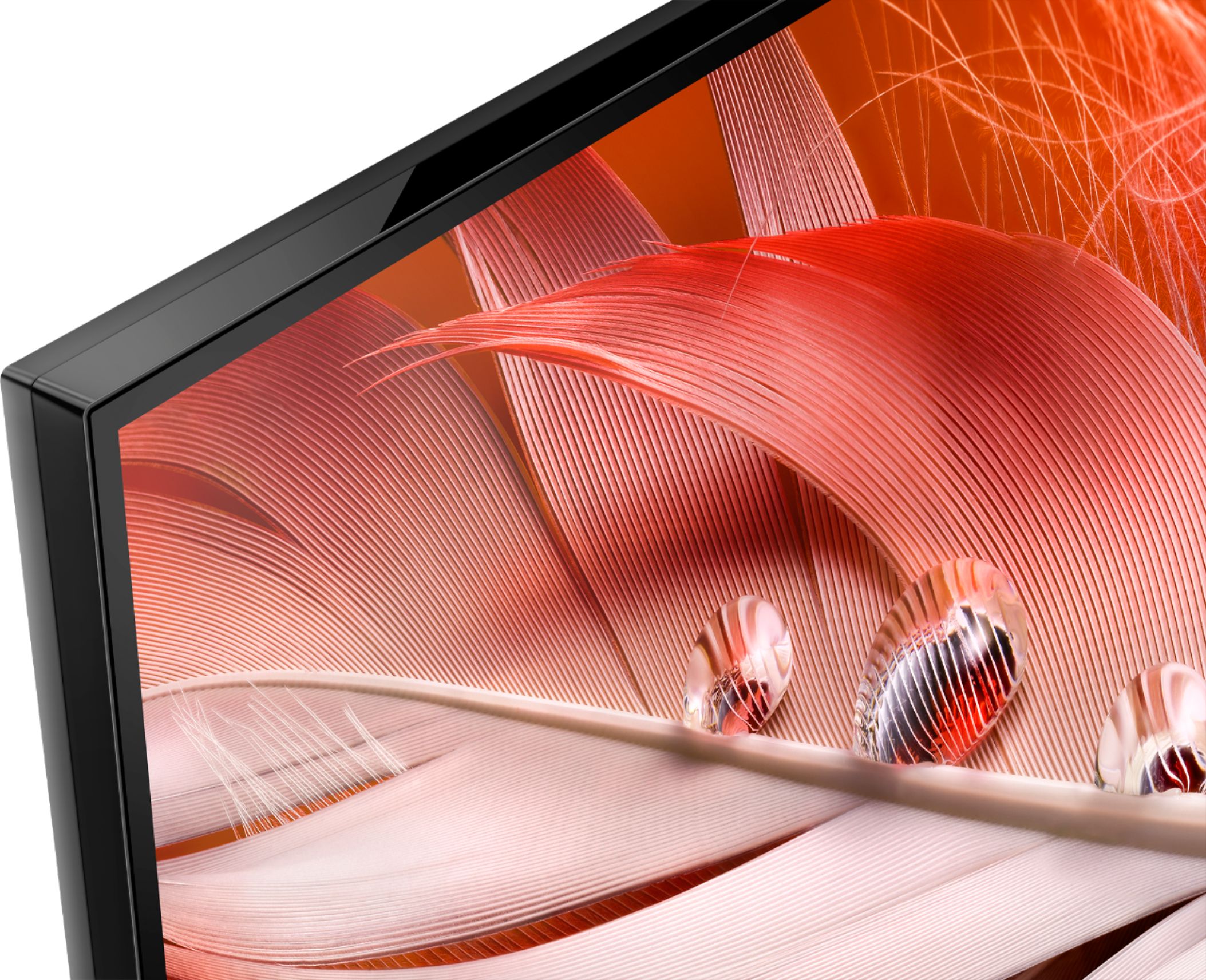
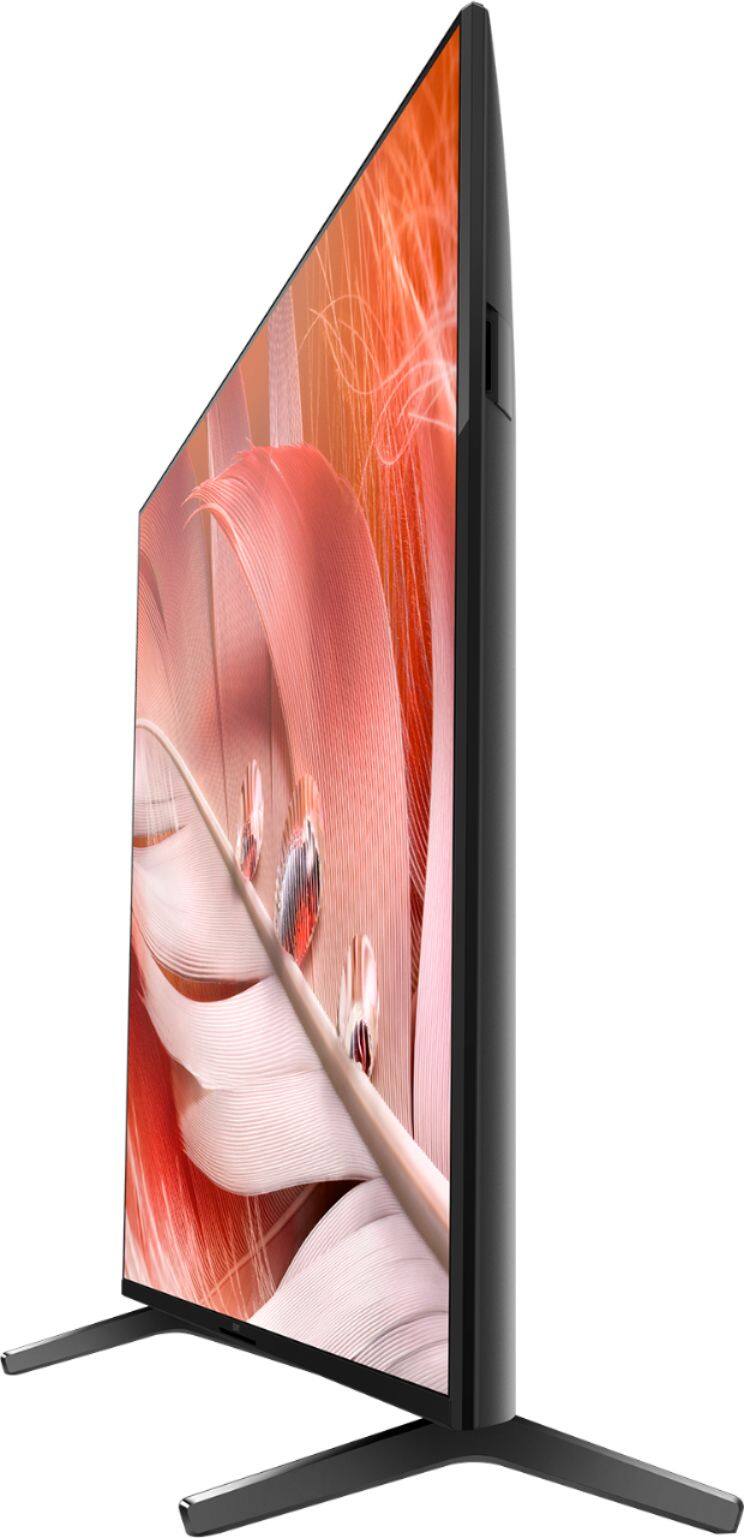
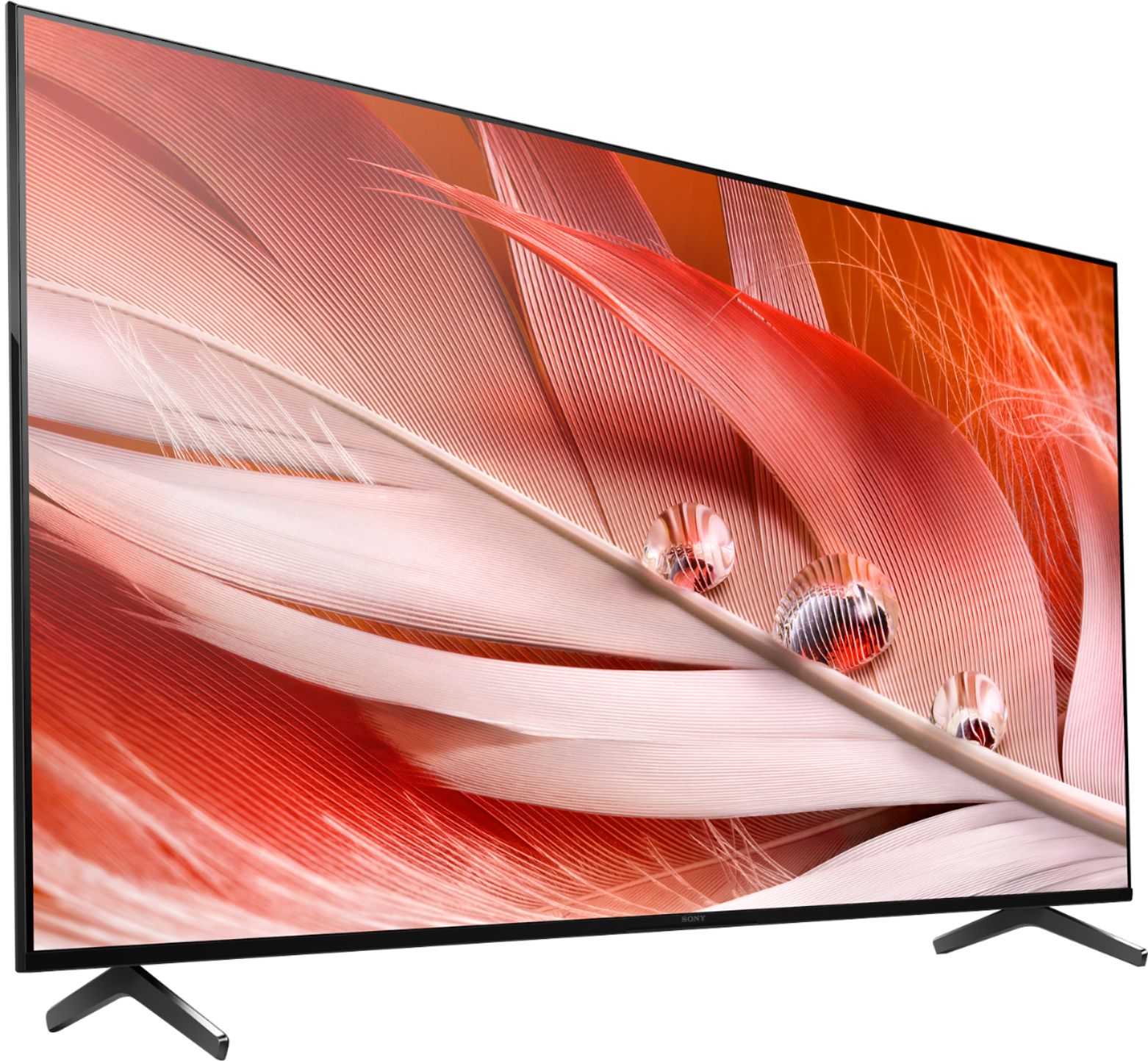
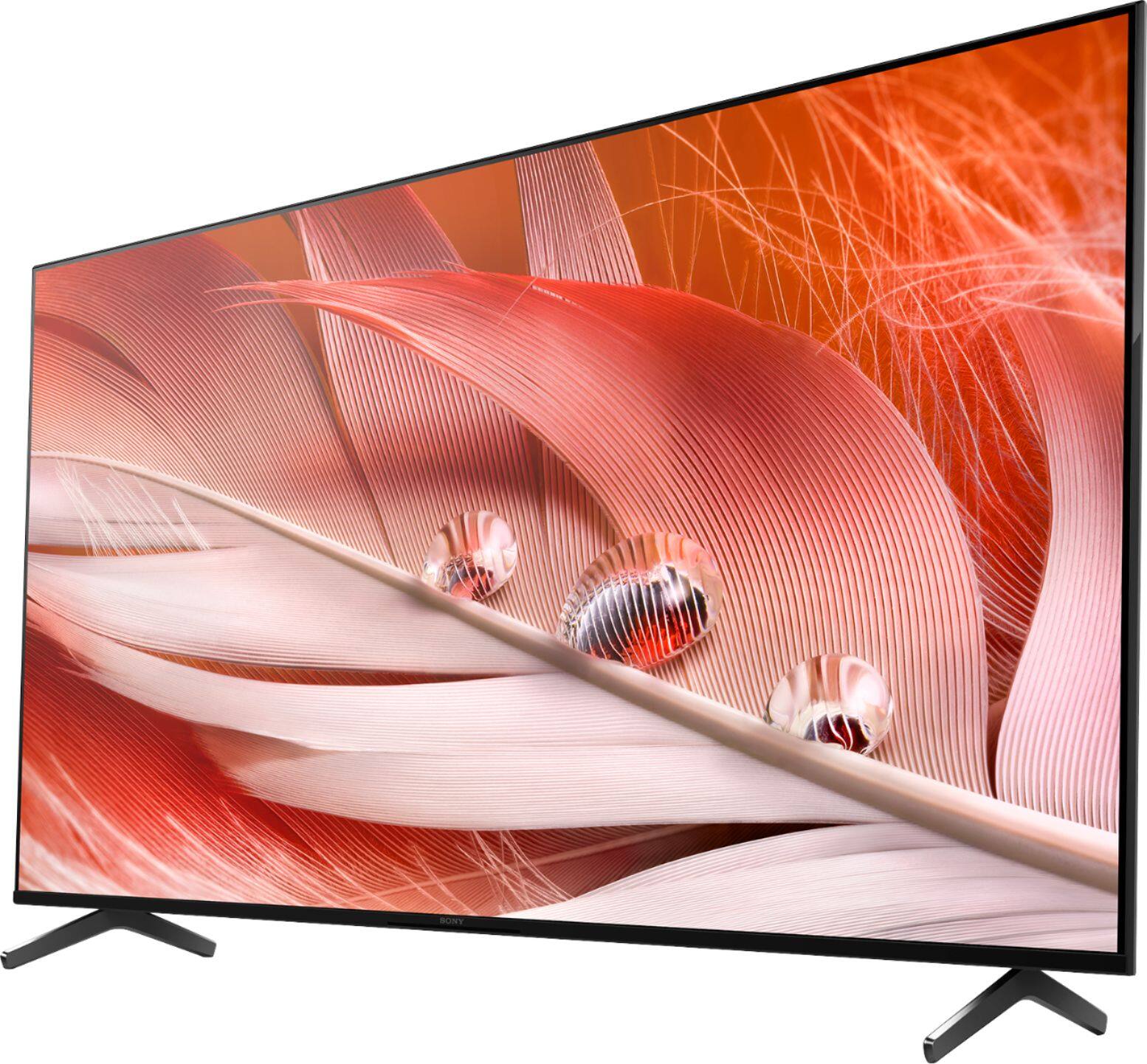
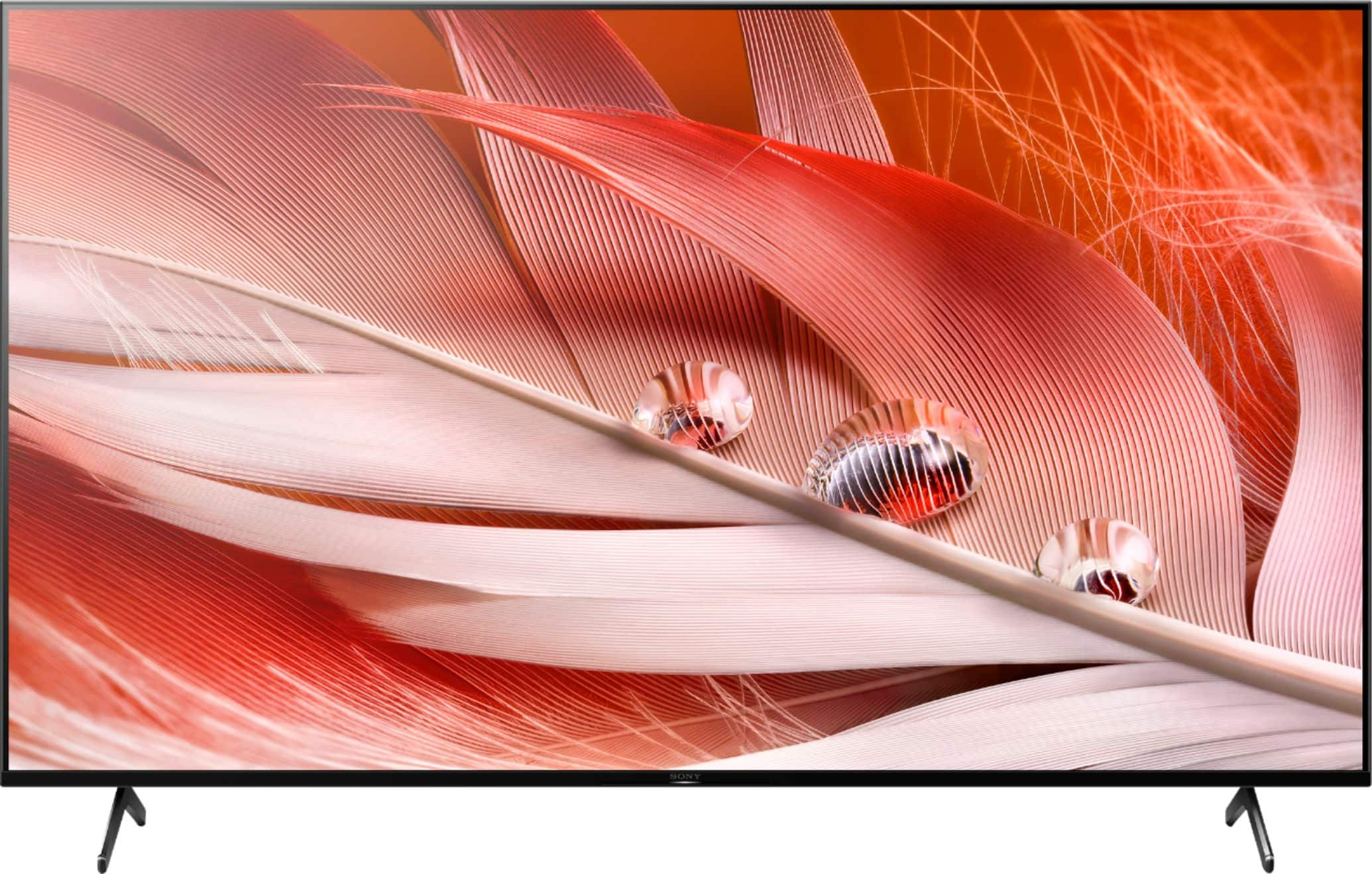
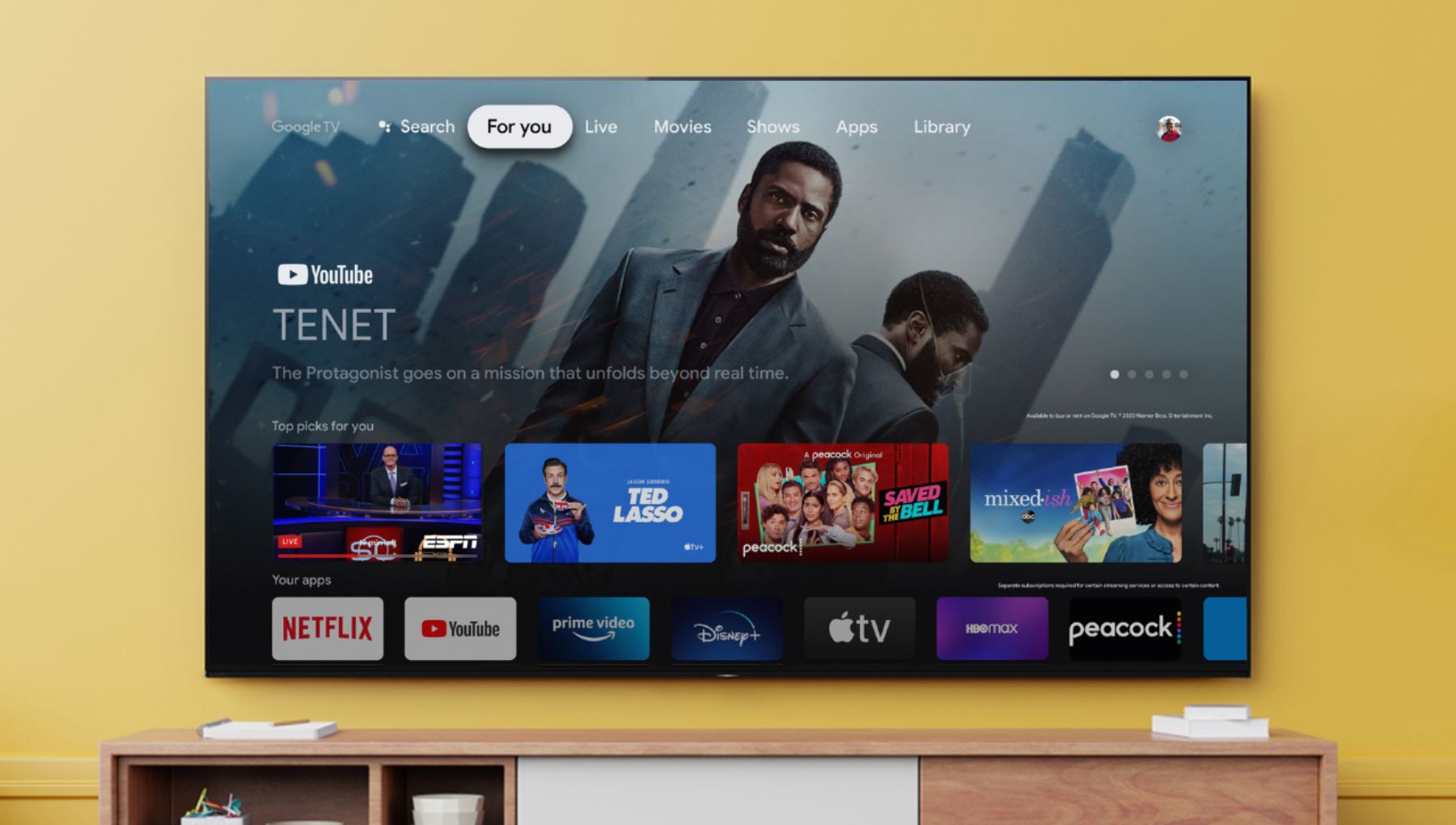
With the BRAVIA XR X90J, Full-Array LED TV everything you watch becomes more detailed and immersive with true-to-life 4K HDR, powered by the all-new Cognitive Processor XR™. With outstanding picture and sound quality, as well as a sleek flush bezel design, be prepared to level up your favorite movies, TV shows, and games. Get the most out of next-gen gaming with BRAVIA XR TVs featuring 4K/120fps and BRAVIA Game Mode for increased frame rate and reduced input lag. We hope you will consider our SONY TV. Thank you. ~Earl
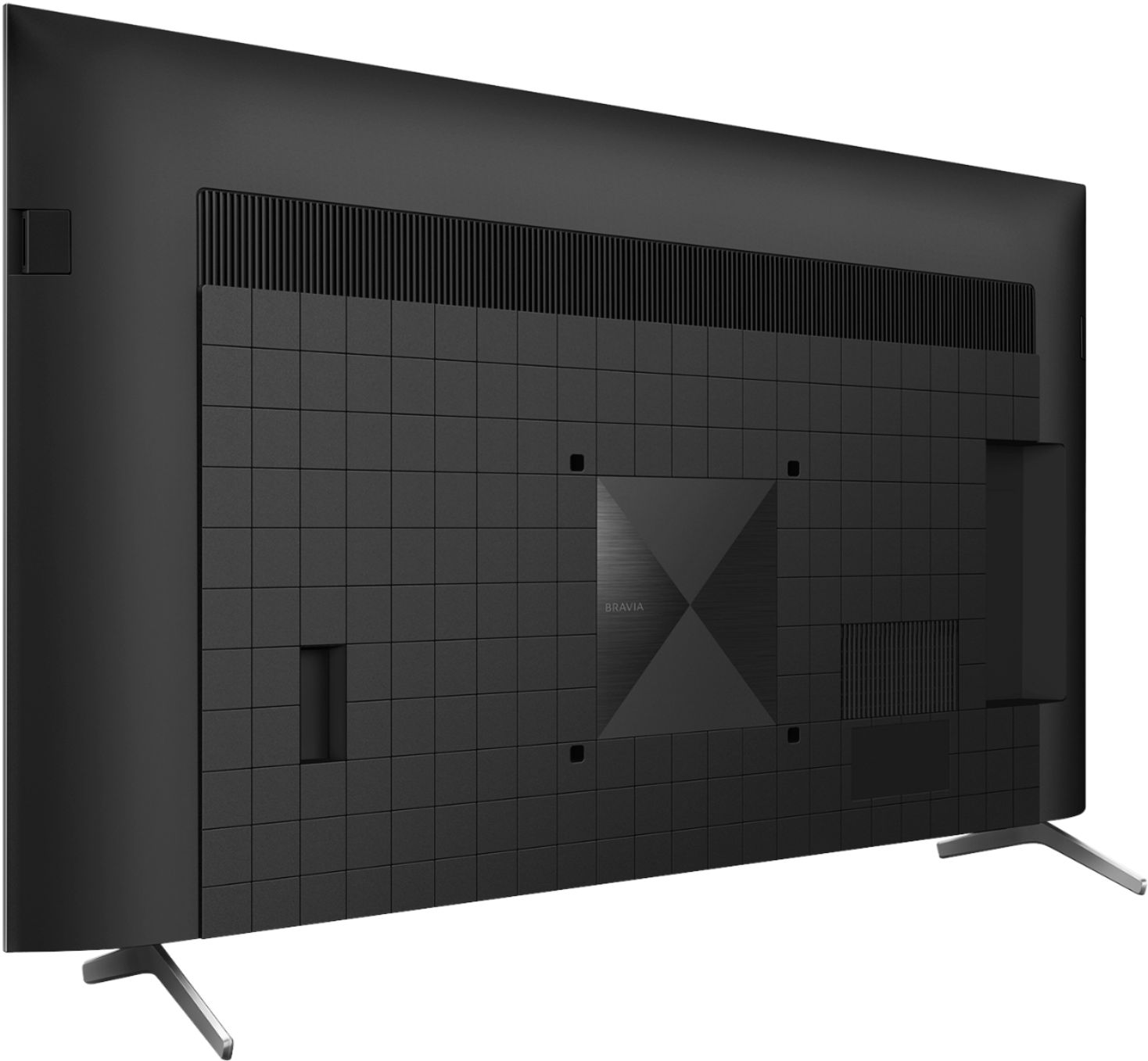
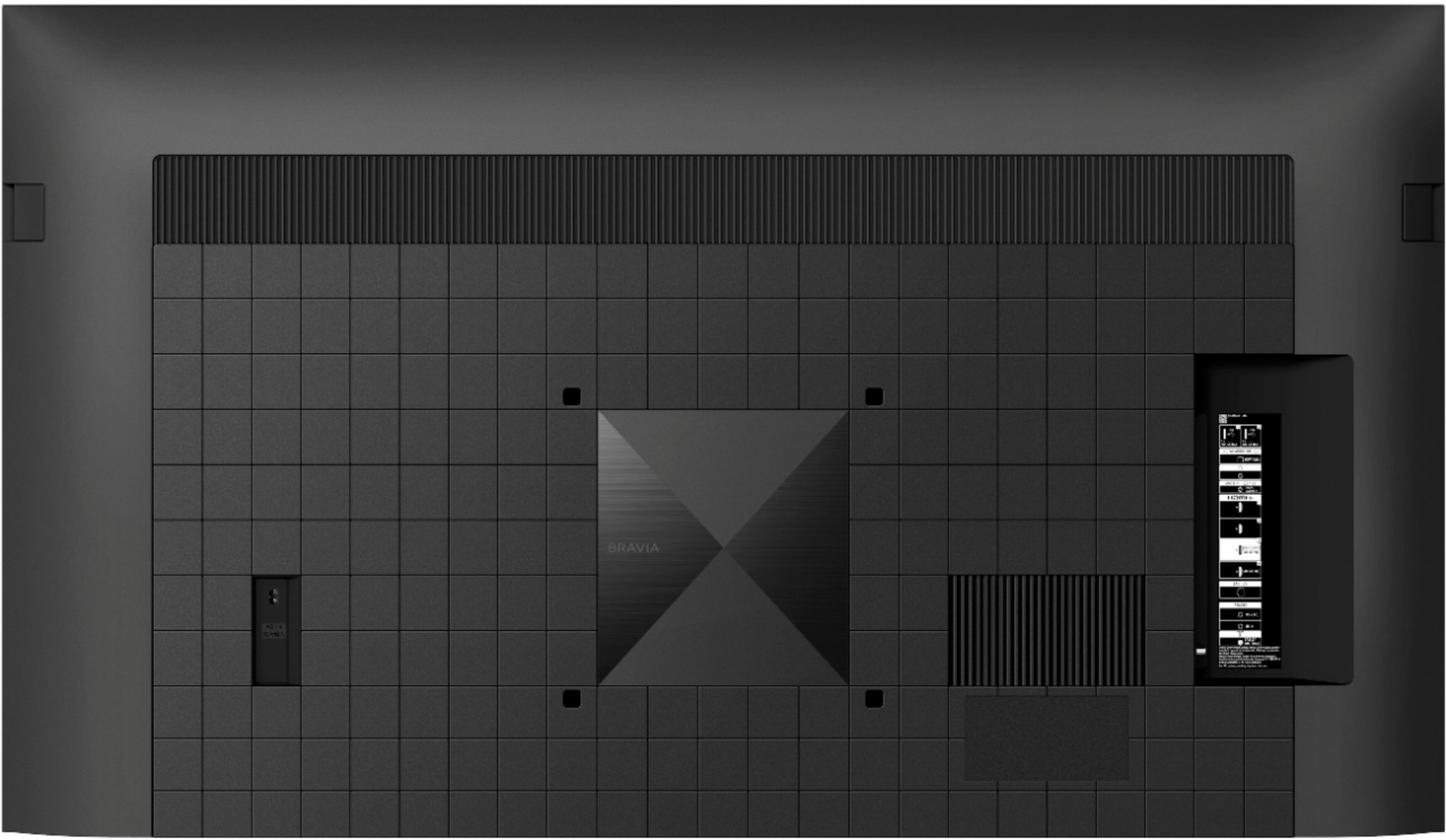
A:AnswerHi JayDee, thanks for your inquiry. The IR IN port connects to the Home Controller. These jacks are for receiving the external control signal. And it enables extended control of the TV using RS-232C via the RS-232C and IR IN jacks. And no, you cannot connect a wired IR sensor to the IR IN port.
Note: The RS232C control setting is for professional use only. Hope this helps! -Sam
A:AnswerHi Mathew, thank you for your question. Both the x900e and X90J use Full Array backlights with Local Dimming. The X90J has our newest and most powerful processor to date in the XR chip, allowing for amazing contrast and picture quality. For more information, you may check these links:
X900E
https://urldefense.com/v3/__https://www.sony.com/electronics/support/televisions-projectors-lcd-tvs-android-/xbr-65x900e/specifications__;!!FFL0mGOO8SJQmAn-!fVvrsUmtEIrJ82rVj7VaNymi-sbLvHMKPBAcAl9QDA9Zditq1sKdCZ4dfKjiWwOypj9S5wA$
X90J
https://urldefense.com/v3/__https://electronics.sony.com/tv-video/televisions/google-tv/p/xr65x90j__;!!FFL0mGOO8SJQmAn-!fVvrsUmtEIrJ82rVj7VaNymi-sbLvHMKPBAcAl9QDA9Zditq1sKdCZ4dfKjiWwOyqldZ180$
We're sorry to hear that you have a picture issue with your X950H. You may find this link helpful in adjusting the picture quality of your TV:
https://urldefense.com/v3/__https://helpguide.sony.net/tv/husltn1/v1/en-003/01-03-09_01.html__;!!JmoZiZGBv3RvKRSx!rQpWu7HA5sP5sl47POevz11JgP57-40hQw0Kpip-YnlBEo1x3IdceJP247-ubmbs$
If you require any additional support in regards to this product, please visit our support website to find the proper contact information. please email us at socialsupport@am.sony.com with the following details: Name: Username: Model Number: Issue: Telephone Number: ~Earl
A:AnswerHi Perplexed, thank you so much for your interest in our XR BRAVIA TVs. Both the X90J and X95J provide an incredible picture and sound quality using the Cognitive Processor XR. It just that the X95J’s XR Contrast Booster 10 will provide more impressive contrast than the X90J’s XR Contrast Booster 5. Also, the X95J features X-Wide Angle™- Sony's original optical design to control the light from the backlight, the X-Wide Angle panel ensures colors stay true from wherever you're watching. I hope this helps! - Romeo
A:AnswerHi choosy1, Thank you for the inquiry. The main difference between an LED TV and an OLED TV is that the pixels of an OLED TV are self-illuminating, whereas the LEDs in an LED TV are used to light an LCD display. Our BRAVIA XR TV takes vision and sound to the next level with the ingenious Cognitive Processor XR. It understands how humans see and hear, providing a whole new experience that immerses you completely in the scene. The BRAVIA XR X90J Explore the world with precise 4K1 HDR pictures. See how real your entertainment becomes when you pair the extreme contrast of a Full Array LED panel with the power of our revolutionary Cognitive Processor XR™. The BRAVIA XR MASTER Series A90J Redefining OLED with ultimate brightness. See our best ever OLED TV, powered by the revolutionary Cognitive Processor XR™. Enjoy unparalleled contrast with extreme brightness and pure blacks in an immersive Seamless Edge design. . For more details, please check your TV model at our Sony eSupport website for product updates and announcements. I hope this helps! Jay
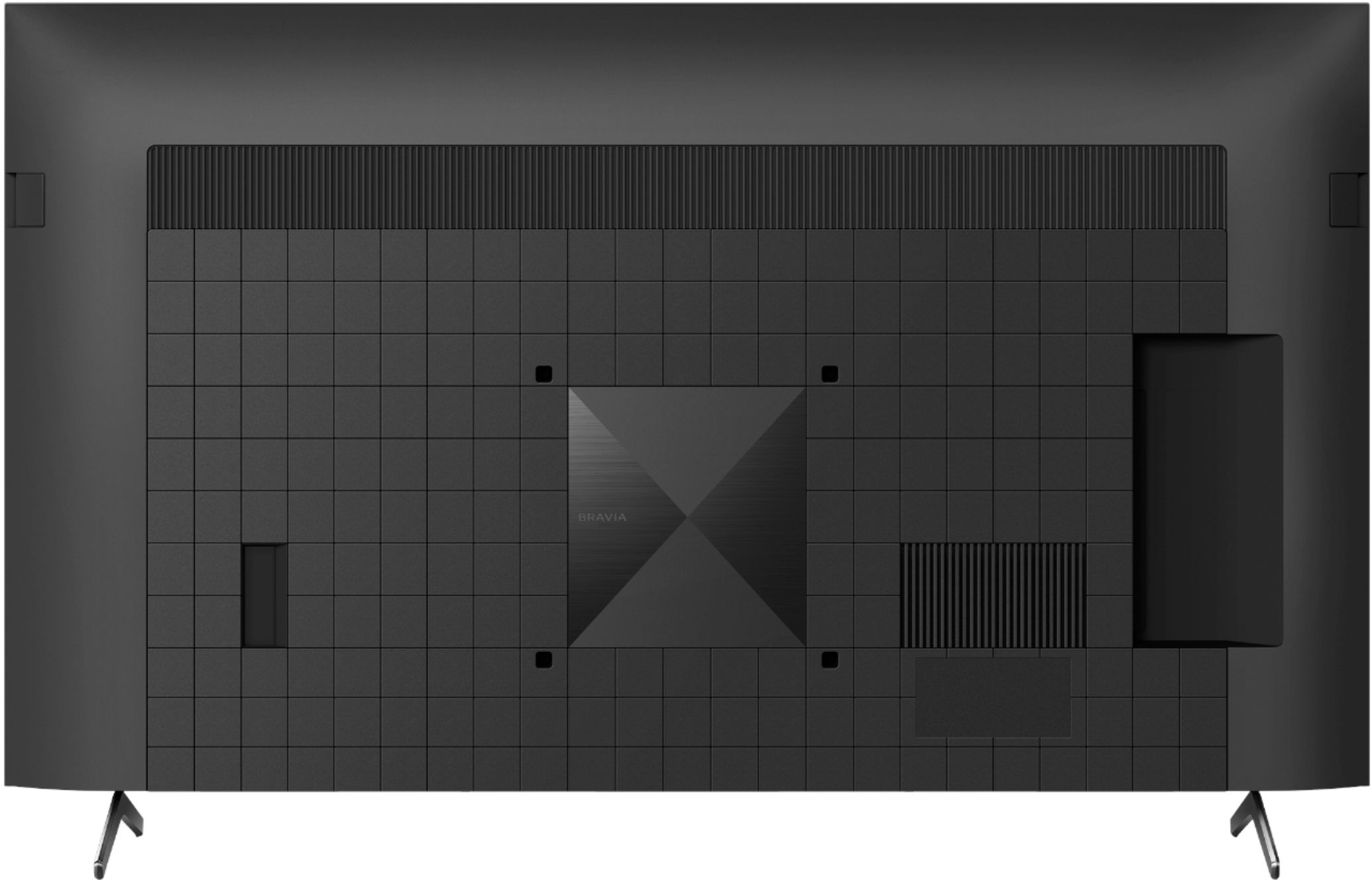
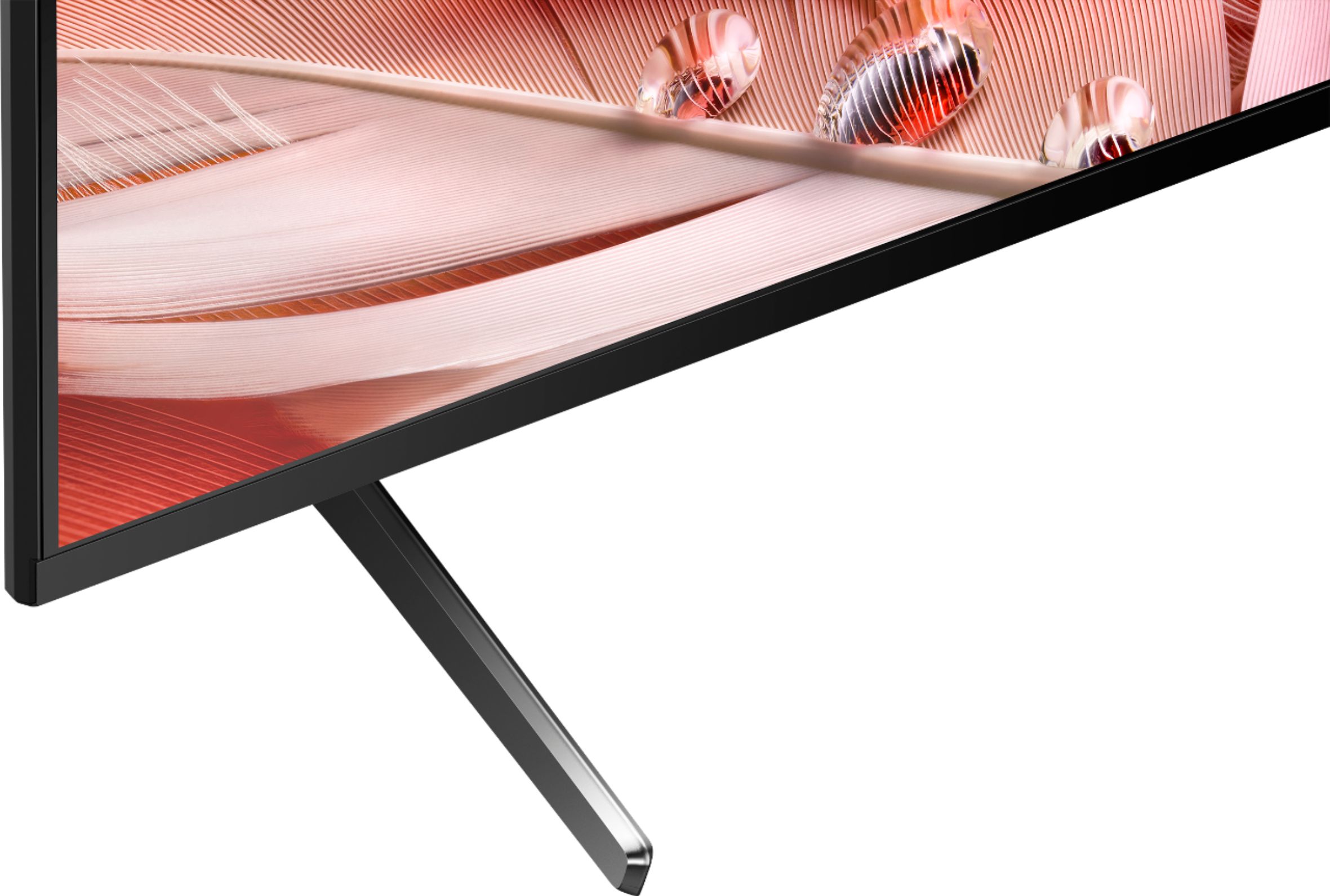
A:AnswerNo the legs can only be placed at the edges.
You can buy wall mount or a mount with a smaller footprint that allows you to place it on counter stand from Amazon at various prices.
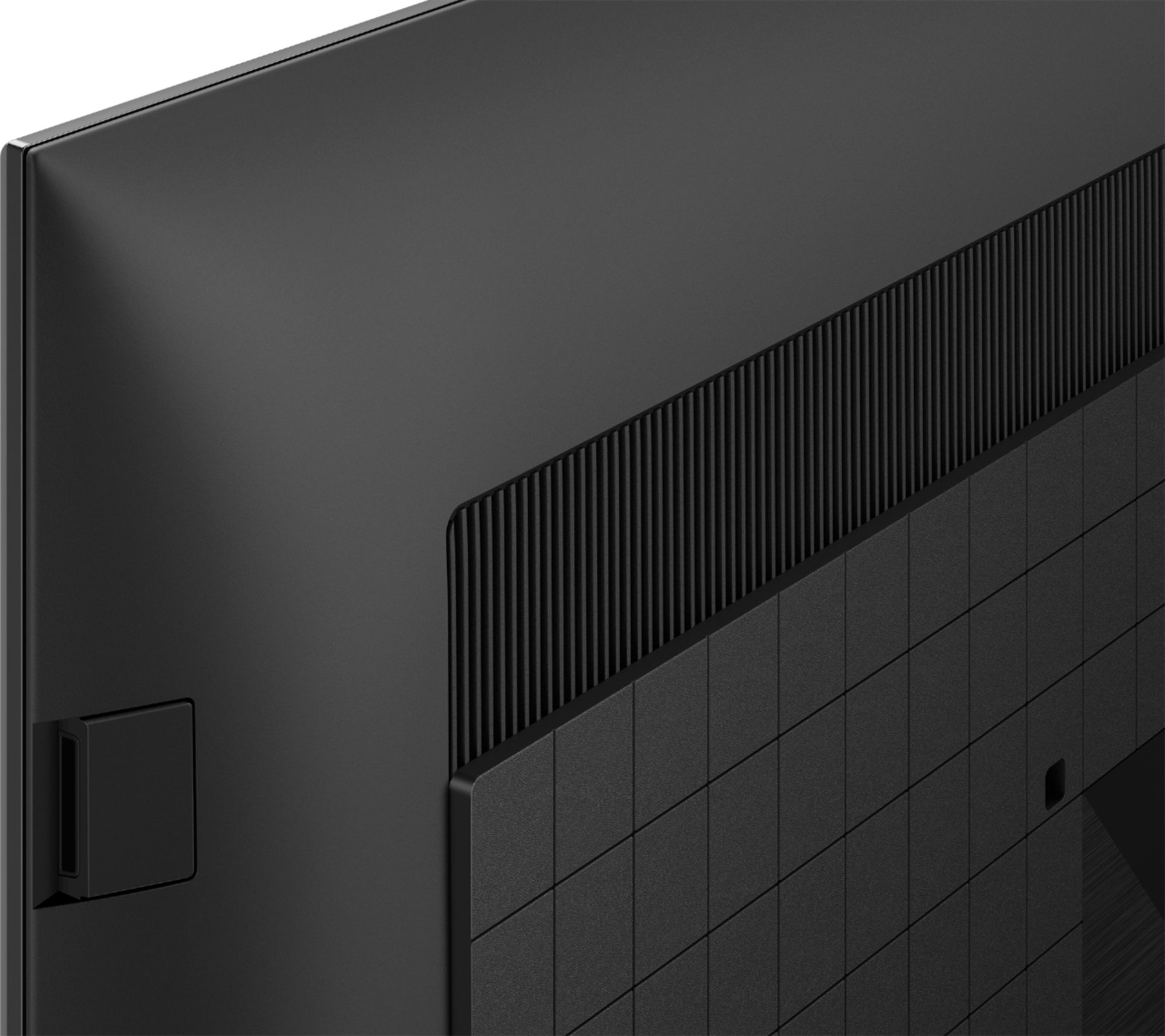
A:AnswerHi Tinker, Thank you for the inquiry. You can connect the audio system to the TV’s HDMI input terminal bearing the text “eARC/ARC” or connect the TV and audio system with a digital optical cable.
Please refer to the manual of the sound system for checking the connecting terminals. I hope this helps! Jay
A:AnswerHi RJS, thank you so much for your inquiry. Yes, the SU-WL855 only supports selected OLED and LED Sony TVs. Here's the list of the compatible TVs to this Wall-Mount Bracket:
Compatible Products : XBR series (A8G / A9G / A8H / A9S / A8J / X800H (55” 65” 75”) / X900H (55” 65” 75”) / X950H (55” 65” 75”) / X80J (55" 65" 75") KD series (X8J (55" 65" 75") / X85J (55" 65" 75") XR series (X90J (55" 65" 75") / X95J (65" 75") / A90J (55” 65”)
I hope this helps!
- Romeo
A:AnswerHi Meeeeeee, Thanks for your inquiry! The switch next to the power button is the BUILT-IN MIC SWITCH. The built-in mic on the TV can be turned on or off with this switch.
REF: https://www.sony.com/electronics/support/res/manuals/5024/f0842a0b0390d8b2889fcac655259bab/50249421M.pdf (see page 7)
Hope this helps!
Regards,
Sam
A:AnswerHi TechSpoob, Good question. You will have to finish the initial setup. If you do not skip anything in the setup, there will be no more popup messages. Hope this helps! -Sam
A:AnswerHi Gene, thank you for choosing and purchasing our product. We're sorry to hear that you have an issue with the Talkback feature on your SONY unit. Please follow this link to isolate the issue:
https://www.sony.com/electronics/support/televisions-projectors-lcd-tvs-android-/xr-65x90j/articles/00232484
May we contact you to help? If so, please email the below information to socialsupport@am.sony.com.
Apologies if you disclosed some of this information in your review and to customer service, we just want to ensure that we have your accurate details at the time of communication.
Full Name:
Best Buy Username:
Telephone Number:
Sony TV Model Number:
Additional Information regarding your experience with the X90J
We are sorry for the inconvenience and hope to speak to you to resolve this matter.
We appreciate you and thanks again for shopping Sony!
~Earl