A:AnswerA video file contains roughly 24, 25 or 30 frames per second (FPS). Your HTPC has a video card which produces a signal to your TV or monitor. This signal in theory can be anything from 24, 25, 30, 50, 60, 75 or even 100Hz. i.e. 60Hz means the signal is refreshed 60 times a second. If there is a mismatch in the FPS from your media file and the Hz signal to your TV or monitor, this is most likely to be visible as judder in the video. Dynamic Refresh Rate Changer attempts to address this by synchronizing the output of the video with the rate of the TV.
https://www.team-mediaportal.com/wiki/display/MediaPortal1/Dynamic+Refresh+Rate.
A:AnswerHi Brad,
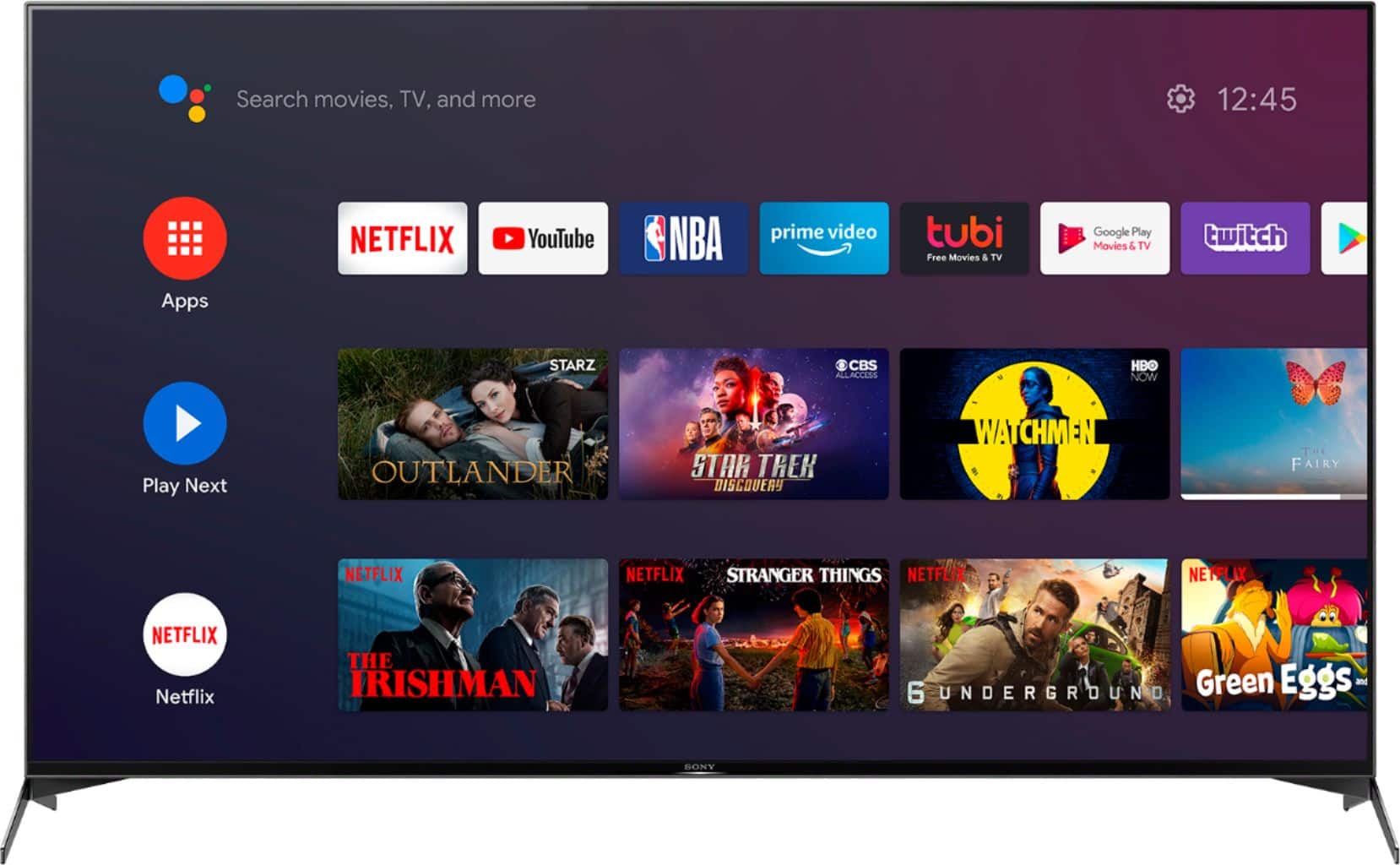
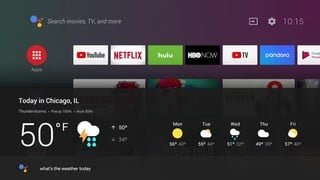
During initial setup of the tv there will be a screen where you can opt out of certain features but Google recently released two new features called Highlights on your home screen and Subscriptions in a snap. These features were included in the latest Android TV Launcher app (Home app) update. With Highlights on your home screen, you'll see suggested movies, shows, and quick trailers to help you discover something new to watch. Subscriptions in a snap make it easier for you to watch a must-see show from an app that you haven't subscribed to. Find your app in the Google Play store and then click Subscribe and install. It's that easy!
Happy to help,
David
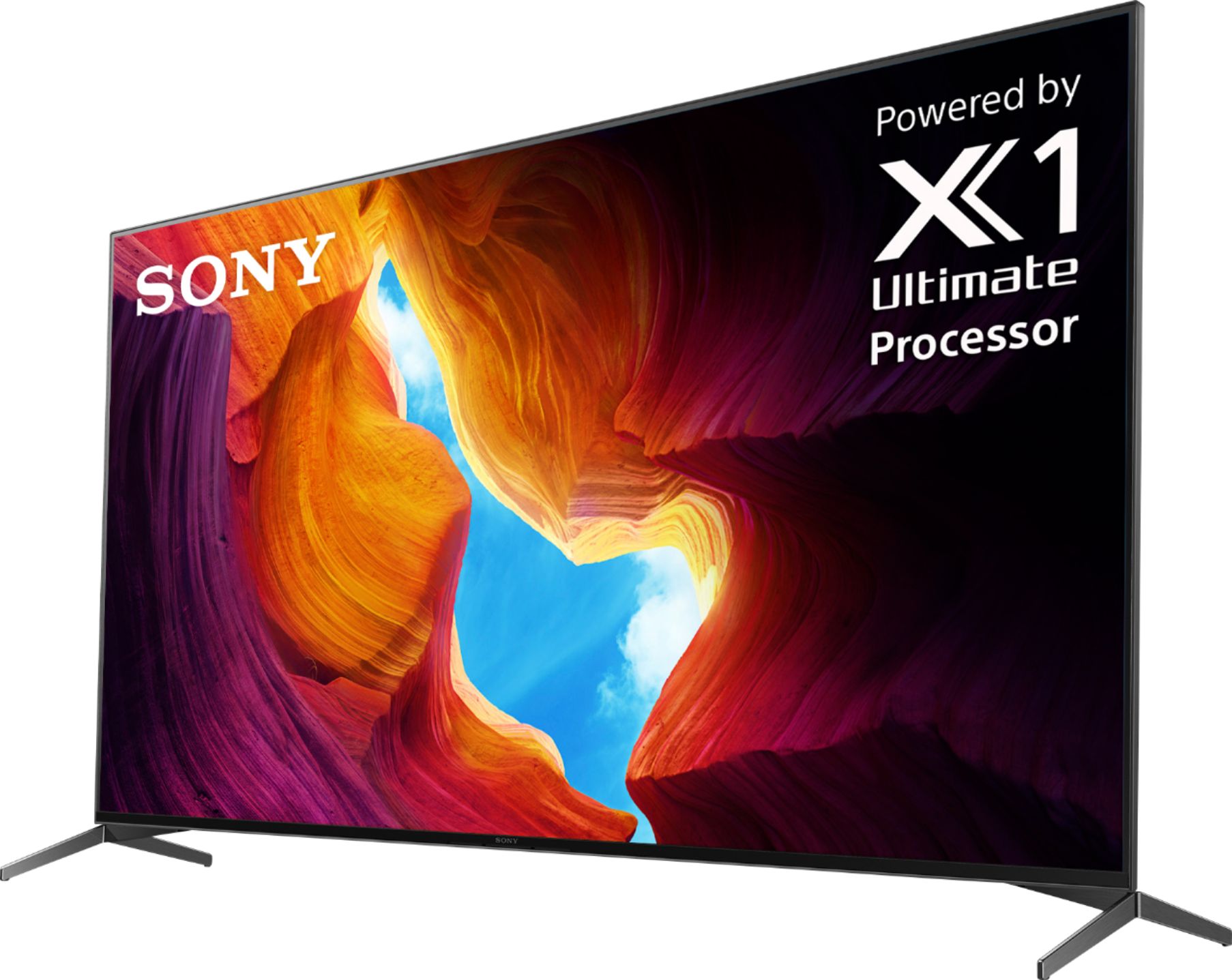
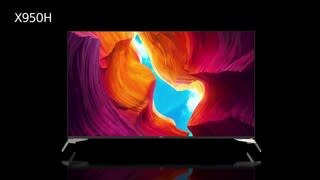
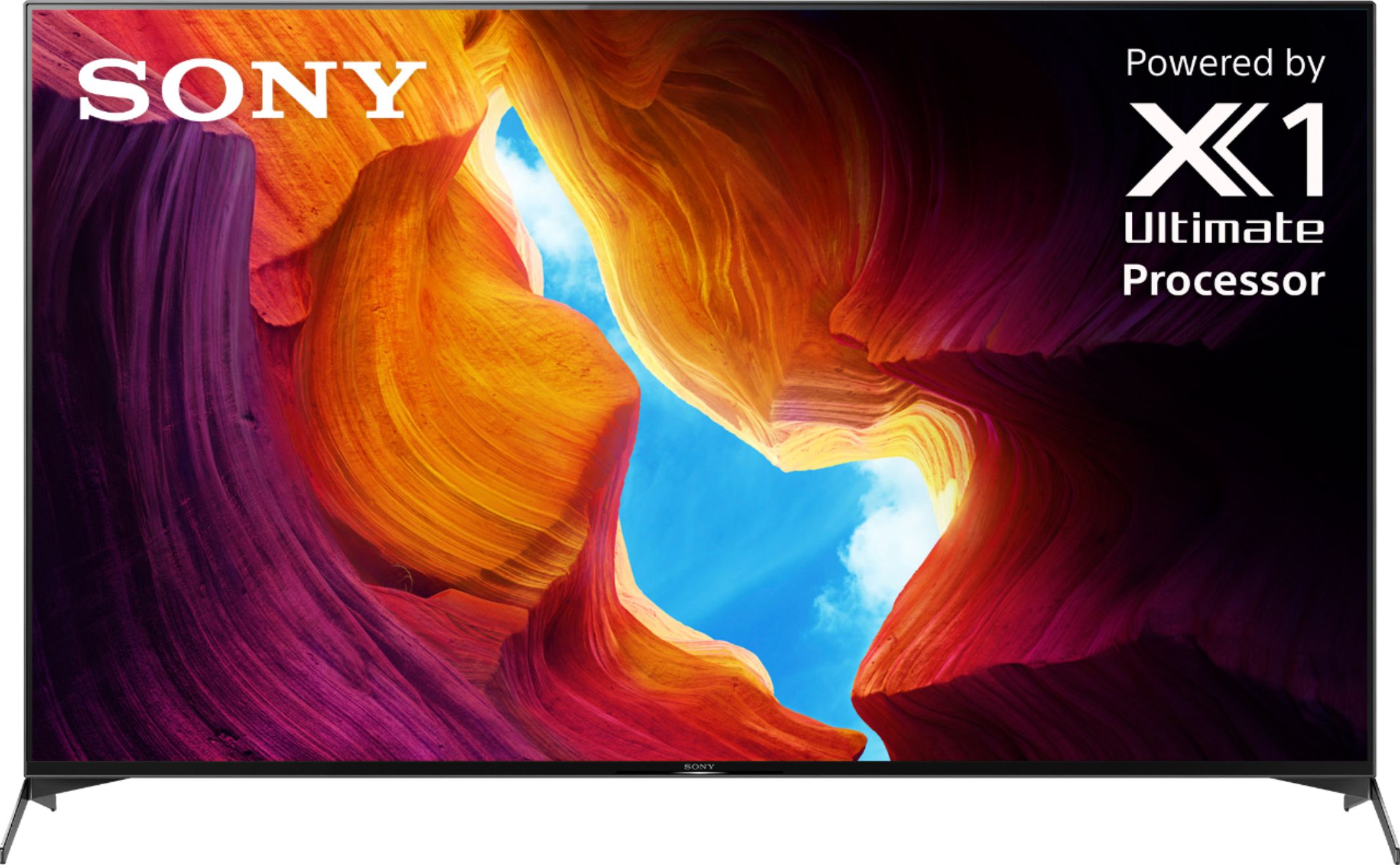
A:AnswerHi JS, thank you for inquiring about the X950H Ultra HD Smart TV. Yes, the X950H supports Apple AirPlay 2 and HomeKit out of the box. Regards, Erin
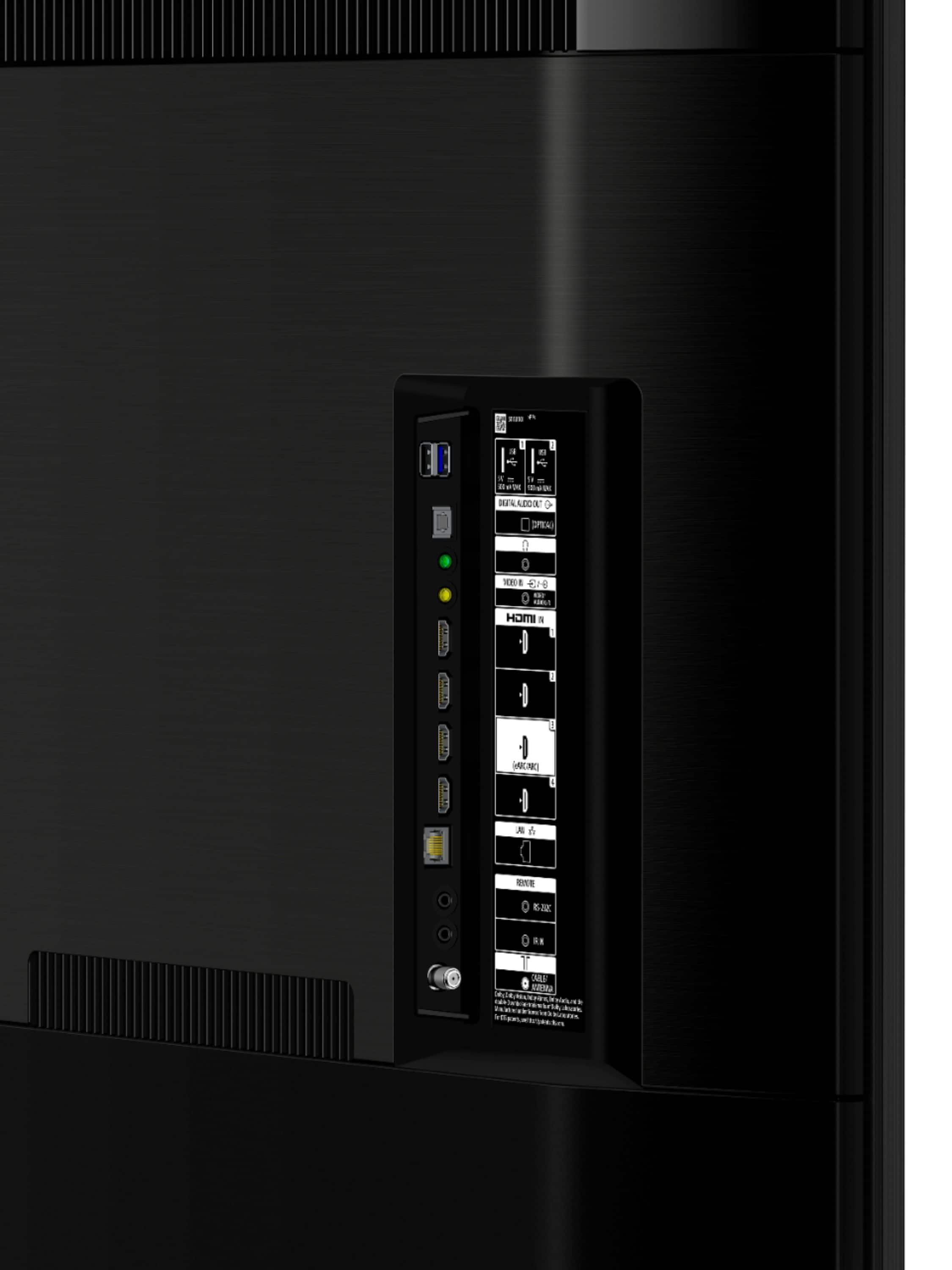
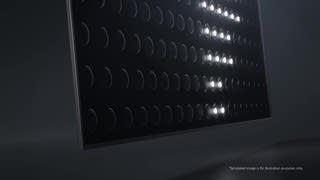
A:AnswerX950H has higher brightness nits and more full array zones and is more expensive. X900h has full HDMI 2.1 support whereas x950h only supports a subset notably eARC. Check out the you tube videos comparing these two. They go into much more detail.