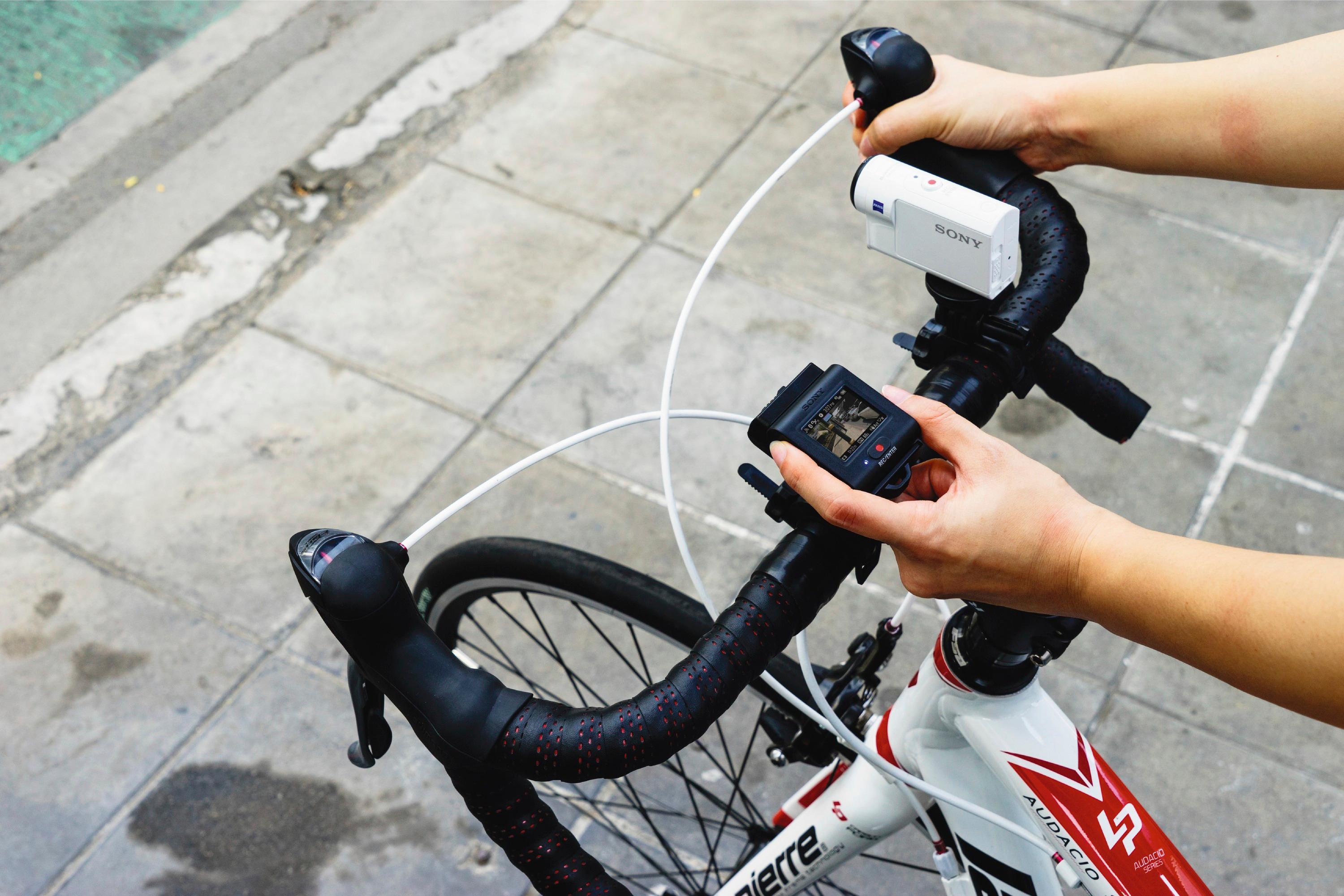
A:AnswerHi PilotBob, You may connect multiple cameras with one remote and only operate all cameras simultaneously. You may refer to these links for more information:
https://helpguide.sony.net/cam/1640/v1/en/contents/TP0000912430.html
https://helpguide.sony.net/cam/1650/v1/en/contents/TP0000912274.html
Regards,
~Ralph
A:AnswerHi, tuck! Unfortunately, the remote control is not supplied. You may connect the RM-LVR3 remote for a Live-View function. You may also use the Imaging Edge Mobile app to control the camera with a smartphone. Wi-fi is needed to operate both remote functions. For more information, please refer to these links:
https://helpguide.sony.net/cam/1640/v1/en/contents/TP0000912339.html
https://support.d-imaging.sony.co.jp/www/cscs/pmm/products.php?area=gb&lang=en
https://helpguide.sony.net/cam/1650/v1/en/index.html
~Ralph
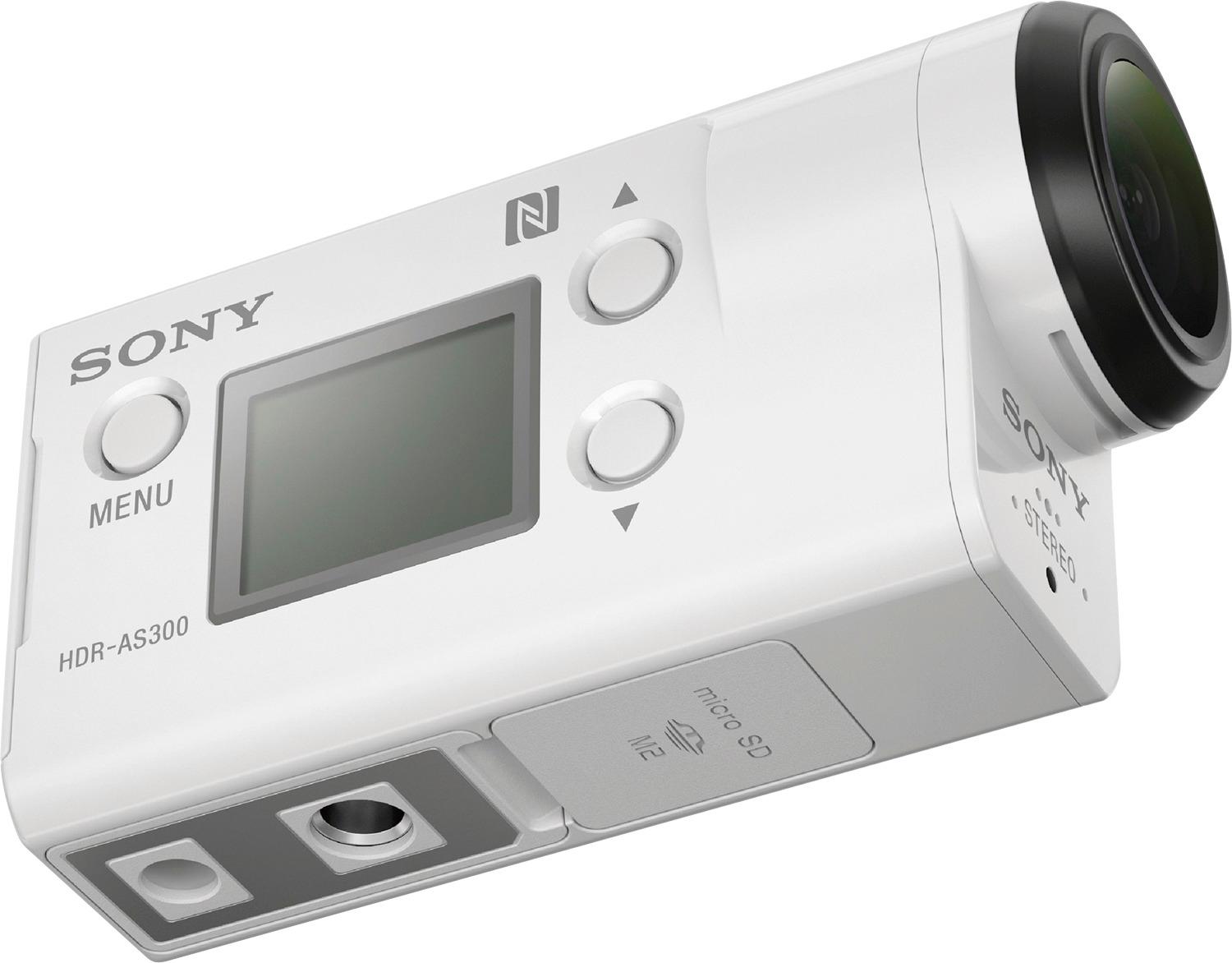
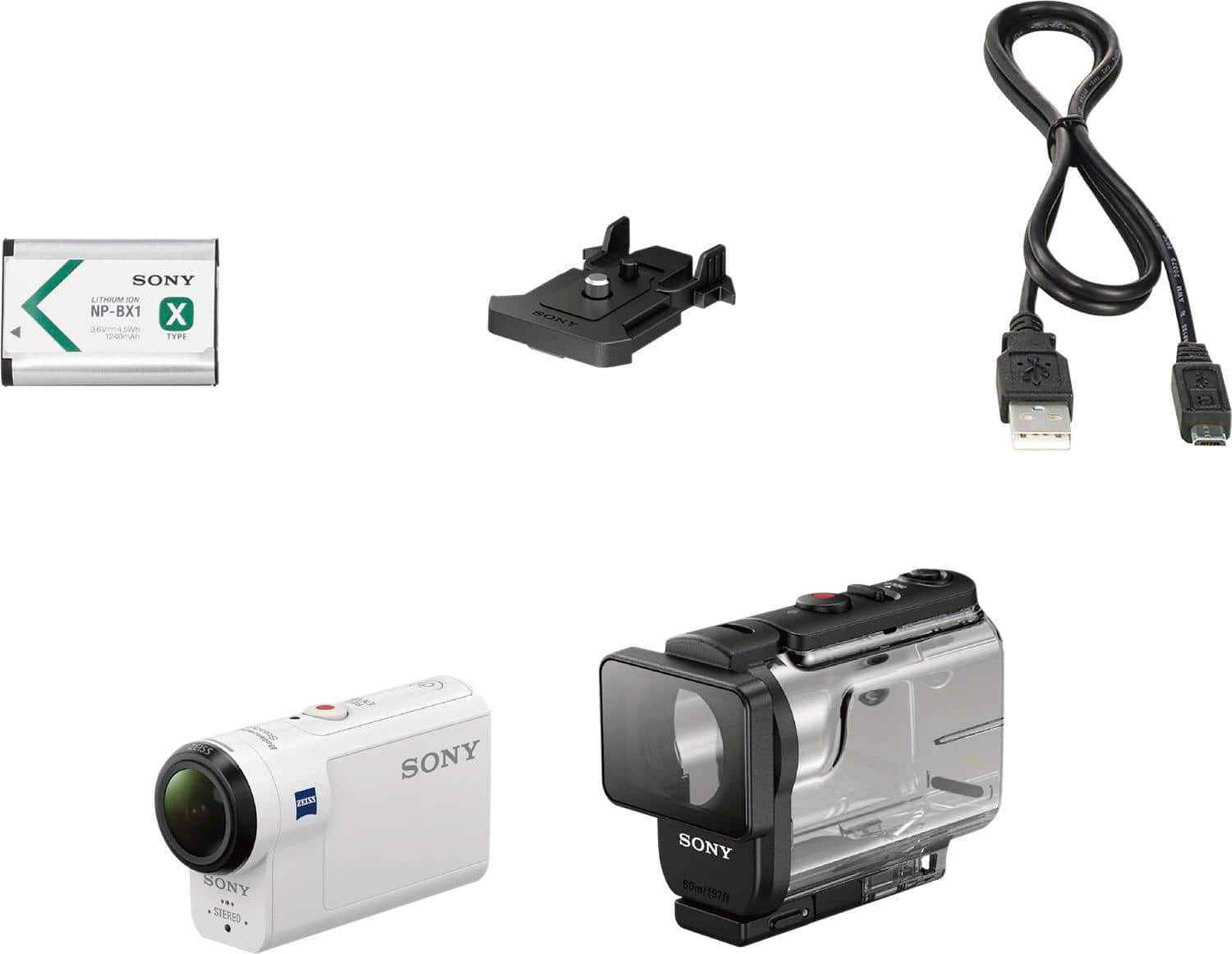
A:AnswerYou can charge it via the included 6 pin USB type B cable. If you have an iPhone USB wall brick or Android USB wall brick then you can plug the USB end of the cable into that, then plug the other end (6 pin that looks like this: \__/ ) into the camera and charge the camera. Hope that helps.
A:AnswerHi tatski, A remote control is not included. Here is the list of the supplied accessories (page 13): https://docs.sony.com/release//Manual_4585327122.pdf -Jerome