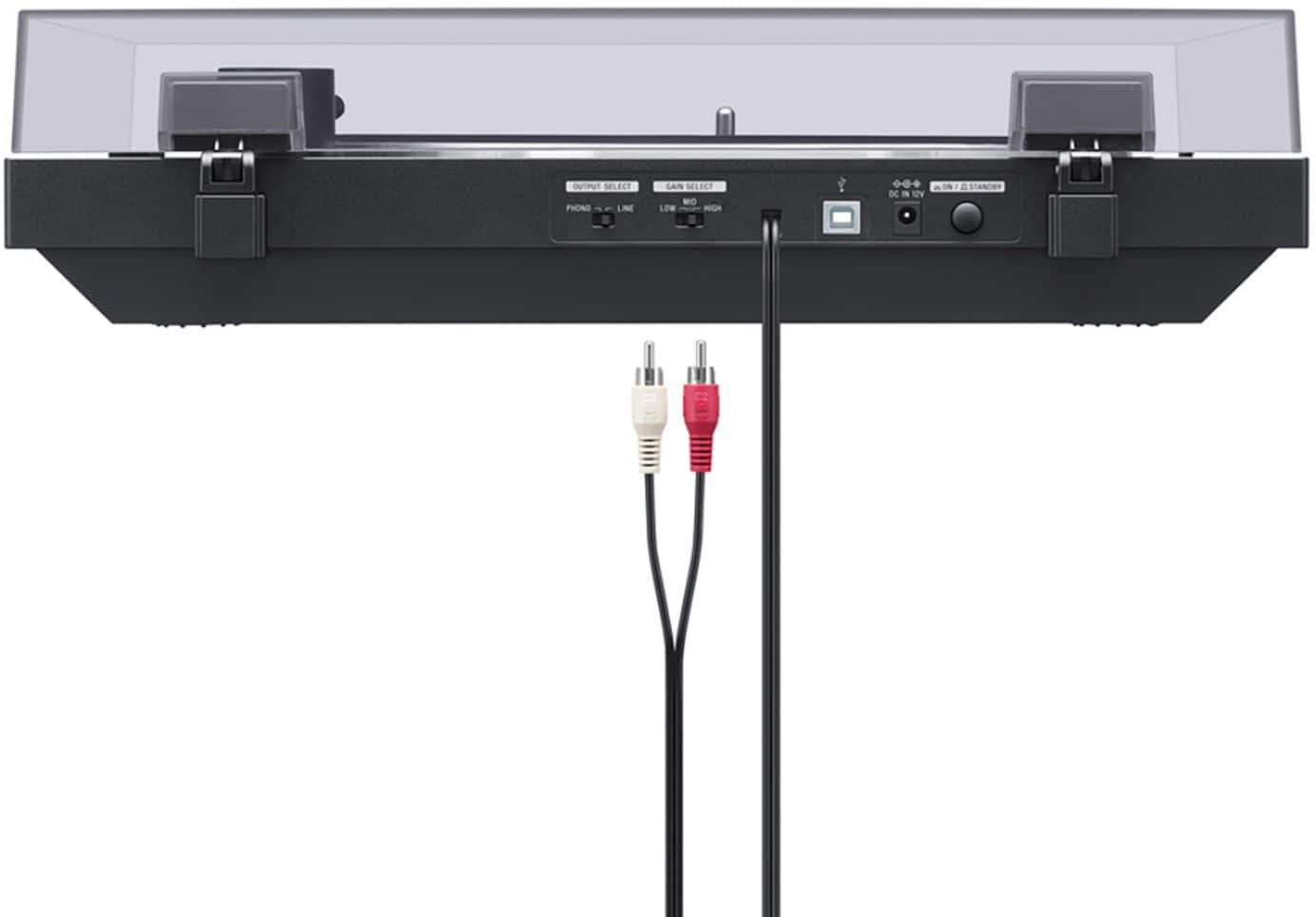
A:AnswerCheck the switches in the back on the unit. If they are configured correctly, I would recommend you talk with Sony.
I had the same issue when I set mine up and tried connecting to wireless and wired speakers (after I could not get the wireless speakers to work) when I bought this product. After troubleshooting with Sony (via their online chat function), we determined I had a defective product and I exchanged it for a different one at Best Buy—same model.
A:AnswerI had the same issue when I purchased this. I chatted with Sony via their on line chat function to troubleshoot and we determined I had a defective unit. I exchanged the unit at Best Buy and the new one has worked great since the setup.
A:AnswerIt won’t pair with HomePod, but you can buy the iRig Stream and then download the app AirChord and you can airplay to ONE HomePod, but not a stereo pair.
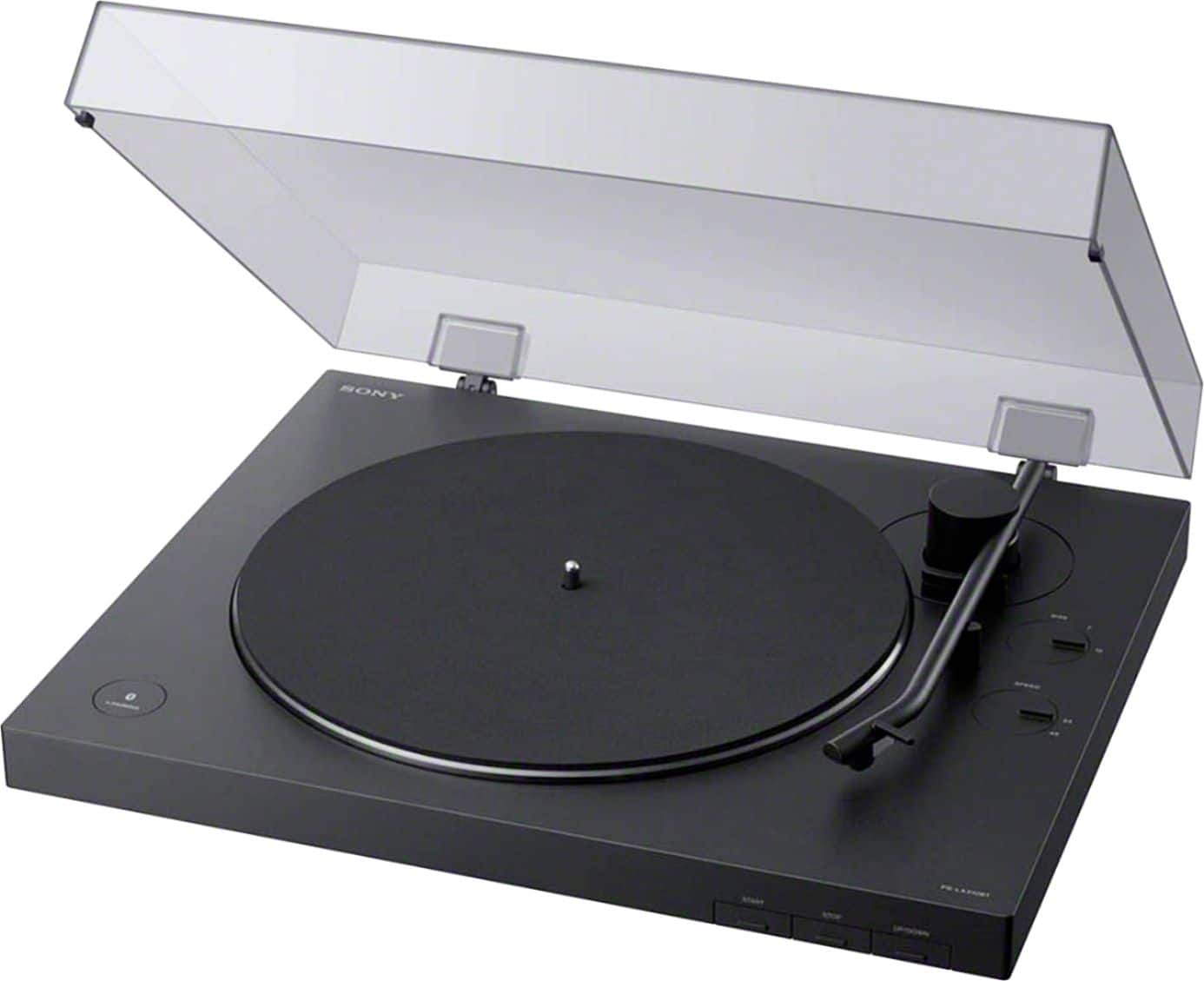
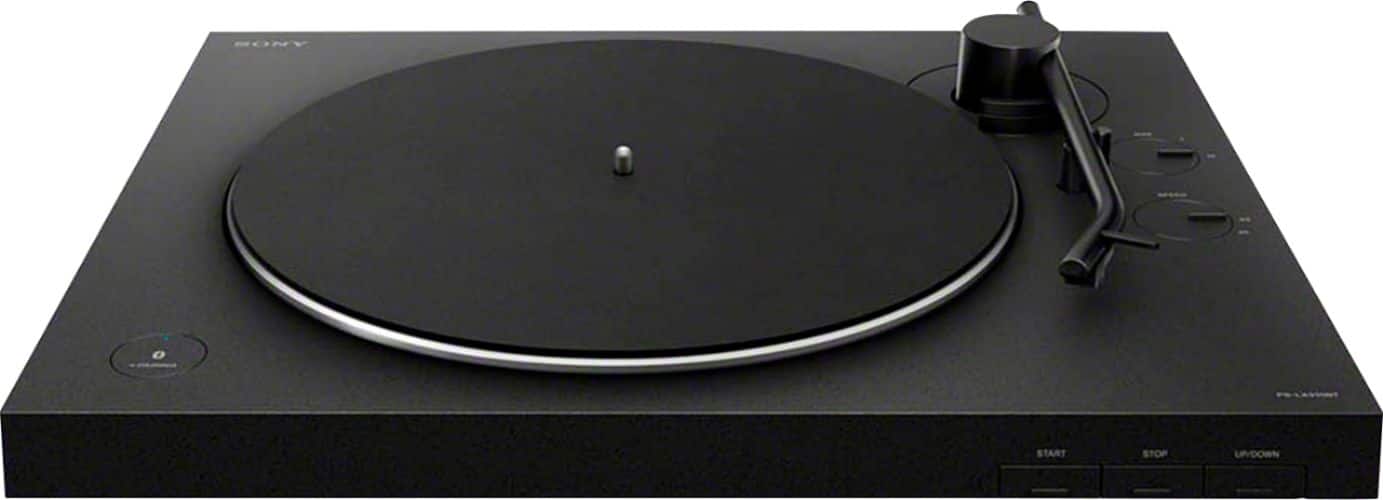
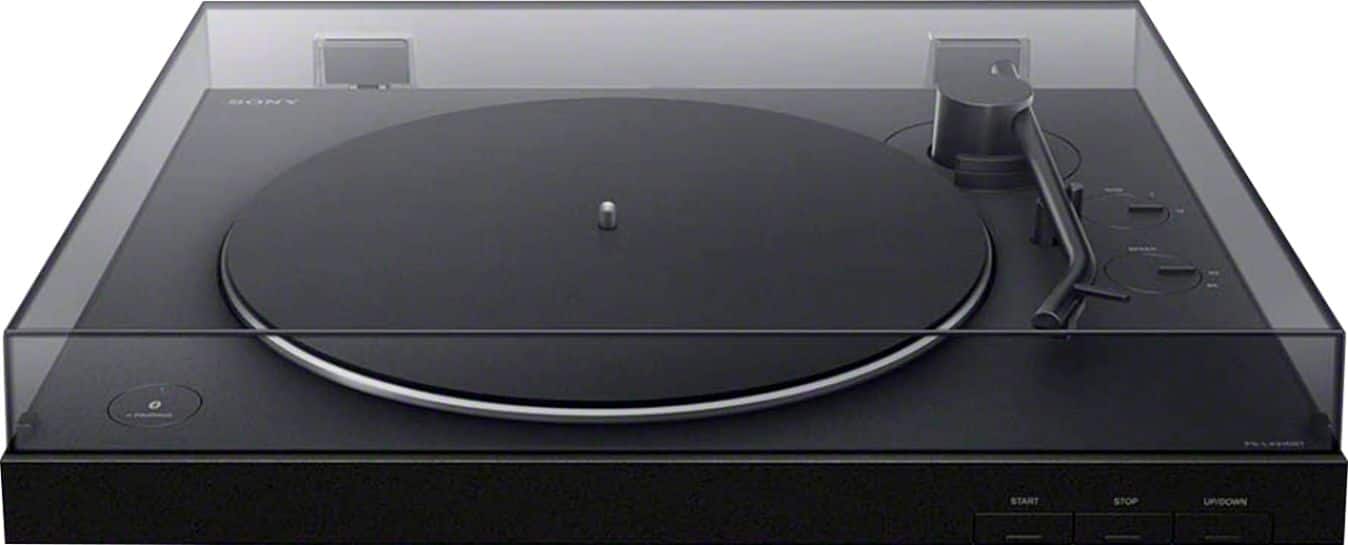
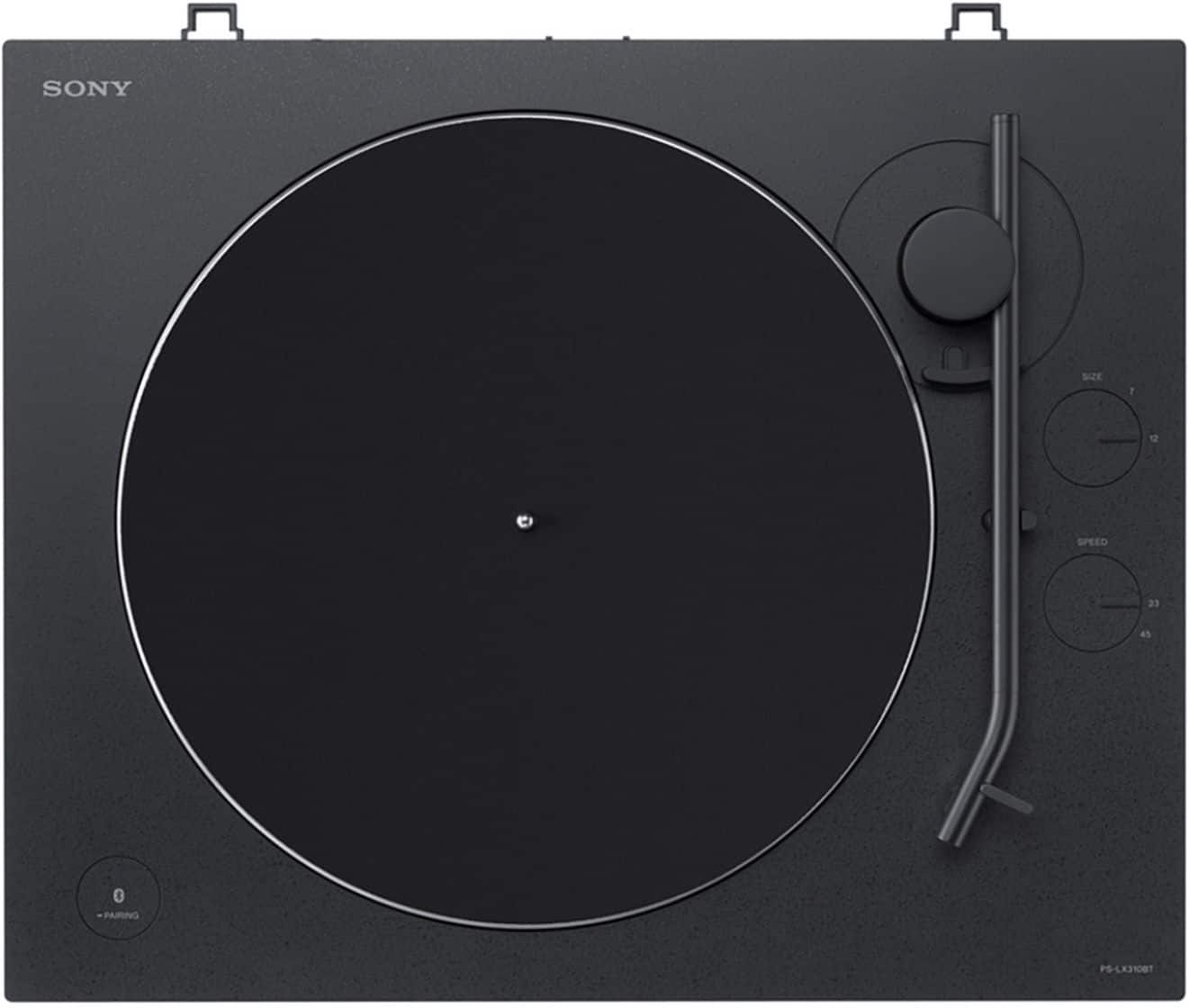
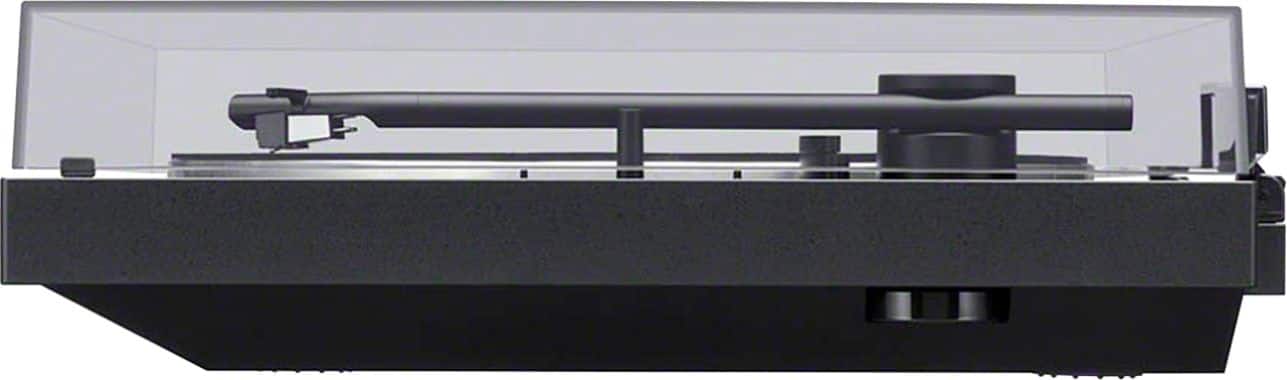
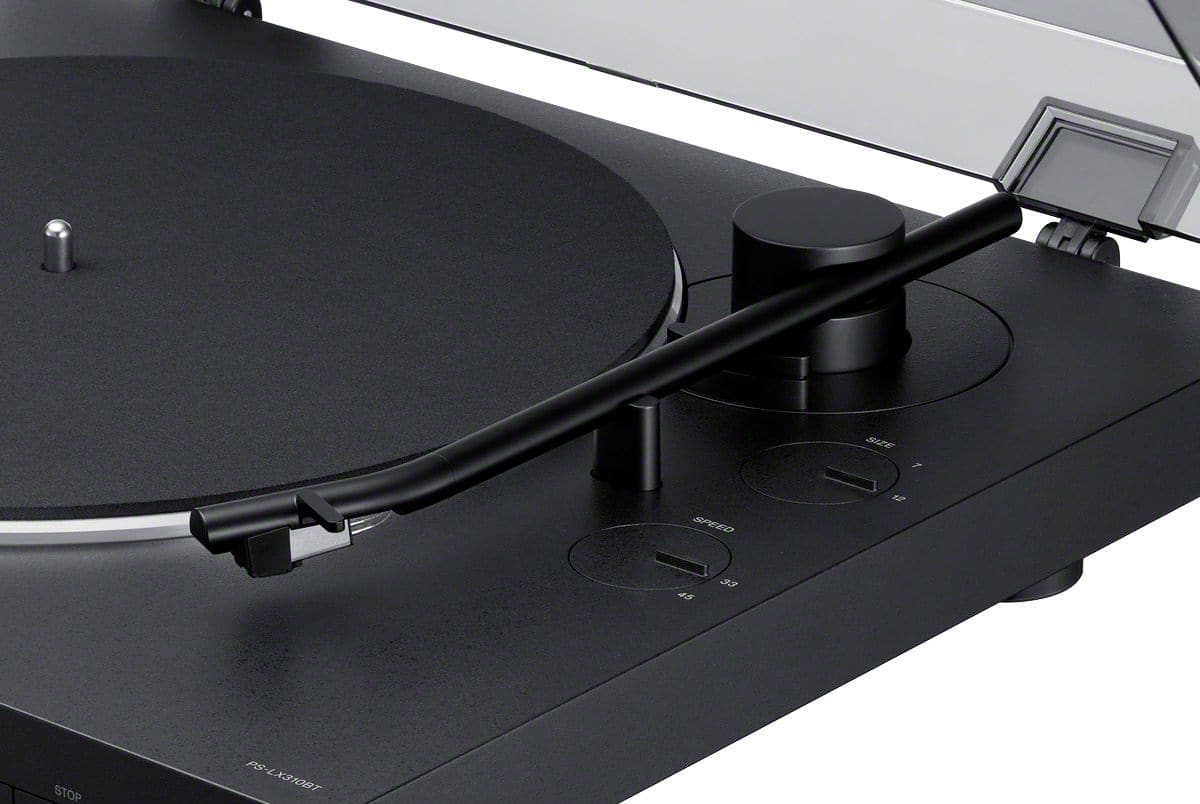
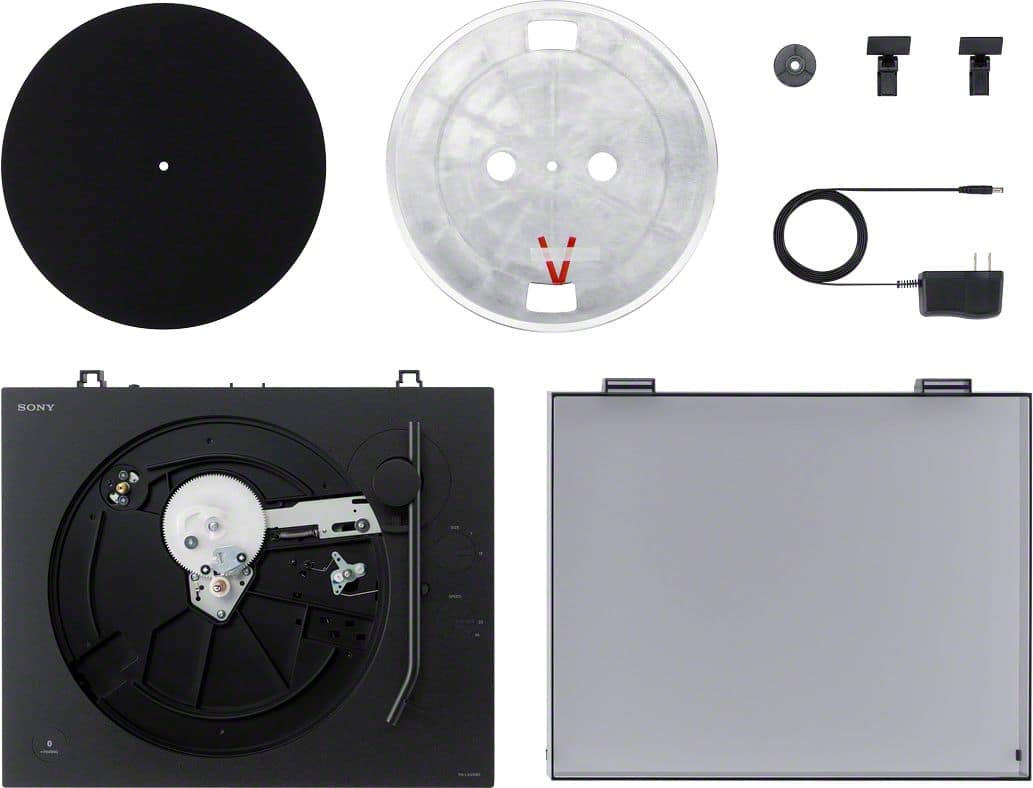
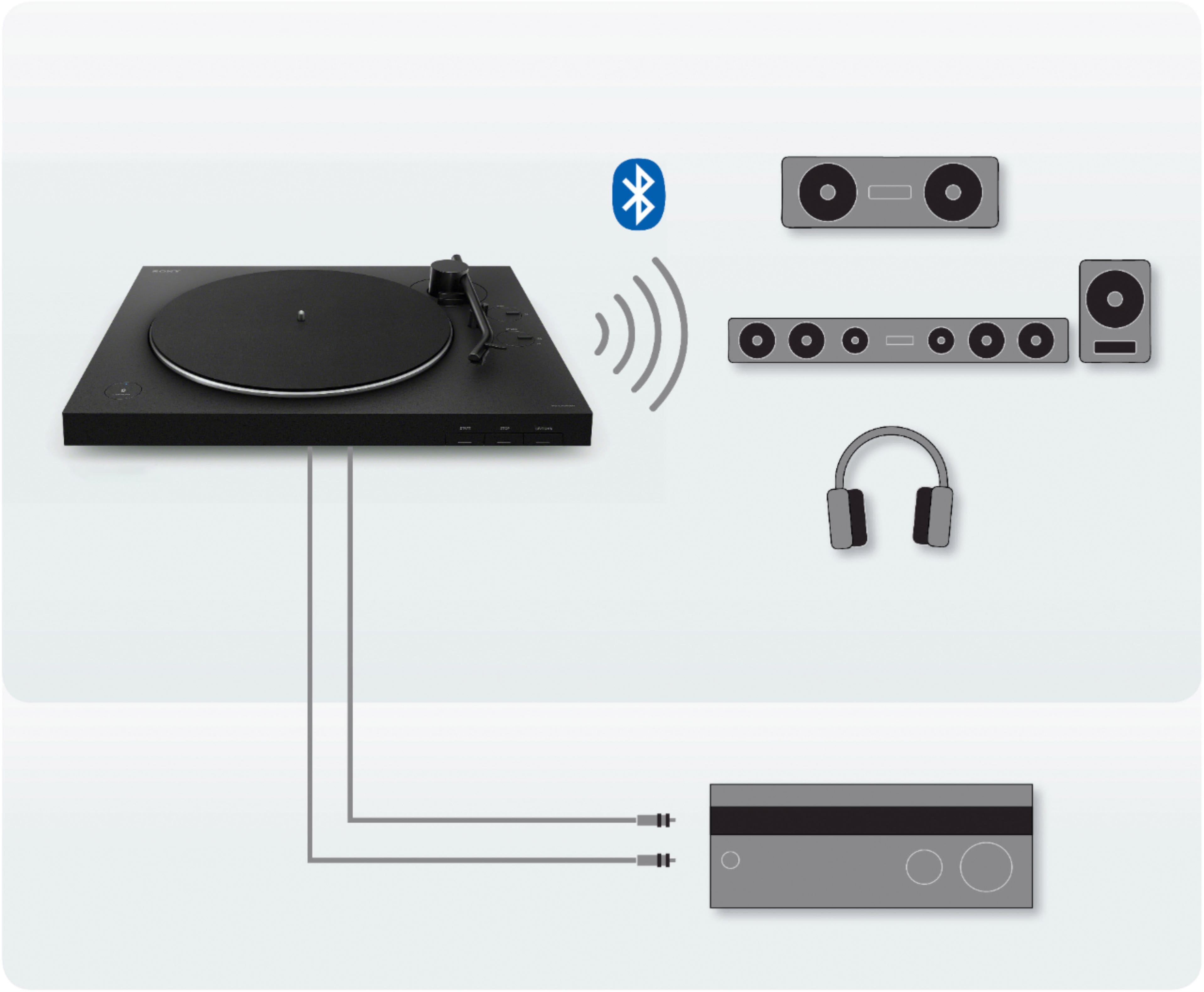
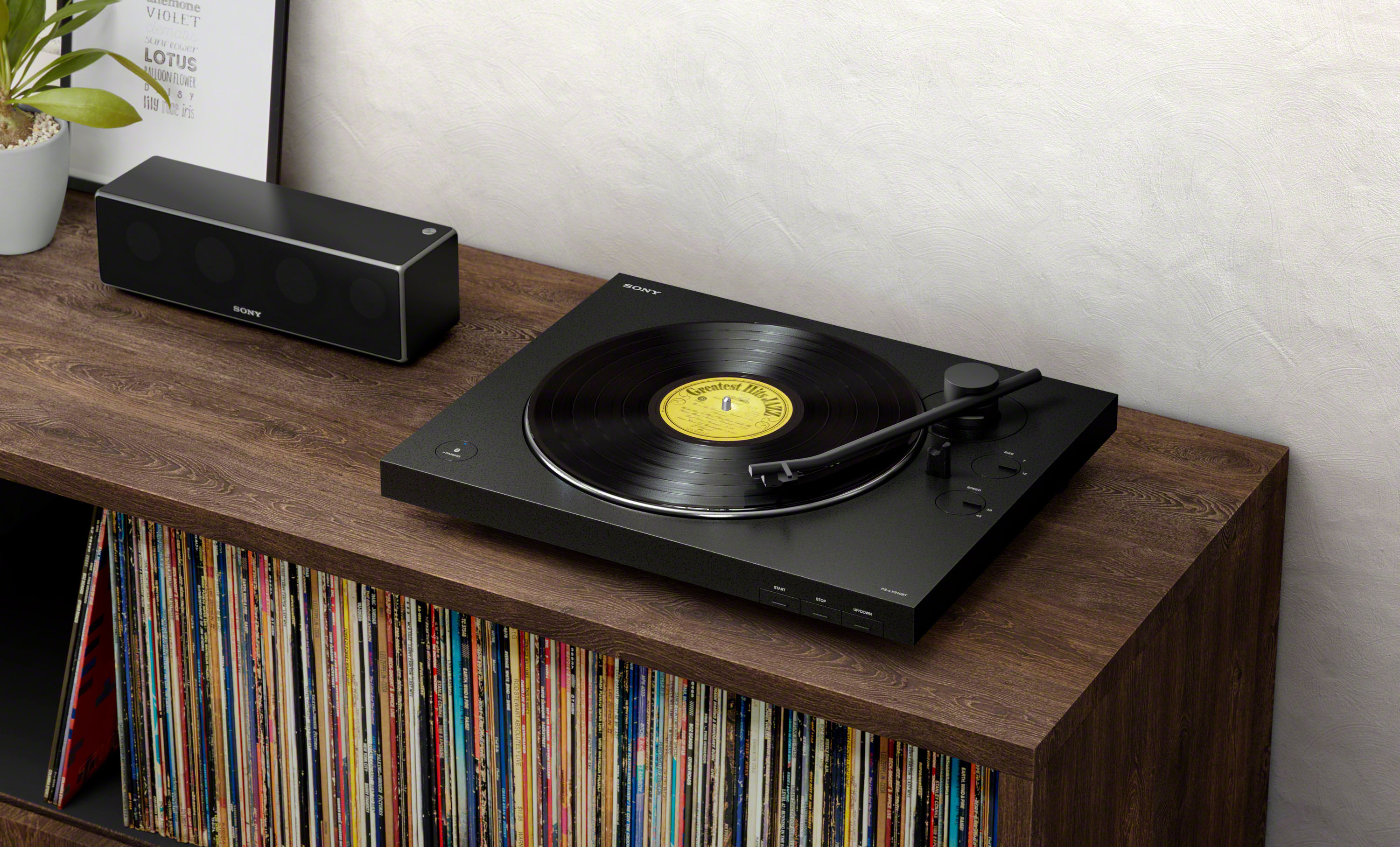
A:AnswerIt does not come fully assembled. You have to set the turn table in place, attach the belt to the drive and put the platter pad on the turn table. The belt is already around the turntable. You just have to carefully stretch it a little bit to place it around the drive. It can be operated manually if you want to. We use the Start button to automatically operate the arm. When it comes to the end it automatically returns to the arm rest and turns off. No apps. We have it paired with our sound bar with bluetooth. I do suggest you set the output on high for the best sound. We love listening to our old albums we have not heard in many years.
A:AnswerThere is a separate USB (USB B) port in the back IO of the turntable that you would use to connect to a PC. Keep in mind this USB cable is not included with the turntable and would have to be purchased separately. You would also need a recording software if you do not already have one. I have not used this function though so cannot comment more on it.
A:AnswerI think not since it’s paired to your iPhone so you can control the volume.
I would recommend a set of powered speakers like the klipsch like the R-41pm speakers they have BT capability and would work perfect with your table.