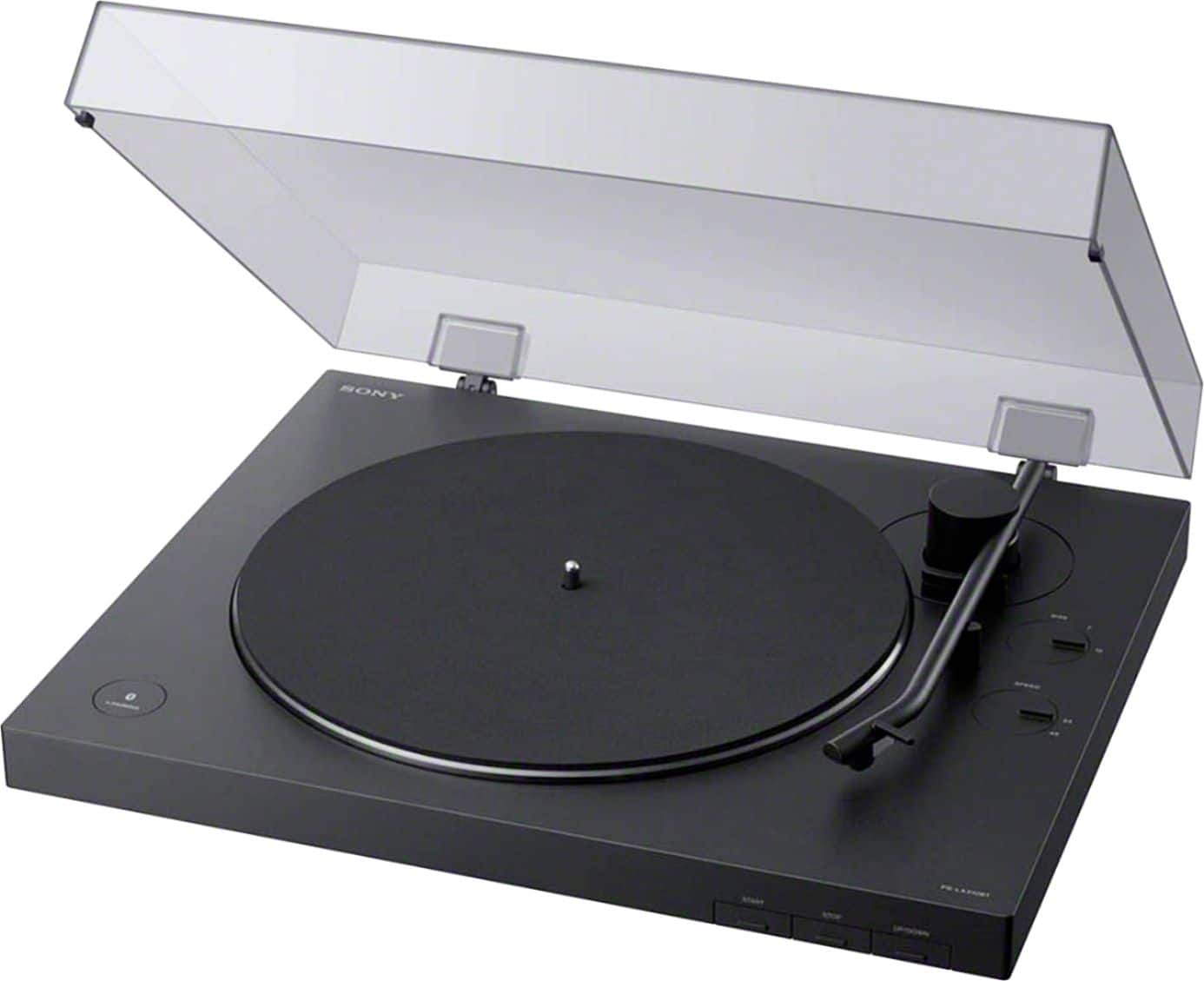
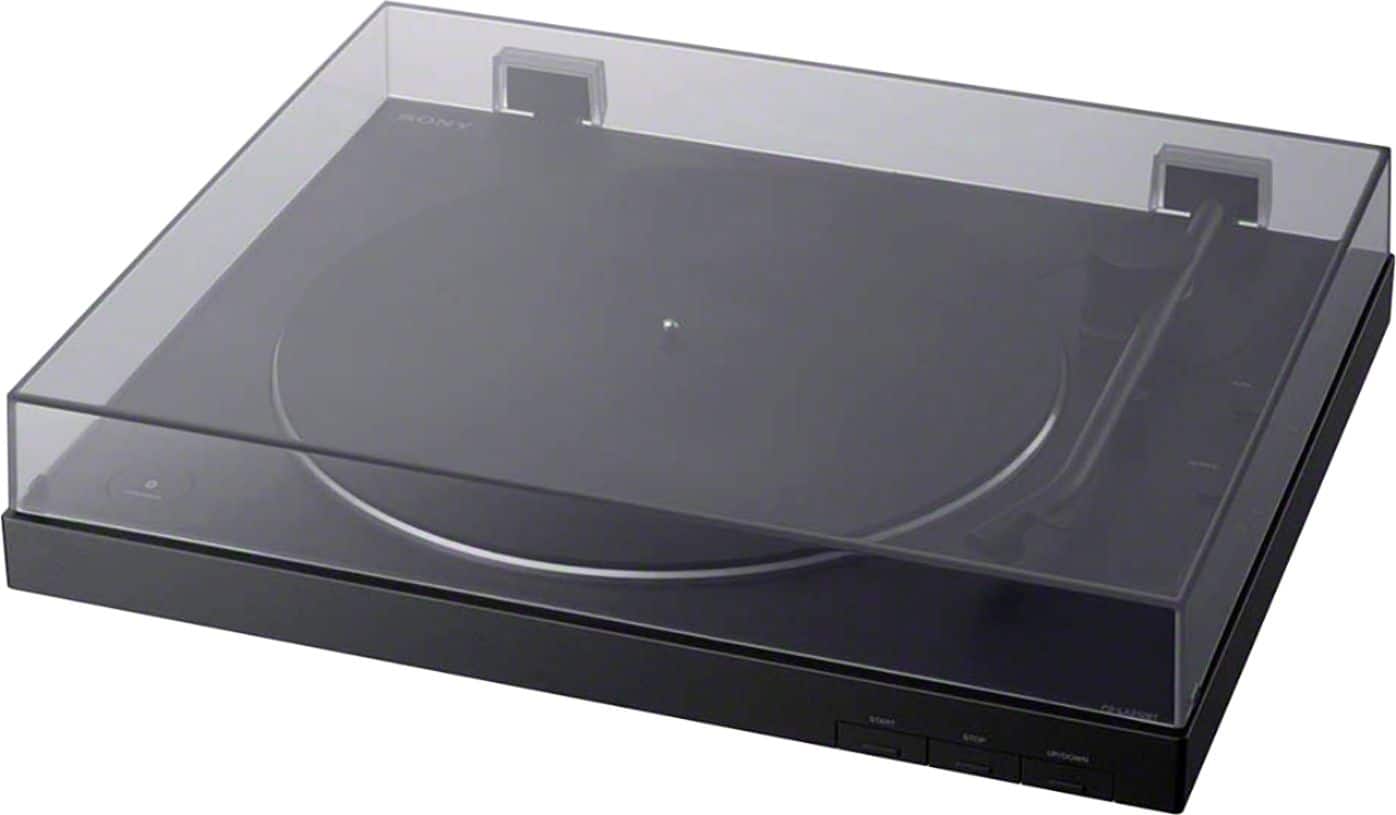
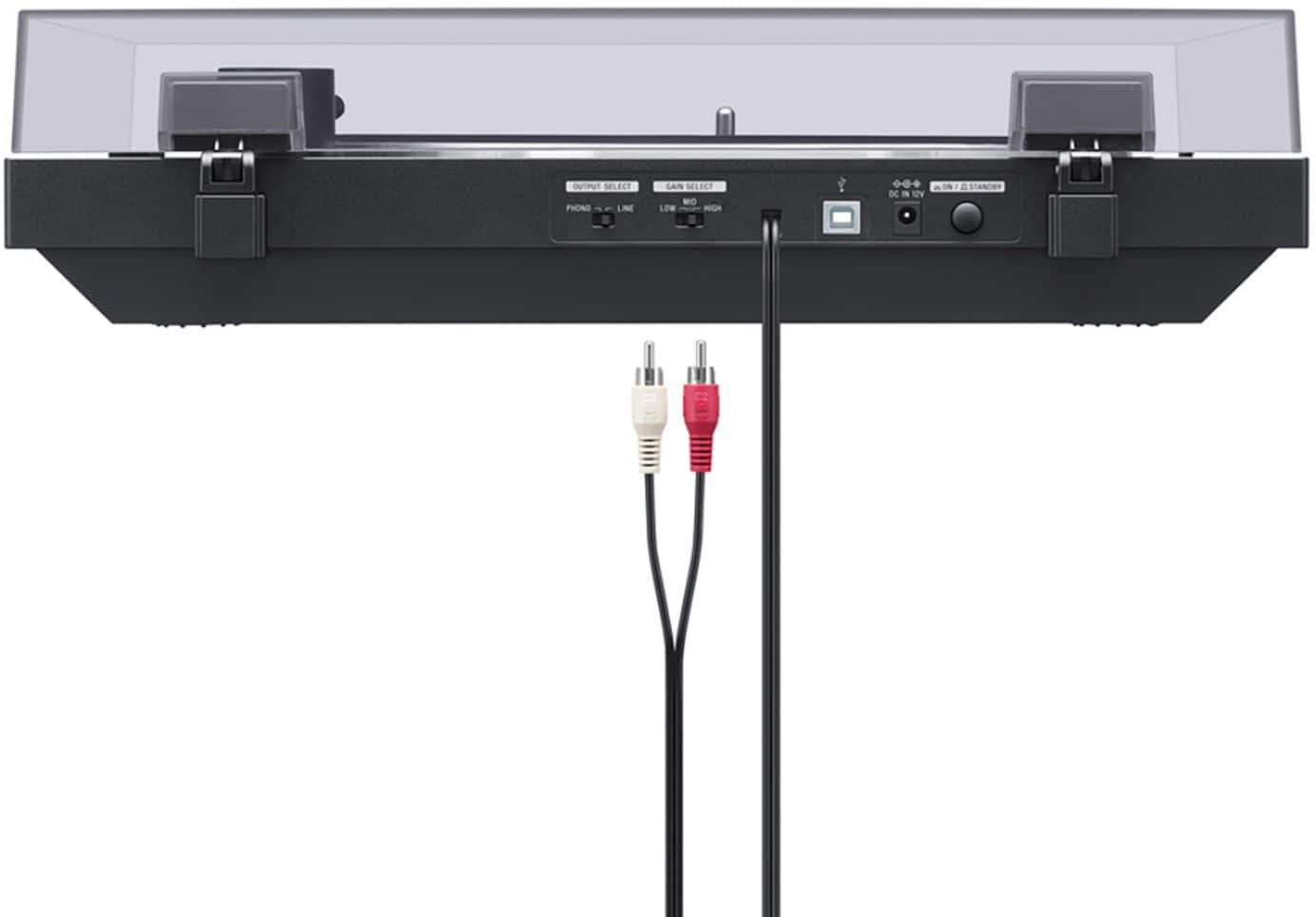
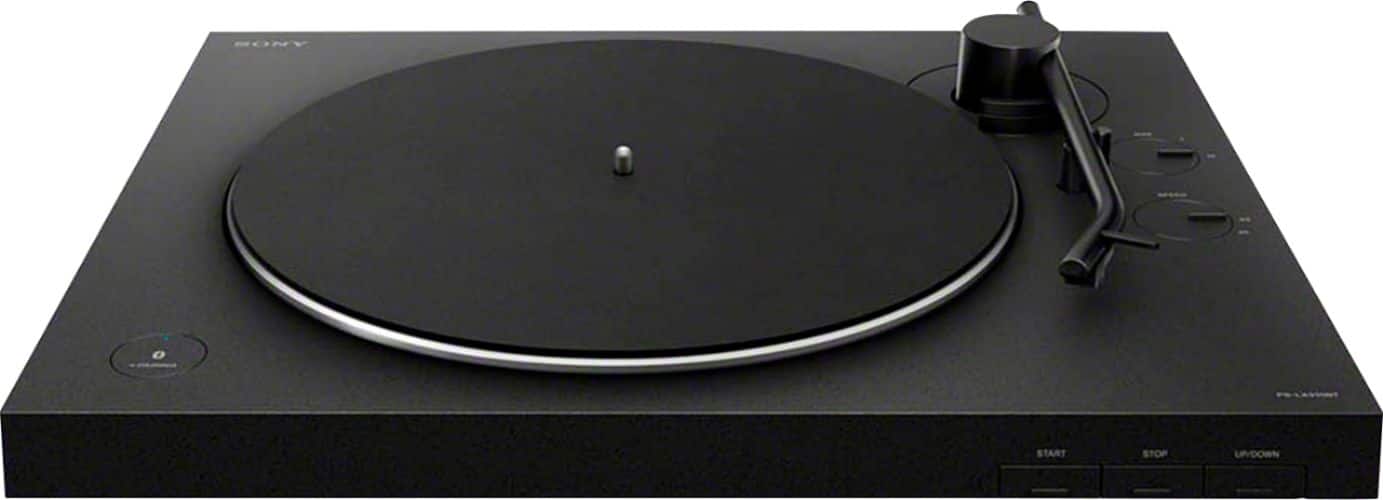
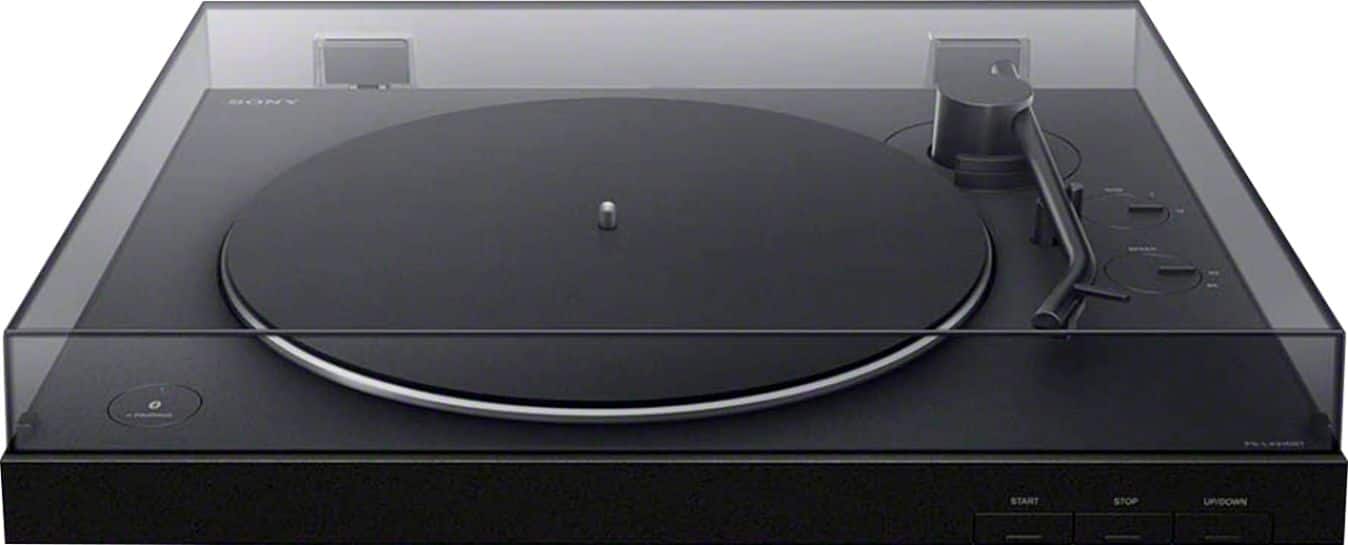
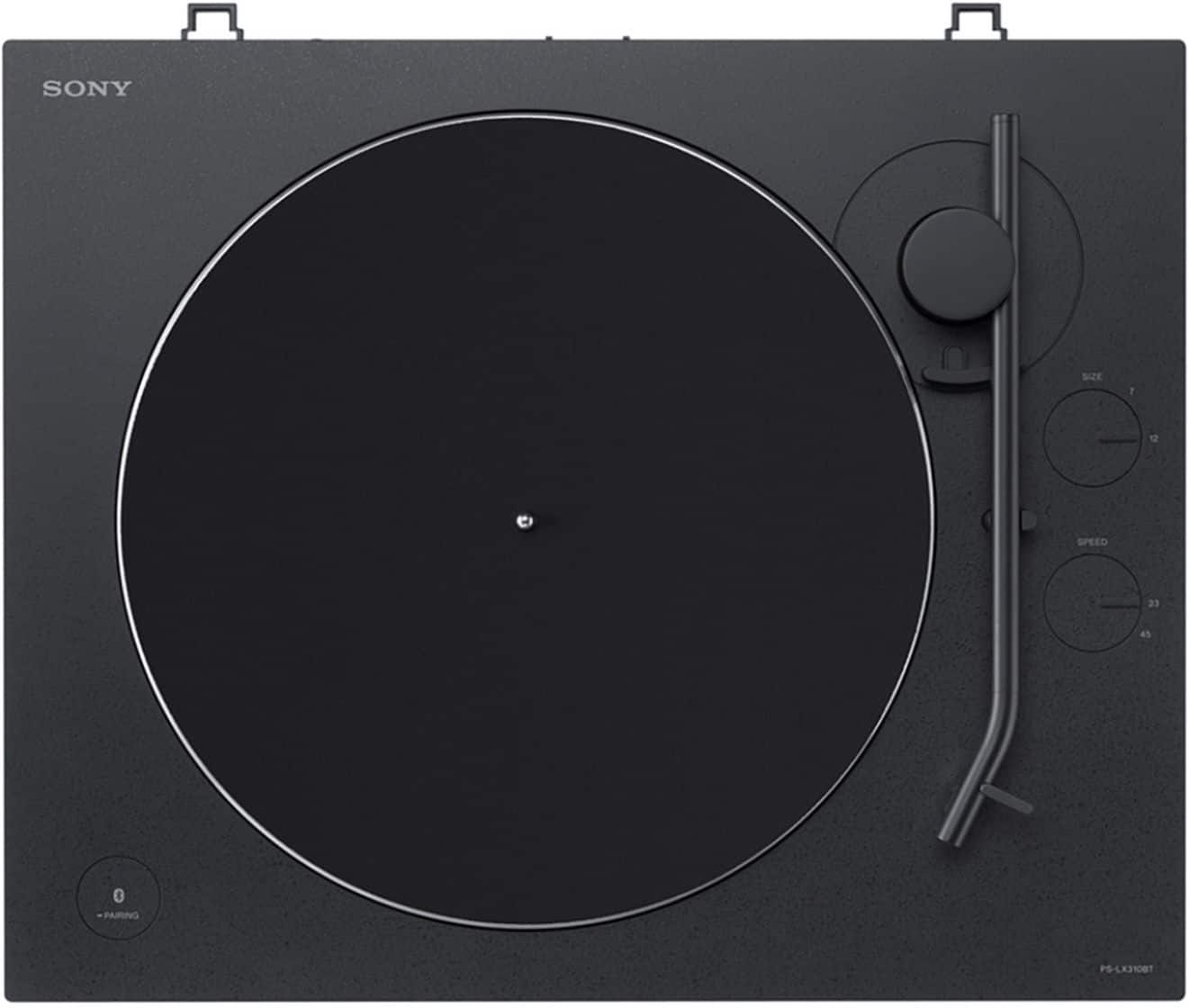
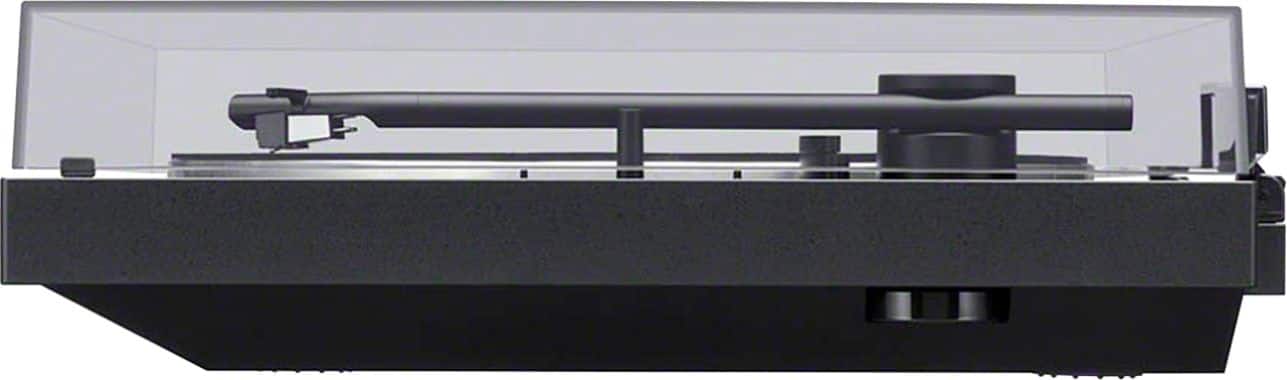
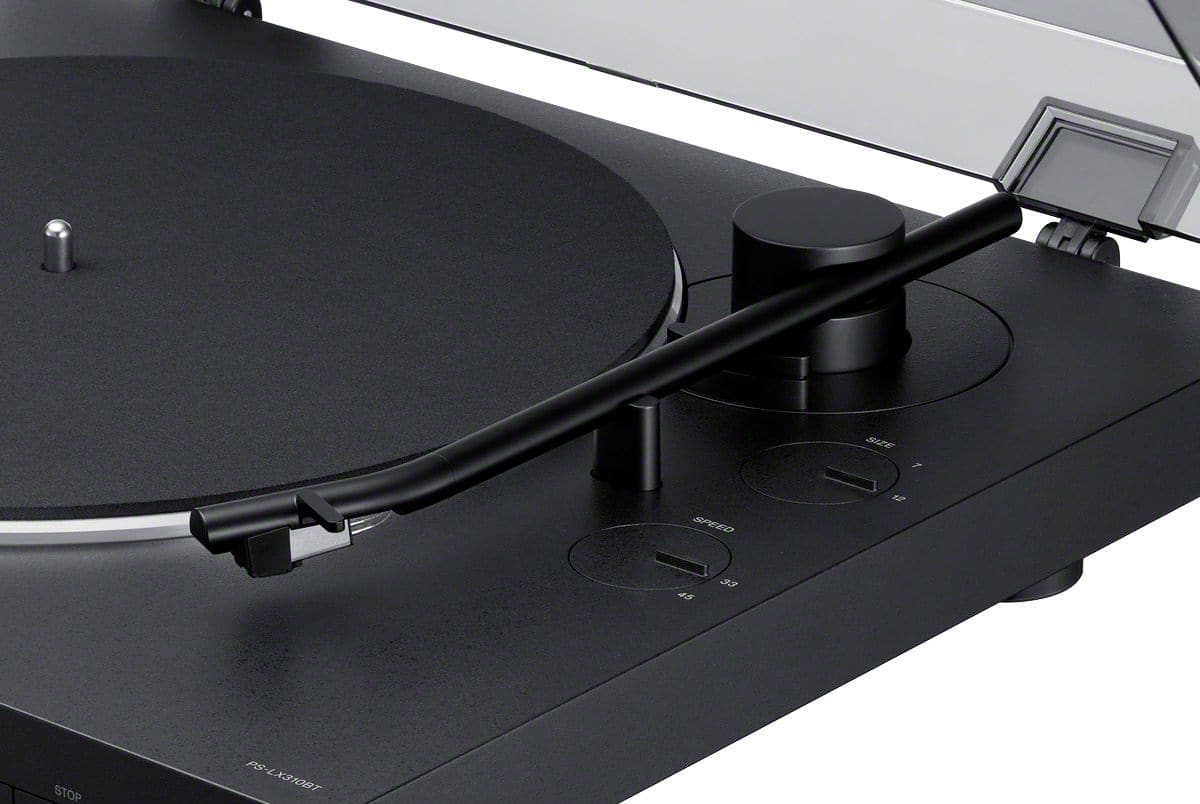
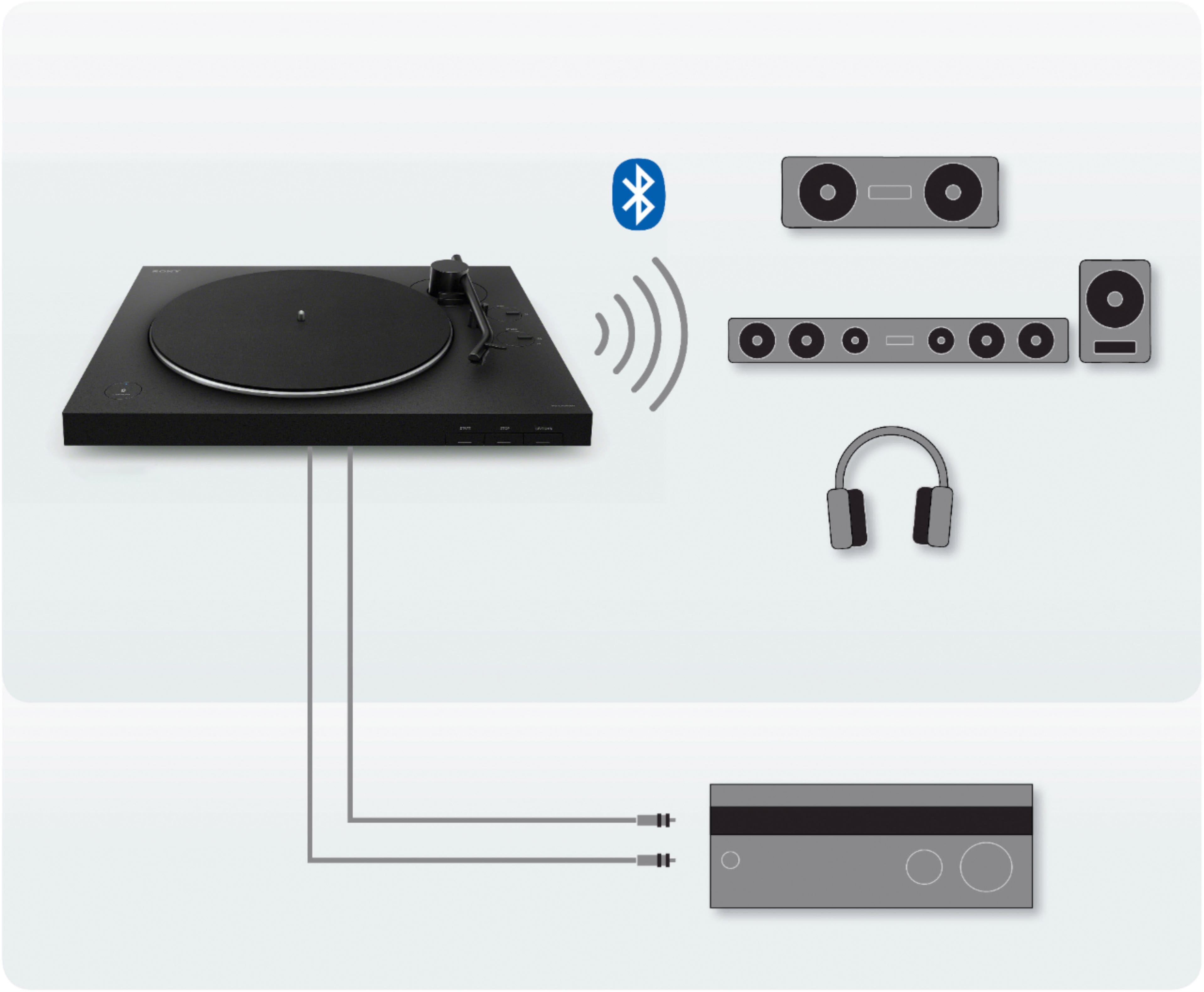
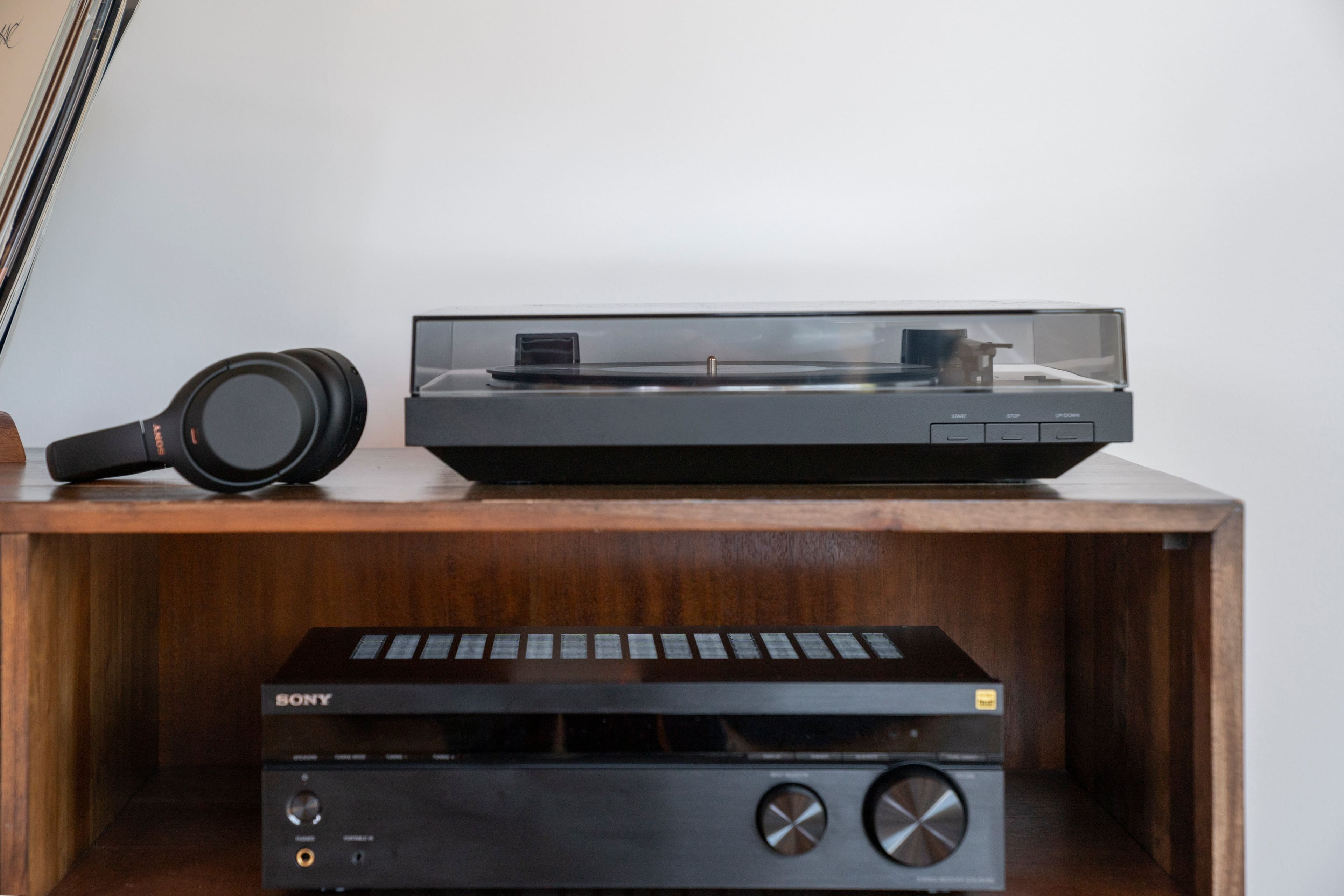
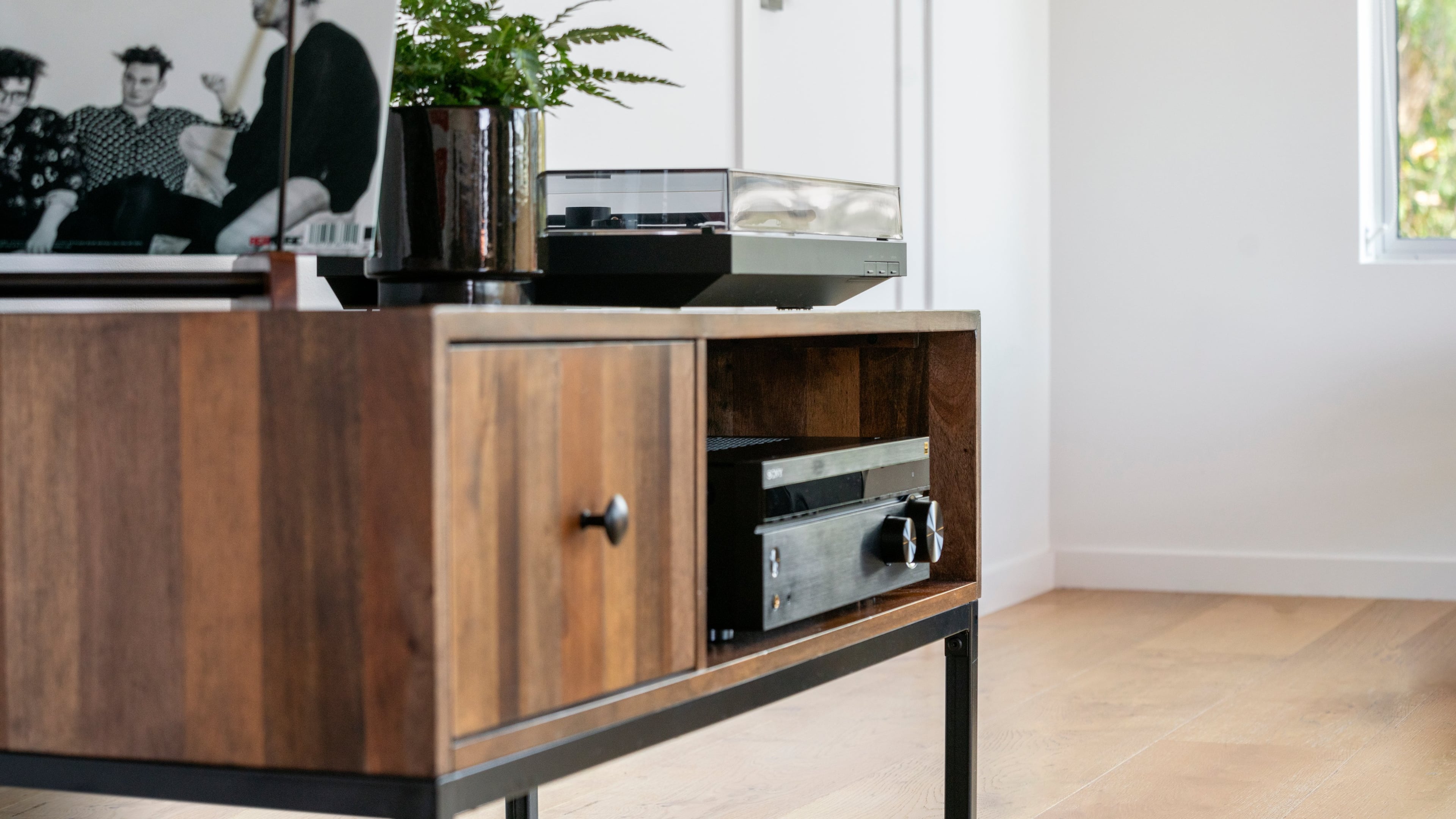
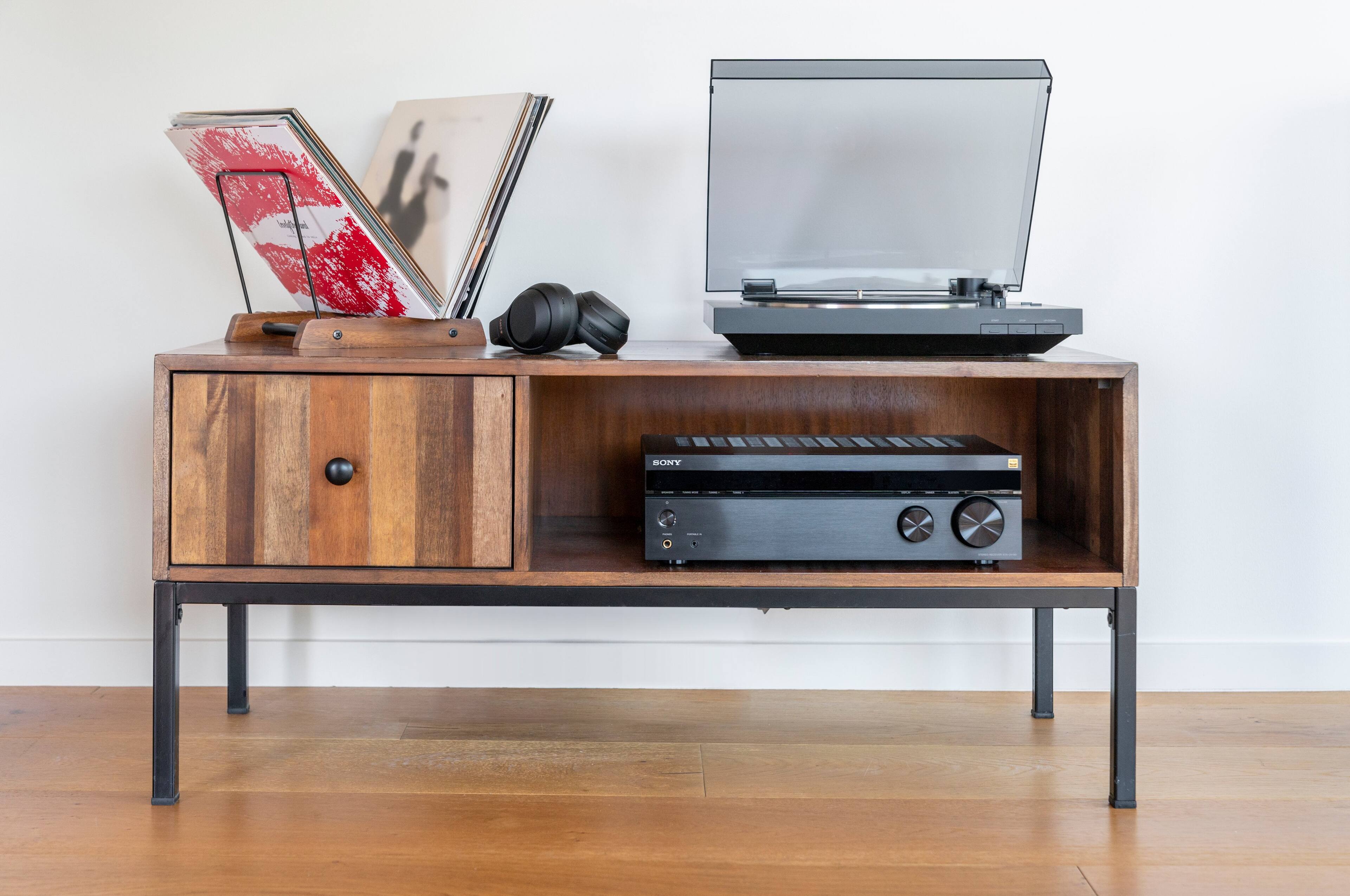
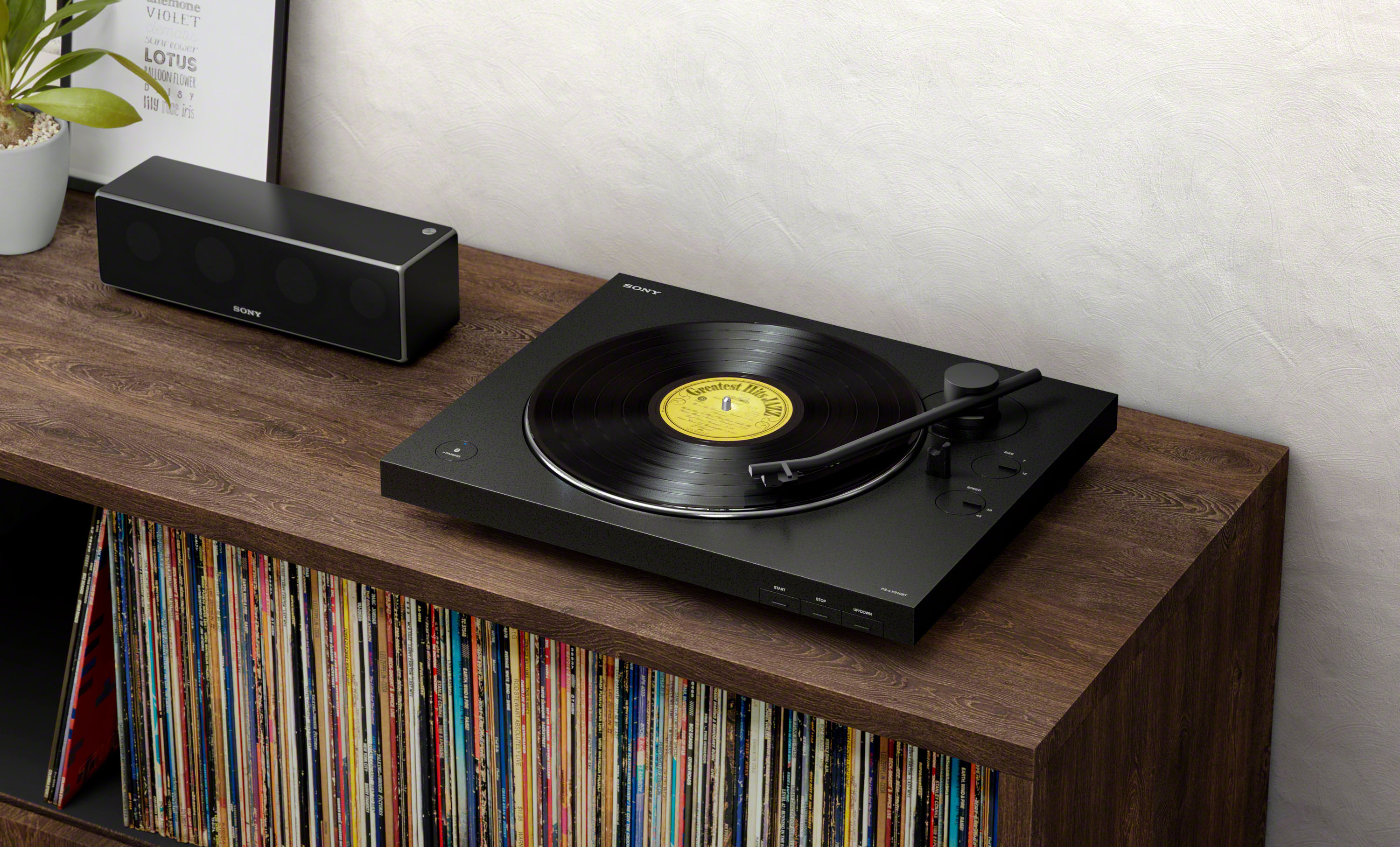
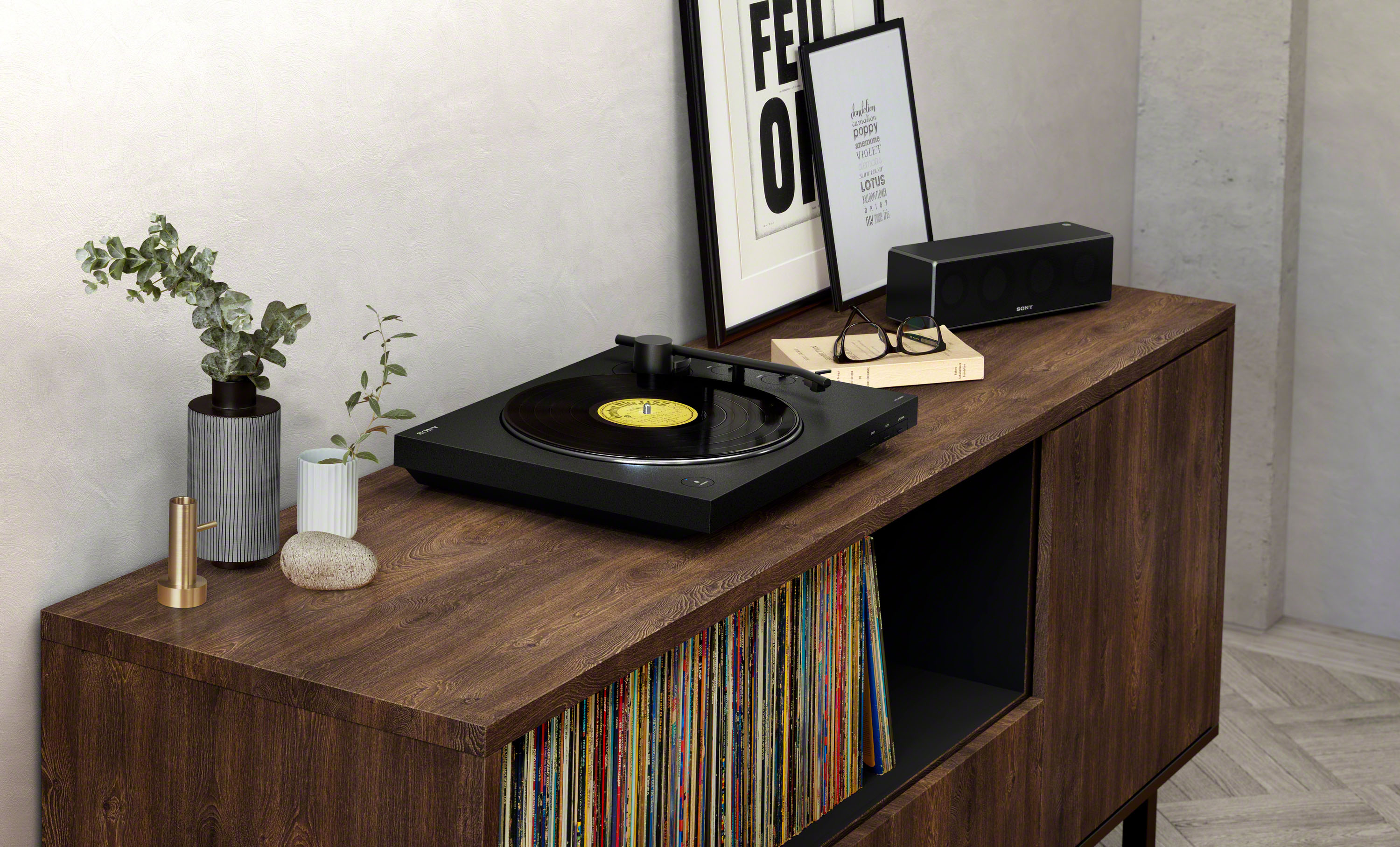
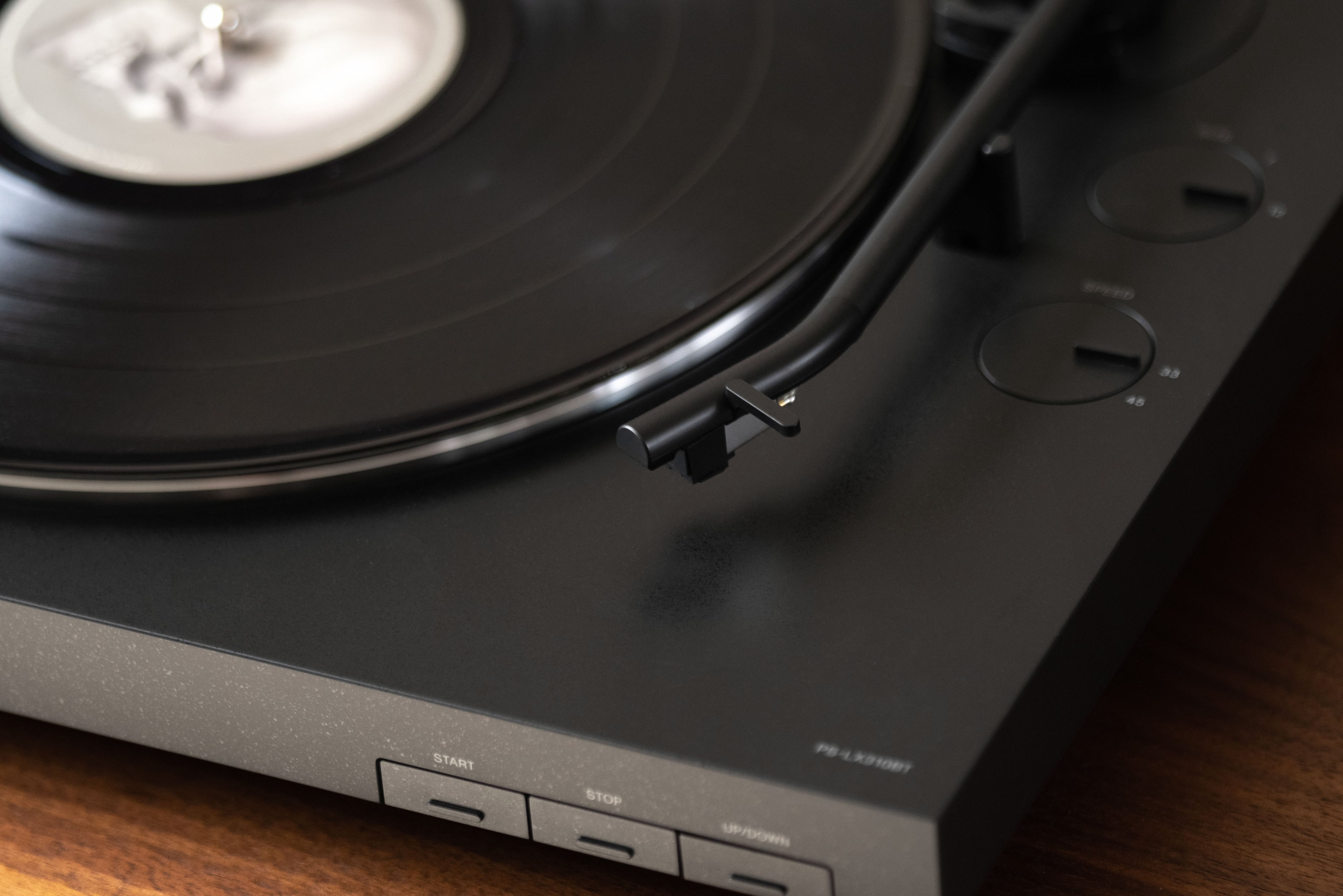
A:AnswerHi technicallychallenged, No, you don't have to connect a receiver to the PS-LX310BT. You can enjoy playing vinyl records by using your turntable's Bluetooth function to connect wirelessly to a playback device such as Bluetooth speaker or Bluetooth headphones. Please refer to this link for further details: https://www.sony.com/electronics/support/res/manuals/4748/2a8f06044efec02b753eff3df707fb93/47487551M.pdf (page 14-15). -Sam
A:AnswerHi, johnjohn!
You may refer to this link below on how to properly connect your Bluetooth speaker to this turntable. See page 14 for details.
https://www.sony.com/electronics/support/res/manuals/4748/2a8f06044efec02b753eff3df707fb93/47487551M.pdf
Happy to help,
David
A:AnswerHi, Customer!
You can only connect Bluetooth headphones or Bluetooth speakers to this turntable. See page 14 for details.
https://www.sony.com/electronics/support/res/manuals/4748/2a8f06044efec02b753eff3df707fb93/47487551M.pdf
Happy to help,
David
A:AnswerHi, GMOM!
Good news! Yes, this unit can be connected to a Mac Computer. Make sure it is running on Mac OS X 10.9 - 10.11 macOS 10.12 - 10.14. Regards, Sam
A:AnswerThe statement that this turntable cannot play 10” records is false. You can still play 10” records but you have to manually lift the arm and set the needle down, the automatic function is what won't work with 10” records which isn’t a huge deal,
A:AnswerHello kevrockdal,
To listen to audio on vinyl records, either use an audio cable to connect to an audio device or
use Bluetooth function to connect to a Bluetooth wireless technology enabled
audio device, such as wireless speakers or wireless headphones.
Regards,
David