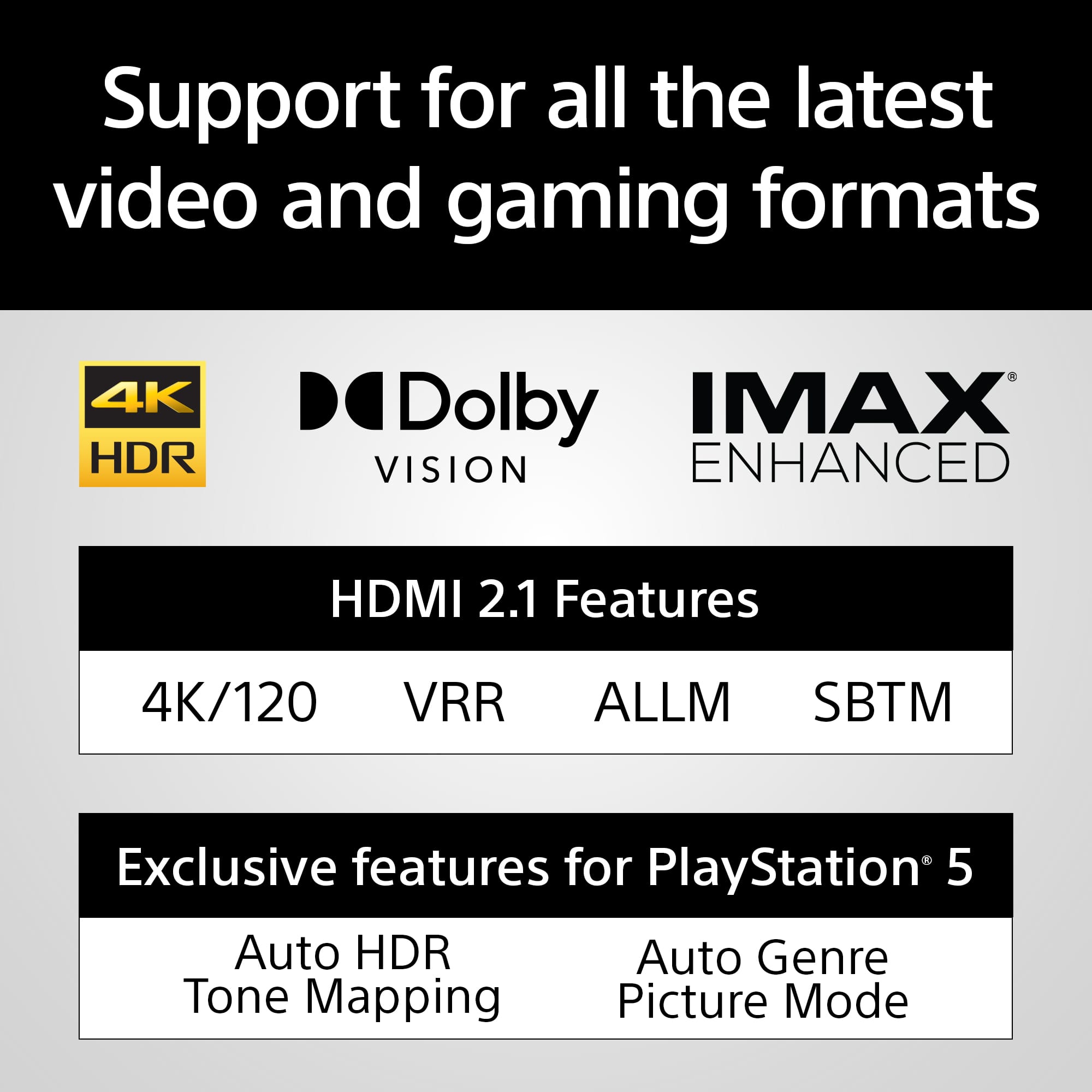
A:AnswerHi Chuck, thanks for your question. The HDMI cable that is supplied with Theater bar 8 will support HDMI 2.1. Hope this helps.
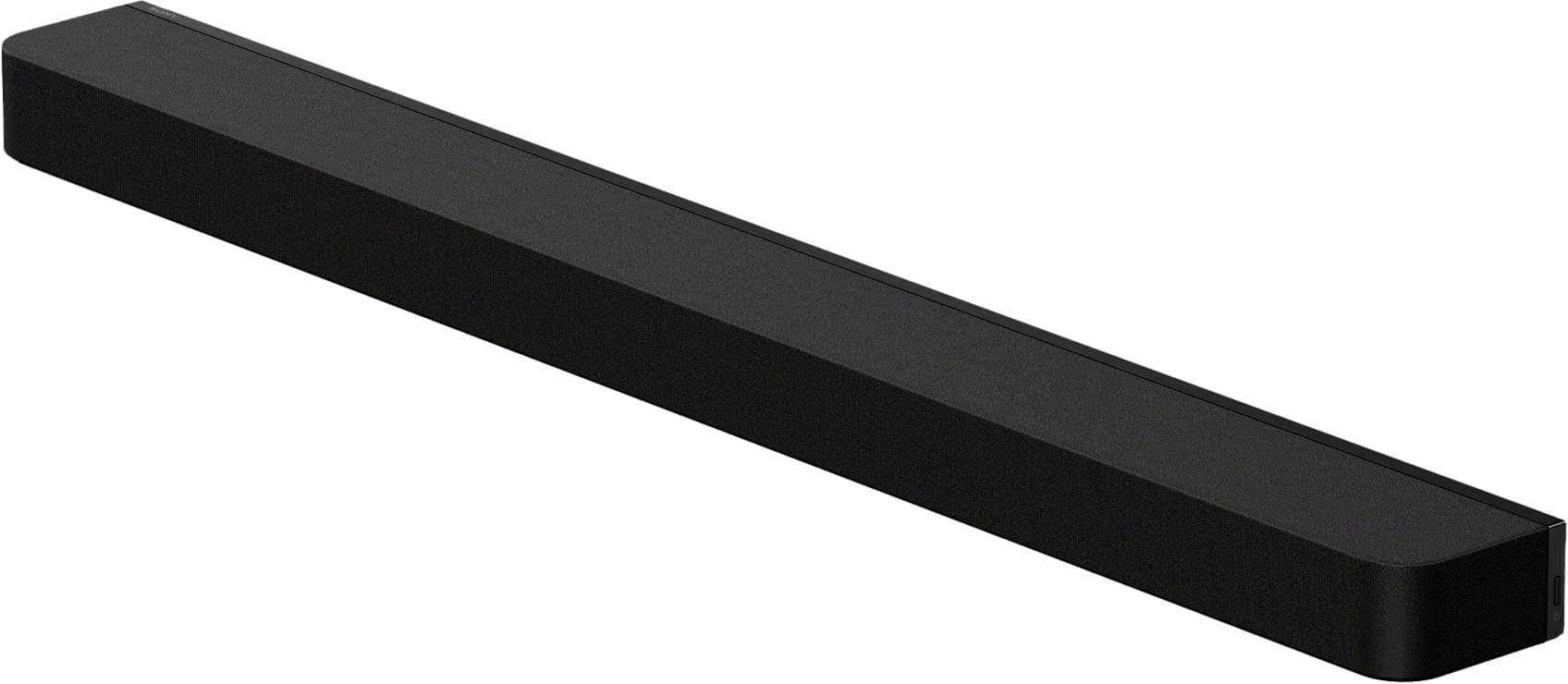
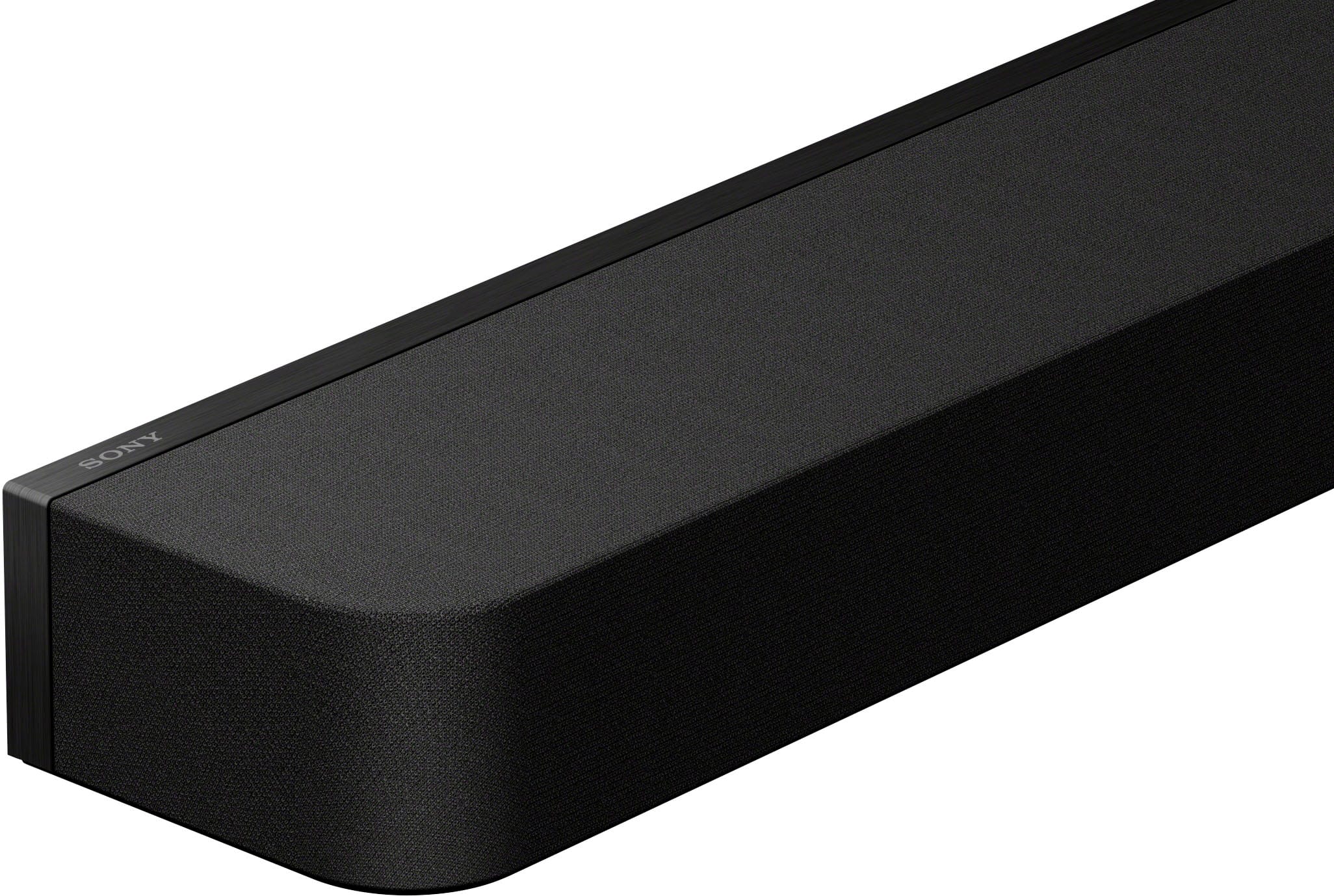
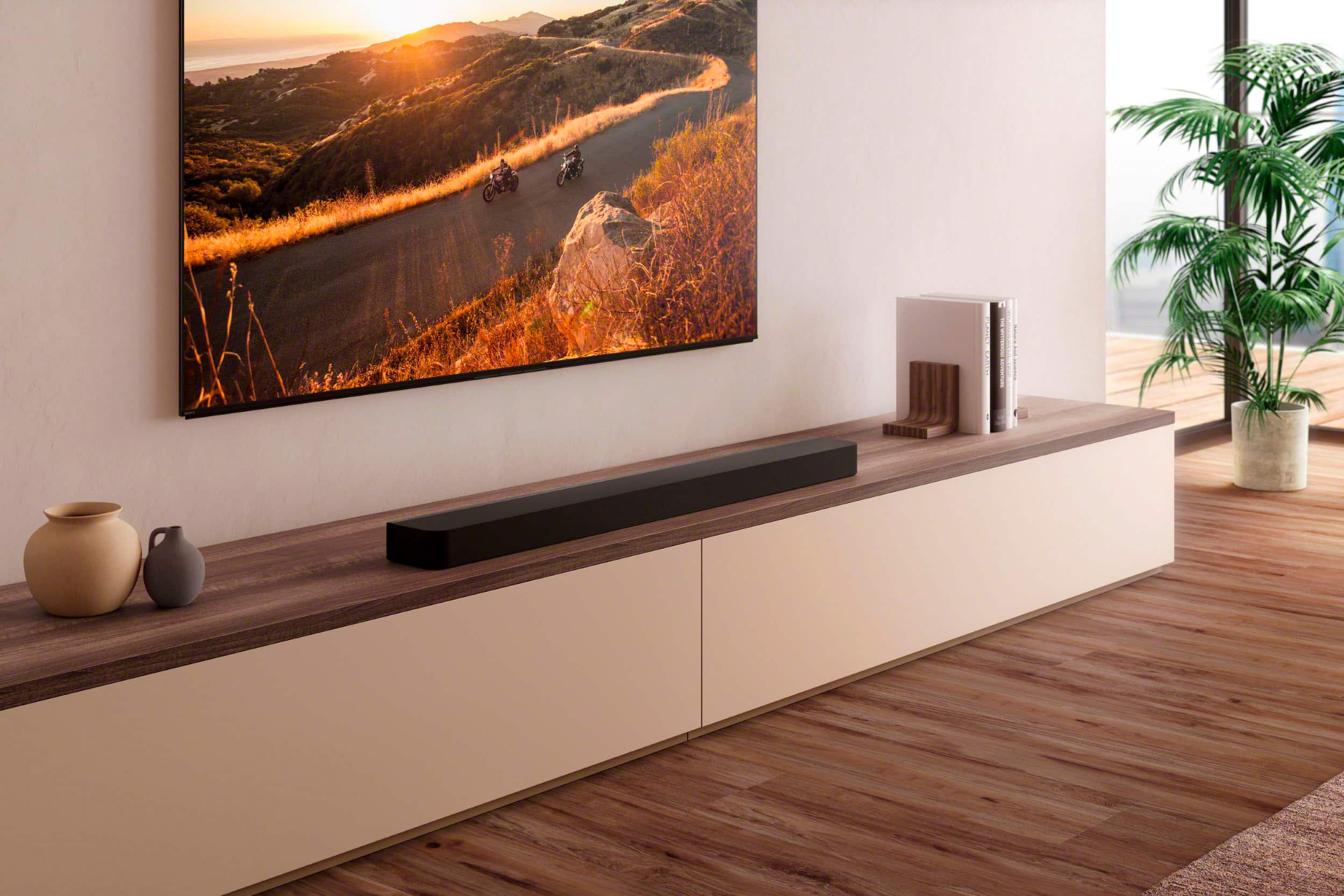
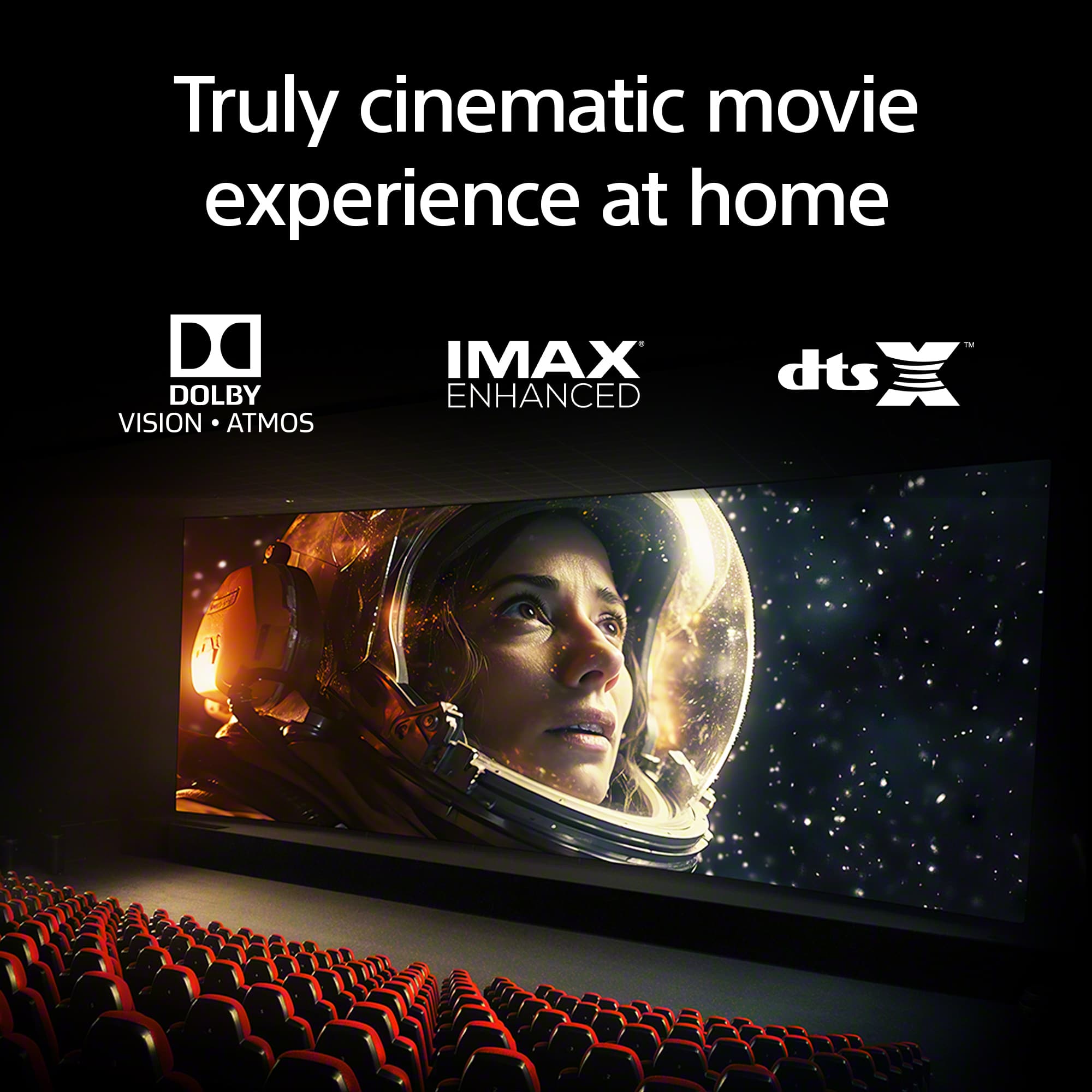
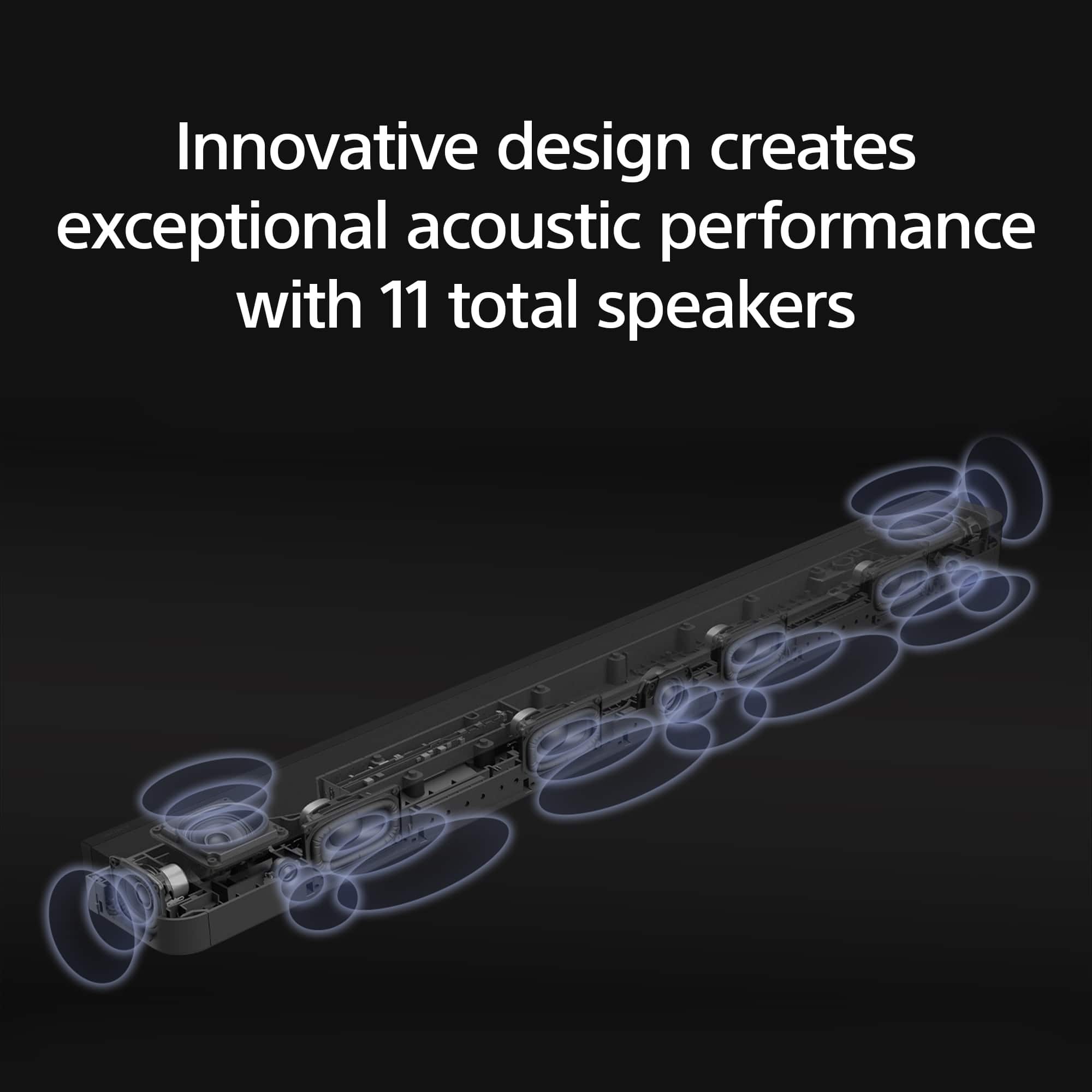
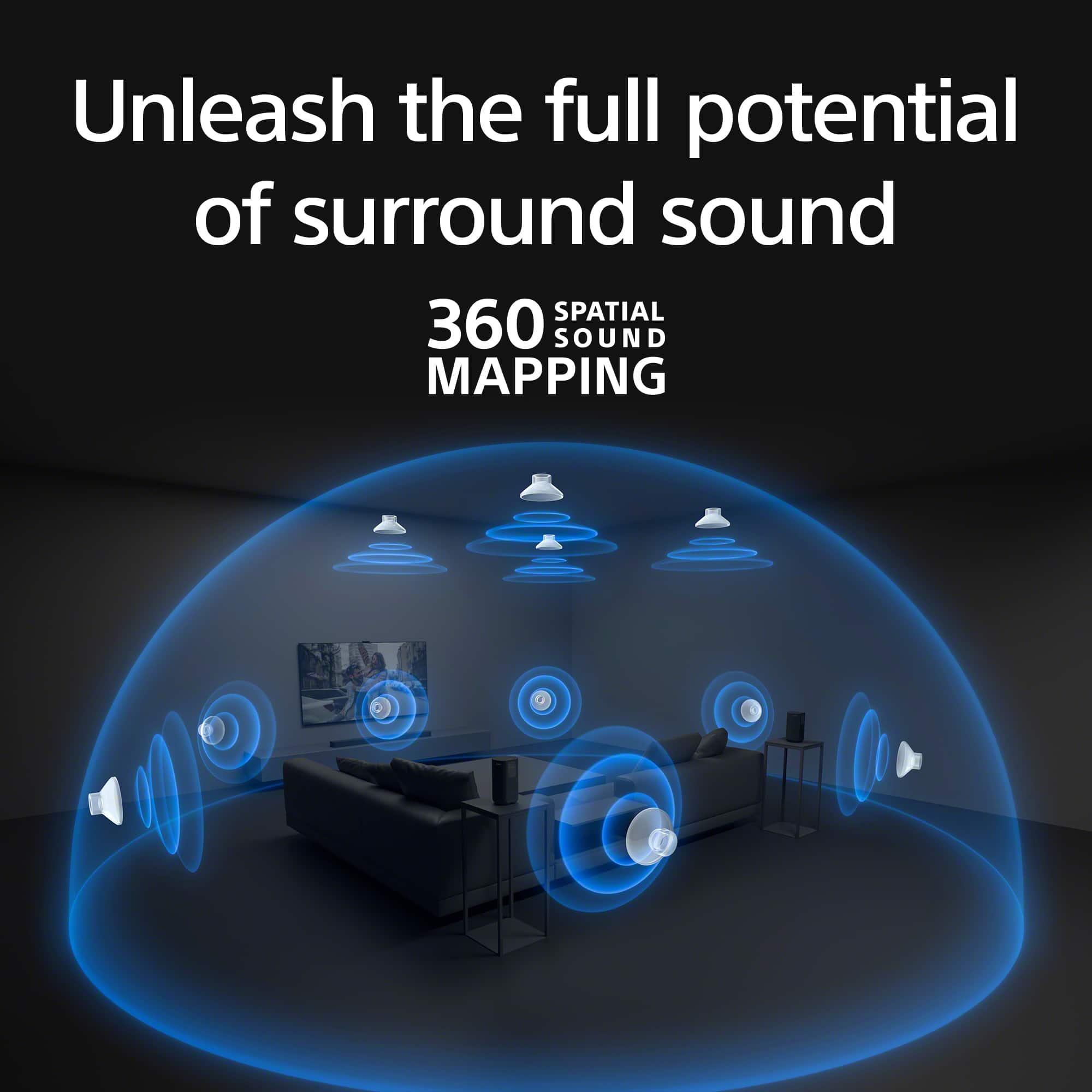
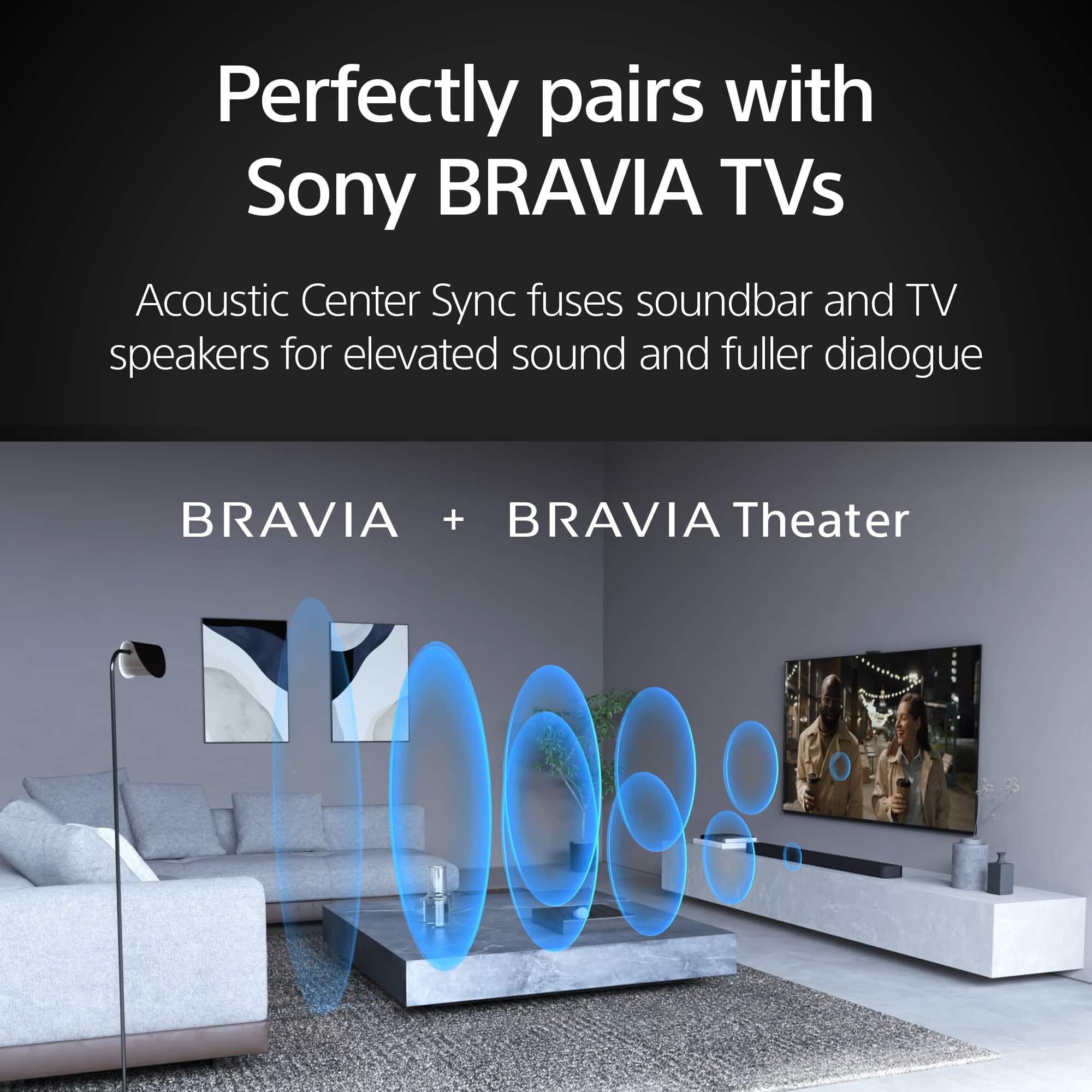
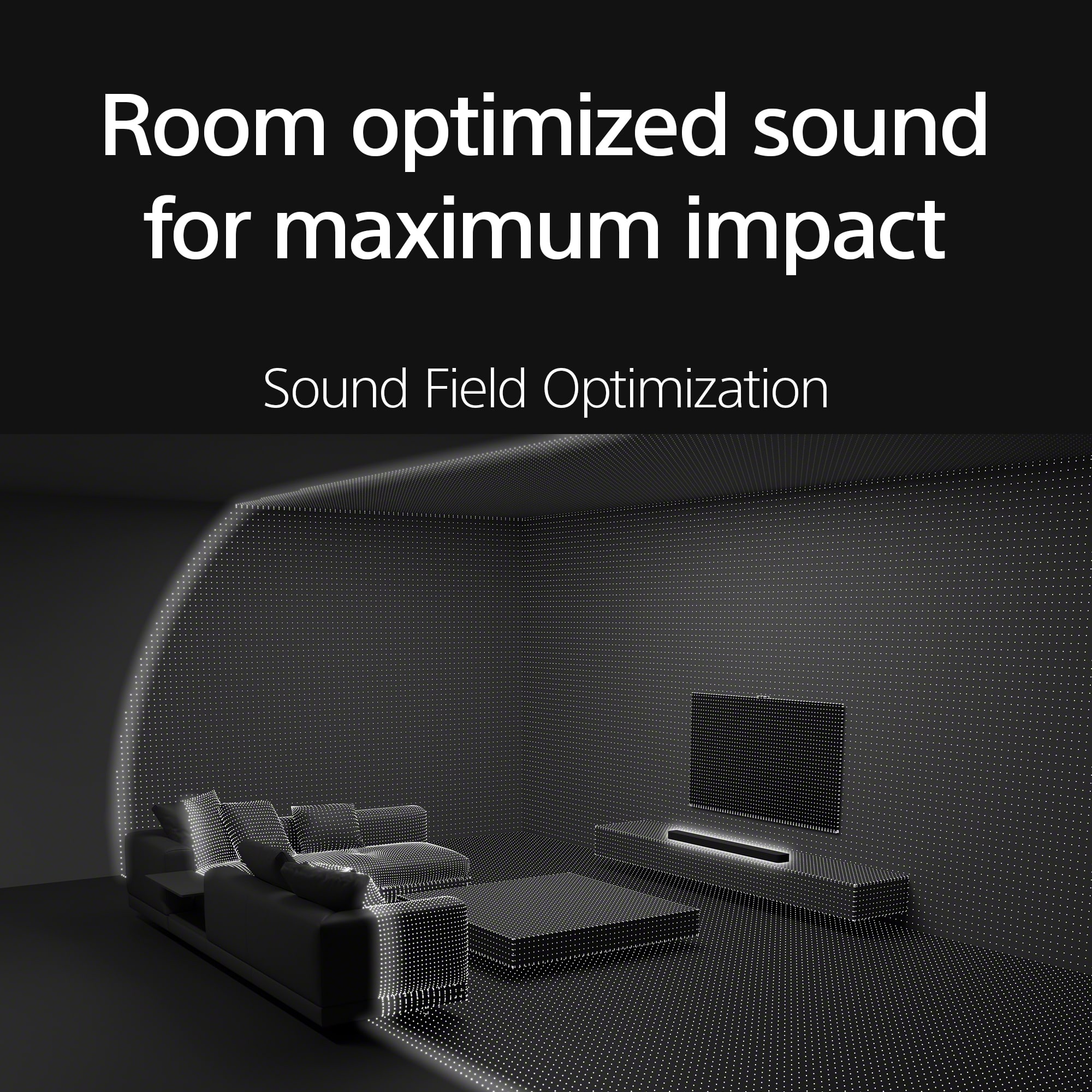
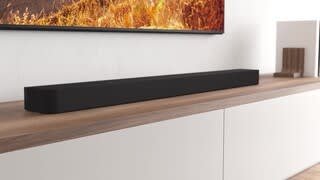
BRAVIA Theatre Bar 8 combines physical and phantom speakers, creating a wider surround sound field that covers more of the room. Now more people can enjoy the same immersive surround experience. By using phantom speakers, 360 Spatial Sound Mapping technology achieves wider coverage than conventional virtual surround systems. Bring authentic cinema surround sound quality to your living room. BRAVIA Theatre Bar 8 not only supports industry-standard formats including Dolby Atmos® and DTS:X®, but also has IMAX® Enhanced certification. ~Earl
A:AnswerHi Bobby,
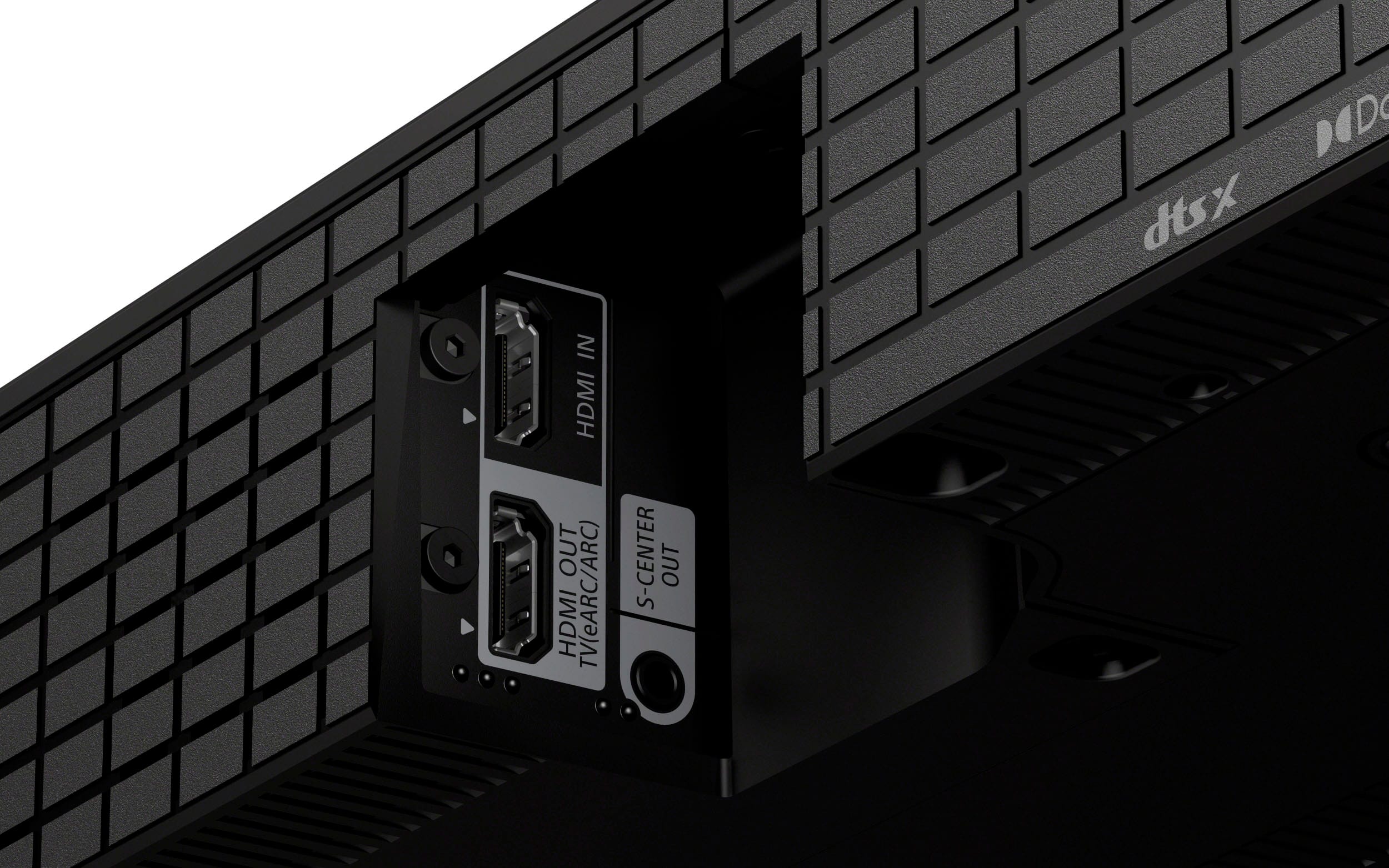
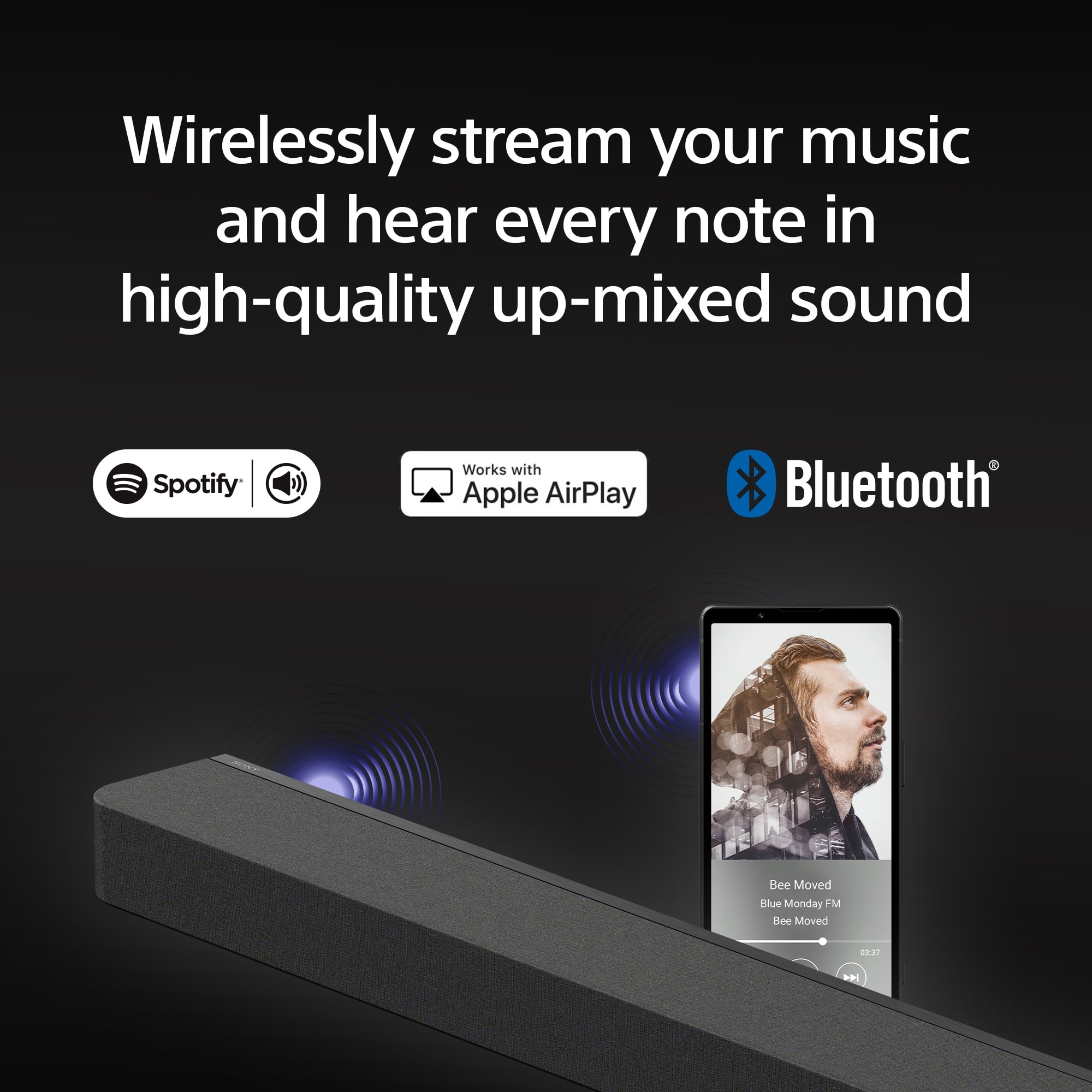
Thank you for your inquiry. You can output sound such as Dolby Atmos, Dolby TrueHD, and DTS:X in high quality by connecting an AV device to the soundbar. Connect the HDMI OUT jack on the AV device (such as Blu-ray Disc player, set-top box, gaming console, etc.) and HDMI IN jack on the soundbar with an HDMI cable, then connect the HDMI IN jack compatible with ARC/eARC on the TV or Projector and HDMI OUT (TV ARC/eARC) jack on the soundbar.
For more details about the enhanced Audio Return Channel (eARC) feature and pass-through audio formats supported, refer to this link here: https://www.sony.com/electronics/support/articles/00201346
Bring authentic cinema surround sound quality to your living room. BRAVIA Theatre Bar 9 not only supports industry-standard formats including Dolby Atmos® and DTS:X®, but also has IMAX® Enhanced certification.
Regards,
Jess
A:AnswerHi drjhyde, Thanks for the question. As it turns out, Sony Sound bars are designed as a standalone product. They can't be used with any type of receivers. You may reach out to your AV Receiver manufacturer to confirm any other compatible sound bars as center speaker. Thanks and regards, -Craig
A:AnswerHi Noonie,
The Sony HTA8000 soundbar does not come with a wall mount included. However, it is wall mountable. You will need to purchase a compatible wall mount separately to install it on the wall.
When installing the unit to the wall, we recommend reaching out to professionals. This is to avoid damage to the unit and for your safety. Regards, -Craig
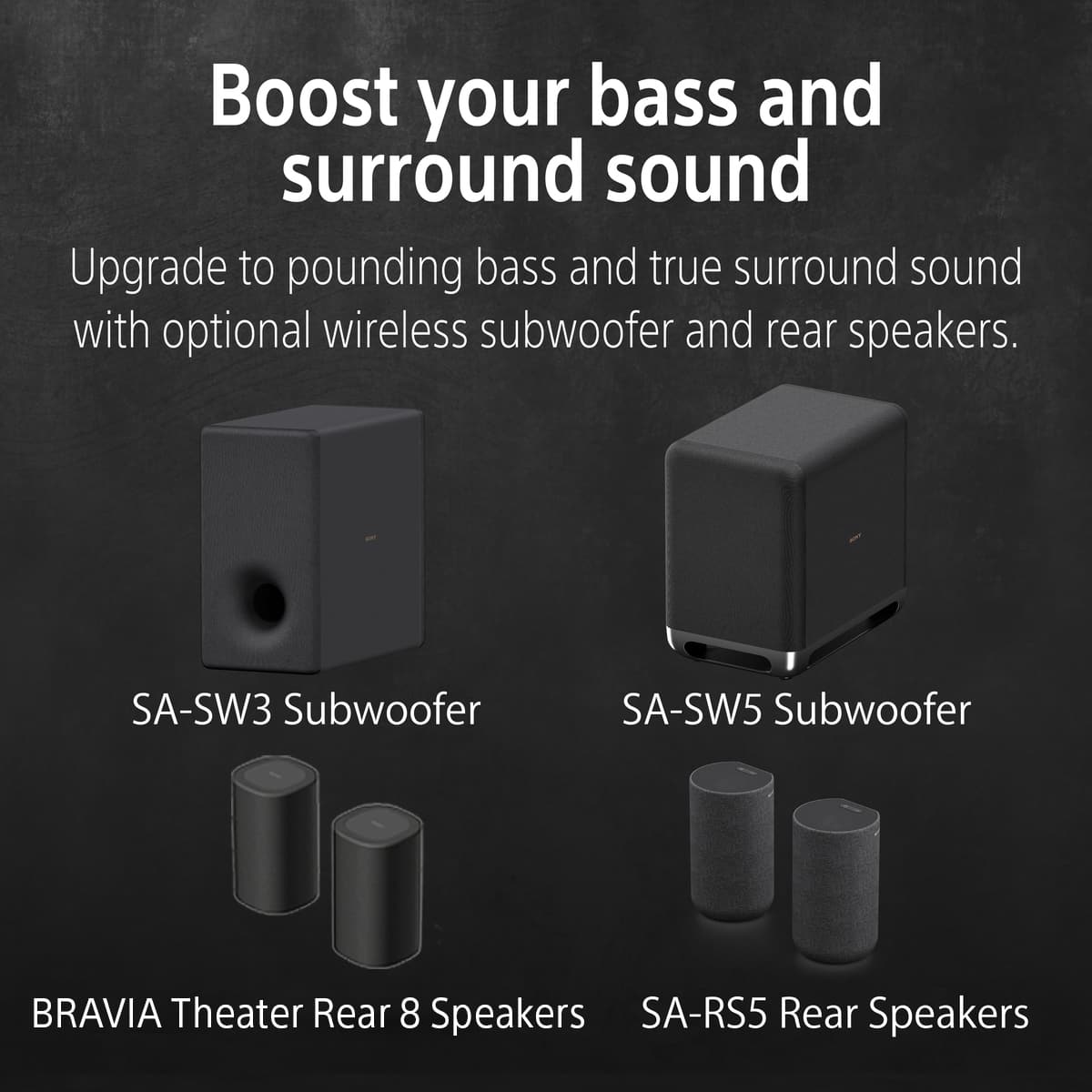
A:AnswerHi TomfromHHI, thanks for your question. Unfortunately, this BRAVIA theater bar 8 is only compatible with optional wireless subwoofers SA-SW3 or SA-SW5. Hope this helps.
BRAVIA Theatre Bar 8 combines physical and phantom speakers, creating a wider surround sound field that covers more of the room. Now more people can enjoy the same immersive surround experience. By using phantom speakers, 360 Spatial Sound Mapping technology achieves wider coverage than conventional virtual surround systems. Bring authentic cinema surround sound quality to your living room. BRAVIA Theatre Bar 8 not only supports industry-standard formats including Dolby Atmos® and DTS:X®, but also has IMAX® Enhanced certification. ~Earl
A:AnswerHi Tech,
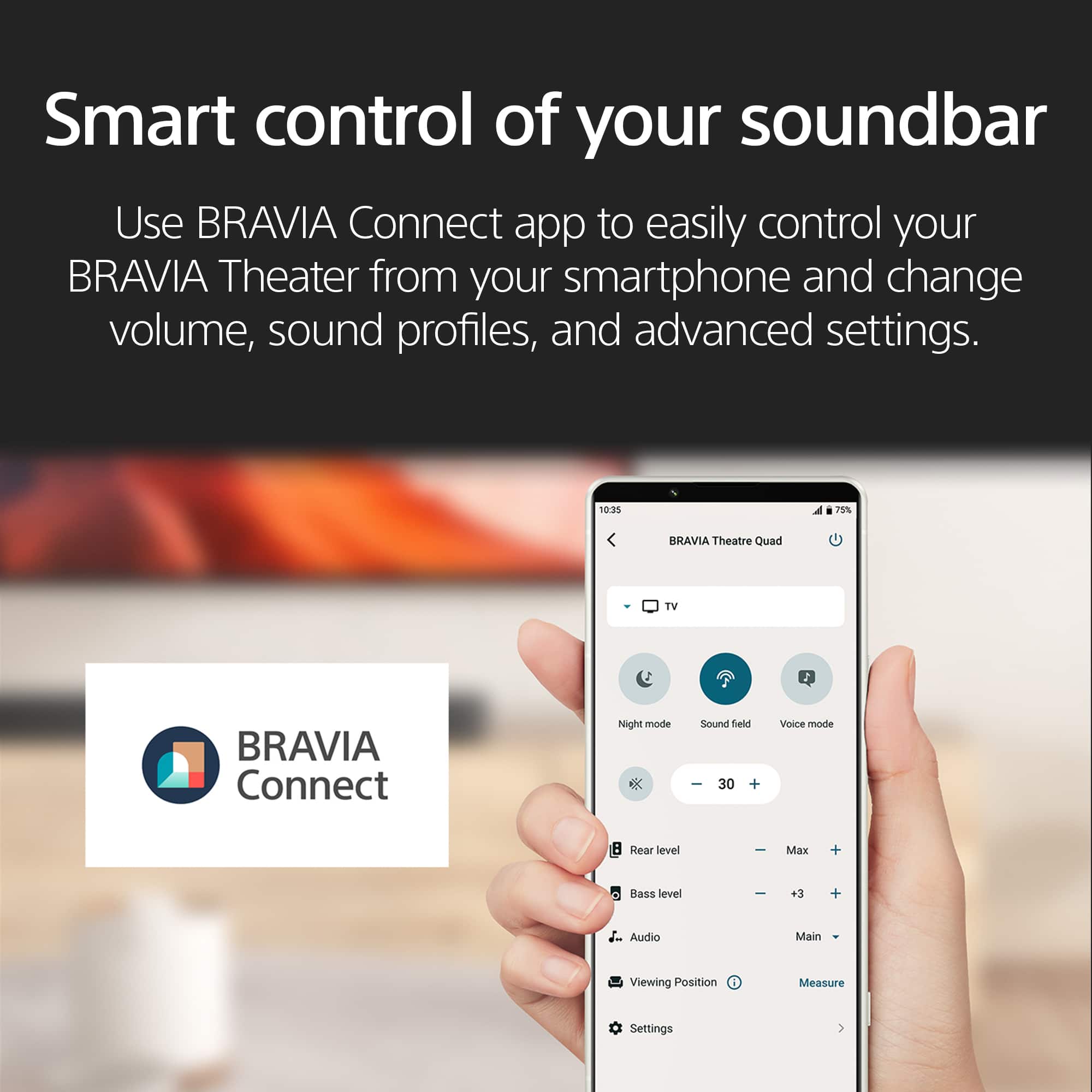
Thanks for your question. An Internet connection is required to use the speaker system. To use the speaker system, connect the smartphone on which the app is installed to the same network as the speaker system. Use a smartphone with the “Sony | BRAVIA Connect” app installed to perform initial setup and operations as well as configure the settings on the speaker system.
The app allows you to perform the following operations and setup.
• Initial setup of the speaker system, including network connection, surround sound optimization, etc.
• Operations such as volume adjustment, input selection, etc.
• Change the settings of the speaker system to the desired settings
• Connect the optional rear speakers and/or subwoofer, and perform initial setup
• Check the remaining capacity of the built-in rechargeable battery for the optional rear speakers
• Update the software of the speaker system to the latest version
• Check the support information and latest update information
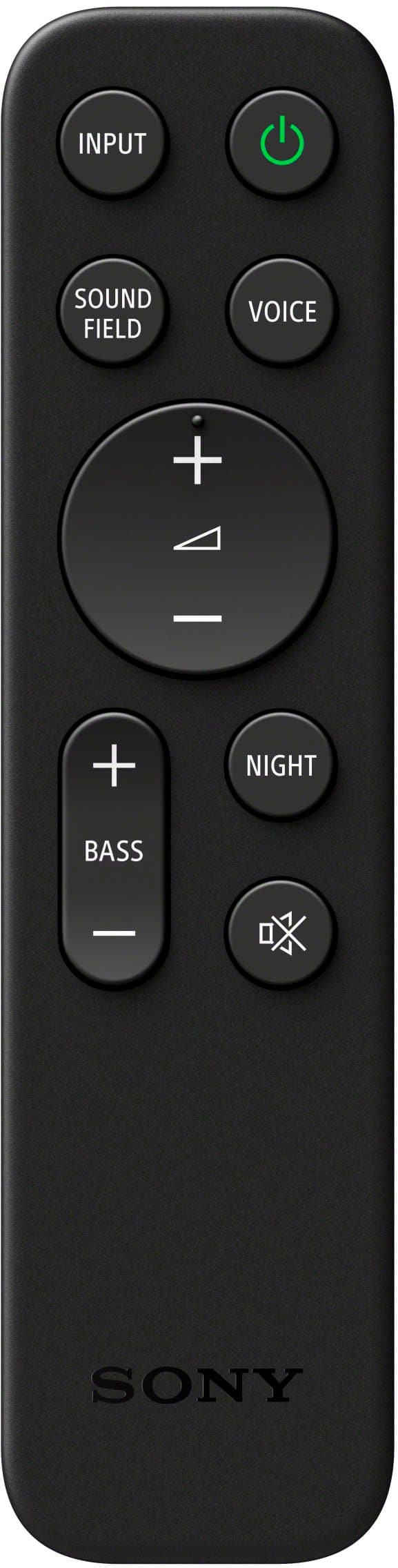
• The supplied remote control can only be used to perform operations and change settings that are frequently used when you view content.
Note:
• An account and sign-in are required to use the app.
• If you do not use the app or the speaker system for more than 30 days, you may need to re-register the speaker system on the app.
Regards,
Jess
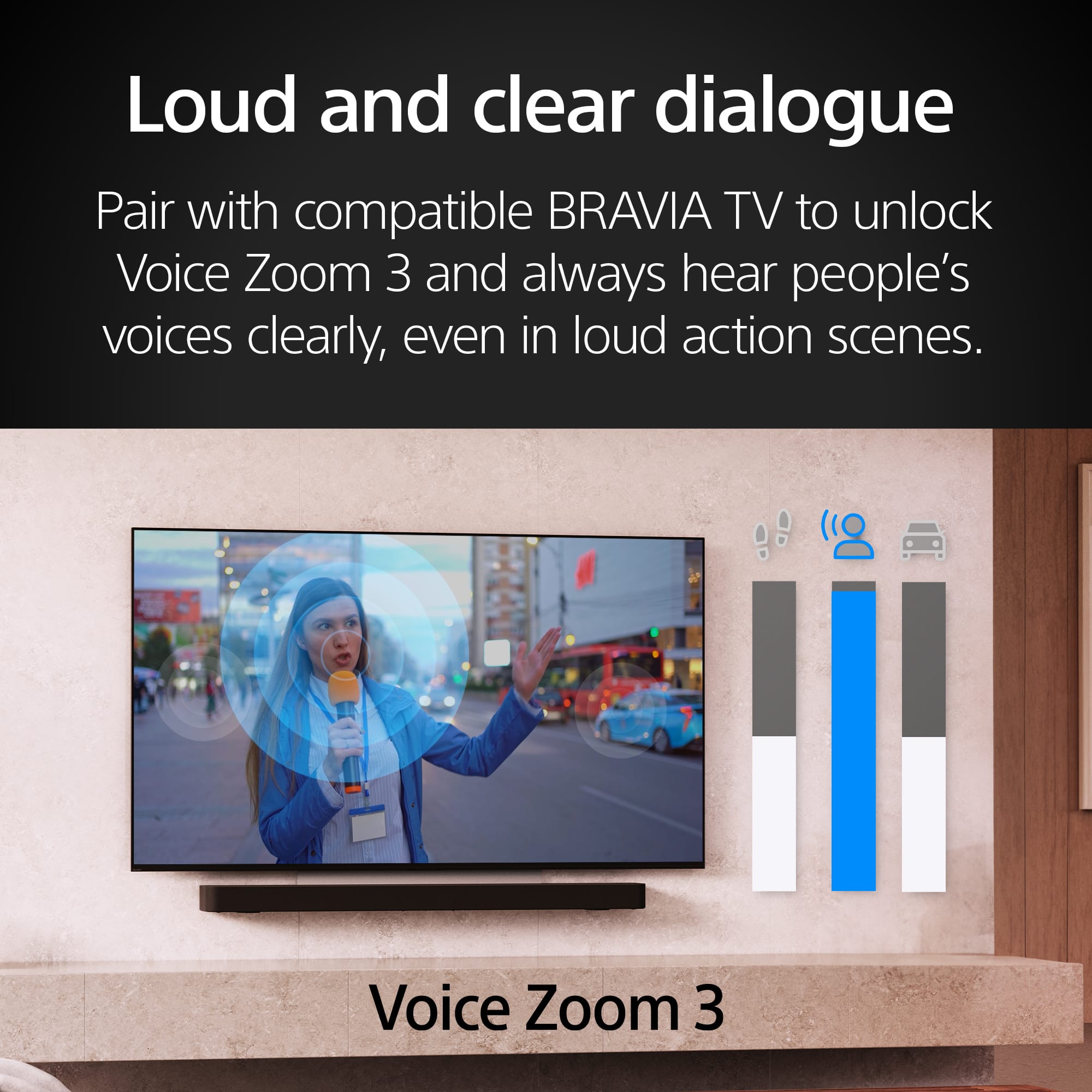
A:AnswerHi bobby, Thanks for the question. The HTA9000 doesn't display UI on TV screen. You'll need to use Sony Bravia connect app to access all the features of the soundbar.
Our top-of-the-line soundbar HTA9000 takes surround sound technology to new heights. Featuring 13 speakers and 360 Spatial Sound Mapping, hear the room filled with truly immersive theater-like surround sound perfectly optimized to your space. Regards, -Craig
A:AnswerHi BestBurr, Thanks for the inquiry. The HT-A9000 is not a standalone speaker. It is a soundbar, which is typically used in conjunction with a TV or other audio sources to enhance sound quality. It can connect to devices via Bluetooth, HDMI, and other inputs and is designed to be part of a home theater setup. Unfortunately, you can not connect the soundbar to a receiver. Regards, -Craig
A:AnswerHi kend, thanks for your question. Soundbars are meant to run independently from a stereo receiver.
BRAVIA Theatre Bar 8 combines physical and phantom speakers, creating a wider surround sound field that covers more of the room. Now more people can enjoy the same immersive surround experience. By using phantom speakers, 360 Spatial Sound Mapping technology achieves wider coverage than conventional virtual surround systems. Bring authentic cinema surround sound quality to your living room. BRAVIA Theatre Bar 8 not only supports industry-standard formats including Dolby Atmos® and DTS:X®, but also has IMAX® Enhanced certification. Hope this helps. ~Earl
A:AnswerHi ScottL, Thanks for the inquiry. Unfortunately, the wattage of this speaker is not a public specification that we disclose at this time, and here is why. Watts tells an incomplete story when judging a speaker’s performance. To be more accurate you would need to know the watts, the dB rating, and frequency range (Hz) of all the speakers in the unit. Also, the distortion (THD) rate and the number of speakers driven for the rating of watts presented on the box. Yes, those things are not standardized. At Sony we try to give you the absolute best sounding speaker, that has all the features our customers have told us really matter to them. Hope this helps! Craig