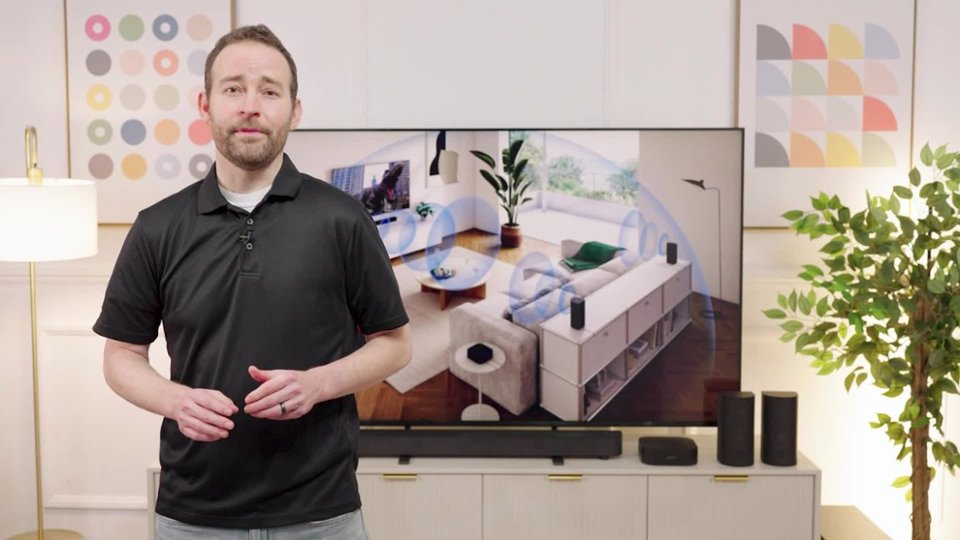
A:AnswerHi D, thank you for reaching out to us. We are pleased to assist you with your inquiry regarding the Bravia Theater System 6!
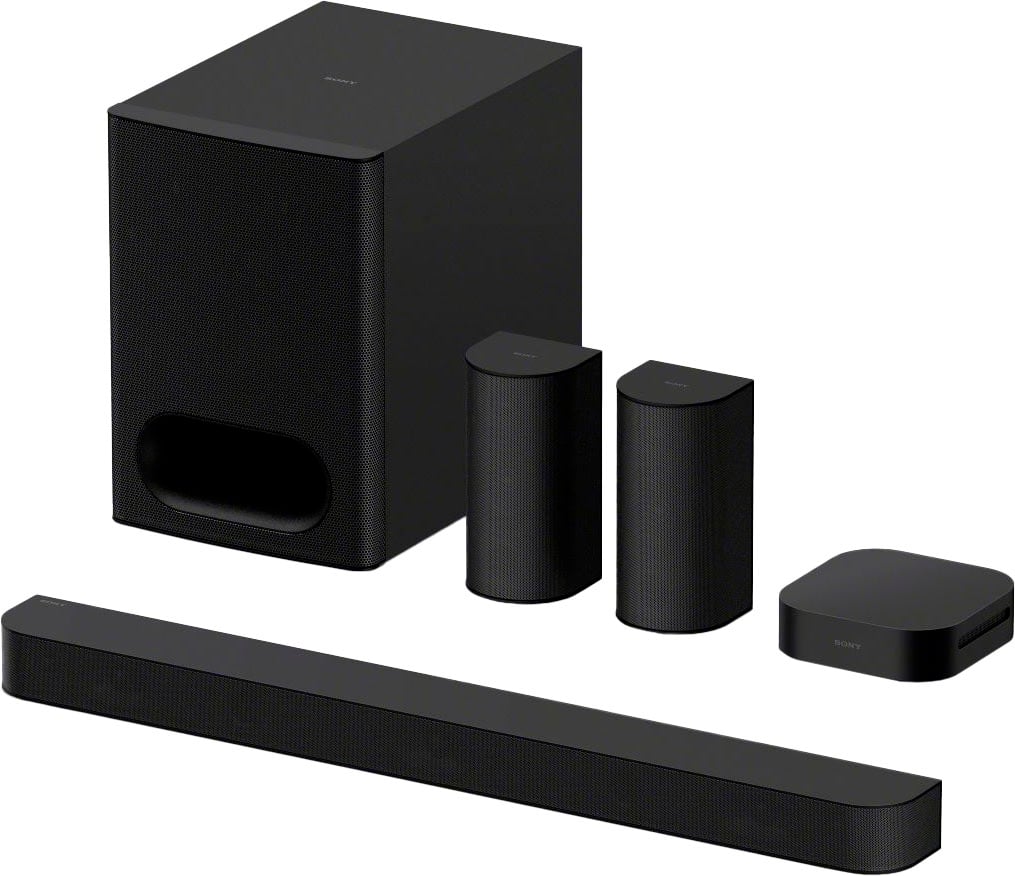
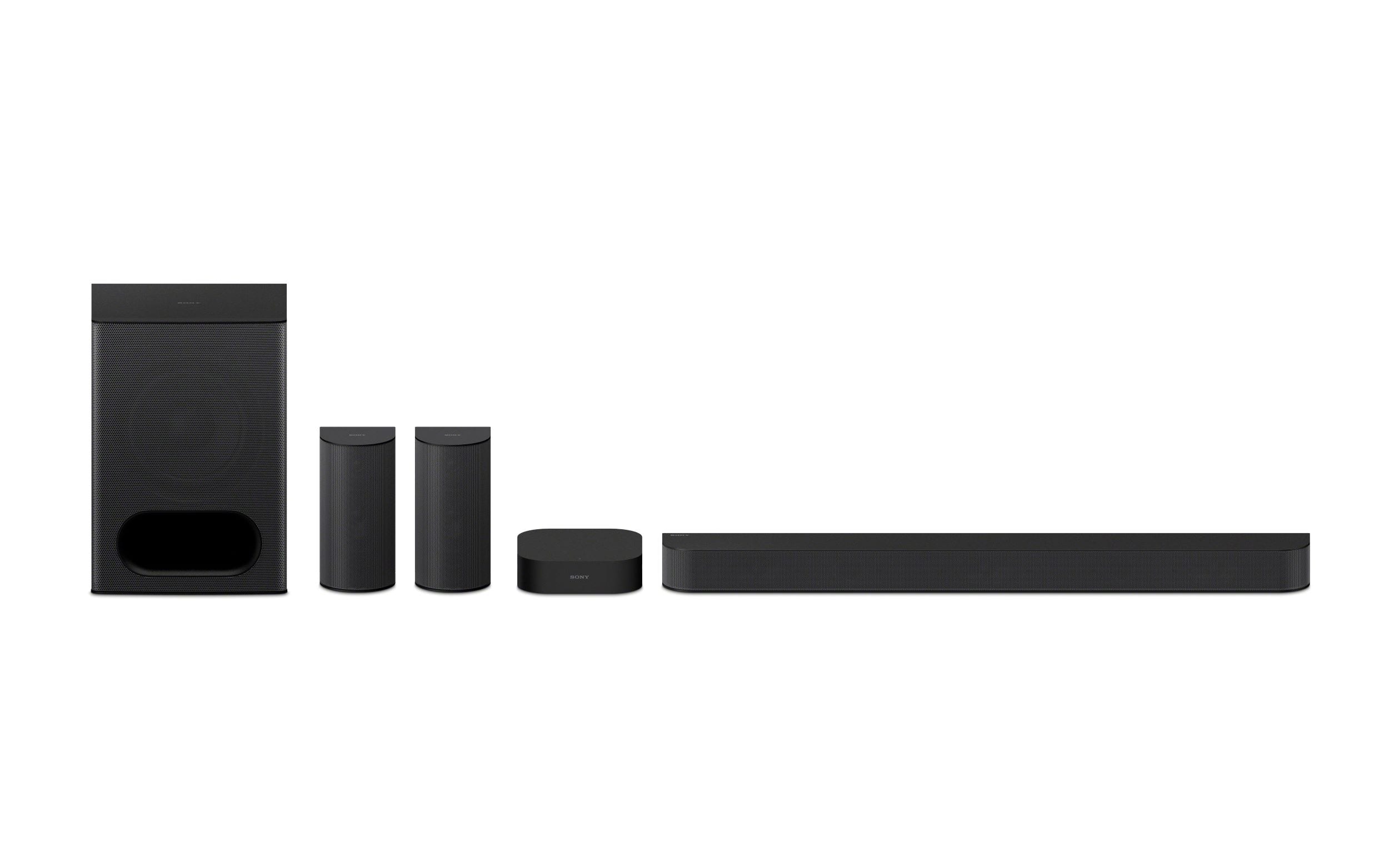
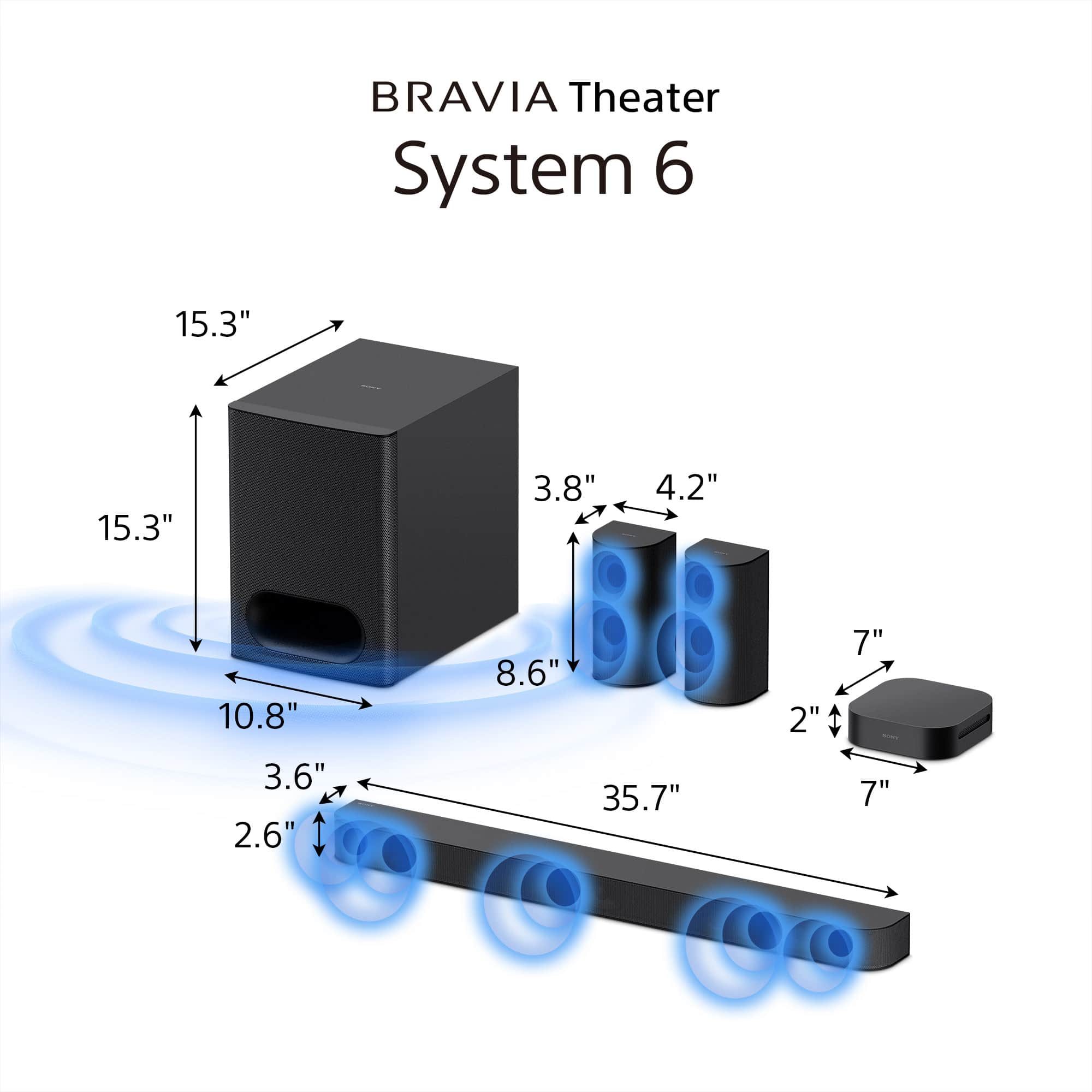
The Sony HT-S60 features wireless rear speakers and a wired subwoofer.
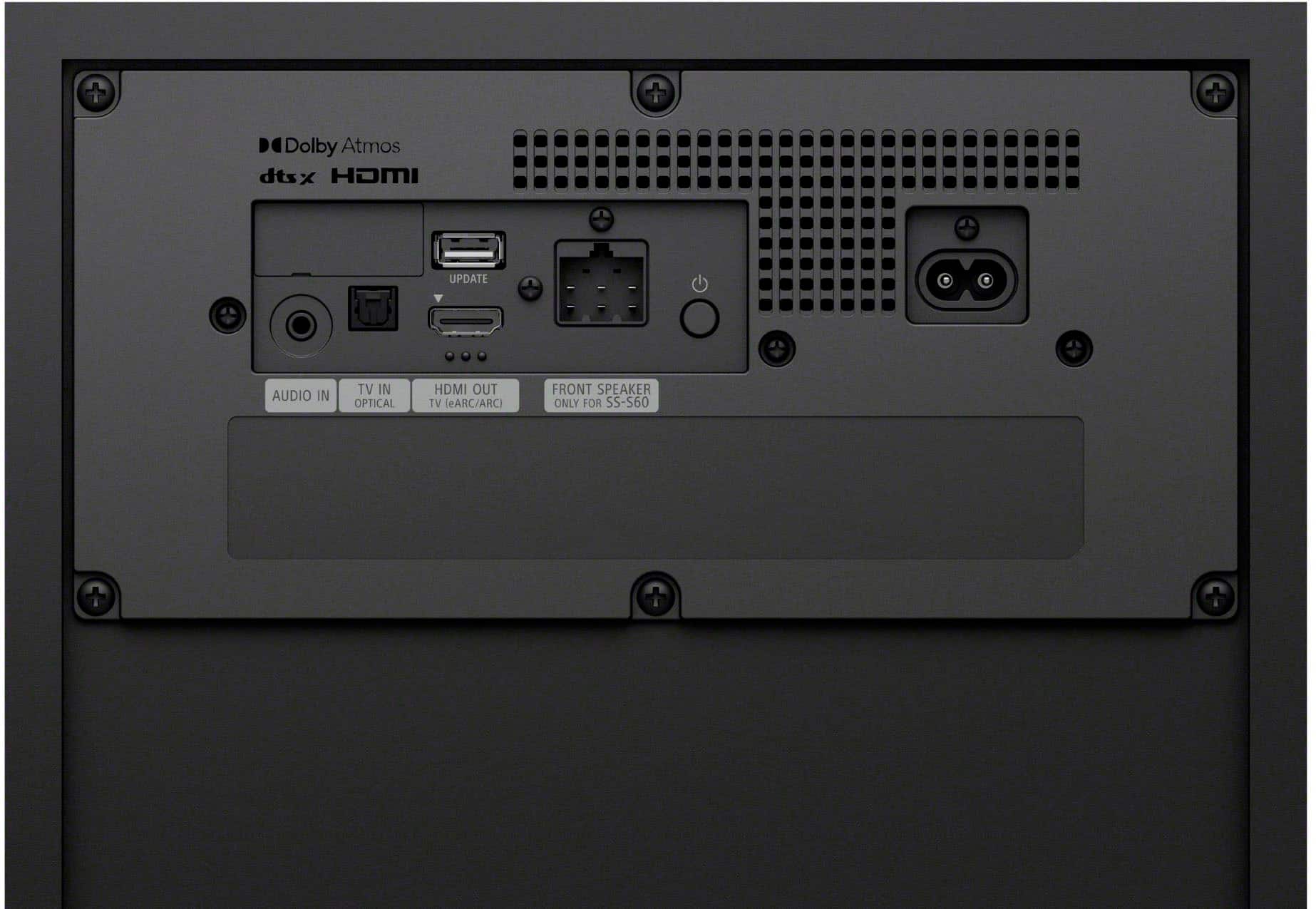
This means you won't have speaker wires running across your room to the rear speakers, but you will need to connect the subwoofer to the main unit with a cable.
For additional information regarding the device connections, please visit the following link: https://helpguide.sony.net/ht/2089/v1/en/contents/002_Overview_of_the_Speaker_System_2089.html
Thank you for considering Sony products!
Best regards,
Estefany
A:AnswerHello there,
Thank you for reaching out to Sony!
We're delighted to assist you with your inquiry regarding the Sony HT-S60.
The Sony HT-S60 is a convenient home theater system that operates without the need for an external receiver. It features its own control unit with a built-in amplifier, simplifying the setup process. All you need to do is connect it to your TV using HDMI eARC or an optical input, and you're all set!
For more information on the connection methods, please visit this link: https://helpguide.sony.net/ht/2089/v1/en/contents/011_Connecting_to_a_TV_2089.html?search=connect
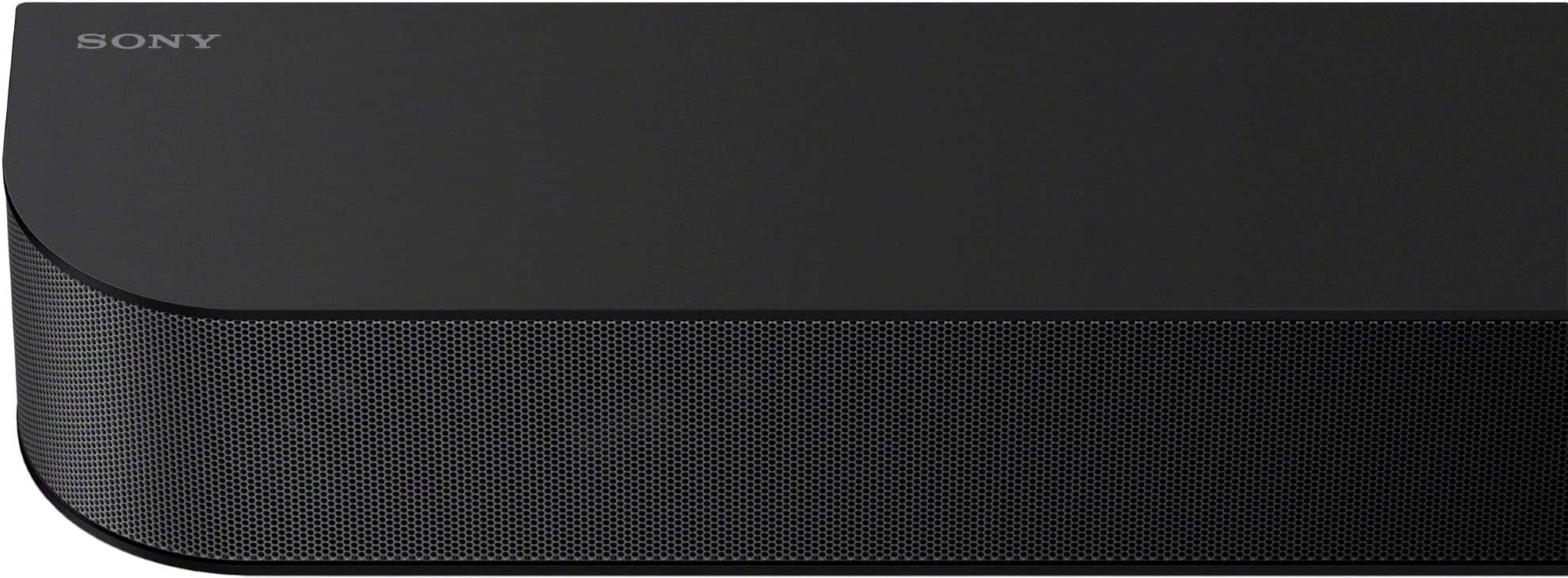
Additionally, the speakers are designed for wall mounting, including the soundbar, rear speakers, and even the subwoofer. This allows for a streamlined and elegant installation in your home.
You can find more details about mounting the speakers and wireless amplifier on a wall here: https://helpguide.sony.net/ht/2089/v1/en/contents/010_Mounting_the_Speaker_on_a_Wall_2089.html?search=wall
Best regards,
-Fred
A:AnswerHi Fish01,
Yes, you can connect a Sony record player to the Sony HT-S60. For most record players, you'll use the HT-S60's Analog audio input (stereo mini); simply connect the record player's RCA outputs to a 3.5mm adapter that plugs into the HT-S60. Alternatively, if both your record player and the HT-S60 support Bluetooth, you can connect them wirelessly by pairing the devices.
Thanks for considering Sony Products.
-Eliab
A:AnswerHi Bobby,
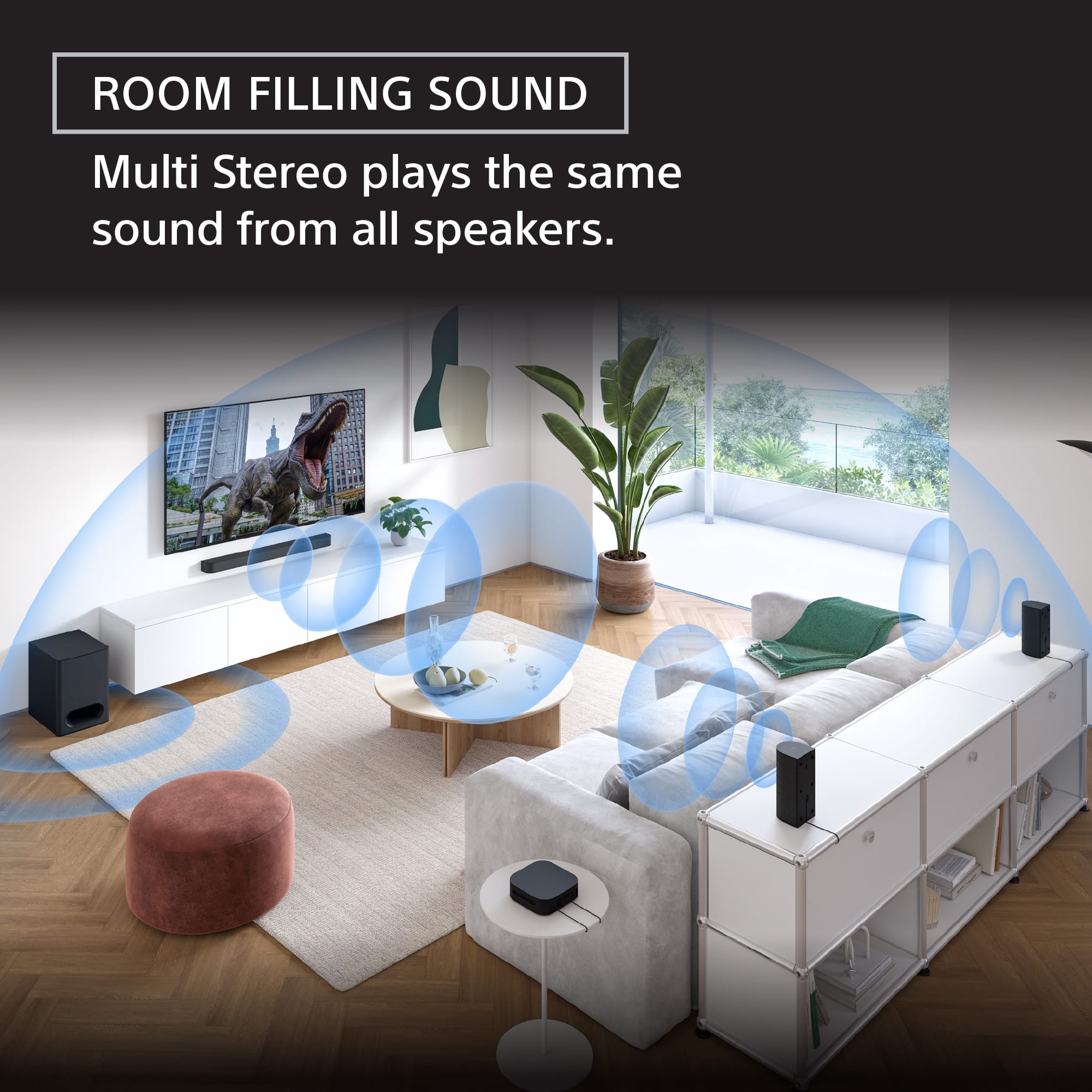
Thank you for your question regarding the Sony BRAVIA Theater System 6! The rear speakers for the HT-S60 are not wireless. However, the system achieves a neat, flexible setup by using a wireless amplifier box. The rear speakers connect directly to this amplifier box using speaker wires. The amplifier box then handles the wireless connection to the main soundbar unit. This design removes the need to run long cables all the way from the front of the room to the back.
For detailed information on how this works, please check: https://helpguide.sony.net/ht/2089/v1/en/contents/013_Installing_the_System_on_a_TV_Stand_or_Shelves_2089.html
Thank you for considering Sony products!
Regards,
Dominick
A:AnswerHello Queen,
Thanks for your question!
The Sony BRAVIA Theater System 6 it's designed as a complete 3.1.2 channel system right out of the box. These components are specifically engineered to work together as a cohesive unit.
Therefore, the BRAVIA Theater System 6 is not designed to be expanded with additional, separate wireless rear speakers or other external audio components. You won't find separate rear speakers available for purchase for this specific model.
If you are looking for a Sony home theater system that allows you to add discrete wireless rear speakers for a true surround sound experience, we would recommend exploring other models in our BRAVIA Theater lineup, such as the BRAVIA Theater Bar 9, BRAVIA Theater Bar 8, or even the BRAVIA Theater Quad (HT-A9M2), which comes with rear speakers included.
Thanks for your interest in our Sony products!
Sincerely,
Jenn | Sony Social Media Team.
A:AnswerHi!
Thank you for reaching out with your question about the Sony HT-S60 Theater System!
The rear speakers for the HT-S60 are not wireless Bluetooth. Instead, the system uses a wireless amplifier box that connects to the main system wirelessly. The rear speakers themselves then connect to this amplifier box using speaker wires.
This design allows for the flexibility of a wireless connection from the front of the room to the back, without the need to run long cables all the way from the TV. The short wires from the speakers to the small, discreet amplifier box keep the setup clean and tidy in the back of your room.
For detailed information, please check the following link: https://helpguide.sony.net/ht/2089/v1/en/contents/013_Installing_the_System_on_a_TV_Stand_or_Shelves_2089.html
Thanks for considering Sony products!
Best regards,
Estefany