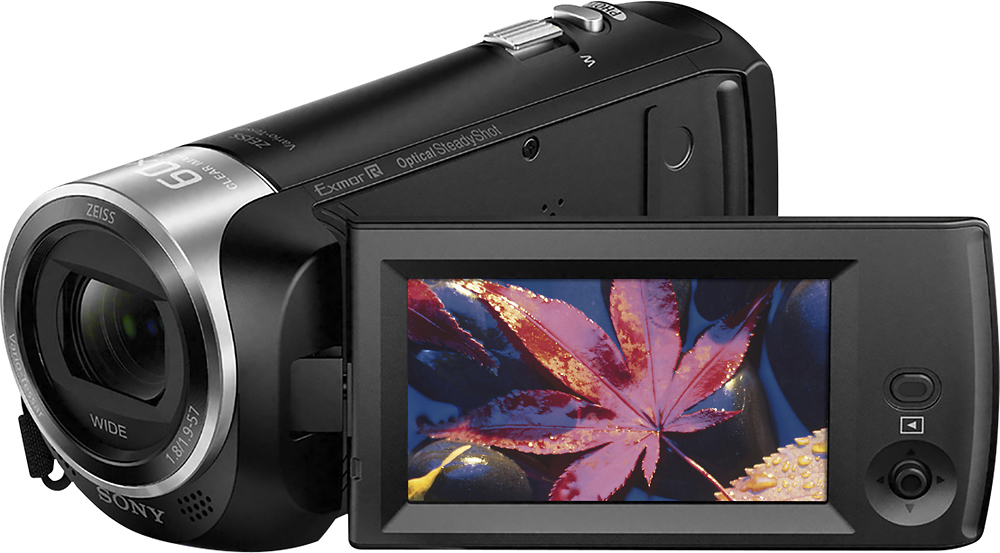
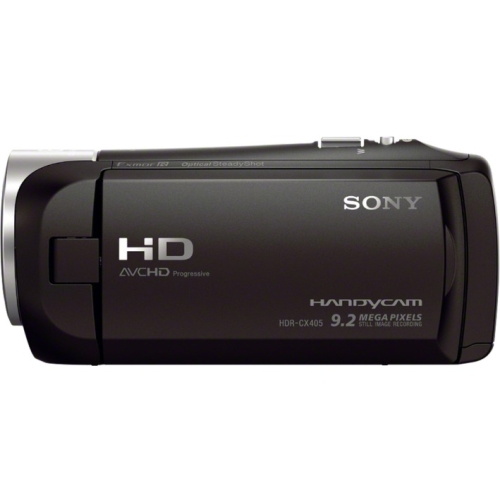
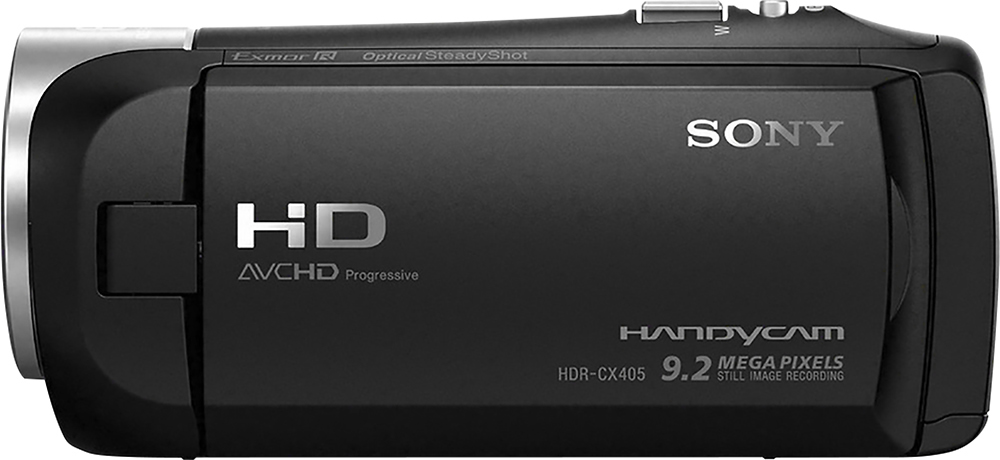
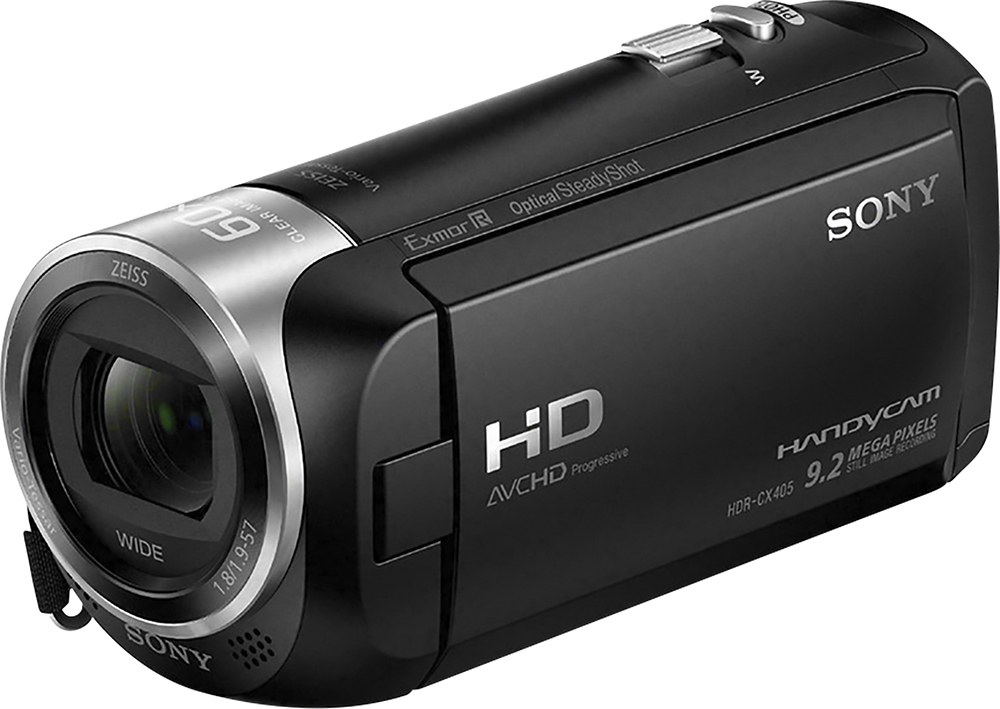
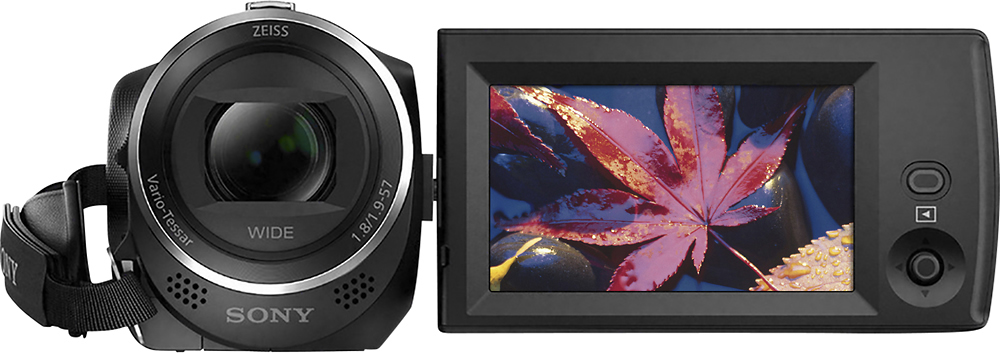
A:AnswerHi AJGamer, Sony's commitment to customer satisfaction is our top priority. The camcorder is fully compatible with the bower multi pod. Thank you so much for your question. And thank you for choosing Sony. - Pakorn (Sony Social Support)
A:AnswerHi Tony,
Sony commitment to customer satisfaction is our top priority.
Yes, you will need to connect the HDRCX405 camcorder to a computer to transfer videos. The camcorder does not have a send to smartphone function.
Regards,
Larry
Sony Social Support
A:AnswerHi Shanefisher, Sony's commitment to customer satisfaction is our top priority. The lens hood cannot be attached on this camcorder. Thank you so much for your question. And thank you for choosing Sony. - Pakorn (Sony Social Support)
A:AnswerHi ChicagoChuck, Sony's commitment to customer satisfaction is our top priority. The camcorder does not have 3 seconds pre-record feature. Thank you so much for your question. And thank you for choosing Sony. - Pakorn (Sony Social Support)
A:AnswerHi Bigmike,
Sony commitment to customer satisfaction is our top priority.
Yes, the HRCX405 camcorder makes a beeping sound when hit the record/stop button. To turn it off, go to MENU - Setup - General Settings - Beep - Off.
Regards,
Larry
Sony Social Support
A:AnswerHi Rob,
Sony commitment to customer satisfaction is our top priority.
The date and time are recorded automatically and can be displayed only during playback on the HDRCX405. To display them, select MENU - Setup - Playback Settings - Data Code - Date/Time. It does not have night mode but has Night Scene as one of scene selections where the camera adjusts settings to allow you to shoot in night time. Optical zoom is 30x. It also has additional zoom capabilities like Clear Image Zoom which is 60x and Digital Zoom which is 350x.
Regards,
Larry
Sony Social Support
A:AnswerHi SportsMom,
Sony commitment to customer satisfaction is our top priority.
The HDRCX405 camcorder does not have wireless capabilities. You can not connect it to your smartphone.
Regards,
Larry
Sony Social Support
A:AnswerI have used its 320x digital zoom during experimental night-sky videography & photography, but not anywhere as sharp as a regular telescope. As per BB listing "30x optical/320x digital zoom", Sony adds a "60x Clear Image Zoom" circuitry claim. I usually stay in optical zoom range/setting only as digital zoom (cams. in general) always tends to degrade the pic./video quality. I do notice a slightly better result past 30x, so entering Sony's special circuitry claim of getting a "less pixelated" & more smooth image result. I'm able to get craters & portions of the Moon surface, even in daytime (tripod also), while likely some level of that past 30x optical into zoom is utilized, perhaps 40x or so; however, I stand impressed w/its 30x optical due that's all physical optics/lens related.
A:AnswerAs per BB listing "30x optical/320x digital zoom", Sony adds a "60x Clear Image Zoom" circuitry claim. I usually stay in optical zoom range/setting only as digital zoom (cams. in general) always tends to degrade the pic./video quality. I do notice a slightly better result past 30x, so entering Sony's special circuitry claim of getting a "less pixelated" & more smooth image result. I stand impressed w/its 30x optical due that's all physical optics/lens related.
A:AnswerNo, you can try using the cords that come with it to connect to your computer & download recuva (that’s the way it’s spelled. That’s not a typo) to try to retrieve the video.
A:AnswerGreen screen should be no problem. Though the method placed in principal photography (behind subject), the further efx are utilized & adjusted in your post video set up, typically software/apps.
A:AnswerI would take it that your laptop connection, if you ignore/cancel any prompts on computer, the cam. would likely merely draw power only. If it is to establish some sort of sync some how w/Audicty that you're aiming for, I would think not. This cam. has been stable enough for me to depend on individual/independent yet simultaneous device recording, that would later be "syncable" in A/V editing software (multi-cam, audio tracks). Not w/all devices though - i.e., one older mp3 recorder I tried to use as pick-up/insert audio was completely terrible on maintaining sync for even mere 1 min. duration. MiniDV cams., even microSD card from drone video worked great w/this cam. in software edit TL. I'd say roll your Audicty & roll this cam., you'll be fine. Even w/highest quality setting/mode, a 64GB microSD card gives plenty of record time. I've used also 128GB. I don't get auto-cut-offs on 20-30 min. + video recordings, as I would on older SMART phone cams. w/FAT32 cards; I think likely due the cam handling an exFAT format, so you can rec. over 30 min. continuously! (I'll have to check manual/test later RE highest microSD card size.)
A:AnswerYou can purchase & use all the microSD cards you want (provided they're compatible w/this cam.), + you can free space on the SD cards as you wish once copied onto a computer drive or other media! I do all of that via a separate card reader/writer & various adapters. You can even work w/the video from this cam. via directly the card used to record; however, I would recommend only as source read, so you edit onto, copy, render, etc. to other drives. Also I wouldn't go back-&-forth in card usage. Keep them separately for the cam. once used in the cam. (so read only in computer, though you can delete files). Remember, card specs. get limited however to whatever connection method, i.e., a USB 2.0 media reader/writer limits the card to such speeds. Thus a Samsung mini USB reader/writer coming w/Samsung cards bundle, I found has USB 3.0, Verify the specs. though including computer USB specs.