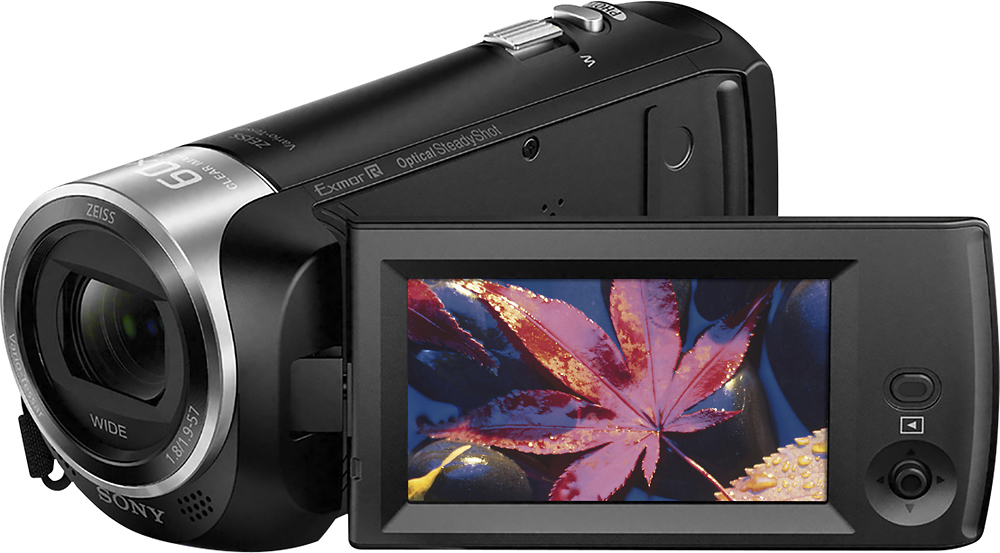
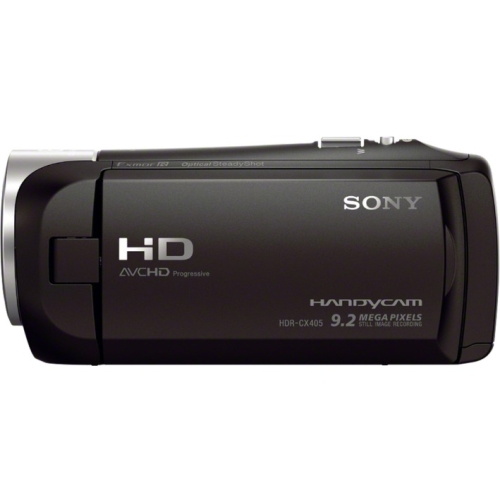
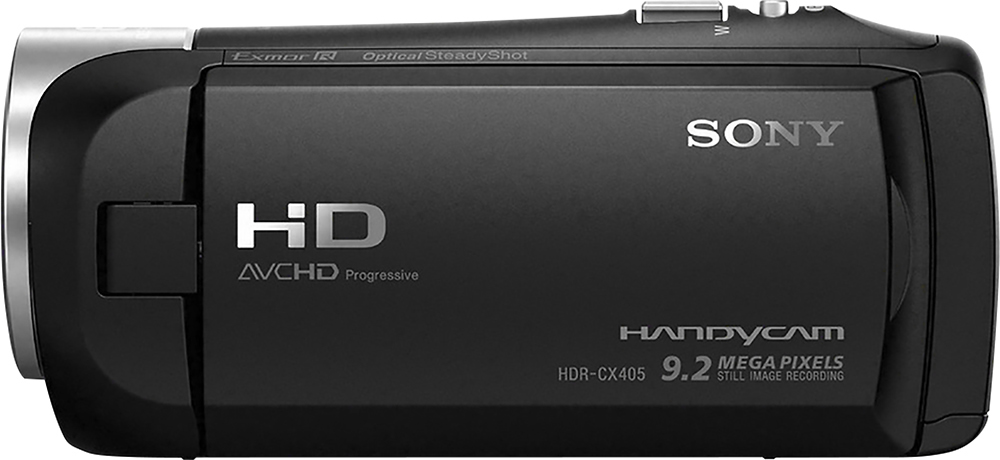
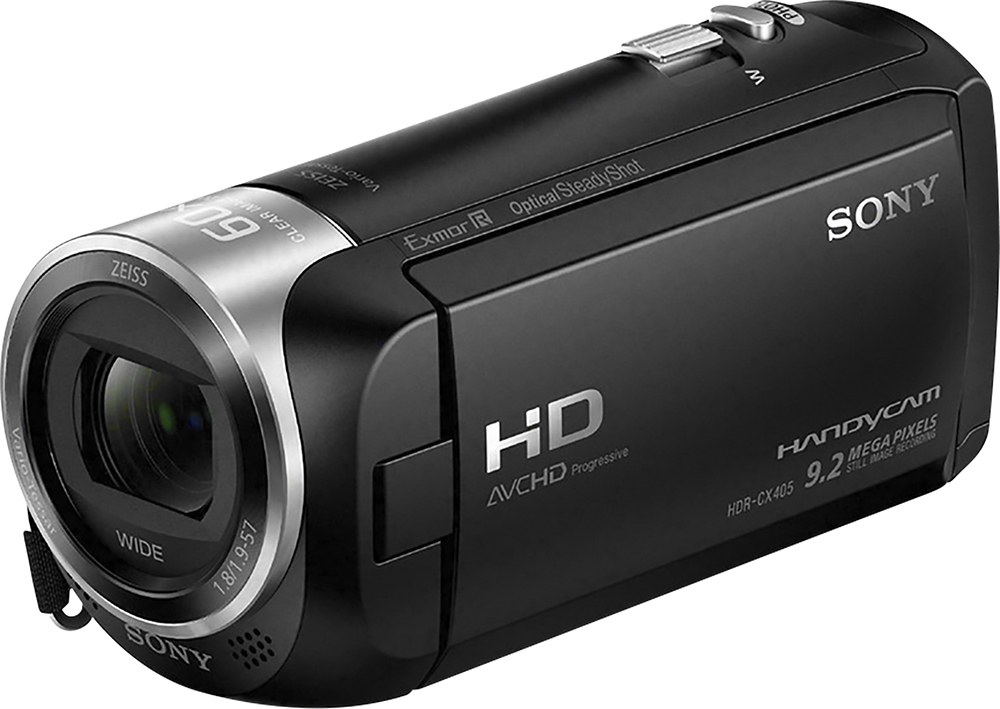
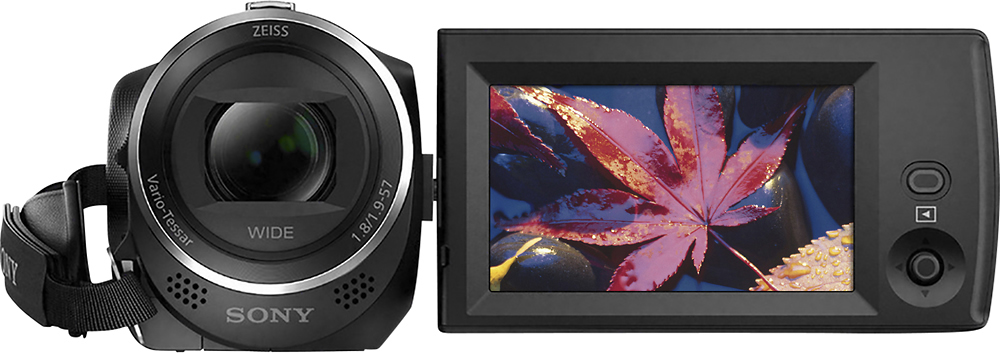
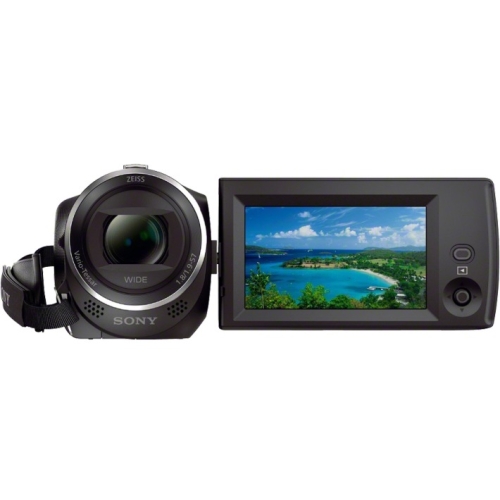
A:AnswerIt imbeds the time stamp on the file when a video is started and stopped. Not sure if you can have it displayed during the recording, haven’t explored that capability.
A:AnswerYes. However, you'll likely want to get a power extension cord, as by the time you place this cam. on a tripod & also want to plug in a wall power, you'd be hugging the wall.
A:AnswerHi Dipstick47845, Sony's commitment to customer satisfaction is our top priority. The camcorder can be used to record nature, wildlife, and also capturing sunset photos. Thank you so much for your question. And thank you for choosing Sony. - Pakorn (Sony Social Support)
A:AnswerHi Jared, Sony's commitment to customer satisfaction is our top priority. Please refer to the link below for our broadcasting camcorders. Thank you so much for your question. And thank you for choosing Sony. - Pakorn (Sony Social Support)
https://pro.sony/ue_US/products/camcorders
A:AnswerHi Spud, Sony's commitment to customer satisfaction is our top priority. The maximum continuous recordable time of a movie is about 13 hours. When an AVCHD movie file exceeds 2 GB, the next movie file is created automatically. When an MP4 movie file exceeds 4 GB, the next movie file is created automatically. Thank you so much for your question. And thank you for choosing Sony. - Pakorn (Sony Social Support)
A:AnswerHi GH6557, Sony's commitment to customer satisfaction is our top priority. The port is for micro HDMI. Thank you so much for your question. And thank you for choosing Sony. - Pakorn (Sony Social Support)