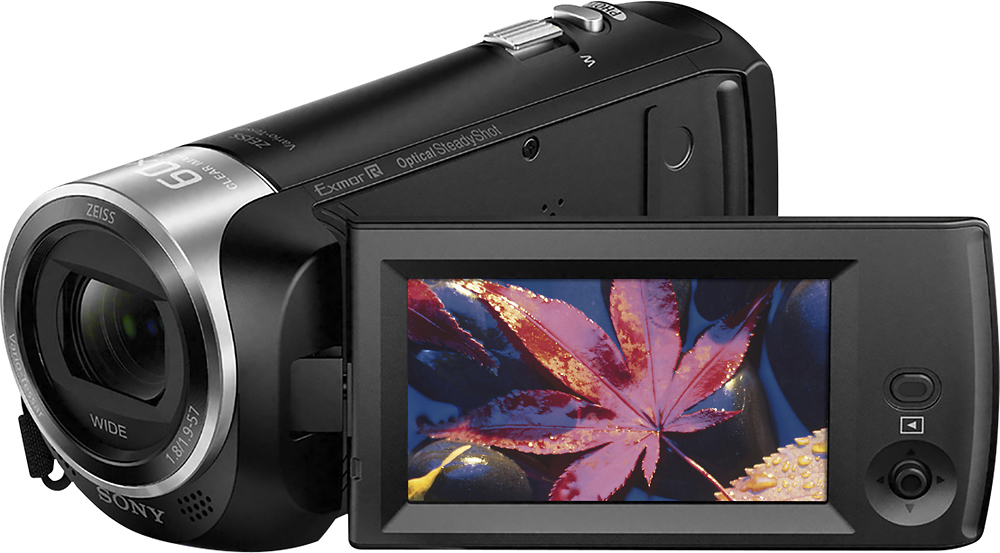
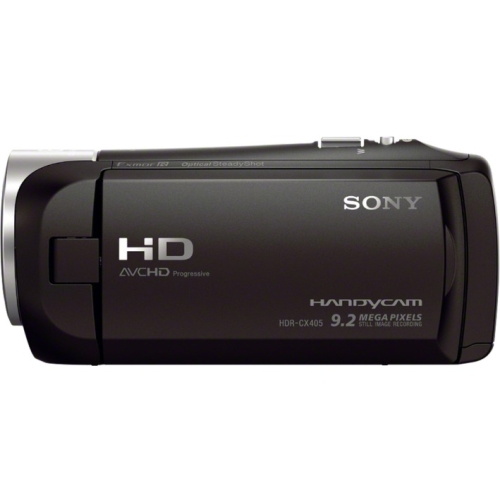
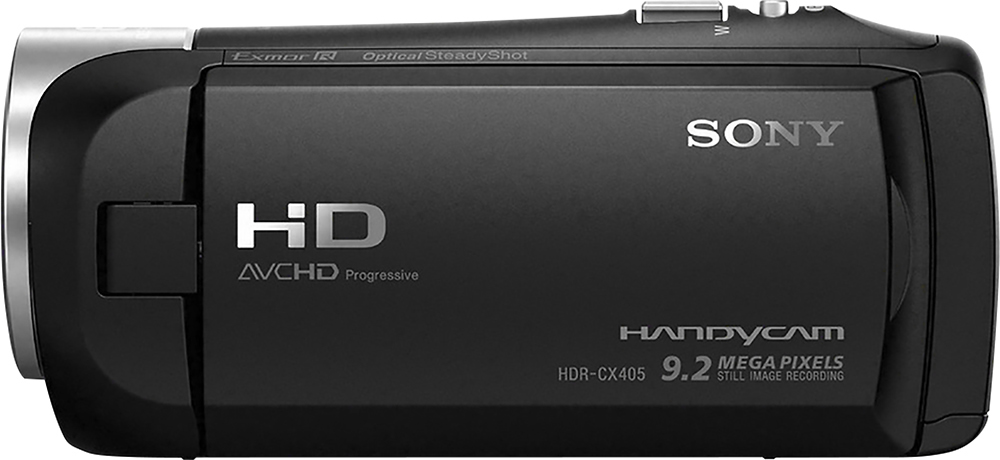
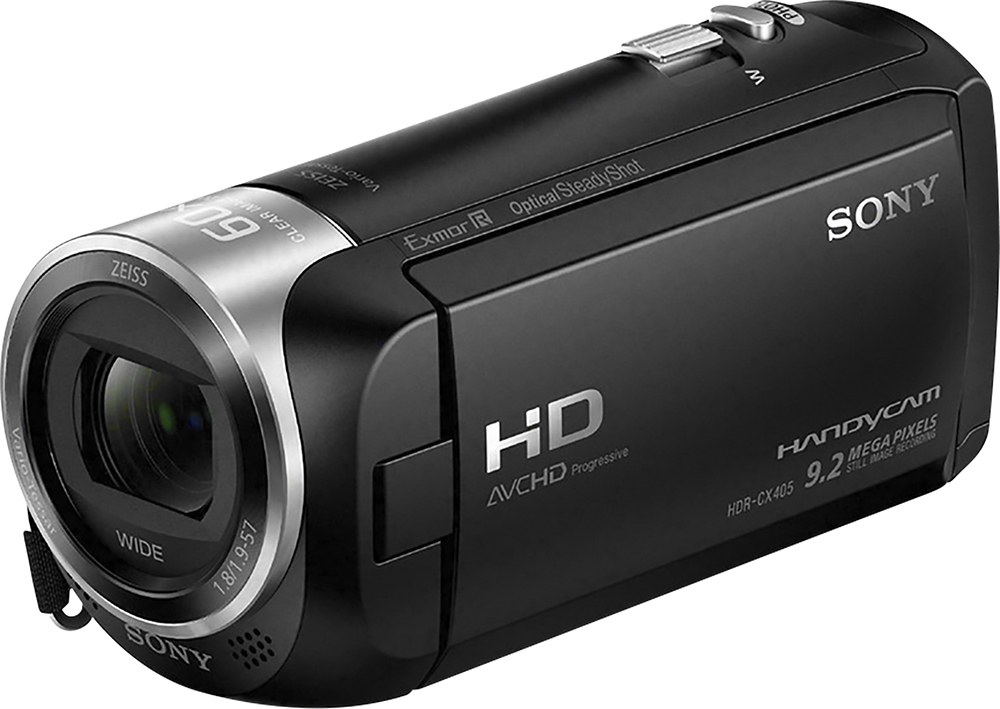
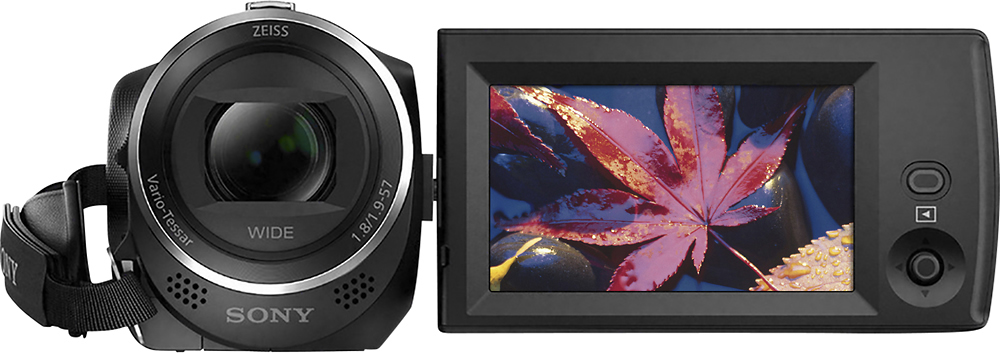
A:AnswerHi Trainman, Sony's commitment to customer satisfaction is our top priority. The camcorder does have the function to take photos. Please refer to the link for more info : https://helpguide.sony.net/cam/1440/v1/en/contents/TP0000557750.html?search=photo
A:AnswerHi Phil, Sony's commitment to customer satisfaction is our top priority. The camcorder does not have the feature to stream directly to Facebook or YouTube. You would need a third party video capture device with HDMI input and a computer to be able to stream the video to Facebook and YouTube.
A:AnswerIt’s a great camcorder but have not used it that as of yet it’s light weight recording is very easy and like the photo function to very pleased with it highly recommend it
A:AnswerHi Bobby, Sony's commitment to customer satisfaction is our top priority. The camcorder does not have the feature to livestream directly to streaming services. You would need a third party video capture device with HDMI input and a computer to be able to stream the video.
A:AnswerHi, Sony's commitment to customer satisfaction is our top priority. The camcorder does not use tape to record footage but rather an SD card. You can switch out the memory cards for public or personal use if you have multiple cards. Thank you so much for your question. And thank you for choosing Sony.
A:AnswerHi Church, Sony's commitment to customer satisfaction is our top priority. This is the compatible remote control for the CX405 : RM-VPR1. Thank you so much for your question. And thank you for choosing Sony.
A:AnswerHi, Sony's commitment to customer satisfaction is our top priority. The camcorder will fit any standard size tripod including the one for DCR-SR68. Thank you so much for your question. And thank you for choosing Sony.
A:AnswerHi bray, Sony's commitment to customer satisfaction is our top priority. The camcorder cannot be connected directly to Facebook for livestreaming. You would need a video capture device with HDMI input and a computer with livestreaming software to be able to livestream. Thank you so much for your question. And thank you for choosing Sony.
A:AnswerHi Kackelbird, Sony's commitment to customer satisfaction is our top priority. It is not possible to zoom in during playback of a video. Thank you so much for your question. And thank you for choosing Sony.
A:AnswerHi, Sony's commitment to customer satisfaction is our top priority. The camcorder cannot be connected directly online for livestreaming. You would need a video capture device with HDMI input and a computer with livestreaming software to be able to livestream. Thank you so much for your question. And thank you for choosing Sony.
A:AnswerYes it is easier to see. The screen is adjustable and more vivid. I would recommend shopping in store to see which model camcorder has the best screen and features.
A:AnswerHi Jacob, Sony's commitment to customer satisfaction is our top priority. The maximum continuous recordable time of a movie is about 13 hours. When an AVCHD movie file exceeds 2 GB, the next movie file is created automatically. When an MP4 movie file exceeds 4 GB, the next movie file is created automatically. Please see the link for more info : https://helpguide.sony.net/cam/1440/v1/en/contents/TP0001613379.html
Thank you so much for your question. And thank you for choosing Sony.
A:AnswerIt's actually great in low-light conditions, i.e. natural light coming from a side window, or in front of subject facing cam. Of course it'll look better w/proper lighting, but w/its auto setting/adjustments, it handles even a night record indoors w/a regular lamp-stand light as only source. One great one I like is a very bright sunlight through a window, & w/certain drapes like a thin white type closed, so there's a soft & diffused fill light! I've tested it while in a shadow during self-portrait mode (display panel flipped for monitor), though obvious shadow, I switched on an adjacent older cam. w/a small light on. This model adjusted to that w/impressive results!