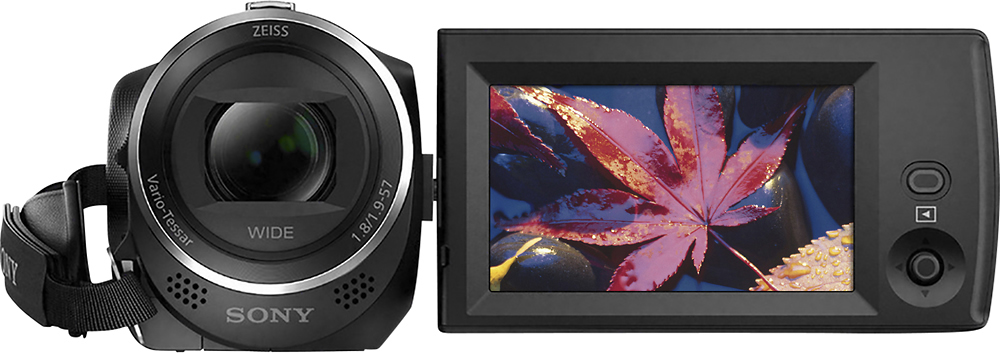
A:AnswerHi, Oscar! This camcorder comes with an HDMI cable that can be used to connect it to an HD TV: https://helpguide.sony.net/cam/1440/v1/en/contents/TP0000557775.html. -Vincent
A:AnswerHi Ray, yes, you can connect the camera to the projector using HDMI cable. For HDMI output resolution you can follow the link for the set up process.
https://helpguide.sony.net/cam/1440/v1/en/contents/TP0000557886.html
A:AnswerIn theory, all of the pieces could be stitched together through the app or software. Unfortunately, the camera is too old to use with the software available on sony..com and there appears to be no downloadable older versions.
A:AnswerI bought this for my grandson because he likes to edit for special effects and upload to YouTube. The biggest issue is you cannot download video directly to iPad. You must download to a laptop and transfer through iTunes, or buy special cables/ lighthing cords to go direct to ipad, and even that is not guaranteed to work. A big pain. Takes nice video, though.
A:AnswerIt will get the job done, but the quality isn't very good. If you're recording indoor sports, the lighting might not be good enough, but it really depends on what kind of quality you're looking for.
A:AnswerHi, Skippydo! The operating temperature of this camcorder is from 32 °F to 104 °F (0 °C to 40 °C): http://146.215.230.18/release//Manual_4564744131.pdf (30). -Vincent
A:AnswerHi, Jon! No. This camcorder does not have a built-in flash.
http://support.d-imaging.sony.co.jp/www/cscs/accessories/compatibility.php?area=gb&lang=en&mdl=HDR-CX405&cat=9. You may use an external flash instead: http://support.d-imaging.sony.co.jp/www/cscs/accessories/compatibility.php?area=gb&lang=en&mdl=HDR-CX405&cat=9. -Vincent