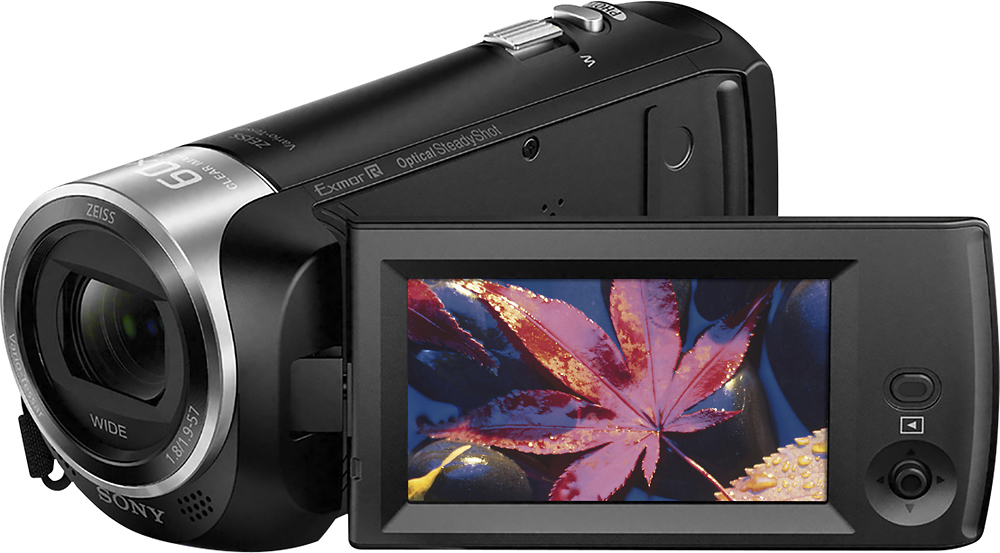
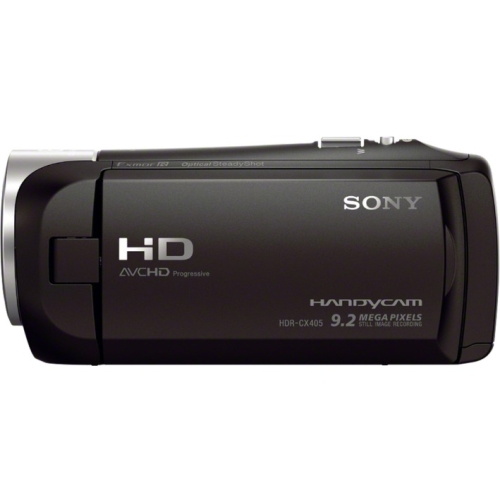
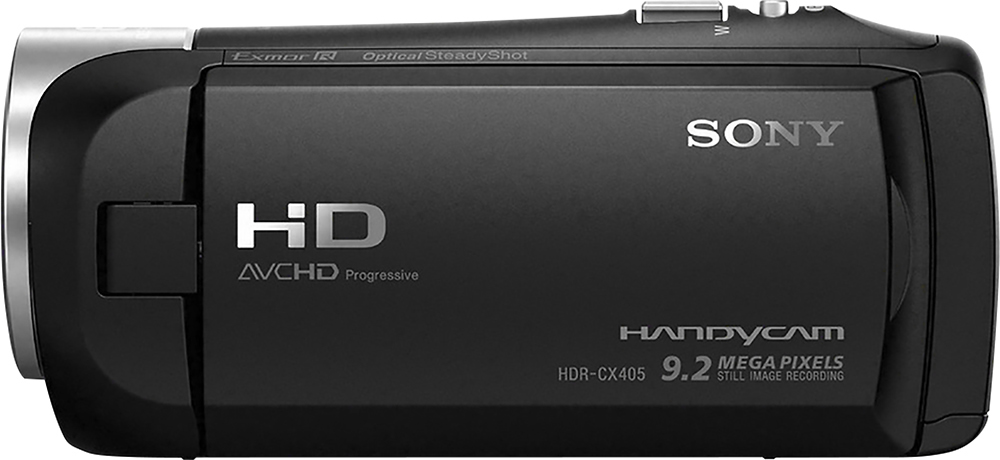
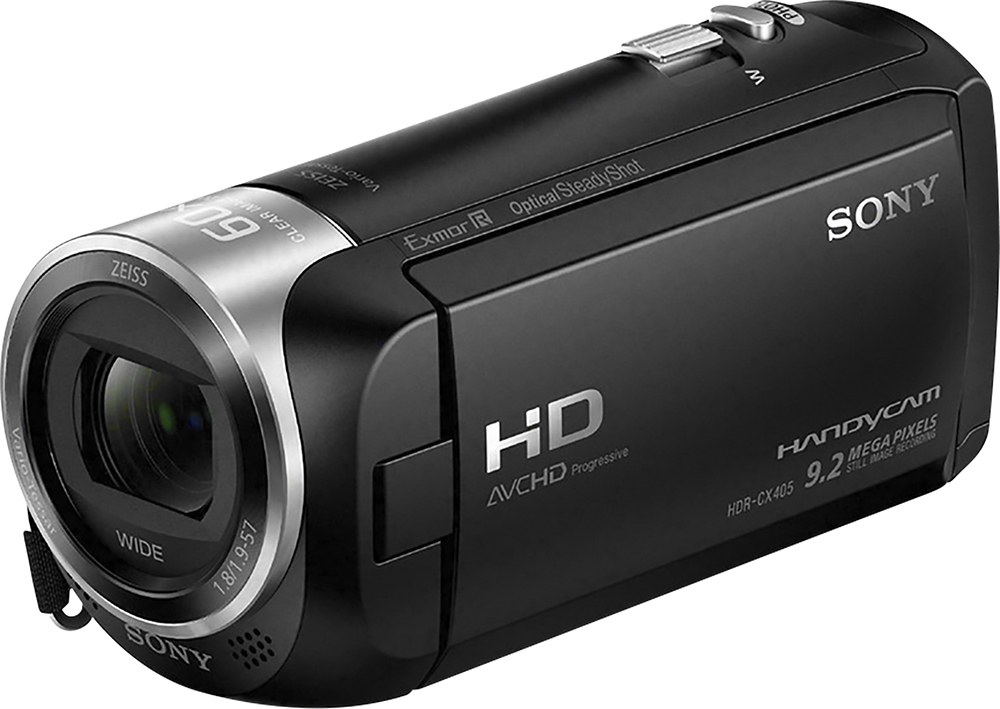
A:AnswerHi Nana, You can't use a wireless or external microphone with this Camcorder. Please refer to this link to check the functions of the wifi on this unit; https://helpguide.sony.net/cam/1440/v1/en/contents/TP0000557794.html. Regards, Jen
A:AnswerHi Batman, yes you can. We recommend using our power banks to ensure full compatibility. You may check the link below for the list of power banks compatible with this camera: http://support.d-imaging.sony.co.jp/www/cscs/accessories/compatibility.php?area=gb&lang=en&mdl=HDR-CX405&cat=22 Regards, -Mark
A:AnswerHi Karen, You can use this product in any countries/regions using the AC Adaptor supplied with this product within the AC 100 V to 240 V, 50 Hz/60 Hz range:
Regards,
Vincent
A:AnswerHi VCUT, To format or clear the memory card, you may follow the steps from this page: http://helpguide.sony.net/cam/1440/v1/en/contents/TP0000557872.html
Make sure the card is not write-protected.
Regards,
Vincent
A:AnswerHi Hermie, Yes. This camera comes with a rechargeable battery pack. The estimated time of recording using the supplied battery pack is 115 minutes (continuous): https://docs.sony.com/release//Manual_4564744131.pdf (31)
The lifespan of the battery depends on how you use it. To use the battery pack effectively, you may follow the guide from these links:
https://docs.sony.com/release//Manual_4564744131.pdf (3)
http://helpguide.sony.net/cam/1440/v1/en/contents/TP0000557919.html
Regards,
Vincent
A:AnswerHi Lesdpswa, To better assist you with this, we suggest contacting us via email. Please send your concern at [email protected].
Regards,
Vincent
A:AnswerHi Lynia, Yes. By installing PlayMemories Home for Mac, you will be able to easily manage and edit photos and videos from this camcorder. Check here for more details: https://esupport.sony.com/US/p/swu-download.pl?mdl=HDRCX405&upd_id=9756&os_group_id=3
Regards,
Vincent
A:AnswerThe Data Code or date/time stamp can only be seen when the videos are played back in the camera. This information will also show up when the camera is connected to a TV or external monitor. This information is also saved in the EXIF data of the video and can be accessed by opening the properties of the file. The date/time will not be displayed when the file is transferred.