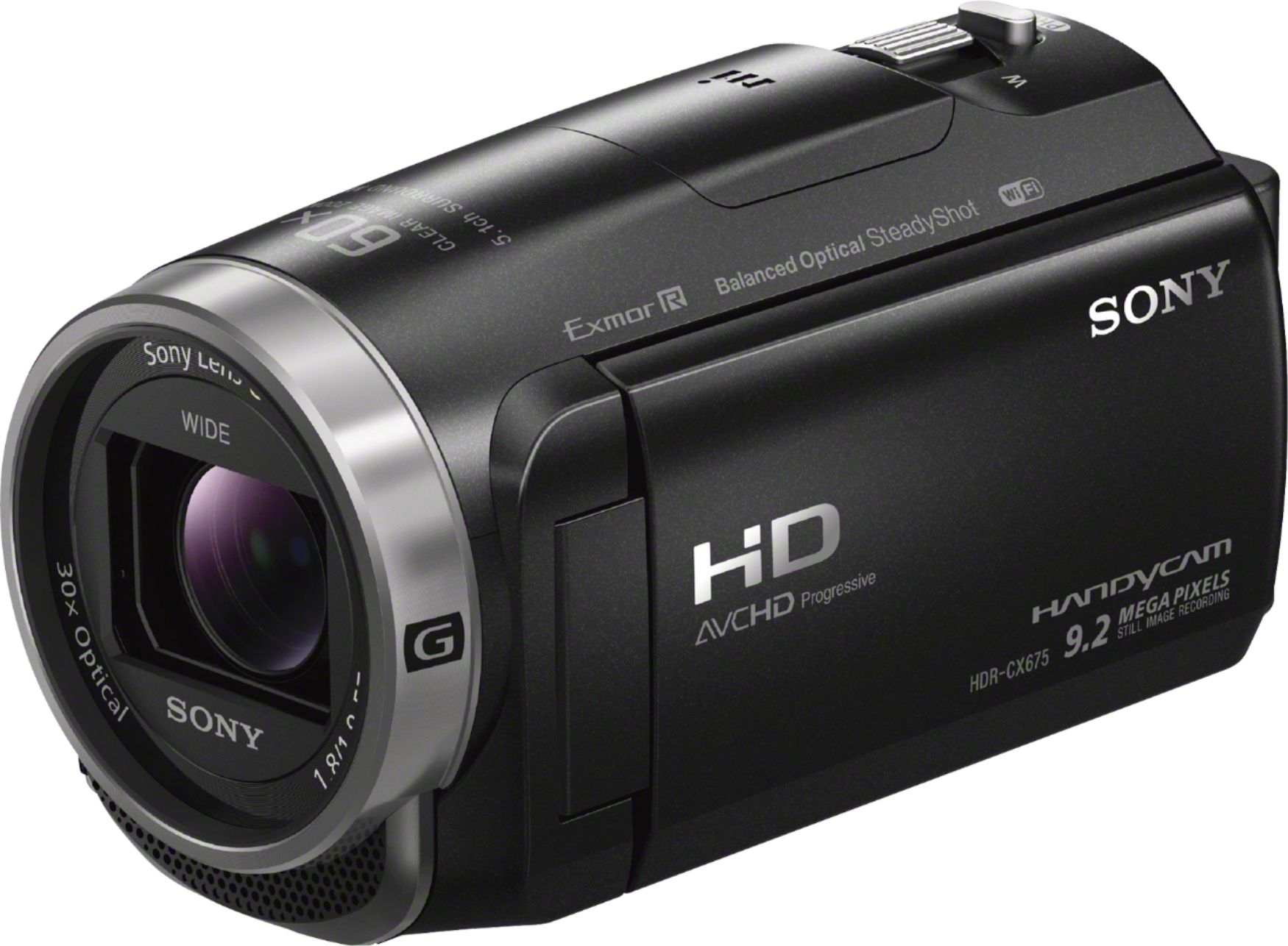
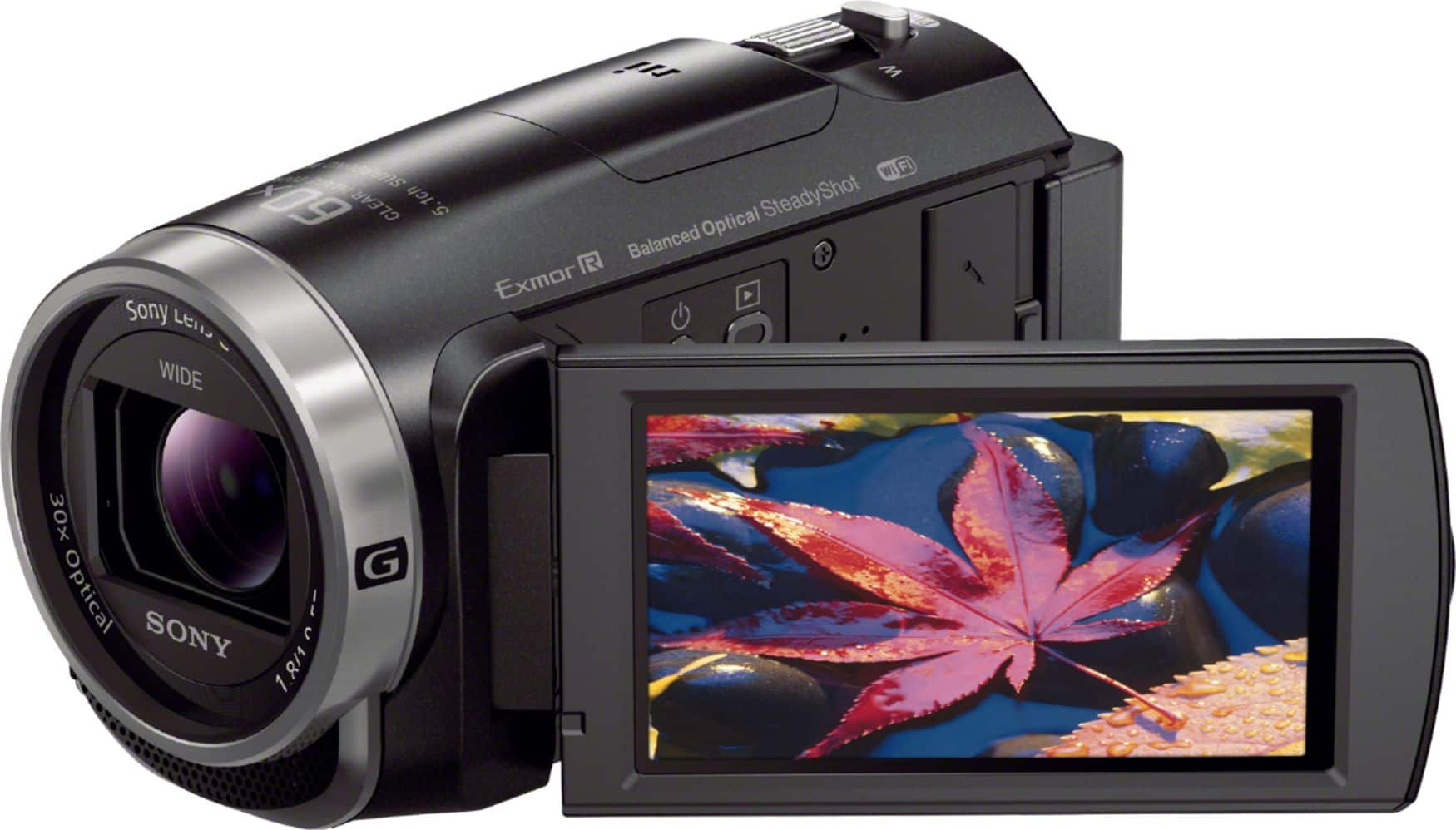
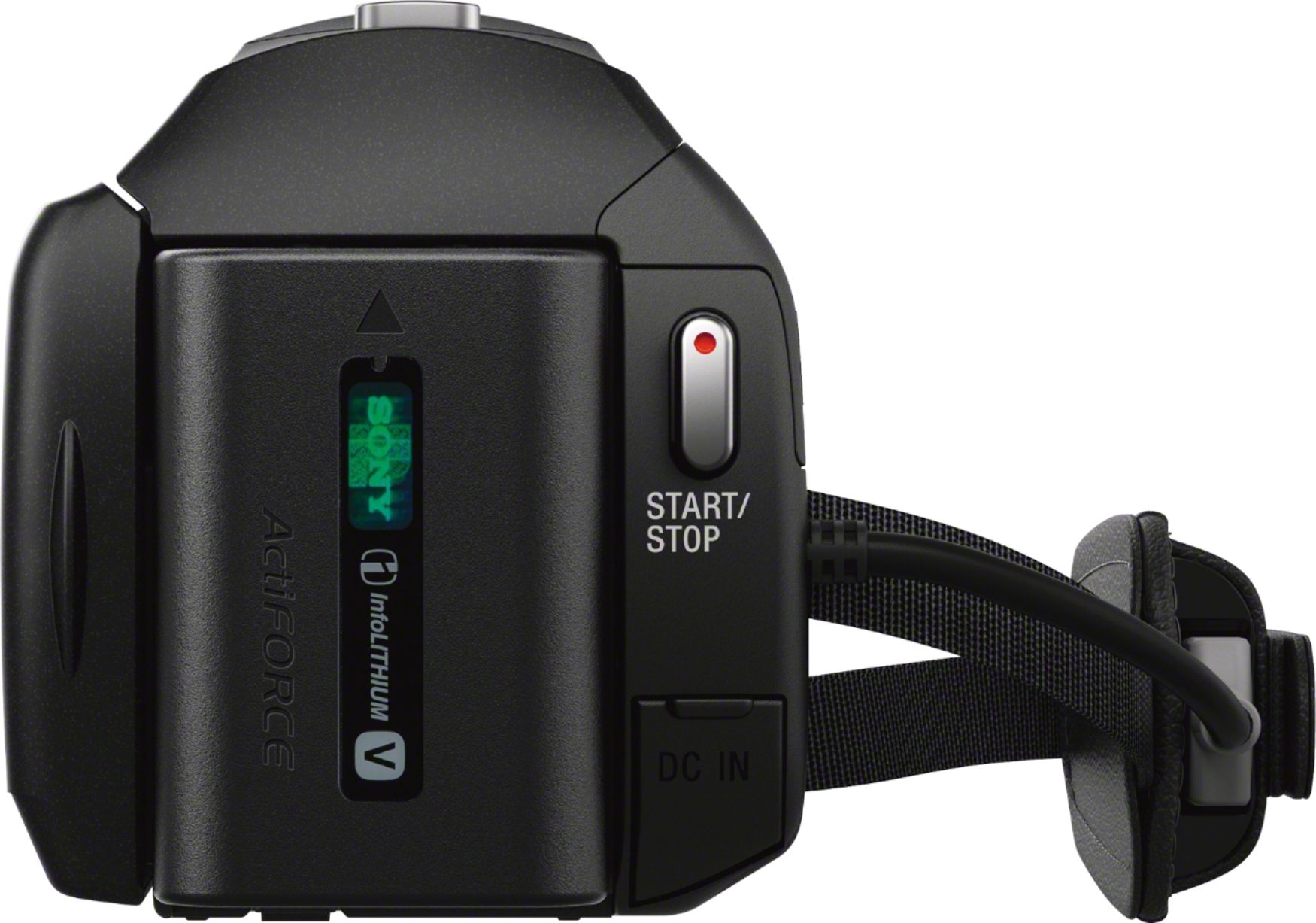
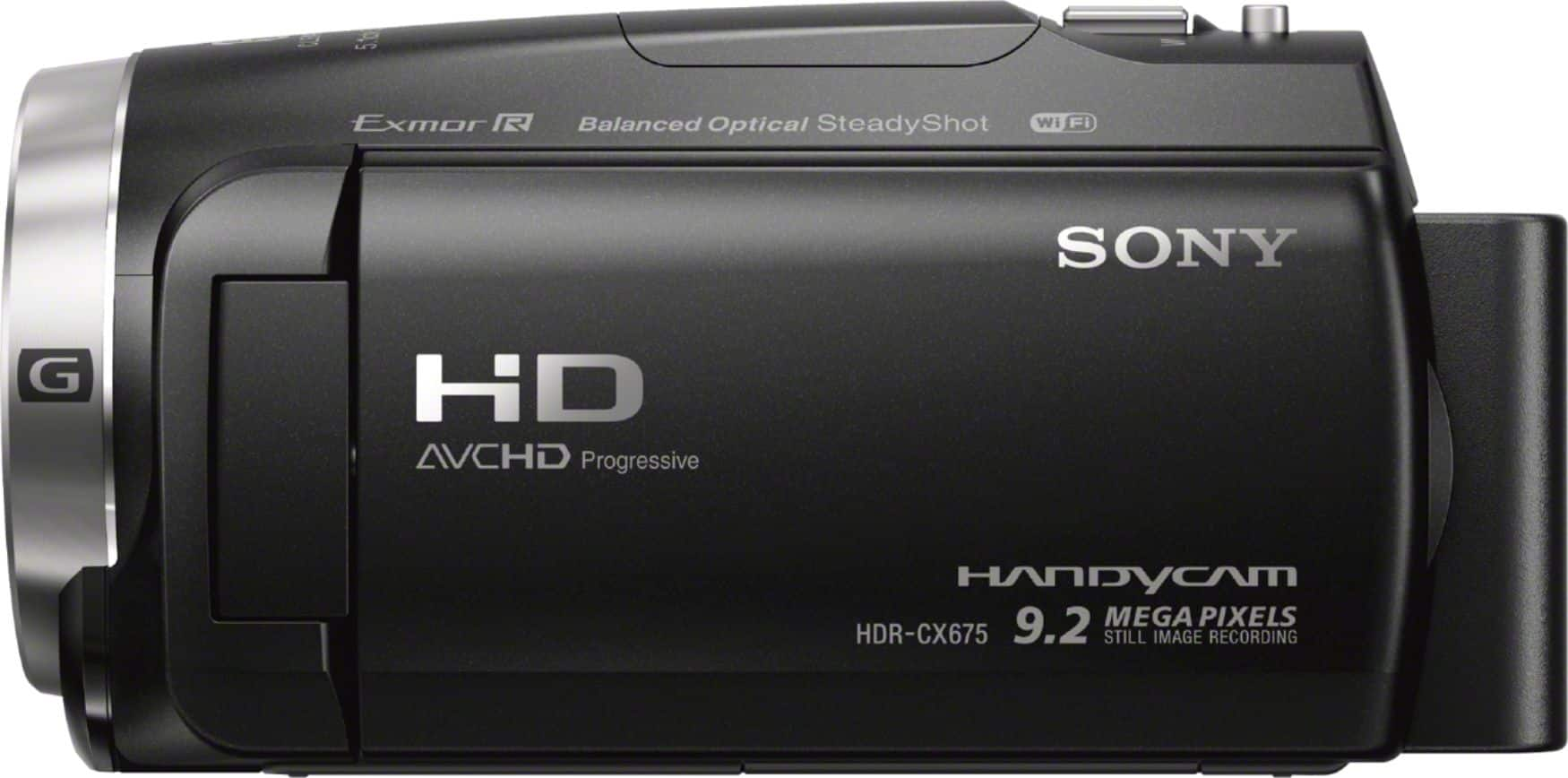
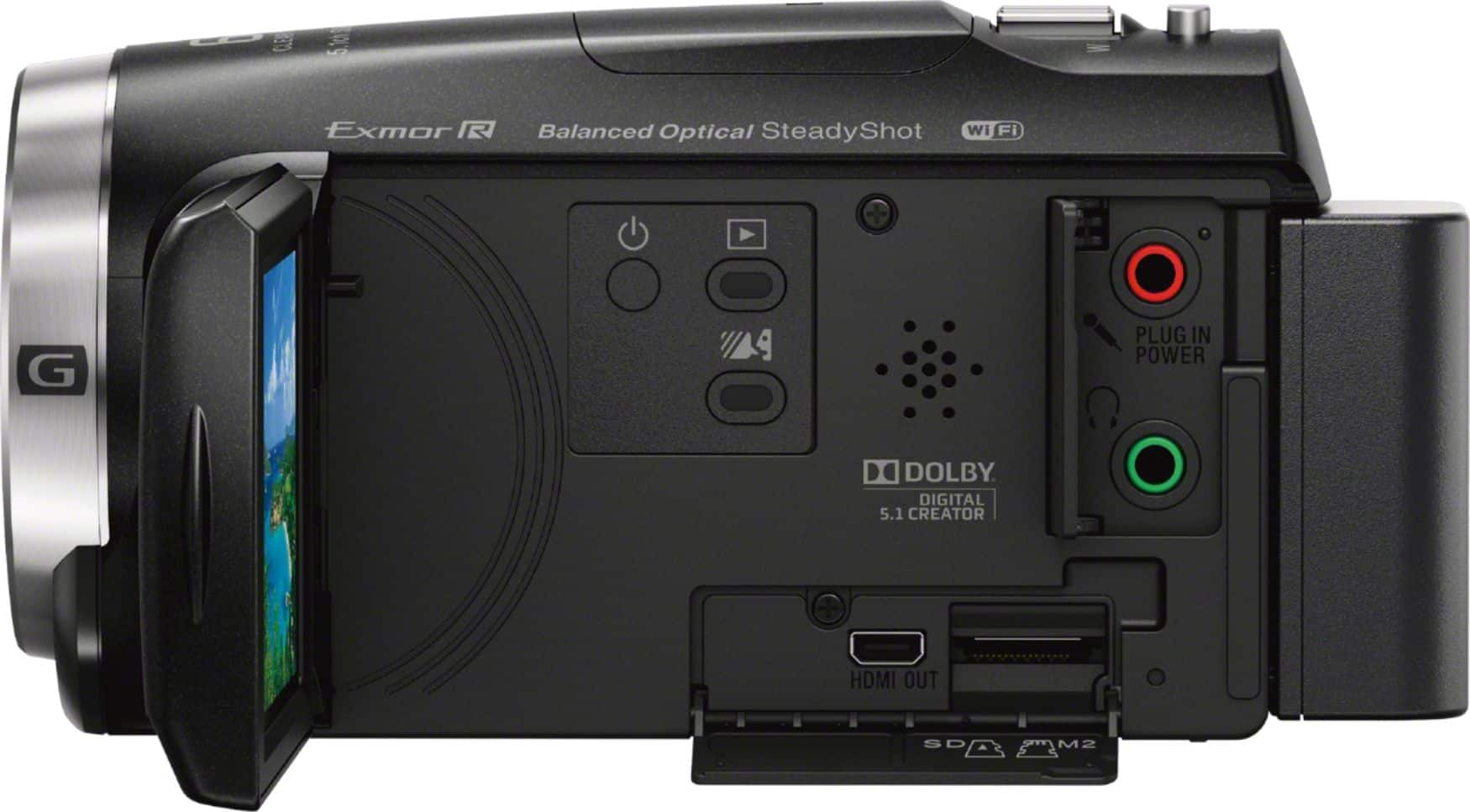
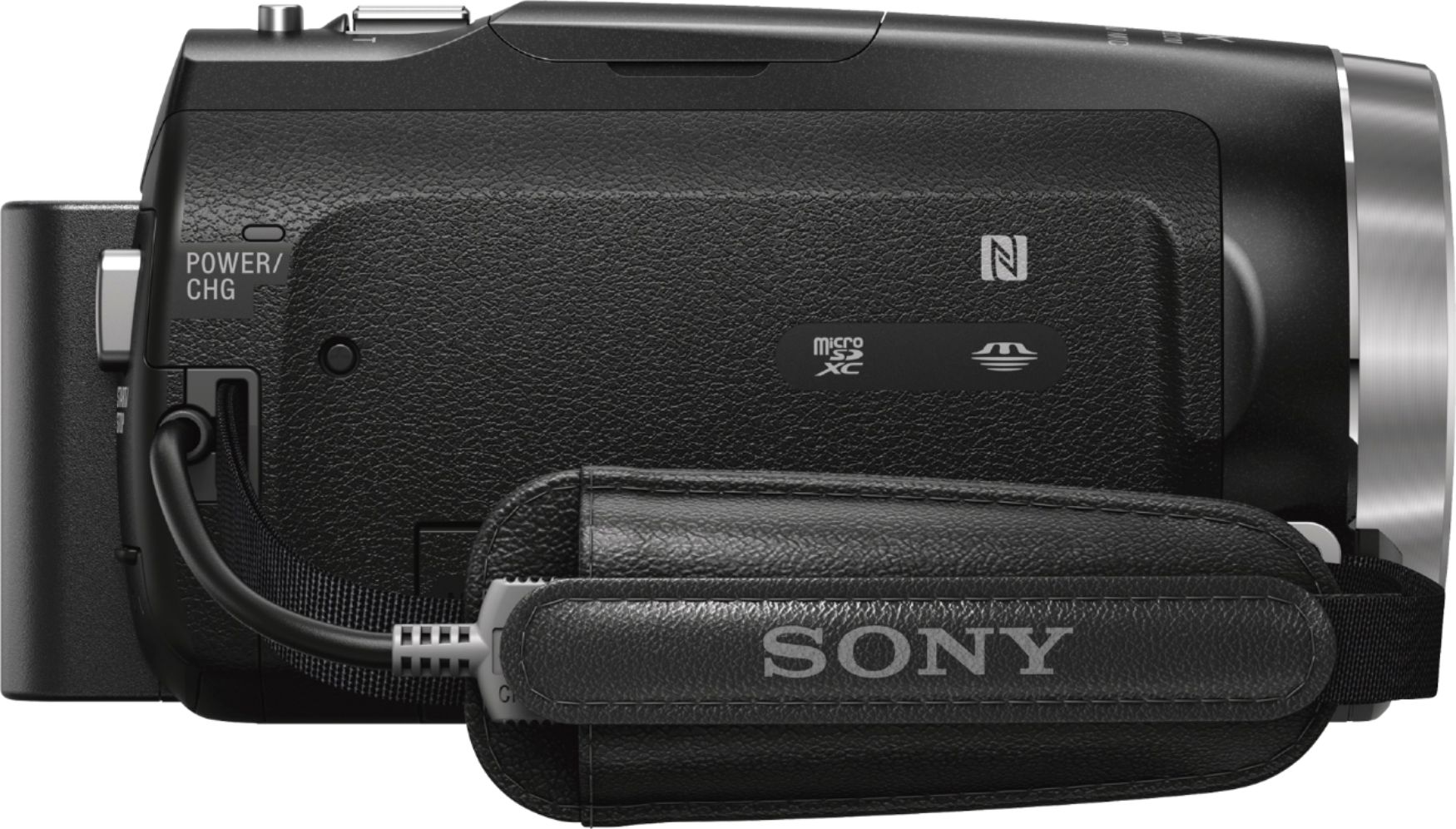
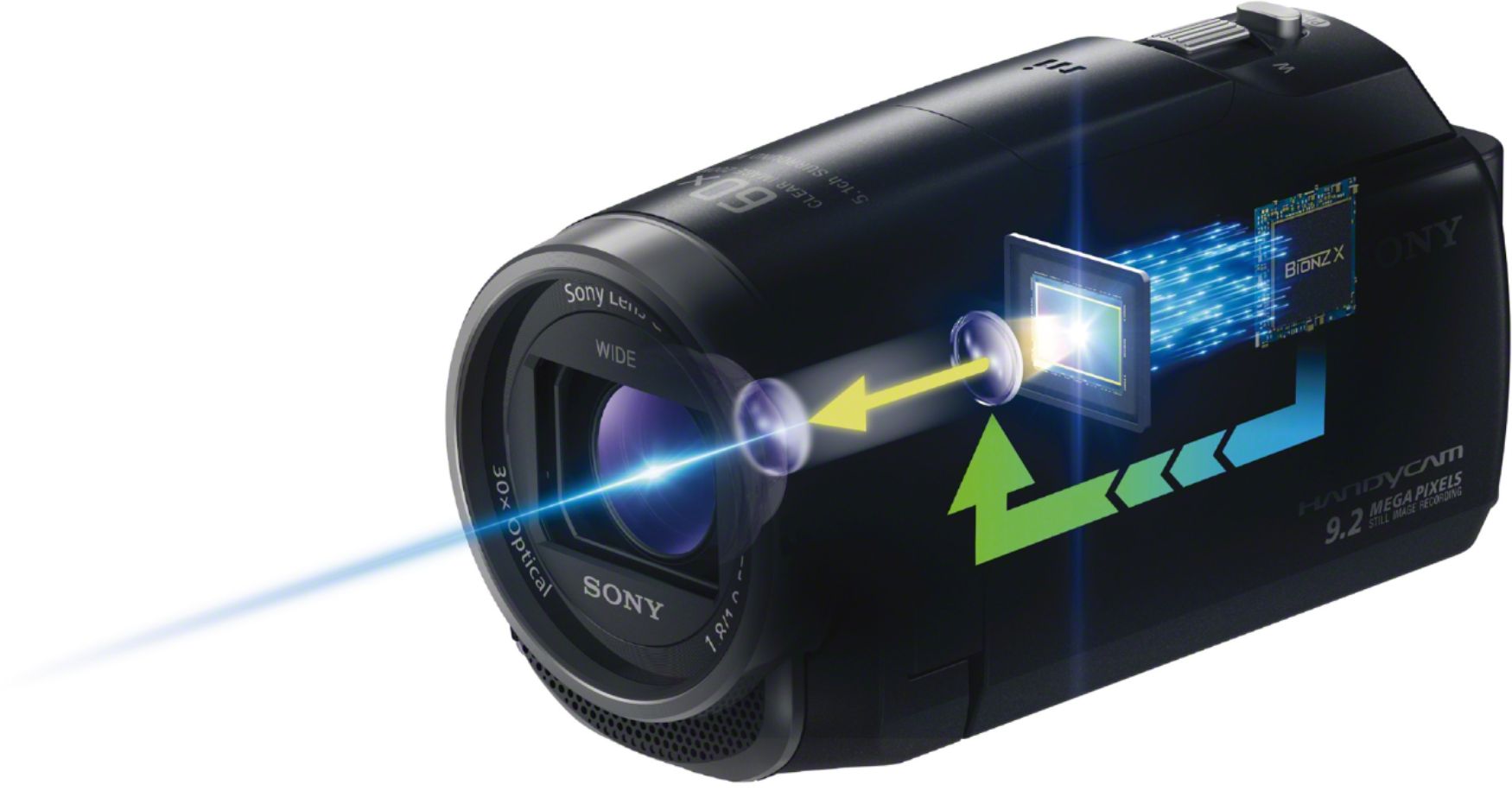
A:AnswerHi Audio, Yes. This camcorder has a microphone jack. See this page for more details: http://helpguide.sony.net/cam/1610/v1/en/contents/TP0000958882.html
Regards,
Vincent
A:AnswerWe use ours to record baseball games. We set it up on the fence, and hit record. It records the whole time with no issues. A usual game for us last about 1 hour and 45 min. You do have to leave the viewer open while recording with this camcorder.
A:AnswerHi rocky1957, the camera is not capable of communicating with a TV wirelessly. We suggest using the Handycam's supplied HDMI cable to establish a connection with your TV. You may refer to page 20 of this link for more information: https://docs.sony.com/release//Manual_4585631111.pdf Thanks, -Mark
A:AnswerThe HDRCX675 comes with a HDMI-micro cord. The small end goes to the camera. The regular size HDMI end goes to an HD-TV. Connecting the cord from the camera to a blu-ray player will do nothing since the HDMI slot of the blu-ray is an OUTPUT. Video can only come out of the dvd player, not into. Hook right up to an unused HDMI input of your tv (HDMI input # 1,2,3 or 4 depending how many your tv has) and select the correct HDMI with the "source selector" button on your tv.
A:AnswerHi Evan, this camera does not support slow motion recording. However, it allows you to playback your recordings in slow motion. You may refer to this link for more information: http://helpguide.sony.net/cam/1610/v1/en/index.html Thanks, -Mark
A:AnswerHi Igor, The date and time are recorded automatically and can be displayed only during playback. To display them, select - [Menu] - [Setup] - [ Playback Settings] - [Data Code] - [Date/Time]. -Jerome
A:AnswerHi. Steve, based on the specifications of this unit, the date and time are recorded automatically and can be displayed only during playback. Dave
A:AnswerHi SlackerDug, yes the camcorder can output clean HDMI live video. Please make sure [Menu] - [Setup] - [Connection] - [CTRL FOR HDMI] - is set to OFF.