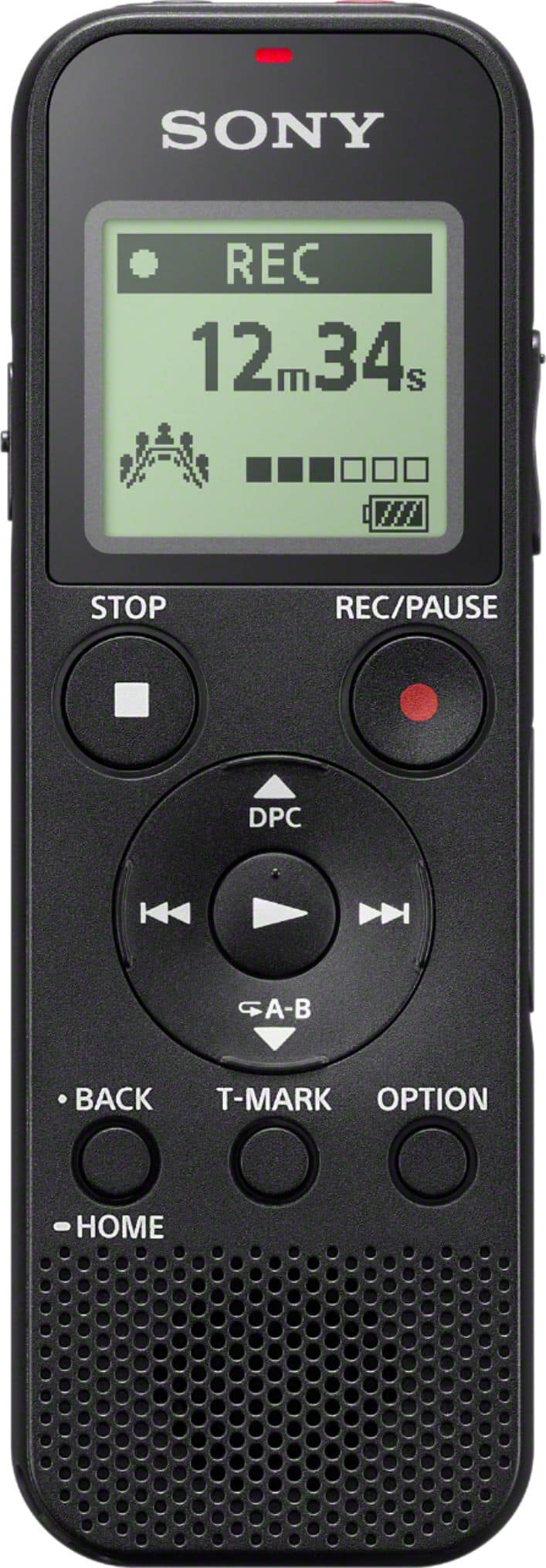
A:AnswerIt can play back via the built in speaker. The audio is not all that great.
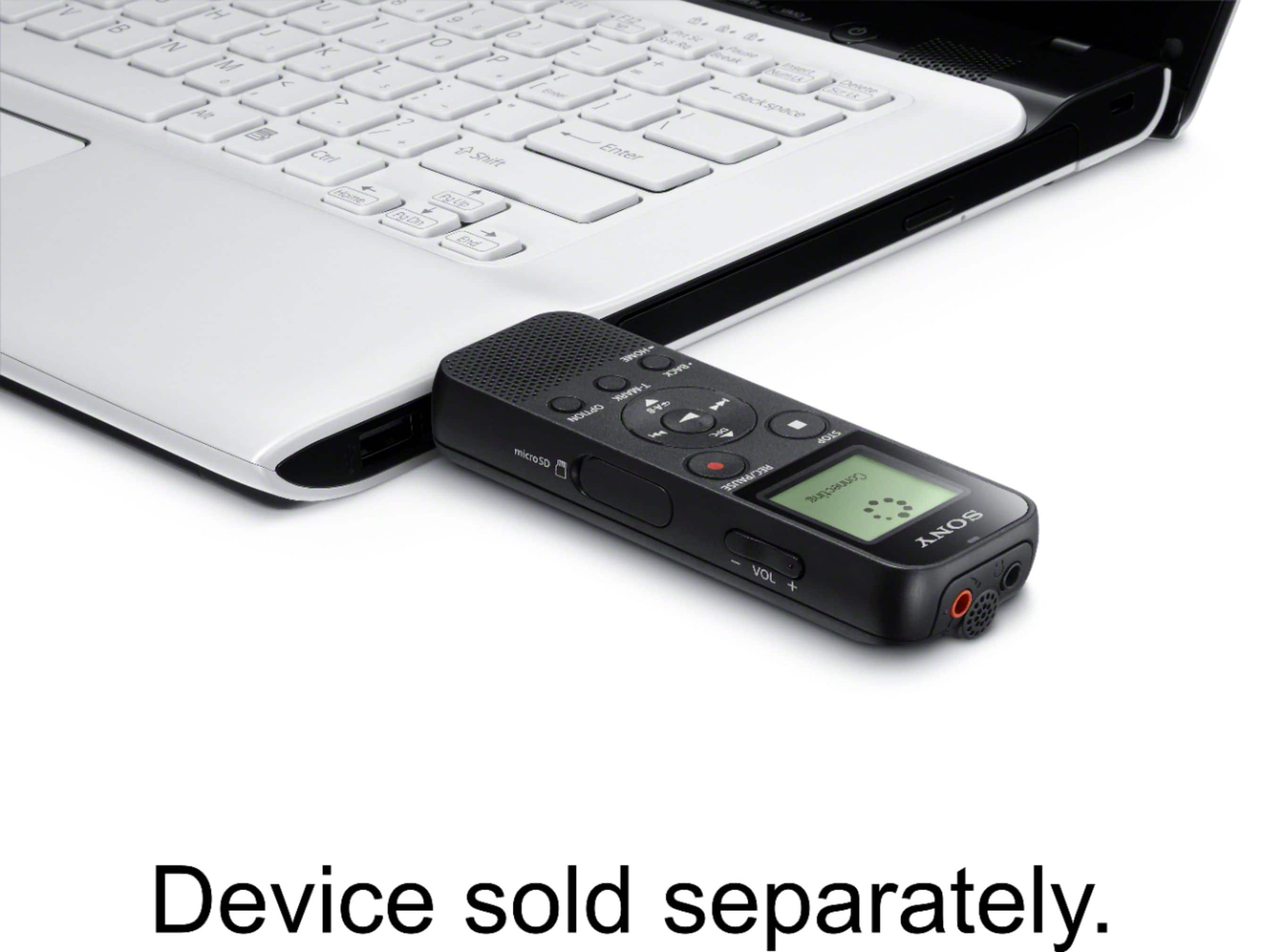
You can download any files you made to a computer.
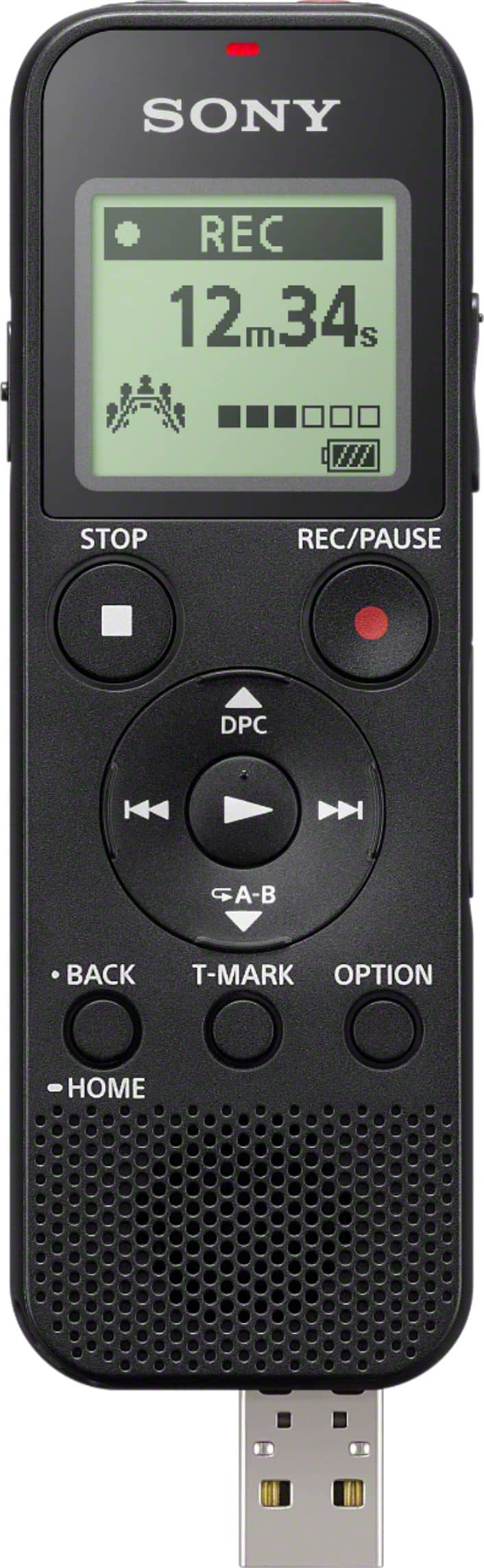
There is a built in USB Connector to plug into a computer, the files are MP3 format.
A:AnswerTo my knowledge this is not possible, Carol. It is why I always upload the files to my computer using the built in USB connection. Sorry for that.
A:AnswerHonestly, I have no idea about its fast forward and rewind speeds. If you have multiple files recorded during the day,
after playing back the latest of those recordings, holding the rewind buttons down will back you up to the previous recording.
I used mine for recording virtual visits, take a quick listen on the recorder, then I download the file into audio software where I can
more easily move around on the time line, increase volume, remove noise, and add notes as needed.
A:AnswerNo. Just batteries. The one I used before this was really old school and required C batteries, which are almost obsolete. This new one cannot be plugged into a wall outlet. You need new batteries after the ones in the package die.
A:AnswerYes. You can playback the recording through the speaker on the unit, through headphones if you insert them or plug the unit into your computer and listen through the computer.
A:AnswerHi Viv, No. Unfortunately, you will need to use third party application to transcribe your recordings into text. Please refer to this link for additional information: https://www.sony.com/electronics/support/digital-voice-recorders-icd-series/icd-px370/articles/00008159 -Sam
A:AnswerHi Curious, we appreciate your interest in our SONY unit. You may check this link for the voice activation of this unit: https://helpguide.sony.net/icd/p37/v1/en/contents/TP0001272000.html?search=vor ~Earl
A:AnswerIt does NOT come with any memory card.
But you can buy a MicroSD or MicroSDHC memory card to put in it.
I think 32GB capacity is the largest it will work with, so not MicroSDXC.
A:AnswerHi, Dick! Yes, you can use an audio cable for connecting external devices. You may refer to this link for more information:
https://helpguide.sony.net/icd/p37/v1/en/contents/TP0001272002.html
~Ralph