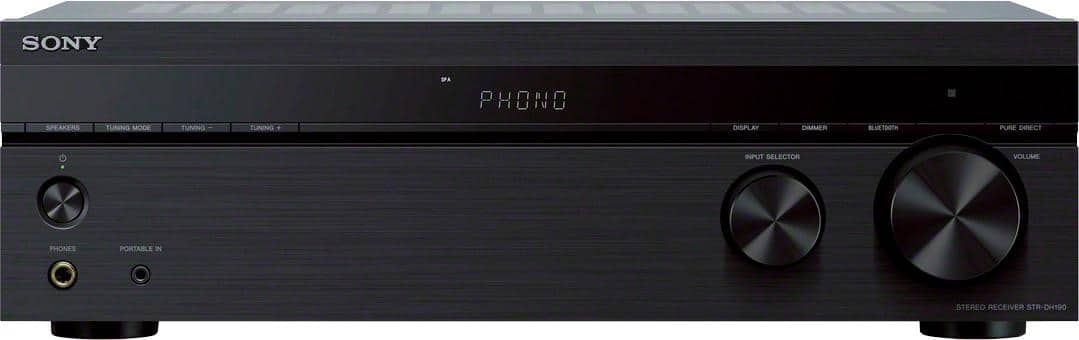
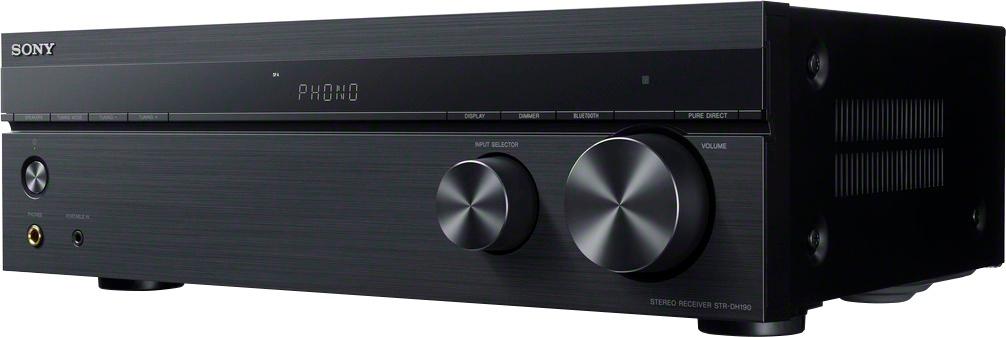
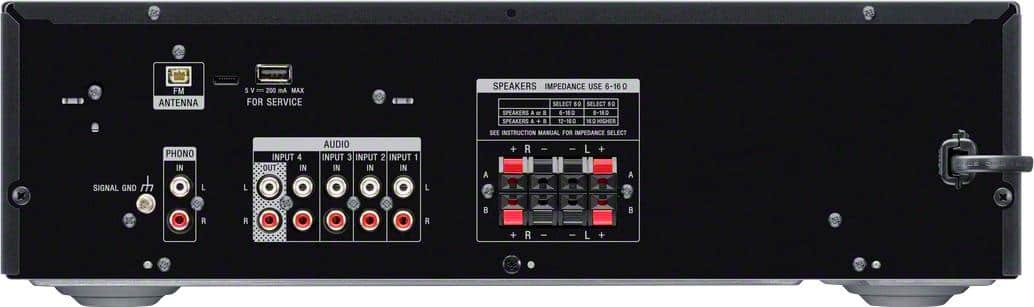
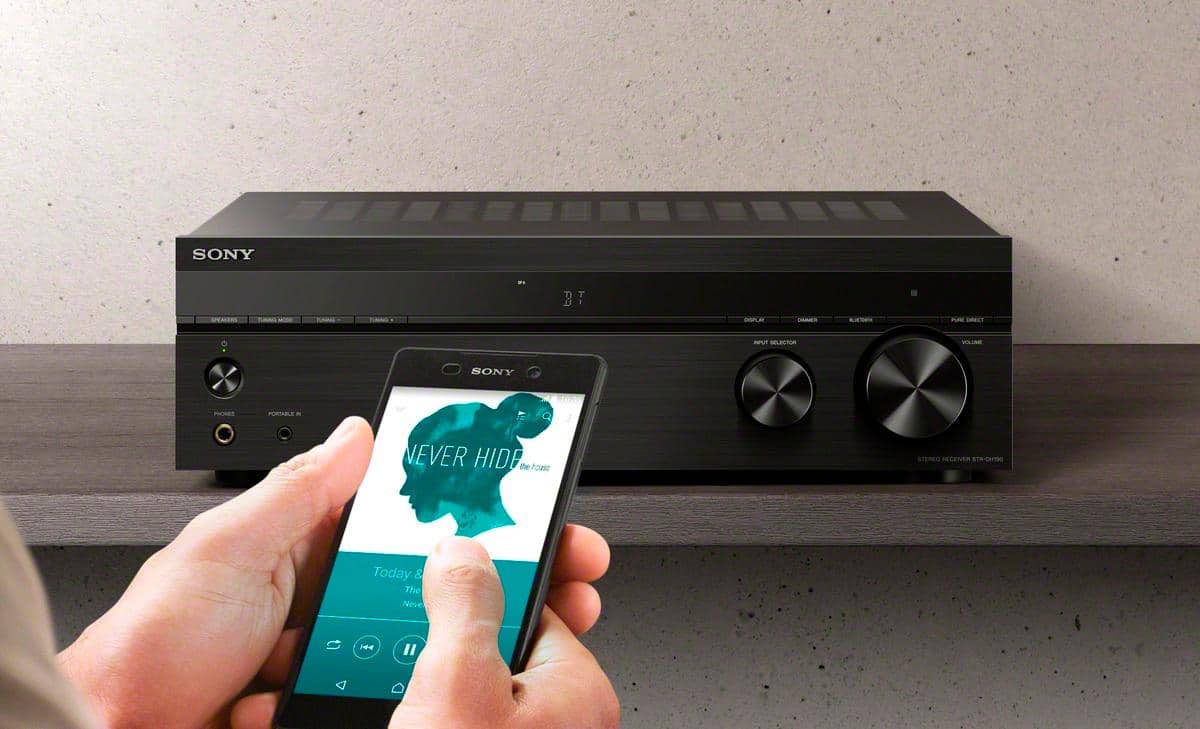
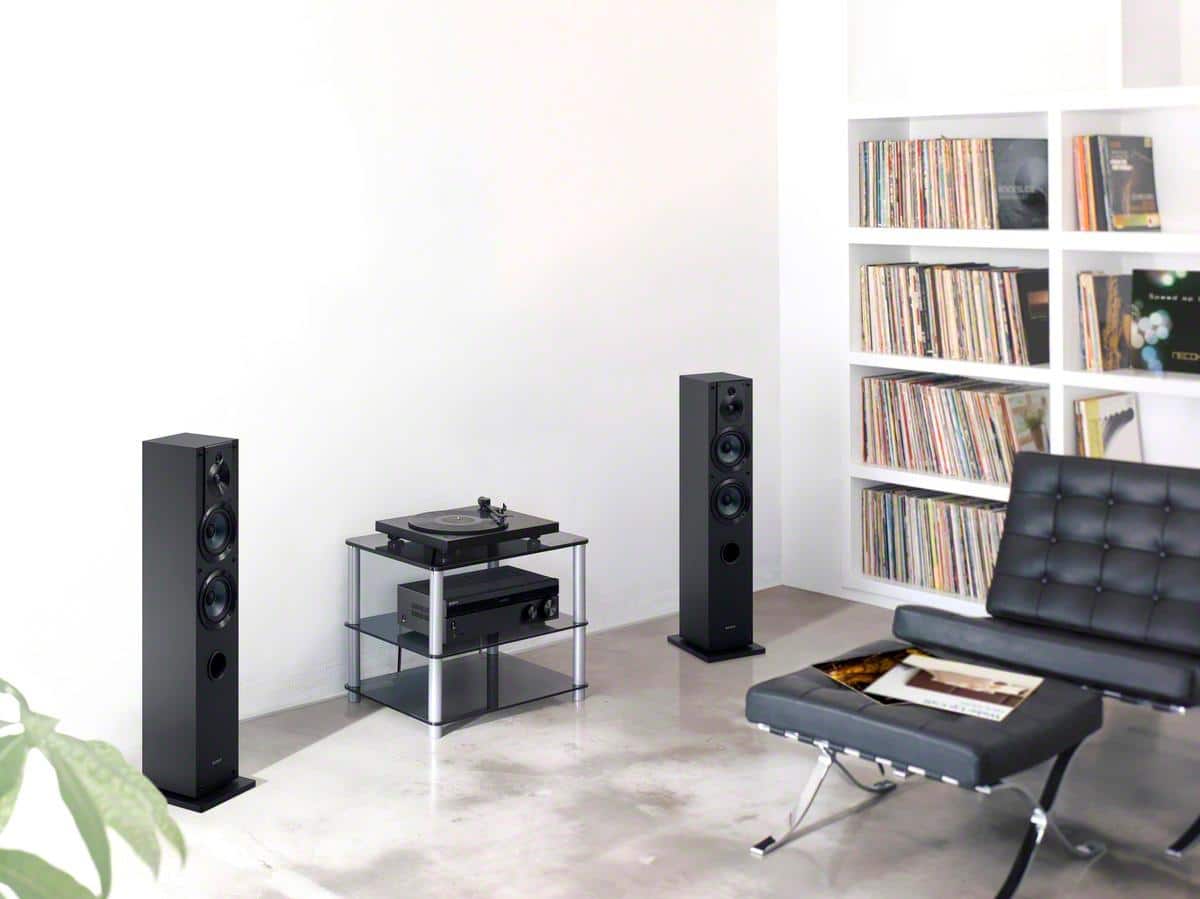
A:AnswerHi Evan, Thanks for your inquiry. Yes, you can connect your turntable to this receiver via the phono input. This receiver is designed to receive a Bluetooth signal from a smartphone or tablet. It is not capable of transmitting one to a Bluetooth device such as a wireless earphone or speaker. Hope this helps! -Sam
A:AnswerHi Scott, Thanks for your inquiry! The maximum range of the Bluetooth connection within the line of sight of the unit is approximately 30 m (98.4 feet). And yes, it should get the signal. Hope this helps! -Sam
A:AnswerPossibly. Speaker connections are the more traditional bar wire into the unit. You could possibly get your RCA speakers to work if they match the unit's rating and you're willing to cut the RCA plug off and strip the wires a little bit.
A:AnswerHi Myrt, We regret to hear about this. Is your Sonos bridge connected to the speaker output of the unit? If not, then you will not be able to hear the sound. A wireless speaker is not supported in this unit. This receiver is designed to receive a Bluetooth signal from a smartphone or tablet. It is not capable of transmitting one to a Bluetooth device such as a wireless speaker. Hope this helps! -Sam
A:AnswerHi elbo1957, Thanks for your inquiry. This receiver is designed to receive a Bluetooth signal from a smartphone or tablet. It is not capable of transmitting one to a Bluetooth device such as a wireless speaker. Hope this helps! -Sam
A:AnswerCoaxial connections are not available and this isn’t meant to be an A/V receiver. It works great for CD/Tape and Phono inputs through RCA inputs or Bluetooth from any source (iPhone/iPod etc) capable of connecting that way.
A:AnswerHi TerG63, Thank you for your interest in the STRDH190 receiver. We recommend using speakers that has an impedance rating within 6-16 ohms. And you can connect all your four speakers into the speaker ports of the STRDH190 as well. Hope this helps! -Sam
A:AnswerHi Greg, Thanks for your inquiry. Unfortunately, using a speaker selector is not recommended as we cannot guarantee its operation. We recommend connecting your speakers directly to the speaker ports of the unit. If you have 4 sets of speakers, we also suggest checking out our Sony STRDN1080 model. Hope this helps! -Sam
A:AnswerHi Kelley, Thanks for your inquiry. Unfortunately, you cannot connect or sync your Bluetooth speakers to the STRDH190 receiver. This receiver is designed to receive a Bluetooth signal from a smartphone or tablet. It is not capable of transmitting one to a Bluetooth device. Hope this helps! -Sam
A:AnswerHi Brad, Thanks for your inquiry. Yes, you can connect your iPhone to this receiver via Bluetooth. Unfortunately, it is not compatible with Alexa. -Sam
A:AnswerHi Denise, Thank you for your inquiry. Unfortunately, you cannot use a Bluetooth mic on this unit. The Bluetooth feature on this receiver allows you to receive audio content from a
Walkman, smartphone, or tablet that has a Bluetooth function and listen to it via this receiver. Hope this helps! -Sam
A:AnswerHi Lori, Thanks for your inquiry. Unfortunately, this receiver doesn't have a multi-room feature. We recommend checking out the STRDN1080 for Multi-zone feature. Hope this helps! -Sam
A:AnswerHi Josh, Thanks for your inquiry. The STRDH190 supports 4 RCA audio inputs. If your xm satellite receiver supports RCA audio connection then it should work. Hope this helps! -Sam
A:AnswerHi sami, Thanks for your inquiry. This receiver is designed to receive a Bluetooth signal from a smartphone or tablet. It is not capable of transmitting one to a Bluetooth device. Hope this helps! -Sam