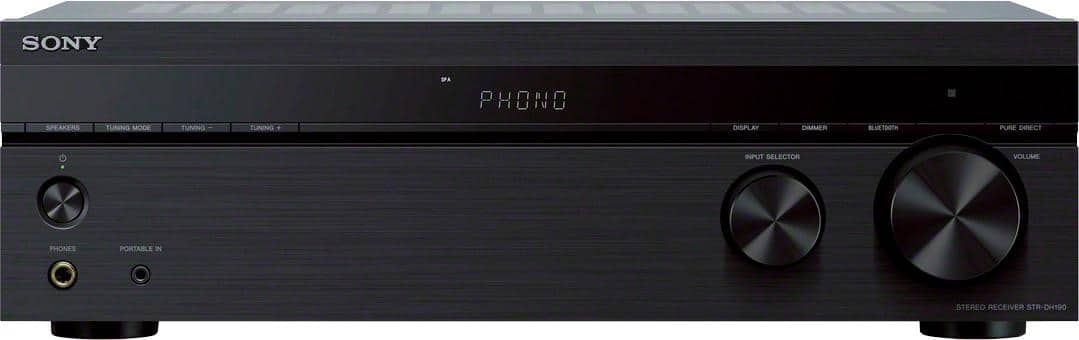
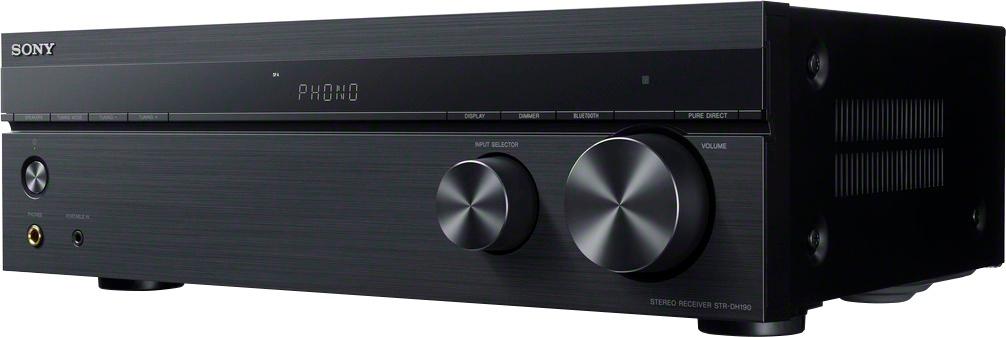
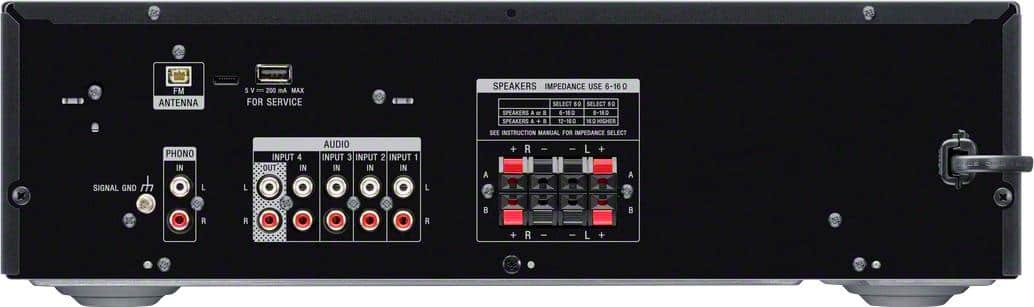
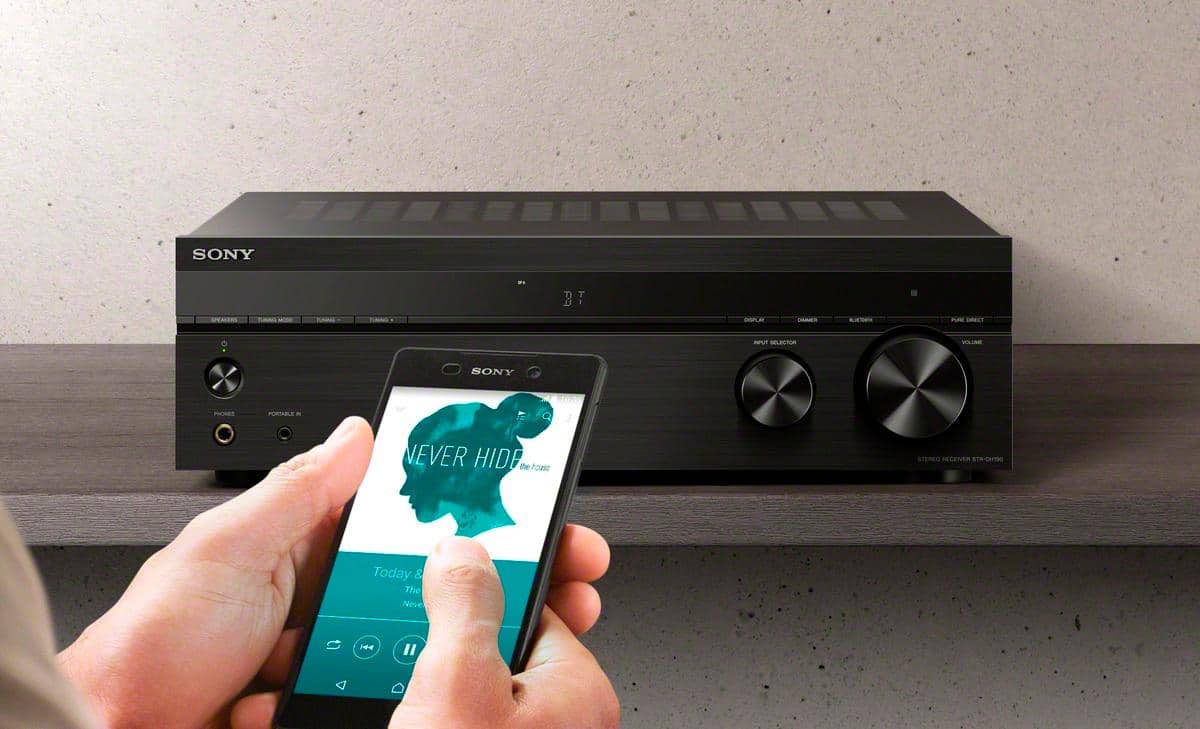
A:AnswerHi Shemera, Thanks for your inquiry. Using a plugin/adapter is not recommended as we cannot guarantee its operation. Yes, you will need a 75 ohm antenna to connect to this unit. And, good news! FM antenna is a supplied accessory for this receiver so you will not need to purchase one. Hope this helps! -Sam
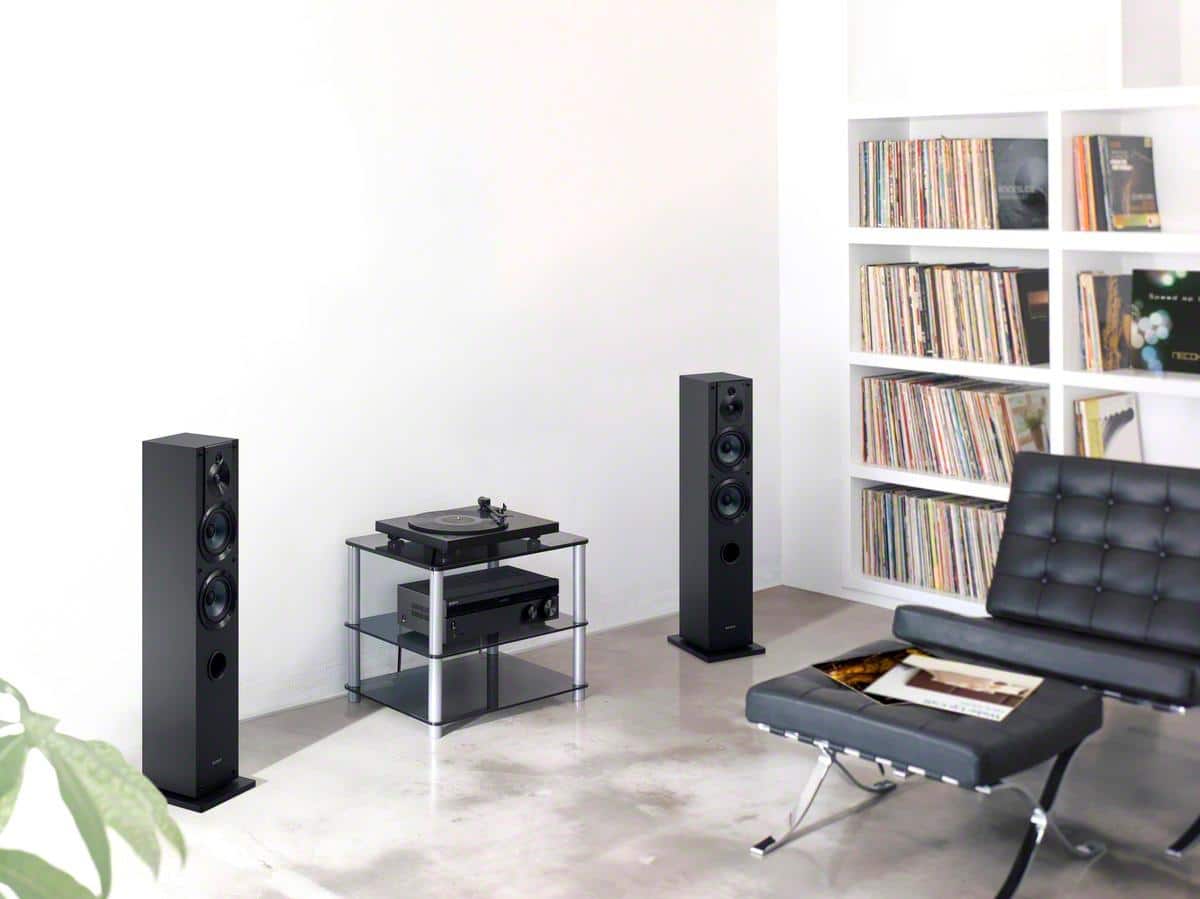
A:AnswerHi Martha, Thank you for your interest in the STRDH190. Yes, this unit supports speaker wire connection with up to 2 pairs of speakers. And make sure that the speakers are within the impedance rating of 6 to 16 ohms. -Sam
A:AnswerHi Geno, Thank you for your interest in the STRDH190. This unit connects via an FM aerial antenna (supplied) which enables you to extend and adjust the position of the antenna to get a good signal reception when playing radio stations. Please keep in mind that FM reception is largely dependent on your physical location, as well as the placement of the receiver. -Sam
A:AnswerHi eldiener, Thanks for your inquiry. Once you've connected your headphones to the headphones jack of the receiver, it should automatically turn off the speakers. -Sam
A:AnswerHi JROLAN, Thank you for your interest in the STRDH190 receiver. Unfortunately, you cannot hook up your speakers to the RCA output of the unit. You can only connect speakers with impedances of 6 to 16 ohms to the speaker output of the receiver. Hope this helps! -Sam
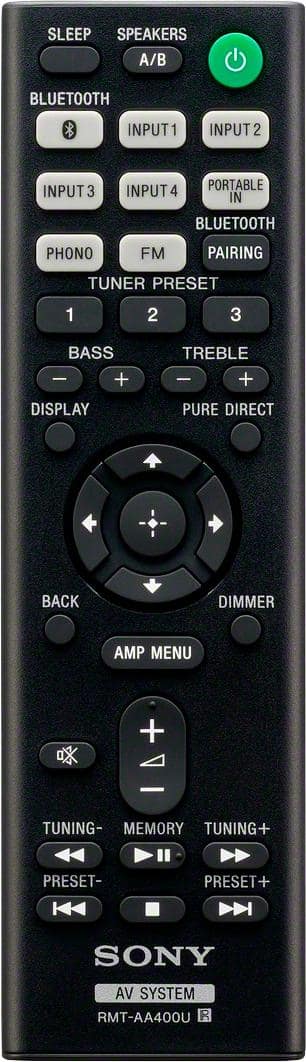
A:AnswerHi there, To balance the speakers, you can go to the AMP MENU of the unit and select "BALANCE". This will let you adjust the balance between left and right speakers. You can adjust from “BAL. L+10” to “BAL. R+10” in 1 dB/step. The initial setting is “BAL. 0”.
Ref: http://146.215.230.18/release//Manual_4726907131.pdf (page 28)
Regards,
Sam
A:AnswerIt does have a USB port in the back, or you could just connect to it by Bluetooth. I just don’t see why your tablet wouldn’t connect to it, I use my IPhone, My Mac pc with Bluetooth & it has I think 4 RCA Jacks in the back. Not that familiar with tablets but my guess is you can. Hope this helps.
A:AnswerYes, you can use this power outdoor speakers with the amp indoors and routing speaker wire outside. This amp has A Speakers and B Speaker outputs, meaning you can control half of your speakers on the A channel and half on the B. The amp allows you to control which zones you want to play (i.e. A, B, or A+B). You can also hook up your speakers in parallel so that two speakers can be the L channel and two on the R channel instead of using the A/B speaker out. Doing this can save those for another zone you want to hook up later.
A little lengthy but hope it helps.
A:AnswerHi Pat, Yes, you can. NOTE: The ability to connect an AV receiver to a computer will depend on the available connections on the computer. Connect a stereo mini-pin cable from the speaker output on the computer sound card to an available input on the receiver. Hope this helps! -Sam
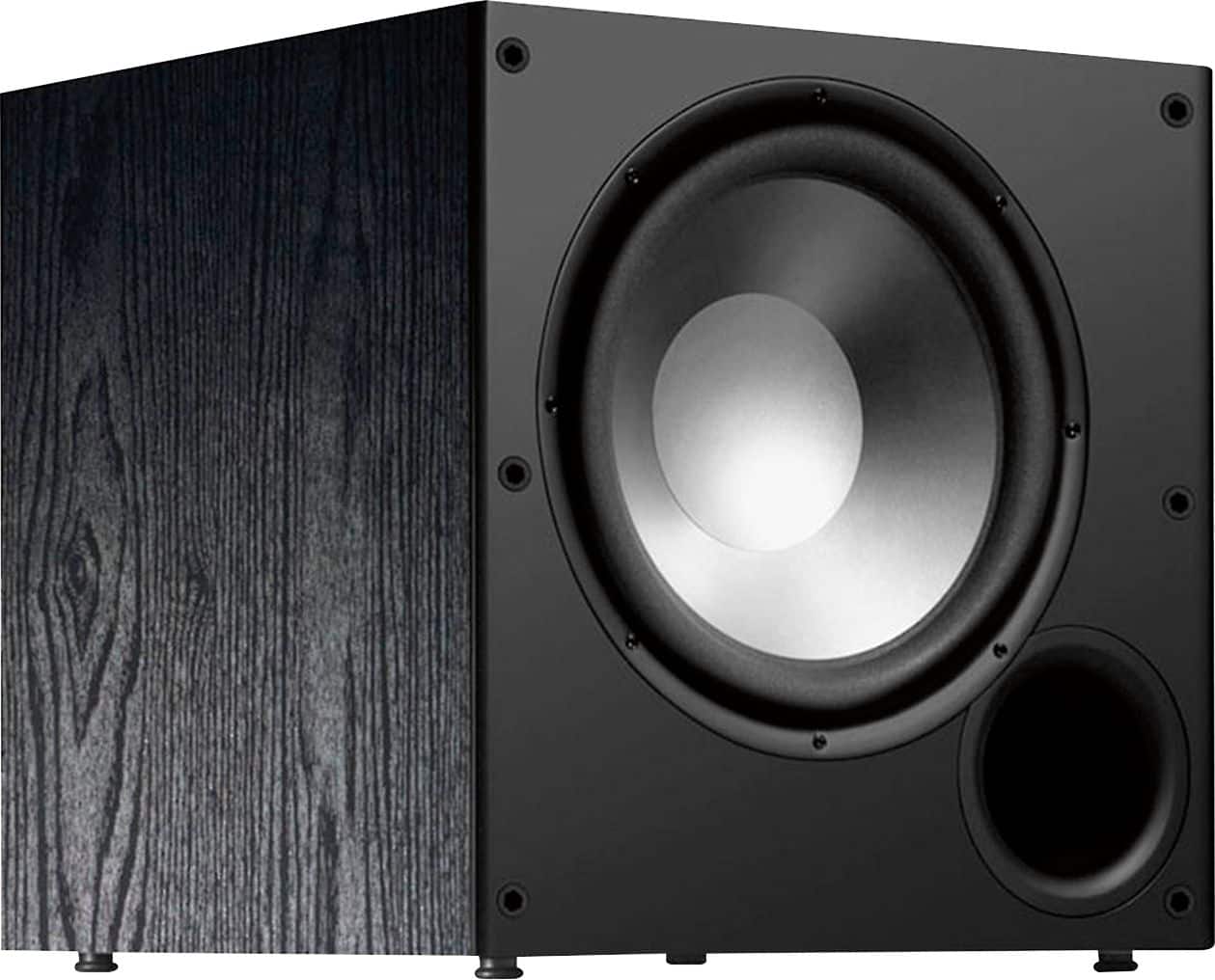
A:AnswerYes you can hook up a subwoofer to this receiver. What you are looking for is a subwoofer with a speaker level input. Sony responded that there isn't a dedicated line output for subwoofer on this receiver, and pointed you toward more expensive receivers.
The alternative is to buy the right subwoofer. Use Google to find subwoofers with speaker level inputs (they exist, they aren't more expensive than regular subs, you just need more speaker wire).
Polk Audio PSW10 does the job. Not saying that's a good one or bad one, just an example.
A:AnswerHi Caroline, Yes, this unit supports FM radio tuner. However, it doesn't have an AM tuner. I'd recommend getting the STR-DH750 or the STR-DH550 for AM/FM tuner feature. -Sam
A:AnswerThe TV would need to have RCA audio output jacks on it. If it does, then then TV can be connected to an input on the receiver. In my instance, we had a Blu-Ray player connected to the TV. the blu-Ray player only had an HDMI output so I couldn’t connect it directly to the receiver. However, after connecting the Blu-Ray to the TV, I then connected the RCA audio outputs on the TV to the receiver. That allows me to listen to whatever is on the TV (cable, blu-Ray, etc.) thru the receiver.
A:AnswerHi, AcmeShopper!
Unfortunately, it cannot be connected to wireless speakers. You can receive audio content from a phone or a mobile device via Bluetooth but, you cannot transmit audio through your wireless speakers via Bluetooth. -Sam
A:AnswerHello, SR!
You can't connect an external FM antenna to your A/V receiver. Sony recommends using the supplied FM wire antenna for FM reception. Please refer to the links below to isolate the issue:
https://www.sony.com/electronics/support/audio-components-receivers-amplifiers/str-dh190/articles/00204875
https://docs.sony.com/release//Manual_4726907111.pdf (Pg.18)
If you are unable to resolve your concern, please email us at socialsupport@am.sony.com with the following details:
Name:
Best Buy Username:
Model Number:
Issue:
Telephone Number:
Sincerely,
Romeo
Sony Social Support