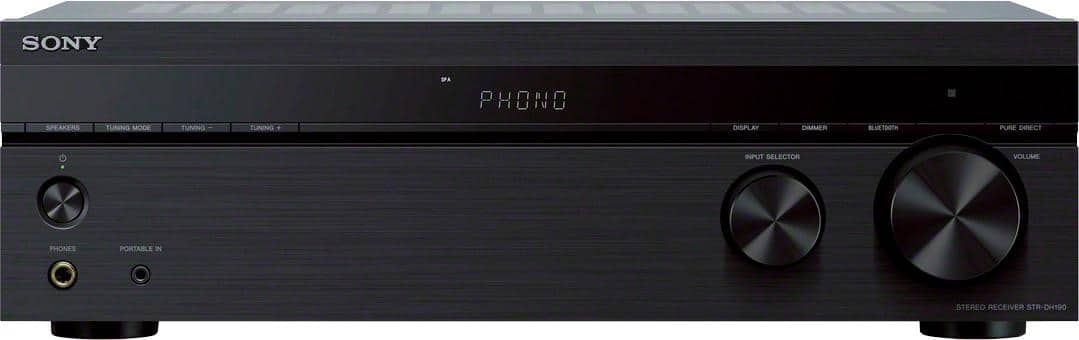
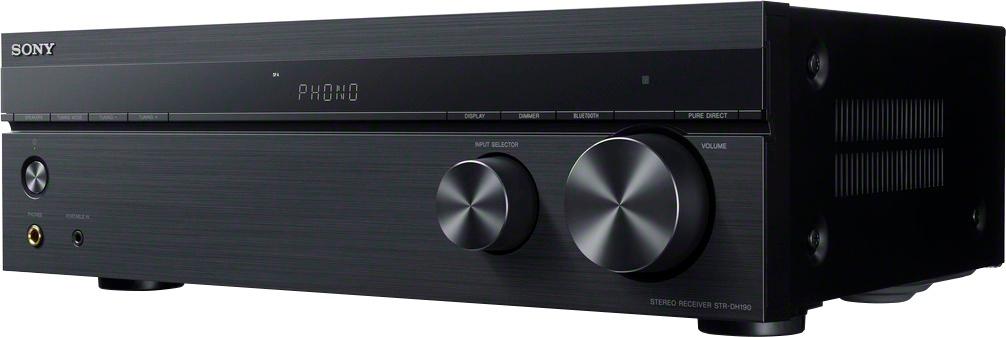
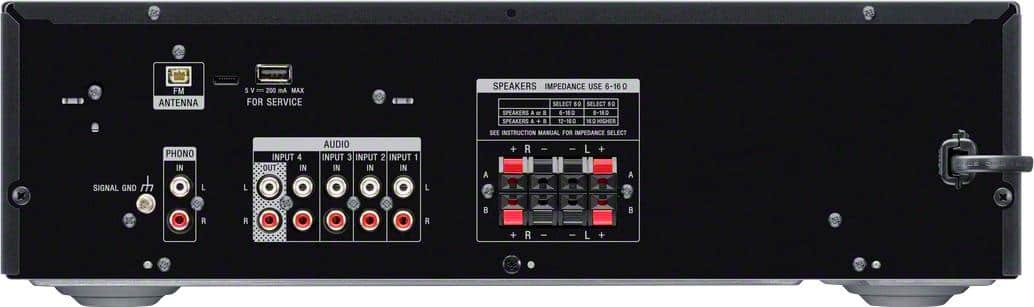
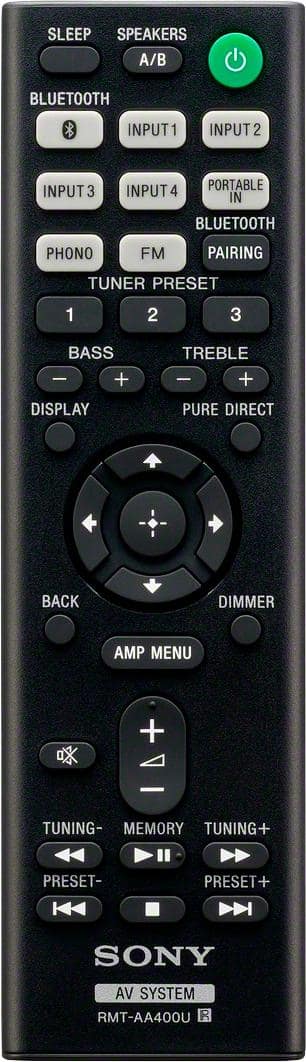
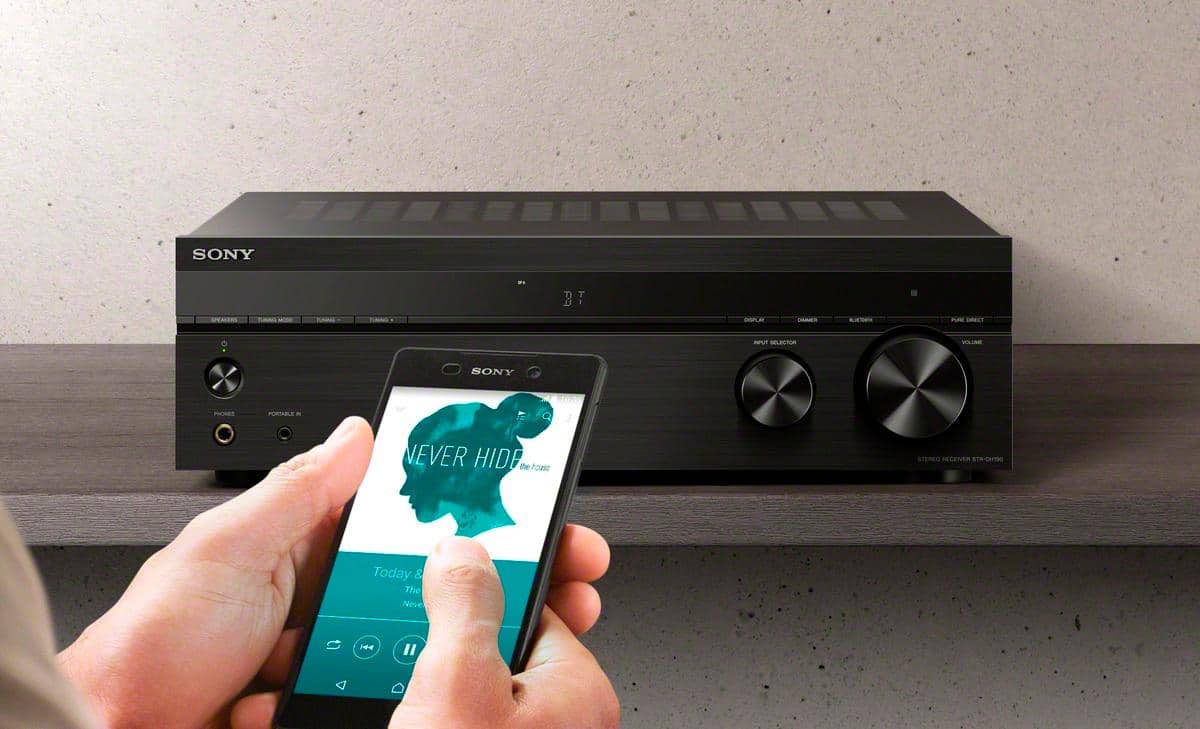
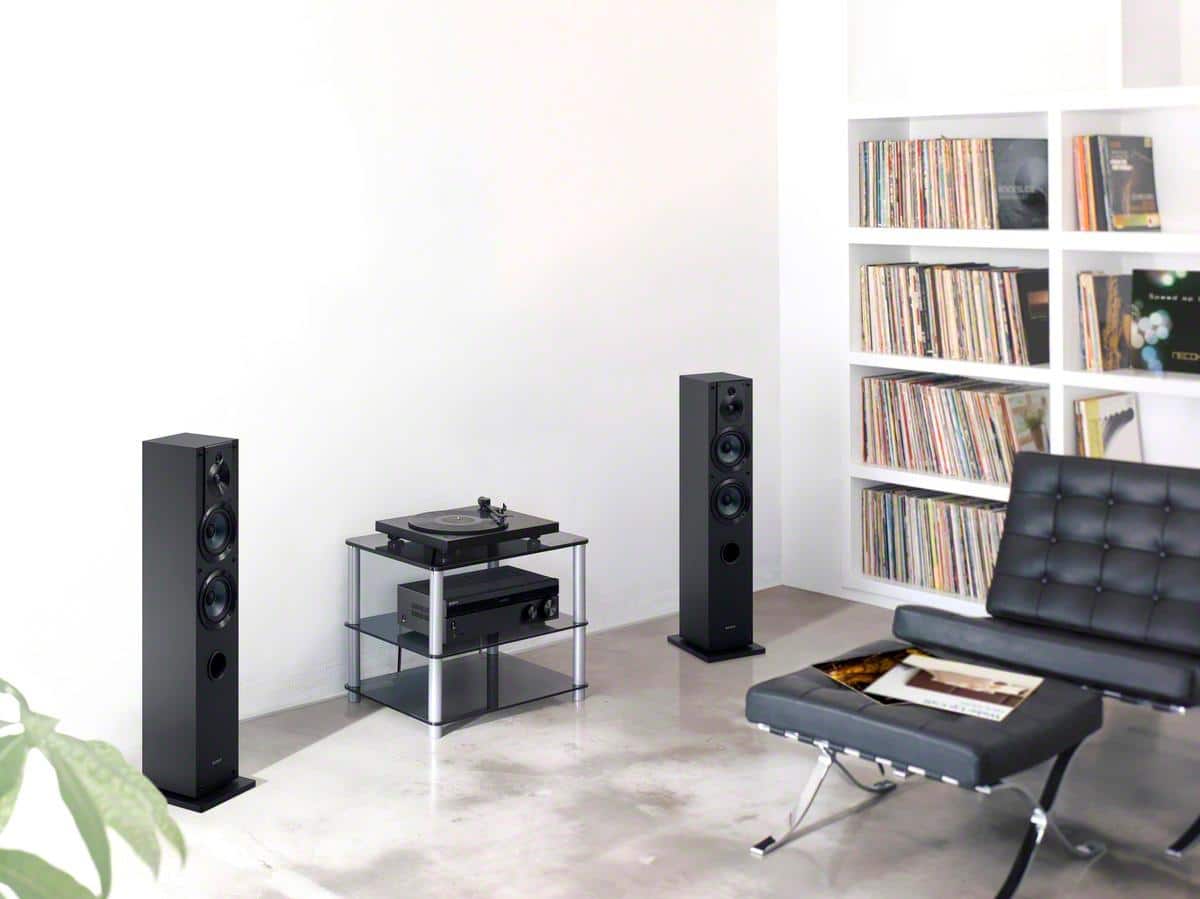
A:AnswerHi Spanky, Unfortunately, the strdh190 doesn't have a USB port to connect your USB drive. I'd suggest connecting your phone or music player to the audio input of the receiver to listen to your music. -Sam
A:AnswerI have two Yamaha RX-V361's. I got the Sony for the phono jacks. Both units produce enough quality sound at levels an audiophile would appreciate.
A:AnswerIt has a stereo output (the two L/R (red/white) lines) that I've hooked an older soundbar to, so it's playing both on my speakers and the soundbar (provides a very cool additional dimension to the sound). It doesn't have a bluetooth output that I know of (just BT input). But if your bluetooth speakers have an "antenna" module of some sort that can be hardwired through a L/R cable (I use an adapter that combines those into a single line), you'd be able to get that output to work.
A:AnswerShould work fine as long as you don't run them at max power for any period of time. There is a setting for 6 ohm speakers. I was considering these speakers for mine but ended up with Def Tech towers. They work great and the Polks should too.
A:AnswerHi Marie, this receiver is easy to set up. The Startup Guide instructions has three steps with pictures to help guide you in properly connecting your two speakers and your audio inputs. You can switch effortlessly between analog and digital with simple Bluetooth connectivity and connect to all your equipment. And please feel free to reach out to Sony Support should you have any questions!
Erin
A:AnswerNot really. There isn't a bypass to make this a strict amplifier. I'm not sure why you would want to hook up a preamp to this receiver. Most reasons to do that are for a phono stage (or phono preamp), there is a Phono input or preamp built into this. If you were looking for higher quality phono preamp for better sound, this probably isn't the receiver to do that with (too low end). Although you could always hook a phono preamp to any of the regular line inputs CD, Tape, Video (that absolutely works on any receiver).
A:AnswerHi al, Unfortunately, you cannot connect a Bluetooth speaker to this receiver. Please refer to this link on how to setup speakers to the STRDH190 receiver:
https://www.sony.com/electronics/support/res/manuals/4726/f63b8edb2b154409daa55875111f95e4/47269071M.pdf (page 13) -Sam
A:AnswerYes, I've connected it (Sony 2.0 Receiver, model STR-DH190) successfully to my desktop (in fact, I bought it specifically for that purpose). And it works very well.
A:AnswerHi JCM, Good news! Yes, you can play speakers A and B at the same time. Please refer to this link for details: https://www.sony.com/electronics/support/res/manuals/4726/f63b8edb2b154409daa55875111f95e4/47269071M.pdf (page 19). -Sam
A:AnswerHi Skinny, Unfortunately, it is not possible to connect an add-on equalizer to current Sony AV receivers. Most Sony receivers feature a built-in Digital Signal Processing (DSP) Equalizer. The addition of an equalizer is not needed and would provide no additional benefit to the overall sound output of the receiver. Note: BOSE speakers that require an external equalizer are not compatible with Sony AV receivers. -Sam
A:AnswerHi tommy, We regret to hear about this. Please try to revert the unit to the factory default settings. Ref: https://www.sony.com/electronics/support/res/manuals/4726/f63b8edb2b154409daa55875111f95e4/47269071M.pdf (page 31). If you are unable to resolve your concern, please email us at socialsupport@am.sony.com with the following details:
Name:
Bestbuy Username:
Model Number:
Issue:
Telephone Number:
Sincerely,
Sam
A:AnswerHi Renny,
Please contact our product specialist so we can further assist you.
https://us.esupport.sony.com/support/s/support-contact?language=en_US
Regards,
David
A:AnswerHi Renn,
To connect a turntable to a stereo system, the stereo system should have a phono input. If a phono input is not available, the turntable must have a built-in amplifier or an in-line amplifier must be used to connect the turntable to another input on the stereo system.
Regards,
David