A:AnswerHi Ryan,
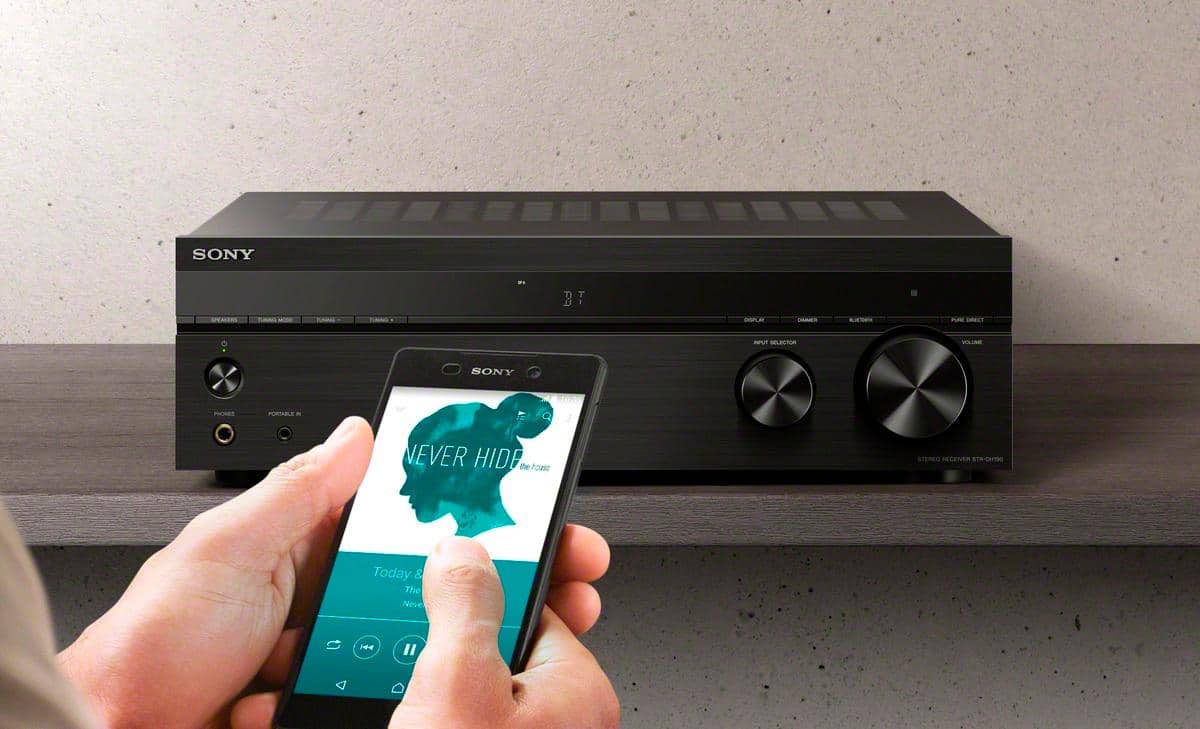
The bluetooth function of this AV receiver is only for smartphones for playing audio. You cannot connect wireless speakers via Bluetooth.
Regards,
David
A:AnswerHi dobie66,
An equalizer needs to be connected to the tape monitor loop on an AV receiver in order to operate. The current line of Sony receivers do not have a tape monitor loop. For this reason, it is not possible to connect an add-on equalizer to current Sony AV receivers.
~Ralph
A:AnswerThink you have this hooked up wrong. Open up the manual for the speaker. You need to connect the bass module to the receiver. You then connect the two speakers to the bass module.
A:AnswerHi, Brilis!
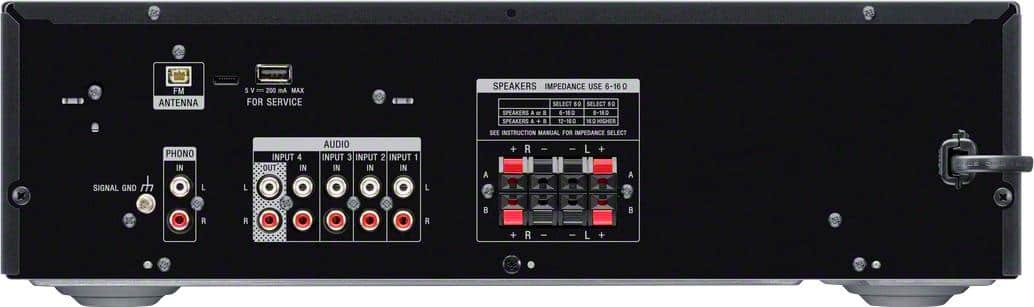
Unfortunately, this unit only supports 2 ch. stereo which means you can only hookup left and right speakers. As a suggestion, please look at these AV receiver models that supports 4 or more speakers: STRDH590, and STRDH790. Hope this helps! -Sam
A:AnswerOnly if you’re hooking up the audio. This the low end receiver. It might be better to go with a higher receiver. You can check the back of the receiver to see if it would allow your hook up.
A:AnswerHi, Clowningsoul!
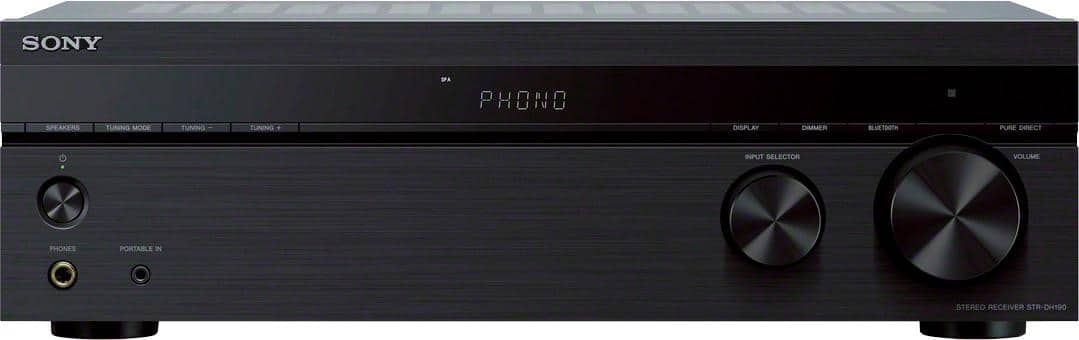
In this unit, you can connect a maximum of 2 speakers with a nominal impedance of 6 ohms to 16 ohms.To check the impedance rating of your speakers, check the back of the speakers or the supplied manual. -Sam
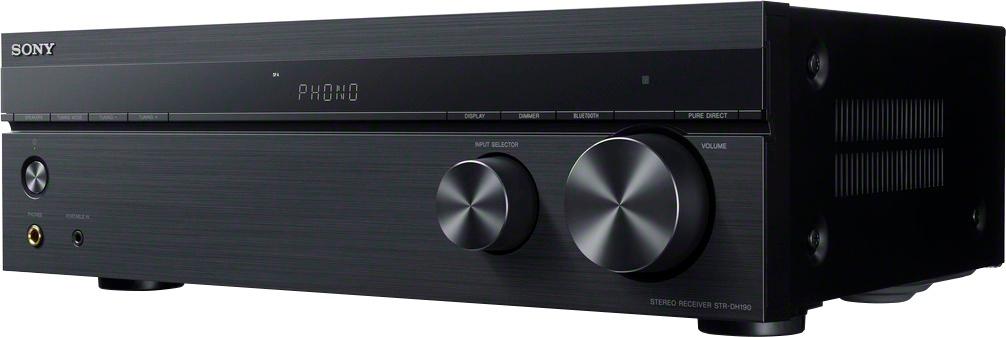
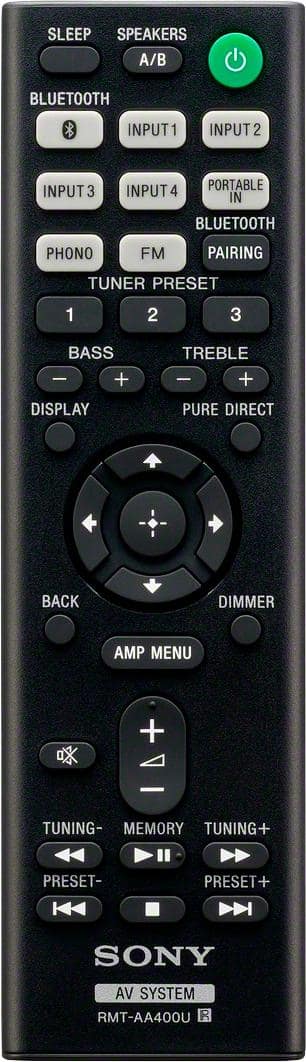
A:AnswerIt behaves mostly like a bluetooth speaker. You can adjust the device volume, and turn the receiver on from the bluetooth device, but the receiver volume is separate, and there are no other settings you can affect from phone. This does not have wifi, and therefore no full control like some of the larger home theater receivers.
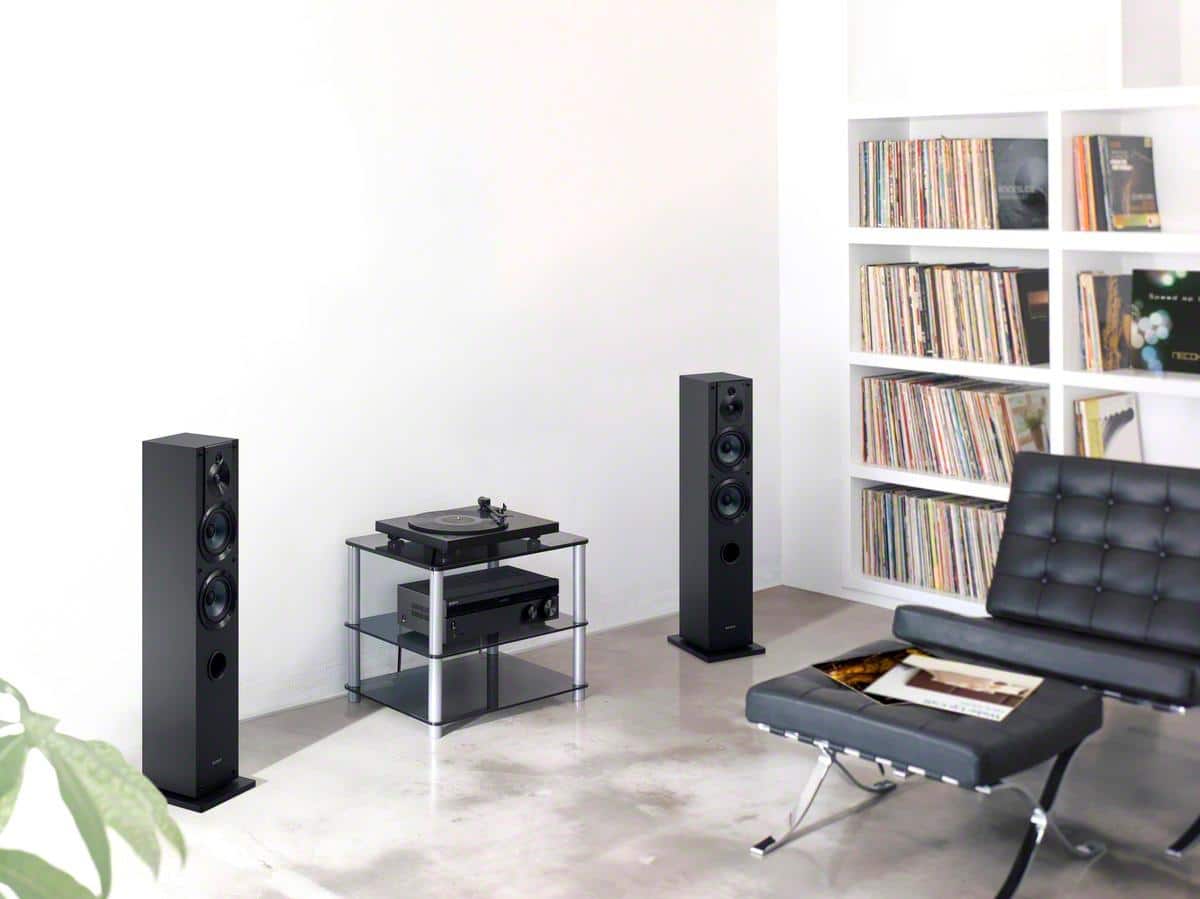
A:AnswerHi, apri! You can connect a turntable directly to the PHONO input of the receiver. You may refer to page 15 this link for more information:
https://www.sony.com/electronics/support/res/manuals/4726/f63b8edb2b154409daa55875111f95e4/47269071M.pdf
~Ralph
A:AnswerI have just successfully integrated an EQ to my Sony STR-DH190. An inexpensive new $70 EQ. Learning that without the typical Tape Back loop, the EQ was not compatible with this AV receiver.
After researching and attempting a couple work arounds, I am happy to report success. Allow me to explain.
I purchased the Sony STR-DH190 for my front room. I wanted an inexpensive receiver with a Phono input, so I could play vinyl in the main area of the house. This was my main goal. Everything was going well. I just felt like during playback of typical vinyl, I achieved more than enough volume. The Bass and Treble settings were fine for getting some basic sound variance. But there was some definite room for shaping sound to fit good vinyl playback. I realized I did not need to EQ the receiver for all external device playback. It sounded fine for Bluetooth sources and assuming the same for Tape, CD, or MP3 if decide to add.
So I decided to try direct EQ of the Turntable. and only the TT. Success ! As the low level of the TT would not be sufficient as in input for the EQ, I picked up a $30 Phono Preamp. So, turntable to preamp, preamp to EQ (aux input), EQ to Receiver on Input 1. It very much achieved the desired result. No issues with it so far and sound is shaped better than expected. Volume is excellent. No hum or distortion. If this fits your need, I highly recommend. Phono Preamp $30ish. All in all, this is exactly what I hoped for !
A:AnswerYes, there are several inputs for various equipment, and you have the ability to label them on the tuner readout. I did learn something that I didn't know about the Sony turntable, I hooked connected my Non-Sony turntable and I kept getting a buzzing noise when I would turn on the turntable. It's because it's made for a Sony turntable and they have a grounding wire that hooks up from the turntable to the receiver. My turntable did not have one of these grounding wires so I hooked it up to a different input and named that input Phono and it works perfectly.