A:AnswerHello, CIRRHO!
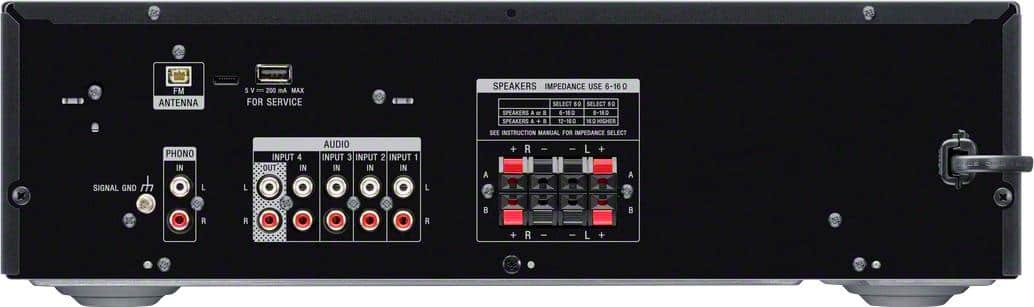
You can hook up a CD player to this AV receiver using RCA cable. See page 15 for details.
https://www.sony.com/electronics/support/res/manuals/4726/f63b8edb2b154409daa55875111f95e4/47269071M.pdf
Happy to help,
David
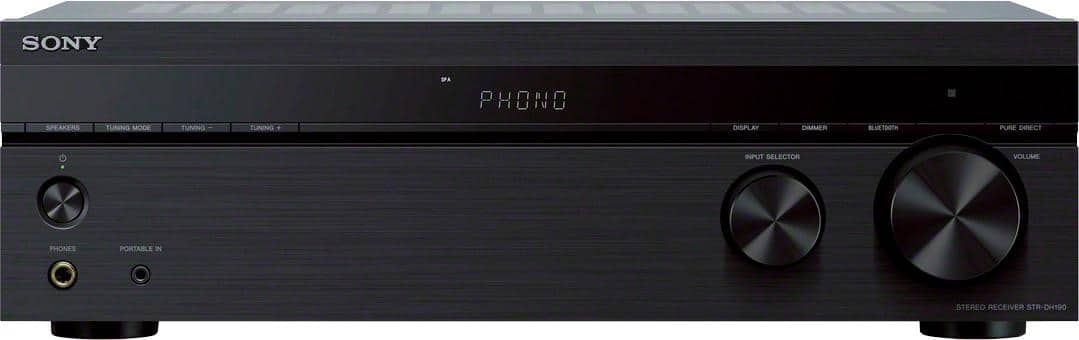
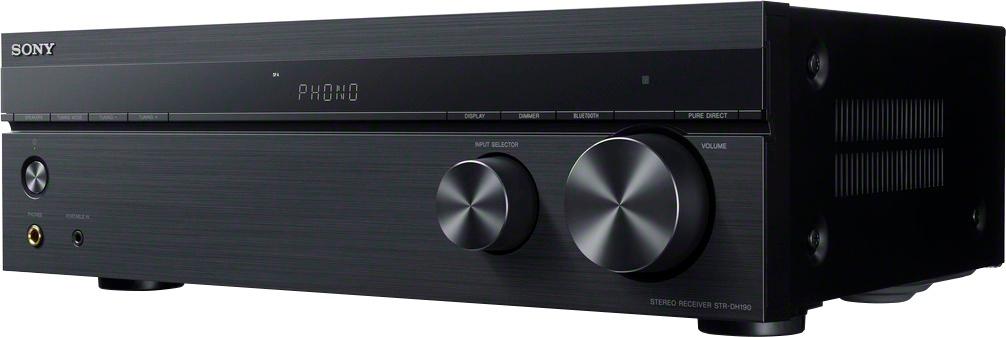
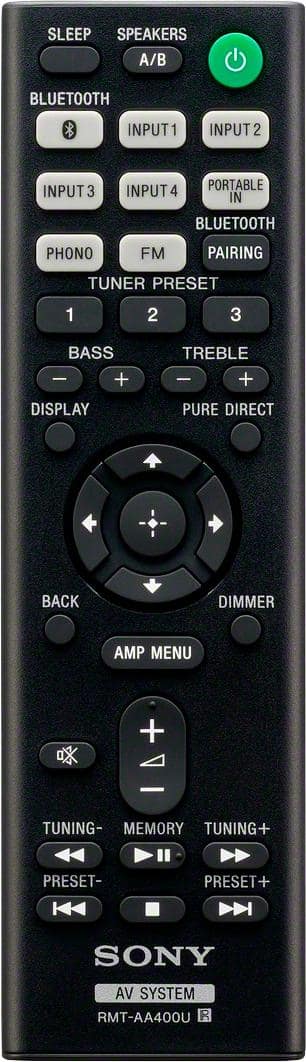
A:Answer2nd answer, speaker button is just above the power button that has 4 options : A speakers, B speakers, A&B (all four), off..... The remote can function same options. I'll see if I have a plug to fit and I will pass that along. I hope this was helpful,
A:AnswerHi Cali.
It should show you that in the user's guide. I just plugged my turntable in and I play 95% of my music off of my wireless devices like tablet, phone etc if you do it this way you don't need a EQ you can download one from a app store on your device and use that. That's how I run mine. Also the bass and the treble are very good on this unit. But I do run a EQ app as well. Hope this helps, Rock On.
A:AnswerHi dolittle, Yes, as long as it supports the 3.5 mm headphone jack. You may refer to this link for more information:
https://www.sony.com/electronics/support/res/manuals/4726/f63b8edb2b154409daa55875111f95e4/47269071M.pdf
~Ralph
A:AnswerDepending on your model of iPod (mp3) player, you could connect either way...
1. Bluetooth (if iPod supports).
2. Mini 3.5mm audio cable (if iPod supports) such as...
Insignia™ - 3' 3.5mm Audio Cable - Black
Model:NS-LW16
SKU:5019113
A:AnswerThis uses minimal power on the standby mode. However if you turn off all power to this receiver from the wall outlet the red light on the front panel will go out.
A:AnswerHi Ronba,
if your audio system is in range of 6 to 16 ohms of power then yes, you can connect them using a wired connection. Yes, this AV receiver supports phono input. See page 15 (Connecting Audio-Visual Devcies) for refernece.
https://www.sony.com/electronics/support/res/manuals/4726/f63b8edb2b154409daa55875111f95e4/47269071M.pdf
Happy to help,
David
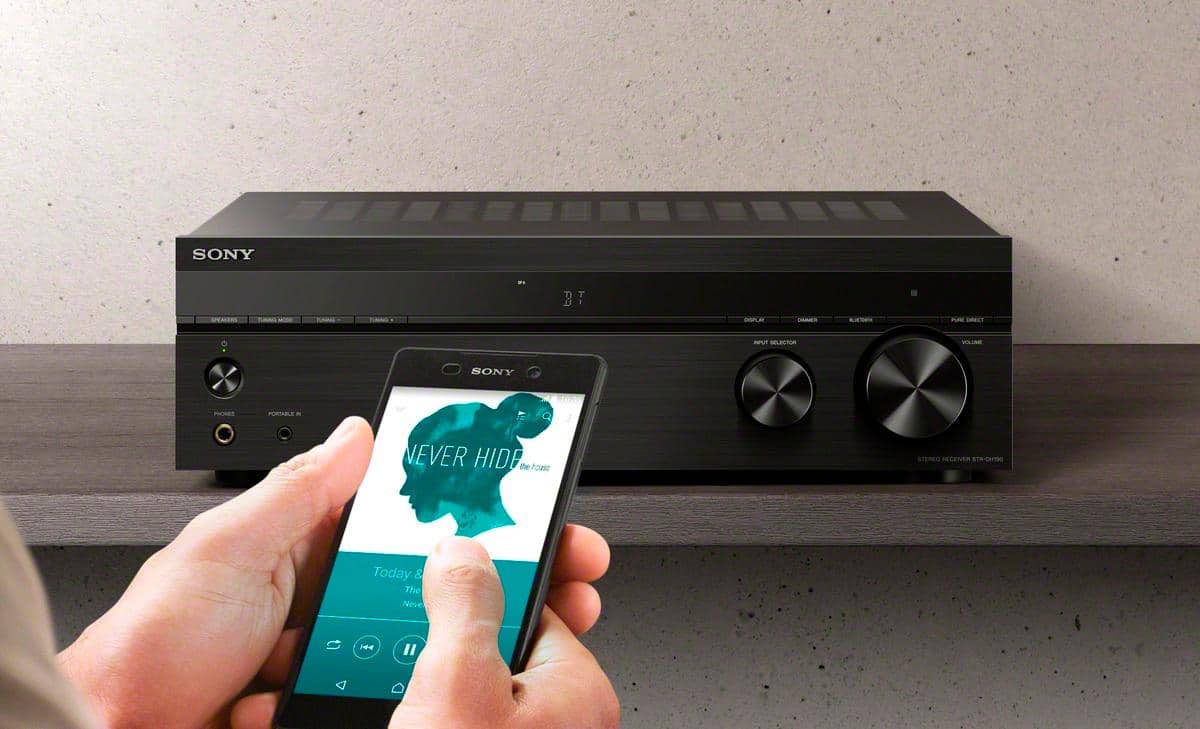
A:AnswerNo USB port. If you want to connect a cell phone or tablet there is a 3.5mm connection on the front of the receiver. You will have to buy a male 3.5mm on both ends audio cable and plug it into your earphone jack on your input device to make the connection. But you could also just connect them with the Bluetooth option. This receiver doesn't work like speakers where you can connect your input device directly to the speaker and bypass a receiver. All other inputs are through RCA cables in the back like most receivers.
A:AnswerThis unit has jacks labeled for turntable input and a grounding post for the turntable. I assume that means it has the proper preamp to support a turntable. I have not tested this, but expect it to work.
A:AnswerHi Ell6282,
No, you can only connect wired speakers to this AV receiver. See link below for more details regarding with your concenr.
https://www.sony.com/electronics/support/res/manuals/4726/f63b8edb2b154409daa55875111f95e4/47269071M.pdf (page 13)
Happy to help,
David