A:AnswerHi jdcma,
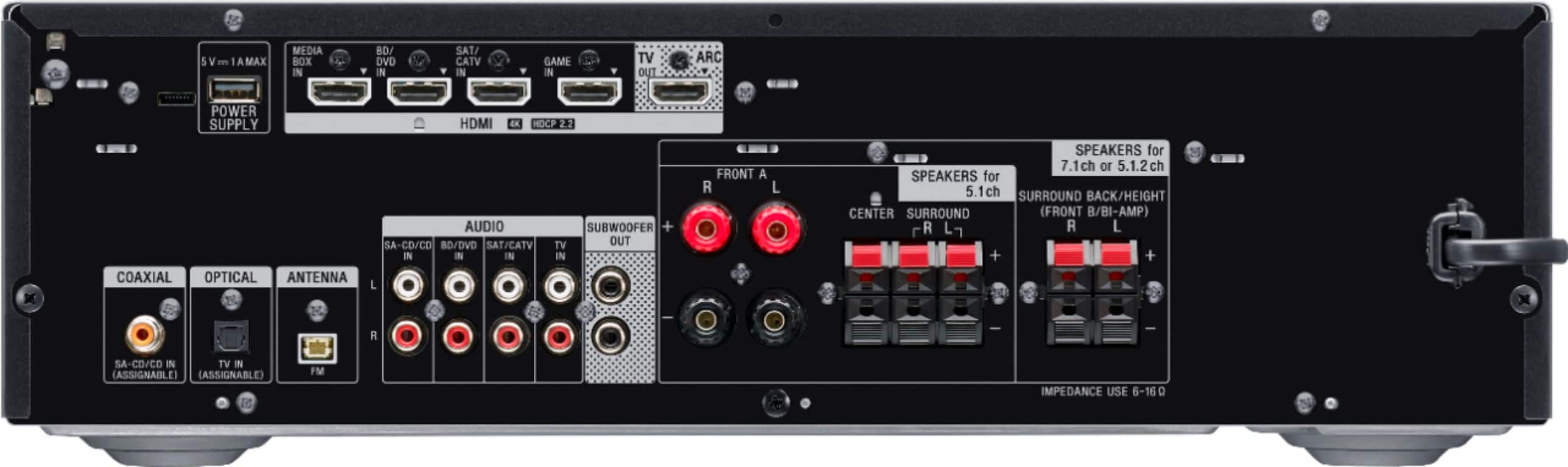
Yes, you can connect it but check if your speakers have a nominal impedance of 6 ohms to 16 ohms. The AV receiver only support that impedance. Lower than 6 or higher than 16 ohms will not work.
Regards,
David
A:AnswerHi Dixon,
Thank you for reaching out to us! Check this link below on how to connect the antenna on the AV receiver. (See page 32)
https://www.sony.com/electronics/support/res/manuals/4726/890436b47fd2ffcc4003f34dc5f2592c/47269051M.pdf
NOTE: You can't connect an external FM antenna to your A/V receiver, but you can improve the FM reception.
Regards,
David
A:AnswerHi Customer,
Unfortunately, this AV receiver doesn't have phono input. We suggest checking out
the STR-DH190 model that supports it.
https://electronics.sony.com/audio/audio-components/av-receivers/p/strdh190
Regards,
David
A:AnswerHi jahmel,
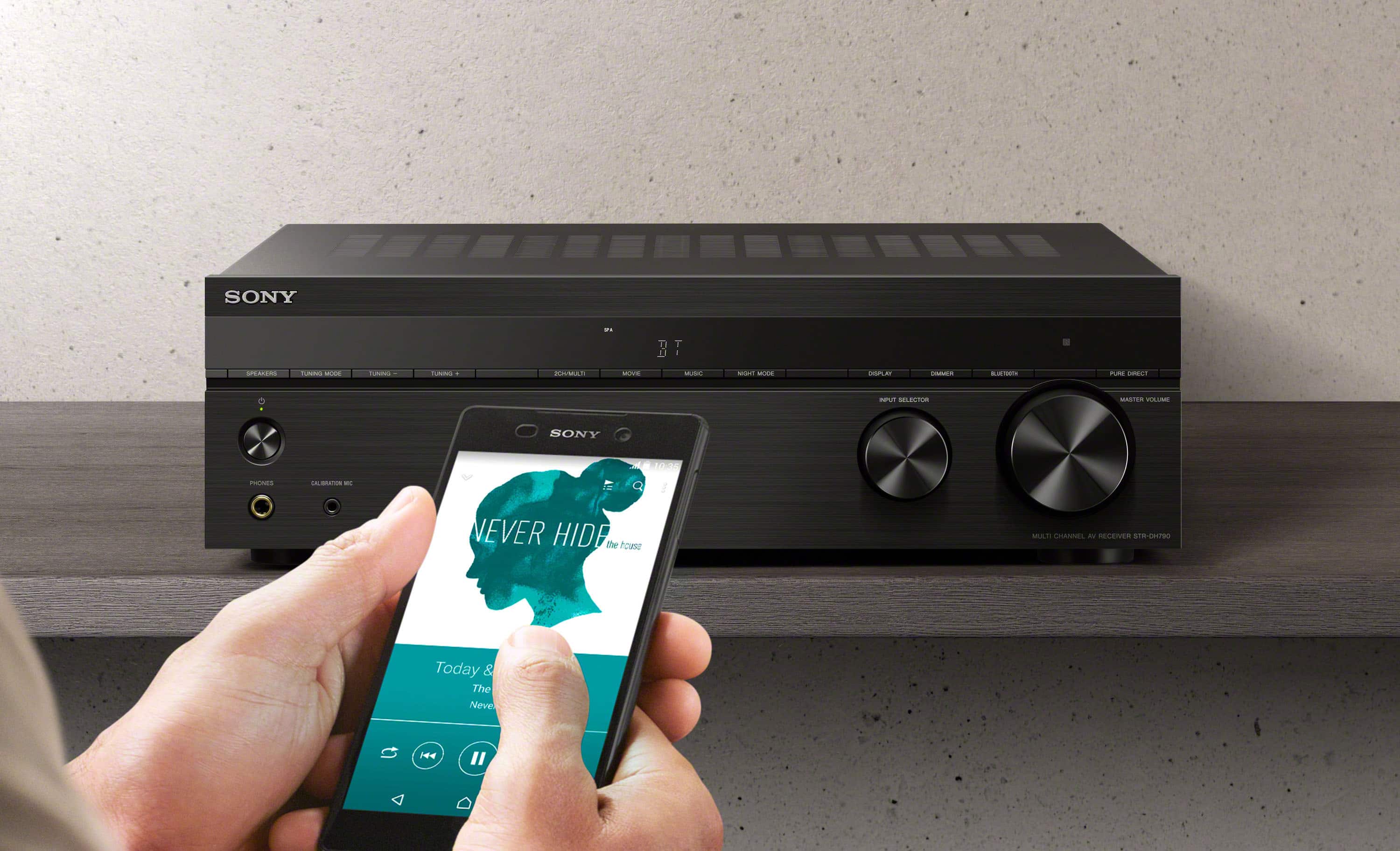
Yes, this AV receiver has a Bluetooth function.
https://helpguide.sony.net/ha/strdh79/v1/en/contents/TP0001612188.html?search=bluetooth
Regards,
David
A:AnswerHi Linus,
Thank you for the interest! We recommend connecting wired speakers with a nominal impedance of 6 ohms to 16 ohms. We also recommend using speaker wires that are anywhere between 12 to 16 gauge. These are most commonly used for connecting speakers to an amplifier or an Audio/Video (A/V) receiver.
Regards,
David
A:AnswerHello spht,
Yes, you can do a 5.1.2 speaker set up with this AV receiver.
https://helpguide.sony.net/ha/strdh79/v1/en/contents/TP0001628978.html?search=5.1.2
Hope this helps!
David
A:AnswerHi Maroon,
Thank you for the interest! We recommend connecting wired speakers with a nominal impedance of 6 ohms to 16 ohms only. We also recommend using speaker wires that are anywhere between 12 to 16 gauge. These are most commonly used for connecting speakers to an amplifier or an Audio/Video (A/V) receiver
Regards,
David
A:AnswerHello AM,
To get Dolby vision, please try to use Premium High-Speed HDMI Cables with Ethernet which can support bandwidth up to 18 Gbps from the Apple TV to the Receiver and from the Receiver to the TV. Also, check that the HDMI signal format is set to "Enhanced". Please see the link below for details:
https://www.sony.com/electronics/support/res/manuals/4726/890436b47fd2ffcc4003f34dc5f2592c/47269051M.pdf (see page 35)
Regards,
David
A:AnswerHello Shalonda,
Thank you for your interest! We recommend connecting wired speakers with a nominal impedance of 6 ohms to 16 ohms.
Regards,
David
A:AnswerHello Oscar,
This model doesn't support the zone 2 function. We recommend the STRDN1080 if you want zoning capabilities for a different room.
Regards,
David
A:AnswerHi Drew,
Yes, you can set up your 5.1 speakers to this AV receiver. Just make sure that the wired speakers you have has a nominal impedance of 6 ohms to 16 ohms. Otherwise, it will not work. See page 17 onward from this link for more details.
https://www.sony.com/electronics/support/res/manuals/4726/890436b47fd2ffcc4003f34dc5f2592c/47269051M.pdf
Hope this helps!
David
A:AnswerHello Tige,
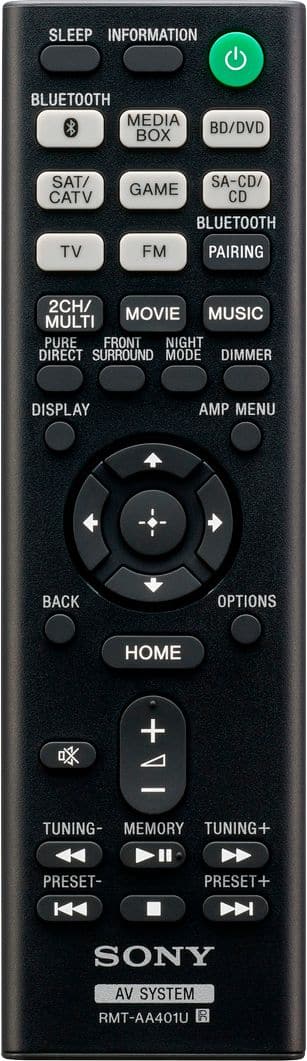
The AV receiver doesn't have a IR booster input. We also don't recommend using universal and third party remote control because we cannot guarantee its full operation.
Regards,
David
A:AnswerHi Ty,
To display the home menu of the AV receiver, it must be connected to the television using an HDMI cable. (ARC to ARC)
https://helpguide.sony.net/ha/strdh79/v1/en/contents/TP0001559201.html
Regards,
Isaiah
A:AnswerHi Ty,
You can update the AV receiver using the USB method. More details on the link below.
https://helpguide.sony.net/ha/strdh79/v1/en/contents/TP0001560174.html
Regards,
David