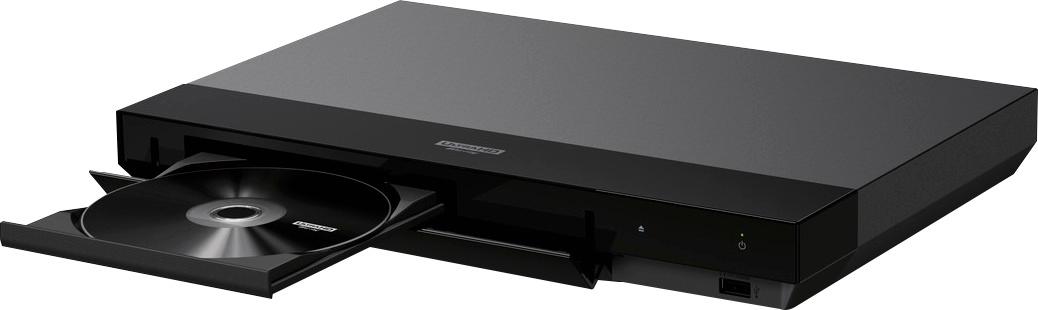
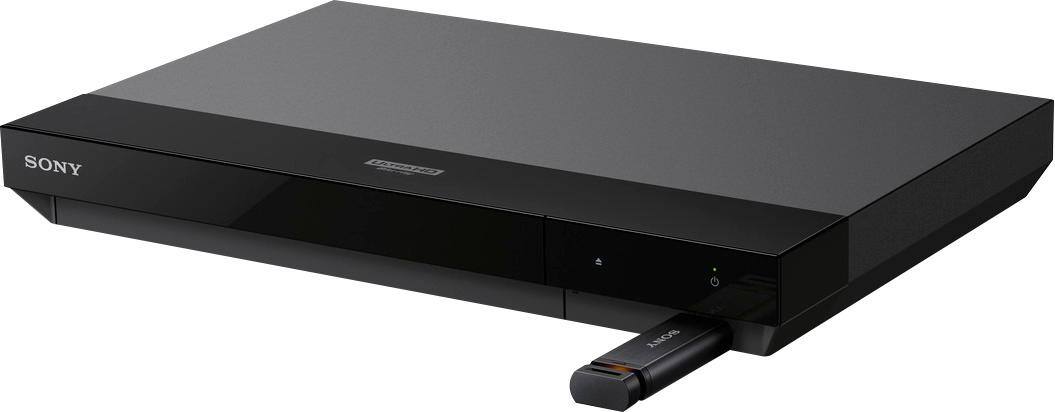
A:Answerif you can download and save video clips in supported format ( i think this player support all formats ) then copy the saved video files to a Disk (DVD or CD) or USB flash drive and insert it to player .
if you don't have USB flash drive TURN ON Streaming in Windows media player ( use google search for instruction ) then copy those file to VIDEO folder in your computer
then in Sony Player go to MEDIA SERVER ( for the first time takes time for Sony Player to find your computer and Your PC and the Sony Player has to be connected to the same router ) in your case I think better to get a USB flash drive much easier and don't need running computer and network
A:AnswerMake sure you have the correct cables to connect to your TV and/or Audio video Receiver. I believe HDMI but if your TC/AudioVideo receiver does not have that connection you may have to use different cables or get a converter to go from HDMI to the input on your TV and/or Audio video receiver.
Hope this helps.
Happy and Blessed New Year,
Lem
A:AnswerHi there. It does actually. I myself have a Hulu account. Streamed a movie from there the other day. Haven't seen a series yet, but looking forward to it.
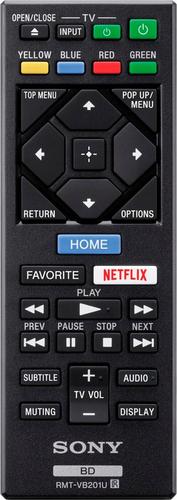
A:AnswerYes, it works great. I actually like the little remote that comes with it and it controls the volume on the TV and Soundbar just fine (In my case the TV is SONY and soundbar is Yamaha)