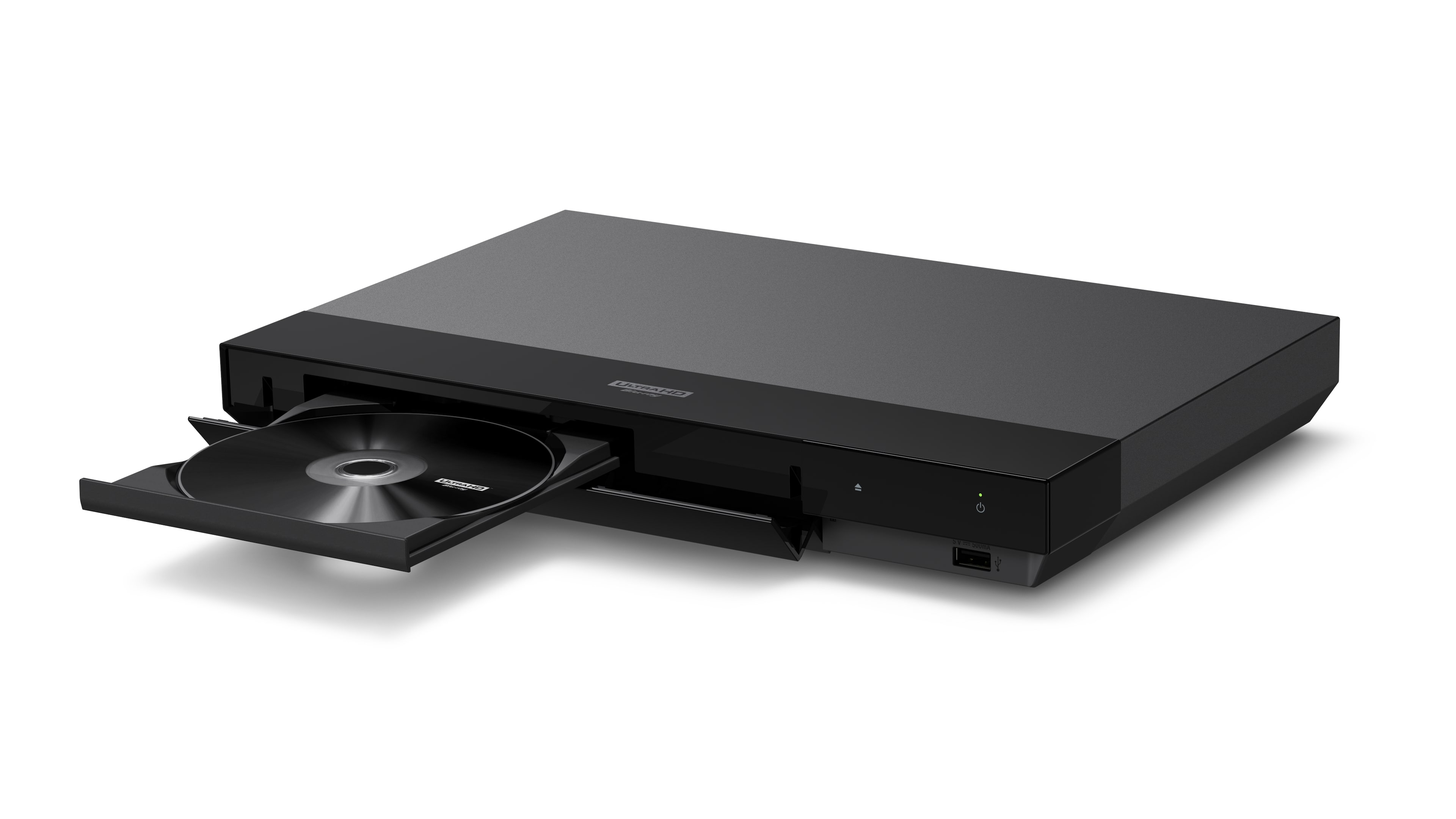
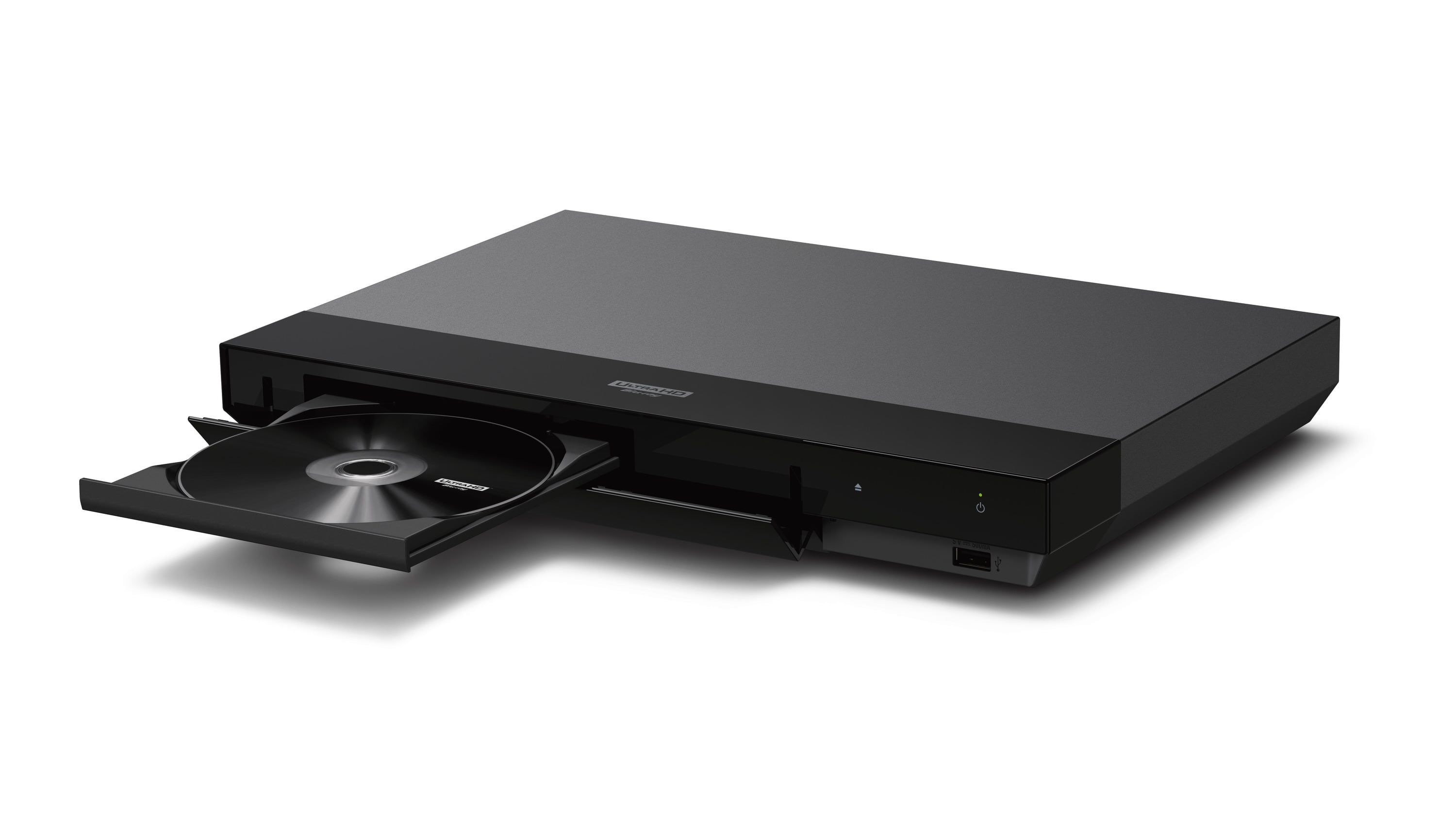
A:AnswerFlat. The disc tray is basic and does not have a notch to keep the disc fastened in place if you tilted it 90 degrees. Not saying it wouldn't work, but I highly doubt it.
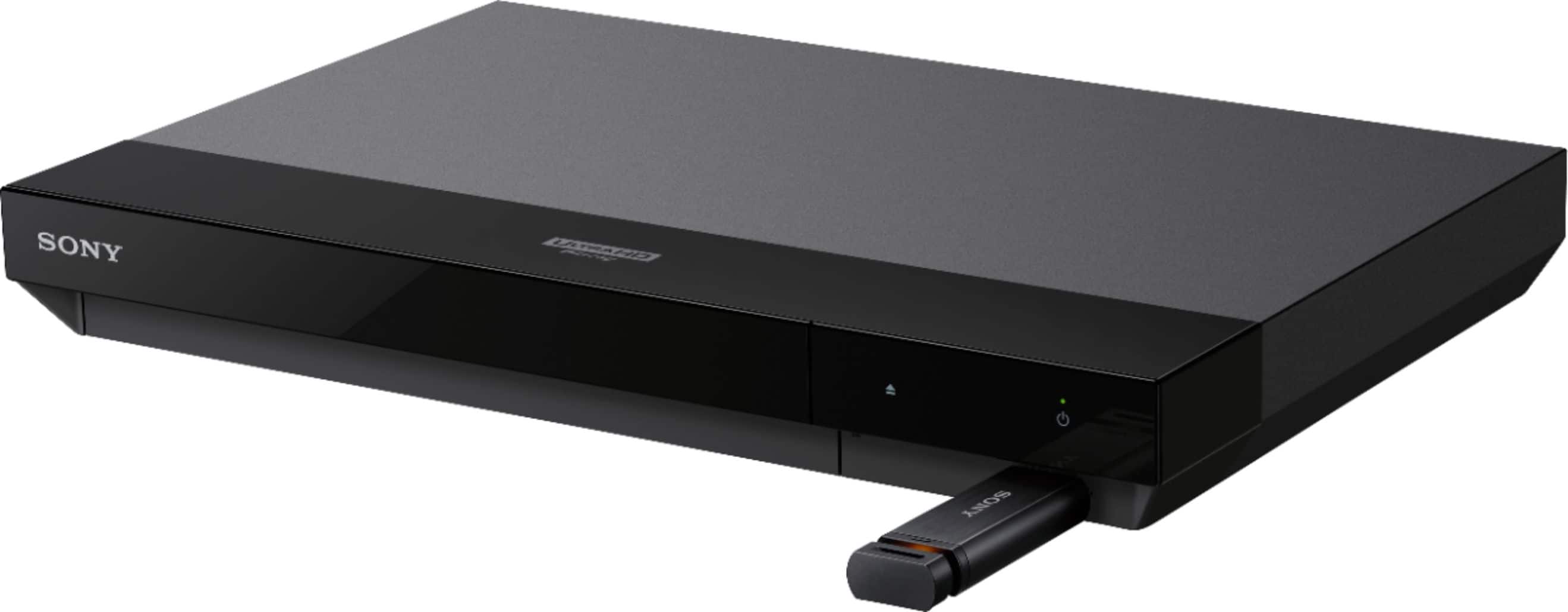
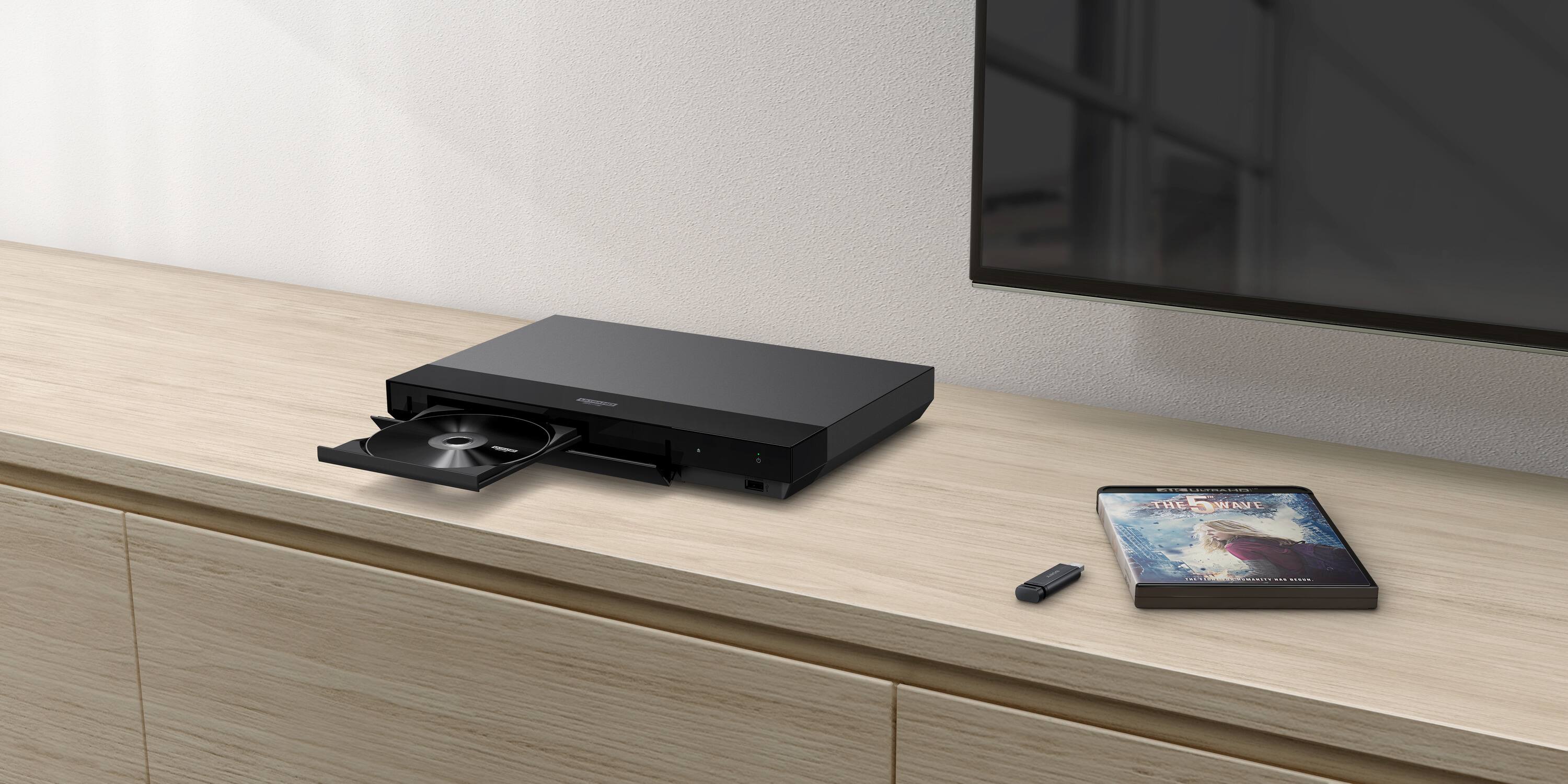
A:AnswerThis unit has an usb connection and I tried to play back a movie from my usb thumb drive, but with no success. A message appeared on the TV screen stating that my usb drive was unrecognizable. But when I connected the same usb thumb drive directly into my 4K TV's USB port, all my videos appeared and I was able to play the movies on my 4K TV successfully using my TV controller.
A:AnswerThe Sony UBP-X700/M will play Blu-ray 3D discs in 3D on a 3D capable display device (TV, projector, etc.). Your display device probably requires 3D glasses also. See the manual for your display device regarding compatible 3D glasses.
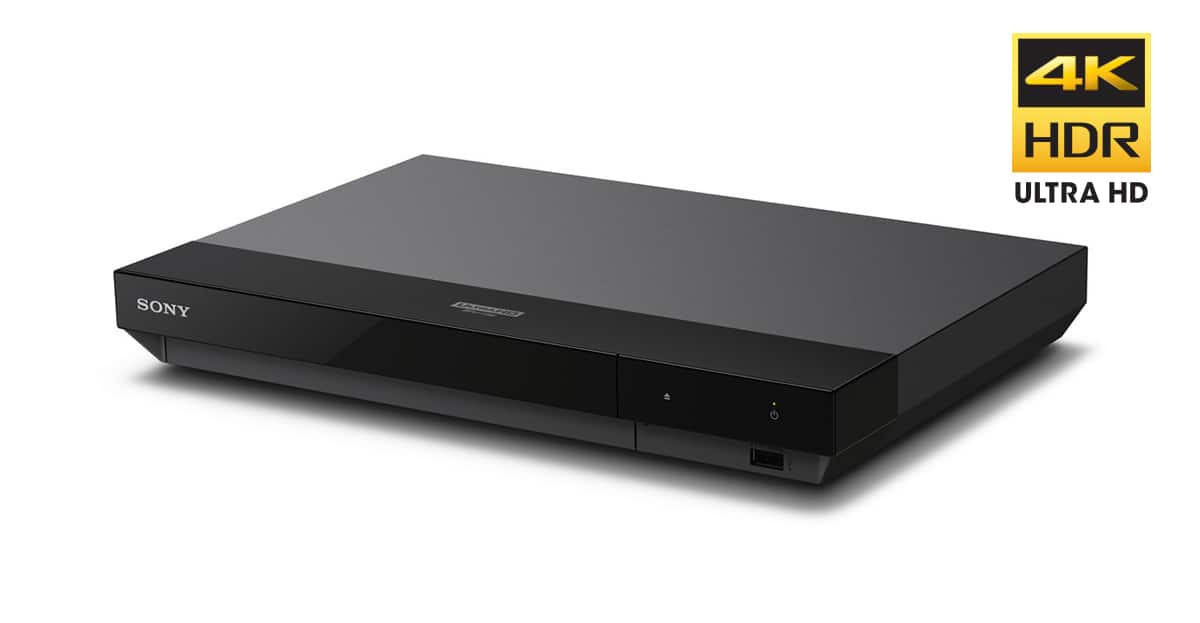
A:AnswerThe Sony UBP-X700/M player has one HDMI output that carries both video and audio and a second HDMI output that carries only audio. If you can connect the single HDMI video/audio output to your older non 4K TV, it should work.
A:AnswerYes, just connect the Sony Player to the TV with an HDMI cable (e.g., Audio Quest Ocean, Sky, etc.) . However, to receive the full benefits of a 4K, Disc, with HDR or HDR Dolby Vision, a new TV set is required (e.g., Sony 2021 models).