A:AnswerIt has a menu setting for "music", but it is not designed to be a professional music audio recorder, those are quite a bit more expensive.
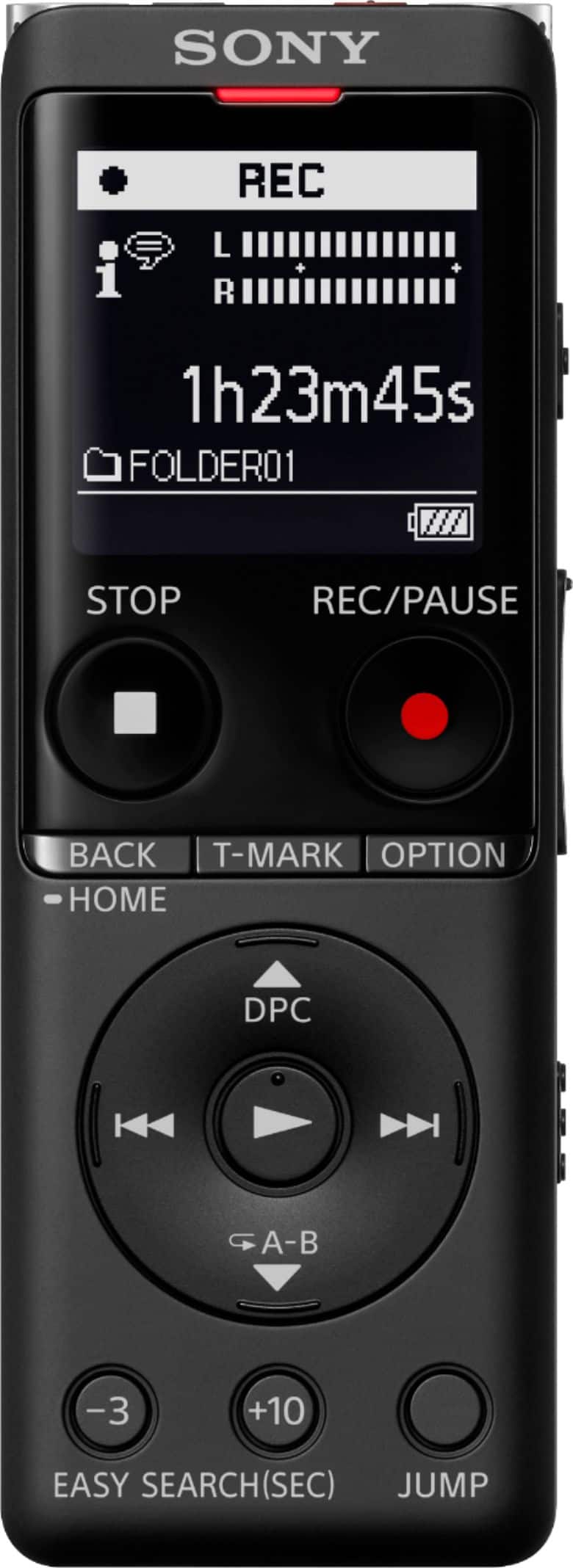
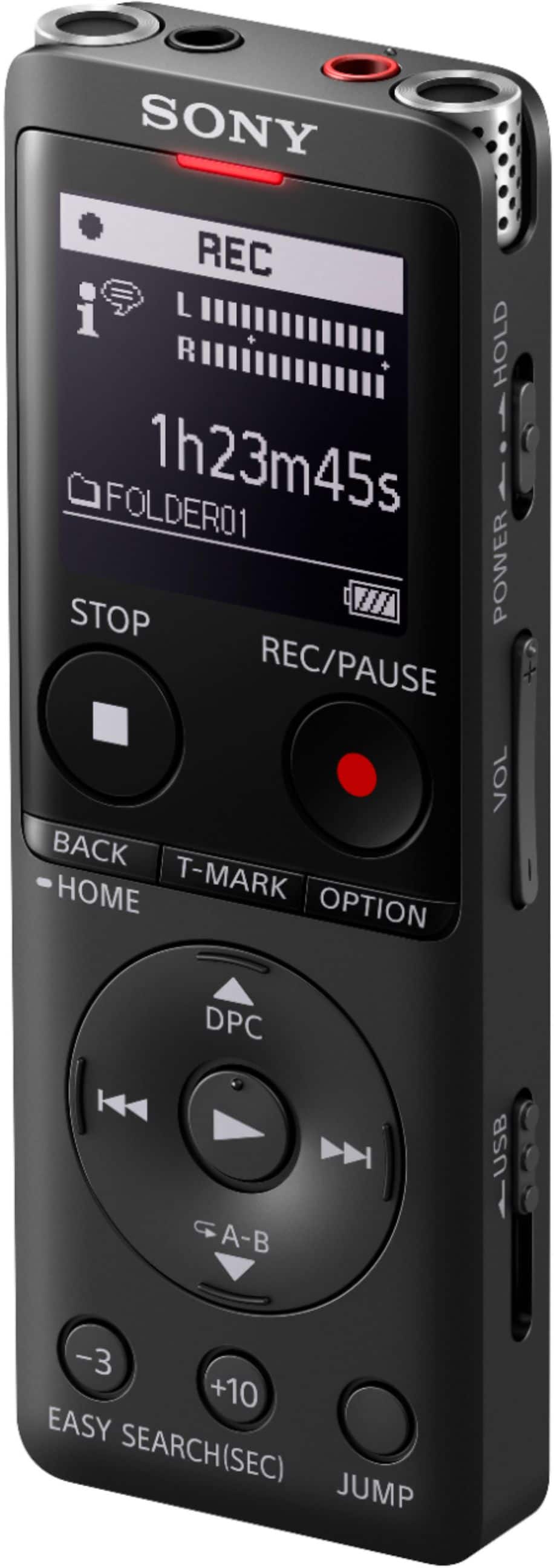
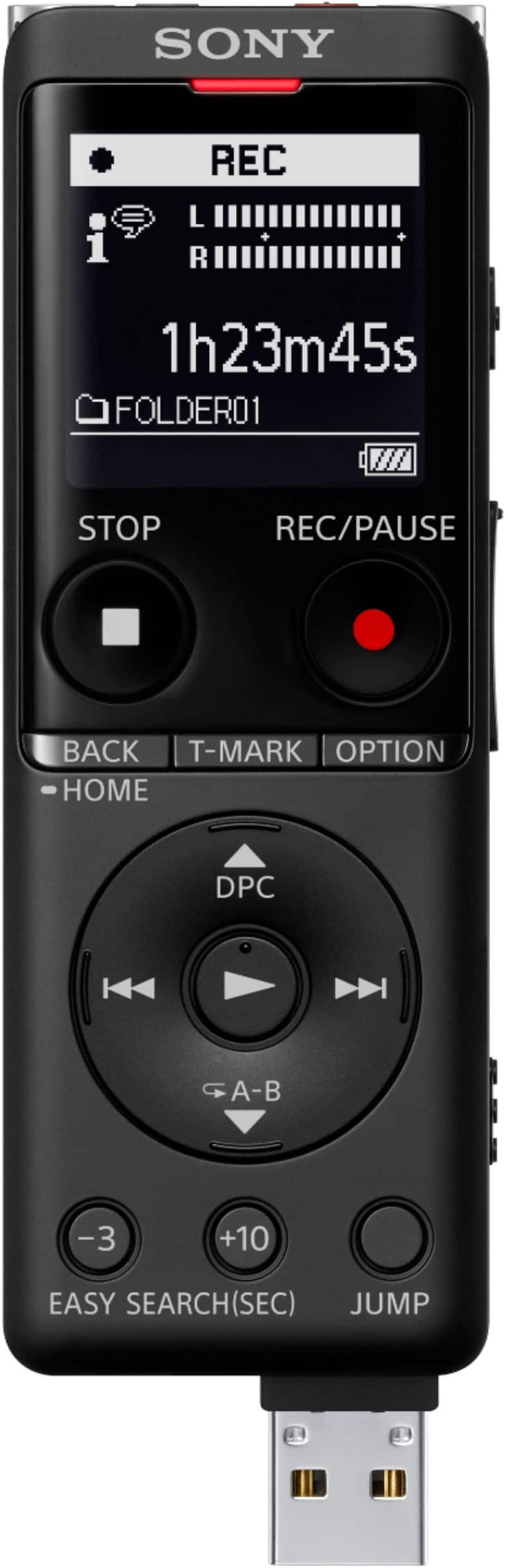
You don't need a USB cord for this model because it has a built in slide-out USB connection, which works to charge as well as to access the built-in memory and the micro SD card.
A:AnswerI have not used the recorder at night, so I can't be 100% sure about the screen.. when recording an interview I do keep checking to make sure it is not on pause which tends to happen if I accidently hit the wrong button, and the screen is visible. The USB for charging is convenient especially when I am also using my MacBook.
A:AnswerThe device records audio in both Wav. and MP3. You will need to have the necessary software capable of transcribing however, such as Dragon software.
A:AnswerMost of the Sony Recorders will play without connecting to a computer. Go to https://www.sony.com/electronics/voice-recorder-products/t/voice-recorders to check out the features of your recorder.