A:AnswerIt works with Apple Airpods and you can change the volume. The tricks are
1) Open the airpods case, press and hold the white dot on the airpods case so that it can pair with non-apple devices. The light inside the case should be flashing white in this process. Search the Bluetooth device on your sony device and connect the airpods.
2) After the connection, you may encounter the problem that the volume can't be changed, as mentioned by other answers. You can solve it by going to the menu "Setting->Bluetooth: Audio Device Connection Settings -> Use Enhanced Mode". The small words under it say "Select this check box if you cannot change the volume". So just select it and now you are all set.
A:AnswerNo, you must connect it through a line in jack or via bluetooth. But beware, though it connects to my Jeep Cherokee via bluetooth just fine the playback is horrible and very choppy. I can only connect it reliably through the line in jack, which is unfortunate. I have no issues with any other bluetooth device in my Jeep. Not sure where the fault lies but worth noting.
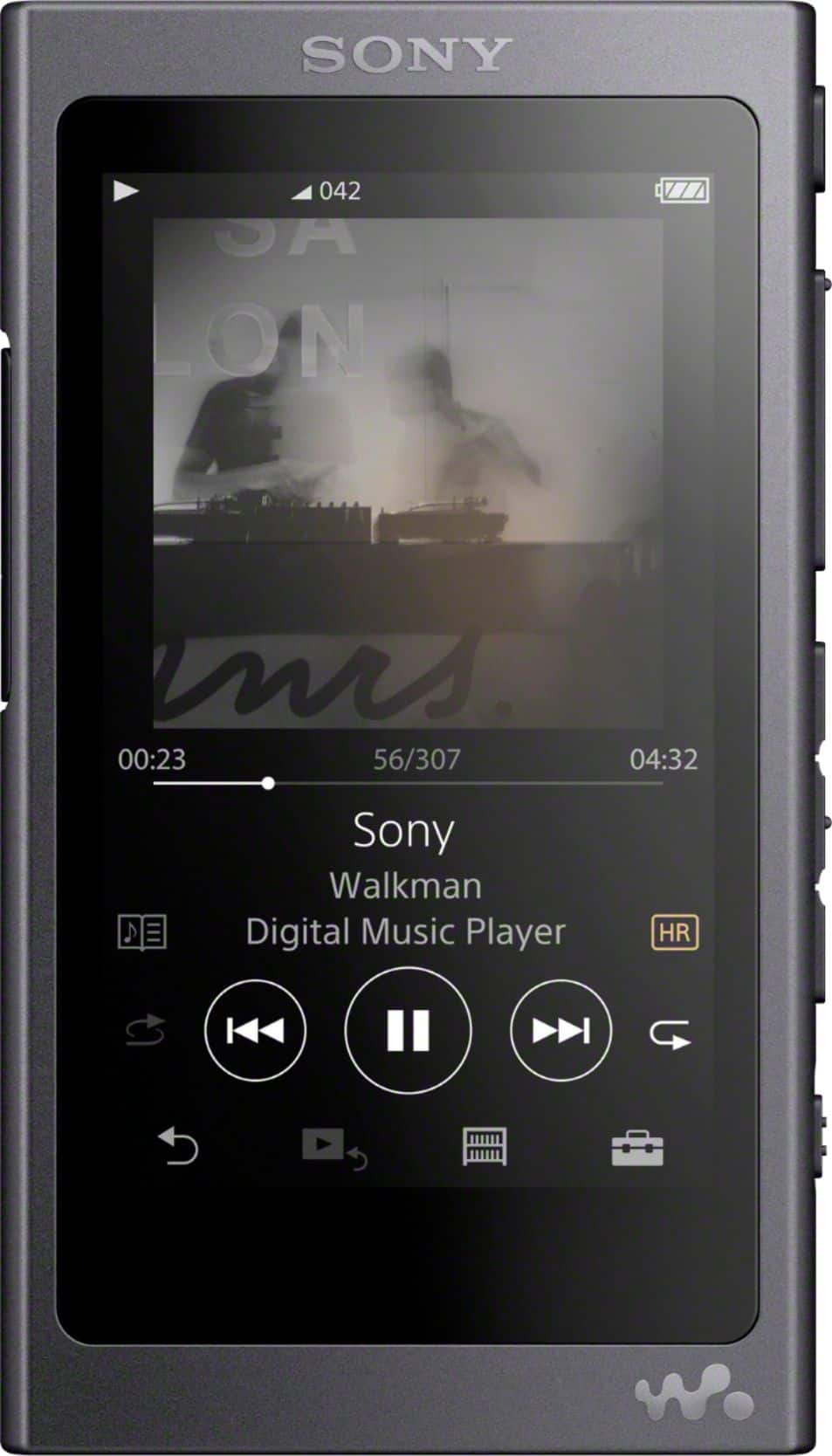
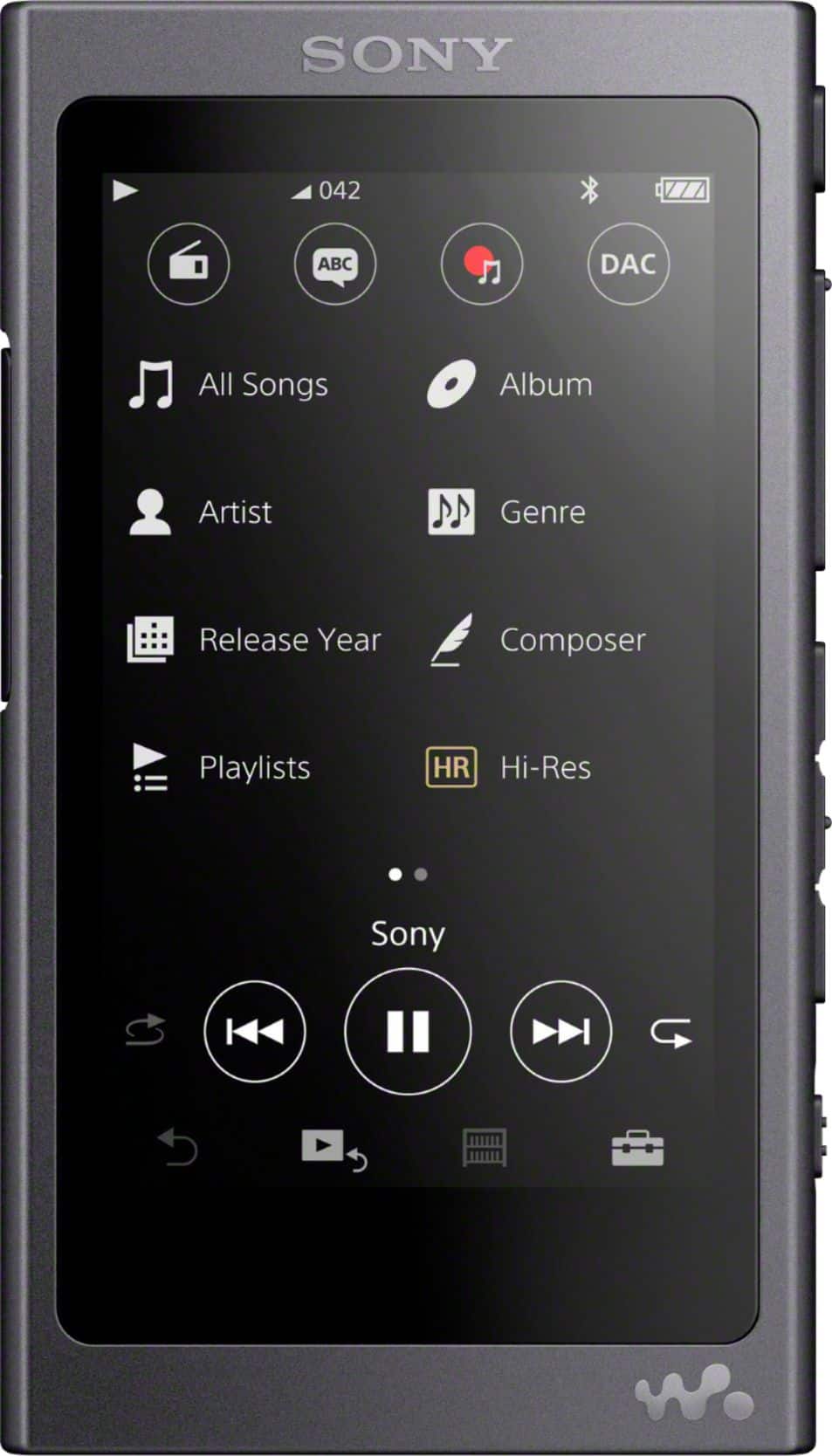
A:AnswerIt does display album art but has zero support for audio books and podcasts. You can technically throw them in the "Music" folder, but they are just treated and grouped in as songs at that point. The Walkman will not remember where you left off last or mark podcast episodes as unplayed etc. I wish the previous answer was a little more specific as I would have never purchased this if I had known that.
A:AnswerNo, you cannot bookmark a particular position (time position where you stopped listening) within an mp3 file to start listening again later. The Sony player does have a "bookmark" feature, but it is only for bookmarking mp3 files themselves, and when you go back and listen to one of those, it always staqrts at the beginning of that file (so it's not for audio-book purpose). I think it's astounding that this really nice Sony player cannot really be used for audio books!
A:AnswerYes, you can either drag and drop music (from itunes or even music from a USB) onto the Walkman using Mac Finder or use Content Transfer to transfer your music as well. Personally, I've found that using Mac Finder is a lot faster and easier.
A:AnswerI've experienced zero problems connecting the player via Bluetooth to any of my sound bars, headphones or car stereo. The player is actually fantastic, and I'm very happy with the purchase.
A:AnswerYes, it will. However, you should know that this SONY player has a playlist limitation of 1,000 songs. I had to break my favorites into parts 1 and 2.
A:AnswerI have Android Auto on my vehicle and the Walkman does work through the vehicle's system. However, at least in my case, you have to select the "USB" settings to access the material on the Walkman.
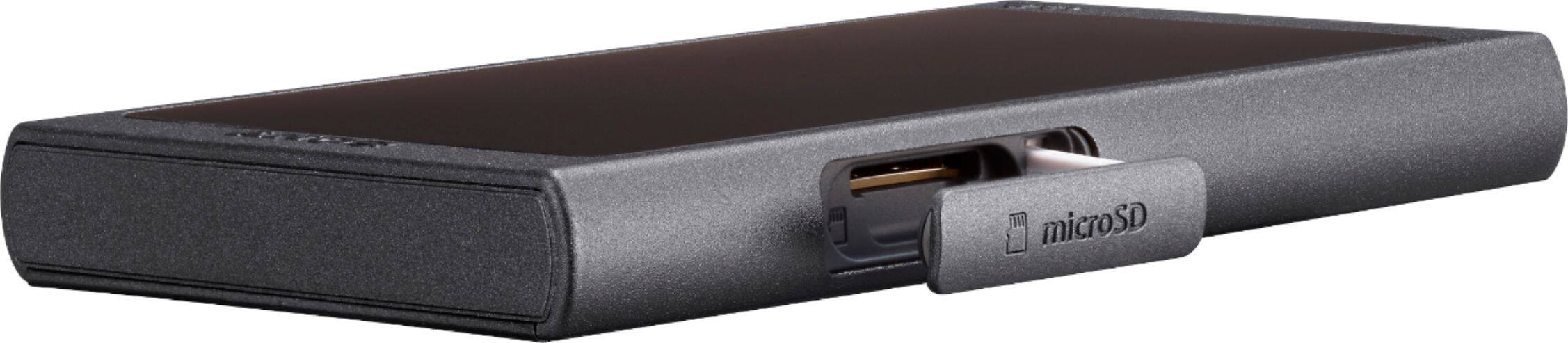
A:AnswerI have not found a way to transfer music files from a micro SD card installed into the player to the internal storage without being connected to a computer or tablet. It is quite simple to do in MS File Explorer, attached is a screen shot showing the internal (Walkman) and SD card (Music) folders that open by default when USB Mass Storage is turned on. You can transfer back and forth as you please. I don't recommend using the Sony Music Center App for this purpose, it is terribly cumbersome. It does work well ripping CD's, but not much else. Also recommend editing file attributes (in File Explorer) to maintain consistency of order on your Sony Walkman MP3 player. I'm still learning the intricacies of this powerful little device, it is amazing and I highly recommend exploring all that it can do. I have over 220GB on mine so far, using a 256GB Sandisk Ultra Micro SD Card. Hope this helps, enjoy your player.
A:AnswerI can't answer the question directly since I use Apple equipment. I was however, able to drag-N-drop my entire music collection from iTunes on my computer directly to the Walkman using Sony's "Content Transfer.app" for Mac.
A:AnswerNo, you can't. Only the Sony Walkman NW-A100 series and the NW-ZX500 series are available to download apps on it. But you can directly download music on the Walkman player. As for me, I listen to Spotify music so I use AudKit Spotify Music Converter to get Spotify music downloads then import them to Sony Walkman NW-A45.