A:AnswerHello AC,
Thank you for considering Sony products!
We appreciate your inquiry about the WF-C710N earbuds and their playback controls and compatibility. We are happy to assist you in making the right choice for your audio needs.
The WF-C710N features intuitive touch sensors that allow you to manage your music without reaching for your phone. Here is a quick breakdown of how you can control your experience:
Play/Pause: Tap the touch sensor on the right earbud once.
Next Track (Fast Forward): Double-tap the touch sensor on the right earbud.
Previous Track (Rewind): Triple-tap the touch sensor on the right earbud.
Volume Adjustment: Tap the right earbud repeatedly to increase volume, or the left earbud to decrease it.
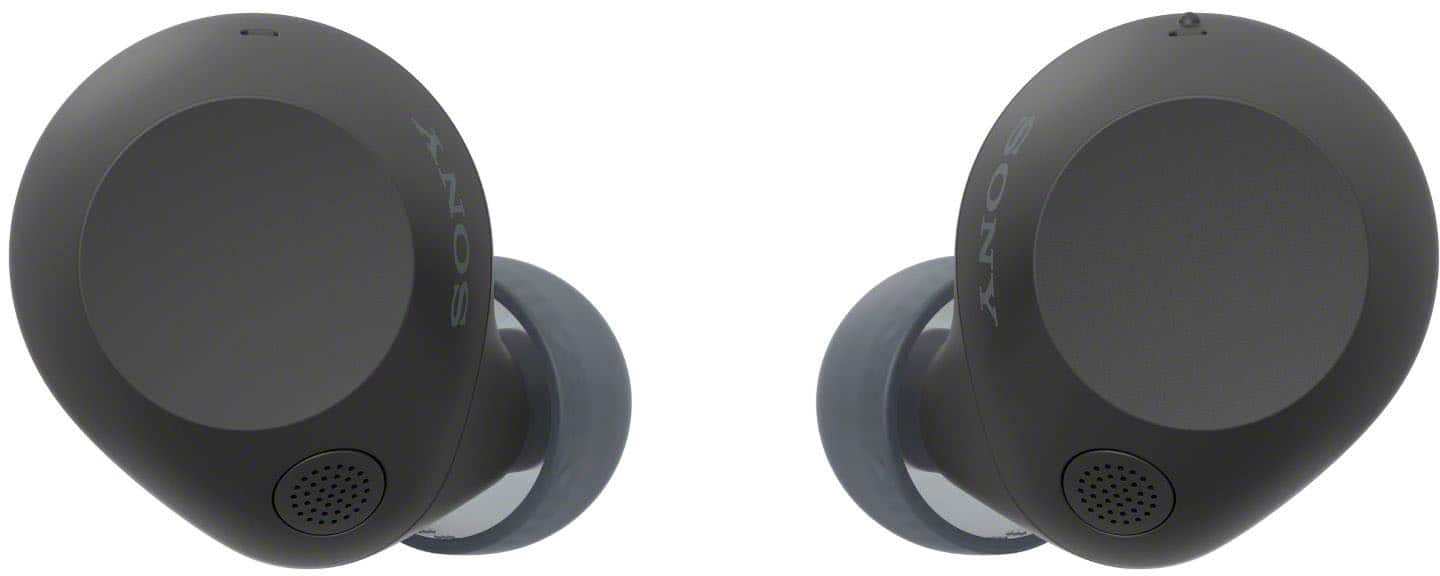
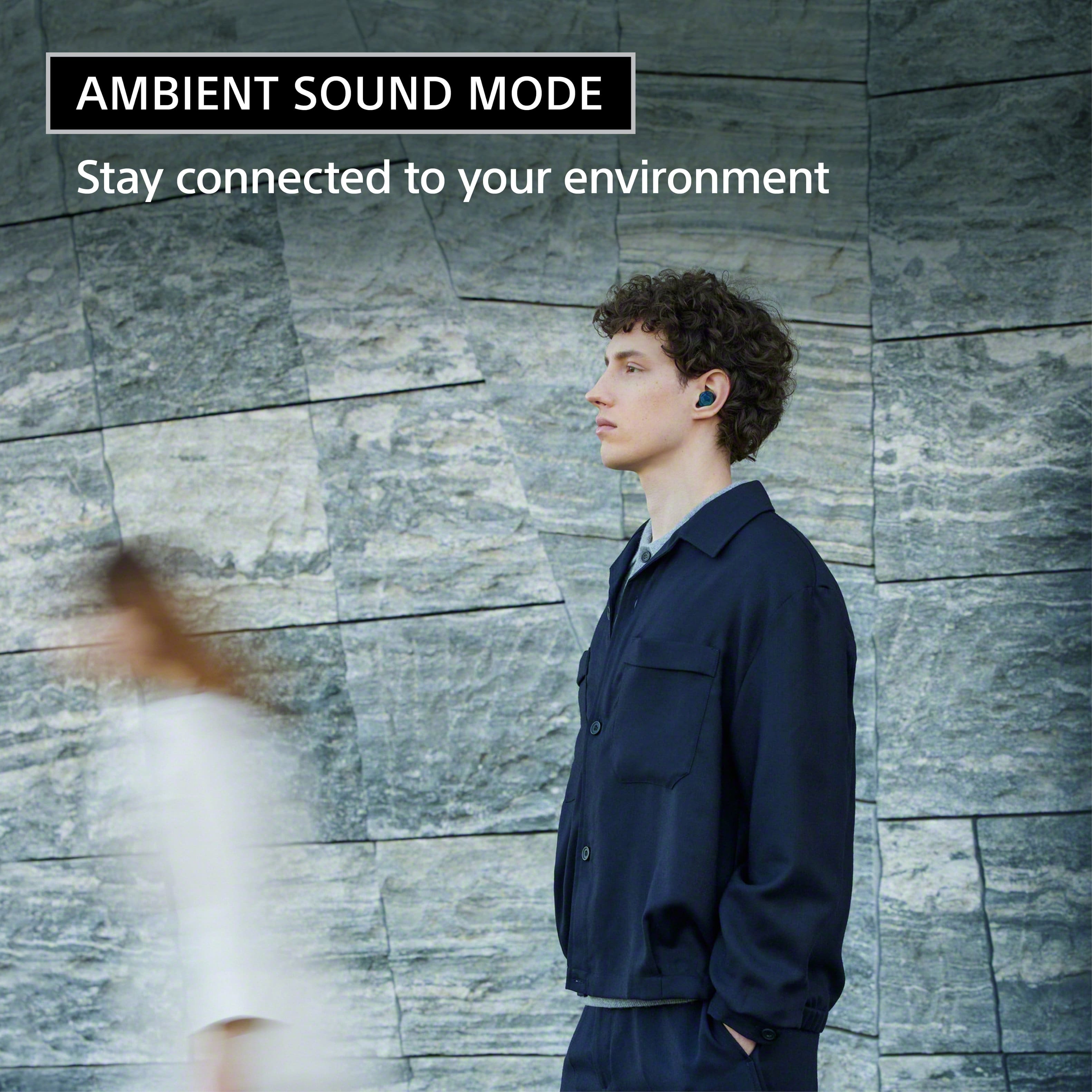
Quick Attention Mode: Simply hold your finger over the left earbud sensor to instantly lower your music and let in ambient sound—perfect for quick conversations.
Voice Assistant: A long-press on the right earbud activates your paired device’s voice assistant.
For more details about the touch sensor, please visit:
https://helpguide.sony.net/mdr/2986/v1/en/contents/TP1001827238.html
Yes, the WF-C710N earbuds are fully compatible with the Apple Watch. Since they use standard Bluetooth protocols, you can pair them directly to your watch via the Bluetooth settings menu to enjoy music or podcasts during your workouts, even without your iPhone nearby.
For more details about pairing and connecting with a Bluetooth device, please visit:
https://helpguide.sony.net/mdr/2986/v1/en/contents/TP1001827211.html
Best regards,
-Fred
A:AnswerHi Kim, thanks for the question!
The WFC710N frequency range is 2.4 GHz band (2.4000–2.4835 GHz), and effective range is 32.81 ft. For more information you can refer to the model specifications at https://www.sony.com/electronics/support/wireless-headphones-bluetooth-headphones/wf-c710n/specifications
Thanks for choosing Sony!
Sincerely,
Jenn.
A:AnswerHi Pauly!
Thanks for asking. We're happy to help!
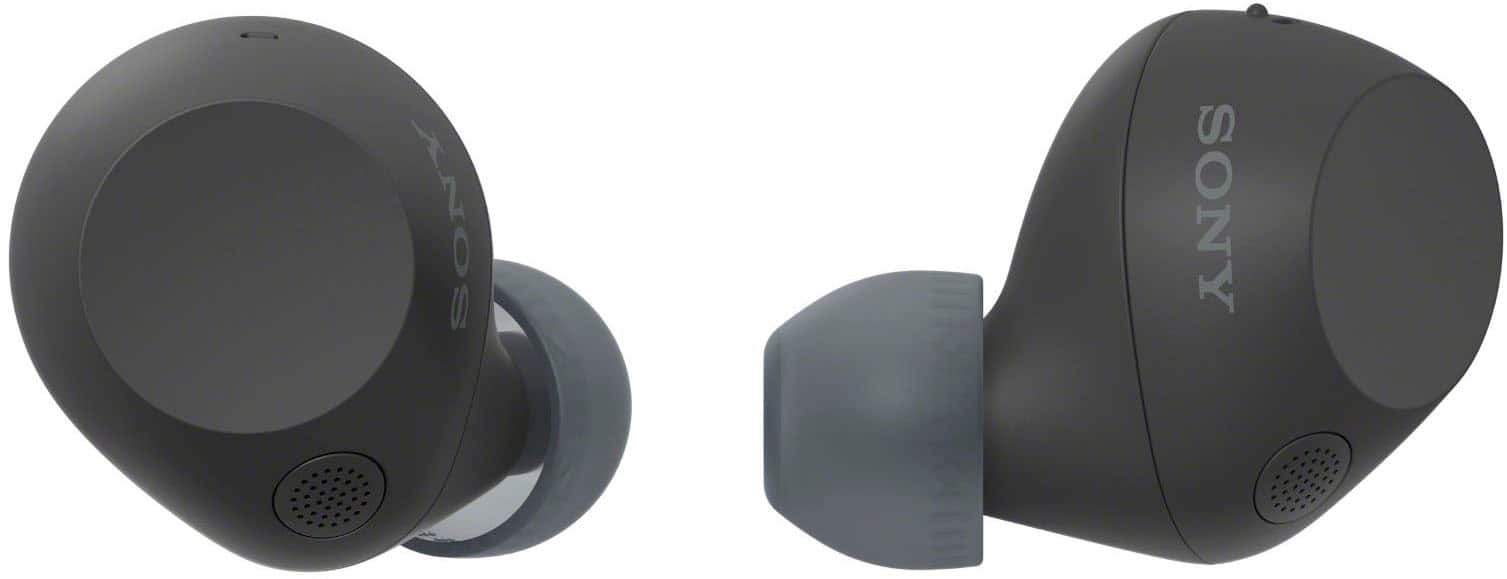
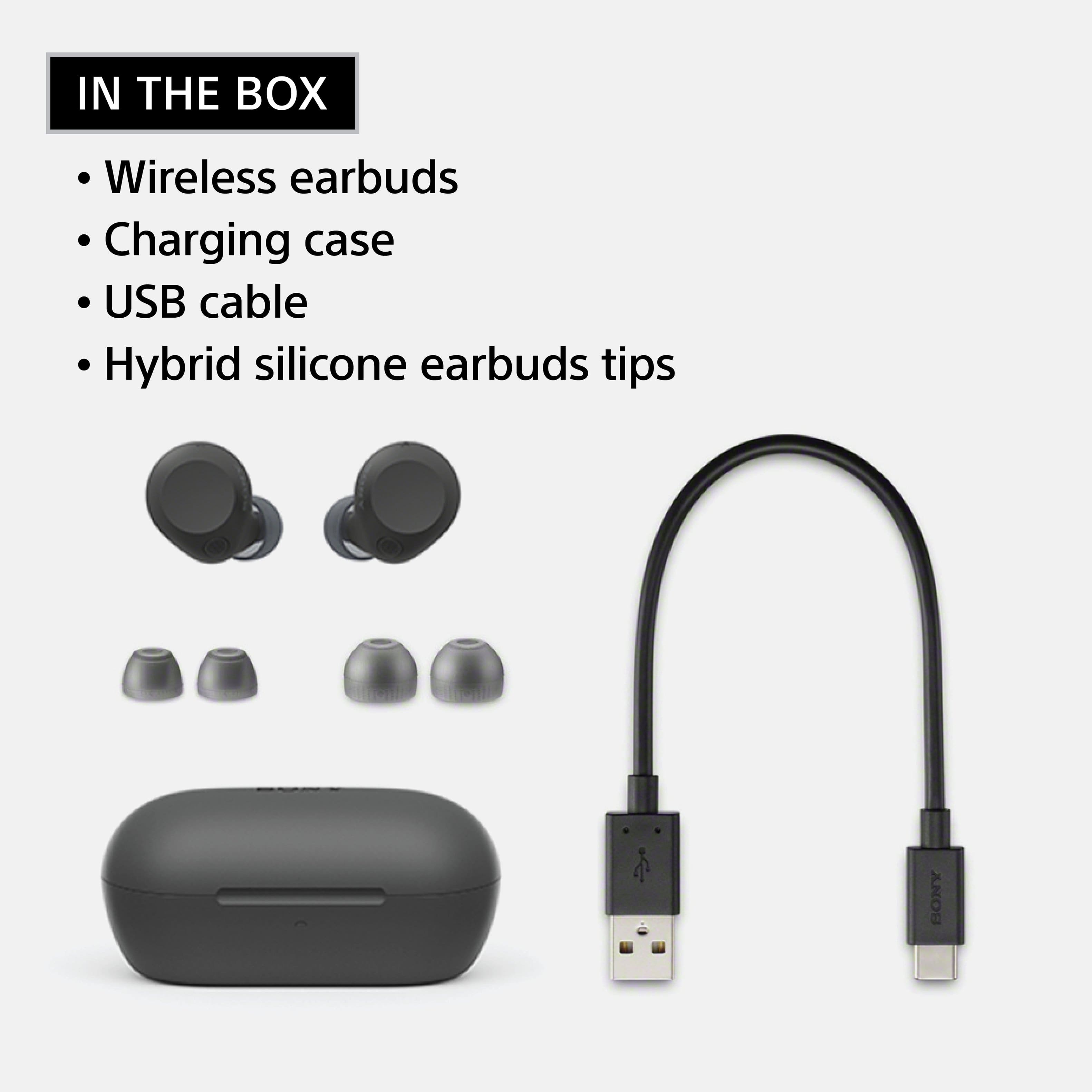
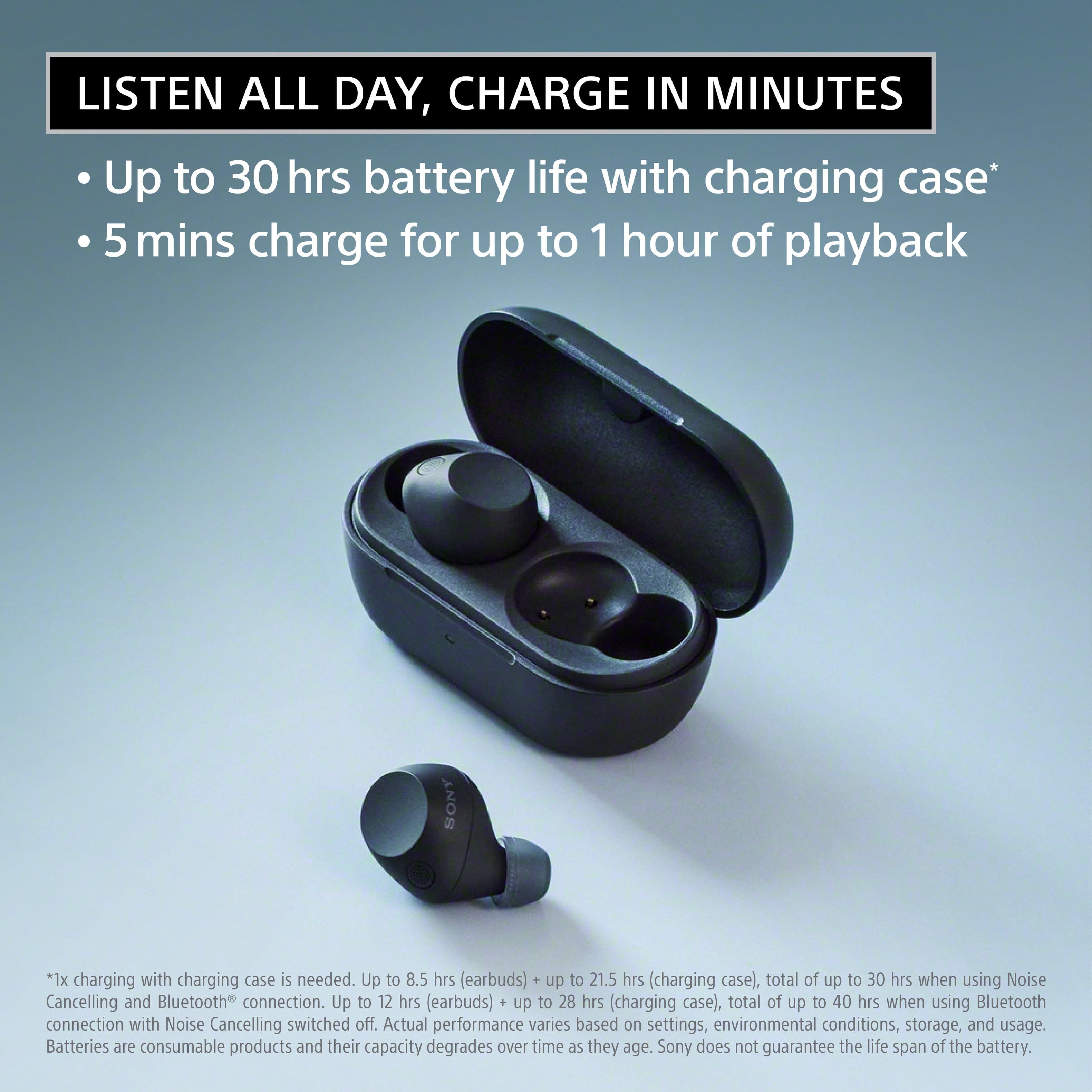
Yes, the Sony WF-C710N comes with extra earbud tips. Out of the box, it includes three different sizes of hybrid silicone rubber earbud tips: XS, M, and XL.
For more details, please see this link: https://helpguide.sony.net/mdr/2986/v1/en/contents/TP1001827926.html
We appreciate you considering Sony for your next purchase!
Warm regards,
Estefany
A:AnswerHello LRO,
Thank you for considering Sony products!
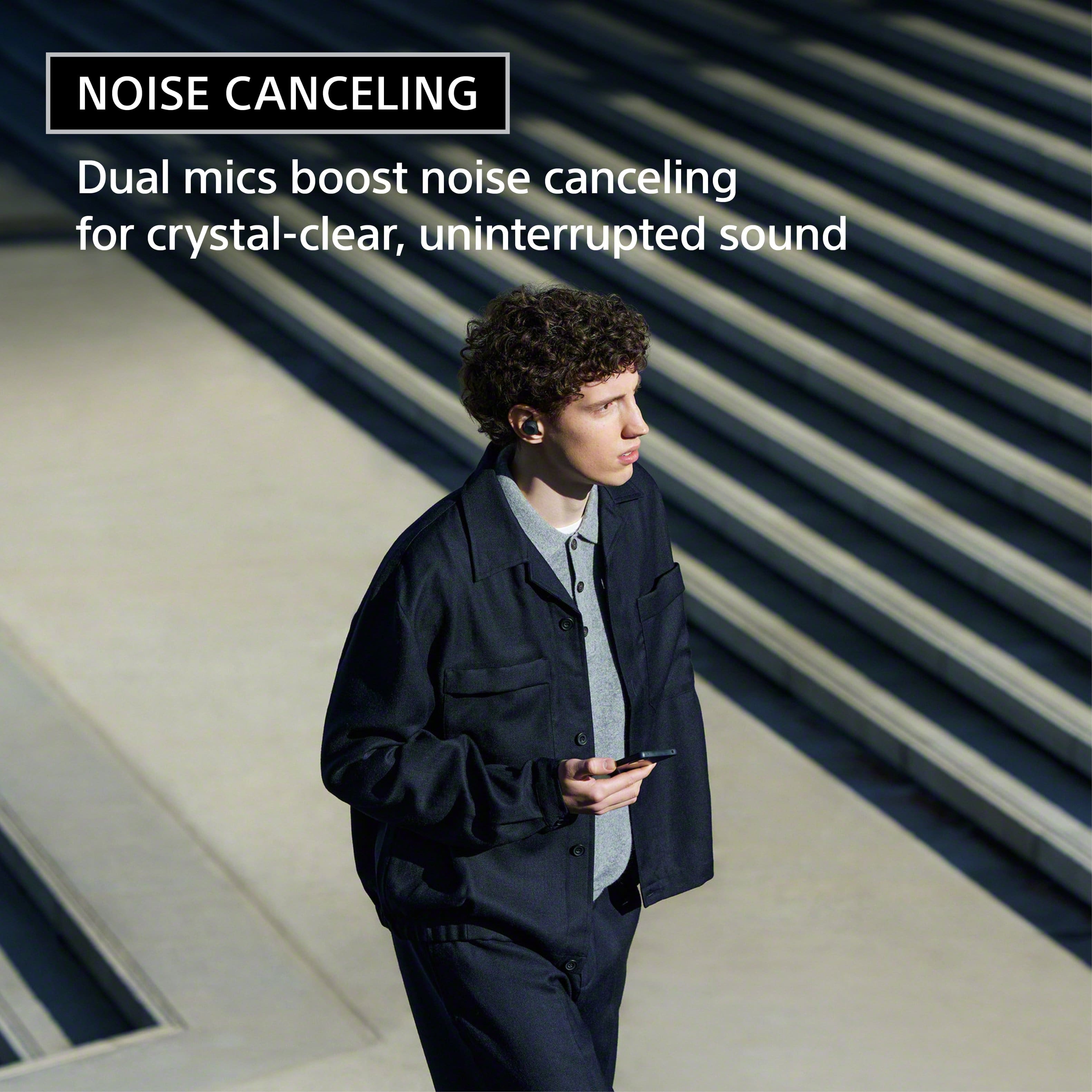
We appreciate your inquiry about the Sony WF-C710N earbuds and are happy to assist you. These earbuds feature Active Noise Cancellation (ANC) designed to reduce ambient sounds, such as traffic or air conditioning. However, ANC is most effective against low-frequency noises and may be less effective against higher-frequency sounds like snoring. While the WF-C710N can help diminish background noise, it may not completely block out snoring sounds.
For further details about noise cancelling, please visit: https://www.sony.com/electronics/support/articles/00203389
Best regards,
-Fred
A:AnswerHi there,
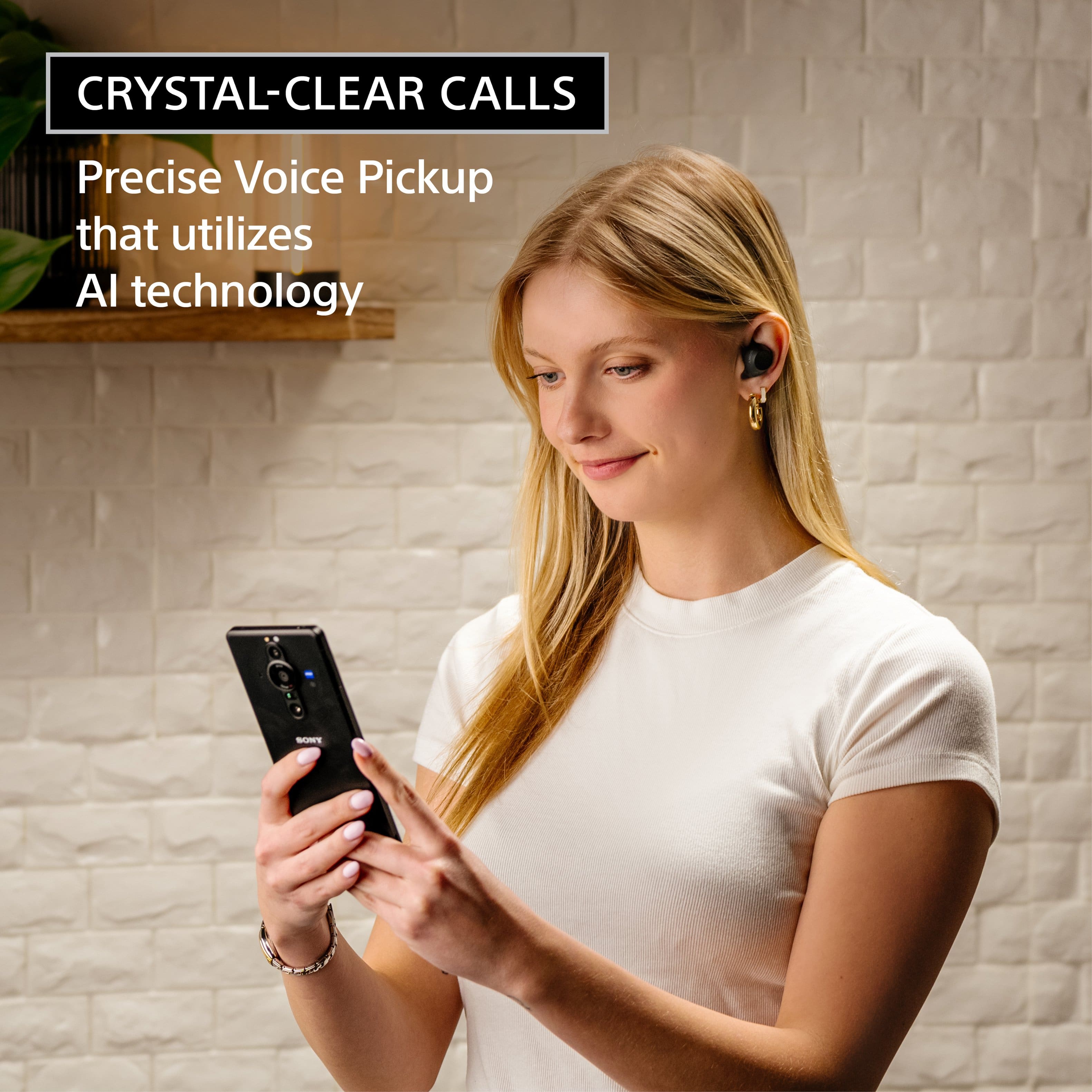
The WF-C710N is excellent for phone calls, featuring high-quality built-in microphones that deliver your voice clearly. They also utilize noise-canceling technology to help reduce background interference, ensuring you can hear and be heard easily even in noisier environments.
Thanks for choosing Sony.
Best regards,
Eliab
A:AnswerHi JDB6!
Thanks for the question! Happy to help out.
Yes, the Sony WF-C710N earbuds are fully compatible with iPhones. They connect via Bluetooth 5.3, and can be configured using the Sony | Sound Connect app available on the App Store.
Check out this link for more details: https://helpguide.sony.net/mdr/2986/v1/en/contents/TP1001825773.html
We appreciate you considering Sony for your next purchase!
Warm regards,
Estefany
A:AnswerThank you for contacting Sony, AJ.
To adjust the volume on your WF-C710N, you can increase the volume by tapping the touch sensor on the right earbud, while tapping the touch sensor on the left earbud will turn it down. As for the main unit, either the left or right earbud can be used independently as the primary earbud, giving you the flexibility to listen with just one side while the other charges.
For detailed information, you may check:
https://helpguide.sony.net/mdr/2986/v1/en/contents/TP1001827238.html
We appreciate your interest in Sony products. Should you require any further assistance, please don't hesitate to reach out for support here:
https://us.esupport.sony.com/support/s/support-contact?language=en_US&category=headphones
Best regards,
Gus, Sony North America Customer Support
A:AnswerHi Danib,
The Sony WF-C710N does not support Auracast. For a more updated experience with full Auracast compatibility and industry-leading performance, we highly recommend our latest flagship, the WF-1000XM6.
The WF-1000XM6 is our most advanced model, featuring the new QN3e processor for superior noise cancellation, LE Audio support for Auracast, and integrated Google Gemini Live for a truly smart listening experience.
Thanks for choosing Sony.
Best regards,
Eliab
A:AnswerHello Msww,
Thank you for considering Sony products! We appreciate your inquiry about disabling the touch controls on the WF-C710N and are happy to assist you.
We understand that sometimes you want to enjoy your music without the risk of accidental commands. You can easily customize or disable these controls using the Sony | Sound Connect app. Here is how you can do it:
Open the app and go to the System tab.
Look for Change the touch sensor function and select the Settings (gear) icon.
Under the function for both the Left and Right units, simply select None or Not assigned.
This flexibility allows you to handle your earbuds freely without interrupting your audio. For a step-by-step visual guide, you can check the details here:
https://helpguide.sony.net/mdr/hpc/v1/en/contents/TP0002935904.html?search=touch
Best regards,
-Fred
A:AnswerHi Bling,
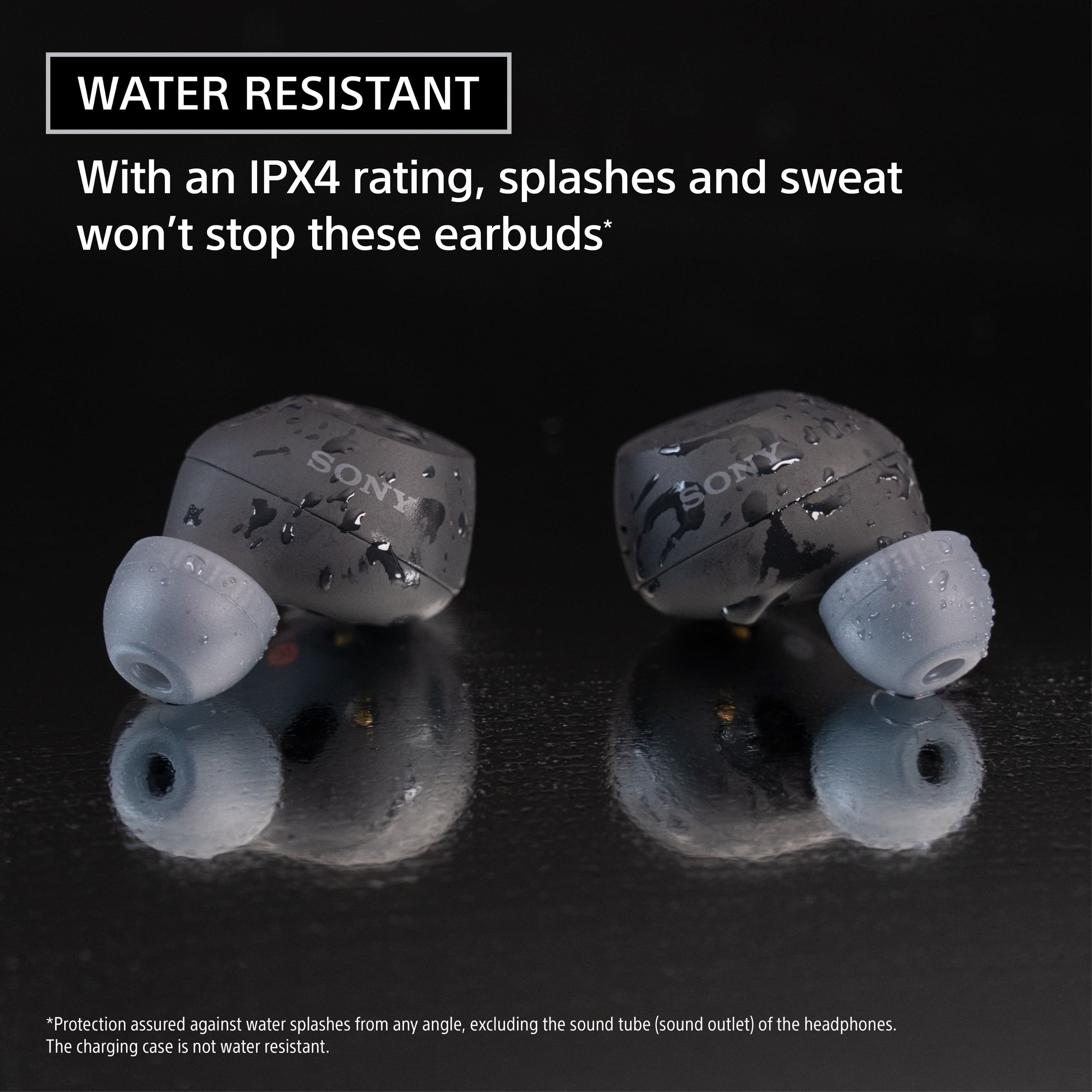
Thank you for asking about the water resistance of the WF-C710N earbuds. The Sony WF-C710N are not fully waterproof, but they are highly water-resistant with an IPX4 rating. This IPX4 rating means the earbuds are protected against splashing water and sweat, so they are ideal for workouts, running, and getting caught in the rain.
Thank you for considering Sony!
Regards,
Dominick
A:AnswerHi Billy, thanks for your question!
We're happy to assist and get you the info you need about your devices.
About connecting your WF-C710N earbuds to your PS4; the console doesn't allow direct pairing with standard Bluetooth devices like these. The PS4 is limited to a few specific headsets, mainly the PlayStation-branded ones that come with their own USB dongle for connectivity.
However, if you're set on using them, you could look into using a third-party USB Bluetooth audio adapter that plugs into your PS4's USB port. This would allow you to connect the WF-C710N to the adapter instead of directly to the console.
Just a friendly note: since this is a third-party solution, we can't officially guarantee its performance or compatibility.
We hope this helps!
We sincerely appreciate you considering a Sony product!
Best regards,
Estefany