A:AnswerThank you for contacting Sony, Charlie.
We can confirm that the WH-1000XM6 does integrate fully with popular smart assistants. You can activate Google Assistant or Amazon Alexa, allowing you to control your music, get notifications, and perform other tasks hands-free. While the headphones do not directly integrate with the Apple Home ecosystem for device control, they pair seamlessly with Apple devices via Bluetooth.
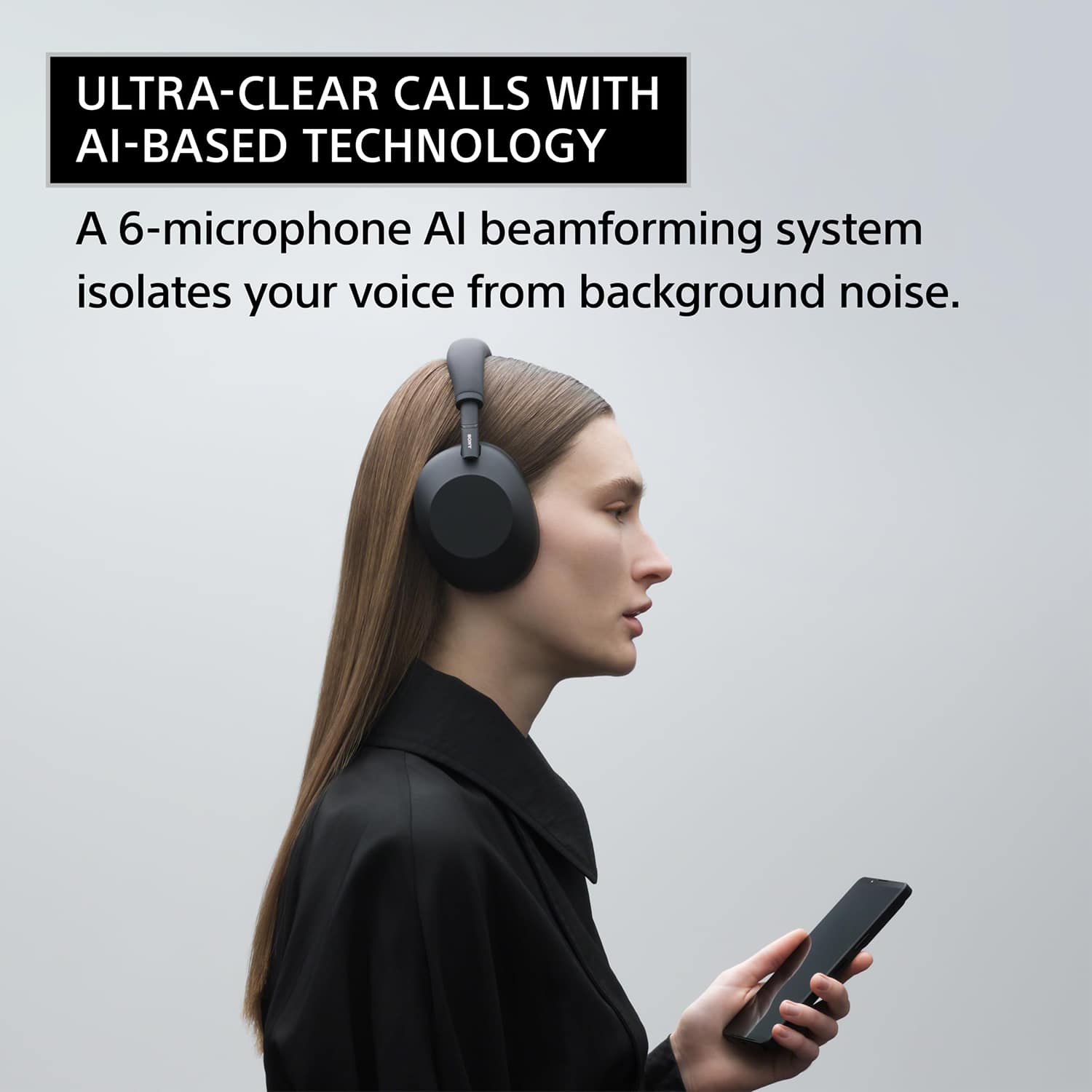
Regarding the microphone features, the WH-1000XM6 utilizes our advanced Precise Voice Pickup Technology. This technology uses multiple microphones and advanced audio signal processing to achieve both Environmental Noise Control (ENC) and Microphone Noise Cancelling. This ensures that your voice is isolated and crystal clear during calls, effectively suppressing background noise like wind, traffic, or office chatter for the person on the other end.
We appreciate your interest in Sony products. Should you require any further assistance, please don't hesitate to reach out for support here:
https://us.esupport.sony.com/support/s/support-contact?language=en_US&category=headphones
Best regards,
Gus, Sony North America Customer Support
A:AnswerHi Esro,
The Sony WH-1000XM6 Wireless Noise-Canceling Headphones are not rated for water or sweat resistance and do not have an official IP rating. They are premium over-ear headphones primarily designed for travel, office, and daily listening, and are not intended for heavy exercise or use in rain or snow. To prevent damage or malfunction, we strongly advise avoiding direct contact with moisture, including heavy perspiration, as water or foreign matter entering the headset can cause internal burnout or failure. Thanks for choosing Sony.
Best regards, Eliab
A:AnswerI use these with my iPhone and my MacBook and have no issues. Very compatible and the Sony Adaptive Sound App is really helpful for customizing your listening experience on your apple products!
A:Answeruse the free "Sound Connect" app to control the settings for the headphones. From there, tap on "Ambient Sound Control" (the first setting you'll see) and then you want to go to system settings tab where you can turn off "Touch sensor control panel".
A:Answerthere's a setting to do this in the Sound Connect app! at the bottom of the My Device tab, there's a "device settings" button. in the "system" tab of the device settings screen, there's a "touch sensor control panel" toggle.
A:AnswerHi Cindy!
Thanks for your interest in our headphones. We're here to help!
To answer your question, yes, you can use the Sony WH-1000XM6 headphones with your LG TV, as long as your TV supports Bluetooth audio devices (specifically supporting the A2DP profile).
Just pop the headphones into pairing mode, head to your TV’s Bluetooth settings and select them. You’ll get crisp sound for movies or shows; perfect for private listening.
For detailed information, please check the following link: https://helpguide.sony.net/mdr/2984/v1/en/contents/TP1001856849.html
We hope this helps.
Thanks for considering Sony products!
Best regards,
Estefany
A:AnswerHi Chris,
Thanks for reaching out with your question about the WH-1000XM6 headphones! We can certainly assist you with that.
The quality of the sound is determined by the codec used for the connection.
Try to check the codec and change it, if possible, to improve the sound quality.
It is possible to get 96 kHz using the LDAC codec.
We hope this helps.
Thanks for considering Sony products!
Best regards,
Estefany
A:AnswerHello! Thank you for your inquiry.
The WH-1000XM6 headphones can only be connected to non-Bluetooth devices via the 3.5mm headphone jack, as the USB-C cable is exclusively for charging purposes.
We appreciate your interest in Sony products!
Best,
Gus
A:AnswerHi gamerguy, thank you for reaching out regarding the compatibility of our WH-1000XM6 headphones with the PS5.
The WH-1000XM6 headphones are designed with advanced Bluetooth technology for superior audio quality and noise cancellation. However, the PlayStation 5 does not natively support direct Bluetooth audio connections with standard Bluetooth headphones, including the WH-1000XM6.
To connect them with your PS5 we recommend to use the included 3.5mm audio cable with the DualSense wireless controller. But, if a wireless connection is preferred, you would need to use a compatible third-party USB Bluetooth audio adapter. This adapter plugs into a USB port on your PS5 and allows you to pair your WH-1000XM6 headphones wirelessly to the console via the adapter.
For additional details, we encourage you to visit the following link.
https://helpguide.sony.net/mdr/2984/v1/en/contents/TP1001856898.html
Thanks for considering Sony products and we sincerely hope this information is helpful to you.
Best regards,
Stephanie