A:AnswerHello Alex,
Thank you for reaching out to Sony!
We appreciate your inquiry and are happy to assist. Yes, the Sony WH-1000XM6 headphones include a built-in microphone mute feature. You can mute or unmute the microphone by double-pressing the noise-canceling (NC) button on the headphones. This functionality is particularly useful during calls or virtual meetings, allowing you to quickly control your microphone without needing to interact with your connected device.
To activate the headphones' microphone, launch the Sony Sound Connect app and go to the device settings. Under the system section, locate the option labeled "Enable the headphones microphone" and switch it to "on." Once the microphone is enabled, you can conveniently turn it on or off by quickly pressing the NC/AMB (Noise Canceling/Ambient Sound Mode) button twice.
For more detailed information on phone call functions, please visit: https://helpguide.sony.net/mdr/2984/v1/en/contents/TP1001856793.html
Best regards,
-Fred
A:AnswerHi SleepyMalo408, thank you for your inquiry!
The WH-1000XM6 do not feature traditional physical buttons for volume control.
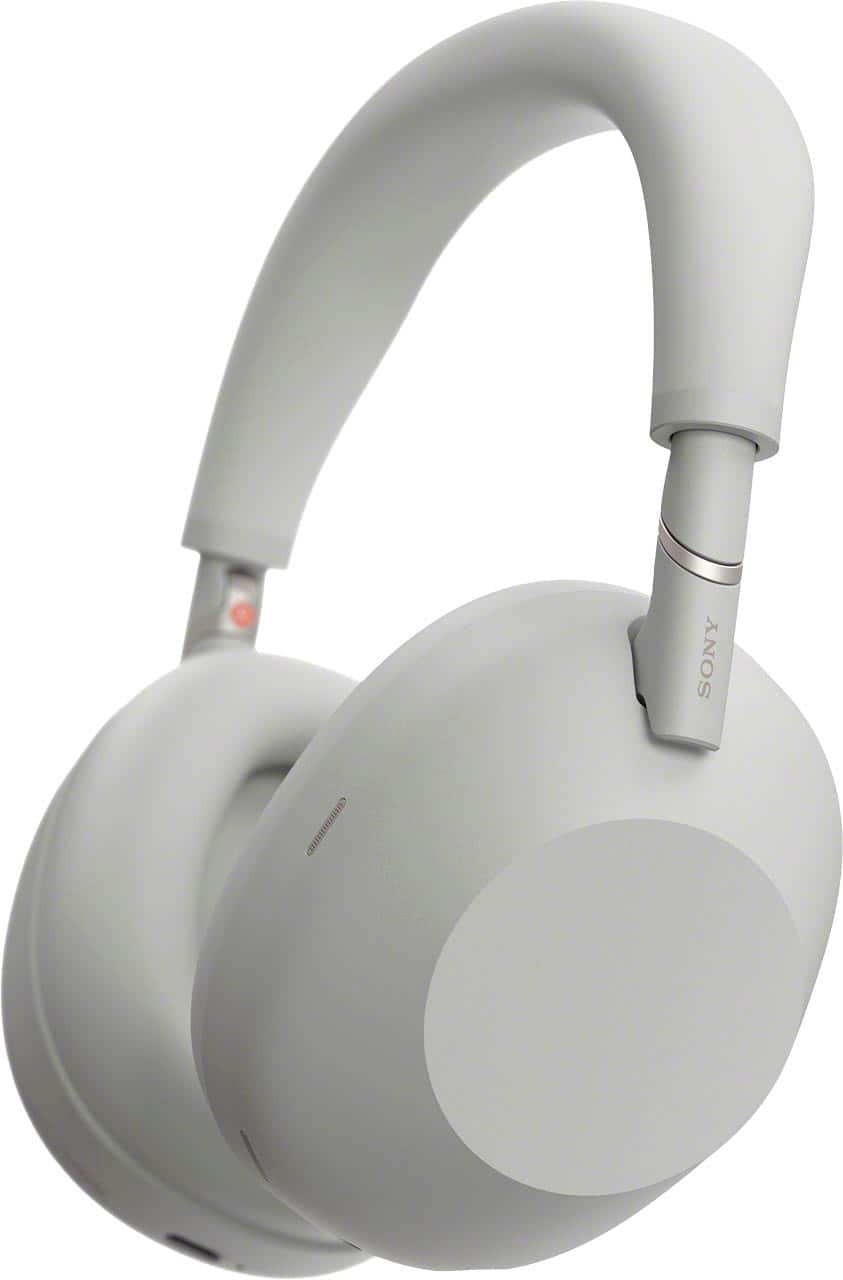
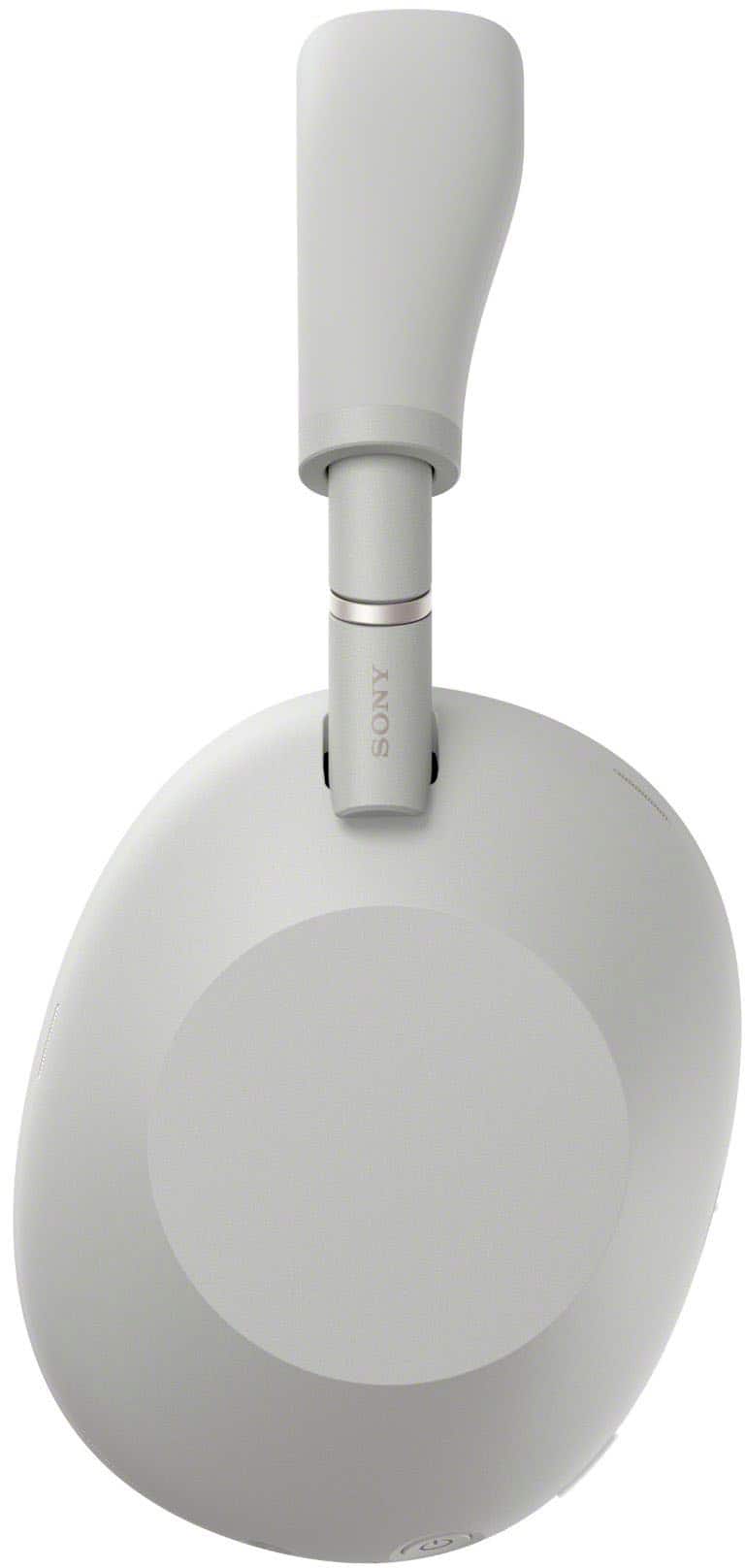
The headphones features two dedicated physical buttons: one for powering ON/OFF and another for toggling between noise canceling and ambient sound modes.
Additionally, it incorporates a touch sensor control panel on the right earcup, enabling to adjust the volume with simple swipe gestures for a more intuitive experience.
For further information, kindly visit the following links: https://helpguide.sony.net/mdr/2984/v1/en/contents/TP1001856813.html
https://helpguide.sony.net/mdr/2984/v1/en/contents/TP1001867598.html
We sincerely hope this information is helpful to you.
Thanks for considering Sony products.
Best regards,
Stephanie
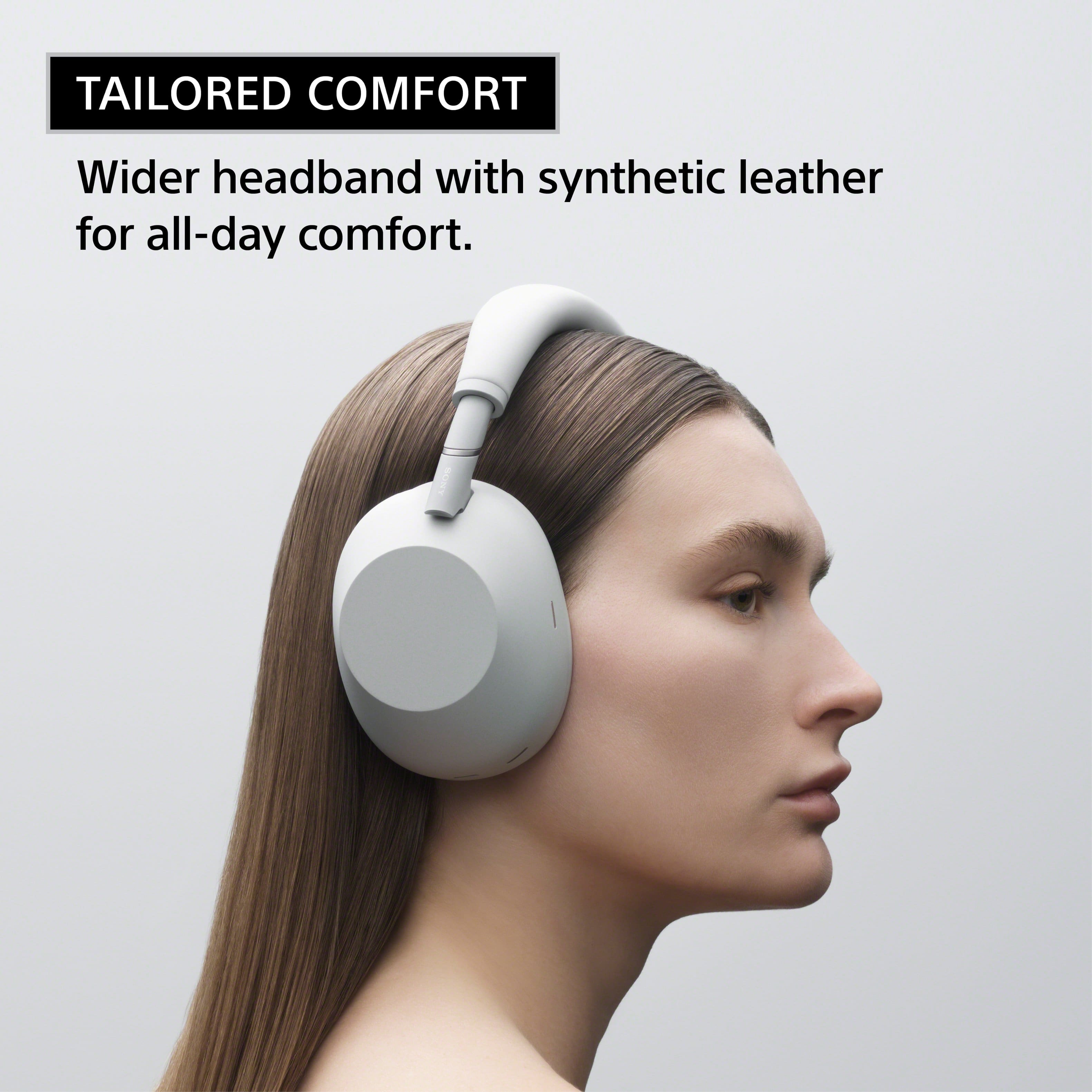
A:AnswerHi smallheadlady, thank you for reaching out and sharing your experience. We understand that finding the perfect fit for headphones, especially for those with smaller head sizes can sometimes be a challenge.
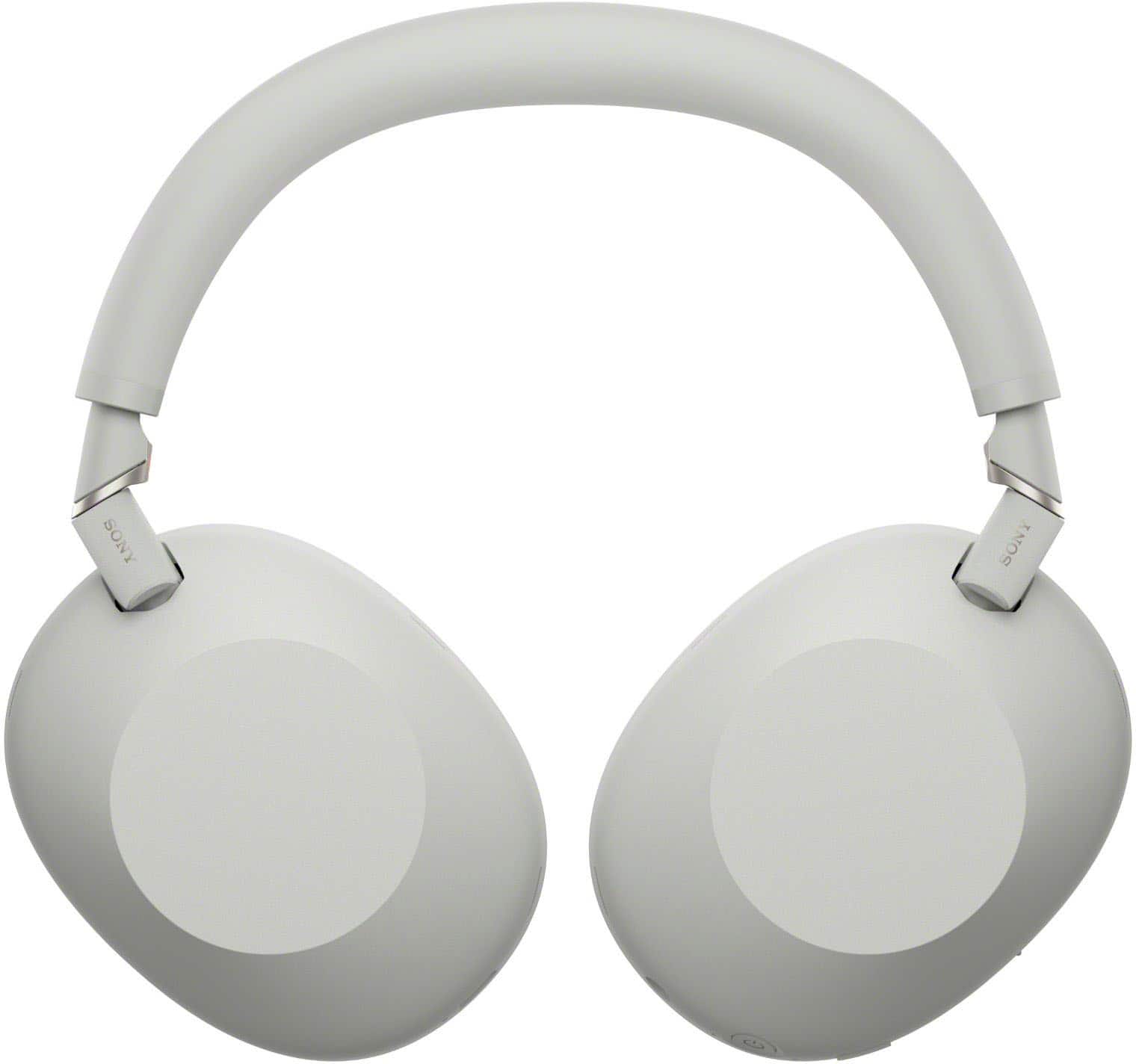
The WH-1000XM6 and our WH-1000XM series in general, are designed with an adjustable headband to accommodate a wide range of adult head sizes. However, there isn't a specific 'small head' or children's version of these particular headphones.
We highly recommend trying on at an authorized Sony retailer if possible. This will allow you to personally assess the fit and comfort for your head size and ensure it provides the secure feeling needed for the best experience.
Please be assured that we value your feedback and will take it into consideration for future product releases.
Thanks for considering Sony products!
Best regards,
Stephanie
A:AnswerYes it can be. You can turn it off in the sound connect app that’s free on your phone. Or you can turn it off on the headphone itself with a button to turn on ambience instead.
A:AnswerHi Elaine,
Thank you for your interest in Sony products!
We appreciate your inquiry and are happy to assist you. The Sony WH-1000XM6 headphones are compatible with your TCL Roku TV model 43S455 via the 3.5 mm audio cable. Since the 43S455 includes a headphone jack, you can connect the headphones directly to the TV.
Please note that when the headphones are plugged into the TV’s headphone jack, the TV’s built-in speakers will be automatically muted. Volume adjustments should be made using the controls on your headphones. For optimal audio performance, ensure the audio cable is securely connected to both the TV and the headphones.
For additional information on connection methods, please visit the following link:
https://helpguide.sony.net/mdr/2984/v1/en/index.html
Best regards,
-Fred
A:AnswerHello jv2233,
Thank you for considering Sony products!
We appreciate your question and are here to assist you. When connected via a wired connection, as long as the WH-1000XM6 headphones are powered on, they maintain the same powerful and immersive Active Noise Cancellation (ANC) performance as in wireless mode. This ensures consistent noise reduction and a seamless listening experience regardless of how you connect.
In terms of audio quality, the headphones support high-resolution audio over both wired and wireless connections. When using the 3.5mm audio cable, they deliver a frequency response range of 4 Hz to 40,000 Hz, providing rich and detailed sound reproduction.
Please note that while touch controls are disabled in wired mode, you can still adjust volume and playback directly through your connected device.
For further details, please visit:
https://helpguide.sony.net/mdr/2984/v1/en/contents/TP1001856898.html
Best regards,
-Fred
A:AnswerHello FreeTruth,
Thank you for considering Sony products and for your thoughtful question!
The Sony WH-1000XM6 headphones are crafted with premium materials and advanced technology to provide both durability and long-lasting performance. Along with their robust build, you’ll enjoy exceptional sound quality and industry-leading noise cancellation, delivering a truly immersive listening experience. We’re confident that the WH-1000XM6 will offer you many years of reliable use while enhancing your audio enjoyment with cutting-edge features.
For more details about these headphones, please visit:
https://www.sony.com/electronics/support/wireless-headphones-bluetooth-headphones/wh-1000xm6/specifications
Best regards,
-Fred
A:AnswerThank you for contacting Sony, Charlie.
We can confirm that the WH-1000XM6 does integrate fully with popular smart assistants. You can activate Google Assistant or Amazon Alexa, allowing you to control your music, get notifications, and perform other tasks hands-free. While the headphones do not directly integrate with the Apple Home ecosystem for device control, they pair seamlessly with Apple devices via Bluetooth.
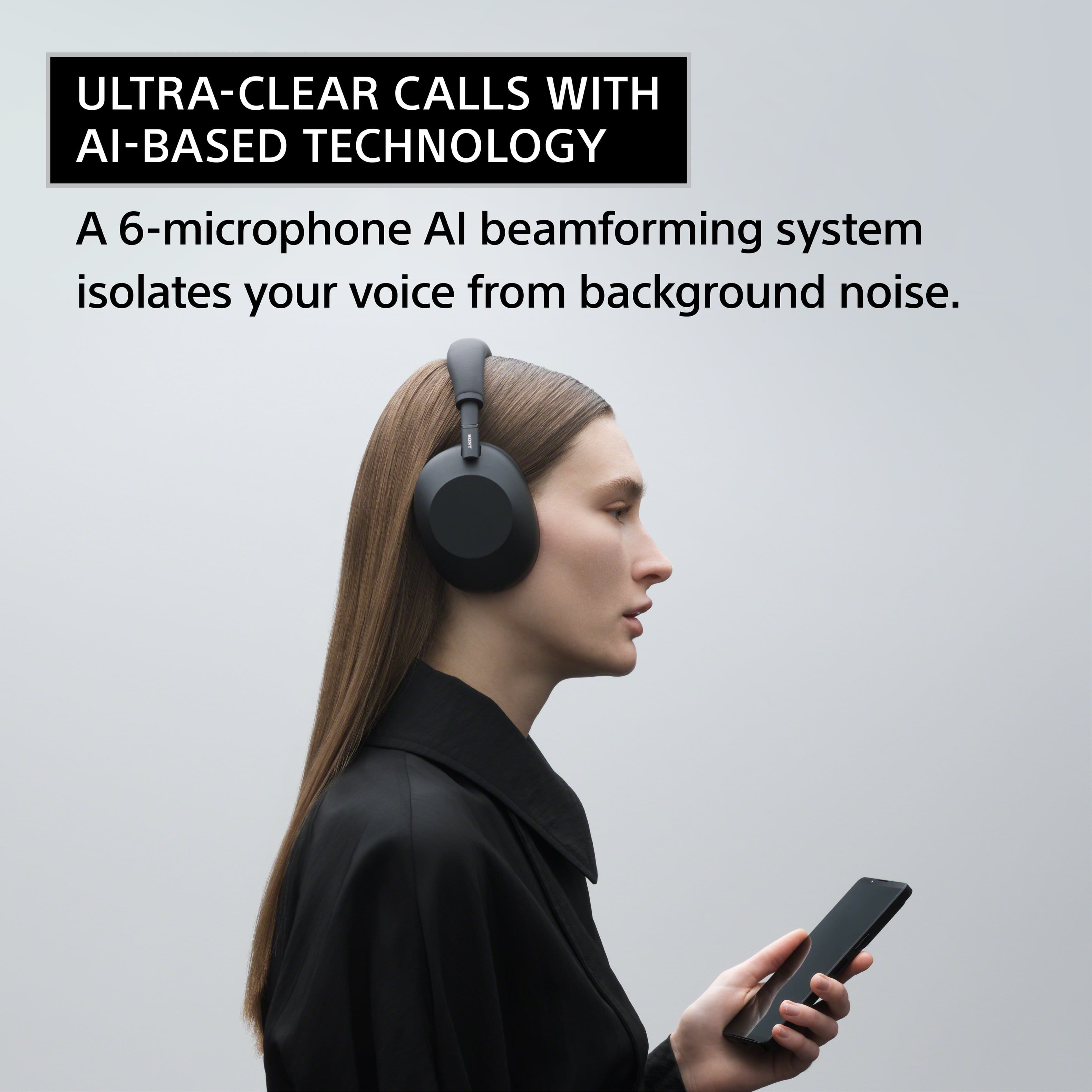
Regarding the microphone features, the WH-1000XM6 utilizes our advanced Precise Voice Pickup Technology. This technology uses multiple microphones and advanced audio signal processing to achieve both Environmental Noise Control (ENC) and Microphone Noise Cancelling. This ensures that your voice is isolated and crystal clear during calls, effectively suppressing background noise like wind, traffic, or office chatter for the person on the other end.
We appreciate your interest in Sony products. Should you require any further assistance, please don't hesitate to reach out for support here:
https://us.esupport.sony.com/support/s/support-contact?language=en_US&category=headphones
Best regards,
Gus, Sony North America Customer Support
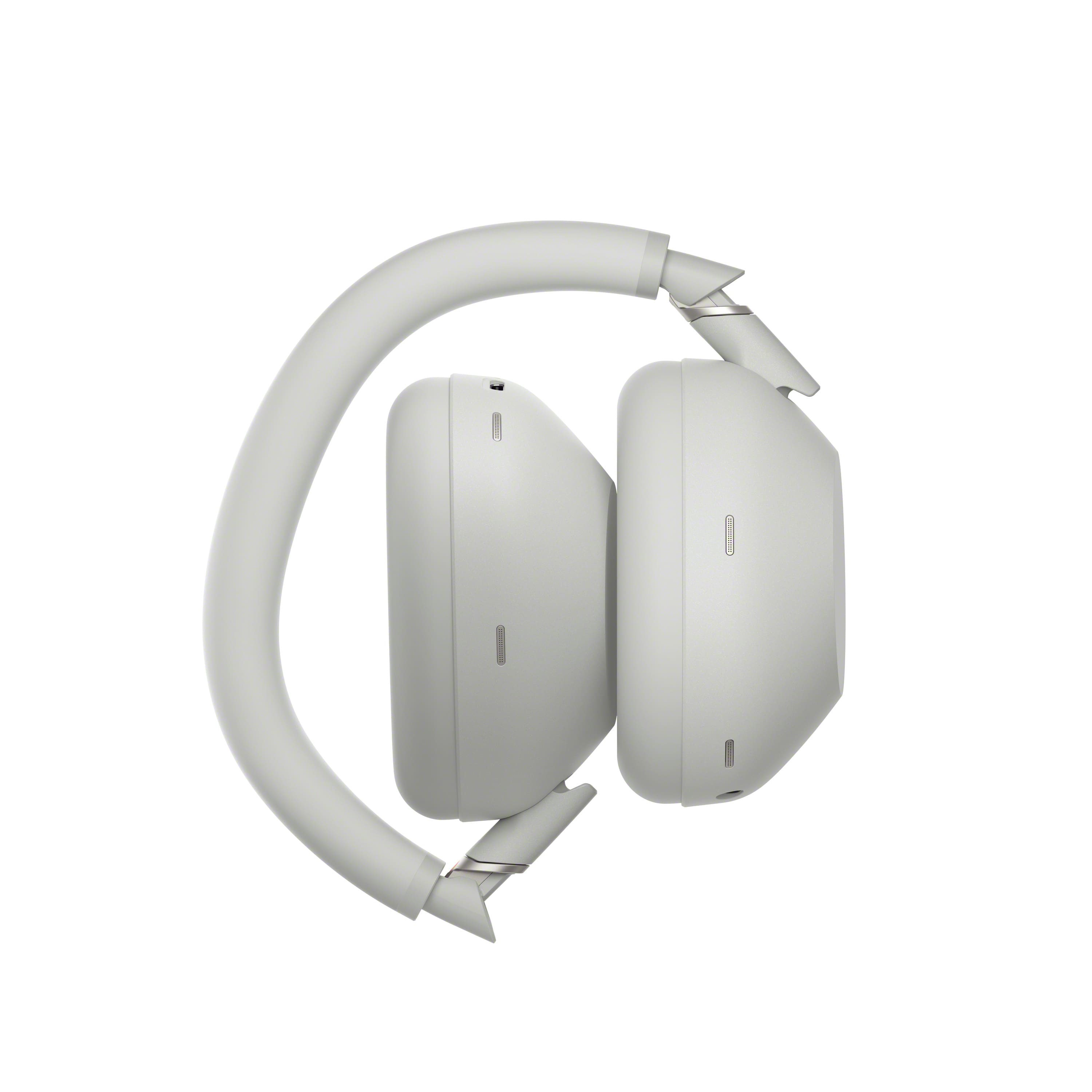
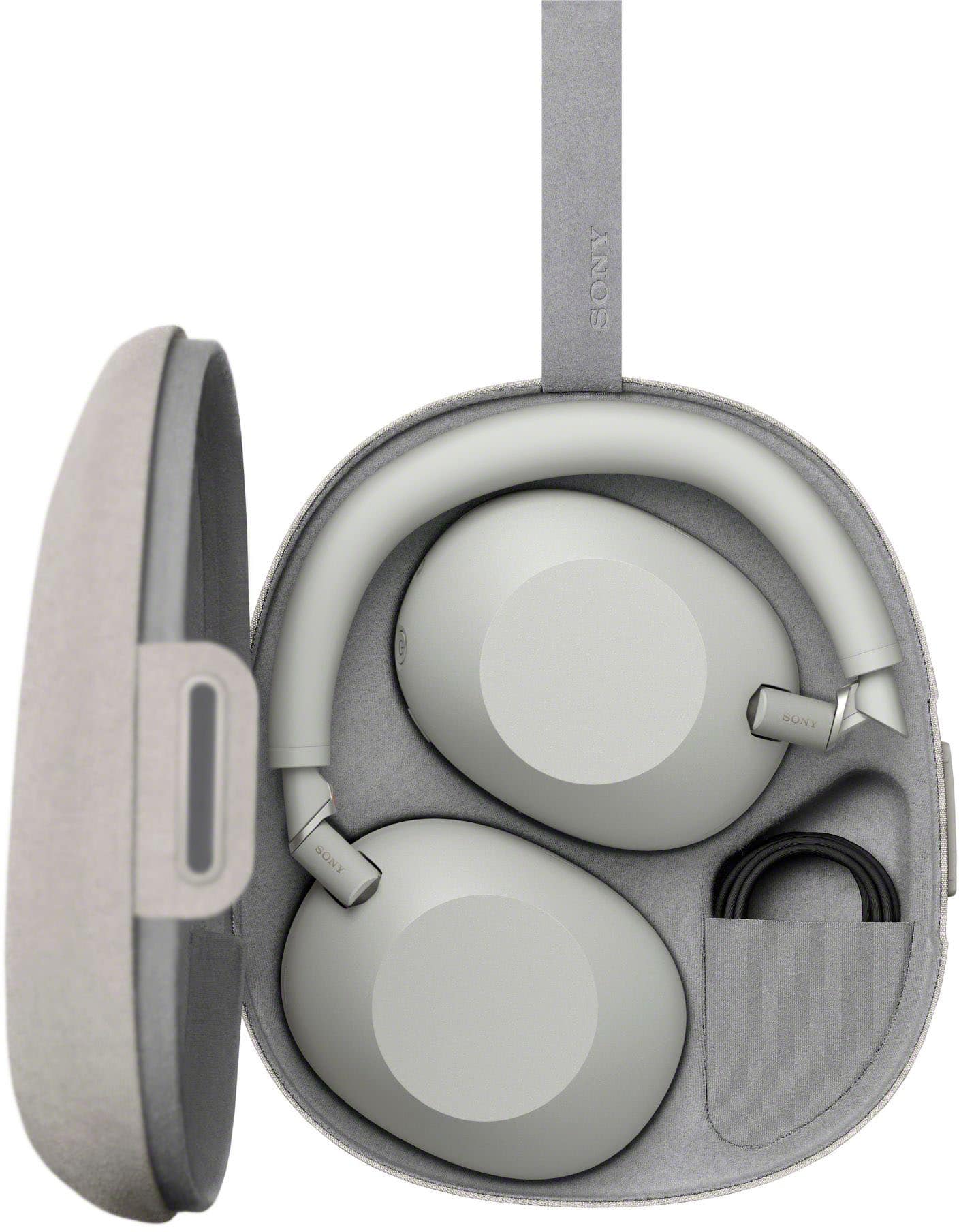
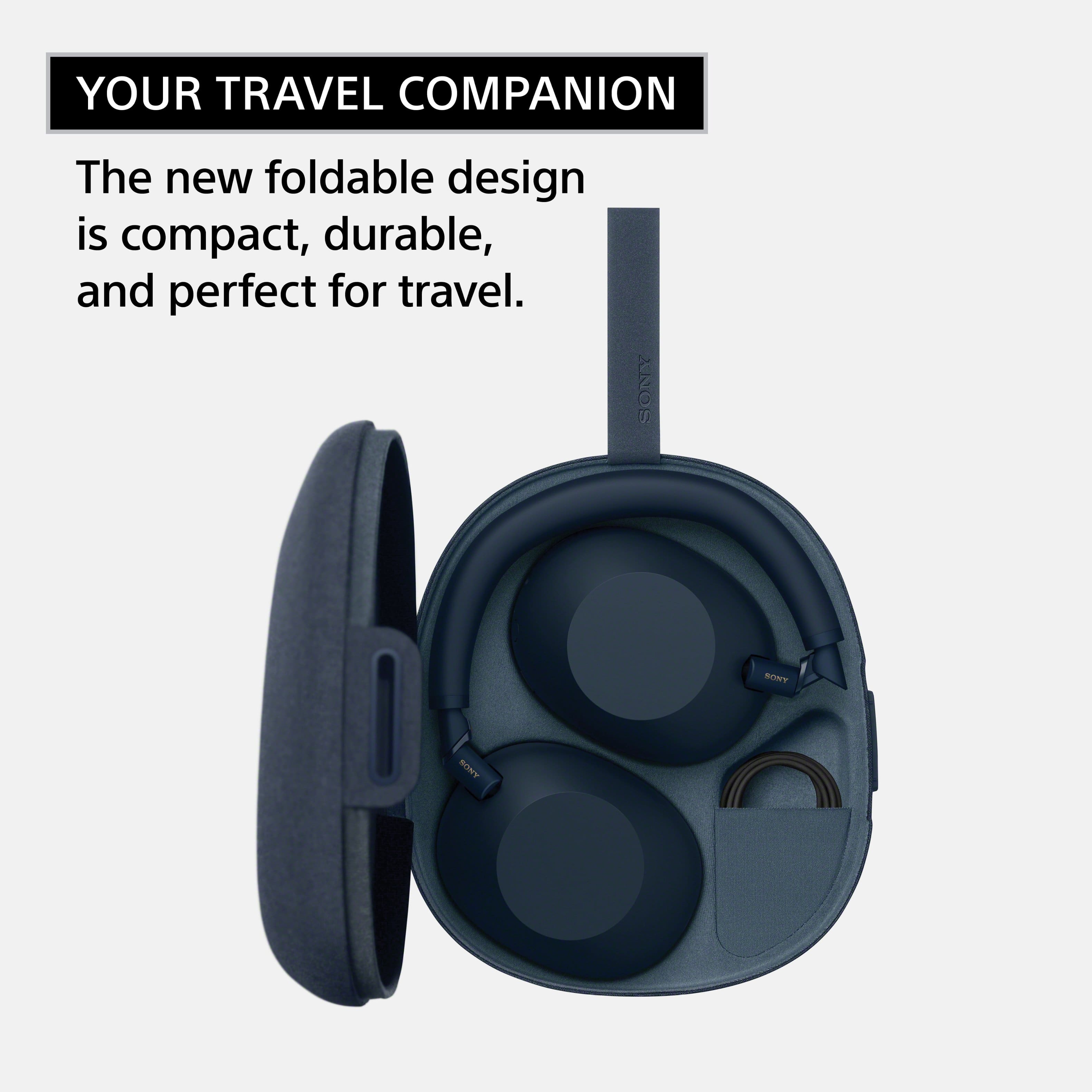
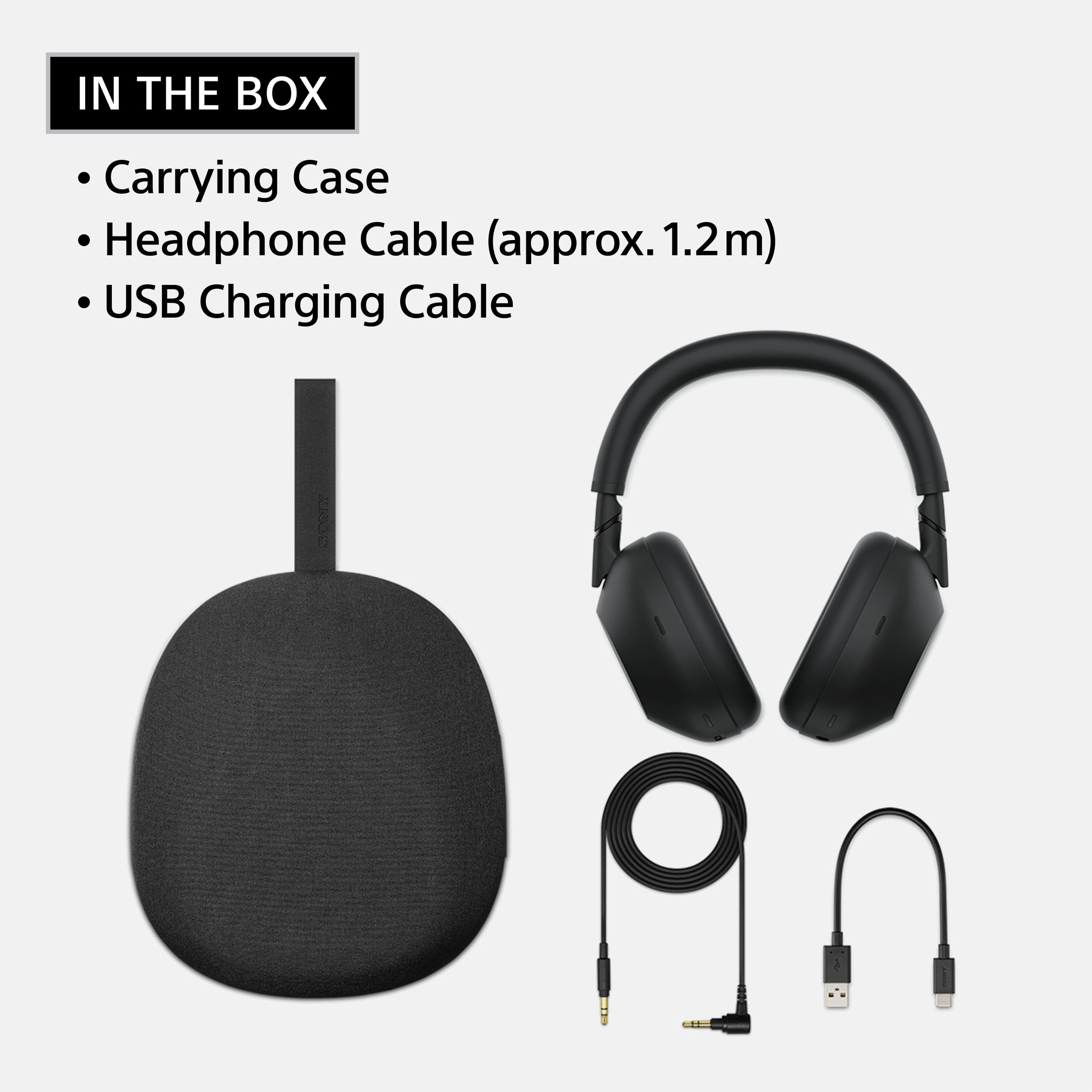
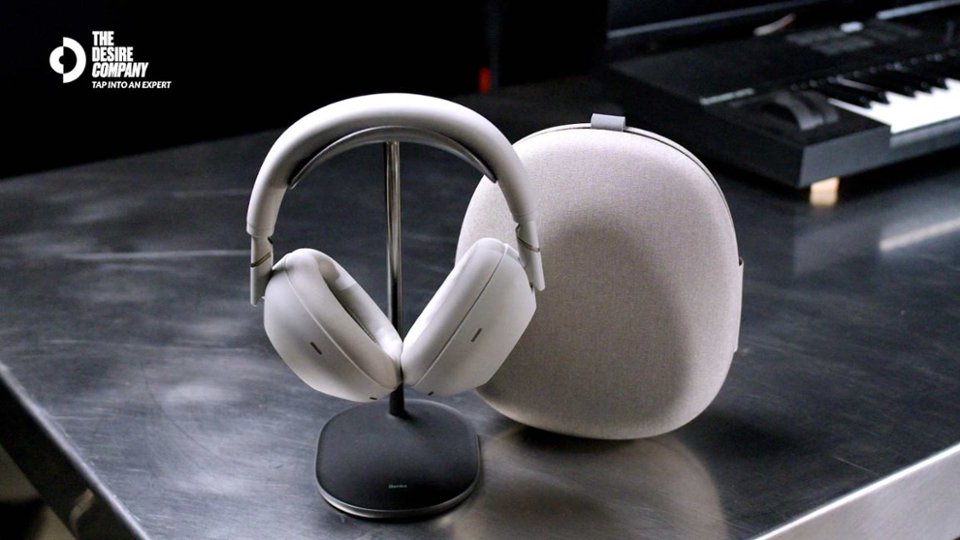
A:AnswerYes, they come with a travel friendly case, which includes a USB-A to USB-C cable that can charge them, as well as an auxiliary audio cable jack. The case is about 7 inches by 8 inches.
A:AnswerHi Esro,
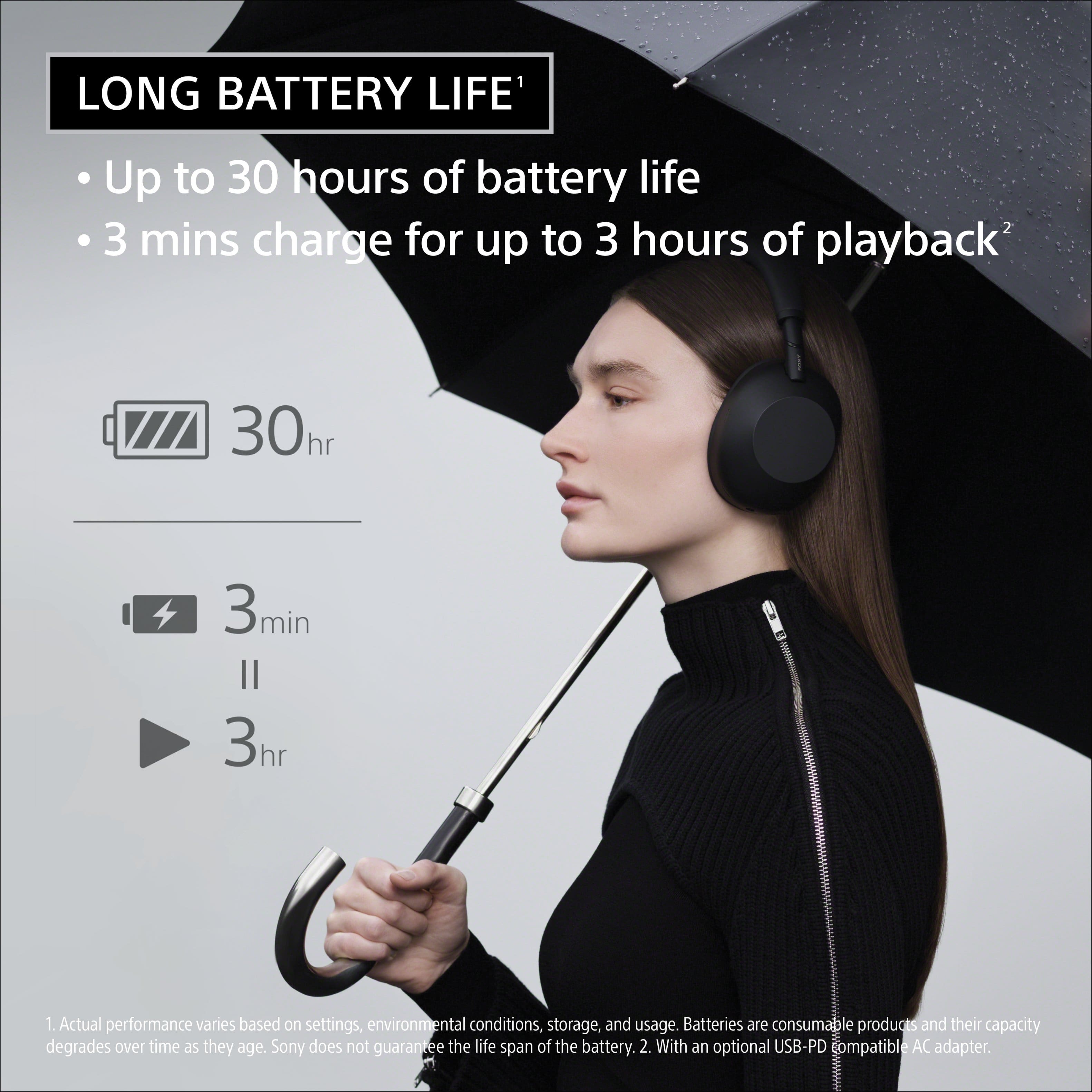
The Sony WH-1000XM6 Wireless Noise-Canceling Headphones are not rated for water or sweat resistance and do not have an official IP rating. They are premium over-ear headphones primarily designed for travel, office, and daily listening, and are not intended for heavy exercise or use in rain or snow. To prevent damage or malfunction, we strongly advise avoiding direct contact with moisture, including heavy perspiration, as water or foreign matter entering the headset can cause internal burnout or failure. Thanks for choosing Sony.
Best regards, Eliab
A:AnswerI use these with my iPhone and my MacBook and have no issues. Very compatible and the Sony Adaptive Sound App is really helpful for customizing your listening experience on your apple products!
A:Answeruse the free "Sound Connect" app to control the settings for the headphones. From there, tap on "Ambient Sound Control" (the first setting you'll see) and then you want to go to system settings tab where you can turn off "Touch sensor control panel".
A:Answerthere's a setting to do this in the Sound Connect app! at the bottom of the My Device tab, there's a "device settings" button. in the "system" tab of the device settings screen, there's a "touch sensor control panel" toggle.
A:AnswerHi Cindy!
Thanks for your interest in our headphones. We're here to help!
To answer your question, yes, you can use the Sony WH-1000XM6 headphones with your LG TV, as long as your TV supports Bluetooth audio devices (specifically supporting the A2DP profile).
Just pop the headphones into pairing mode, head to your TV’s Bluetooth settings and select them. You’ll get crisp sound for movies or shows; perfect for private listening.
For detailed information, please check the following link: https://helpguide.sony.net/mdr/2984/v1/en/contents/TP1001856849.html
We hope this helps.
Thanks for considering Sony products!
Best regards,
Estefany
A:AnswerHi Chris,
Thanks for reaching out with your question about the WH-1000XM6 headphones! We can certainly assist you with that.
The quality of the sound is determined by the codec used for the connection.
Try to check the codec and change it, if possible, to improve the sound quality.
It is possible to get 96 kHz using the LDAC codec.
We hope this helps.
Thanks for considering Sony products!
Best regards,
Estefany