Skip to contentGo to Product Search
Gift Ideas
Main Content

Questions & Answers

$39.99
Save $28.01
The comparable value is $68.00
Deal ends in 5:38:45
Page Showing 181-200 of 214 questions
  • QuestionCan they connect to a ps4

    Asked by Bigmike.

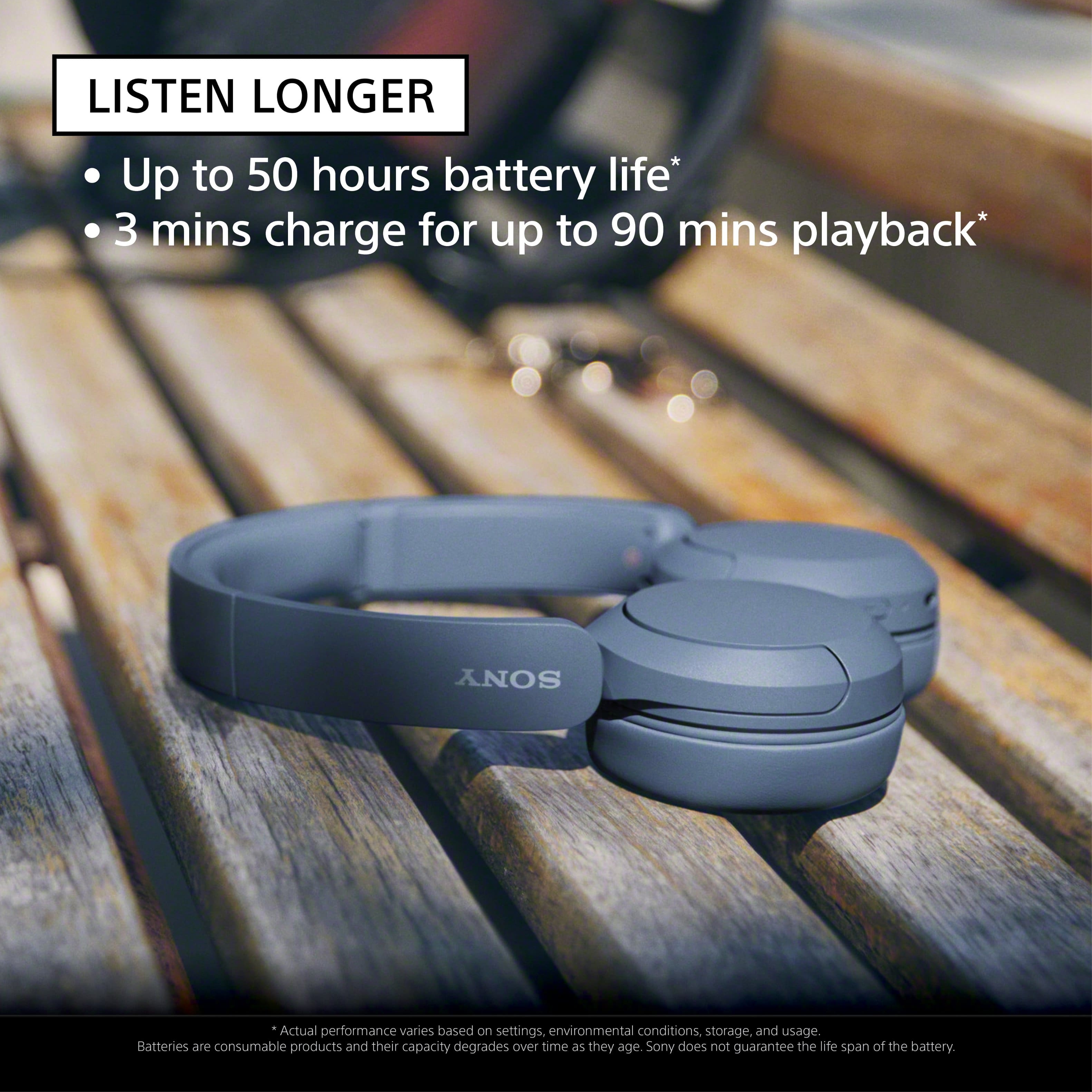
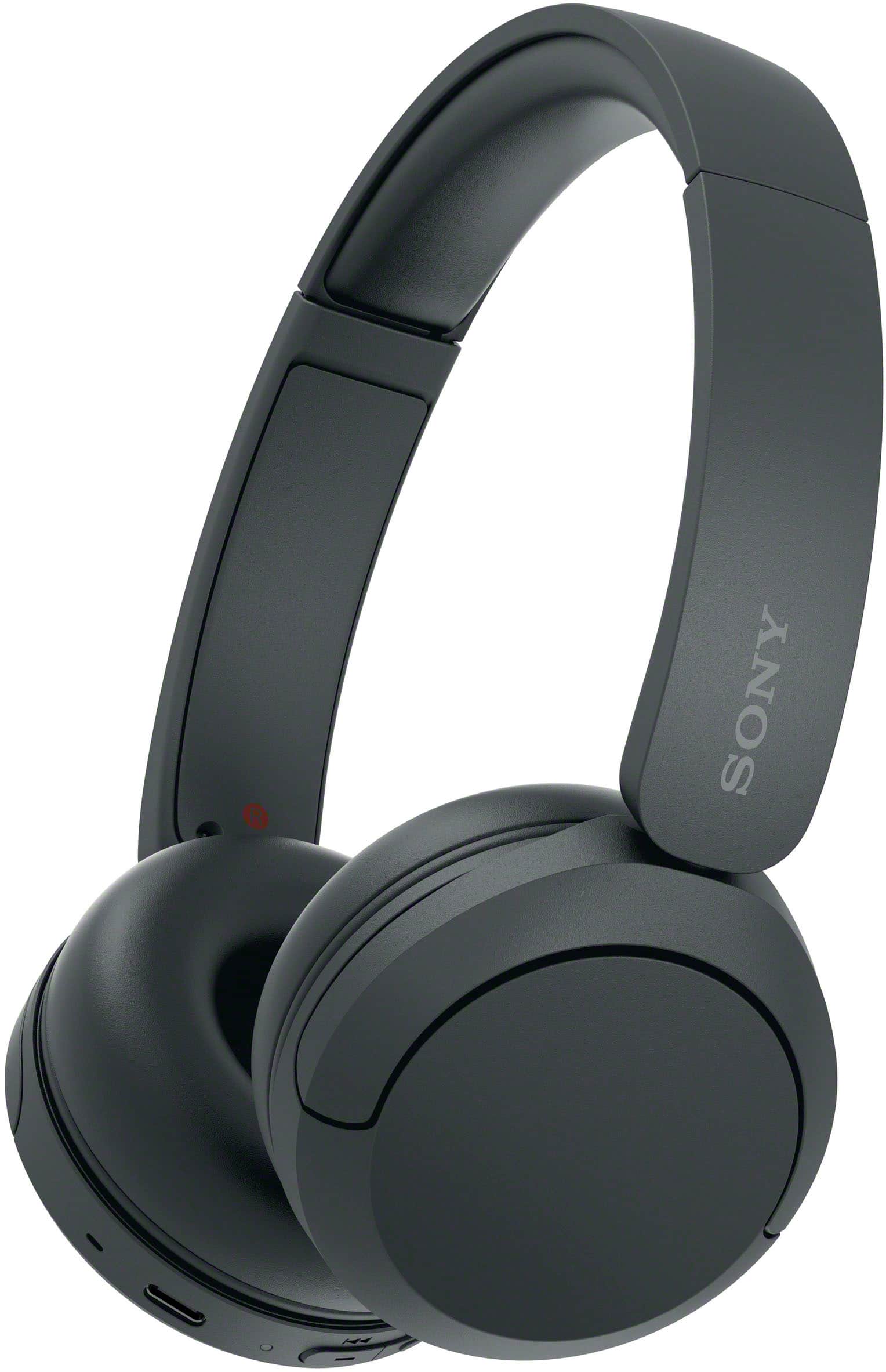
    • Answer Hi Bigmike, Thank you very much for your question. The PS4 doesn't have native Bluetooth audio support. That means you can't natively connect these headphones directly to the console. However, you can connect our WH-CH520 Wireless Headphones to your television via Bluetooth (the TV must support Bluetooth A2DP (Advanced Audio Distribution Profile) profile for wireless speakers and headphones connection) so you can get the audio from the PlayStation 4. We still recommend using headphones that are designed for consoles. With the WH-CH520 headphones, you will enjoy high sound quality all day long. With up to 50 hours of battery life, stable connectivity, and enhanced call performance, meet the demands of your day. I hope this helps, and thanks again for your inquiry! - Romeo
      Answered by SonyListens

  • QuestionDoes an auxiliary cord with a 3.5 mm jack for use on an airplane entertainment system come with these headphones?

    Asked by Rusty.

    • Answer None of headset will support airplane jack the reason the port is completely different with two pin and only support their own headset. This sony bluetooth headset wireless no jack.

      Answered by kumar

  • QuestionWill these work with playstation 4?

    Asked by Terri.

    • Answer Yes and definitely worth the money recommend 100%

      Answered by Anonymous

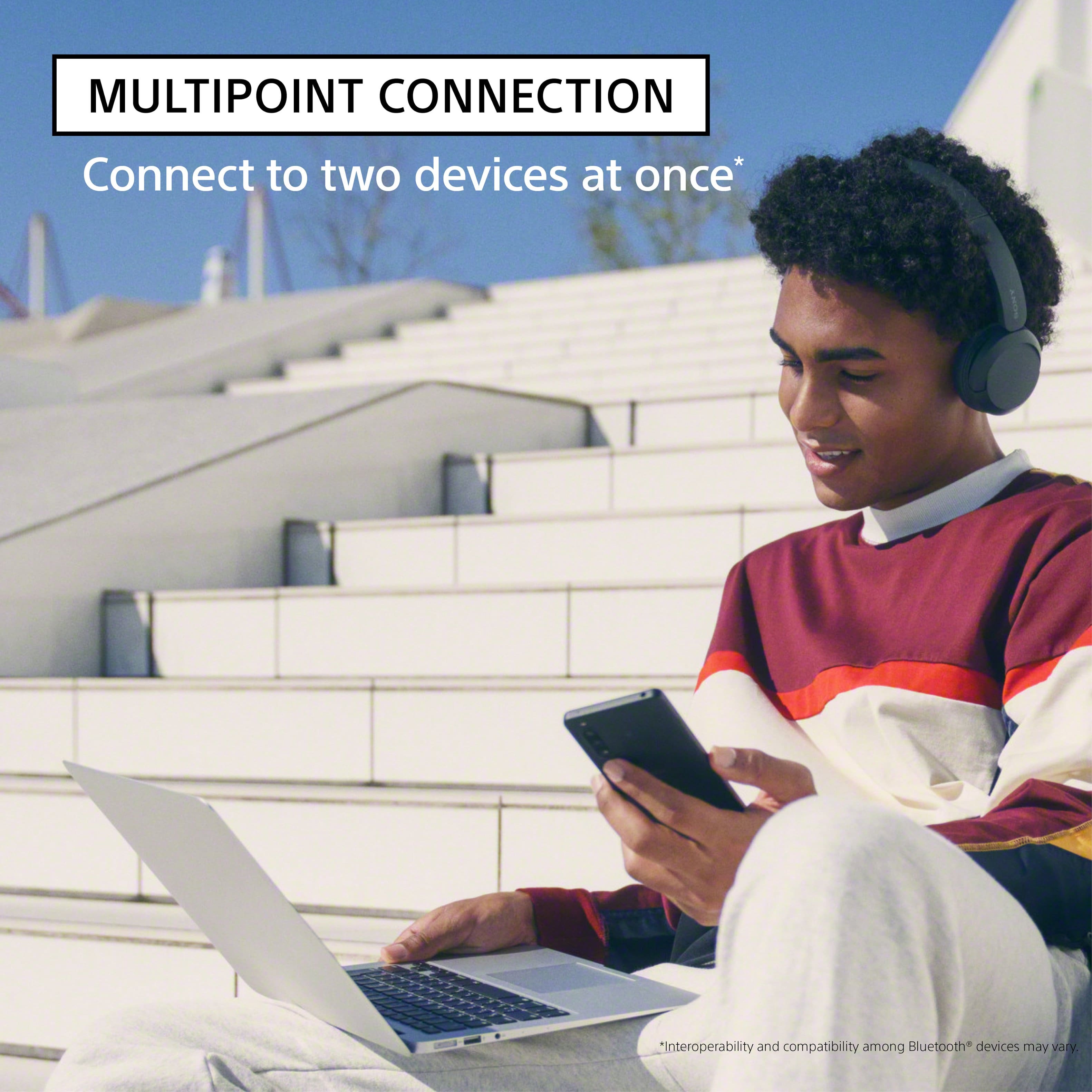
  • QuestionIt says it could connect to two Bluetooth devices. Would it work with my Bluetooth Turntable, Specifically Audio-Technica 120XBT and my phone at the same time when I could adjust the sound through the app?

    Asked by Ricardo.

    • Answer Hi Ricardo, Thank you very much for your question. If your Audio-Technica turntable supports Bluetooth A2DP (Advanced Audio Distribution Profile) profile for wireless music playback, then yes, you can connect it and your phone at the same time to these headphones. To use the multipoint connection feature, you will need to download the Sony | Headphones Connect app on one of the devices and make sure it has the latest update. When [Connect to 2 devices simultaneously] is turned on with the “Sony | Headphones Connect” app, the headset can connect to 2 devices via Bluetooth connections simultaneously, allowing you to do the following. • Waiting for an incoming call for 2 smartphones - You can listen to music played on one smartphone with the headset, wait for an incoming call for both smartphones, and talk if an incoming call arrives. • Switching music playback between 2 devices - You can switch the music playback from one device to the other without performing a Bluetooth reconnection. Please note: • The WH-CH520 doesn't support audio playback from both devices at the same time. If you want to play the audio from the other device, you will need to stop the playback on the device that is playing the audio, then start audio playback by operating the other device. As for the volume, depending on the Bluetooth device, it may be necessary to adjust the volume or set the audio output setting on the device. For more details, please visit Sony support website and search for the following: • Connecting the headset to 2 devices simultaneously (multipoint connection) • Connect the headphones to two devices simultaneously (multipoint connection) With the WH-CH520 headphones, you will enjoy high sound quality all day long. With up to 50 hours of battery life, stable connectivity, and enhanced call performance, meet the demands of your day. I hope this helps you, and thanks again for your inquiry! Best regards, Romeo
      Answered by SonyListens

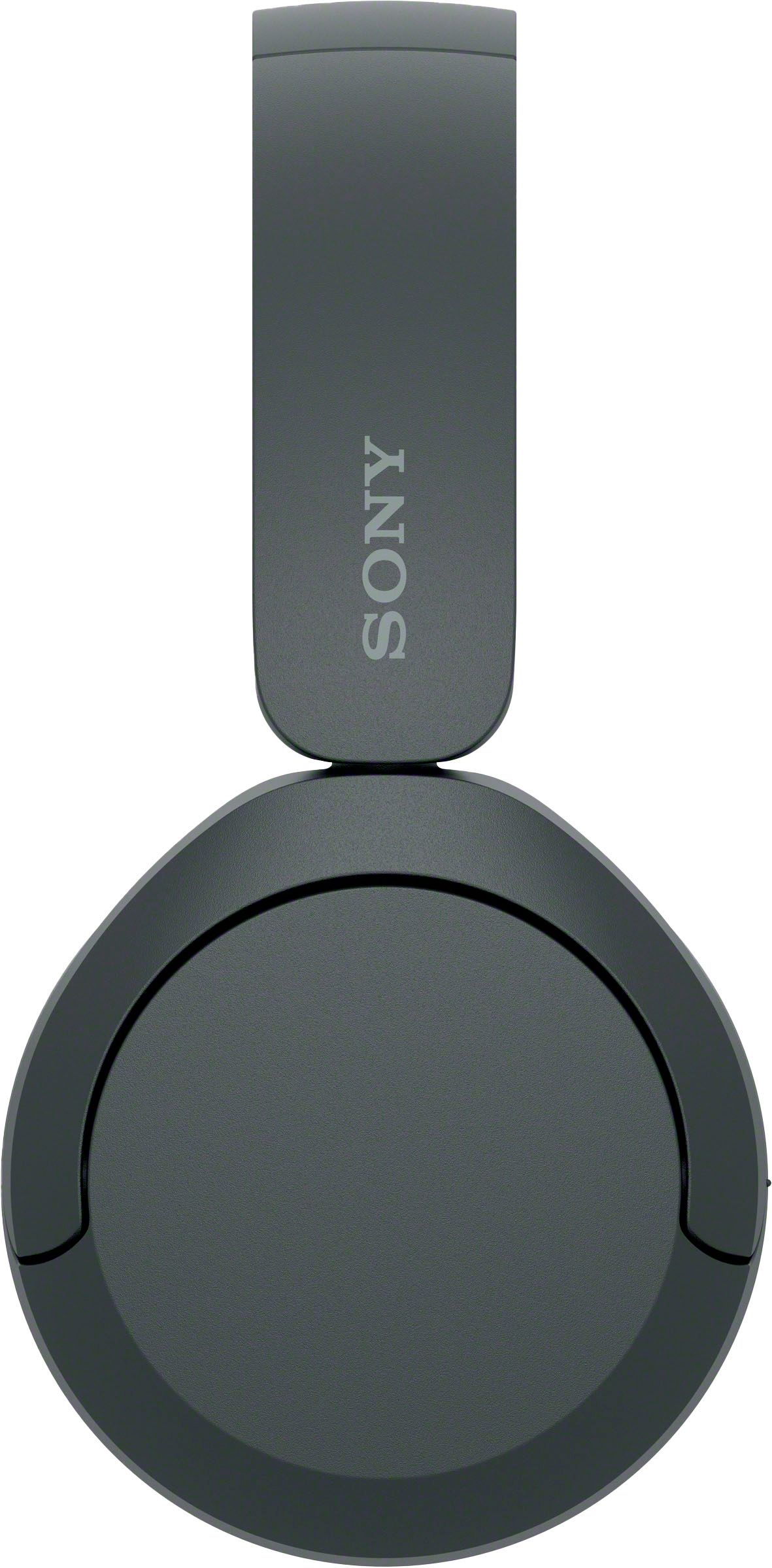
  • QuestionAre these foldable when ready to put away in a bag etc?

    Asked by LGomez.

    • Answer No they are not

      Answered by ChianneW

  • QuestionDo they work for the ps5

    Asked by Gaming.

    • Answer Gamer headphones are better, but for the music and videos, at home movies perfect

      Answered by ArsenioG

  • QuestionWhat is the range of the headphones?

    Asked by Sj.

    • Answer When I am listening to music, I can walk outside the house to my truck in the driveway and I can still hear. So that's about that's about 50' plus an exterior wall of my house in the way.

      Answered by BigEars

  • QuestionWhat Bluetooth version does this use and what is the maximum range? Thank you

    Asked by robert.

    • Answer I solved this Bluetooth mess by purchasing a 2-in-1 Bluetooth Transmitter Receiver with 3 mm Jack Aux for TV, PC, Home, Car Sound Systems. It pairs everything perfectly without the hassle of O/S settings, software versions, etc. I don't remember what I paid for it, but they weren't expensive. If you don't want to do that, I would presume that Bluetooth 5.0 or 5.1 would do. I have added a photo of the gadget. You can get them online.

      Answered by KennethJ

  • QuestionI just bought a Samsung smart . Are new head that will plug into this new system. We just use them at night, so other person can sleep. Are old head can not plug into this new system.

    Asked by MUDDYWATER.

    • Answer Our old ones could not plug into the Samsung smart tv. Had to purchase these and they work great. Good luck

      Answered by LoisS

  • Questionare these headphones compatible with an i phone 11

    Asked by Trapi.

    • Answer Yes they are

      Answered by ChianneW

  • QuestionI havea question!!! Will people hear, what i litening? Cause i had a problem, when people said to me to set volume lower, when it was low.

    Asked by Joe.

    • Answer I havent had any complaints. But i keep volumn on low to medium. Can hear very clearly depending on your surrroundings.

      Answered by Pleasant2

  • QuestionHi will this work with a Dell Inspiron 7506 or newer model laptop?

    Asked by Laptop.

    • Answer Unsure, but works well with my HP and Google tablet.

      Answered by Pleasant2

  • QuestionCan this connect to a Dell laptop?

    Asked by Cass.

    • Answer Hi Cass, Thanks for the question! If your Dell laptop supports Bluetooth A2DP (Advanced Audio Distribution Profile) profile, then yes, you can. For instructions on how you can pair and connect these headphones to a Bluetooth device, please visit Sony Support website and search for the following: • Help Guide (WH-CH520) - Pairing and connecting with a computer (Windows 10/11) With the WH-CH520 headphones, you will enjoy high sound quality all day long. With up to 50 hours of battery life, stable connectivity, and enhanced call performance, meet the demands of your day. I hope this helps you, and thank you for considering Sony! Romeo

      Answered by SonyListens

  • QuestionHow long does the battery last on the headphones?

    Asked by Alparslan.

    • Answer 50 hours

      Answered by Joseph

  • QuestionDoes this take a microSD card?

    Asked by Guy.

    • Answer No

      Answered by Joseph

  • QuestionIs it in stock at the in-person store?

    Asked by Anonymous.

    • Answer Yes that is how i got mine.

      Answered by Joseph

  • QuestionCan I connect 2 pairs of these headphones to one Ipad to watch a movie with my spouse on a plane? My IpadOS is Version 16.4.1 (9th Generation Model).

    Asked by GVinIL.

    • Answer Hi GVinIL, Thank you so much for your inquiry. This will depend on the connected device. If your audio source supports two Bluetooth headphones connection and can output audio to two headphones simultaneously, then yes, you can connect two of these headphones. To confirm the compatibility, please check with your device manufacturer's information. With the WH-CH520 headphones, you will enjoy high sound quality all day long. With up to 50 hours of battery life, stable connectivity, and enhanced call performance, meet the demands of your day. I hope this helps, and thanks again for your question! Best regards, Romeo

      Answered by SonyListens

  • QuestionCan the Sony WH CH529 headphones connect to two different at different times without installing the Sony App? Some say that a Sony app is required to be install in your device in order for the headphones to be use with more than one device . Thanks.

    Asked by Happy.

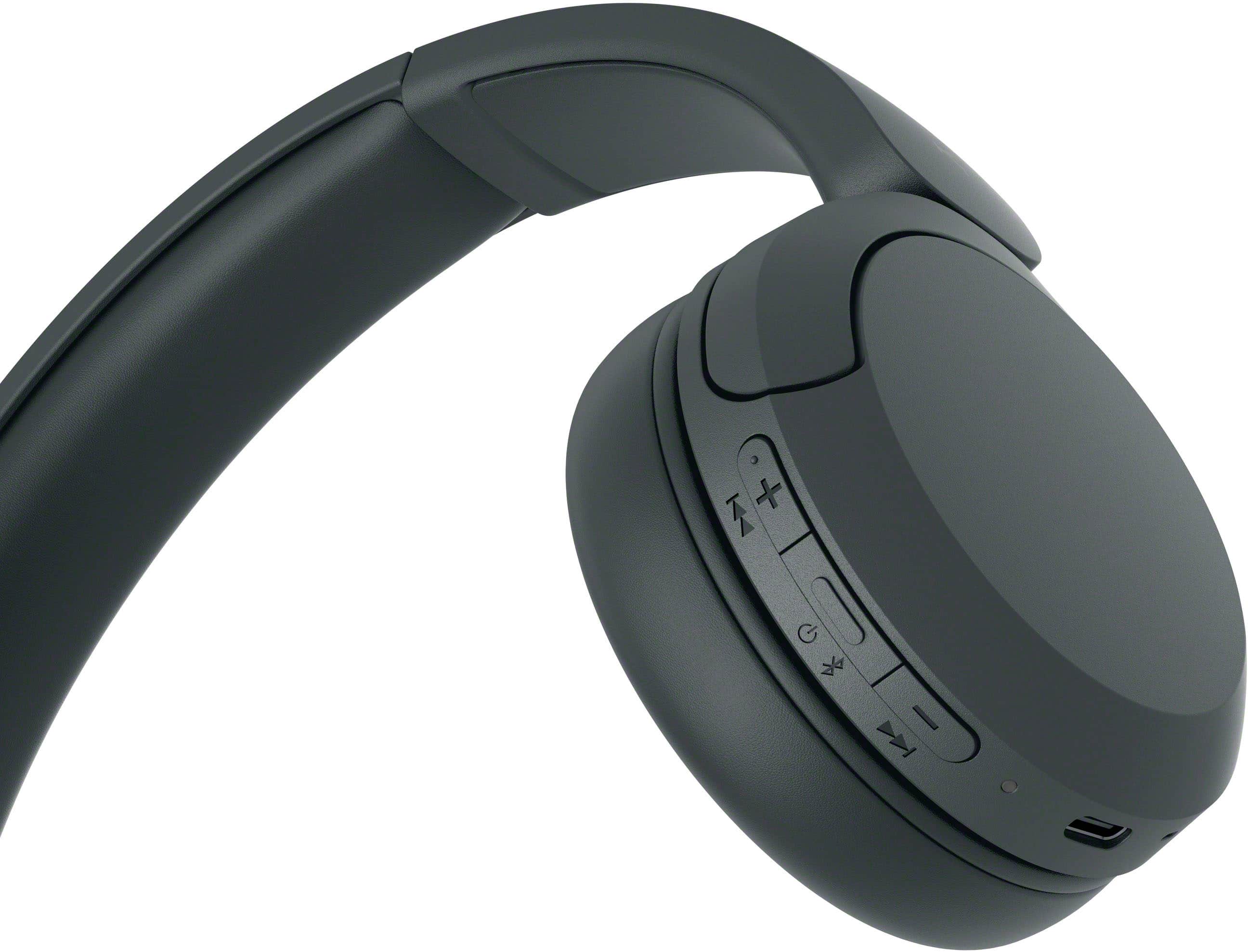
    • Answer Yeah you need the app to do that. It has limited buttons on the headphones. Up/down and Power. EQ and all that is thru the app.

      Answered by Joseph

  • QuestionCan you connect to iPhone

    Asked by AllenR.

    • Answer Hi there, Thank you so much for your question! If your iPhone support Bluetooth A2DP (Advanced Audio Distribution Profile) profile, yes, you can. With the WH-CH520 headphones, you will enjoy high sound quality all day long. With up to 50 hours of battery life, stable connectivity, and enhanced call performance, meet the demands of your day. I hope this helps you, and thank you for considering Sony! Romeo

      Answered by SonyListens

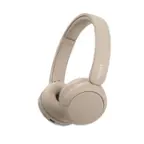
  • QuestionAre they over ear?

    Asked by Mareln.

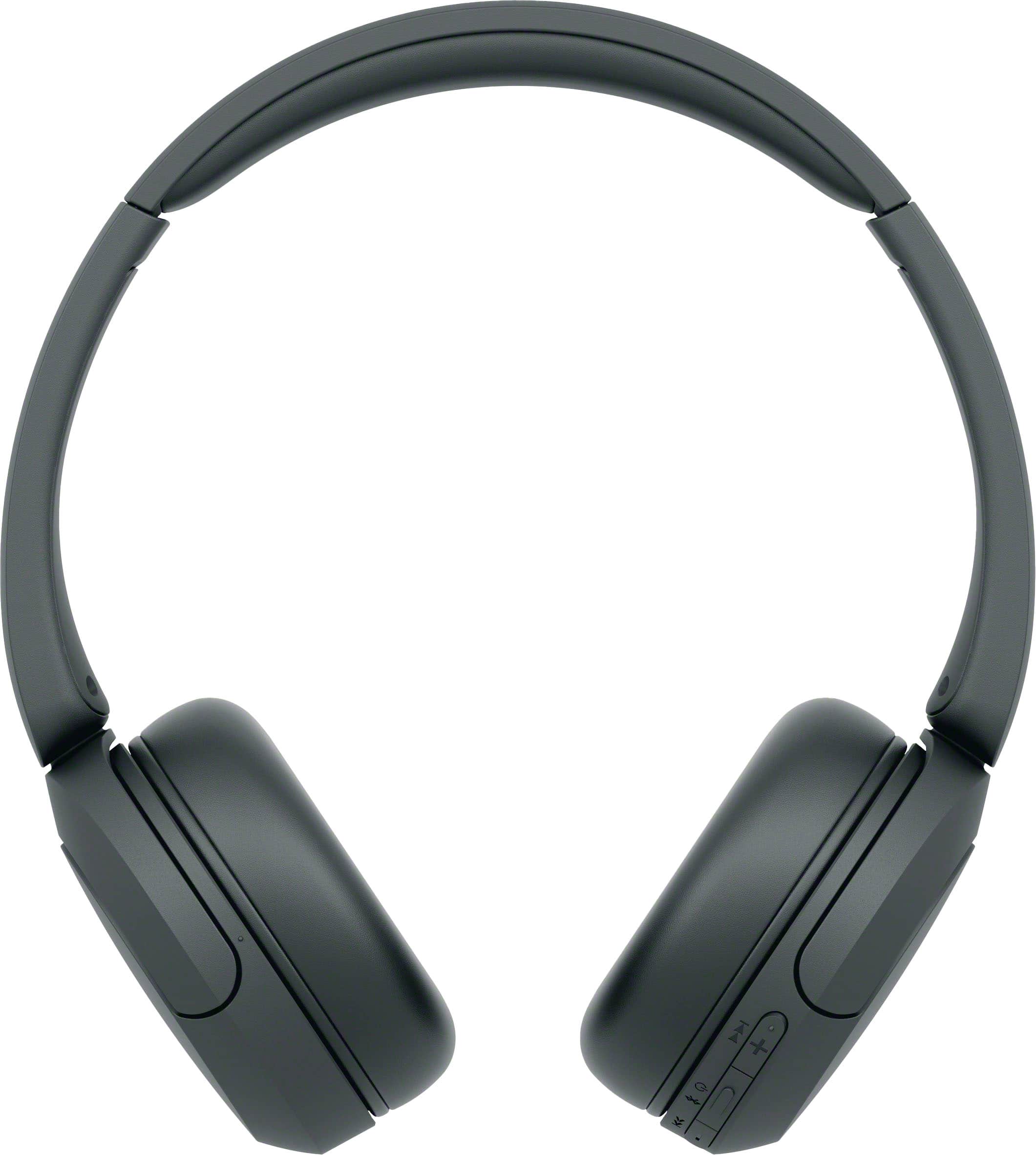
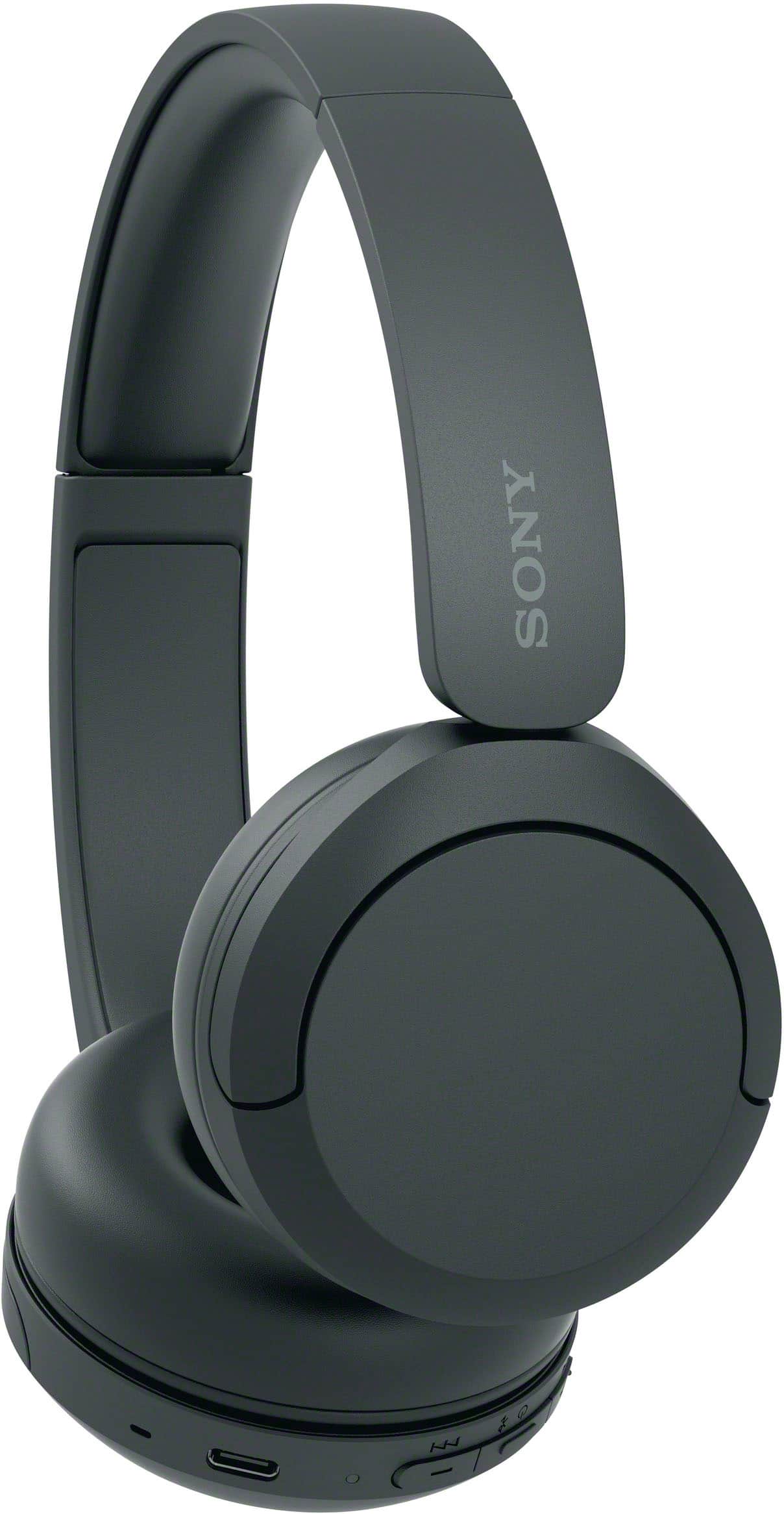
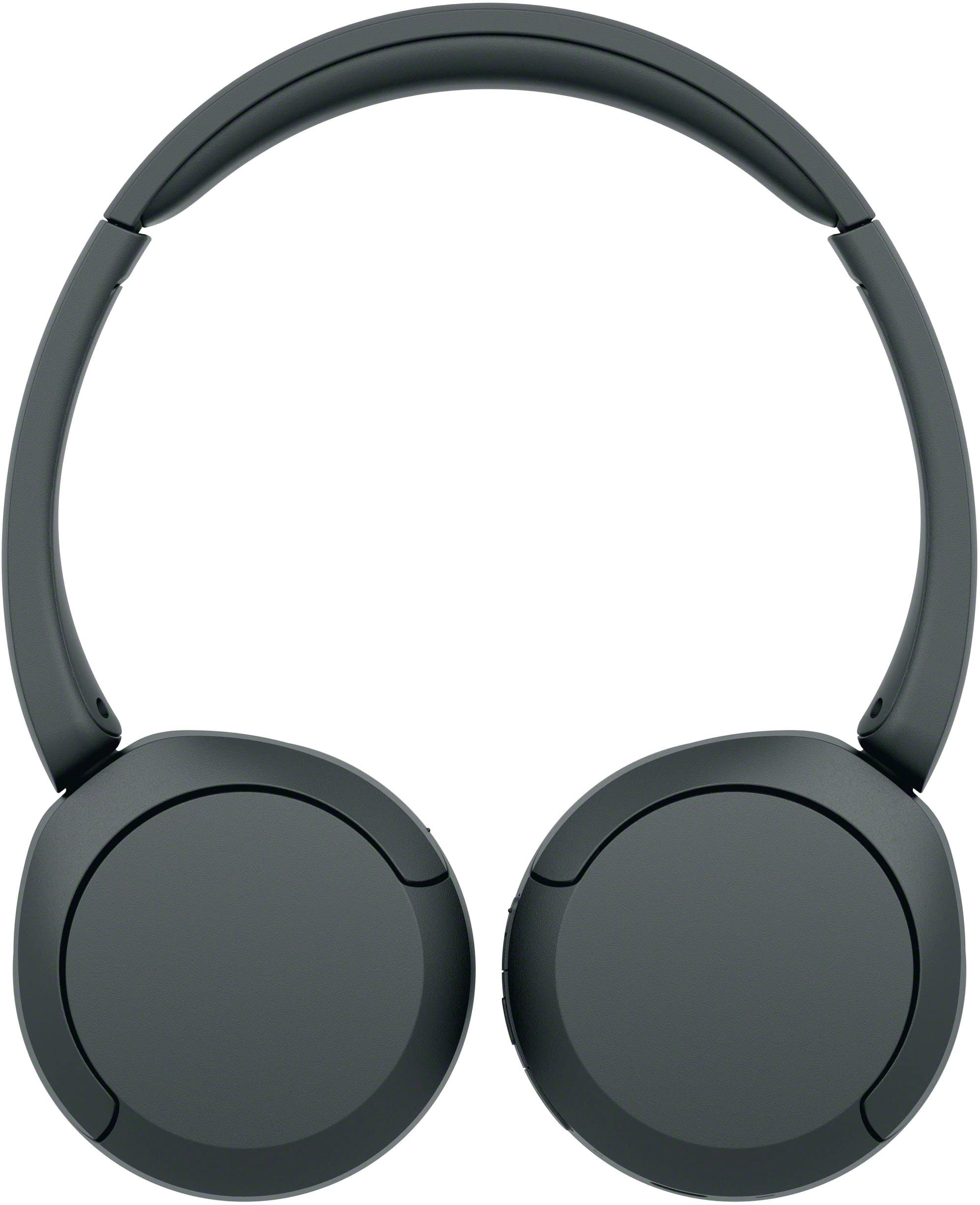
    • Answer Specifications state on-the-ear

      Answered by KarenT