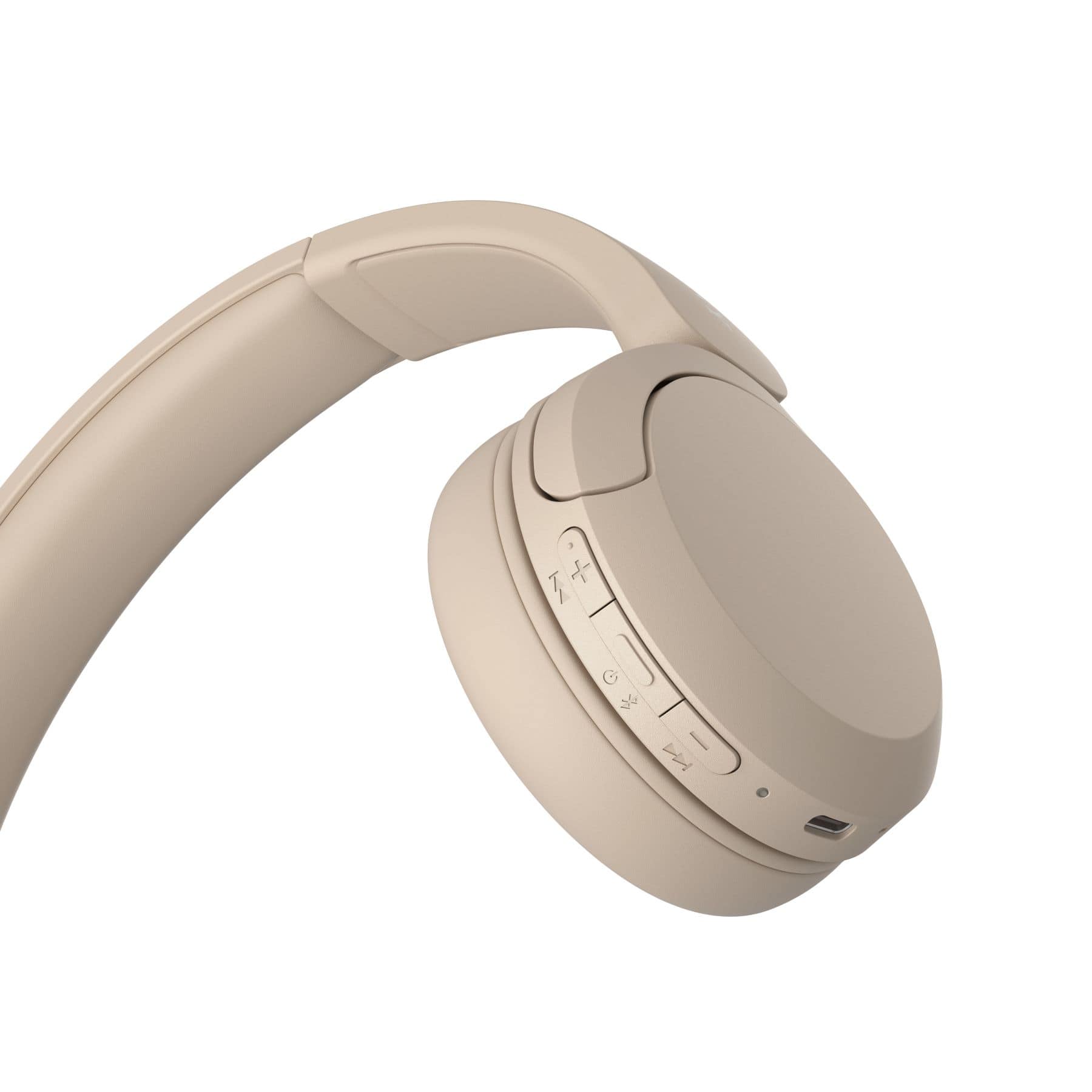
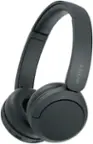
A:AnswerNo, you do not need to download an app to use the headphones. However, downloading the Sony Headphones app will allow you to customize the headphones such as EQ and more features.
A:AnswerI wouldn’t say they are the best for gaming, more so for watching videos and listening to music. I haven’t tried it because I have the Logitech G435 for my gaming headphones. I would say that’s a better option because it’s around the same price, has great sound quality, good mic, comfortable build, sturdy, and you don’t need Bluetooth for connectivity because you can use the USB given to you for fast connection.
I played games like valorant, CSGO, R6, Rust. Games that focus on sound as part of the combat experience and they work really well in those games.
A:AnswerHi Mercy,
Thank you for your question. You can connect our WH-CH520 Wireless Headphones to your television via Bluetooth (the TV must support Bluetooth A2DP (Advanced Audio Distribution Profile) profile for wireless speakers and headphones connection) so you can get the audio from the PlayStation 5.
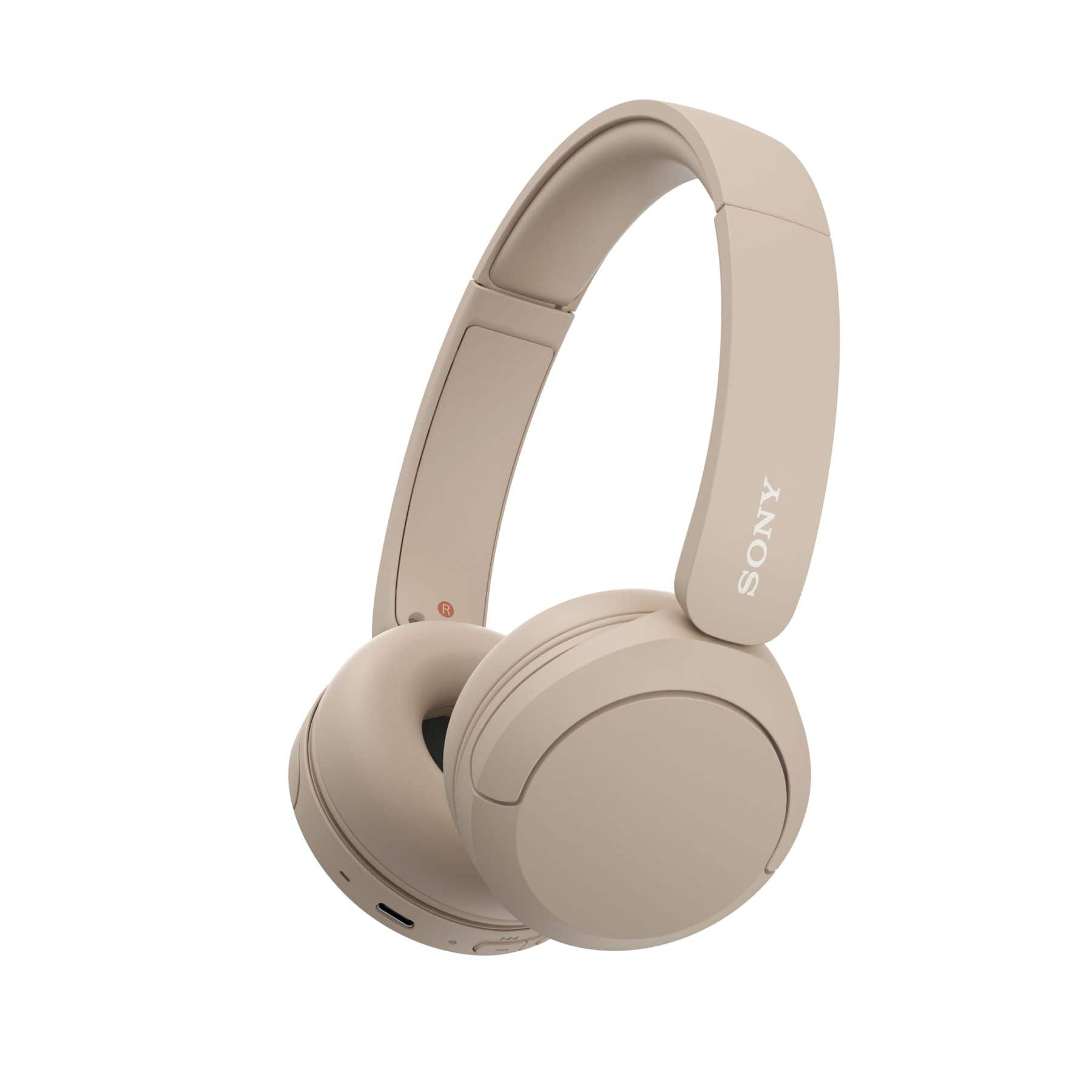
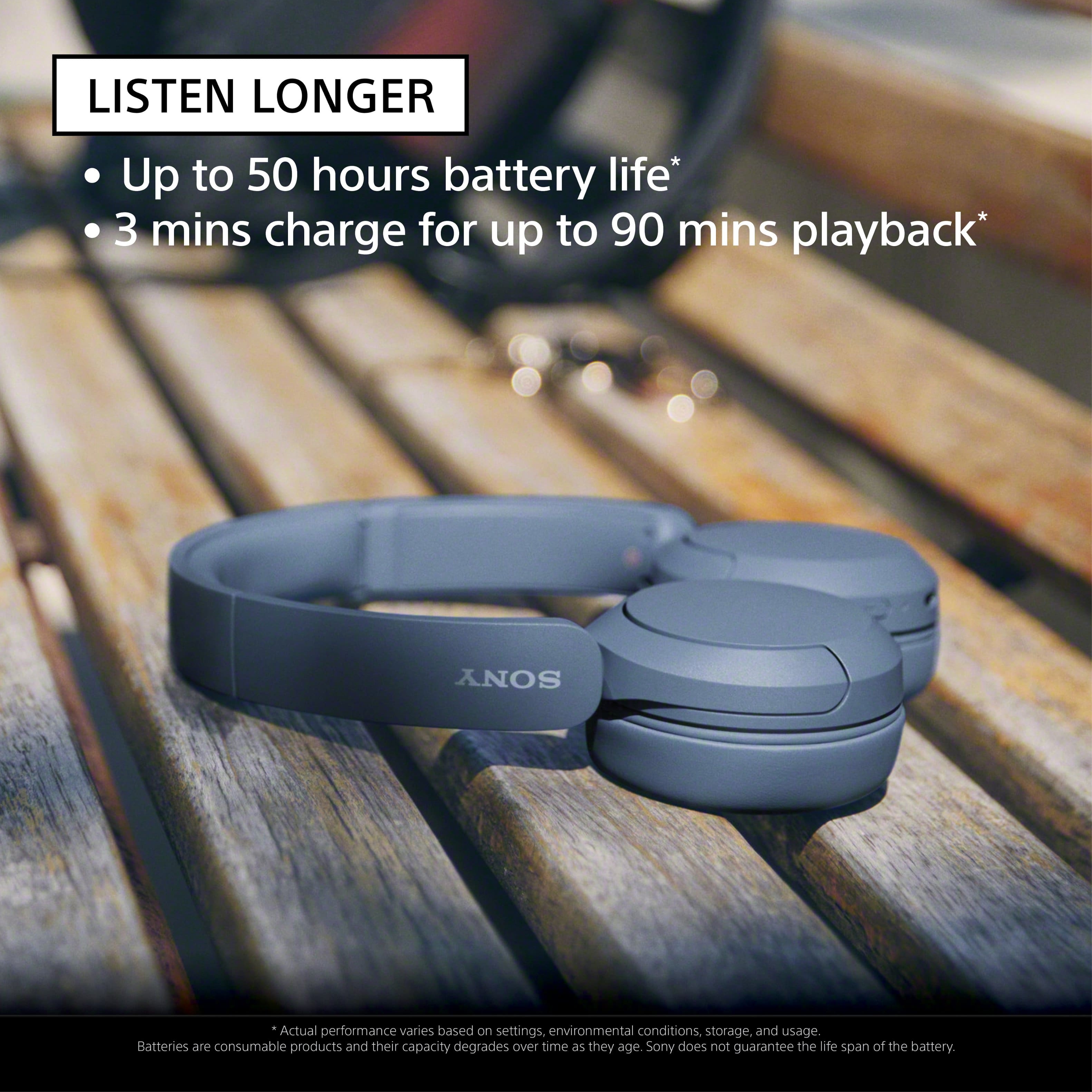
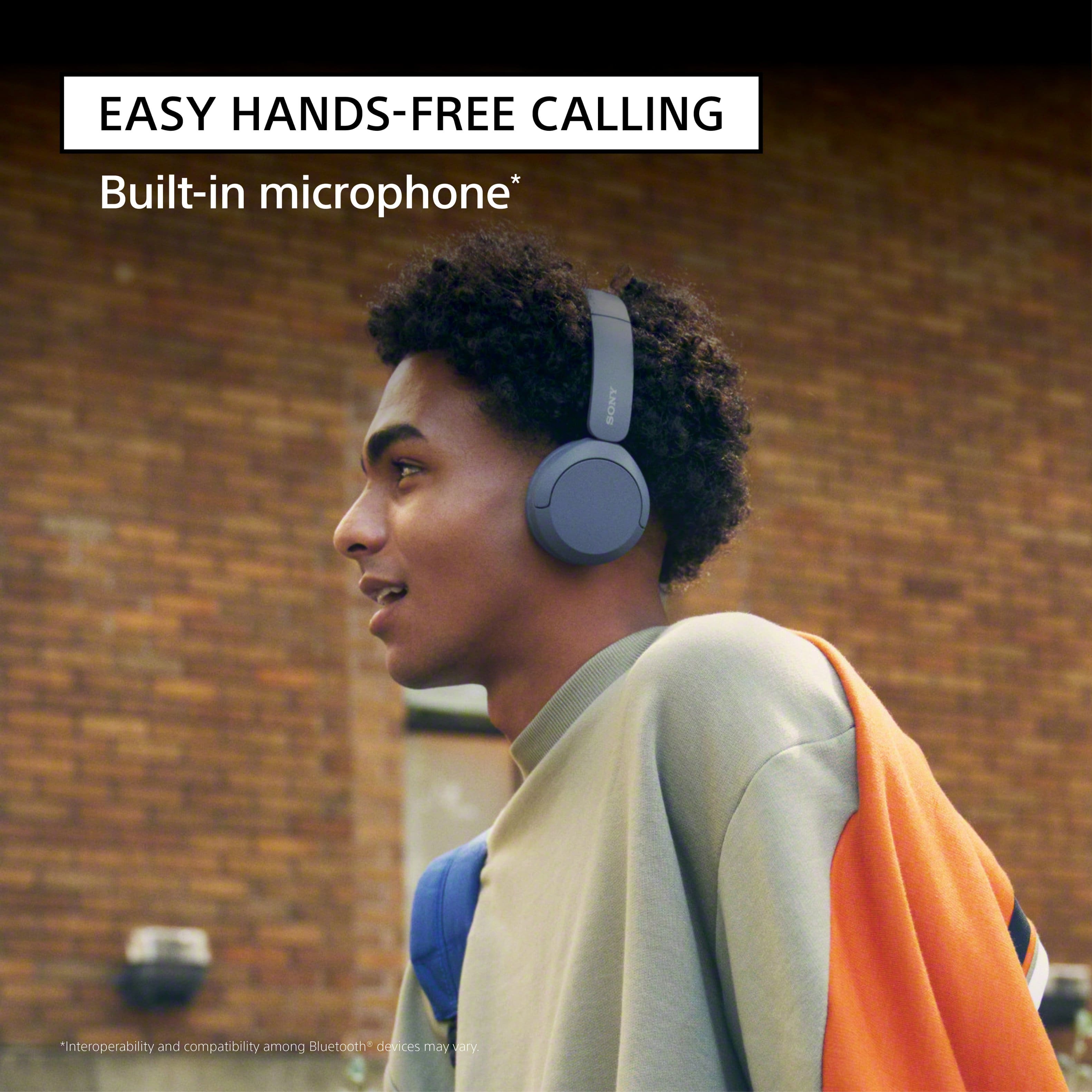
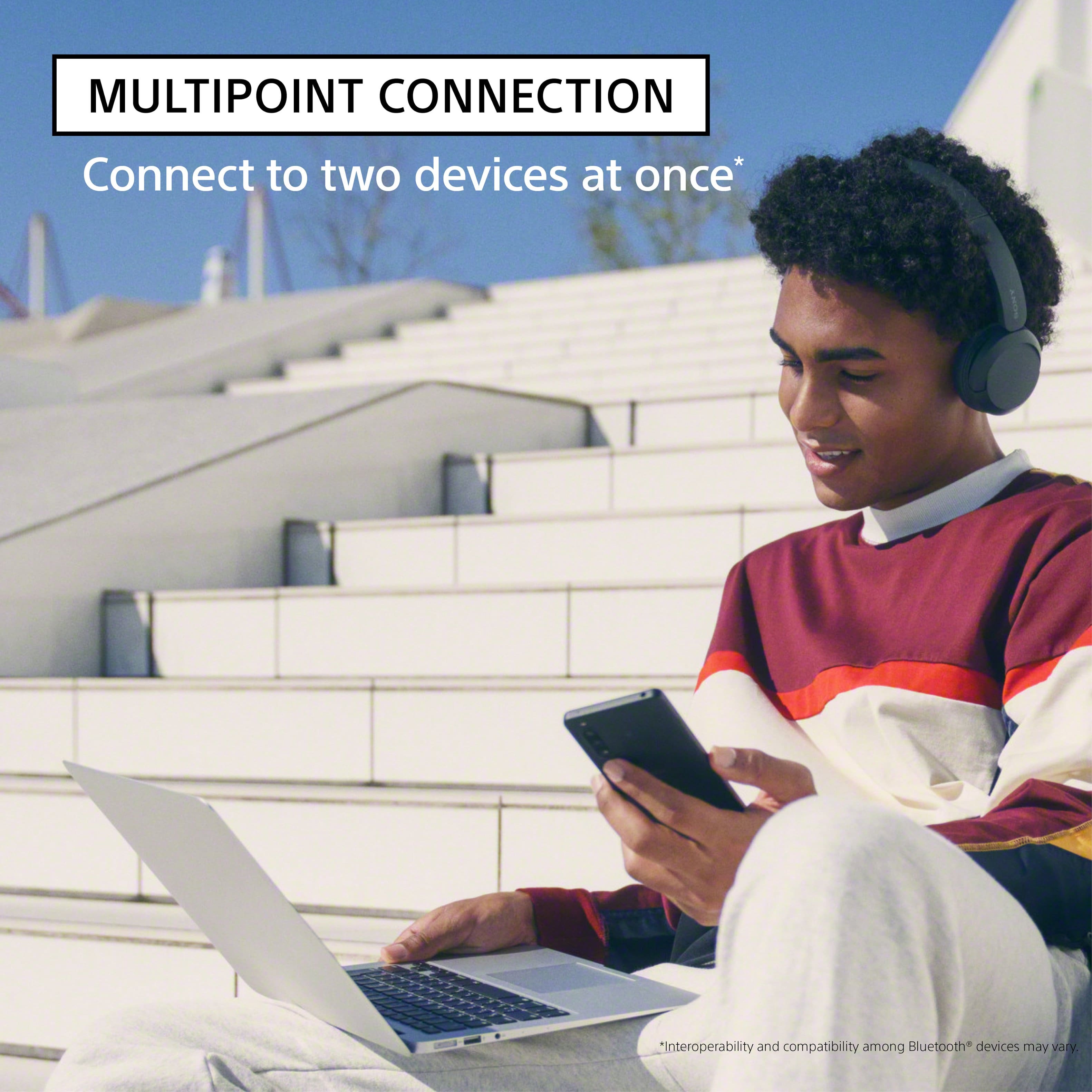
With the WH-CH520 headphones, you will enjoy high sound quality all day long. With up to 50 hours of battery life, stable connectivity, and enhanced call performance, meet the demands of your day.
If headset that will perfectly work with our PlayStation 5 is your priority, then we can recommend you our INZONE Headsets (INZONE H9, INZONE H7, or INZONE H3). To learn more about each model, please visit Sony support website.
Hope this helps you, and thanks again for your inquiry!
- Romeo
A:AnswerHi Hugo,
Thank you very much for your question. The PS4 doesn't have native Bluetooth audio support. That means you can't natively connect these headphones directly to the console. However, you can connect our WH-CH520 Wireless Headphones to your television via Bluetooth (the TV must support Bluetooth A2DP (Advanced Audio Distribution Profile) profile for wireless speakers and headphones connection) so you can get the audio from the PlayStation 4. We still recommend using headphones that are designed for consoles.
With the WH-CH520 headphones, you will enjoy high sound quality all day long. With up to 50 hours of battery life, stable connectivity, and enhanced call performance, meet the demands of your day.
I hope this helps, and thanks again for your inquiry!
- Romeo
A:AnswerAlthough these headphones won’t fall off on the slightest movement I still wouldn’t recommend these for working out simply because of the amount of sweat you’ll build up on your ears.
A:AnswerHi DAVID,
Thank you very much for your question. Unfortunately, no. While we can pair multiple devices to a Sony TV via a Bluetooth connection (the Sony TV must support the Advanced Audio Distribution Profile (A2DP) for wireless audio playback), unfortunately, we can only playback music/audio from one paired device at a time.
To learn more about this function, please visit Sony support website and search for the following article:
• Can I use Bluetooth headphones, speakers, and soundbars with my Android TV or Google TV?
With the WH-CH520 headphones, you will enjoy high sound quality all day long. With up to 50 hours of battery life, stable connectivity, and enhanced call performance, meet the demands of your day.
I hope this helps you, and thanks again for your inquiry!
Best regards,
Romeo
A:AnswerHi Bigmike,
Thank you very much for your question. The PS4 doesn't have native Bluetooth audio support. That means you can't natively connect these headphones directly to the console. However, you can connect our WH-CH520 Wireless Headphones to your television via Bluetooth (the TV must support Bluetooth A2DP (Advanced Audio Distribution Profile) profile for wireless speakers and headphones connection) so you can get the audio from the PlayStation 4. We still recommend using headphones that are designed for consoles.
With the WH-CH520 headphones, you will enjoy high sound quality all day long. With up to 50 hours of battery life, stable connectivity, and enhanced call performance, meet the demands of your day.
I hope this helps, and thanks again for your inquiry!
- Romeo