A:AnswerAlthough these headphones won’t fall off on the slightest movement I still wouldn’t recommend these for working out simply because of the amount of sweat you’ll build up on your ears.
A:AnswerHi DAVID,
Thank you very much for your question. Unfortunately, no. While we can pair multiple devices to a Sony TV via a Bluetooth connection (the Sony TV must support the Advanced Audio Distribution Profile (A2DP) for wireless audio playback), unfortunately, we can only playback music/audio from one paired device at a time.
To learn more about this function, please visit Sony support website and search for the following article:
• Can I use Bluetooth headphones, speakers, and soundbars with my Android TV or Google TV?
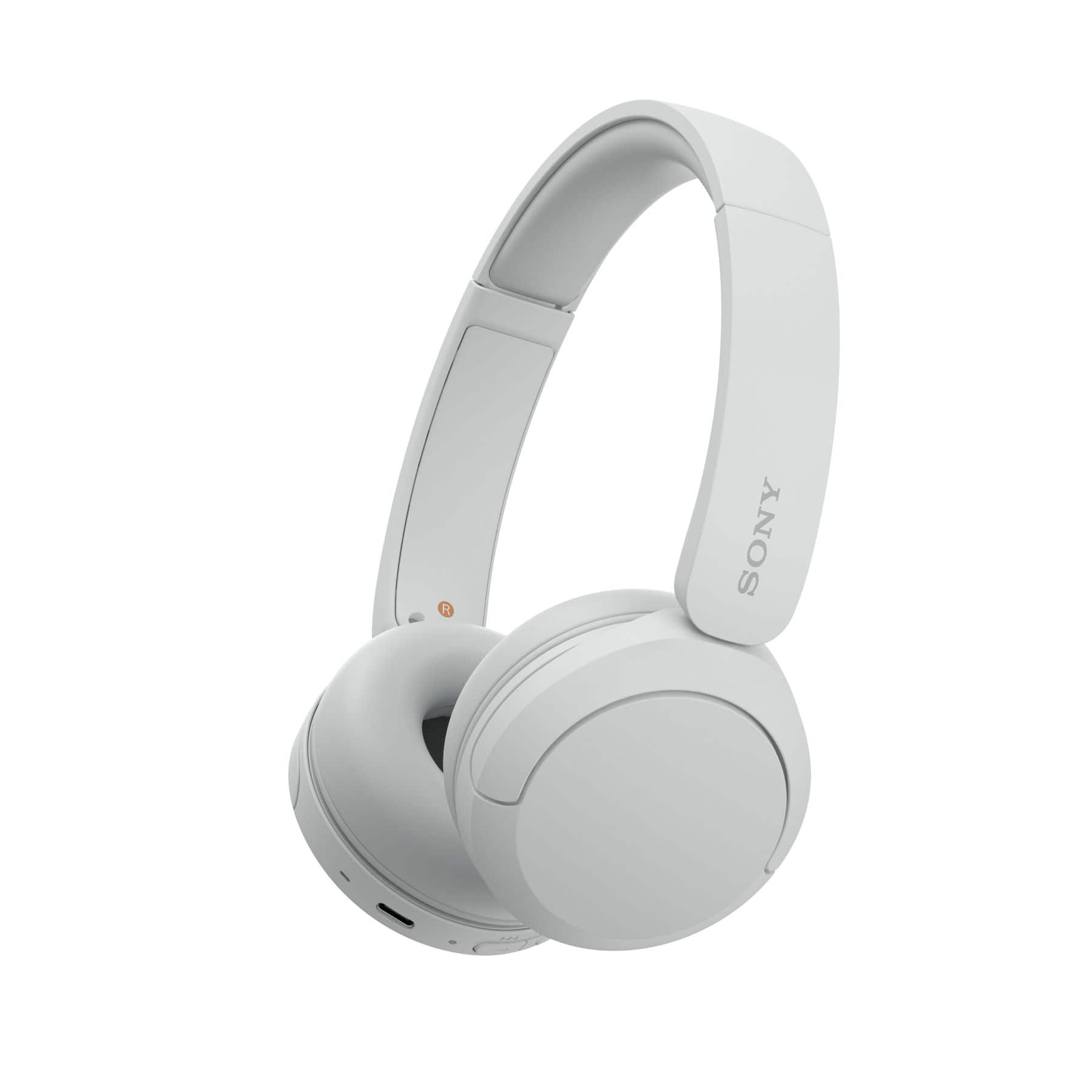
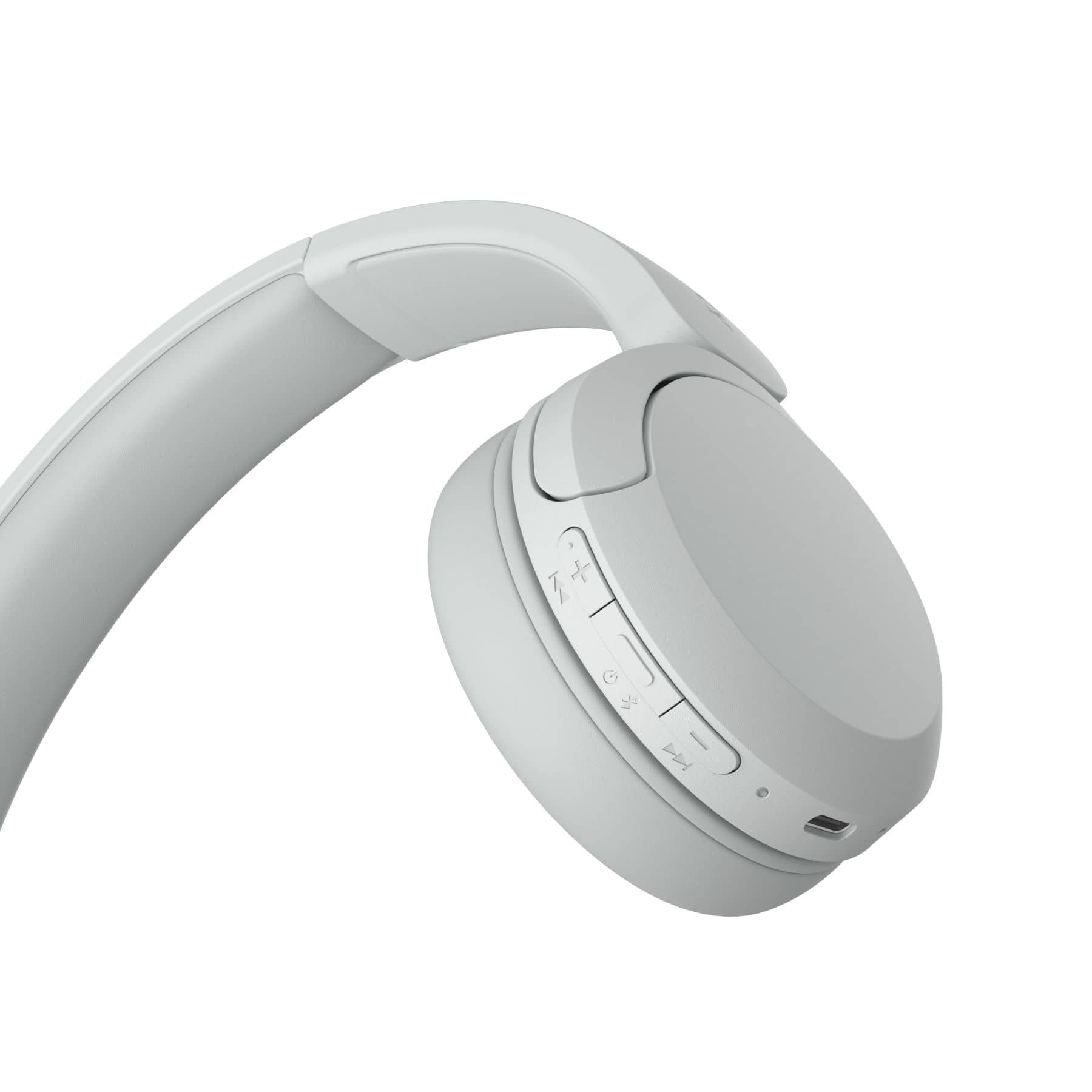
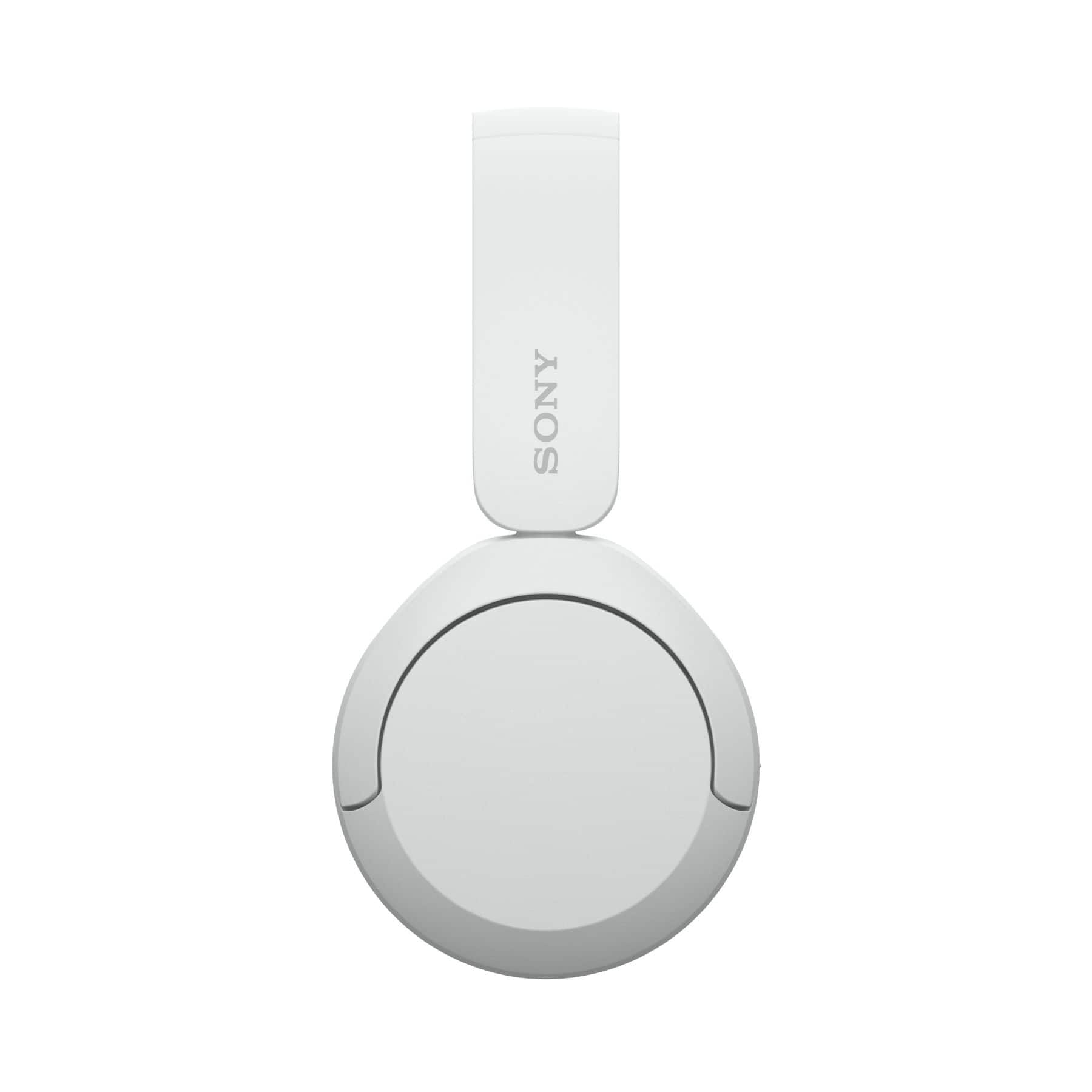
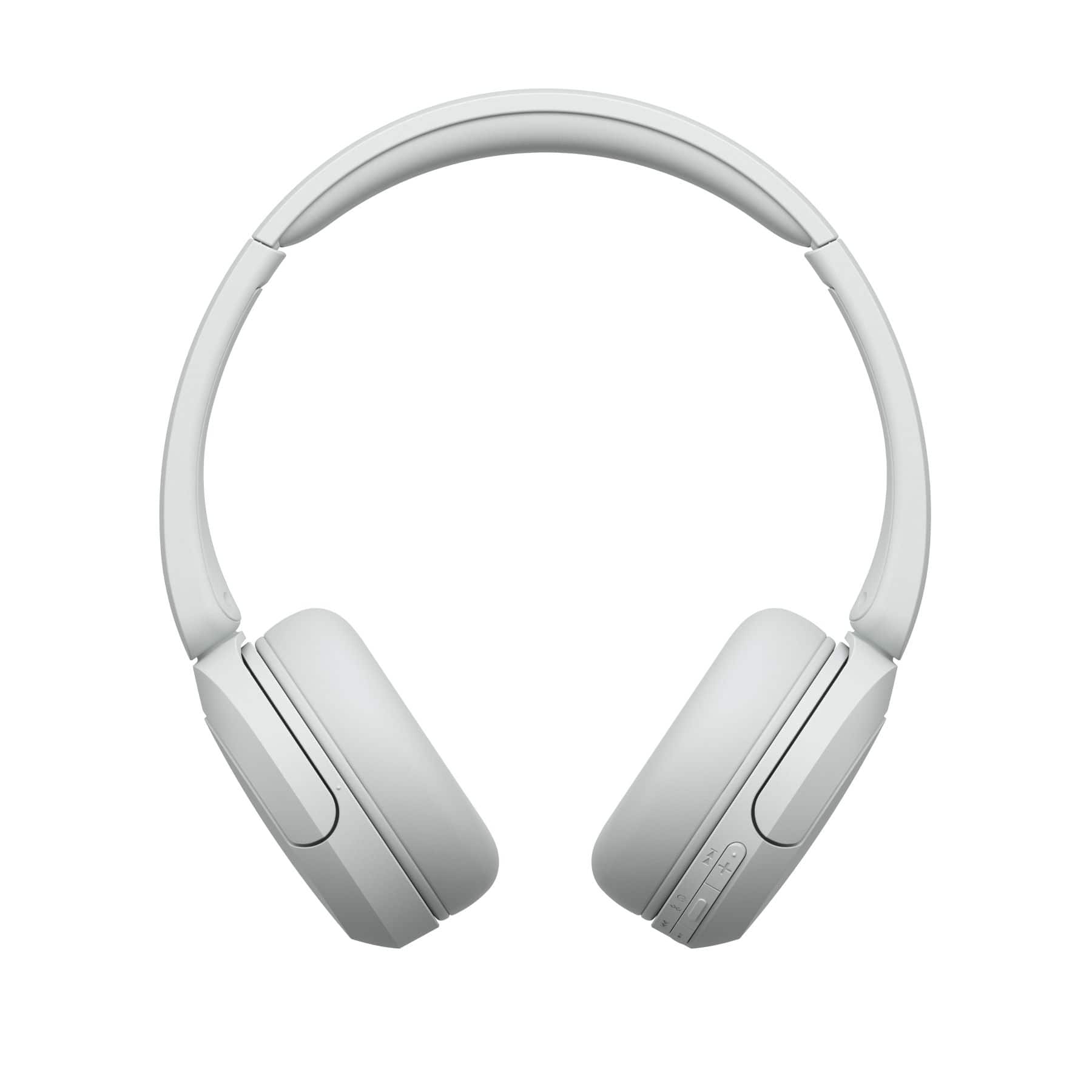
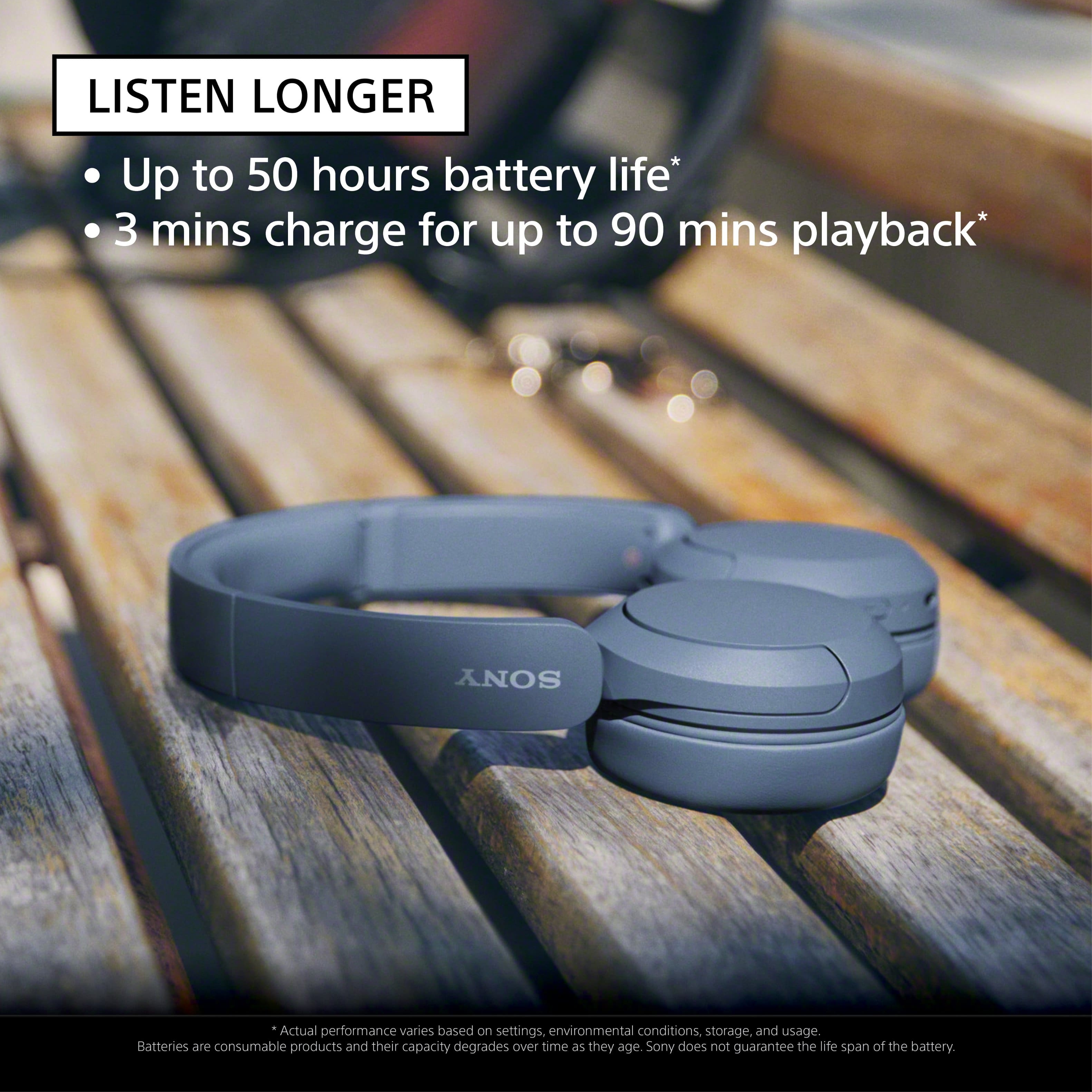
With the WH-CH520 headphones, you will enjoy high sound quality all day long. With up to 50 hours of battery life, stable connectivity, and enhanced call performance, meet the demands of your day.
I hope this helps you, and thanks again for your inquiry!
Best regards,
Romeo
A:AnswerHi Bigmike,
Thank you very much for your question. The PS4 doesn't have native Bluetooth audio support. That means you can't natively connect these headphones directly to the console. However, you can connect our WH-CH520 Wireless Headphones to your television via Bluetooth (the TV must support Bluetooth A2DP (Advanced Audio Distribution Profile) profile for wireless speakers and headphones connection) so you can get the audio from the PlayStation 4. We still recommend using headphones that are designed for consoles.
With the WH-CH520 headphones, you will enjoy high sound quality all day long. With up to 50 hours of battery life, stable connectivity, and enhanced call performance, meet the demands of your day.
I hope this helps, and thanks again for your inquiry!
- Romeo
A:AnswerNone of headset will support airplane jack the reason the port is completely different with two pin and only support their own headset. This sony bluetooth headset wireless no jack.
A:AnswerHi Ricardo,
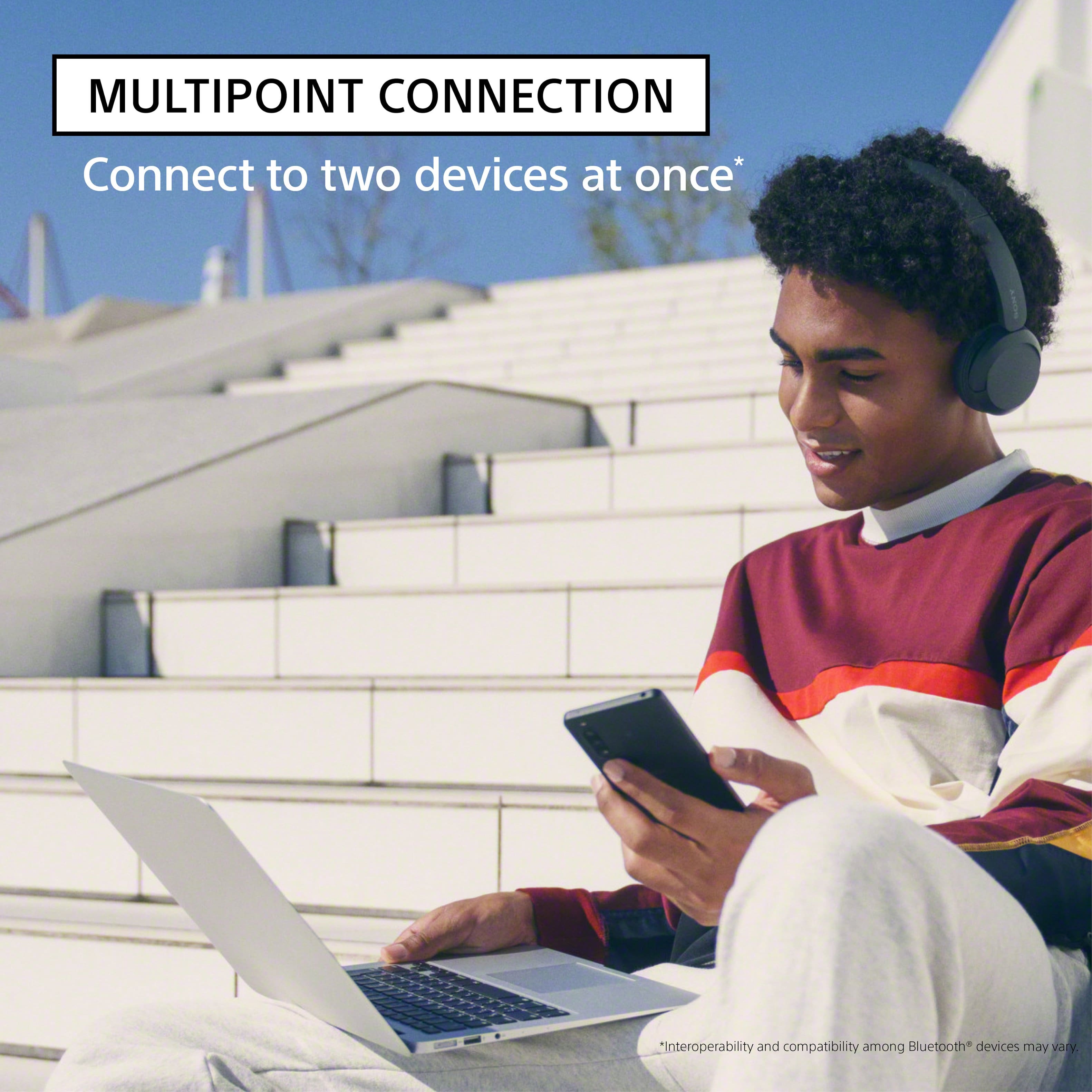
Thank you very much for your question. If your Audio-Technica turntable supports Bluetooth A2DP (Advanced Audio Distribution Profile) profile for wireless music playback, then yes, you can connect it and your phone at the same time to these headphones. To use the multipoint connection feature, you will need to download the Sony | Headphones Connect app on one of the devices and make sure it has the latest update. When [Connect to 2 devices simultaneously] is turned on with the “Sony | Headphones Connect” app, the headset can connect to 2 devices via Bluetooth connections simultaneously, allowing you to do the following.
• Waiting for an incoming call for 2 smartphones
- You can listen to music played on one smartphone with the headset, wait for an incoming call for both smartphones, and talk if an incoming call arrives.
• Switching music playback between 2 devices
- You can switch the music playback from one device to the other without performing a Bluetooth reconnection.
Please note:
• The WH-CH520 doesn't support audio playback from both devices at the same time. If you want to play the audio from the other device, you will need to stop the playback on the device that is playing the audio, then start audio playback by operating the other device. As for the volume, depending on the Bluetooth device, it may be necessary to adjust the volume or set the audio output setting on the device.
For more details, please visit Sony support website and search for the following:
• Connecting the headset to 2 devices simultaneously (multipoint connection)
• Connect the headphones to two devices simultaneously (multipoint connection)
With the WH-CH520 headphones, you will enjoy high sound quality all day long. With up to 50 hours of battery life, stable connectivity, and enhanced call performance, meet the demands of your day.
I hope this helps you, and thanks again for your inquiry!
Best regards,
Romeo
A:AnswerWhen I am listening to music, I can walk outside the house to my truck in the driveway and I can still hear. So that's about that's about 50' plus an exterior wall of my house in the way.
A:AnswerI solved this Bluetooth mess by purchasing a 2-in-1 Bluetooth Transmitter Receiver with 3 mm Jack Aux for TV, PC, Home, Car Sound Systems. It pairs everything perfectly without the hassle of O/S settings, software versions, etc. I don't remember what I paid for it, but they weren't expensive. If you don't want to do that, I would presume that Bluetooth 5.0 or 5.1 would do. I have added a photo of the gadget. You can get them online.
A:AnswerHi Cass,
Thanks for the question! If your Dell laptop supports Bluetooth A2DP (Advanced Audio Distribution Profile) profile, then yes, you can. For instructions on how you can pair and connect these headphones to a Bluetooth device, please visit Sony Support website and search for the following:
• Help Guide (WH-CH520) - Pairing and connecting with a computer (Windows 10/11)
With the WH-CH520 headphones, you will enjoy high sound quality all day long. With up to 50 hours of battery life, stable connectivity, and enhanced call performance, meet the demands of your day.
I hope this helps you, and thank you for considering Sony!
Romeo