A:AnswerThanks for your question, Pablo, unfortunately, we can’t recommend other companies’ products. We can only speak to our products.
If you search on Best Buy’s website for a headphone adapter, I’m sure you will be able to find a product for your needs.
Hope this helps. Erin
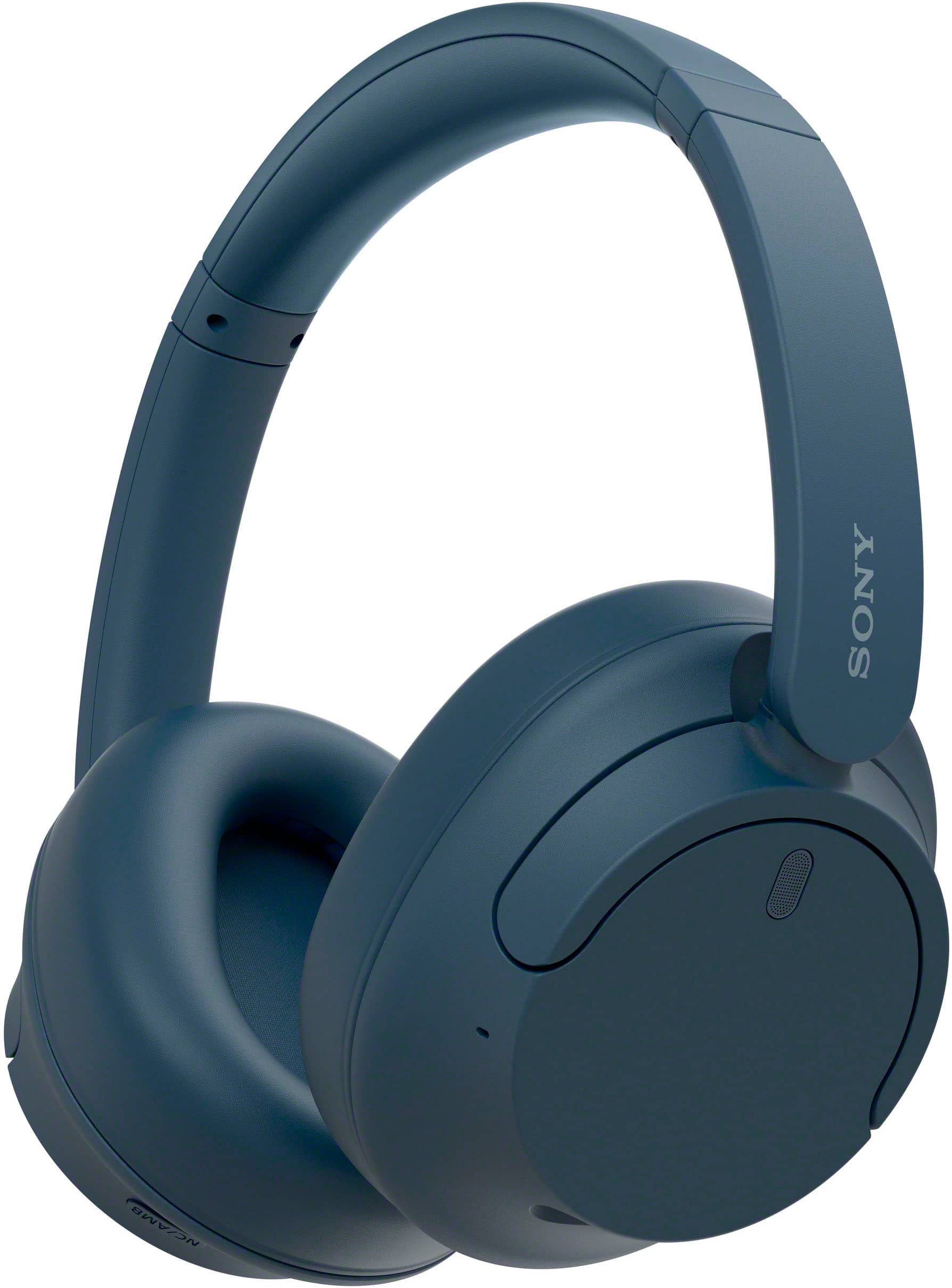
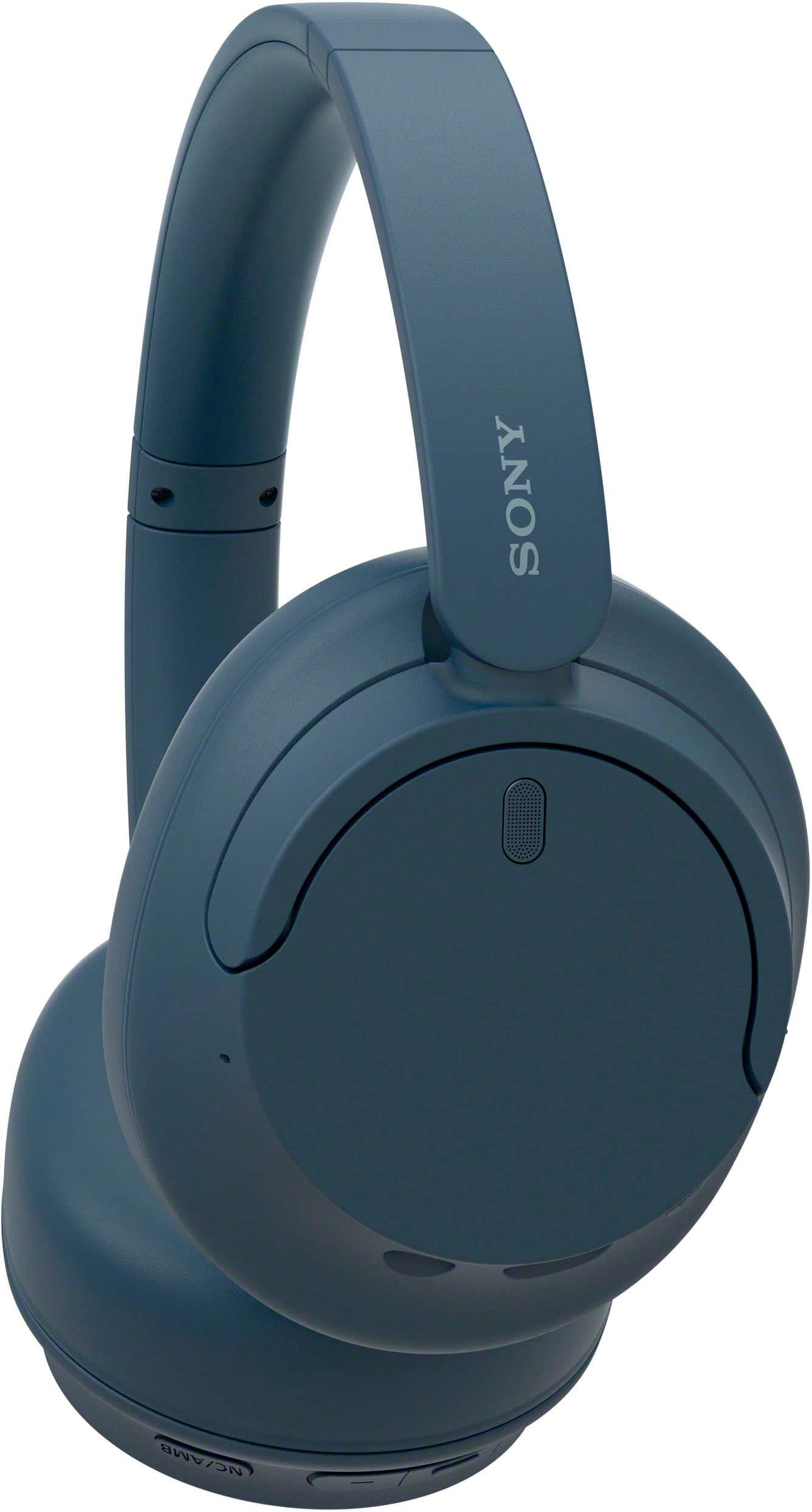
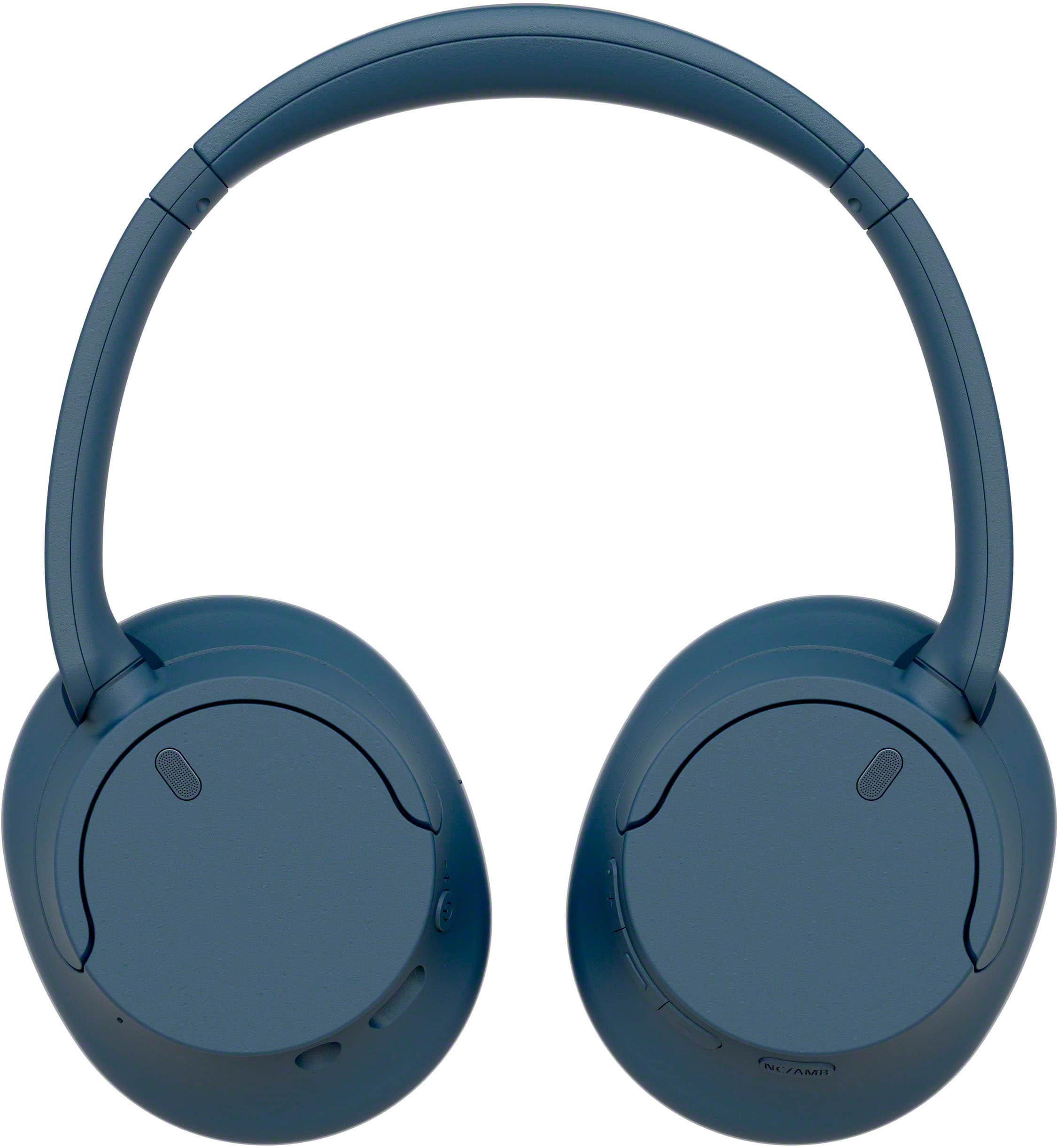
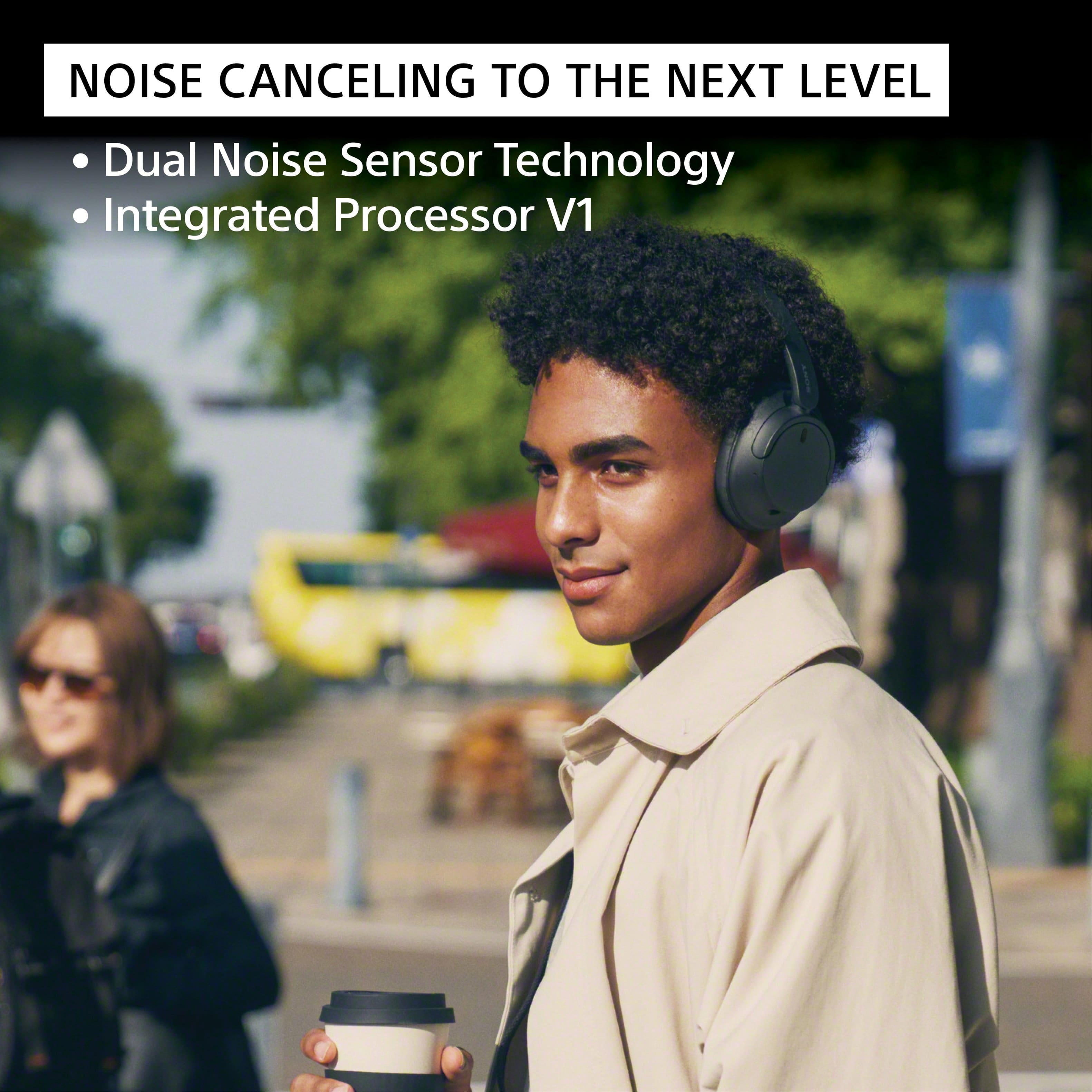
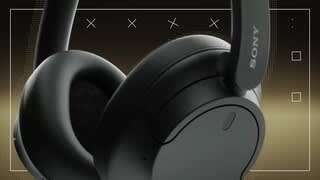
With noise-cancelling technology, a lightweight design and a long-lasting battery life you can enjoy your music for longer and without background interruptions. With Dual Noise Sensor technology and an Integrated Processor V1 take Noise Cancelling to the next level. Now you can shut the world around you out and immerse yourself in the music.
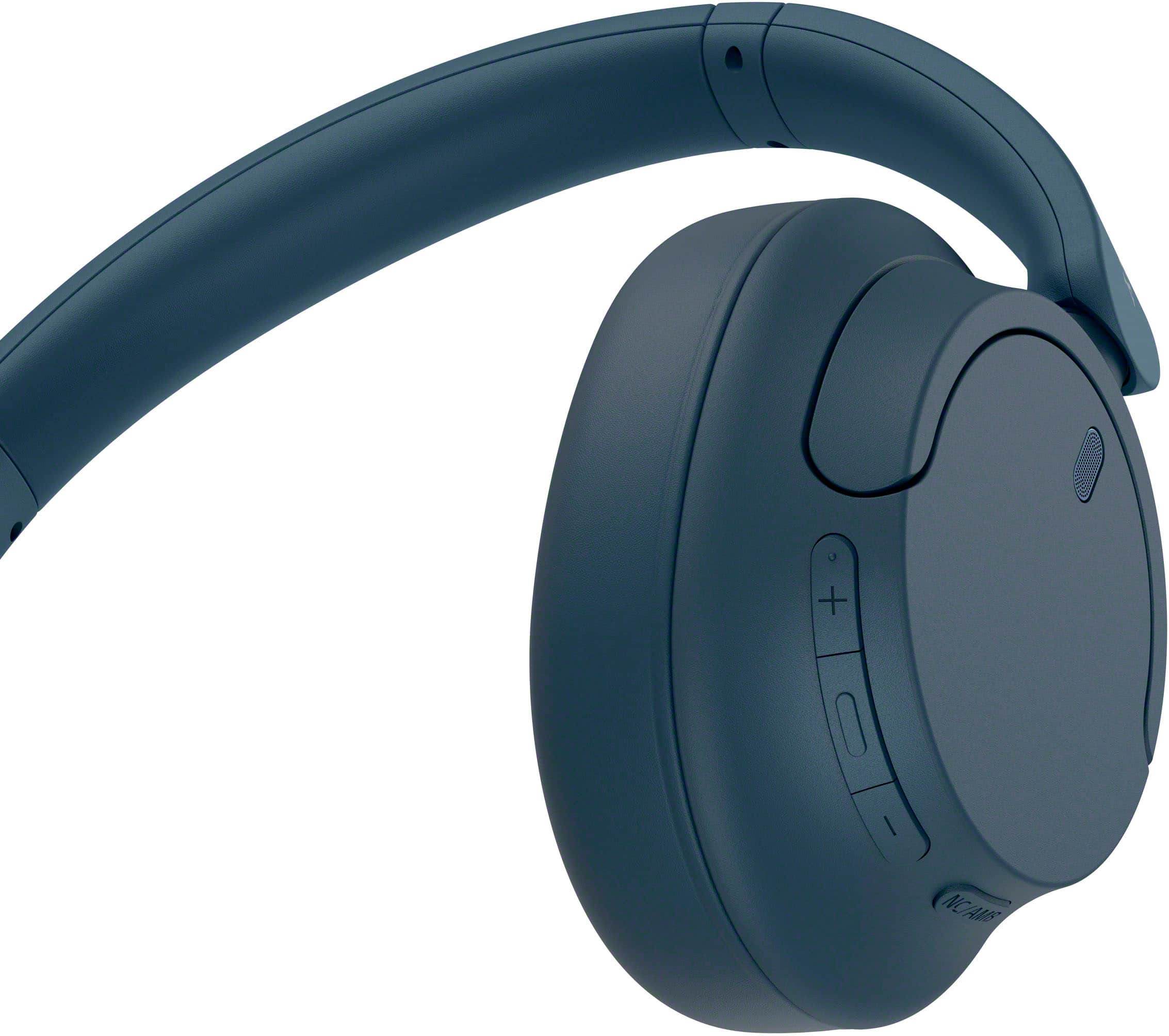
A:AnswerHi Cathy, thanks for your question. Yes, you can turn the noise canceling function. Press the NC/AMB (noise canceling/Ambient Sound Mode) button to change the settings of the noise canceling function.
You can select one of the following on the “Sony | Headphones Connect” app to set how you want the functions to change when you press the NC/AMB (noise canceling/Ambient Sound Mode) button.
Noise canceling function: ON Ambient Sound Mode: ON Noise canceling function: OFF/Ambient Sound Mode: OFF
Noise canceling function: ON Ambient Sound Mode: ON
Ambient Sound Mode: ON Noise canceling function: OFF/Ambient Sound Mode: OFF
Noise canceling function: ON Noise canceling function: OFF/Ambient Sound Mode: OFF
With noise-cancelling technology, a lightweight design and a long-lasting battery life you can enjoy your music for longer and without background interruptions. With Dual Noise Sensor technology and an Integrated Processor V1 takes Noise Cancelling to the next level. Now you can shut the world around you out and immerse yourself in the music.
Hope this helps.
Erin
A:AnswerHi Question, Great news! Noise canceling works with aux port. If you use the noise canceling function, you can enjoy music without being disturbed by ambient noise.
With noise-cancelling technology, a lightweight design and a long-lasting battery life you can enjoy your music for longer and without background interruptions. With Dual Noise Sensor technology and an Integrated Processor V1 takes Noise Cancelling to the next level. Now you can shut the world around you out and immerse yourself in the music.
Hope this helps.
Erin
A:AnswerHi MrsTorres,
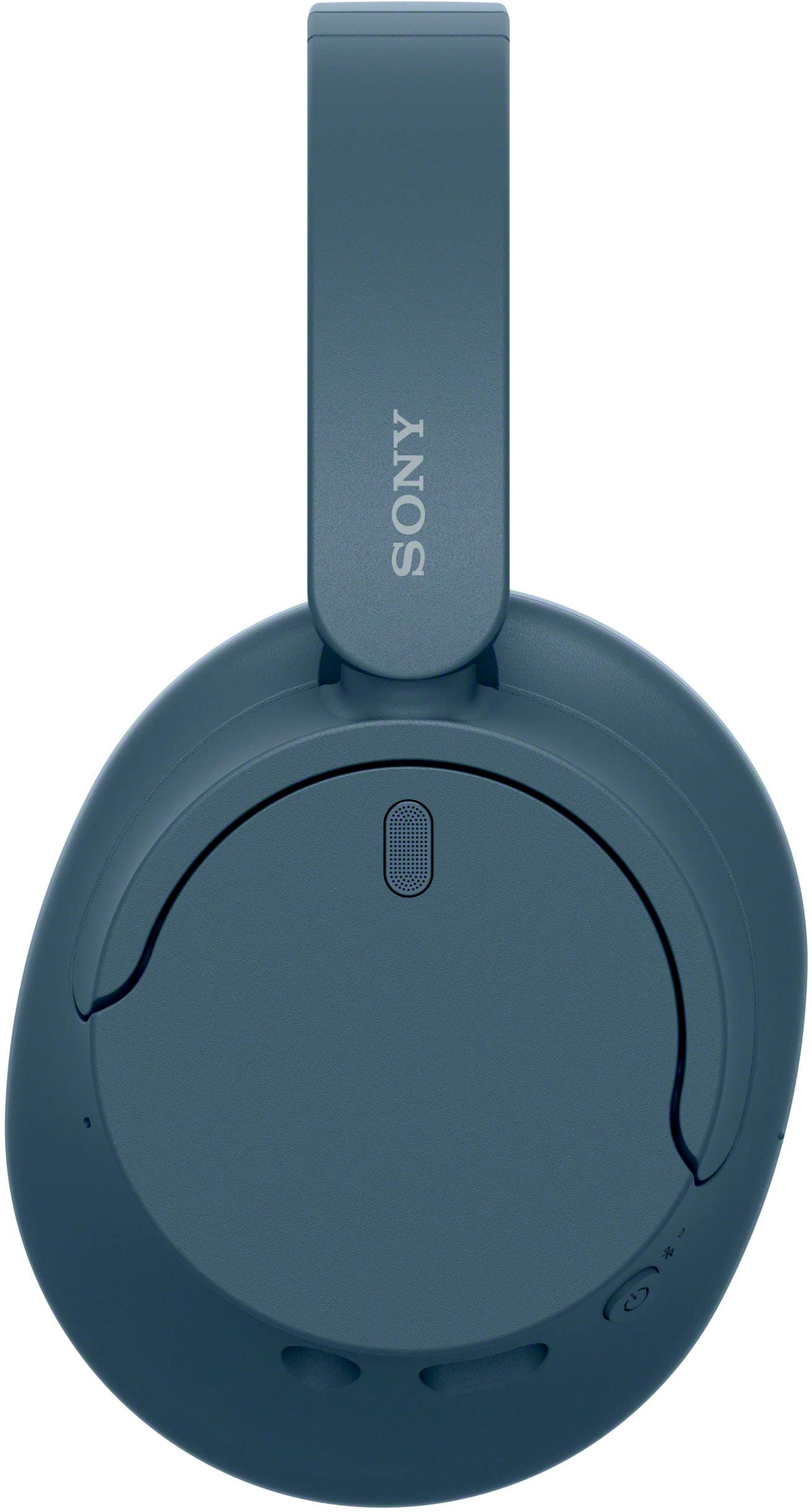
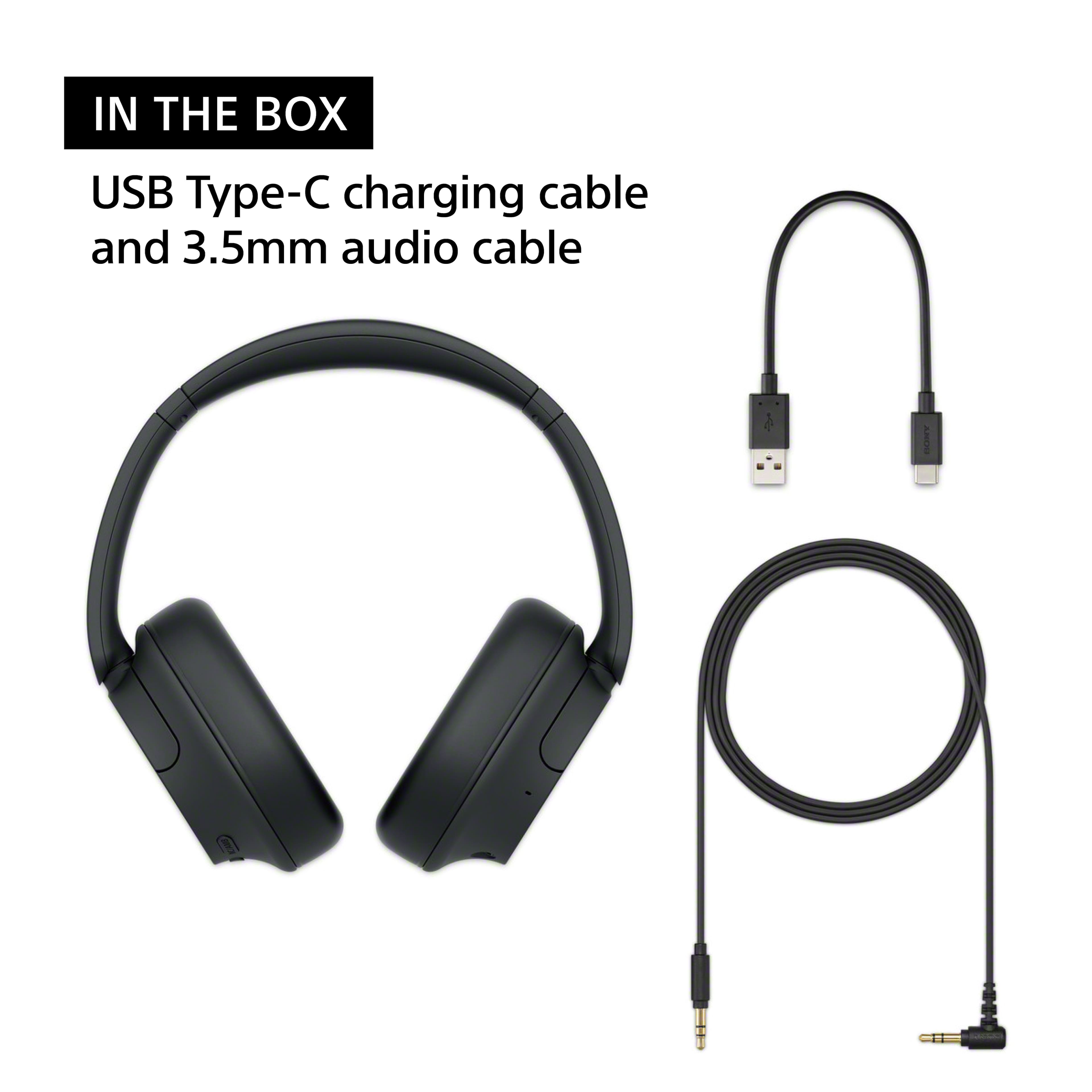
Thank you for the question! The WHCH720N comes with a USB Type-C cable but you will have to purchase a separate USB AC adaptor (commercially available) capable of supplying an output current of 0.5 A (500 mA) or more, if you want to charge the headset via an AC outlet. This headset can be also charged by connecting the headset to a running computer using the supplied USB Type-C cable.
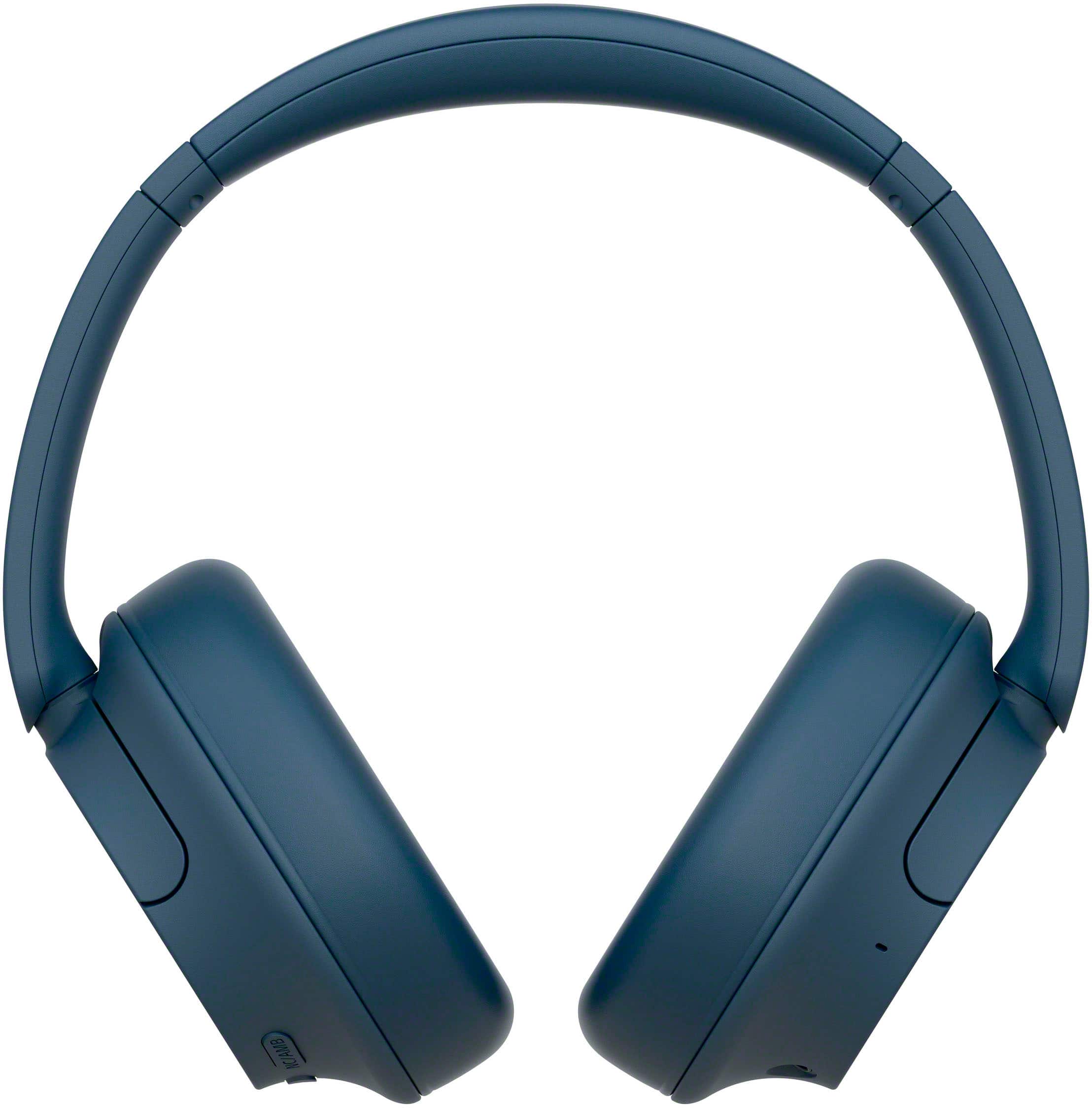
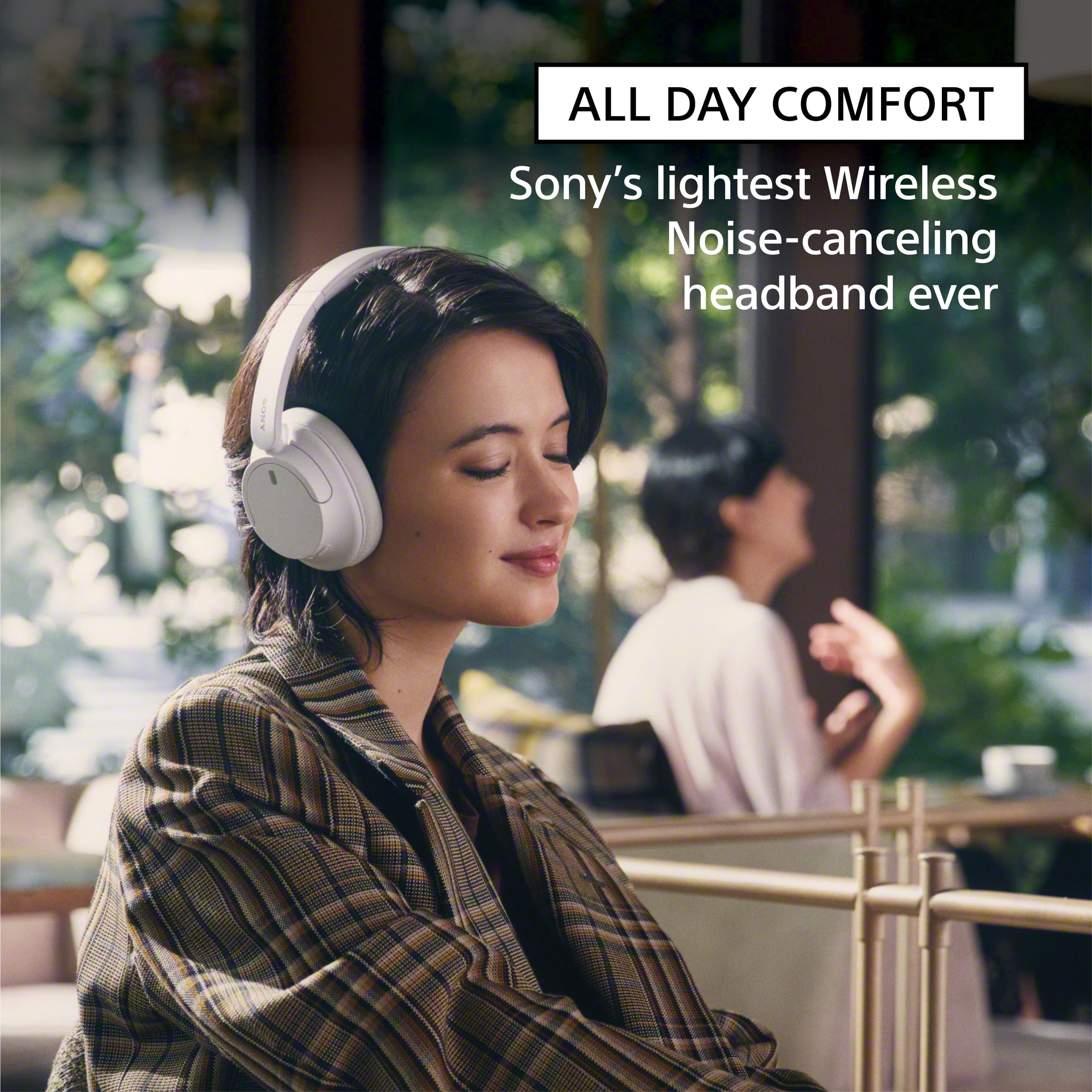
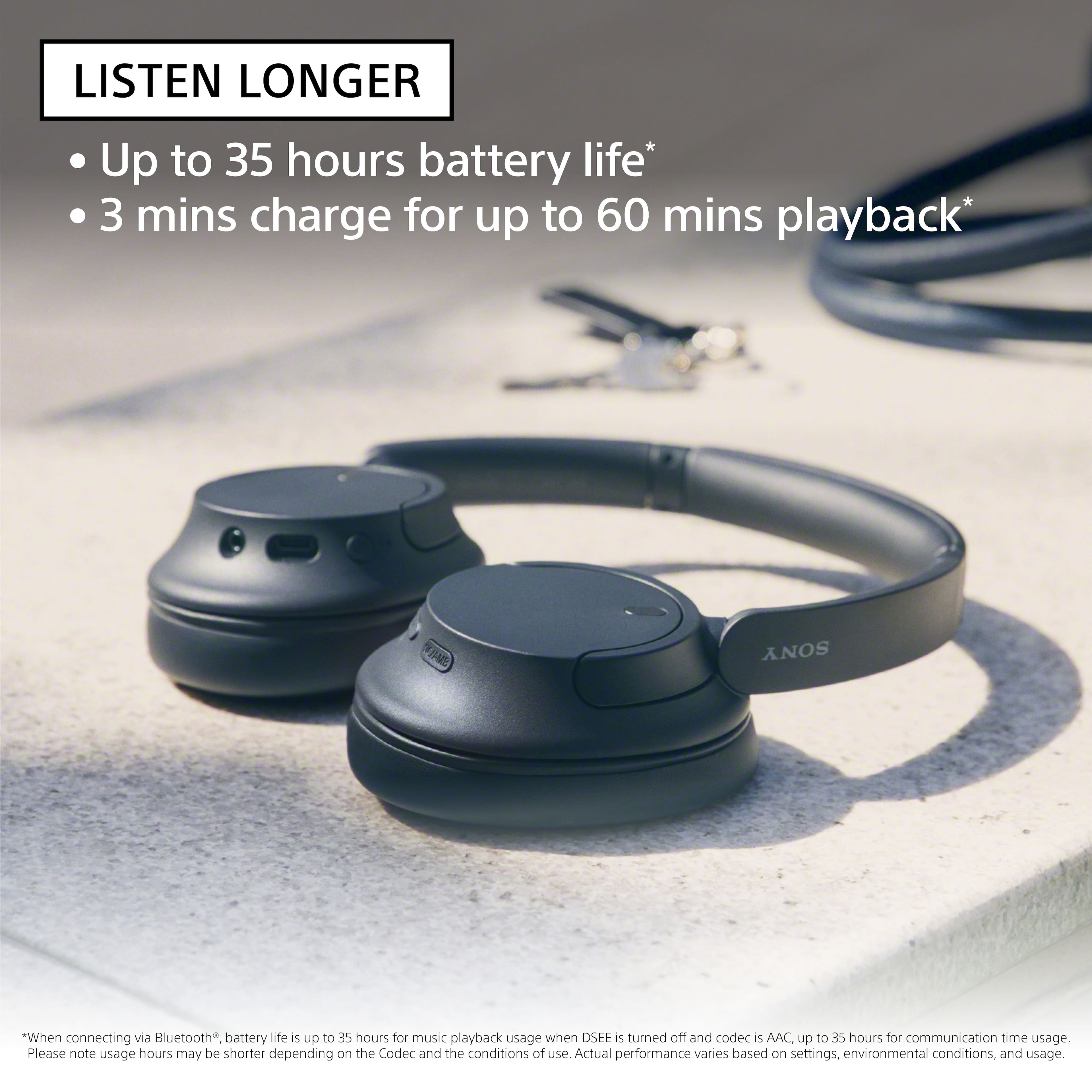
Turn down the world's noise with the long-lasting noise cancellation performance. Featuring Dual Noise Sensor technology and an Integrated Processor V1, the WH-CH720N allows you to fully immerse yourself in music without any distractions. Ergonomically designed to be lightweight, comfortable, and with up to 35 hours of battery life, you’ll almost forget you’re wearing it. Hope this helps! - Kris
A:AnswerYes, with some time of these headphones, they feel more sturdy and the earcups and headband have more plushness to them and with stretch it, it feels durable.
A:AnswerHi Diane, Thanks for the inquiry. Yes, you can connect your WH-CH720N headphones to your TV if the TV supports the Advanced Audio Distribution Profile (A2DP).
To connect your WH-CH720N headphones to your TV, follow these steps:2
1)Ensure your headphones are in pairing mode.
2)Using your TV remote, navigate to the TV settings.
3)Select "Display & Sound" → "Audio output" → "Bluetooth device settings."
4)Check if A/V sync is available in the settings menu. If it is, your TV supports Bluetooth headphones.
5)Follow the on-screen instructions to complete the pairing process.
Hope this helps. Regards, -Craig
A:AnswerHi pbergn,
Thank you for your inquiry! We highly recommend using only the headphone cable that comes with the unit. Unfortunately, we can only talk using the microphone of the phone when the headphones are connected to your phone via the supplied headphone cable. Also, when using the headphone cable, the Bluetooth function cannot be used.
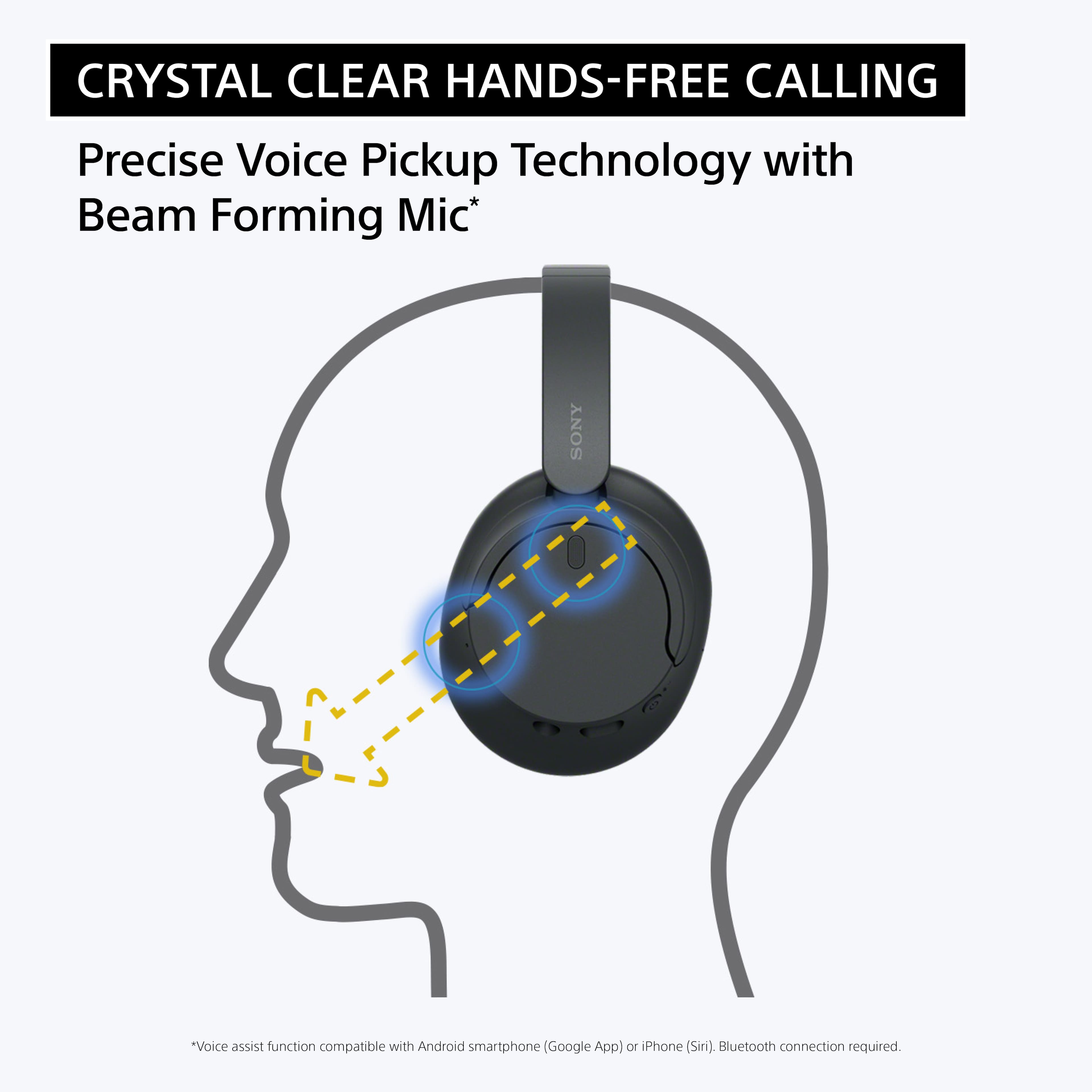
Our WH-CH720N headphones allow you to enjoy natural vocals, crystal-clear sound and balanced tuning audio, thanks to the Integrated Processor V1 and Digital Sound Enhancement Engine (DSEE), producing a high-quality sound exactly as the artists intended. The Precise Voice Pickup technology Wind Noise Reduction Structure will give you a clear and natural conversation during calls.
Hope this helps!
Vincent
A:AnswerHi there, Good question! Yes, you can skip to the next or previous track by pressing the (play/next/previous) button. Below are the following function that you can perform using the (play/next/previous) button:
Play: Press once briefly while paused.
Pause: Press once briefly during playback.
Skip to the beginning of the next track: Press twice quickly.
Skip to the beginning of the previous track (or the current track during playback): Press 3 times quickly.
Fast-forward: Press twice quickly, holding the second press. Release the button at the desired playback point.
Fast-reverse: Press 3 times quickly, holding the third press. Release the button at the desired playback point.
For more details, please refer to the help guide of the headphones.
Hope this helps!
Featuring Dual Noise Sensor technology and an Integrated Processor V1, the WH-CH720N allows you to fully immerse yourself in music without any distractions. Ergonomically designed to be lightweight, comfortable, and with up to 35 hours of battery life, you’ll almost forget you’re wearing it.
Regards,
Sam