A:AnswerIf the noise is very loud it is likely others could hear it. 'Leak proof' headphones would need significant isolation and these are not isolated well at all.
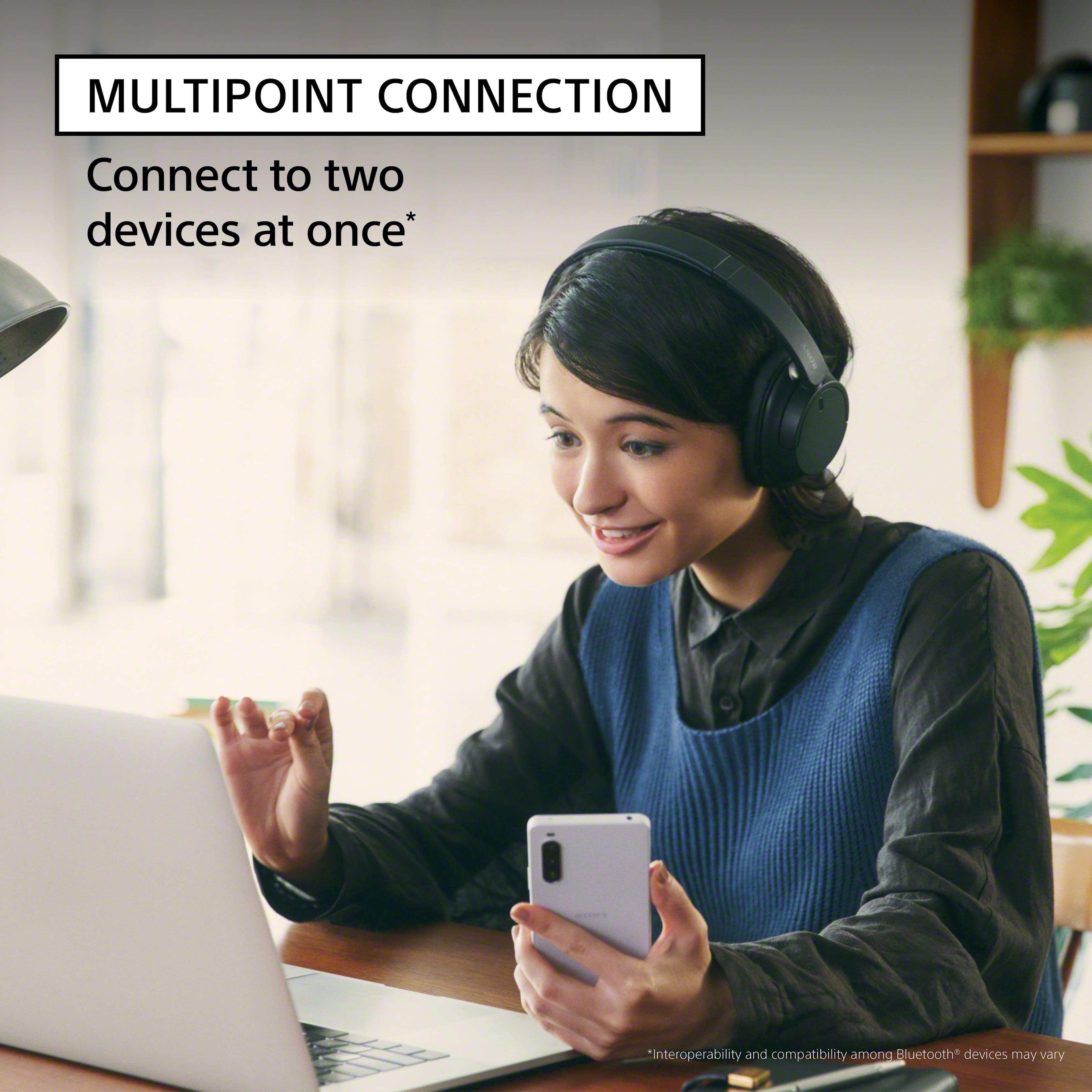
A:AnswerHi Diane, Thanks for the inquiry. Yes, you can connect your WH-CH720N headphones to your TV if the TV supports the Advanced Audio Distribution Profile (A2DP).
To connect your WH-CH720N headphones to your TV, follow these steps:2
1)Ensure your headphones are in pairing mode.
2)Using your TV remote, navigate to the TV settings.
3)Select "Display & Sound" → "Audio output" → "Bluetooth device settings."
4)Check if A/V sync is available in the settings menu. If it is, your TV supports Bluetooth headphones.
5)Follow the on-screen instructions to complete the pairing process.
Hope this helps. Regards, -Craig
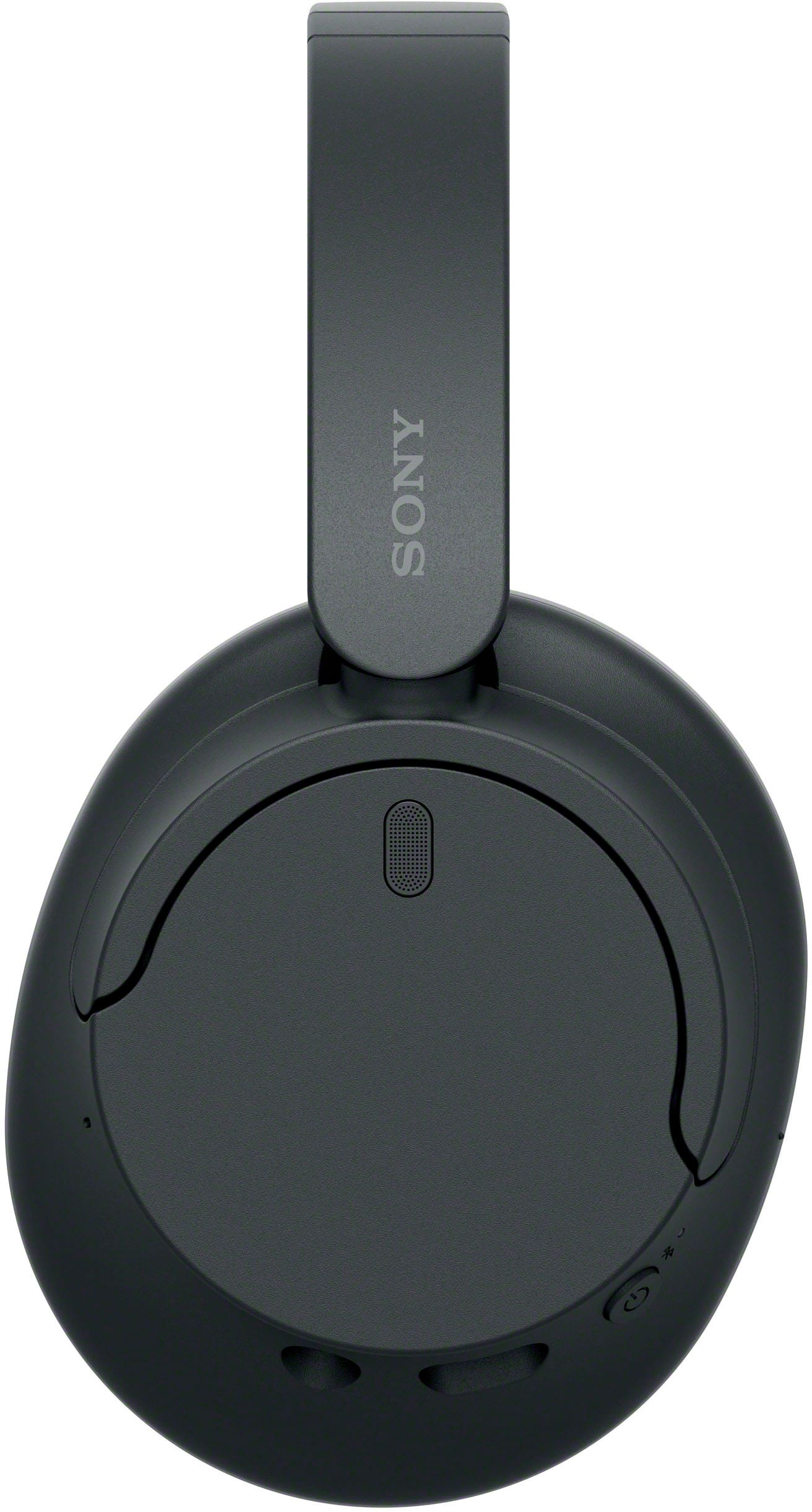
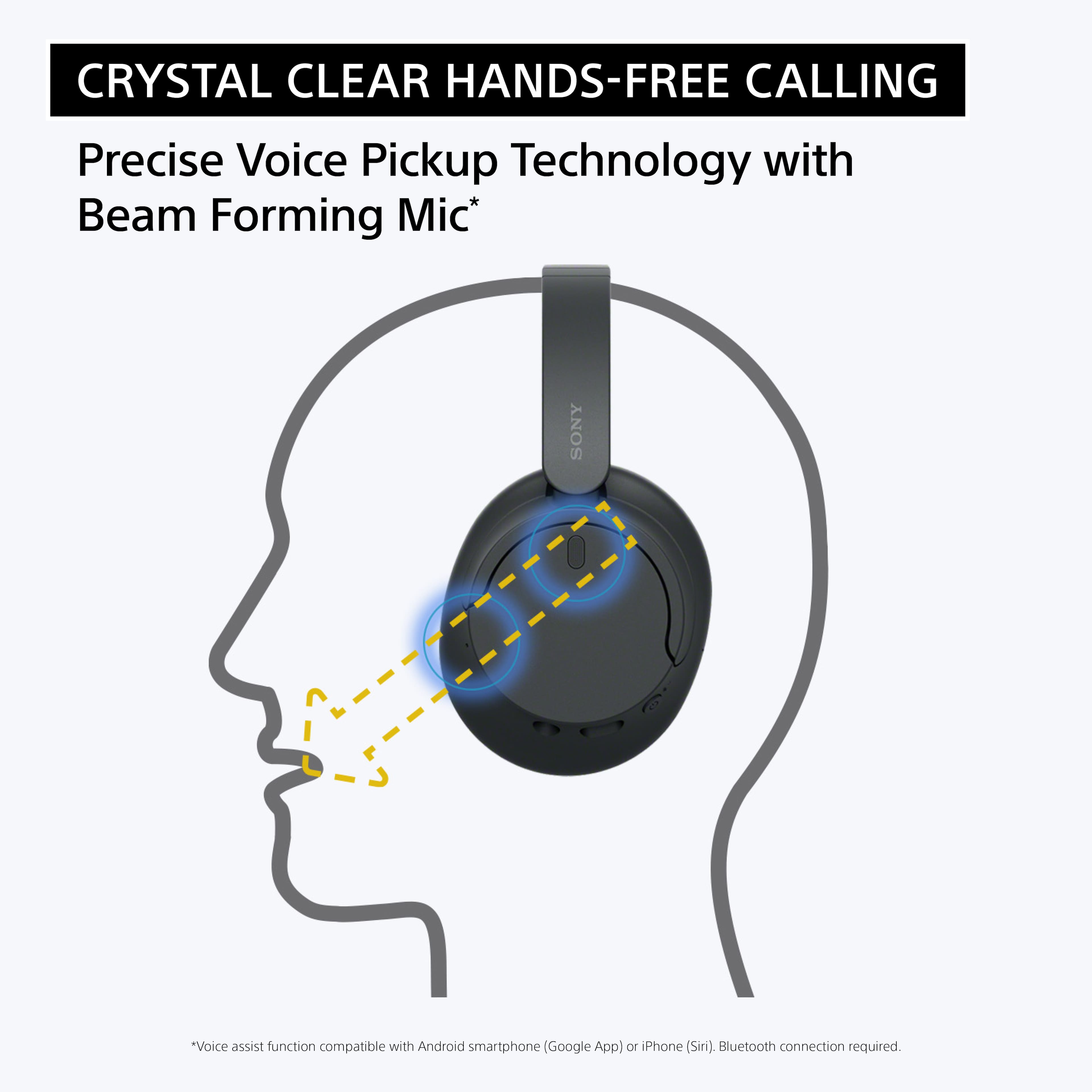
A:AnswerHi Stretch, Thank you for your inquiry! Unfortunately, no. The WHCH720N doesn't have a built-in mute button. If you'd like to mute the audio during phone calls, you can use the mute button on your mobile device. Hope this helps.
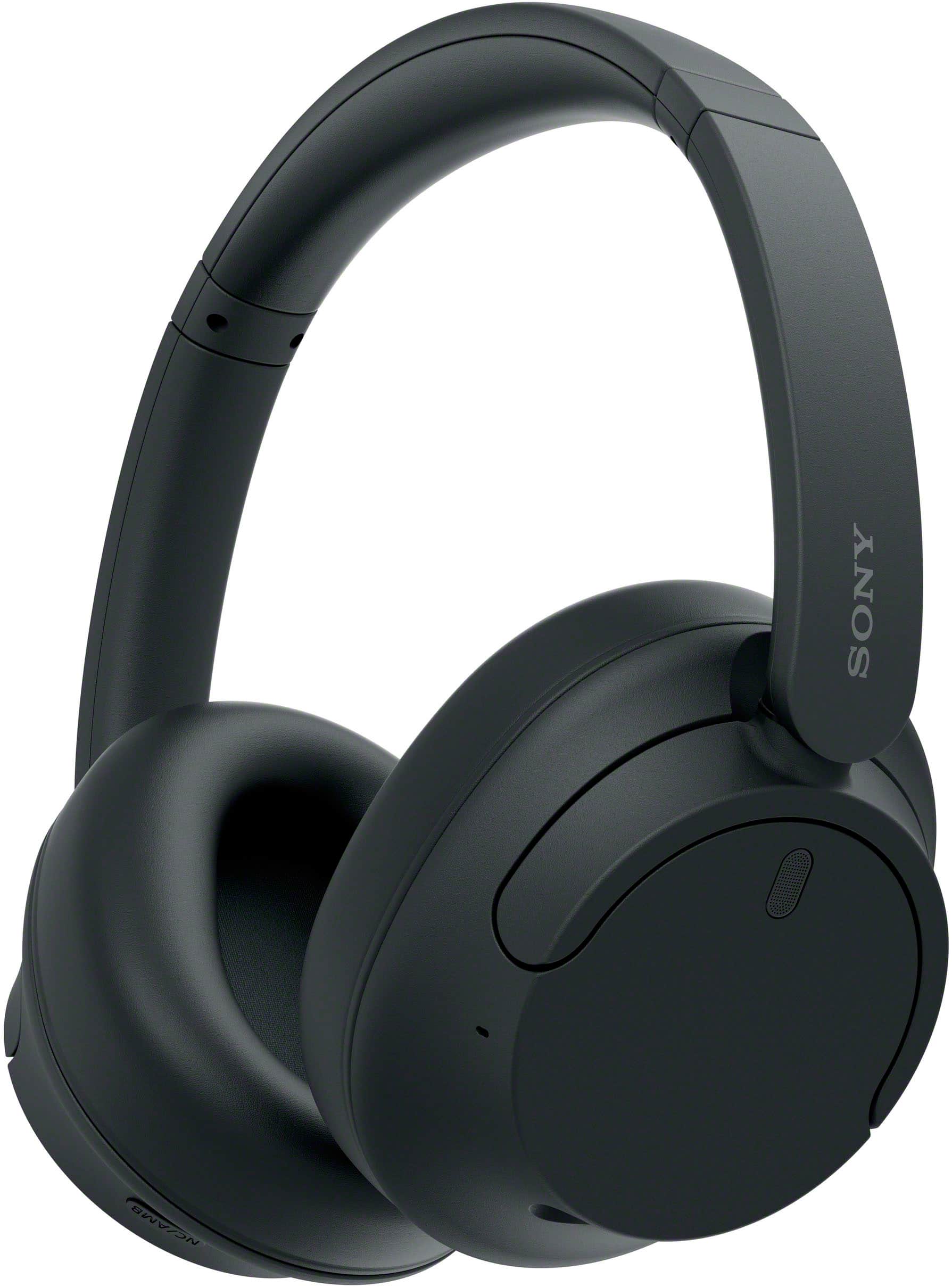
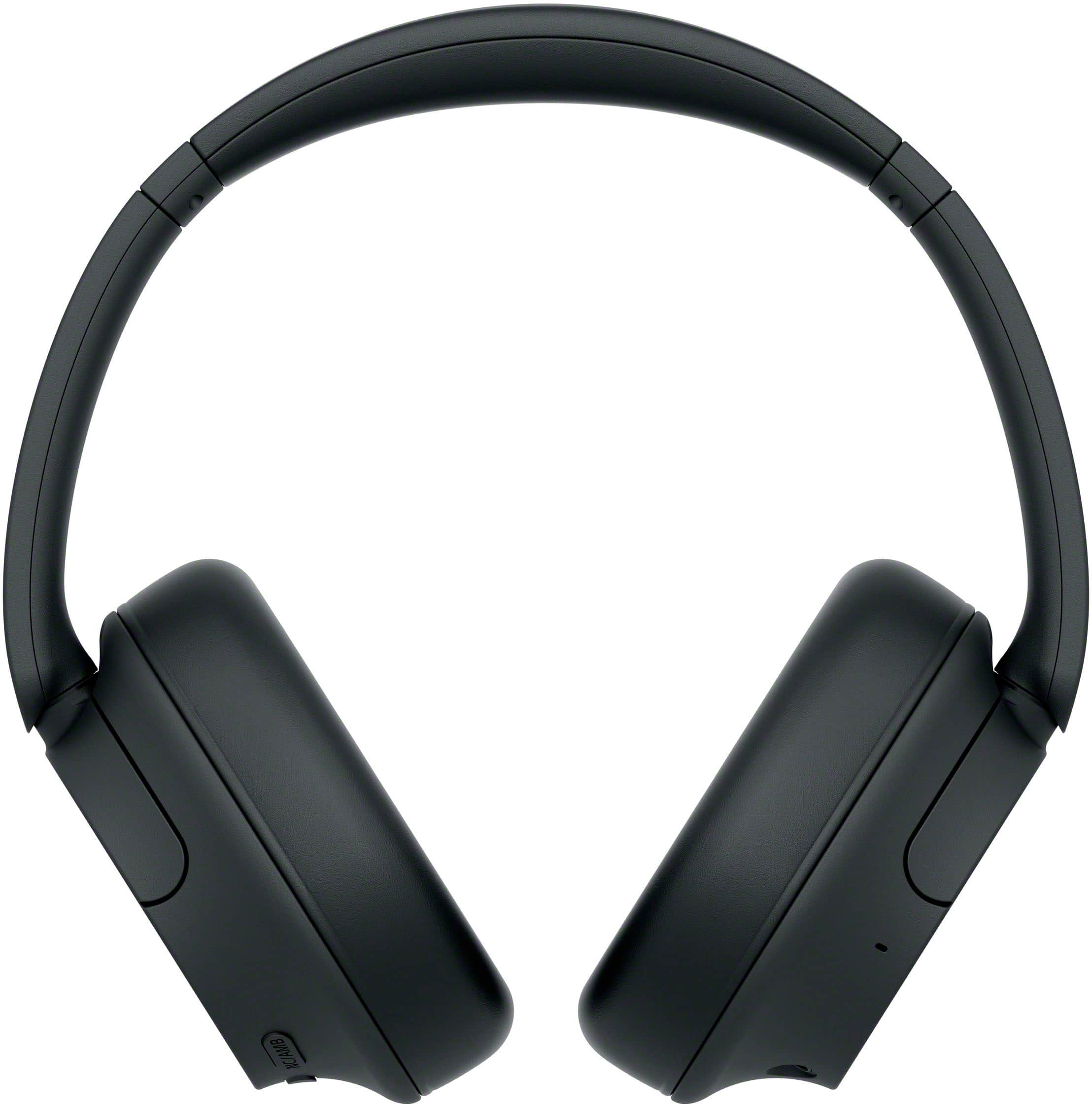
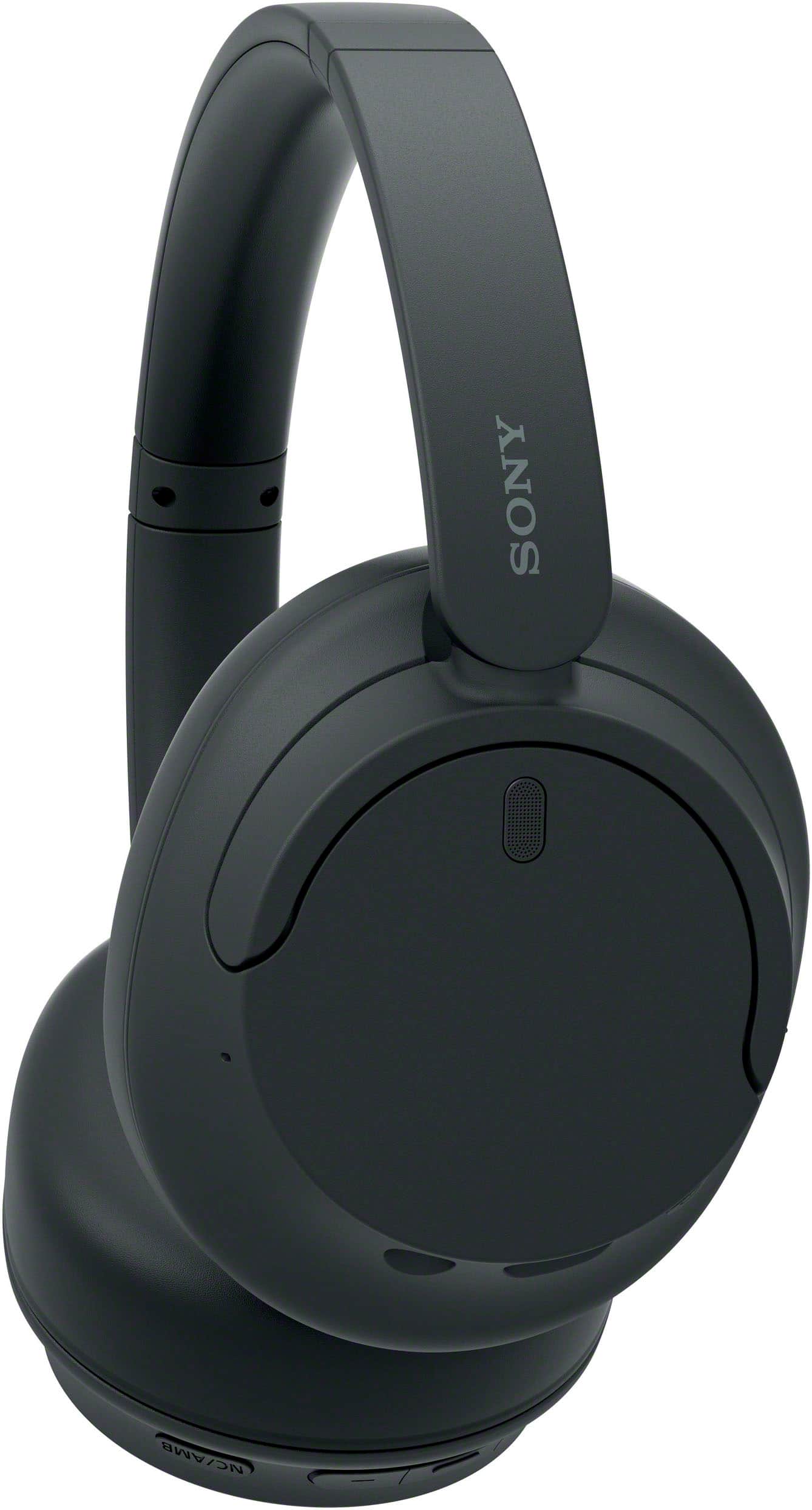
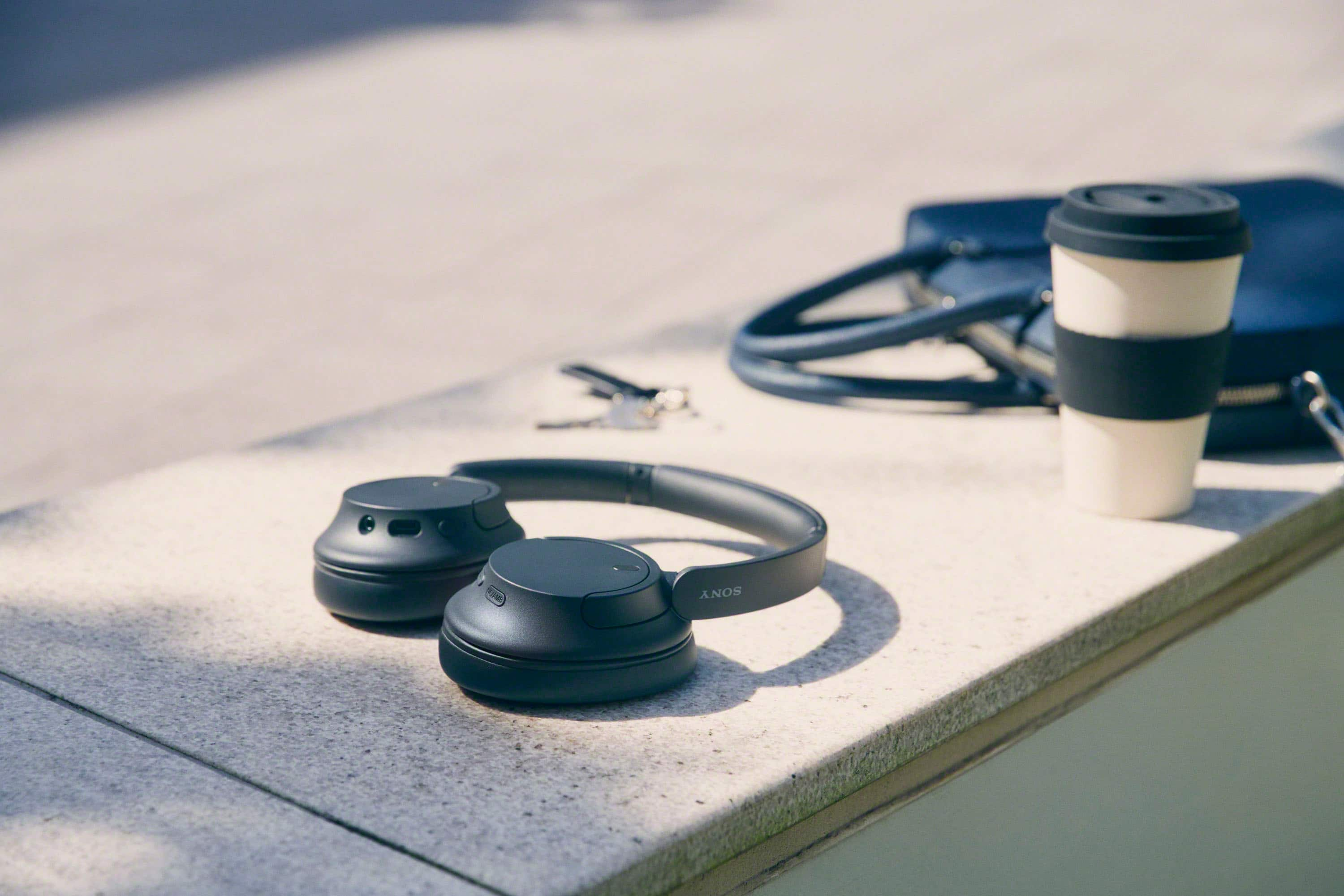
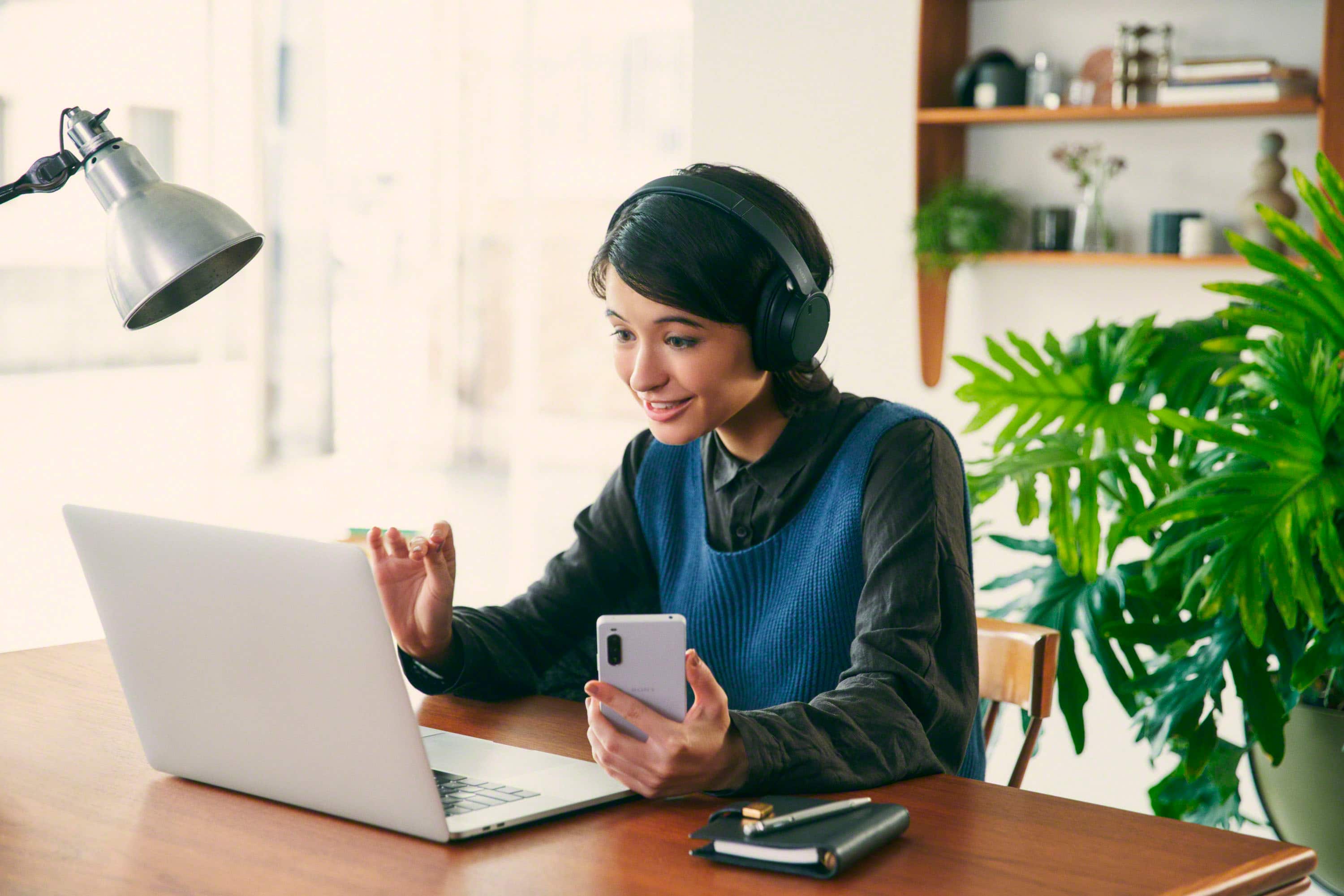
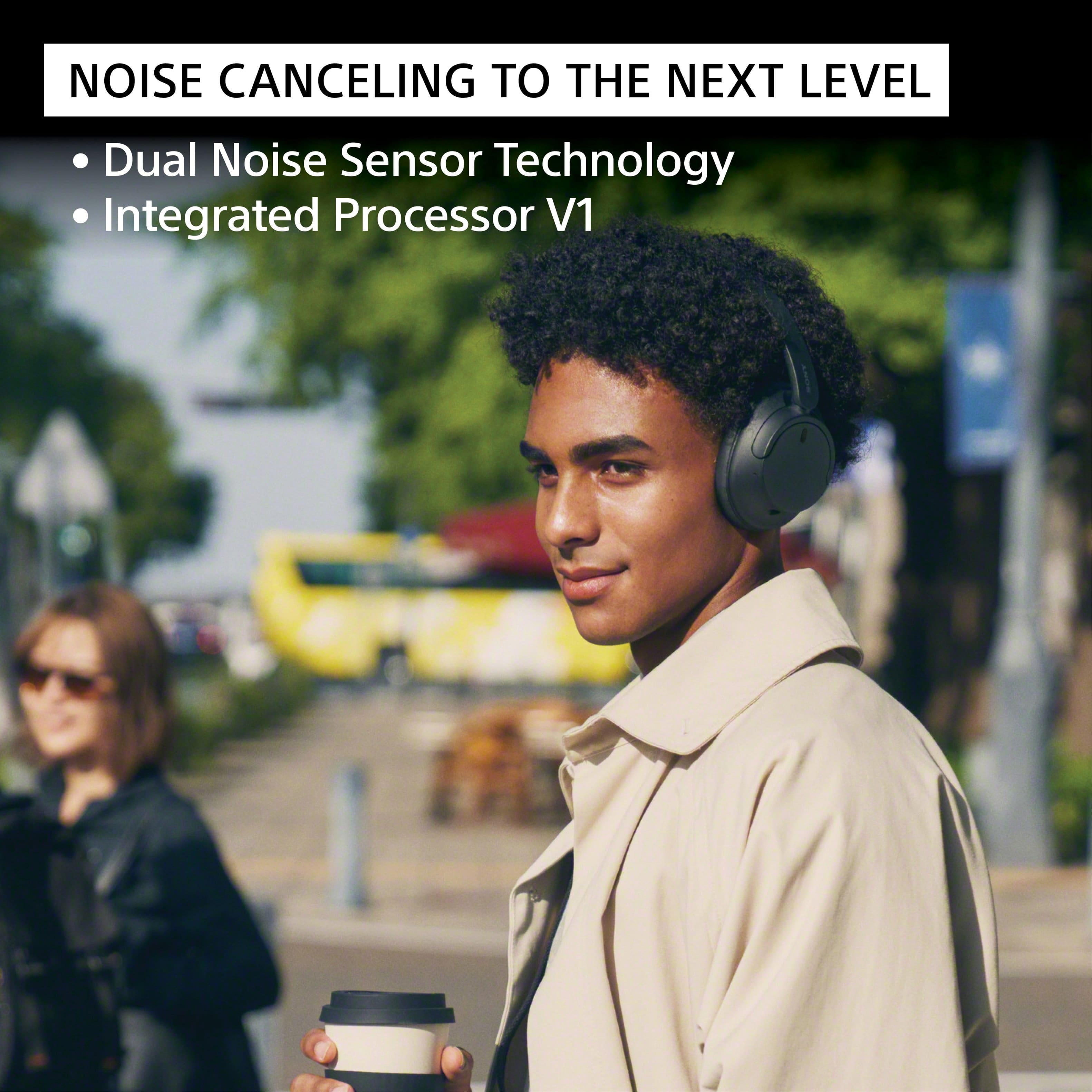
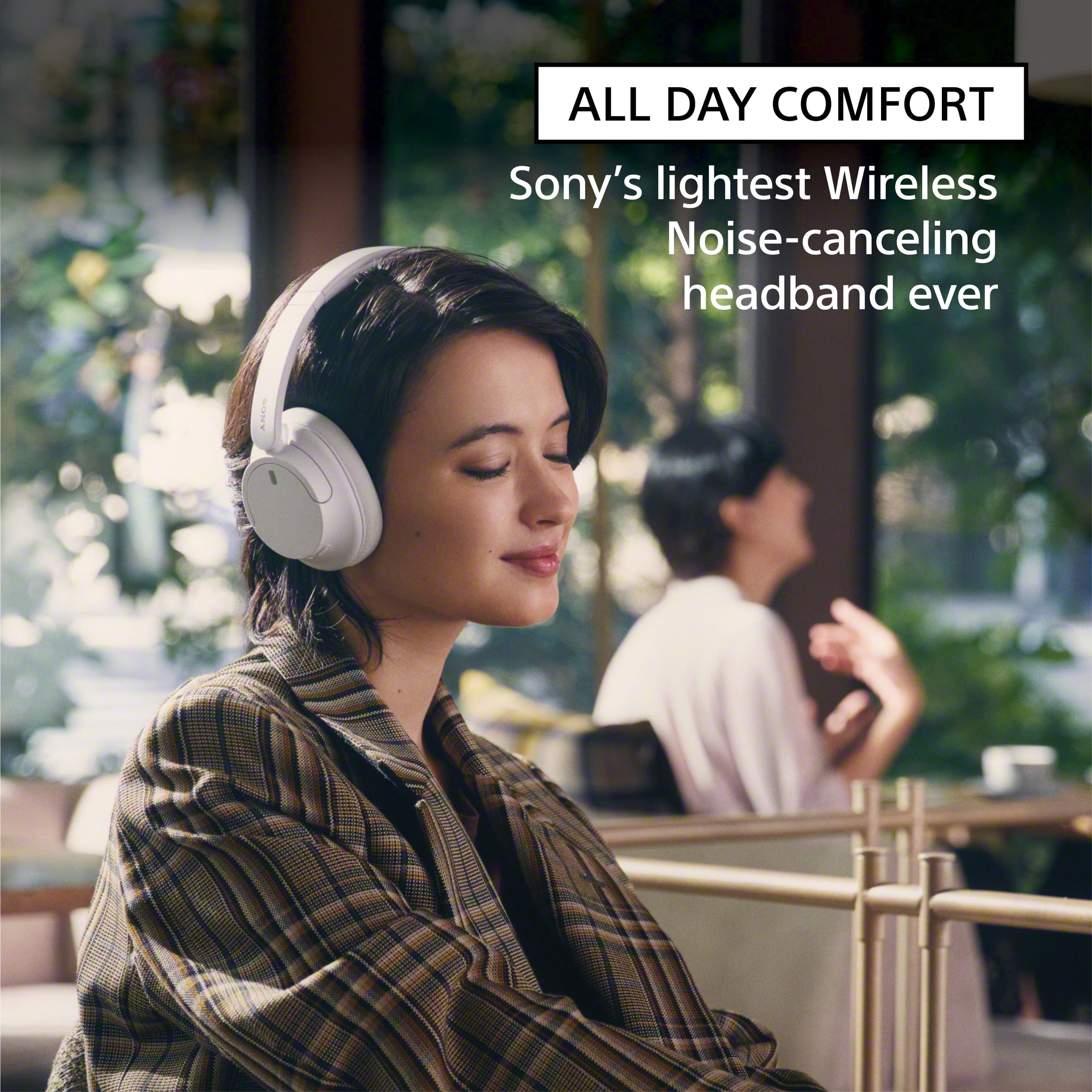
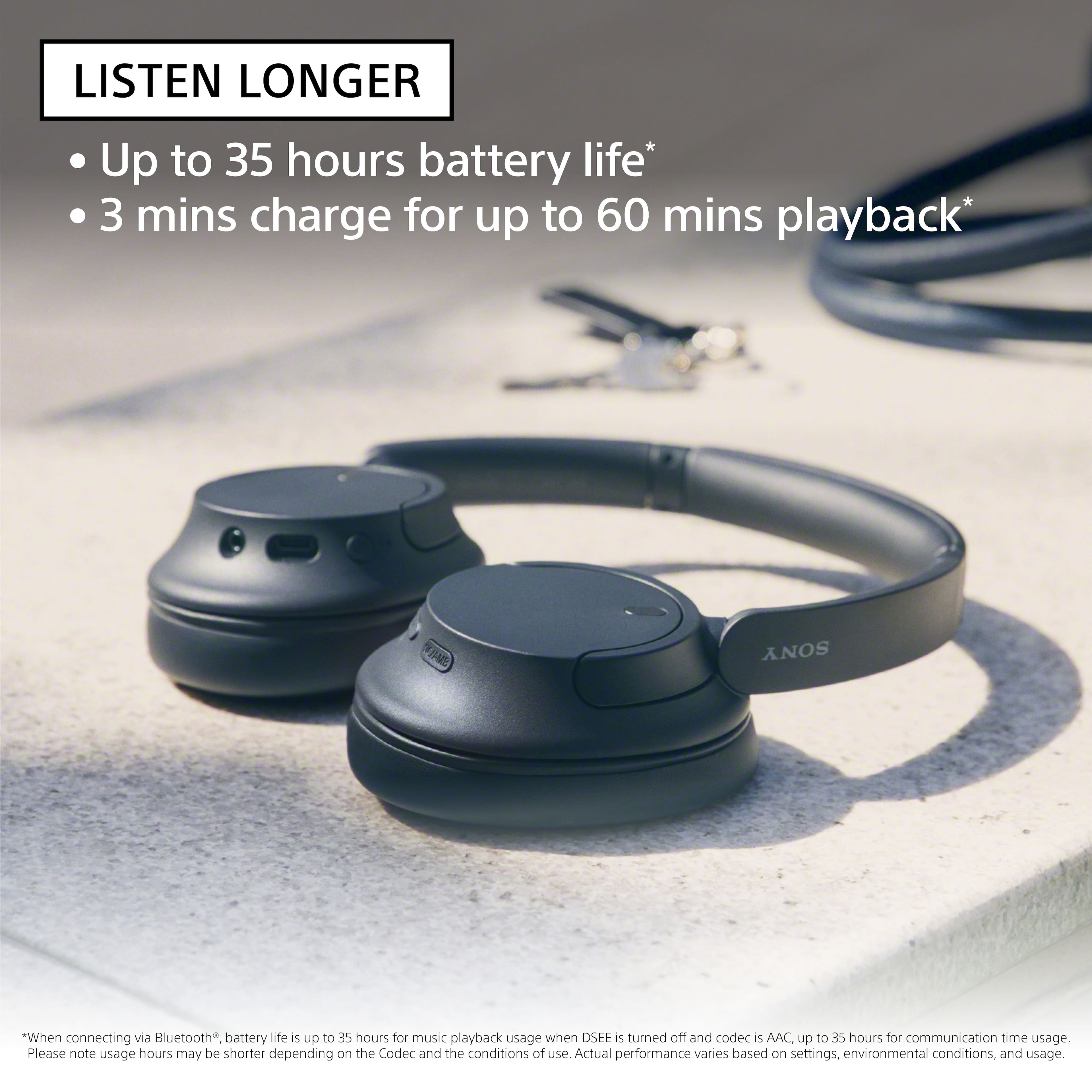
Featuring Dual Noise Sensor technology and an Integrated Processor V1, the WH-CH720N allows you to fully immerse yourself in music without any distractions. Ergonomically designed to be lightweight, comfortable, and with up to 35 hours of battery life, you’ll almost forget you’re wearing it.
Regards,
Sam