A:AnswerHi Heidi,
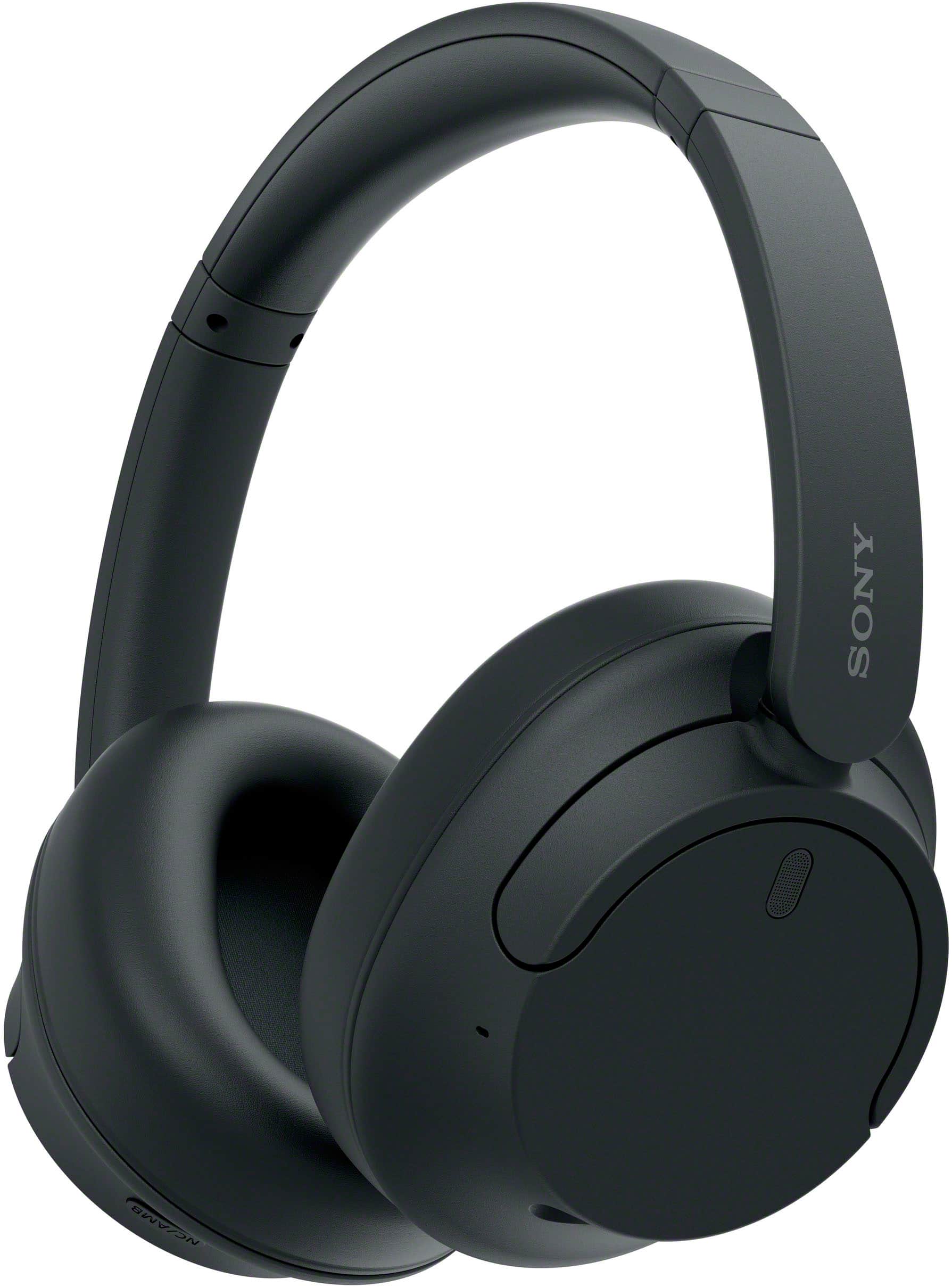
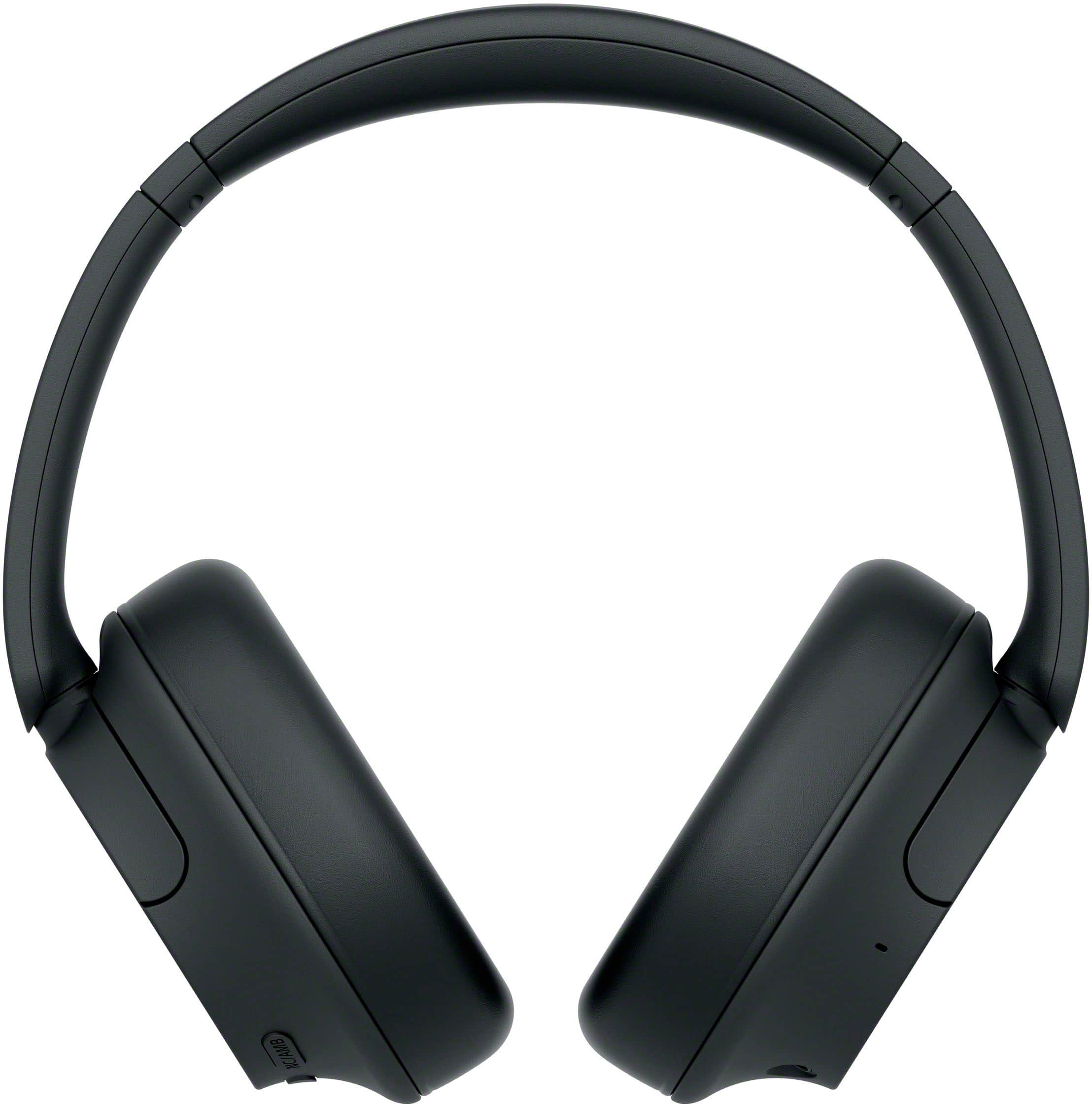
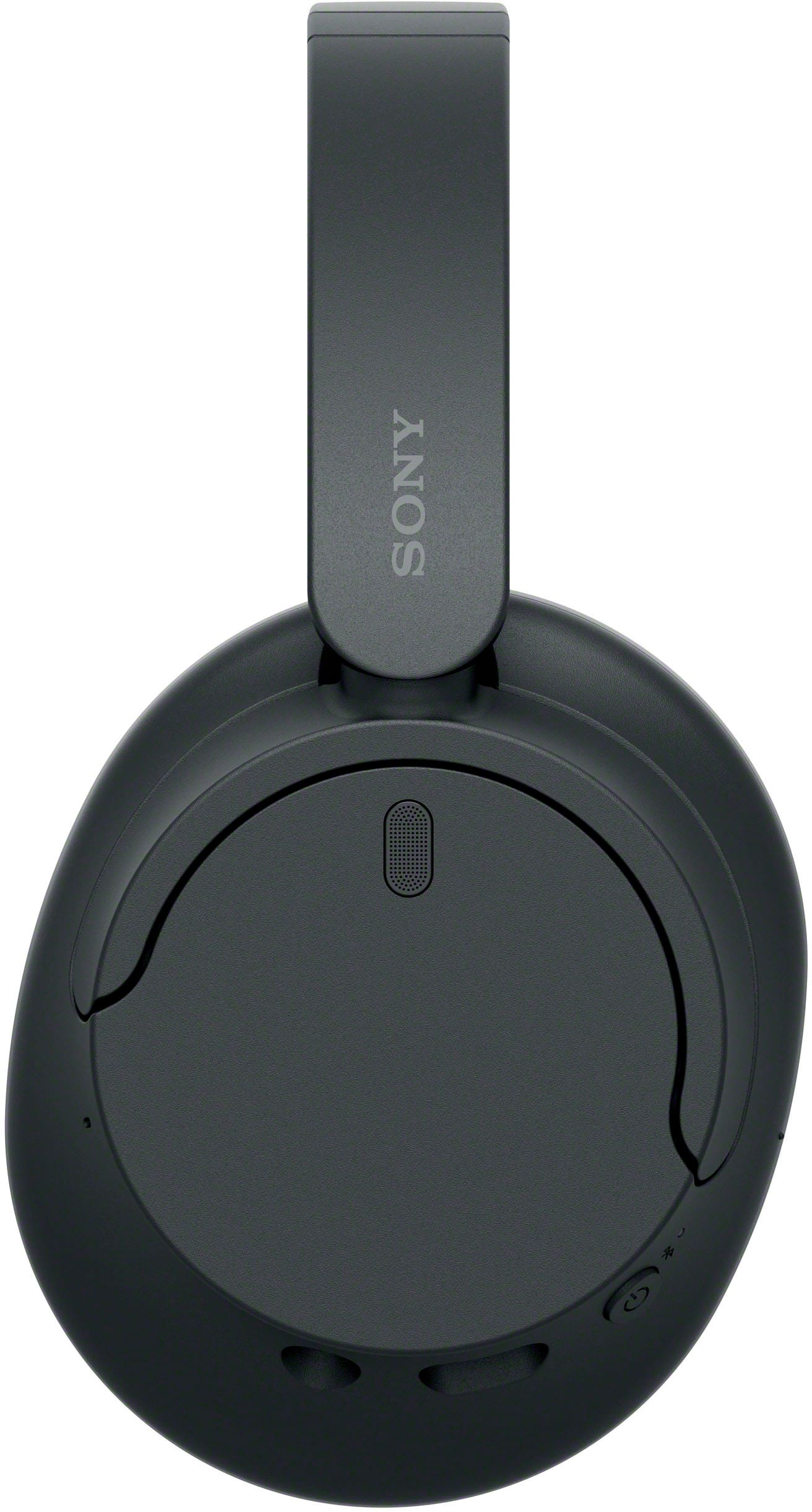
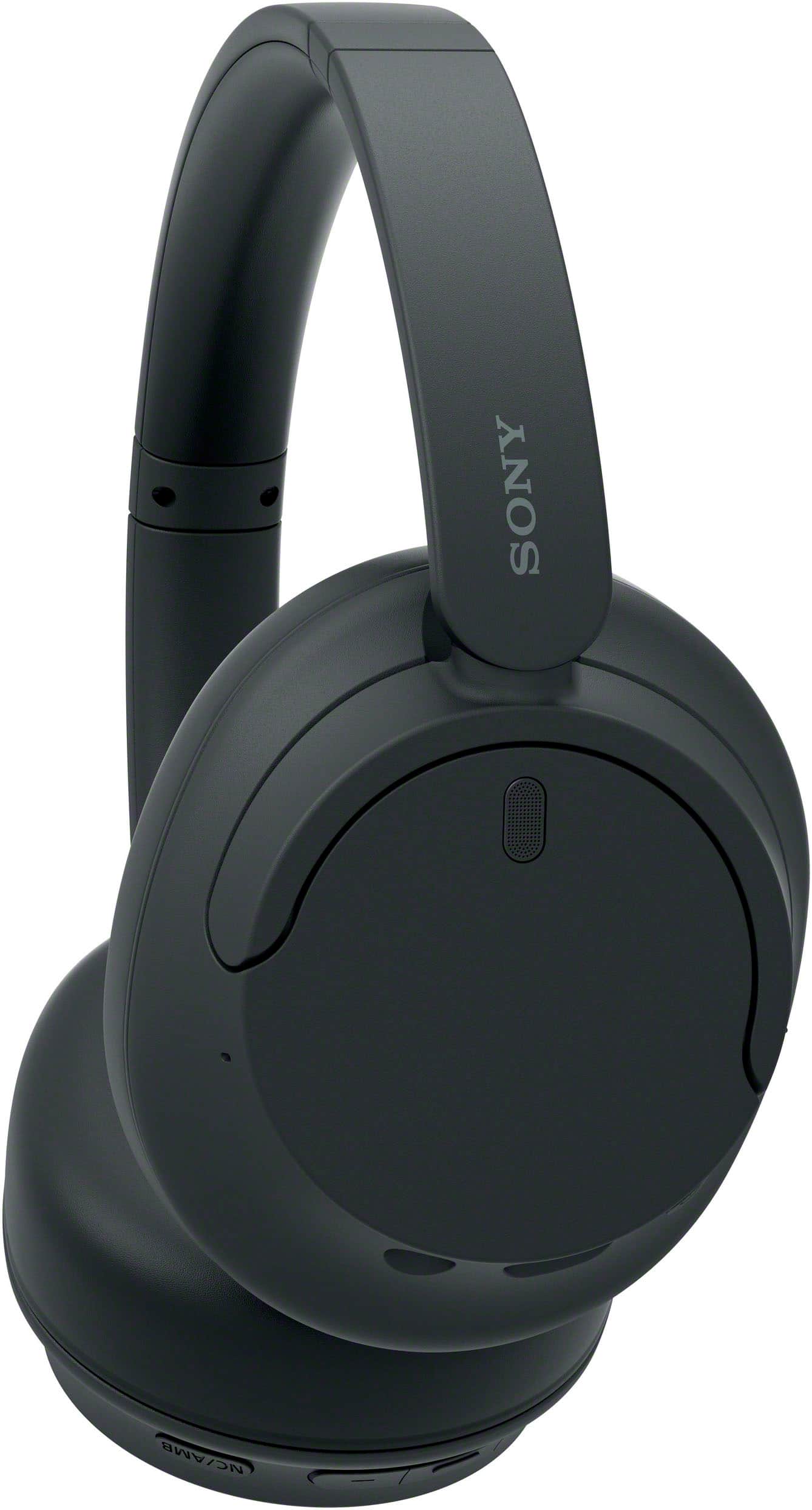
Thank you for reaching out to us. We're sorry to hear if your WHCH720N headphones consistently disconnecting from your phone via Bluetooth connection. We appreciate your time and efforts on troubleshooting the unit. Let's try to isolate the issue by following the troubleshooting steps below:
Set the headset to “Priority on stable connection".
Remove any obstacles between the headphones and smartphone.
Bluetooth communications may be disabled, or noise or audio dropout may occur under the following conditions.
When there is a human body between the headset and the Bluetooth device
When this is the case, turn the Bluetooth device to face the same direction as the antenna of the headset to improve the Bluetooth communications.
When there is an obstacle, such as metal or a wall, between the headset and the Bluetooth device
In places with wireless LAN, where a microwave oven is used, electromagnetic waves are generated, etc.
Where there are other wireless communication audio devices or other people nearby, such as in train station premises or on a crowded train.
If you are enjoying music with your smartphone, the situation may be improved by closing unnecessary apps or restarting your smartphone.
Connect the headset and the Bluetooth device once again.
Reset the headset.
Initialize the headset, and pair the headset and the device again.
Unfortunately, due to the current Best Buy phishing protocol for your protection, we cannot provide a direct email or phone number for customer support as of now. Please find Sony Electronics' Support information: Go to our support website > click on “Support” > scroll down click on “Contact Support” > click on "Headphones" and from there you'll see different ways to contact us.
We are sorry for the inconvenience and hope to speak to you to resolve this matter. - Kris
A:AnswerHi Rob,
Thank you for your inquiry! Unfortunately, using the supplied headphone cable disables the mic function on the headphones. We cannot guarantee that it will work flawlessly with PS4. We recommend using headphones that are designed for game consoles such as our PlayStation headsets for optimum performance. You can also connect these headphones to most smart TVs over Bluetooth so you can get the audio from your PlayStation.
Our WH-CH720N headphones also allow you to enjoy natural vocals, crystal-clear sound and balanced tuning audio, thanks to the Integrated Processor V1 and Digital Sound Enhancement Engine (DSEE), producing a high-quality sound exactly as the artists intended.
Hope this helps!
-Vincent
A:AnswerHi Slade,
Thank you for your question. If you are asking if there's a known issue regarding hissing noise or feedback when the noise cancelation feature is turned on, the answer is no. Our Sony WHCH720N does not have any unwanted noise when the noise cancelation is turned on.
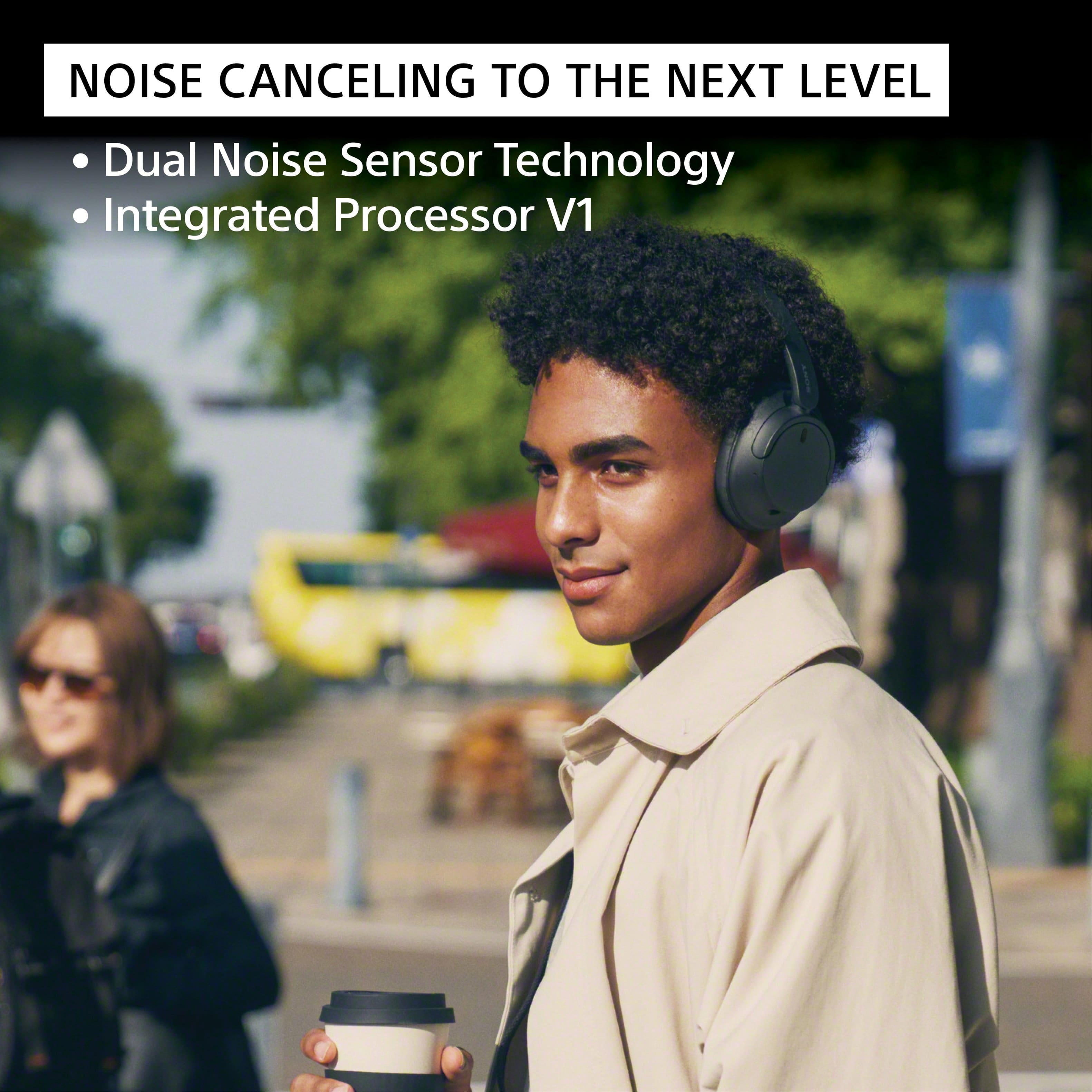
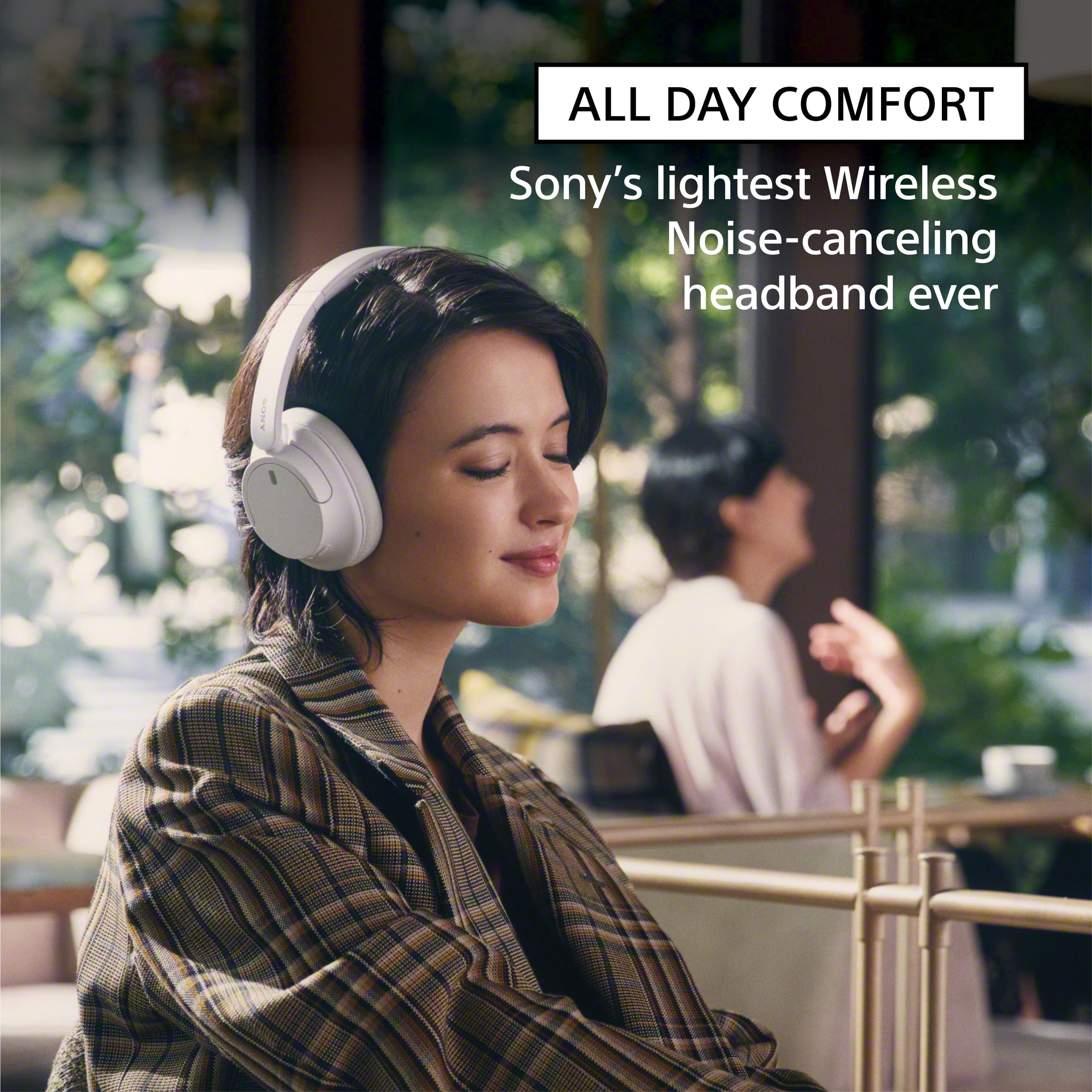
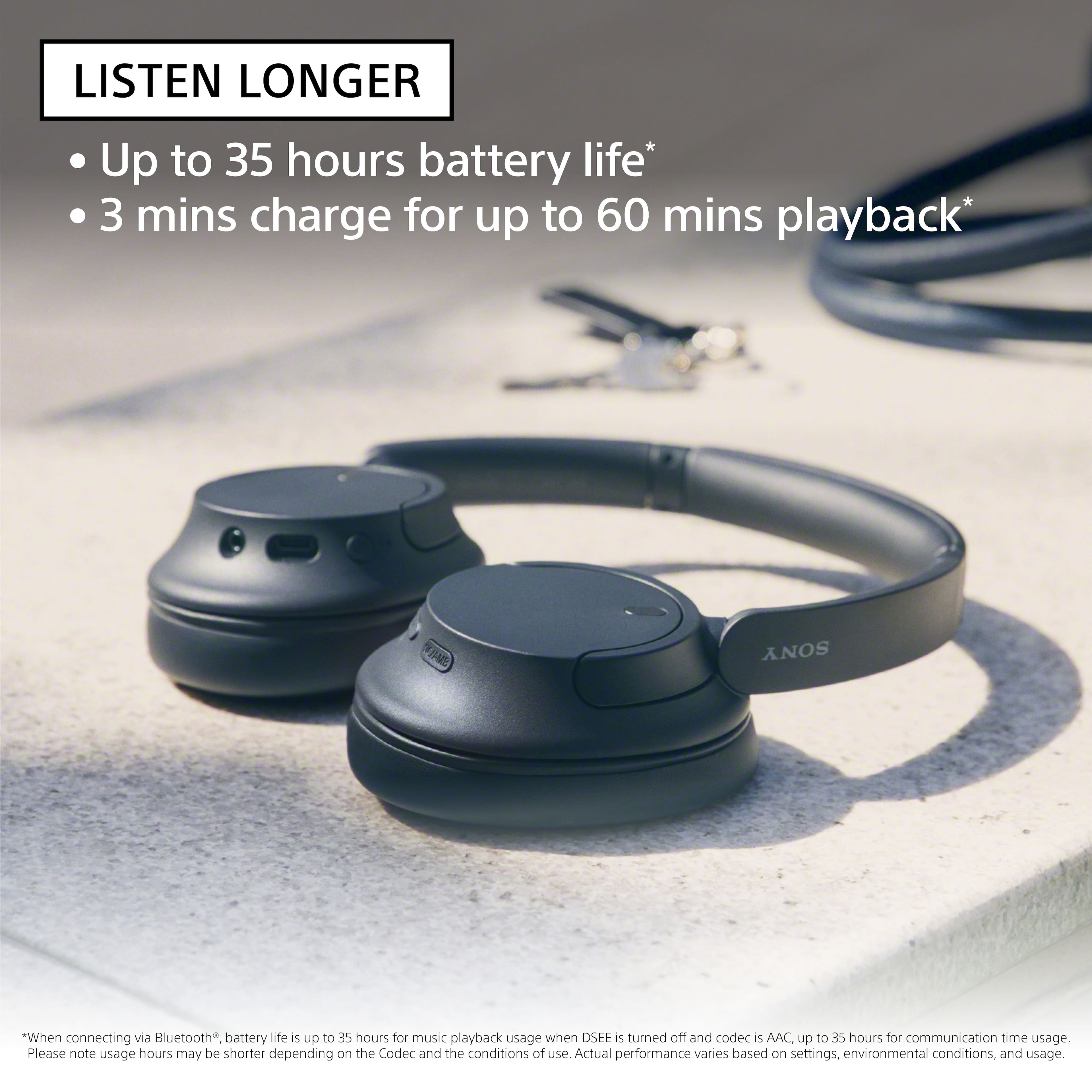
Featuring Dual Noise Sensor technology and an Integrated Processor V1, the WH-CH720N allows you to fully immerse yourself in music without any distractions. Ergonomically designed to be lightweight, comfortable, and with up to 35 hours of battery life, you’ll almost forget you’re wearing it.
I hope this helps and thank you for considering Sony.
Regards,
Marco
A:AnswerThanks for the question, Bretired. SCMS-T protection is an older copy right protection format. It is not used by most devices at this point. The WHCH720N headphones do not support this feature.
Turn down the world's noise with the long-lasting noise cancellation performance. Featuring Dual Noise Sensor technology and an Integrated Processor V1, the WH-CH720N allows you to fully immerse yourself in music without any distractions. Ergonomically designed to be lightweight, comfortable, and with up to 35 hours of battery life, you’ll almost forget you’re wearing it.
I hope this helps and thank you for considering Sony.
Regards,
Marco
A:AnswerI would say it depends on the genre of music you listen to. Once you start going past half volume they might start to leak sound and at full volume yes the sound will leak. But at about half volume they don’t. I’m constantly in quiet places and have had no comments about my music being loud.
A:AnswerHi Christina,
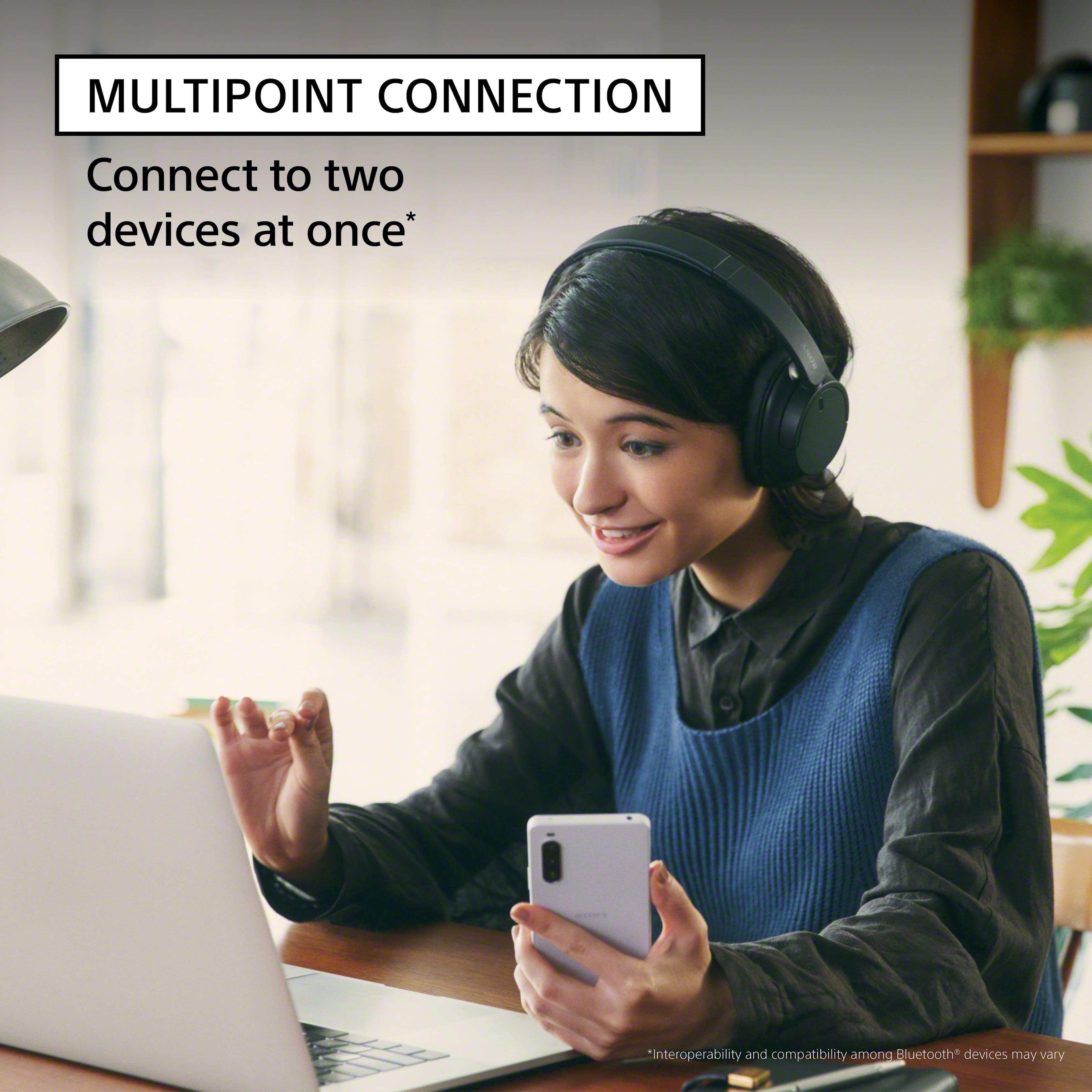
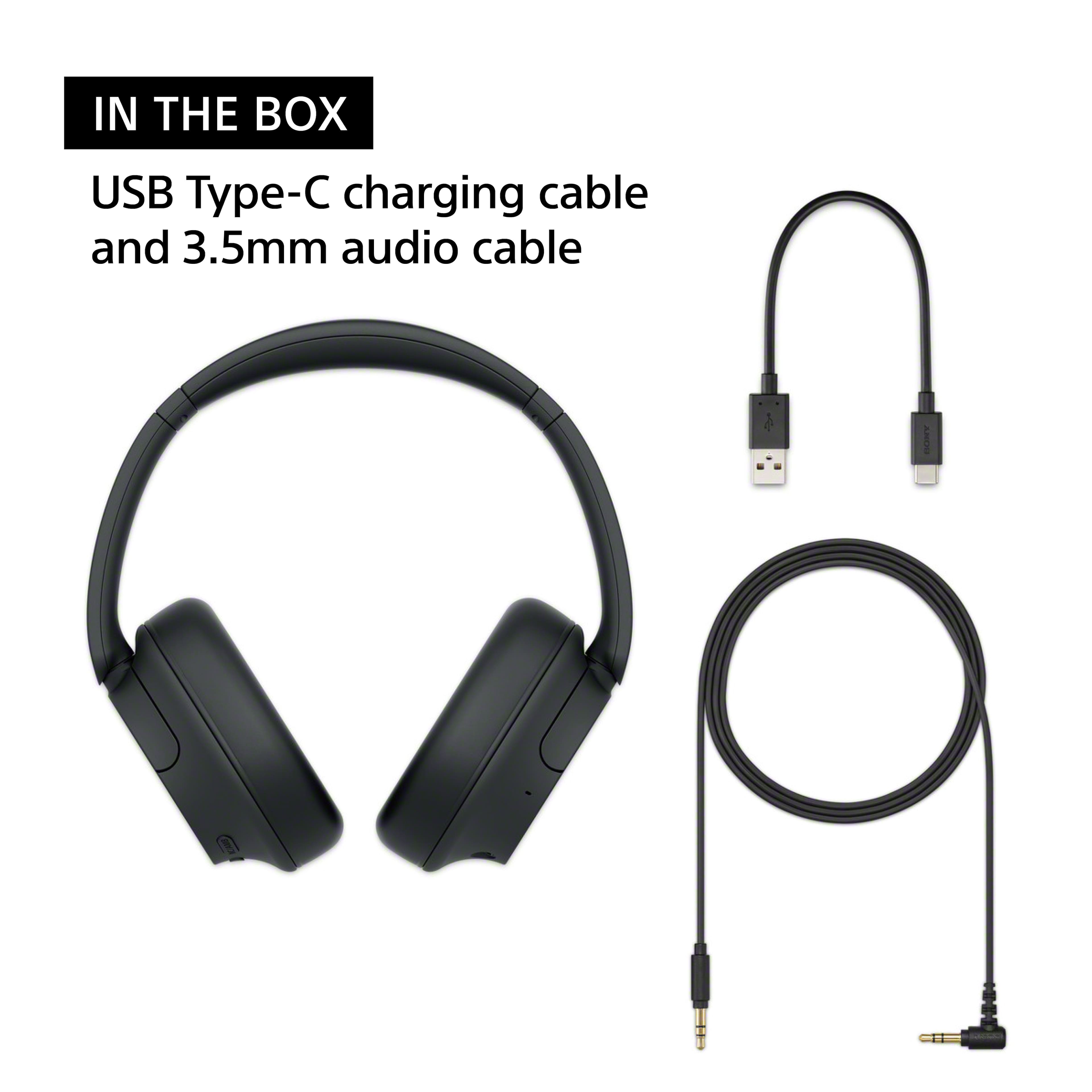
Thanks for the question! Yes, it will pair. The WHCH720N headphones are designed to work with compatible Bluetooth devices such as Android smartphones, iPhones(iOS devices), TV, computer, and other Bluetooth devices that supports the A2DP Bluetooth profile. These headphones can also be connected wired using the supplied headphone cable.
Turn down the world's noise with the long-lasting noise cancellation performance. Featuring Dual Noise Sensor technology and an Integrated Processor V1, the WH-CH720N allows you to fully immerse yourself in music without any distractions. Ergonomically designed to be lightweight, comfortable, and with up to 35 hours of battery life, you’ll almost forget you’re wearing it. Hope this helps! - Kris
A:AnswerHi, thank you for your question. We recommend contacting the store/dealer with regards to their return policy. As to Sony, the WHCH720N comes with a year manyfacturer's warranty.
With noise-cancelling technology, a lightweight design and a long-lasting battery life you can enjoy your music for longer and without background interruptions. With Dual Noise Sensor technology and an Integrated Processor V1 take Noise Cancelling to the next level. Now you can shut the world around you out and immerse yourself in the music.
Hope this helps.
Erin
A:AnswerHi ana, thank you for reaching out. To use these headphones with your MacBook, please ensure to have it paired.
Pairing:
Enter pairing mode on this headset.
Wake the computer up if the computer is in standby (sleep) or hibernation mode.
Pair the headset using the computer.
Please check the Help Guide for more details.
With noise-cancelling technology, a lightweight design and a long-lasting battery life you can enjoy your music for longer and without background interruptions. With Dual Noise Sensor technology and an Integrated Processor V1 take Noise Cancelling to the next level. Now you can shut the world around you out and immerse yourself in the music.
Regards,
Erin