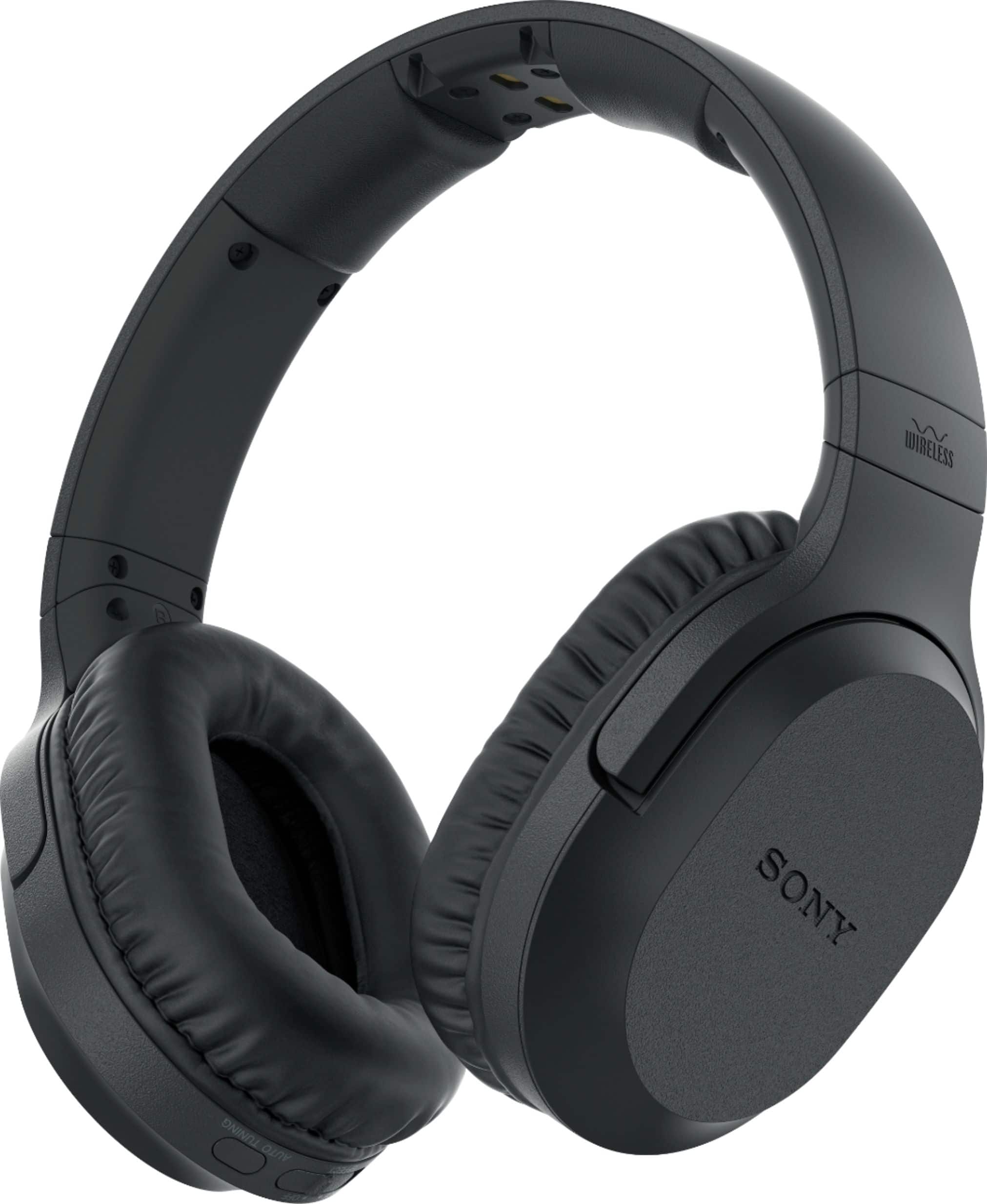
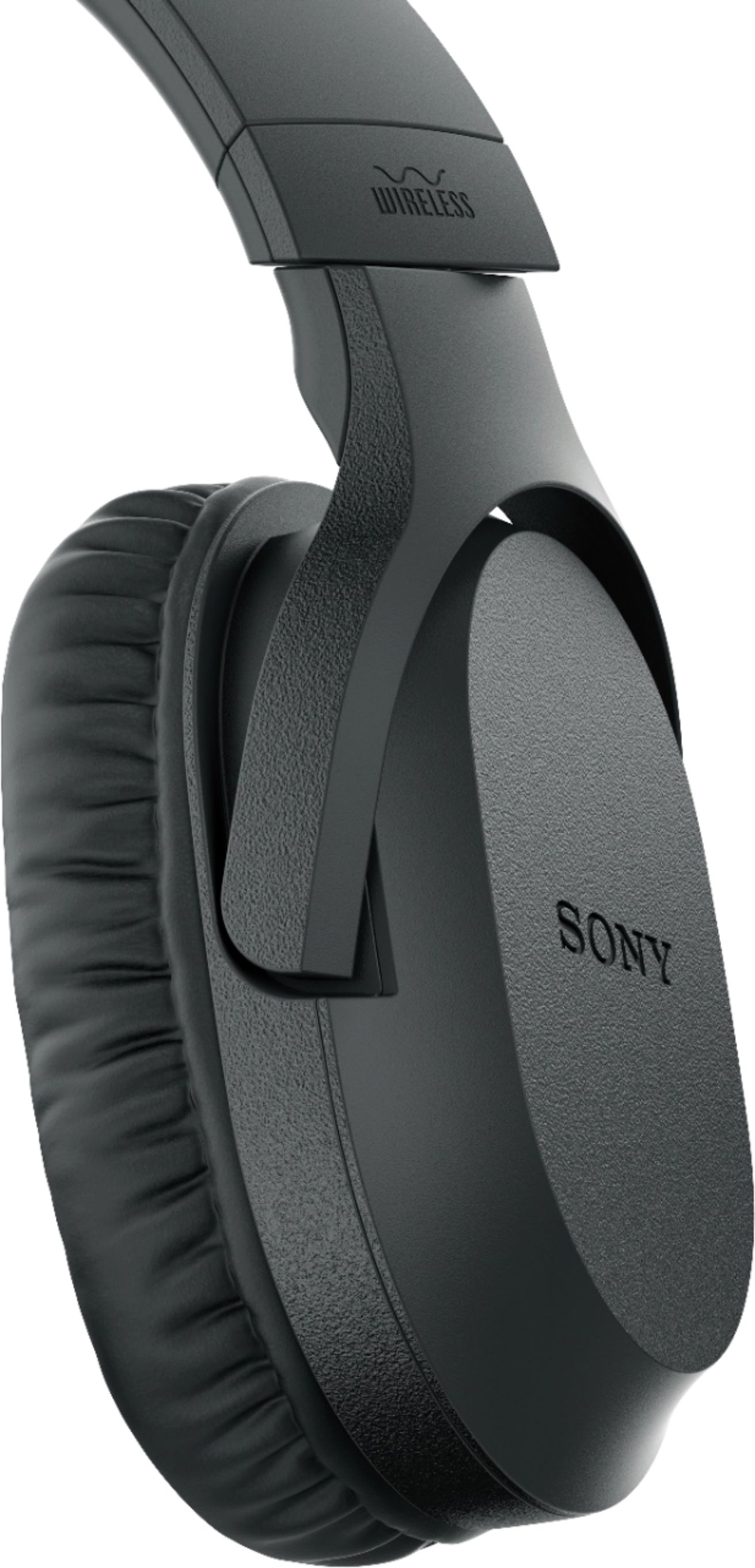
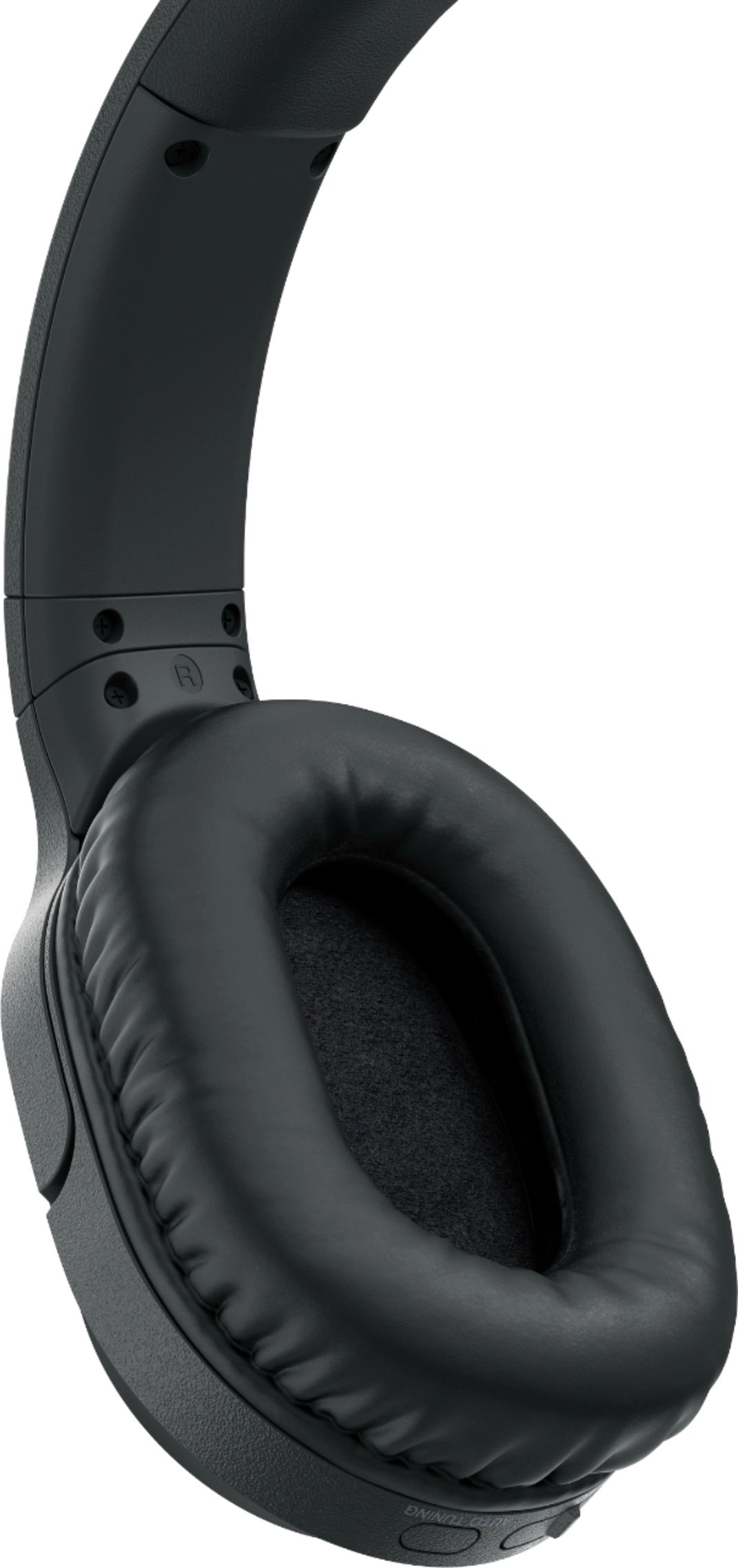
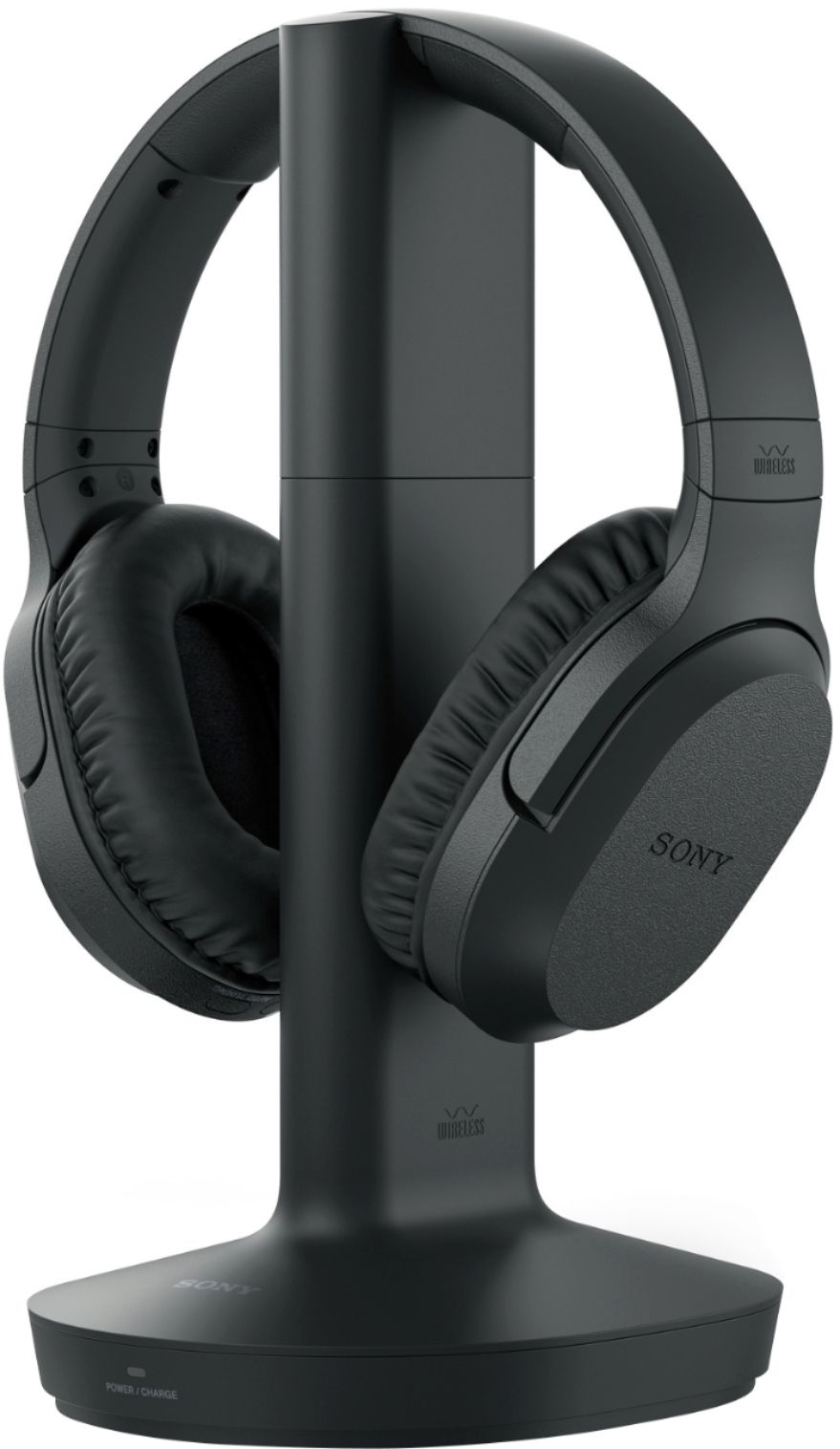
A:AnswerThere has to be a way to get into the back of that tv,some how you need to cut into that fireplace somehow,look at the manual and see where the plug in is located.
A:AnswerThe headphones connect to the audio source through a 3.5mm circular jack. If the headphone jack on your amplifier is larger, you can use an adapter, which is readily available.
A:AnswerThere is a button, that you hold down for couple seconds to reset to a different frequency. This is located where the Volume adjustment. But in most cases the re-positioning of the Antenna Post (where the Head Phones are placed for Charging) in direct line with where you are seating, is often the cause. For Example if this is on the Ground or under a Table or there is any other obstruction from the Antenna to you, this effects the quality. Or if it is right next to a Speaker, this can affect this as well. I have used these for about 4 yrs and enjoy them considerably, once proper placement is established. Mine is above me ( a couple feet above my head) on a Shelf and is about 8 feet from me. Though the Distance closer or farther, does not really impact the reception. Unless you decided to have the Antenna at a considerable farther distance. Also always make sure the Antenna Light shows Red (not Green as Green means in use) when placing the headphones on the Post for charging. If not on the post correctly, then the light will not reflect Red, that is thus Charging and therefore this would effect your reception due to low charge. Hope all this Helps. As I have used 2 brands that Best Buy had over the years & have always favored Sony for it's convenience & sound.
A:AnswerHaving the same prob with Samsung tv model UN40H5003AF and Sony WH-RF400 headphones. Nothing in the headphone manual is working at all. Went back to Best Buy for advice. They said we do not need a converter, and they gave the same instructions as the manual. Will probably return these headphones
A:Answerno, it hasn't bothered ours, we've had them for about a month. My husband is deaf and has to have the television BLARING to hear it, and still can't understand it. With these headphones, we both can enjoy watching shows together so much easier.
A:AnswerThere is a Switch where the Volume increase decrease is. Press hold down for a couple seconds & this will switch the Frequency. In most cases though it is often the Antenna Post (what the headphones are placed on for charging) is located. There should be no obstruction (objects) between you & the Antenna & the Antenna should not be on the Floor. Also make sure the Light turns Red when placing the Headphones on the Antenna Post for Charging. Otherwise they will not charge and this will affect the quality of
the Sound you hear. Also do not place right next to any Electronics. Mine is about 3 1/2 feet from Electronics & is bit higher (couple feet) from level point from my Waist to where I am sitting. I have tried two different brands & have always returned to this brand, for their convenience & quality in sound. I have used these Sony's for a couple yrs now and I use them every night. While my wife is sleeping. I hope this Helps.
A:AnswerThey should work. The connection to the audio source is through a 3.5mm circular jack. If the headphone jack on the radio is different you'll need an adapter.
A:AnswerI don't think the Fire Stik would be the problem. I use mine with a Fire Stik 4K connected to a Sumsung TV with excellent results. You could try putting the headphones on different channels using the switch on the base of the charger.
A:AnswerSony is normally very good about providing instructions. First, I would suggest going to Sony.com and search WH-RF-400RF.
Regardless, the headphones are relatively easy to install. Attach one end of the cord to the stand and the other the audio output on your TV. Don't forget to plug in the charging unit to an electrical outlet.