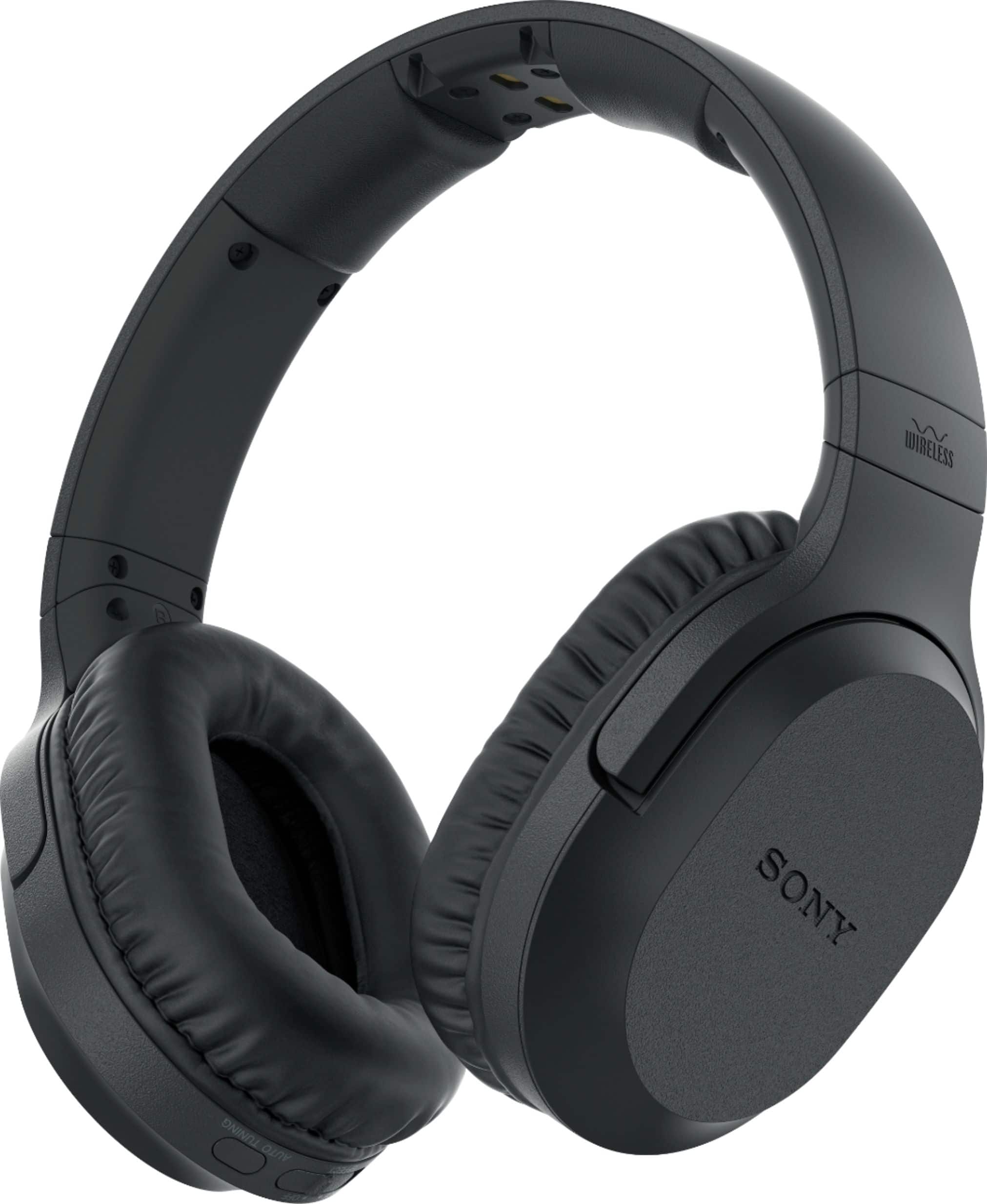
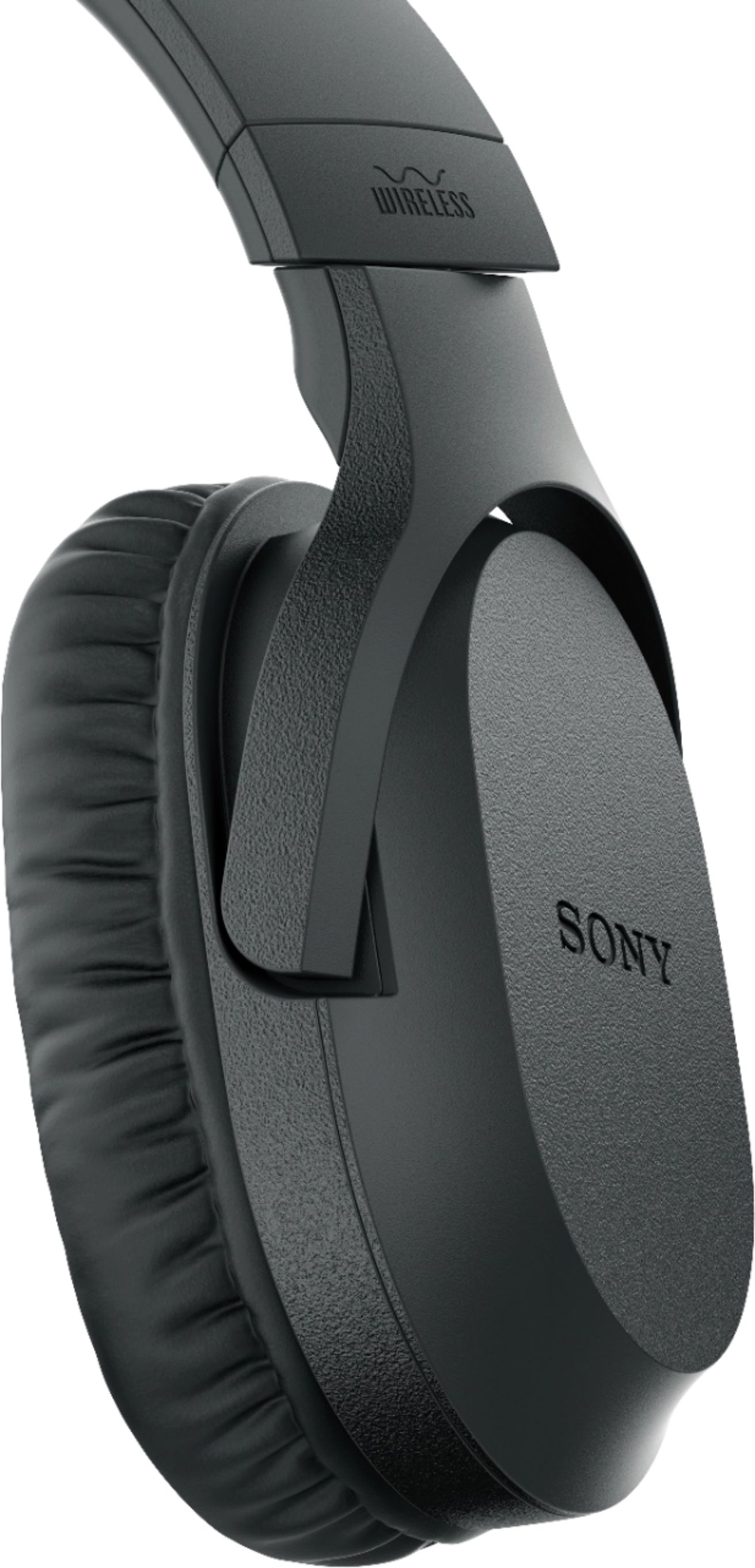
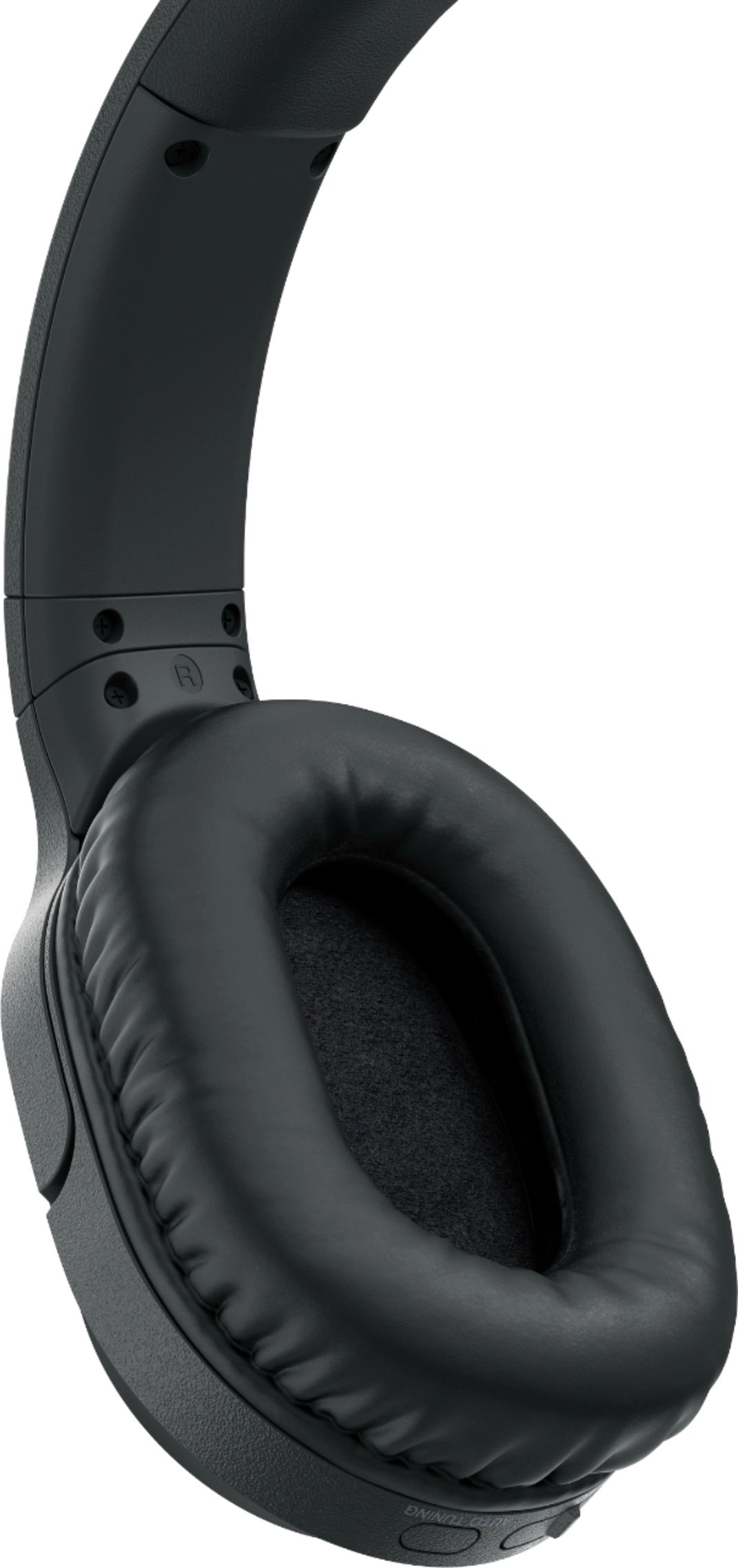
A:AnswerThe battery compartment is in the earphone on the side with the on/off button. Hold the head band with your thumb touching the top of the earphone on the outside. Push down. The battery cover slides off parallel to the earphone.
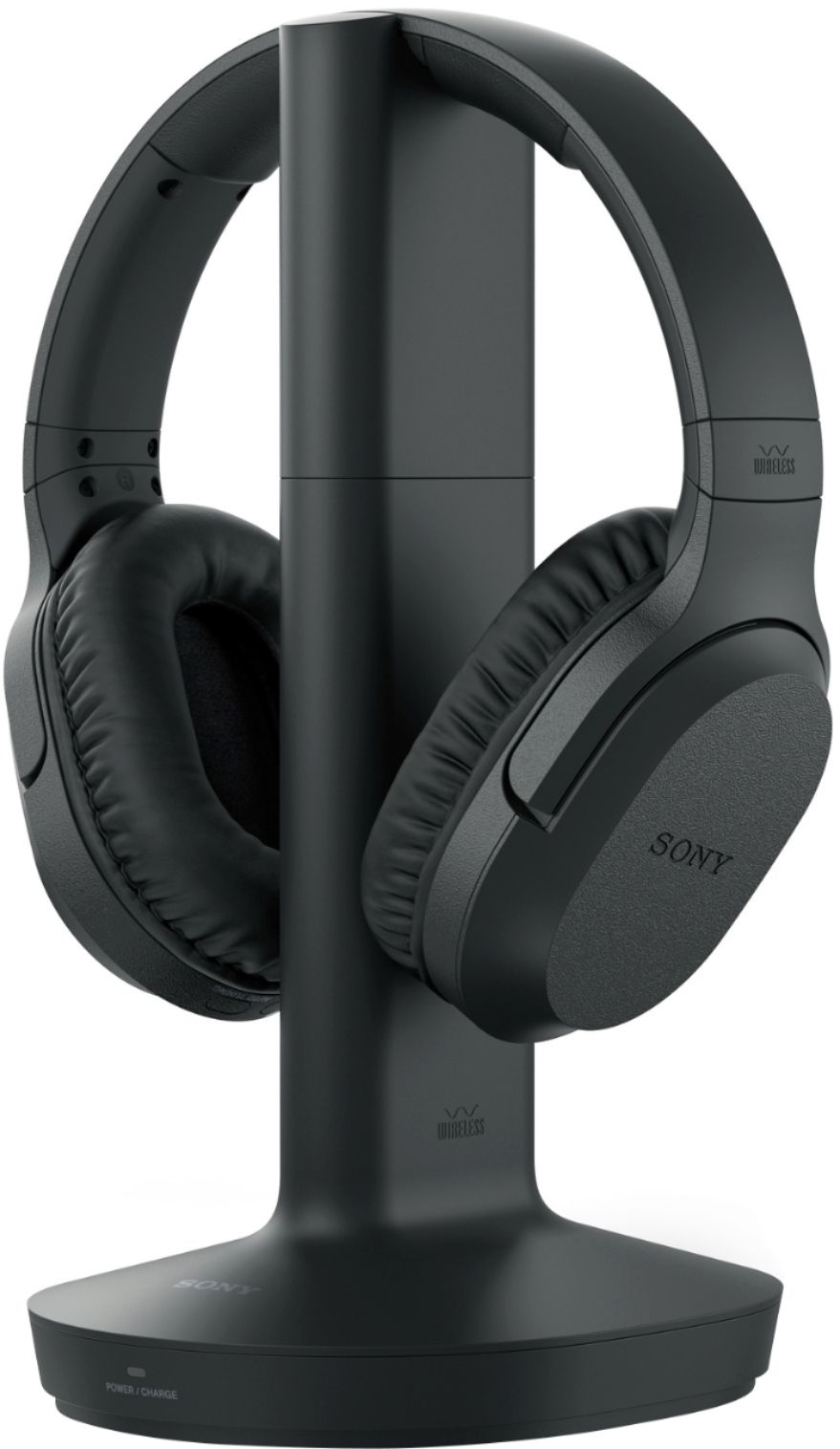
Does the red light come on on the front of the base when you hang up the headphones? I often have to juggle it a little to get it to seat correctly.
I am also old and don't do well with technology.
A:AnswerYes it can, I think. We attached it to our vizio sound bar and it worked but the sound wasn't very good at all, especially for headphones. The spoken word was fine but when there was music and especially bass, the sound was very bad with lots of "static" We eventually returned the headphones. Wouldn't recommend.
A:AnswerThese headphones come with rechargeable batteries. To recharge them you place them on the included recharging stand. A red light will indicate that the headphones are recharging and the light will turn green when fully recharged. The charge will last for up to 20 hours. I have never completely depleted a charge, but I have used mine for at least twelve hours before placing the headset back on the recharging stand, even though the headset was working fine.
A:AnswerI'm finding the power indicator light to be random and therefore not that useful. Upon purchase the light was red so I charged the headphone battery overnight. (Way more than the 7 hours noted in the instructions.) Next day, I used the headphones for about 10 minutes and put the headphones back on the transmitter. The indicator light went red, as if the charge was depleted and needed charging again. Overnight again and the next morning the indicator light was blank; neither red or green. That said, as long as the initial charge is 7 hours I think the set should work. I had problems on the first try, but that was user-error as I had one of the plugs in the wrong place on the CD player. Maybe that information will help. -- AR
A:AnswerI don't understand the question. The headset has a volume control which allows you to adjust whenever needed. If you are referring to TV or Cable stations their volume levels vary from station to station. The volume control takes care of that. Otherwise, I don't know what you are asking.
A:AnswerThe instructions I have read: "When the battery life reduces to half, this may be the end of batter lifetime. The supplied rechargeable battery BP-HP800-11 is not commercially available. you can order the battery from the store where you purchased this system, or at your nearest Sony dealer." Not sure how to tell when it life "reduced to half". -- AR
A:AnswerNo. You should be able to hook it up to the tv's audio out (red and white connection). If you do though, the volume on the tv controls the volume on the headphones meaning the louder you have your tv, the louder the headphones will get. That is the wrong way to set it up. If you connect it to the cable box audio out (same red and white connection), then the headphones will work and the tv volume can be lower or off and you still hear perfectly fine using the volume control on the headphones. You do not need bluetooth. Hope that helps.
A:AnswerYes you can, there are two ways to do it. Either with a digital optical cable (you’ll need to get a digital optical cable, that’s not included with the headphones) or with an audio cable. Most TVs don’t have audio outputs anymore, so unless you have a separate sound system with audio outputs you’ll have to use a digital optical connection. Almost all TVs have the digital optical output but check to make sure yours does.
A:AnswerA couple of years ago I had to replace my TV because the holes you plug the jacks into wore out. Try new cords first. That helped me for a while but eventually they were just too worn.
Would you like a working TV that the only thing wrong is the worn out plug ins? I would give it to charity, but with Covid going on nobody is taking stuff.